

How important is a firmware update for your camera?
Tuesday 17 February 2026, 15:51 by Nando Harmsen | 2,420 views | 1 commentThis article was translated from Dutch with the help of AI. Read the original.
The digital camera you use is essentially a computer. Software is needed to make your camera work. Like all software, updates are sometimes available. This is called a firmware update. Do you need to install it? Or not?
Software updates usually correct small bugs or add new features to the software. Especially in situations where the software sometimes causes problems, a firmware update can fix them.
This suggests that firmware updates are essential and that you should always install them. However, you might ask yourself whether this is necessary if your camera is working perfectly well. Is it really necessary to fix something that isn't broken?
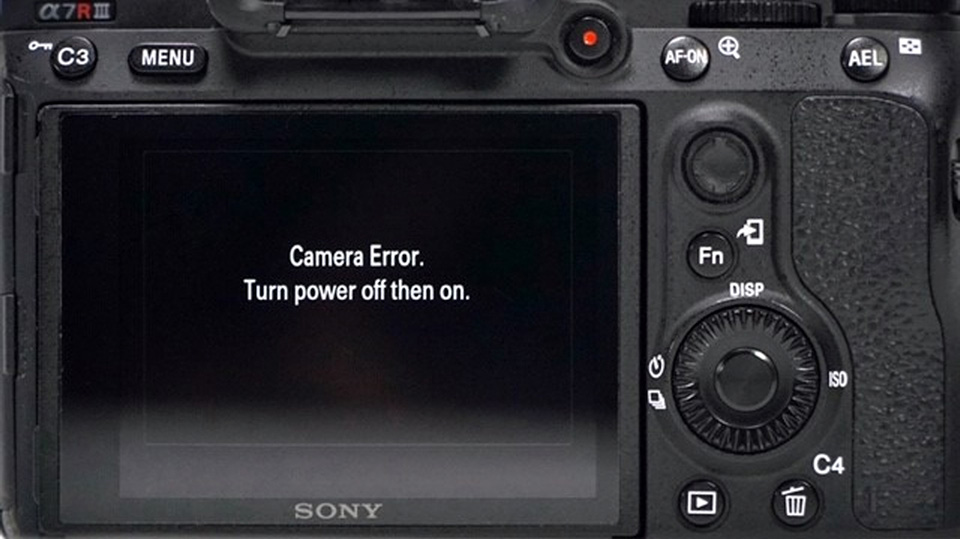
It can be useful to look at the information about a firmware update. Sometimes the improvements are marginal, such as correcting language errors in the menu, adding an extra language, or improving communication when using WiFi or FTP.
They can also be fixes for problems that occur in rare cases, such as an error when using one type of lens while a particular menu function is switched on or off. Sometimes these are such unlikely situations that you will never encounter them.
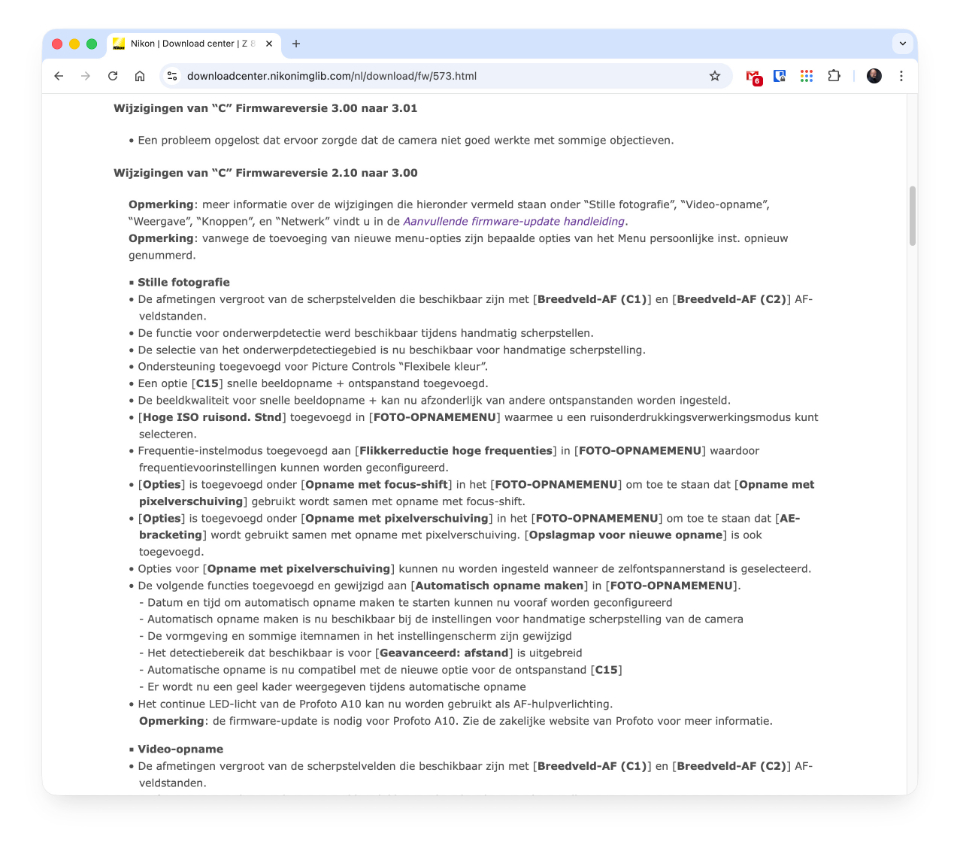
Firmware updates can also add new features, or make small improvements to things such as autofocus. In that case, a firmware update can be very appealing. Especially if you would like to use that feature.
Unless a camera regularly causes problems, it may be sensible not to update the firmware too quickly. It would not be the first time that new firmware turned out not to be completely right and caused more problems than it solved.
The firmware update may also offer no benefit to you. Is everything working properly? Are there no problems? Are there no new features or improvements, or are they not of interest to you? Then you may as well skip the update.
Updating your camera's firmware is actually not difficult. You download the new firmware from the manufacturer's website and put it on the memory card you use in the camera. Then you just run the update from the camera.
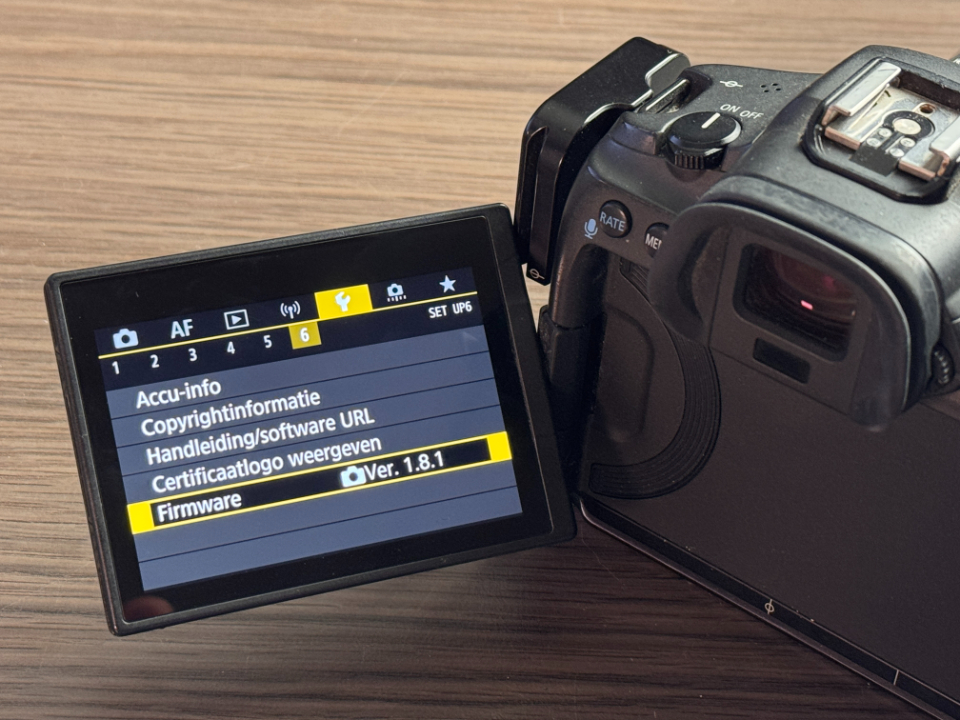
Sometimes you can also do it through an app on your smartphone. You then need to connect to the camera, after which the update can take place. This is often the easiest way.
Make sure you always read the firmware update instructions. You get them when downloading the firmware. Make sure you follow these instructions carefully. If you don't, things can go wrong. Always bear that in mind.
About the author
Nando Harmsen has been photographing for more than 40 years. He specialises in wedding photography and landscape photography. Nando also gives talks, workshops, masterclasses and photo trips, and regularly reviews new and interesting equipment.
You might also like
-
 Nikon Zf gets new features with firmware upgrade
by Elja Trum
-
 New firmware for the Canon EOS R5, R6 and 1D Mark III
by Nando Harmsen
-
 Firmware update for the Canon EOS R3
by Nando Harmsen
-
 New firmware update for Canon mirrorless cameras
by Nando Harmsen
-
 Update your Canon EOS R5 and get 400-megapixel photos
by Nando Harmsen
-
 New firmware for filmmakers with the Canon R6 and 1D Mark III
by Nando Harmsen
1 comment
-
 Toon wrote on Saturday 21 February 2026 at 22:09 | reply
Many thanks Nando for your clear answer to my question! Great!
Translated from Dutch.
Have your say
Please note: Articles older than a week can only be commented on by signed-in visitors.Would you still like to comment? sign in or create a free account.
Become a better photographer every week
A practical photography tip in your inbox every week.
38,937 photography enthusiasts already receive the tips! More about the weekly mail. Or keep up to date via  Facebook.

Elja Trum
Photofacts; everything to do with photography!
Would you like to take better photos and keep up with what is happening in photography? Photofacts publishes articles that teach you something about photography — from a product announcement to a practical shooting tip or a look at a website. Photofacts covers photography every day and is a hobby project of Elja Trum's that got out of hand. The articles are written by a team of volunteer authors. If you would enjoy writing one or more articles for Photofacts, do get in touch.More about PhotofactsPhotofacts is made possible in part by
