

If you can't think of anything to photograph, try these ideas
Monday 25 January 2021, 20:20 by Nando Harmsen | 6,764 views | 6 commentsThis article was translated from Dutch with the help of AI. Read the original.
Sometimes it is difficult to go out and take photos. The weather may not be suitable, or you may simply have run out of inspiration. Then it is time to do something else for a while. Here are some tips to keep you usefully occupied with your photography.
Especially in winter, it can be difficult to find nice things to photograph. The days are short, so it gets dark very early. The weather can be harsh and cold, so you would rather not leave the warmth of your home.
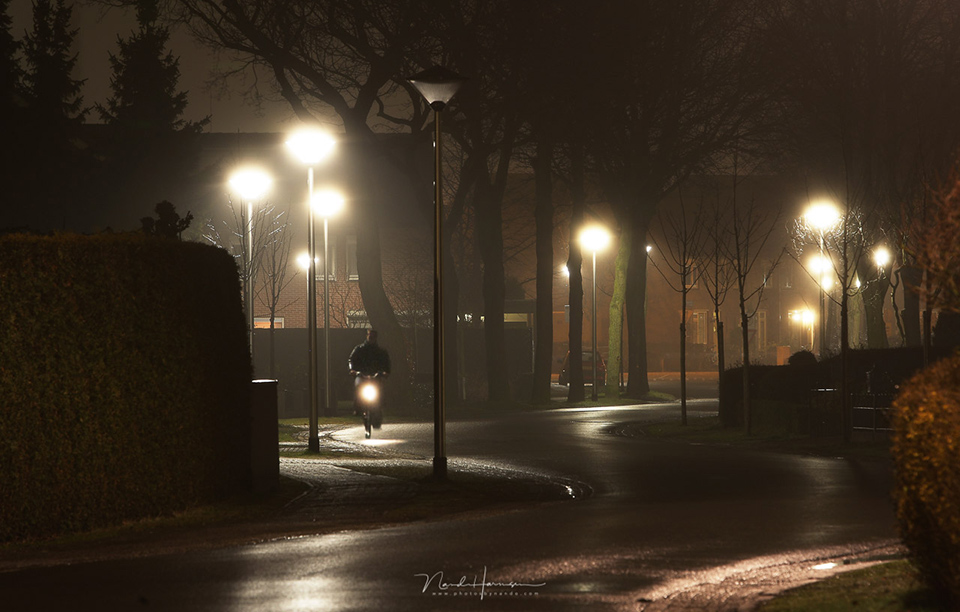
These are the moments when inspiration is hard to find, especially if you enjoy photographing outdoors. These moments are the perfect time to do the things you have been putting off for a long time. Or things you have not thought of yet.
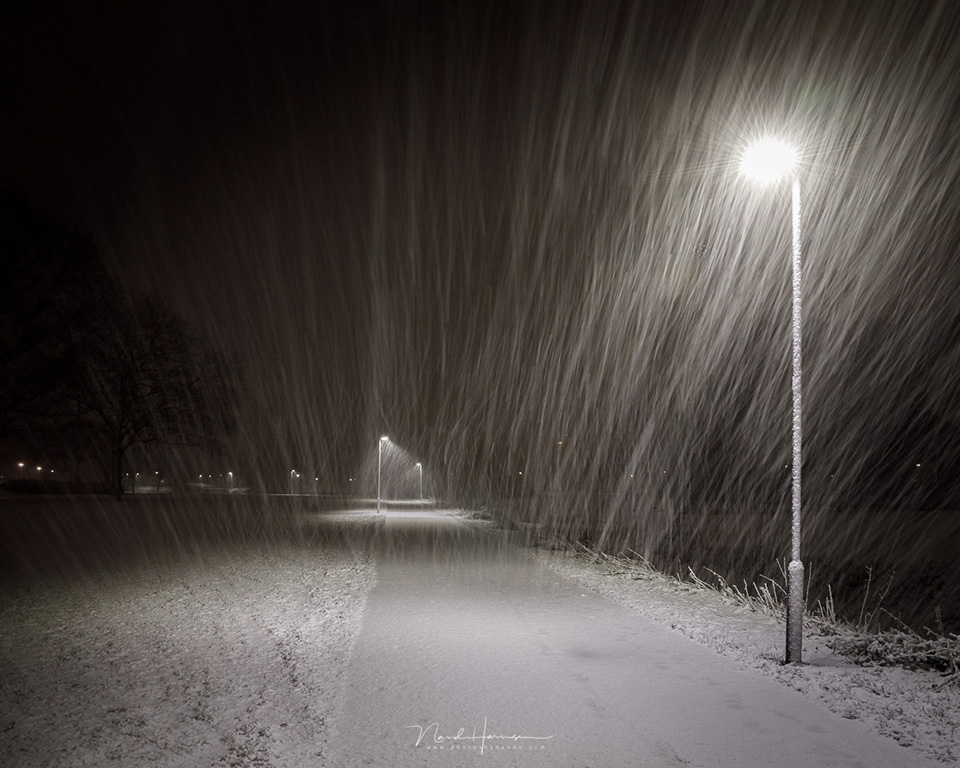
Give your photo library a thorough clean
Do you take a lot of photos? Then you probably have a sizeable photo library. A programme such as Adobe Lightroom Classic is very suitable for managing such a library. But there are of course more options, some very extensive and others quite basic.
What these programmes have in common are the forgotten photos. These are images you may already have selected, but have not yet got around to processing further.
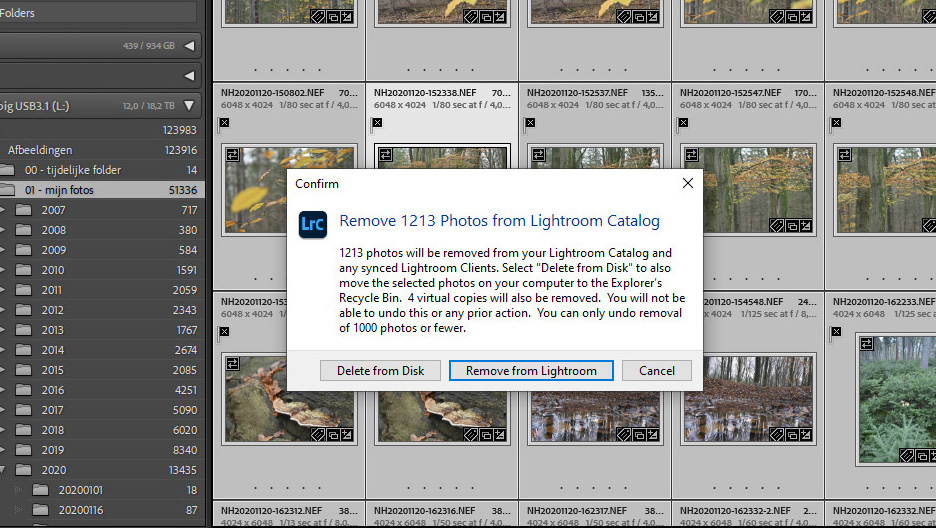
Sometimes there are photos in your library that you could delete, but have not done so. Moments with less inspiration and fewer ideas are perfect for going through your library and cleaning it up where necessary.
Add keywords and metadata
Adding keywords and metadata to your photos follows on naturally from the big clean-up. If you do this consistently when importing, this is of course not necessary. But I am almost certain that it regularly gets skipped because it is such a tedious job.
Even if you are very diligent about adding keywords, things can become disorganised over time. If you have Adobe Lightroom Classic, you have plenty of options for bringing order to your keywords.
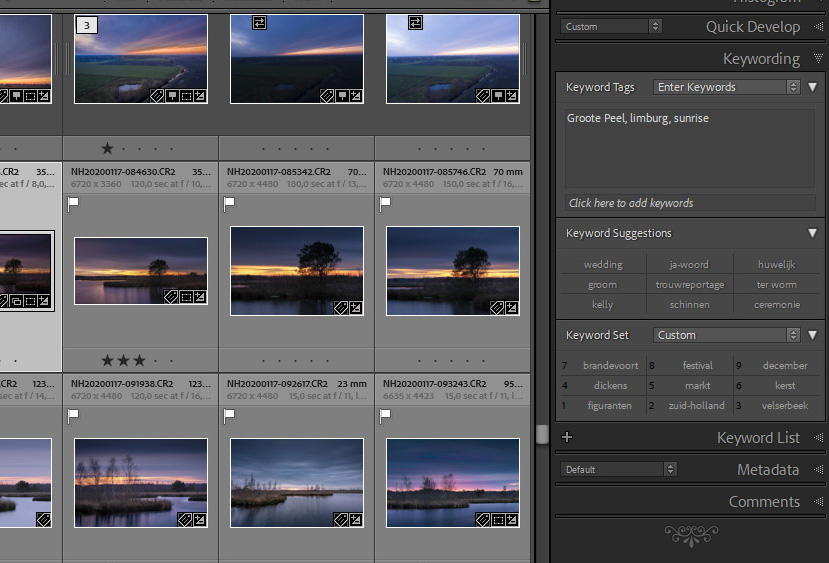
Take a look at the options Adobe Lightroom Classic offers and optimise your keywords. It can take quite a while, but when the winter evenings are long and dark, it is quite manageable with a drink, a snack and some good music.
Look at your old photos again
Photography is great to do. These days, we take an enormous number of photos. As a result, older photos can quickly fade from memory. Especially when there is a constant stream of new photos. If you have nothing else to do for a while, it is definitely worth looking at your older photos.
This can have many benefits. It will bring back memories, and it will bring your photos back to life for a while. Perhaps you can try a photo editing technique that you did not know at the time. Or you can take a critical look at the composition and exposure.

Looking at older photos makes you aware of the progress you have made without noticing. You can see where you have improved. Perhaps you will also notice the things you still struggle with. It can be an eye-opener and give you a goal to keep improving.
Looking at your old photos can also provide inspiration. Perhaps you want to do a photo session again, or use the same lighting setups once more. It can also be nice to compare photos of a particular location. What was it like before, and what is it like now? This can be especially fun if you have photos of your immediate surroundings.
Design and order a photo album
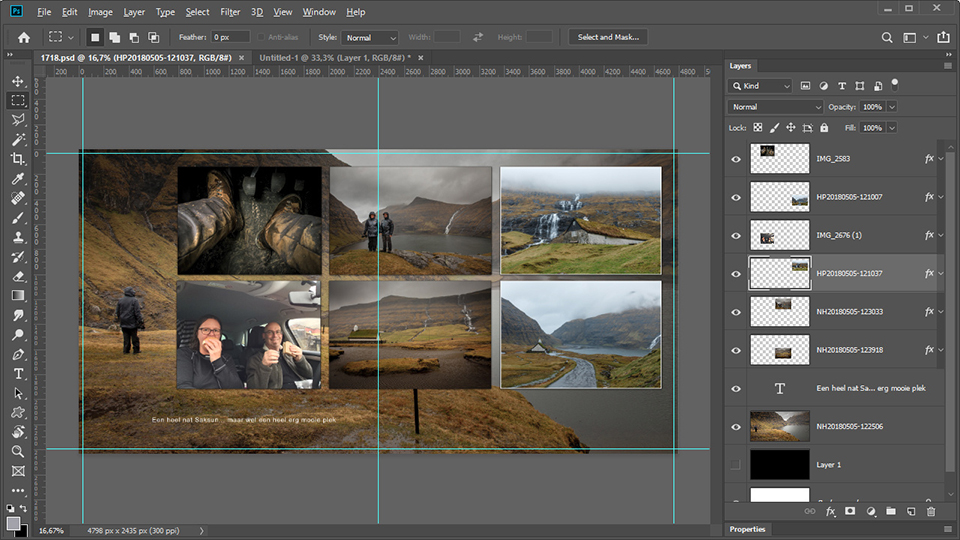
The dark winter evenings can be a perfect time to finally make and order that photo album you have been putting off. It could be from your last holiday, or from something else. Perhaps an album of your best work from the previous year would be a good idea. Be creative and bring your photos back to life. If you have nothing else to do, it is a good way to pass the time.
Make a slideshow
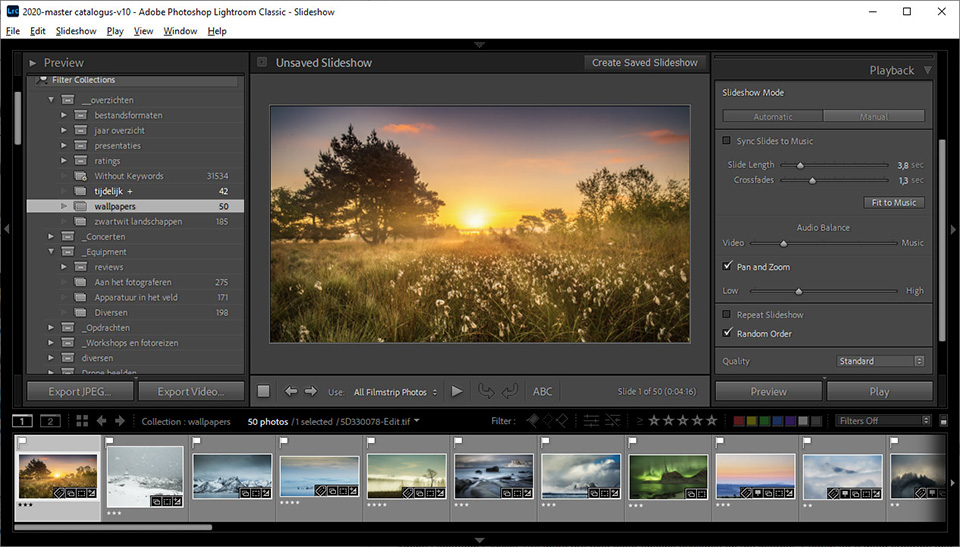
Don't you like photo albums? Then a slideshow can be a good alternative. You can make a beautiful presentation to share with friends and acquaintances. You can even put it on YouTube or social media. It brings your photos back to life.
A slideshow is easy to make, especially if you have Adobe Lightroom Classic. The option is built into the programme. If you do not have Adobe Lightroom Classic, or want more options, there are always other possibilities to be found online.
Try out new software
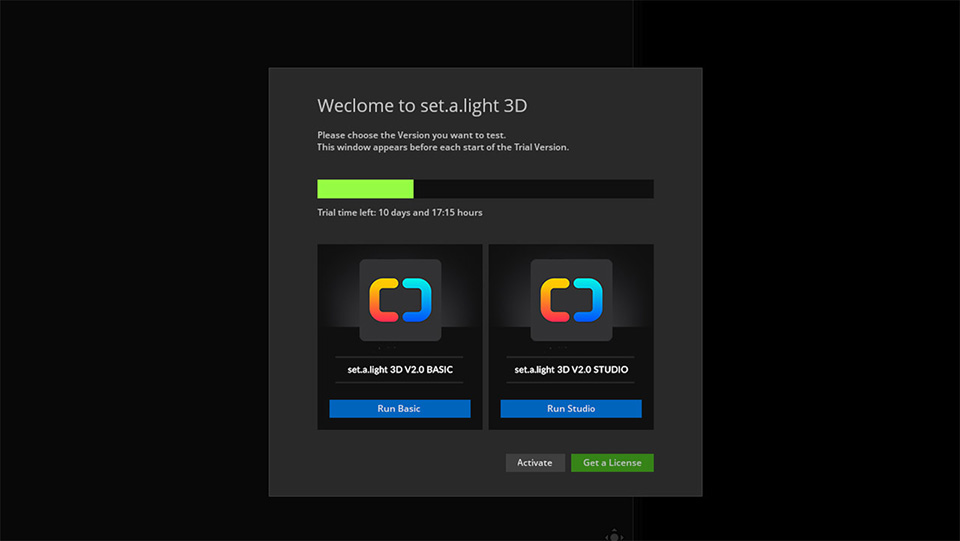
I already mentioned new software for making a slideshow. But why stop there? There is a lot of software available, and you may find something that is very useful to you. It does not have to be another photo editing programme, but could be useful software that helps you with your photography.
The dark winter evenings are perfect for trying something out. With most software, you can test it before deciding to buy. Make use of that.
Try new edits for your photos
Are you happy with your photo editing programme? Then there is no reason to look at other software with similar functionality. But what you can do is look for other editing methods.
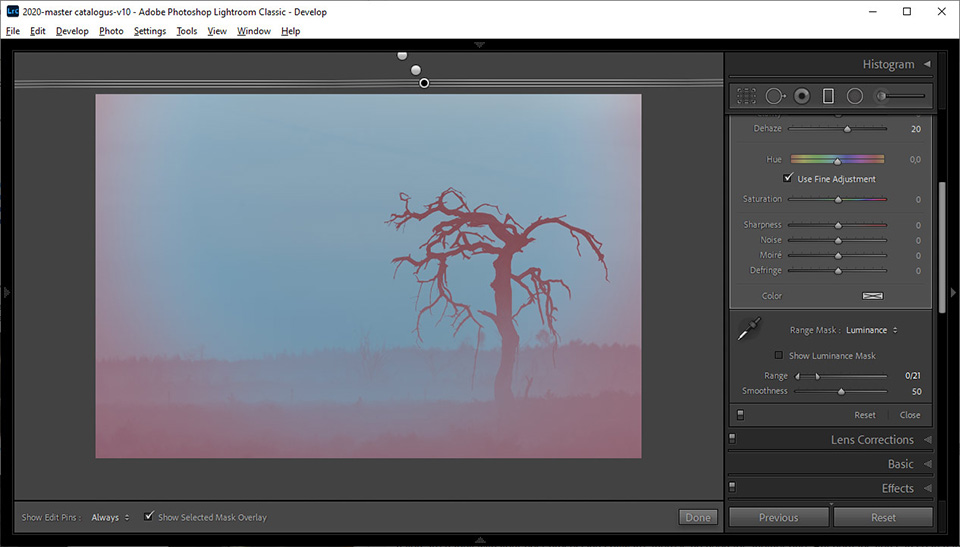
A photo can be edited in so many ways that you have only seen the tip of the iceberg. Try out new things, and you may find a method that works more easily, produces a better result, or is simply much more pleasant to use. If you do not try, you will never know.
Get to know your camera again
How well do you know your camera? Do you know all its options and functions? Or do you use the camera as you once set it up, and have not thought about it since? Perhaps it is time to go through the menu again and get to know your camera.
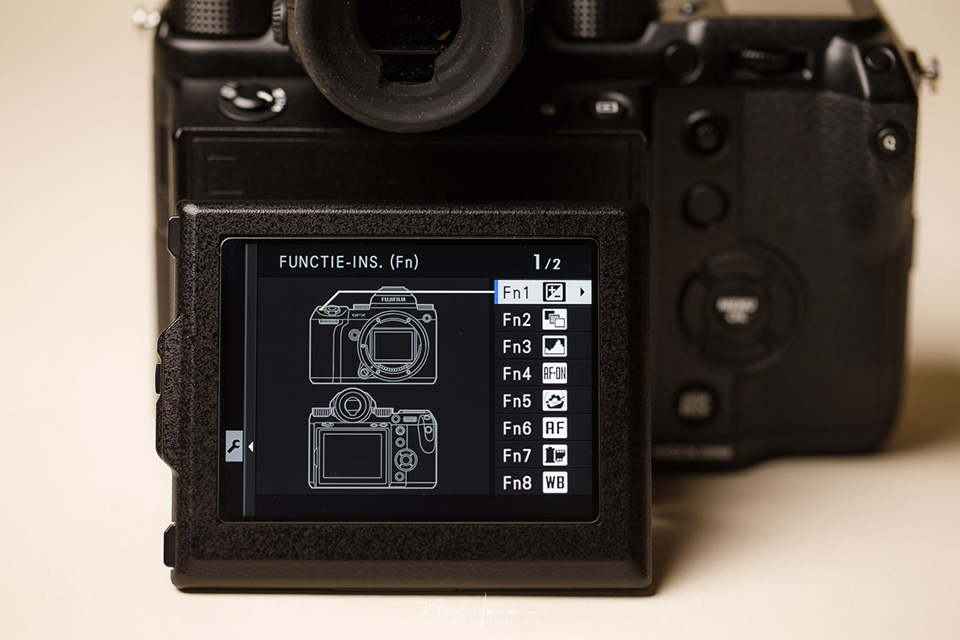
You also develop over the years. Preferences change and working methods change. You learn new techniques, or run into your camera's limitations. If you take another good look at your camera, you may find settings you had forgotten existed, or discover that a different setting lets you do things that were difficult before.
If you have an evening or a day to spare, go exploring again and look at your camera with fresh eyes. Who knows what you have been overlooking all this time?
Check your backup system
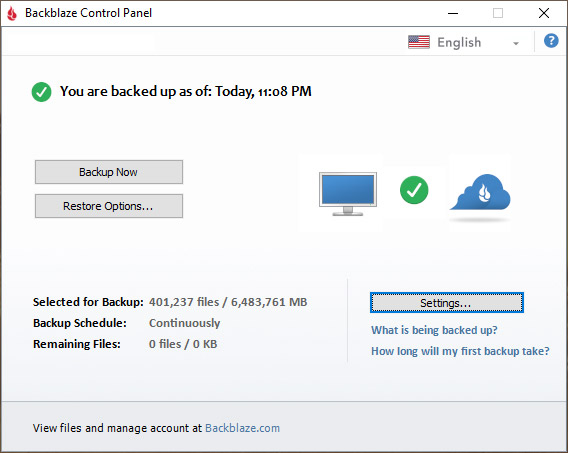
How is your backup arranged? Are your photos safe? A good backup is of course important. It would be a shame to lose photos. If you do not yet have a good system, the dark, gloomy days are perfect for looking into it.
Do you already have a backup system? Then check it thoroughly. Make sure you know that it works, especially automatic systems that you never need to think about. Nothing is more frustrating than discovering that it does not work properly. Especially because you only find out after something has already gone wrong.
More tips? Let us know.
This is of course only a small selection. There are many more things you can do during the dark evenings when photography is not possible, or when you simply do not feel like it. Let us know which tip you have in the comments below this post. You may help someone else get started with their photos and photography.
About the author
Nando Harmsen has been photographing for more than 40 years. He specialises in wedding photography and landscape photography. Nando also gives talks, workshops, masterclasses and photo trips, and regularly reviews new and interesting equipment.
You might also like
-
 Make an Inspiration Scrapbook: 3 Rules
by Elvira Smit
-
.jpg "Inspiration, essential for your photography!") Inspiration, essential for your photography!
Inspiration, essential for your photography!by Laura van der Burgt
-
 Where do you find your inspiration?
by Nando Harmsen
-
 Inspiration: Portraits in the Studio
by Elja Trum
-
 Inspiration for Multiple Exposures
by Nando Harmsen
-
 Review: Inspiration by Ap Dijksterhuis
by Erik van Rosmalen
6 comments
-
 Luc Vancamp wrote on Tuesday 26 January 2021 at 11:42 | reply
Hi Nando,
Translated from Dutch.
Where can I find the slideshow course in LR courses ?
Thanks in advance for your answer.
Luc -
 Jaap wrote on Tuesday 26 January 2021 at 13:38 | reply
Very good tips Nando, especially the one about tidying up the library.
Translated from Dutch. -

-

 Tromp Willem van Urk
wrote on Tuesday 26 January 2021 at 22:17
| reply
Tromp Willem van Urk
wrote on Tuesday 26 January 2021 at 22:17
| reply
To respond to Nando's call: why not get started offering your photos to a stock agency!
Translated from Dutch.
Also a fun way to get to work with your photos. You can put many of the tips above to good use for that!
And if things go well, it might even earn you something after a while
-
 Rob Kempers wrote on Saturday 30 January 2021 at 10:52 | reply
Always nice to receive Nando's newsletter, definitely a tip to always read them. Informative, clear and something for everyone.
Translated from Dutch.
My tip concerns backup, I use Lightroom and Photoshop, I store photos externally and use two 4 TB G drives for that and mirror them to each other via Sync folders. Simple, not expensive and effective. It is the case that you have to do the mirroring manually. -
 JP wrote on Saturday 30 January 2021 at 17:08 | reply
Nando thank you for your good tips
Translated from Dutch.
Have your say
Please note: Articles older than a week can only be commented on by signed-in visitors.Would you still like to comment? sign in or create a free account.
Become a better photographer every week
A practical photography tip in your inbox every week.
38,938 photography enthusiasts already receive the tips! More about the weekly mail. Or keep up to date via  Facebook.

Elja Trum
Photofacts; everything to do with photography!
Would you like to take better photos and keep up with what is happening in photography? Photofacts publishes articles that teach you something about photography — from a product announcement to a practical shooting tip or a look at a website. Photofacts covers photography every day and is a hobby project of Elja Trum's that got out of hand. The articles are written by a team of volunteer authors. If you would enjoy writing one or more articles for Photofacts, do get in touch.More about PhotofactsPhotofacts is made possible in part by
