

Olympus's Live Bulb in practice
Friday 20 March 2026, 19:19 by Nando Harmsen | 1,336 views | 2 commentsThis article was translated from Dutch with the help of AI. Read the original.
Olympus cameras have a number of unique features. One of them is Live Bulb. It lets you watch the photo develop on the LCD screen when using long shutter speeds. How does it work in practice?
Live Bulb is only available from Olympus, now OM-Systems. Perhaps a number of Panasonic cameras have it too, but I am not entirely sure. This function lets you follow the exposure live.
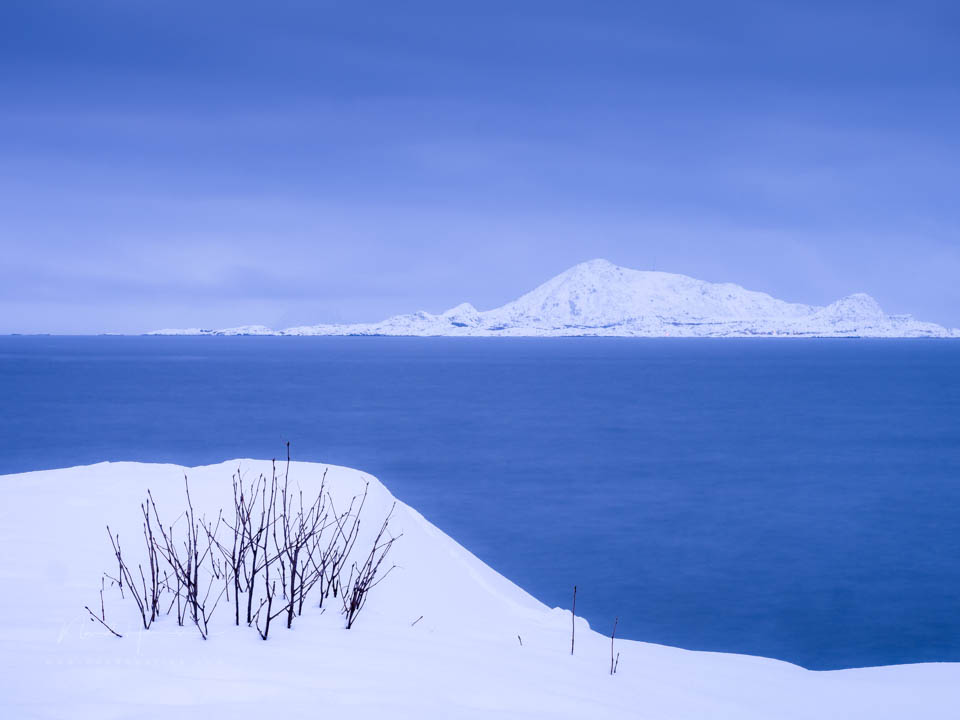
This function is ideal for using long shutter speeds, hence the 'Bulb' in the name. Not just for night photography, but also when using ND filters. I used this function during my trip to Lofoten in 2026.
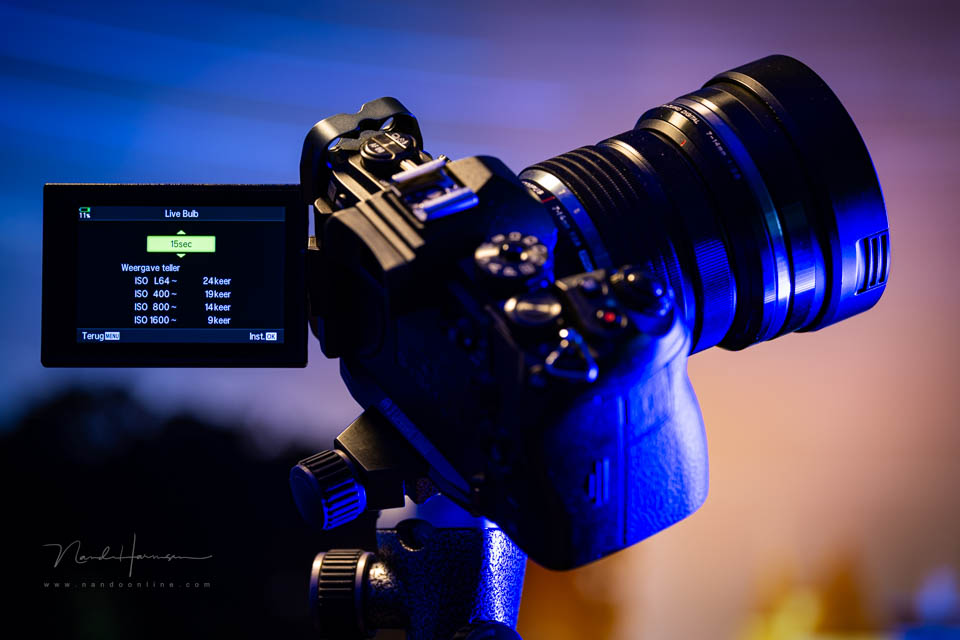
When you switch the function on, the image on the LCD screen is black. As time passes, the image becomes lighter. This happens at preset time intervals. Is the exposure right? Then you switch the function off.
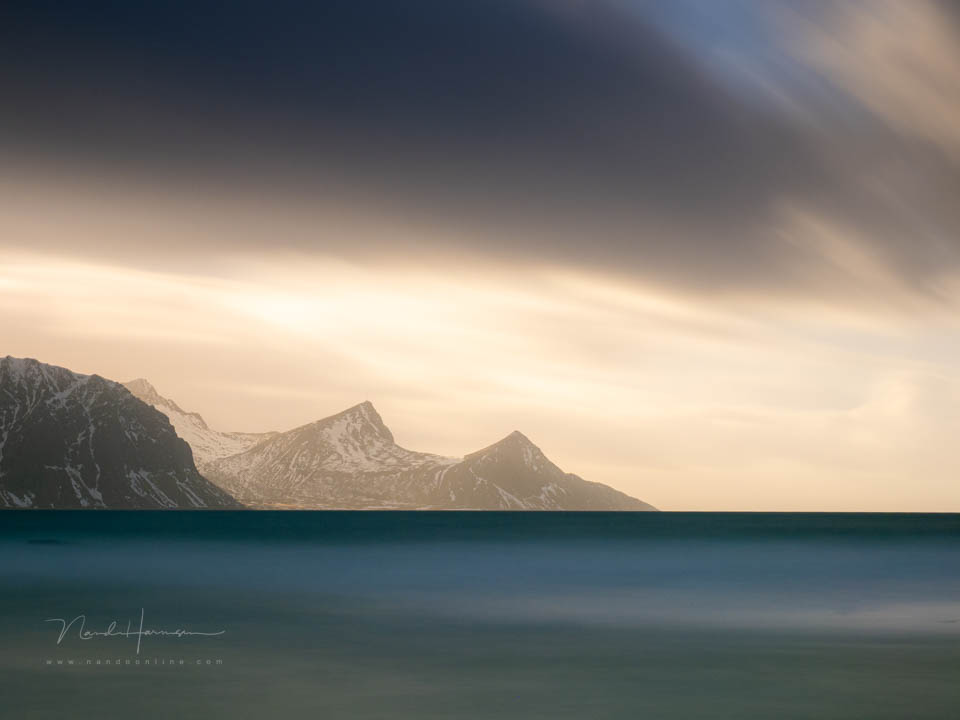
This is ideal for long shutter speeds with ND filters. You no longer need to calculate the exposure. You simply look at the LCD screen and the histogram. You leave the function on until the correct exposure has been reached.
There are a number of settings you need to pay attention to. The exposure is built up in intervals. You can choose the shutter speed for this interval. For example, 5 seconds or 10 seconds. It is a minimum of 0.5 seconds and a maximum of 60 seconds.
The number of times the exposure is added up is limited, though. This depends on the selected ISO value. At ISO 64, the maximum number of accumulations is 24. At ISO 1600, it is only nine.
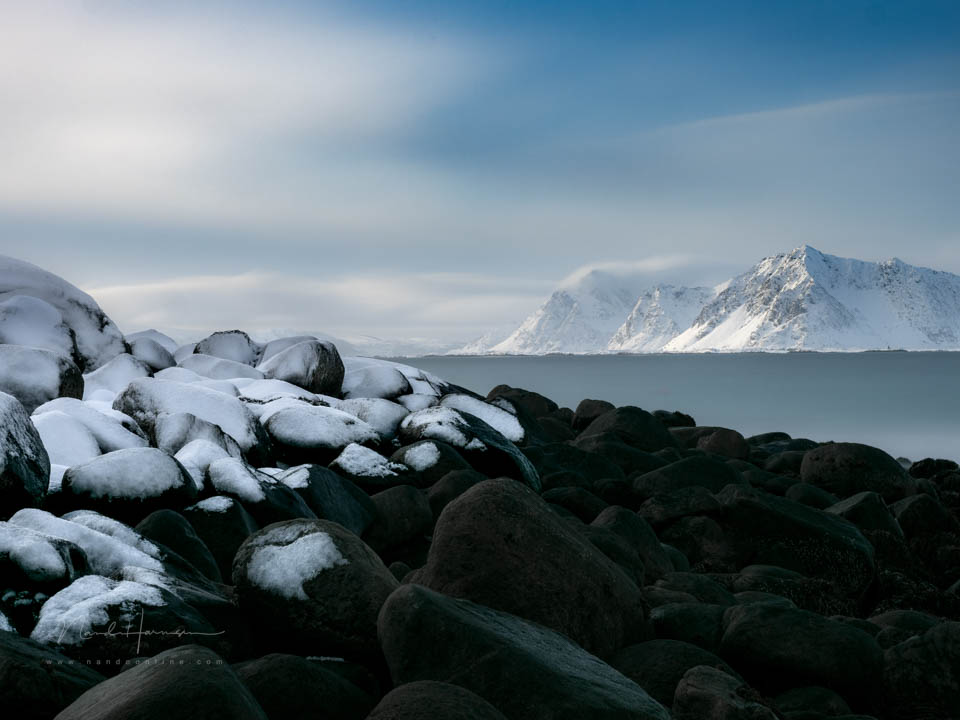
This means you need to know roughly how long the shutter speed will need to be beforehand. If you set it to 1 second and need to expose for about 1 minute, the adding up stops after 24 seconds. You can expose for longer, but you will no longer see the image building up.
In practice, it works very well. I usually chose somewhere between 8 and 15 seconds. With 24 accumulations, that is 192 seconds and 360 seconds respectively.
The function is very practical and useful, as long as you have a rough idea of how long your exposure will be. It would be wonderful if more manufacturers built this functionality in. Unfortunately, that is unlikely to happen soon.
Do you have an Olympus, OM-Systems or Panasonic camera with this function? Do you use it too? Share your experience below this post.
About the author
Nando Harmsen has been photographing for more than 40 years. He specialises in wedding photography and landscape photography. Nando also gives talks, workshops, masterclasses and photo trips, and regularly reviews new and interesting equipment.
You might also like
-
 The unique features of an Olympus
by Nando Harmsen
-
 The new Olympus is called OM Systems OM-5
by Nando Harmsen
-
 Olympus OM-3 announced
by Elja Trum
-
 Olympus OM-1 micro four-thirds camera announced
by Elja Trum
-
 Olympus OM-D E-M1X mirrorless camera
by Michelle Peeters
2 comments
-
 guest wrote on Tuesday 24 March 2026 at 17:05 | reply
I still have a somewhat dated OM2n full-frame analogue camera in my cupboard, with an exposure automation system that was progressive for its time, for flash and regular shots.
Translated from Dutch.
Nice to see that with the new digital variants, Olympus still cherishes their old gems alongside the current digital possibilities…;o)
Perhaps a basis for being able to compose real HDR shots afterwards for photo or video representations. -


Have your say
Please note: Articles older than a week can only be commented on by signed-in visitors.Would you still like to comment? sign in or create a free account.
Become a better photographer every week
A practical photography tip in your inbox every week.
38,937 photography enthusiasts already receive the tips! More about the weekly mail. Or keep up to date via  Facebook.

Elja Trum
Photofacts; everything to do with photography!
Would you like to take better photos and keep up with what is happening in photography? Photofacts publishes articles that teach you something about photography — from a product announcement to a practical shooting tip or a look at a website. Photofacts covers photography every day and is a hobby project of Elja Trum's that got out of hand. The articles are written by a team of volunteer authors. If you would enjoy writing one or more articles for Photofacts, do get in touch.More about PhotofactsPhotofacts is made possible in part by
