

Having someone take a photo? Make sure everything is set up
Monday 22 July 2024, 16:32 by Nando Harmsen | 2,697 views | 0 commentsThis article was translated from Dutch with the help of AI. Read the original.
You are on holiday and take a photo of your family. Then someone asks if they should take a photo with you in it. Has this ever happened to you? How do you increase the chance of that photo turning out well, with all the custom settings you have made?
As a photographer, you have of course set up your camera exactly as you want it. A good example is the AF-ON button for autofocus. Other typical settings can also be adjusted, precisely tailored to how you use the camera.
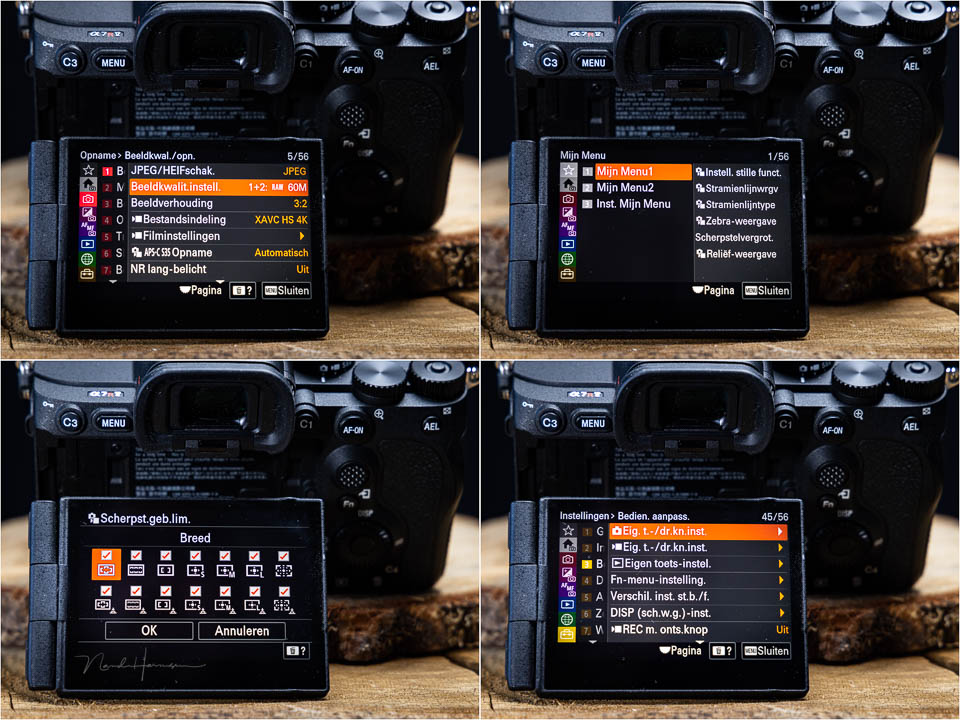
When someone else has to use the camera for a moment, things can go completely wrong. If AF is not assigned to the shutter button, the camera will not focus. Is the exposure set too bright or too dark? Is single-point AF in the wrong place in the frame? Is a high frame rate enabled?
And there may be even more settings that you find useful, but which make it impossible to take a good photo without knowing about them. So make sure the settings are right when someone else uses the camera for that one photo.
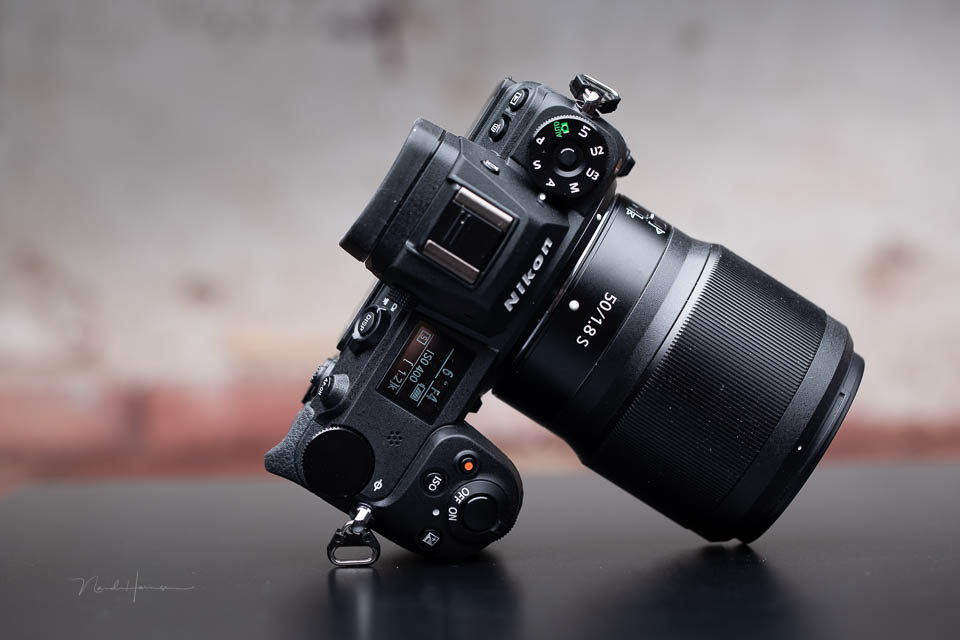
Use a custom button to set the camera up correctly for this purpose in an instant. On Canon, this is C1, C2 or C3. On Nikon, U1, U2 or U3, and Sony has 1, 2 and 3. If you have another brand, check which setting this is on your camera.
Set your camera to the desired settings. For example, autofocus assigned to the shutter button, eye AF for people, aperture priority or P mode, continuous AF, a low frame rate, raw image format, and anything else you want.
Then programme these settings under one of the custom settings. Set the camera up again as you prefer it. Check that all the settings are actually retained when you switch to the custom setting.
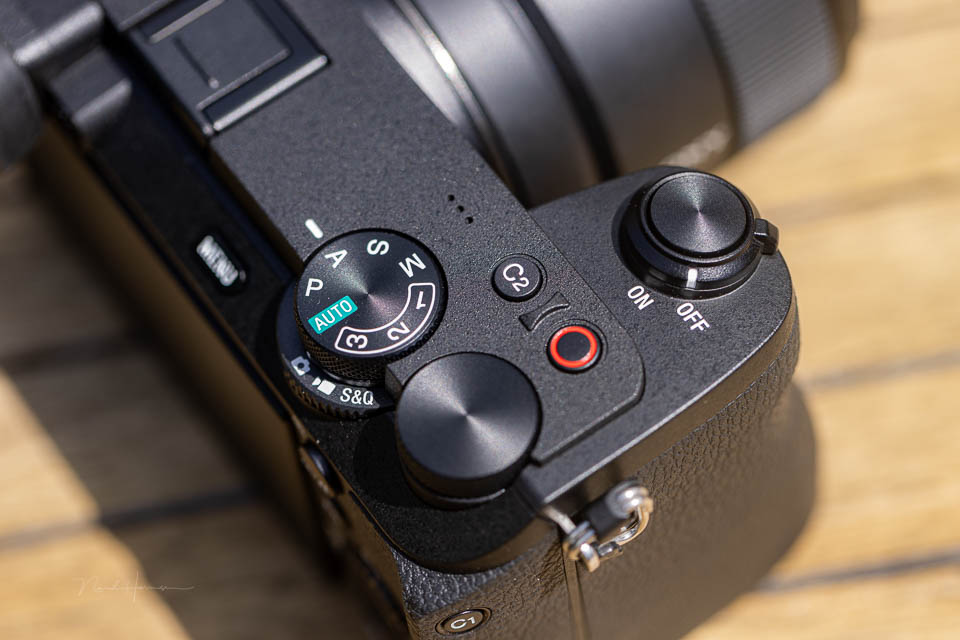
Are you in a situation where you hand over the camera for a moment so that you can be in the photo too? Then quickly set the camera to that pre-programmed custom setting. That way, you know the photo has the best possible chance of turning out well.
Do not make the mistake of setting the camera to the 'green' mode. This changes the camera settings so that you always shoot in JPEG and profile settings become active. This leaves you with minimal control over the settings.
About the author
Nando Harmsen has been photographing for more than 40 years. He specialises in wedding photography and landscape photography. Nando also gives talks, workshops, masterclasses and photo trips, and regularly reviews new and interesting equipment.
You might also like
-
 An Ode to Holiday Snapshots
by Michiel Heijmans
-
 When your camera has too many custom buttons
by Nando Harmsen
-
 7 tips for perfect holiday portraits
by Elja Trum
-
 Portrait photography during your holiday
by Peter Segerius
-
 5 tips to turn your holiday photos into great travel photos
by Nando Harmsen
-
 Tip: A doable photobook idea for your holiday
by Elvira Smit
0 comments
Be the first to share what you think!
Have your say
Please note: Articles older than a week can only be commented on by signed-in visitors.Would you still like to comment? sign in or create a free account.
Become a better photographer every week
A practical photography tip in your inbox every week.
38,937 photography enthusiasts already receive the tips! More about the weekly mail. Or keep up to date via  Facebook.

Elja Trum
Photofacts; everything to do with photography!
Would you like to take better photos and keep up with what is happening in photography? Photofacts publishes articles that teach you something about photography — from a product announcement to a practical shooting tip or a look at a website. Photofacts covers photography every day and is a hobby project of Elja Trum's that got out of hand. The articles are written by a team of volunteer authors. If you would enjoy writing one or more articles for Photofacts, do get in touch.More about PhotofactsPhotofacts is made possible in part by
