

The sense and nonsense of fast memory cards
Monday 2 March 2026, 20:10 by Nando Harmsen | 4,594 views | 3 commentsThis article was translated from Dutch with the help of AI. Read the original.
You need to put a memory card in your camera to save your photos. The manufacturer determines which type of card it needs and the maximum speed it supports. How much should you take this into account when buying a memory card?
There are many types of memory cards. You have CF, CF Express type A and type B, XQD, SD and micro-SD. There may be a few others, but these are the most common. Although you no longer see ordinary CF in modern cameras.
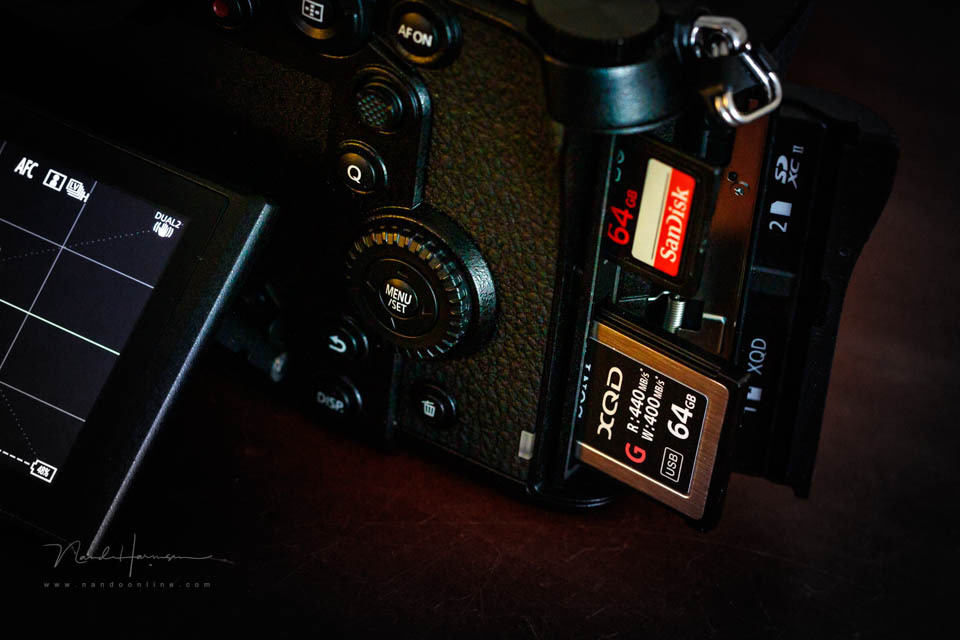
Apart from the types of cards, there is also the read and write speed. There are differences there too, sometimes quite significant ones. One card is faster than another, and the variations between them can sometimes make things confusing.
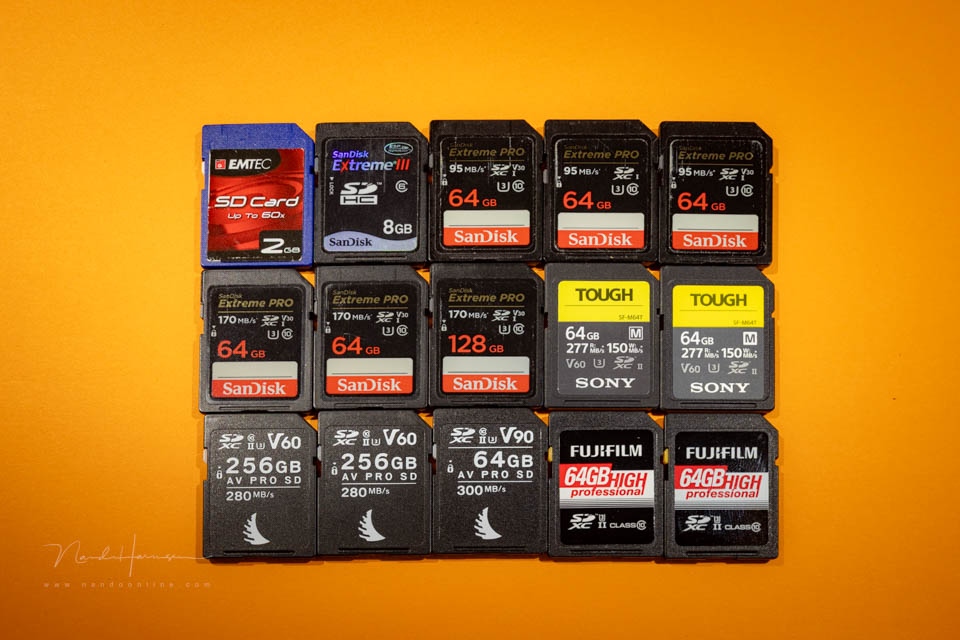
For example, there is a UHS-I SD card and a UHS-II SD card. Both look the same and are interchangeable. But the read and write speeds are very different.
These SD cards can also have the designations V30, V60 and V90. These also indicate how much data can be read or written per unit of time. Can you still follow it?
The manufacturer's advice
The camera manufacturer does indicate which cards are best to use. This is usually matched to the maximum data flow that can occur. In many cases, this is for video.
If your camera has one memory card slot, it is simple. But if it has two memory card slots, the read and write speed may differ between the slots. Slot one is then fast, and slot two is slower.
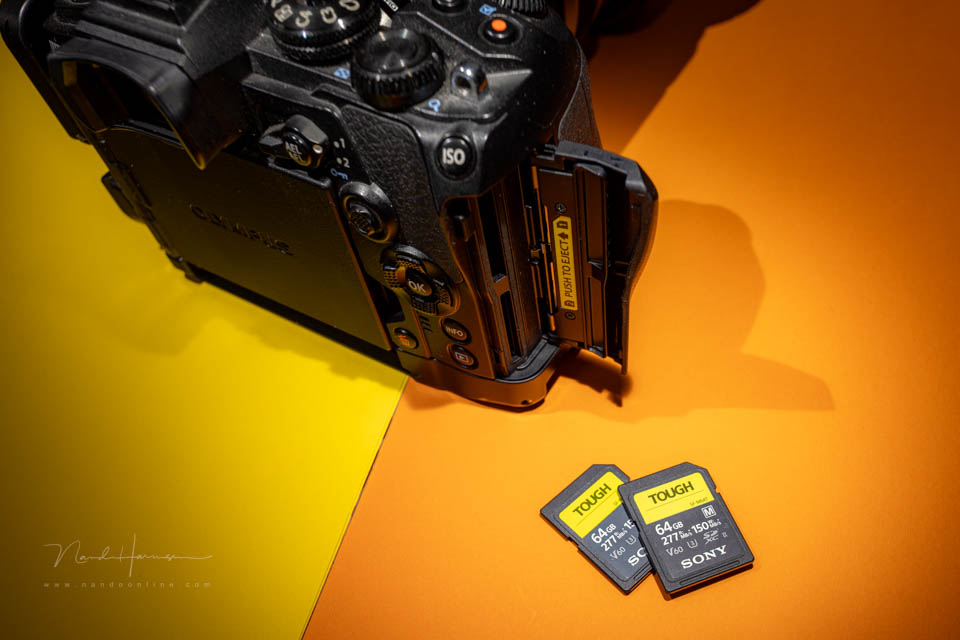
Let me give you an example. The Olympus OM-D E-M1 mark II has one memory card slot for a UHS-II SD card. That is nice and fast for writing the photos you have taken. The second memory card slot, however, is for UHS-I SD, so it can write the data much less quickly.
What does this mean for the photographer?
How much attention should you pay to the read speed? That depends on what kind of photographer you are. Do you simply take photos at your leisure? Then it makes no difference at all what type of card you use.
Even if you occasionally take a series of ten or so photos, a UHS-I SD card is more than enough. You do not need the maximum write speed at all. A faster card will make no difference in that case.
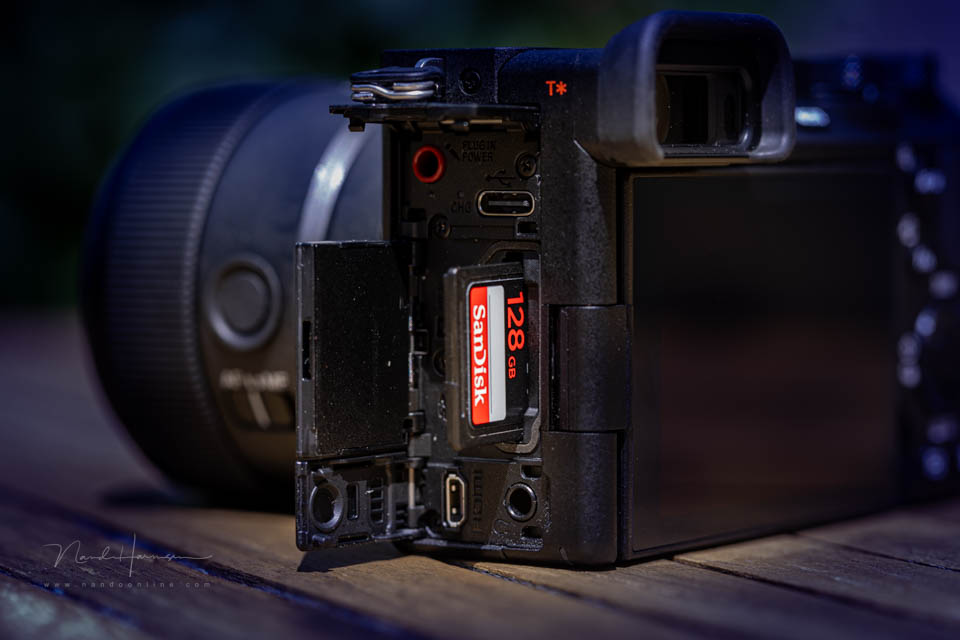
Are you an action photographer, and do you want to shoot long bursts with many images per second? Then a fast card such as UHS-II SD does make sense. But the camera's card slot must of course also support UHS-II.
Apart from being UHS-II SD, the card also has a certain write speed. You can only find that in your camera's specifications. This more or less determines whether V30 is enough, or whether you need V60 or even V90.
Write speed is intended for the buffer
When shooting at the maximum frame rate, the speed of the card does not matter in principle. In most cases, you can simply use the fastest shooting mode, regardless of what type of card you have in the camera.
The photos you take are first written to the camera's buffer, not directly to the card. The photos are then written from the buffer to the card. If you have a fast card, the buffer will be emptied much more quickly.
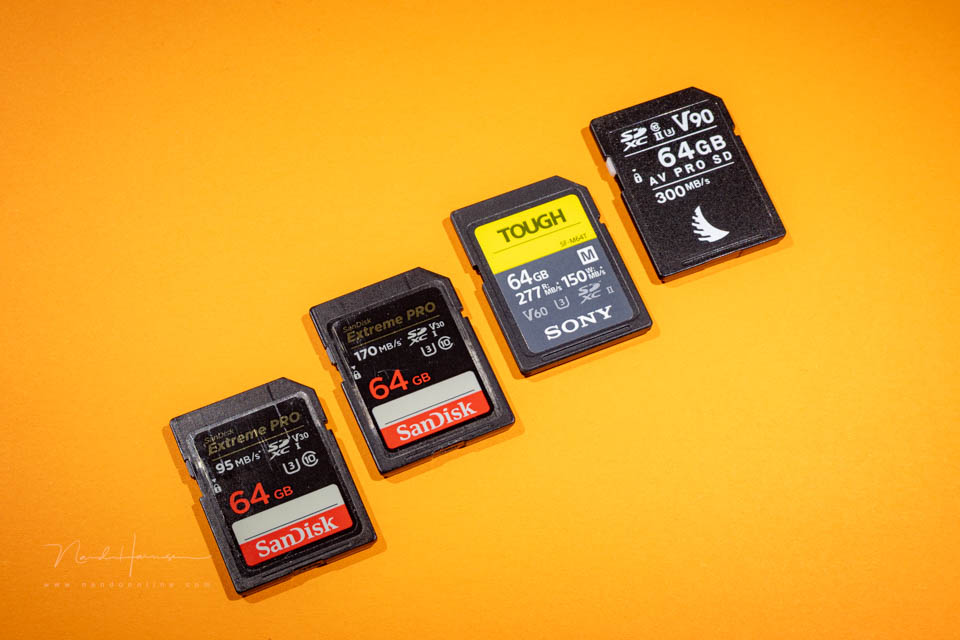
There is no point in buying fast cards when your camera is only designed for slower cards. If the camera has a memory card slot for UHS-I SD cards, you can put a UHS-II SD card in it. But the write speed will not be any faster.
Does your camera have a fast and a slow memory card slot, like the Olympus in the example above? Then choose the fastest slot for writing your action photos to. It is best not to use the slower slot.
If you use the second card as a backup, the slowest card slot determines how quickly the buffer is emptied. It is like a chain that is only as strong as its weakest link.
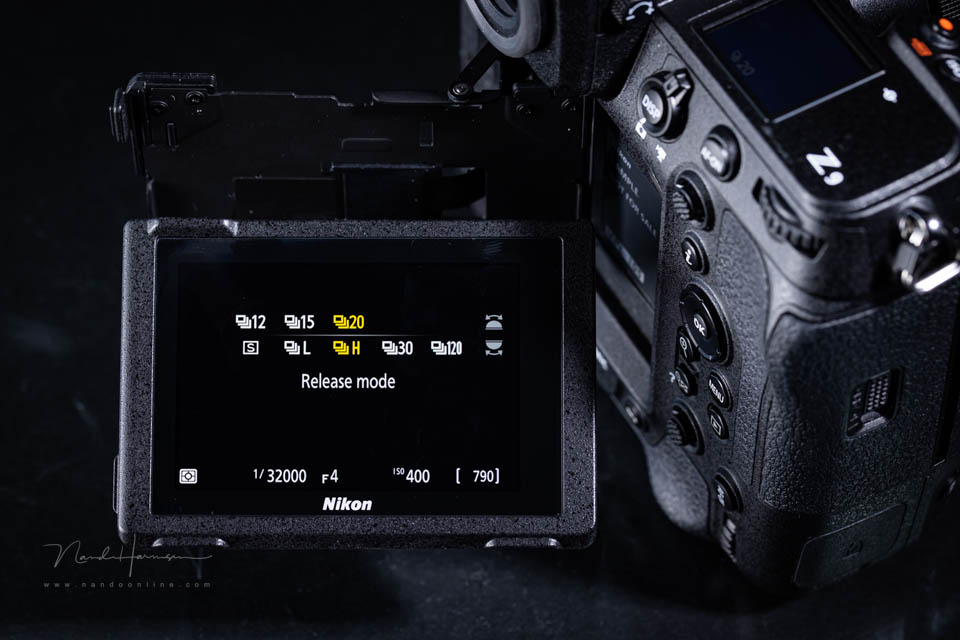
There is a small nuance when it comes to the buffer. Because the buffer is already being emptied while you are shooting, a fast card will always allow you to take more photos in a burst.
From the card to the computer
When you transfer the photos from your memory card to your computer, the card's read speed is important. If you use a card reader, make sure you choose one that supports the speed of the card.
Are you using the camera to transfer your photos to the computer? Then the camera is the determining factor in the transfer speed. The maximum speed can be found in the camera's specifications.
Should you now buy the fastest cards possible?
As mentioned, whether you should choose the fastest cards possible depends on you as the camera user. For video, it is always recommended. For photography, it depends on what kind of photos you take.
The photographer who takes photos one at a time at their leisure does not need a fast card. The photographer who shoots fast bursts, such as action or sports, will need a fast card. As fast as the camera supports.
Finally, make sure you get a good-quality card. Do not go for the cheapest one you can find. Cheap can turn out expensive. It would be a shame if you lost your photos because of this false economy.
About the author
Nando Harmsen has been photographing for more than 40 years. He specialises in wedding photography and landscape photography. Nando also gives talks, workshops, masterclasses and photo trips, and regularly reviews new and interesting equipment.
You might also like
-
 First memory card with 1 TB of storage now available
by Michelle Peeters
-
 Lexar launches stainless steel SD cards
by Elja Trum
-
.jpg "Use a grey card for accurate colours") Use a grey card for accurate colours
Use a grey card for accurate coloursby Elja Trum
-
 Have Polaroid-style photo cards printed on paper
by Elja Trum
-
 Street photography tip: Take business cards with you
by Michiel Heijmans

3 comments
-
 Jim wrote on Tuesday 3 March 2026 at 12:37 | reply
It is striking how many “photographers” there still are who, for example, shoot still images with an enormous number of images (frame rate)! Which is often complete nonsense! In doing so they mainly unnecessarily attract the attention of bystanders! Perhaps that is precisely the intention!
Translated from Dutch.
Many well-known/expert photographers made their special images precisely with as few shots as possible! -
 Mac wrote on Wednesday 4 March 2026 at 08:20 | reply
You forget to mention 1 thing.
Translated from Dutch.
And that is certainly important for photographers who also film with their camera.
A memory card that is more than fast enough for photographing action can be too slow when filming (in high resolution). And there is also an indication on the card for that (don't know which one it is right now, because I don't film with the camera myself) -

 MacBigfoot wrote on Thursday 12 March 2026 at 23:03
| reply
MacBigfoot wrote on Thursday 12 March 2026 at 23:03
| reply
I once found this site where the write speed for various cameras was tested with various memory cards. Pretty interesting:
Translated from Dutch.
https://www.cameramemoryspeed.com/olympus-e-m1-ii/sd-card-speed-comparison-test/
Have your say
Please note: Articles older than a week can only be commented on by signed-in visitors.Would you still like to comment? sign in or create a free account.
Become a better photographer every week
A practical photography tip in your inbox every week.
38,937 photography enthusiasts already receive the tips! More about the weekly mail. Or keep up to date via  Facebook.

Elja Trum
Photofacts; everything to do with photography!
Would you like to take better photos and keep up with what is happening in photography? Photofacts publishes articles that teach you something about photography — from a product announcement to a practical shooting tip or a look at a website. Photofacts covers photography every day and is a hobby project of Elja Trum's that got out of hand. The articles are written by a team of volunteer authors. If you would enjoy writing one or more articles for Photofacts, do get in touch.More about PhotofactsPhotofacts is made possible in part by
