

Editing videos in Lightroom
Wednesday 20 June 2018, 16:32 by Michelle Peeters | 7,417 views | 0 commentsThis article was translated from Dutch with the help of AI. Read the original.
Lightroom was not designed for editing videos, so the options are fairly limited. But you can still do quite a lot.
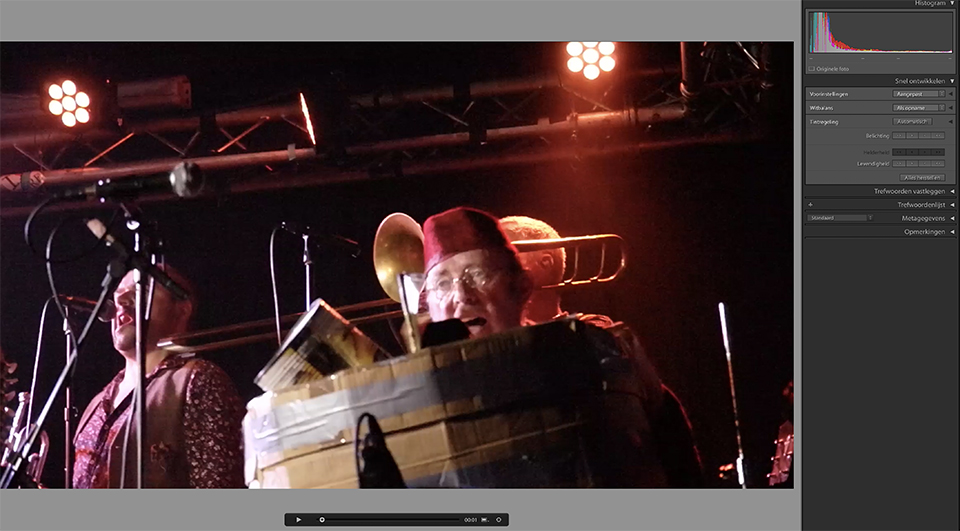
You can achieve quite a lot by adjusting the colours, adding contrast and putting clips together in the order you want. Handy if you are just starting with video editing.
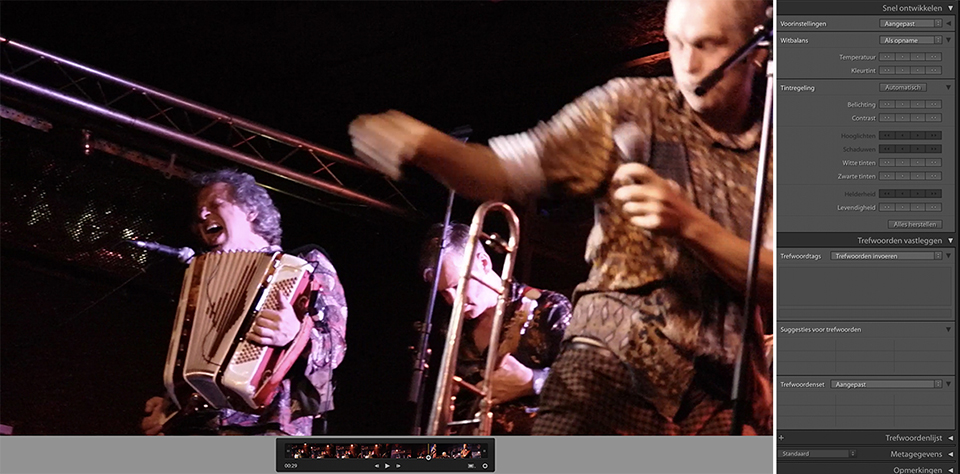
First, choose File, Import Photos and Videos. Select one or more video files and continue with Import. Double-click the thumbnail at the bottom of the screen to get a larger preview.
You can play the clip with the 'play' button or view it frame by frame with the buttons to the left and right of this triangular button.
You can then adjust the exposure or white balance in the right-hand column.
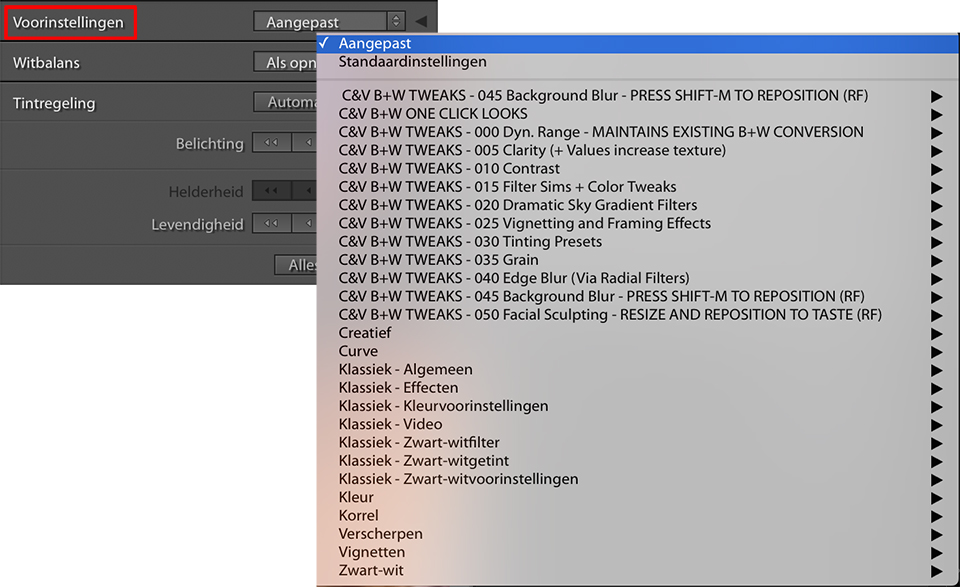
In the video below from photoshopCAFE, you can see how to use Lightroom to:
1. Adjust the colour quality of your video
2. Use presets in your video
3. Extract photos from your video
About the author
Michelle Peeters is fotografe en oprichter van DeuxBleus Fotografie. Michelle herkent het bijzondere in het gewone en het gewone in het bijzondere. Ze heeft zich nooit willen specialiseren en is daardoor van alle markten thuis.
You might also like
-
 4 Lightroom Classic Tips for Experienced Users
by Elja Trum
-
 8 Lightroom tips for landscape photography
by Michelle Peeters
-
 Take your portfolio with you using Lightroom Mobile
by Nando Harmsen
-
 5 Lightroom tips to improve your photos even faster
by Michelle Peeters
-
 The new Lightroom Classic updates
by Nando Harmsen

0 comments
Be the first to share what you think!
Have your say
Please note: Articles older than a week can only be commented on by signed-in visitors.Would you still like to comment? sign in or create a free account.
Become a better photographer every week
A practical photography tip in your inbox every week.
38,885 photography enthusiasts already receive the tips! More about the weekly mail. Or keep up to date via  Facebook.

Elja Trum
Photofacts; everything to do with photography!
Would you like to take better photos and keep up with what is happening in photography? Photofacts publishes articles that teach you something about photography — from a product announcement to a practical shooting tip or a look at a website. Photofacts covers photography every day and is a hobby project of Elja Trum's that got out of hand. The articles are written by a team of volunteer authors. If you would enjoy writing one or more articles for Photofacts, do get in touch.More about PhotofactsPhotofacts is made possible in part by
