

Direct een backup tijdens het fotograferen
Thursday 19 February 2026, 22:44 by Nando Harmsen | 1,429 views | 10 commentsThis article was translated from Dutch with the help of AI. Read the original.
When you take photos, you want them to end up safely on your computer. If your camera has two card slots, consider making a backup straight away. Especially for important photos, or when you are travelling.
You would rather not think about it, but a memory card can fail. It usually happens at the worst possible moment. There is a chance that you will lose your photos too, or that you will have to go to a lot of trouble to recover them.
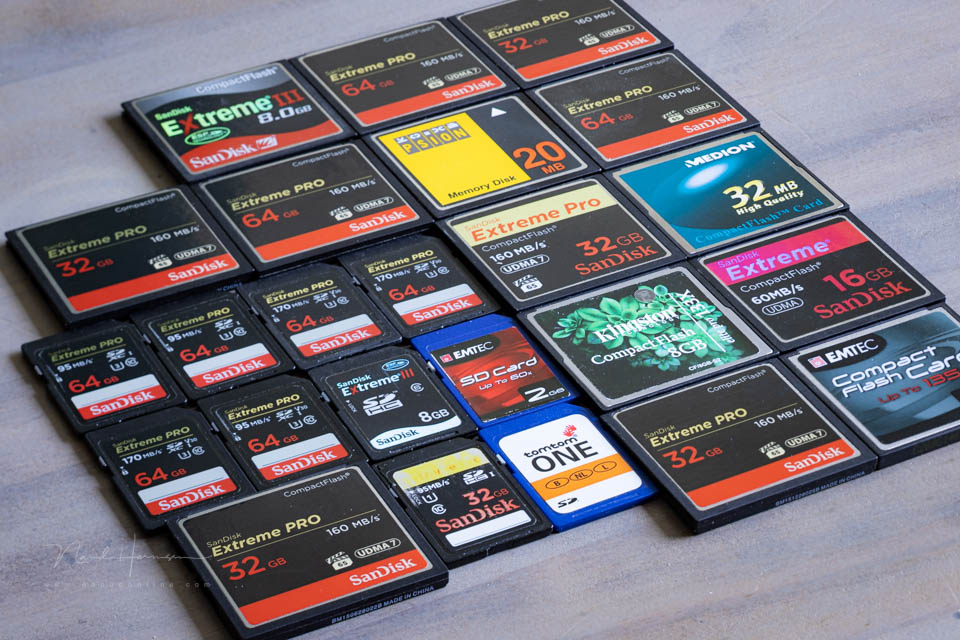
This means that you should download the photos from your card regularly. Preferably as soon as you get back from taking photos. This does not mean that you have to delete them from the card afterwards, but make sure they are stored in two places.
Does your camera have two card slots? Consider making a backup straight away while taking photos. You can do this by having the photos you take saved to two cards at the same time. If something goes wrong with one of the cards, you have the other one as a backup.
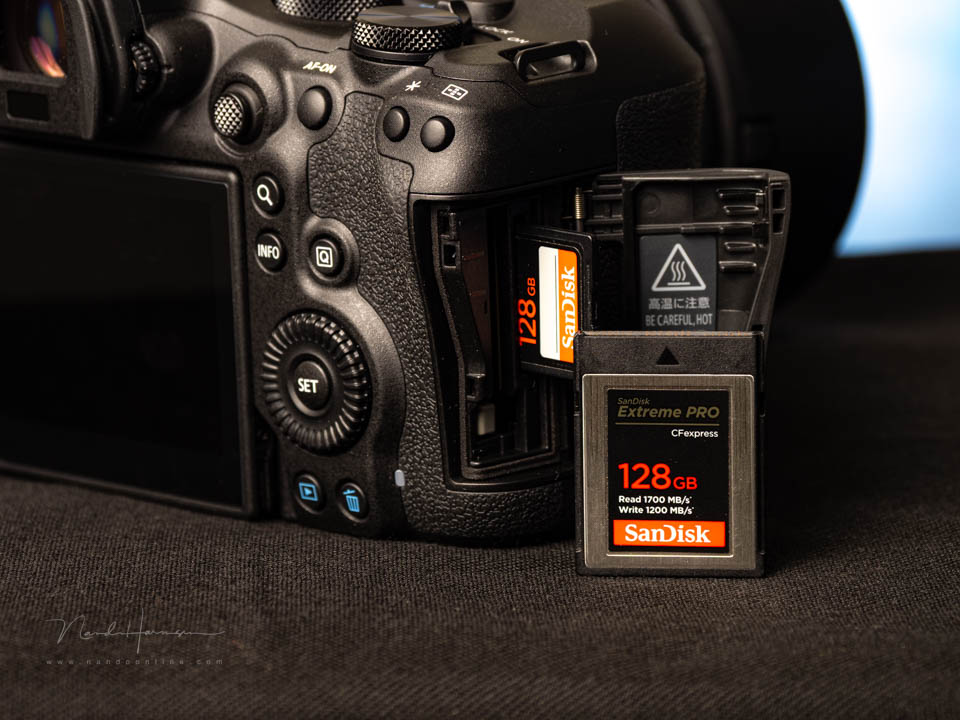
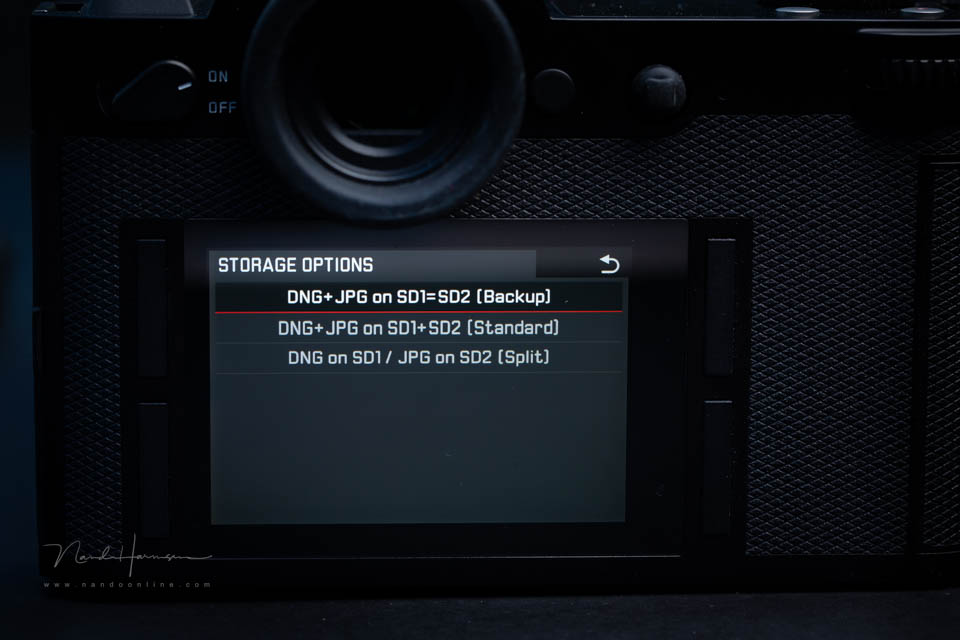
Do not make the mistake of using one card for the raw files and the other for the jpeg files. That is not a backup. A jpeg is not the same as a raw file, after all. Make sure you save raw files to both cards.
This provides peace of mind, especially during important photo sessions. It reduces the chance of something going wrong with the photos. It is also recommended when travelling. If you also save the photos to a computer every day, you have an extra backup.
There are photographers who are 'certain' that it will not happen to them. You then hear them say, "It has never happened to me before." And indeed, nothing ever goes wrong... until the moment it does go wrong. Are you willing to take the risk?
If you use two cards because you need the extra storage space, I would advise you to buy two additional cards so that you have more storage space and a backup too. Or choose two cards with more storage space.
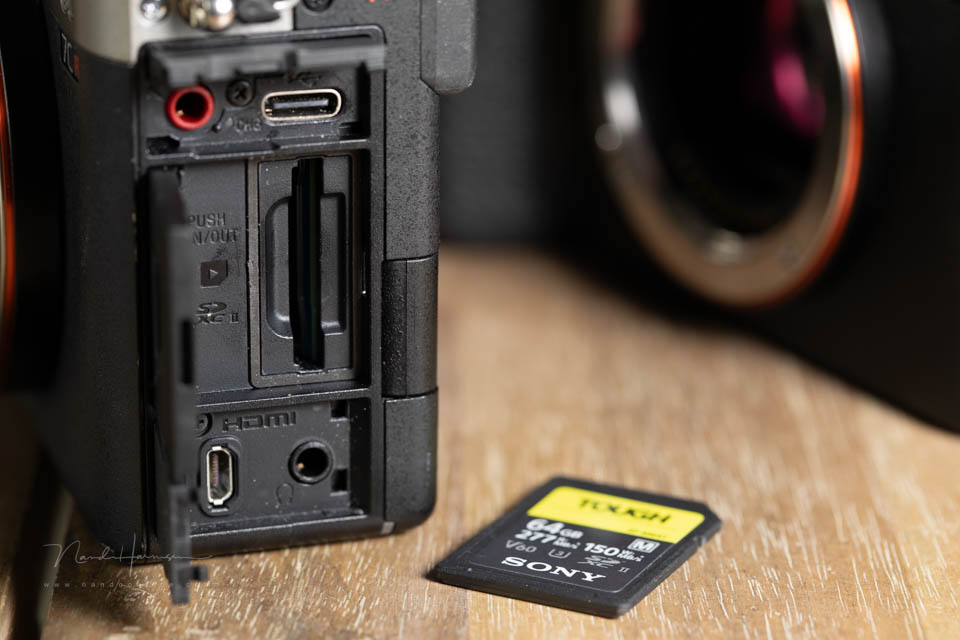
Can you only put one memory card in your camera? Then you have to trust that everything will keep going well. Make sure you back up to a computer after taking photos for a day. This reduces the risk too.
One final consideration. Repeatedly saving and deleting photos causes wear. Consider buying new cards periodically. For example, every two years. How often depends on how many photos you take.
How do you set up the two card slots on your camera? As a backup? Or differently? Let us know below this post and tell us why you made that choice.
About the author
Nando Harmsen has been photographing for more than 40 years. He specialises in wedding photography and landscape photography. Nando also gives talks, workshops, masterclasses and photo trips, and regularly reviews new and interesting equipment.
You might also like
-
 The pros and cons of a backup camera
by Nando Harmsen
-
 The three directions of light
by Nando Harmsen
-
 Pay attention to the direction of light when editing
by Nando Harmsen



10 comments
-

 MacBigfoot wrote on Thursday 19 February 2026 at 23:59
| reply
MacBigfoot wrote on Thursday 19 February 2026 at 23:59
| reply
My Olympus has two memory card slots.
Translated from Dutch.
Normally I have two identical cards in them, one standard one and one for backup, everything only in RAW.
In two weeks, on a photo trip, I plan to put a new 32 GB card in one slot (almost) every day and a 128 GB card in the backup slot. So after four days, replace the 128 GB card with another one.
The second backup will have to go via my iPhone to an SSD, since I don't have a laptop.
The only exception to that is when I go photographing wildlife: then I have two very fast cards, where once the first one is full, it continues on the second one. A card then holds about 1200 photos (32 GB). -
 Nando
wrote on Friday 20 February 2026 at 10:19
| reply
Nando
wrote on Friday 20 February 2026 at 10:19
| reply
That is indeed one way to deal with it.
Translated from Dutch.
Make sure you store the (used/full) cards safely though
Regarding two fast cards for wildlife. I don't know exactly which Olympus you have, but the E-M1 mark III has two slots, only one of which has a fast interface (UHS-II-SD) and the other a slow one (UHS-I-SD). You can put a fast card in it, but it will remain slow. -
MacBigfoot wrote on Friday 20 February 2026 at 11:29
| reply
I have the E-M1 Mark II.
Translated from Dutch.
I see it in the manual now indeed.
So what is smarter, no backup card and switching between fast cards in between?
Or just keep using a slow backup card as well? -
Nando
wrote on Friday 20 February 2026 at 13:20
| reply
If you do action photography with that camera, you should use low continuous speed if you want the autofocus to keep tracking the subject. I think you will have little trouble with the lower speed of the cards. Only if you reach the maximum capacity of the buffer by continuing to photograph nonstop will writing the files take a bit longer.
Translated from Dutch.
I simply always keep the backup, also with action photography and series. -
 Gert van Eck wrote on Tuesday 24 February 2026 at 21:34 | reply
I've been photographing digitally since 2008, with several cameras and many cards. Took 20,000 shots in the last 2 years. Never experienced a defect. Of course it's theoretically possible, but I'd like to hear who here has ever experienced a card suddenly failing.
Translated from Dutch. -
MacBigfoot wrote on Wednesday 25 February 2026 at 15:31
| reply
Well.
Translated from Dutch.
It happened to me with the first decent fast card (with good test results) that I used during a bird of prey shoot: halfway through, I got the error message that the card had become unusable. Luckily I was able to continue using the second card, but I returned the first one under warranty. -
 Nico wrote on Wednesday 25 February 2026 at 11:33 | reply
My Canon camera has two slots for memory cards. I save the photos in RAW format on both. But now: when I'm away from home for weeks, I also want to save my photos from that day elsewhere in the evening, as an extra backup. I don't own a laptop. What now?
Translated from Dutch. -
MacBigfoot wrote on Wednesday 25 February 2026 at 15:28
| reply
I do it with an external SSD that is powered through its own USB connection and an iPhone (but Android will probably work as well:
Translated from Dutch.
By using a USB HUB with a power connection, you power the SSD. Card reader in the USB HUB and then copy via file manager.
If you have a lot of photos, that may take some time.
That’s why it seems better to me to use several smaller cards: faster copying and less chance of losing all the photos if everything is on one or two cards (not only damage to cards, but also losing a card or the entire camera with both cards). -
Gert van Eck wrote on Wednesday 25 February 2026 at 17:33 | reply
Thank you. You are the first person I have ever heard this from. I myself have never got beyond the error message Card error, which could be fixed by briefly clicking the card out and back in again.
Translated from Dutch. -
Nando
wrote on Wednesday 25 February 2026 at 22:29
| reply
As a wedding photographer, I hear from fellow wedding photographers more often than I would like that things go wrong with the cards. Once is already one time too many.
Translated from Dutch.
The question is simple: do you consider the risk acceptable or not.
Have your say
Please note: Articles older than a week can only be commented on by signed-in visitors.Would you still like to comment? sign in or create a free account.
Become a better photographer every week
A practical photography tip in your inbox every week.
39,179 photography enthusiasts already receive the tips! More about the weekly mail. Or keep up to date via  Facebook.

Elja Trum
Photofacts; everything to do with photography!
Would you like to take better photos and keep up with what is happening in photography? Photofacts publishes articles that teach you something about photography — from a product announcement to a practical shooting tip or a look at a website. Photofacts covers photography every day and is a hobby project of Elja Trum's that got out of hand. The articles are written by a team of volunteer authors. If you would enjoy writing one or more articles for Photofacts, do get in touch.More about PhotofactsPhotofacts is made possible in part by
