

Review: DigiEra external SSD for iPhone video
Friday 15 November 2024, 21:42 by Nando Harmsen | 3,363 views | 0 commentsThis article was translated from Dutch with the help of AI. Read the original.
Anyone who records a lot of video with an iPhone will know that it requires plenty of storage. Especially with the arrival of the iPhone 15, which can record directly in ProRes format. DigiEra has a suitable SSD drive, which I tested.
Anyone using an iPhone 15 or 16 can record video in ProRes format. Recording in LOG is also possible. This provides professional options.
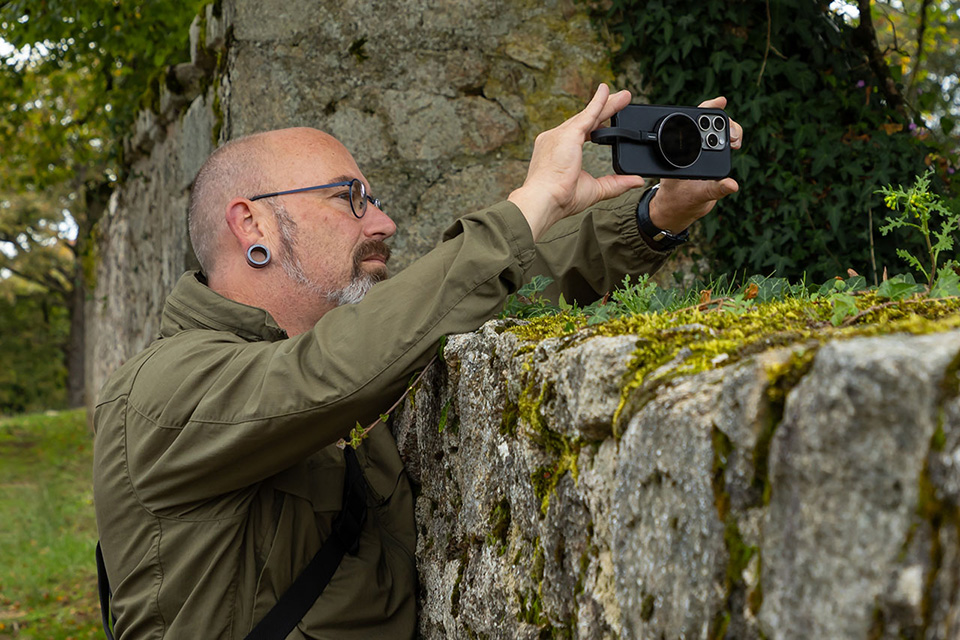
Recording in 4K resolution in ProRes uses a lot of memory. The video files become large, putting a considerable strain on the iPhone's internal memory. Even if you have plenty of internal memory, it quickly fills up.
Fortunately, you can save video directly to an external SSD drive. This also makes 4K 60p in ProRes possible, which is not available without an external SSD drive. Fortunately, the iPhone 15 and 16 now have a USB-C connection, making it easy to connect an SSD.
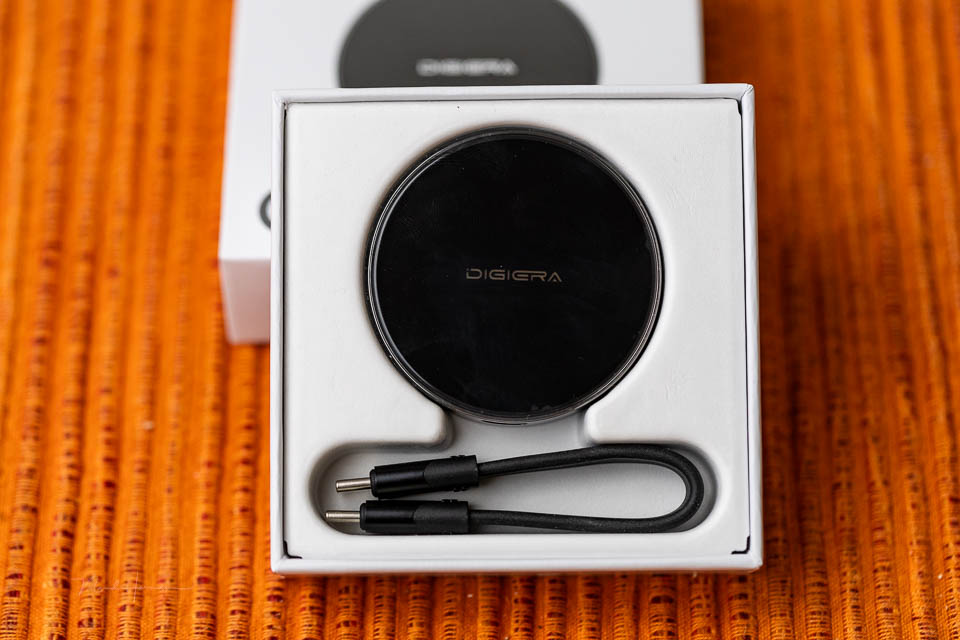
It is important that an external SSD drive does not need too much power. An iPhone's USB-C connection can deliver a maximum of 4.5W. If the external SSD requires more than that, it will not work.
There are several manufacturers that have entered this market and offer special SSD drives suitable for use with an iPhone. DigiEra is one of them. I was given a 1TB SSD drive for this review.
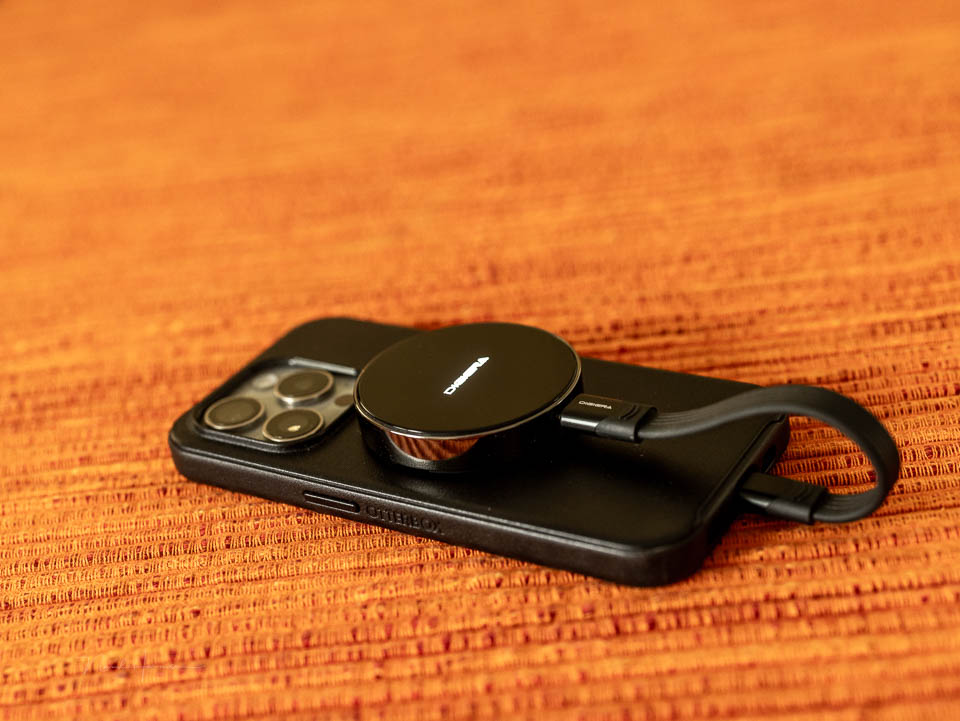
The DigiEra LPS2000M 1TB SSD
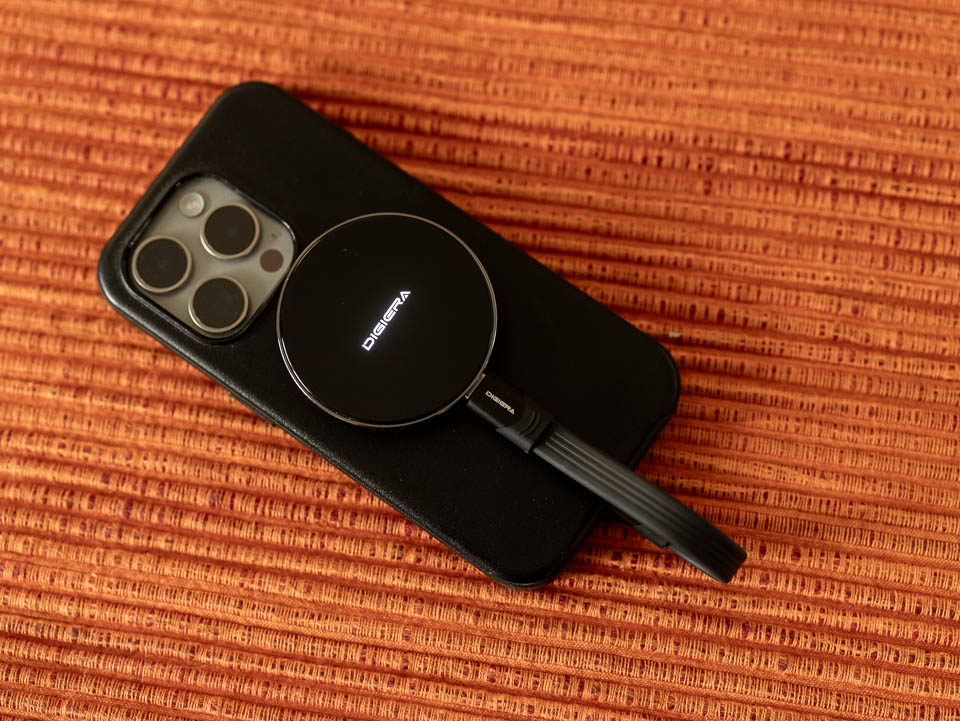
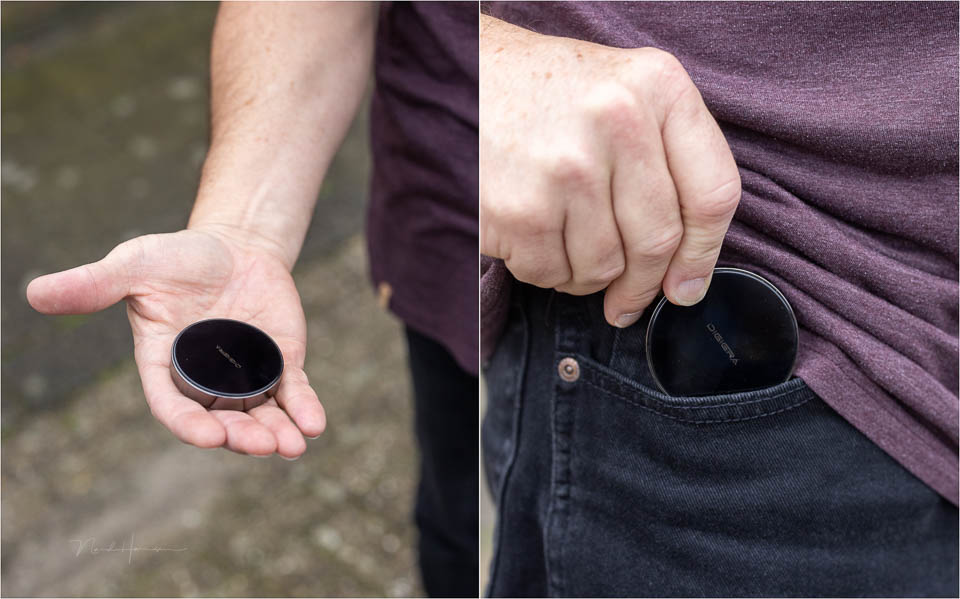
The manufacturer DigiEra offers an SSD drive specifically aimed at video with the iPhone. The drive is compact and round, weighing 46 grams. It has a magnetic connection suitable for the MagSafe system.
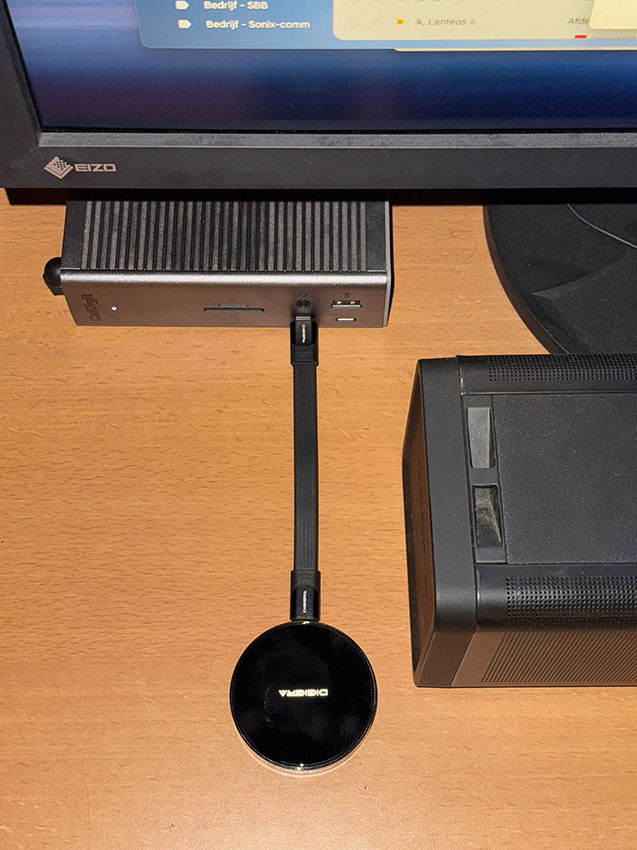
A 13-centimetre-long (short) USB-C cable connects the DigiEra SSD to the smartphone. This makes it very convenient to use, without long cables or a large separate SSD enclosure. As soon as you connect the SSD, the name of the drive lights up. A nice detail, and quite noticeable.
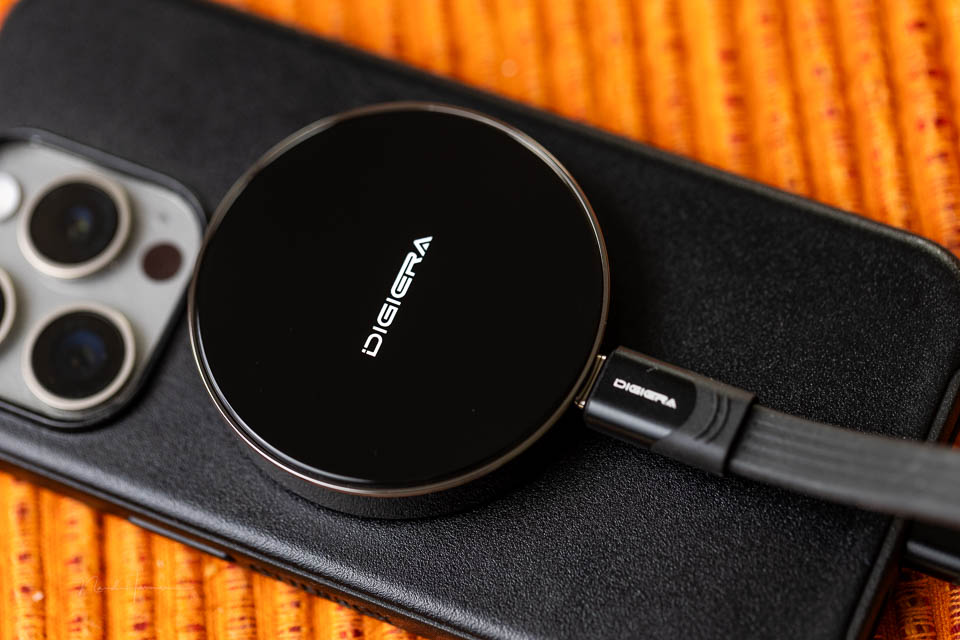
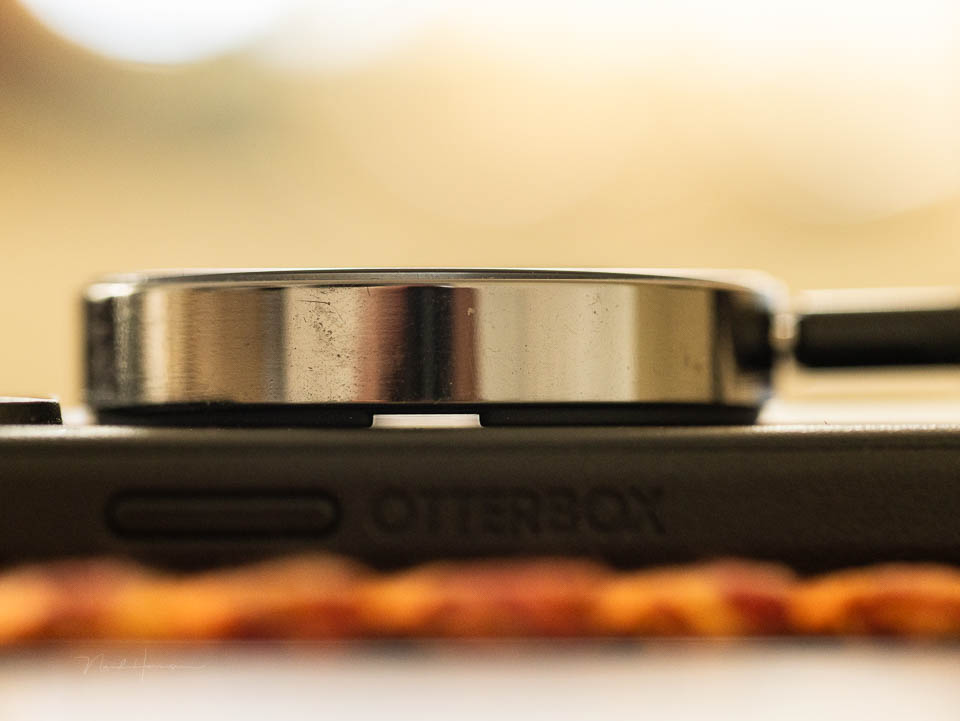
The enclosure of DigiEra's SSD drive is well finished and feels high-quality. The same applies to the cable. There is space between the enclosure and the iPhone when it is attached. This allows the SSD drive to cool down quickly. It gets rather warm during use, which is logical.
Data transfer speeds
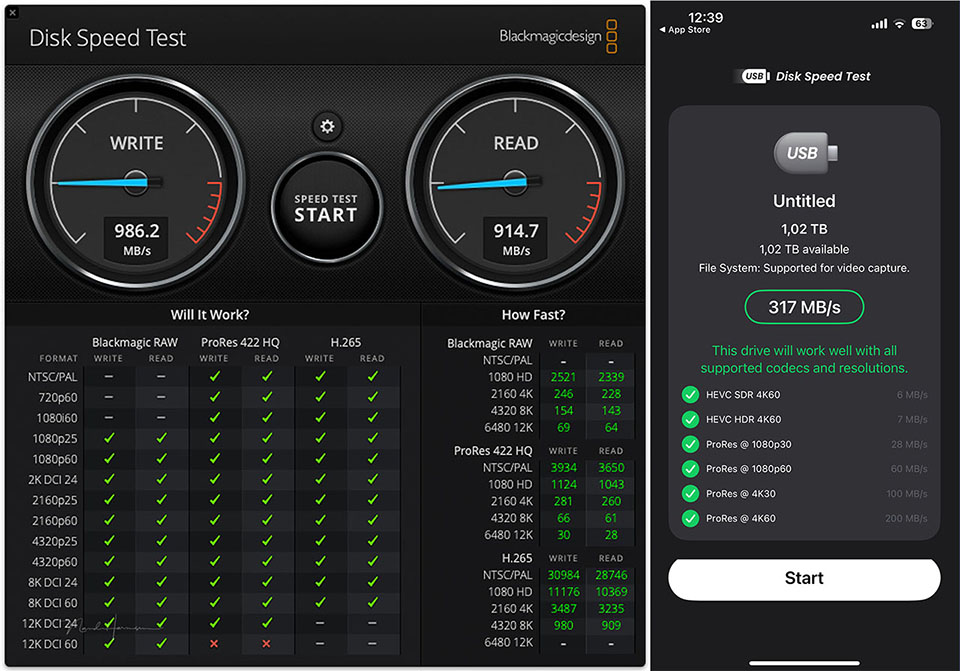
It is important to have sufficient write and read speeds. The write speed in particular must be able to handle the 400 MB per minute of data required for 4K 60p ProRes. I measured the DigiEra's write and read speeds, both on a MacBook Pro and the iPhone 15 Pro.
Using it in practice
Although this type of speed test gives a good indication of the speed, it may differ from real-world use. Testing with this type of software is not very accurate. I used the DigiEra 1TB SSD to make the video below, in 4K 25p in ProRes and LOG format.
With 4K 25p in ProRes, the DigiEra has no problem at all. There are no missing frames in the video recordings (dropped frames). The real test is 4K 60p in ProRes, a frame rate I personally hardly ever use. But the SSD drive must of course be able to handle it.
The DigiEra 1TB SSD has no problem with this resolution and frame rate either. The video recordings are good, without missing frames. This means that this external SSD is suitable for video recordings with the iPhone 15 and 16 at the highest quality and frame rate.
The video below was made from recordings taken in the woods one afternoon. In half a day, more than half an hour of footage was recorded in 40K 60p ProRes LOG. This used approximately 50% of the battery capacity of the iPhone 15 Pro.
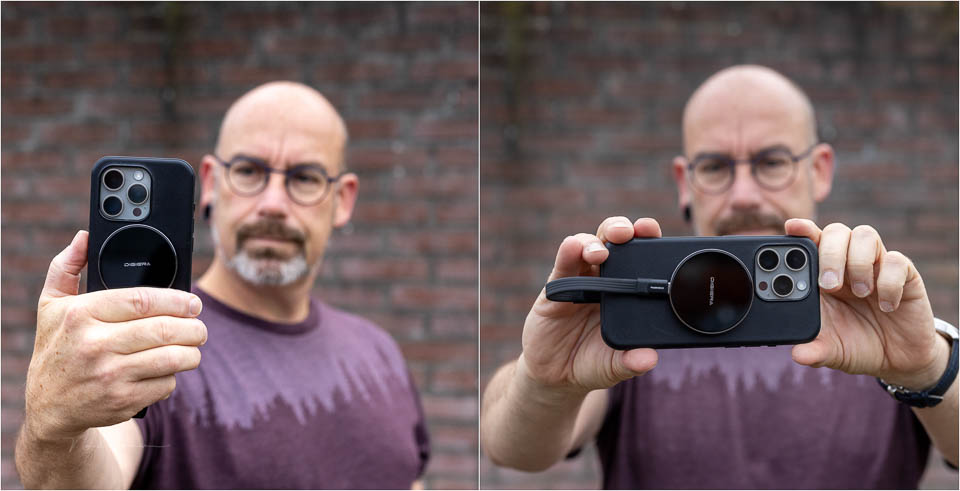
During use, the DigiEra 1TB SSD is attached to the iPhone via MagSafe, with the USB-C cable connected. This does mean that you can no longer connect another device. A microphone via USB-C is not possible, because the SSD cable is connected there.
A power bank via MagSafe for wireless charging is not possible either, because the SSD itself is there. Since the SSD needs power, it puts a greater load on the iPhone's battery. Having a power bank to hand is certainly necessary.
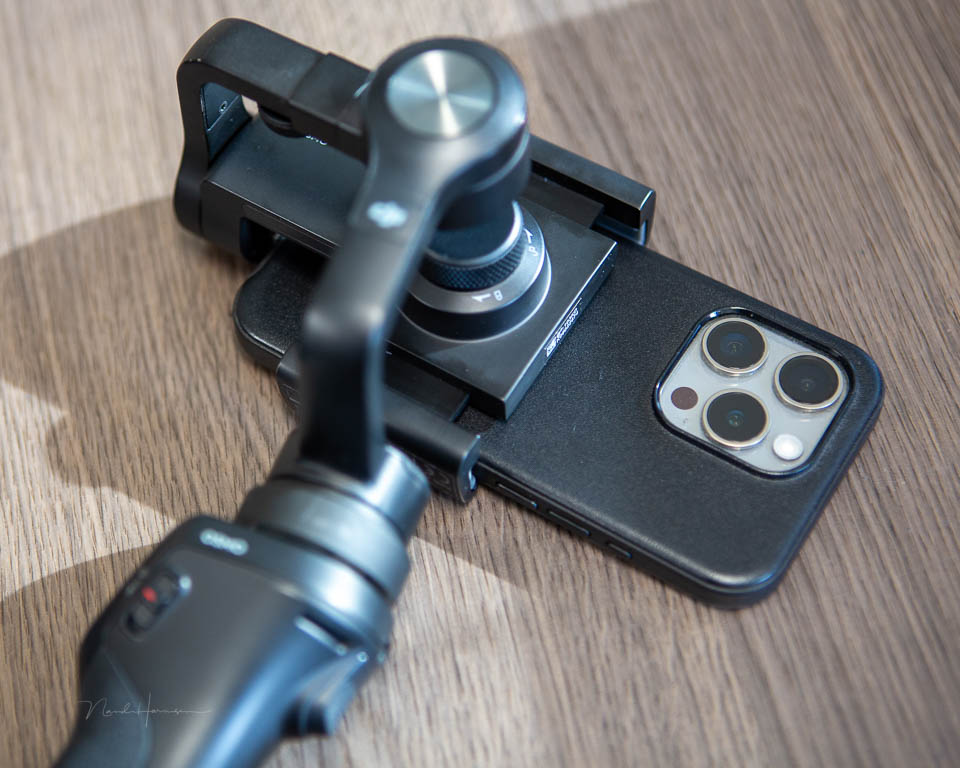
Using the DigiEra SSD drive makes using a gimbal virtually impossible. At least with the models I know. There are probably solutions for this too, but I did not have access to them.
The bottom line is that the DigiEra LPS2000M SSD drive is intended for handheld video recording. It works perfectly for this. When you are not recording, disconnect the drive and remove it from the MagSafe. You can then charge the smartphone's battery for a while.
Conclusion
Using an external SSD drive for video recordings with the iPhone 15 and 16 has some requirements. The SSD drive must be able to handle the data transfer and require less than 4.5W of power. Otherwise, it will not work.
The DigiEra LPS2000M SSD drive meets these requirements perfectly. The SSD drive is small, light and easy to use. You can take it with you easily and without worry. You can also use the drive to transfer files, or simply as an external SSD drive.
The DigiEra gets warm during use, but also cools down well. The design is smart and simple, with sufficient ventilation space. One disadvantage is that it occupies the MagSafe, meaning that a wireless power bank can no longer be connected. This is not specific to this SSD drive.
I can certainly recommend the DigiEra to anyone who needs an external SSD drive for the iPhone 15 or 16. But especially to anyone who records a lot of video. You can choose from several colours, so you can match the SSD drive.
There is a choice of 512 GB, 1TB and 2TB drives. For most situations, a 1TB drive will be sufficient. The price need not put you off. These range from 100 to 250 euros, depending on the capacity. The DigiEra SSD drive can be obtained via the website.
With thanks to DigiEra for providing this SSD drive.
About the author
Nando Harmsen has been photographing for more than 40 years. He specialises in wedding photography and landscape photography. Nando also gives talks, workshops, masterclasses and photo trips, and regularly reviews new and interesting equipment.
You might also like
-
 Review: Photographing with the iPhone by Scott Kelby
by Elja Trum
-
 Using an external monitor for photography on a camera
by Nando Harmsen
-
 Review: iPhone XS, the latest iPhone camera
by Lars Paymans
-
 5 reasons to use an external recorder when filming
by Nando Harmsen
-
 Review: Canon EOS R3
by Nando Harmsen
0 comments
Be the first to share what you think!
Have your say
Please note: Articles older than a week can only be commented on by signed-in visitors.Would you still like to comment? sign in or create a free account.
Become a better photographer every week
A practical photography tip in your inbox every week.
38,885 photography enthusiasts already receive the tips! More about the weekly mail. Or keep up to date via  Facebook.

Elja Trum
Photofacts; everything to do with photography!
Would you like to take better photos and keep up with what is happening in photography? Photofacts publishes articles that teach you something about photography — from a product announcement to a practical shooting tip or a look at a website. Photofacts covers photography every day and is a hobby project of Elja Trum's that got out of hand. The articles are written by a team of volunteer authors. If you would enjoy writing one or more articles for Photofacts, do get in touch.More about PhotofactsPhotofacts is made possible in part by
