

Review: Canon EOS R3
Friday 10 December 2021, 11:33 by Nando Harmsen | 6,282 views | 8 commentsThis article was translated from Dutch with the help of AI. Read the original.
Canon lent me the new Canon EOS R3 for several days. I was free to test the camera as I saw fit.
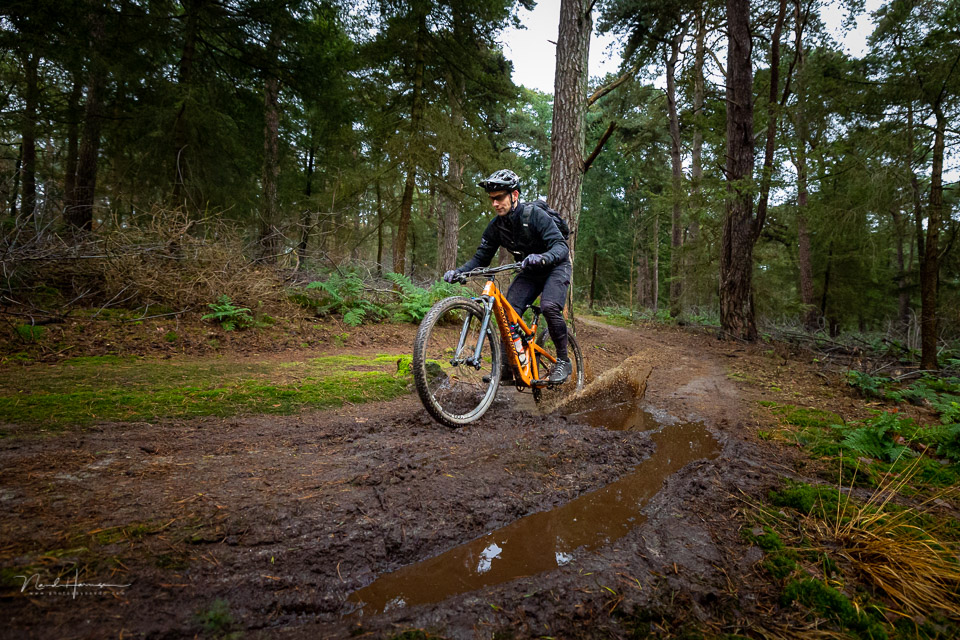
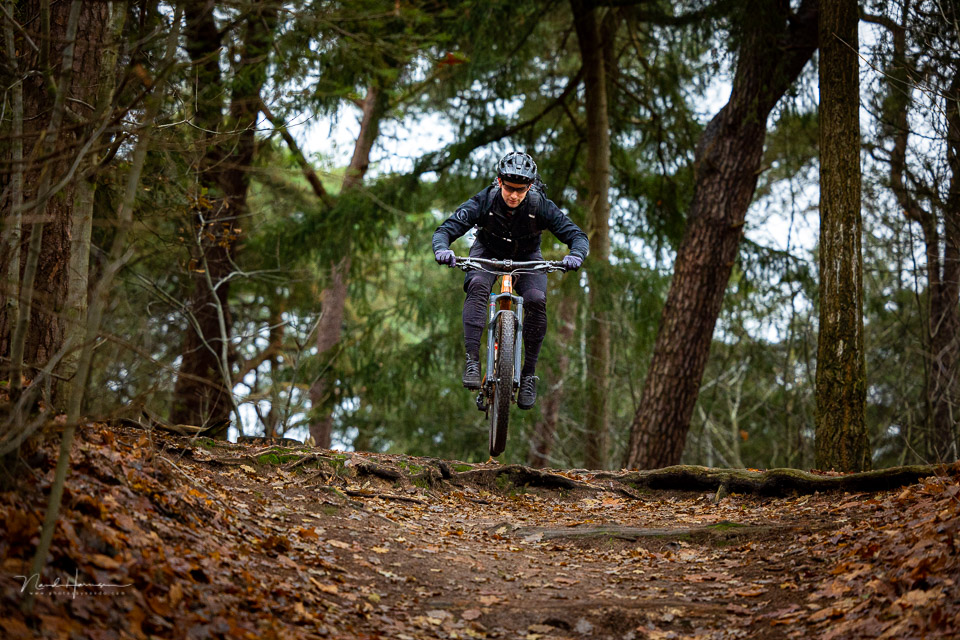
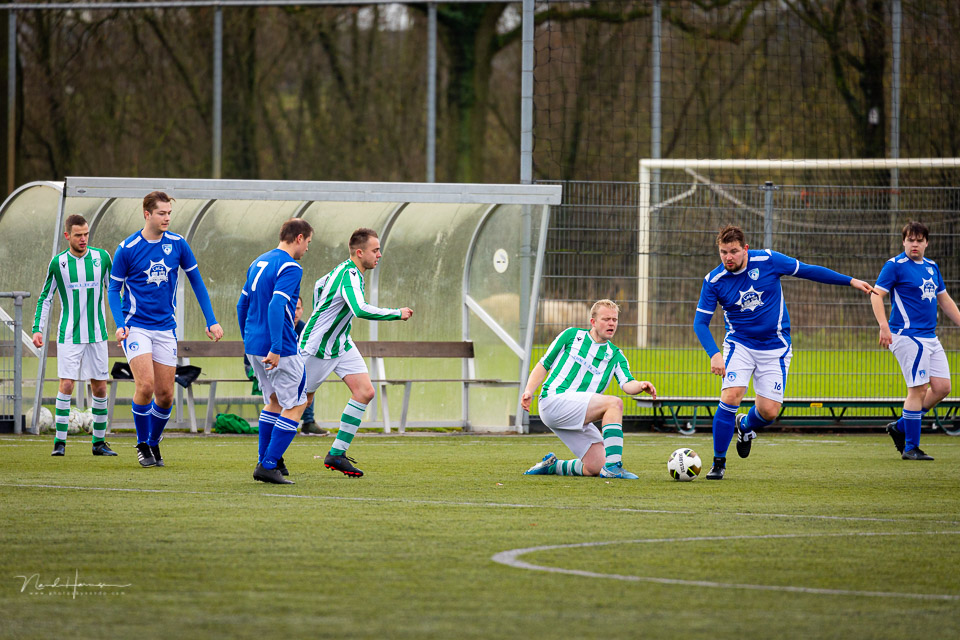
I went out to photograph action, the type of photography this camera is particularly suited to. In this review, you can read my experience and opinion of the Canon EOS R3.
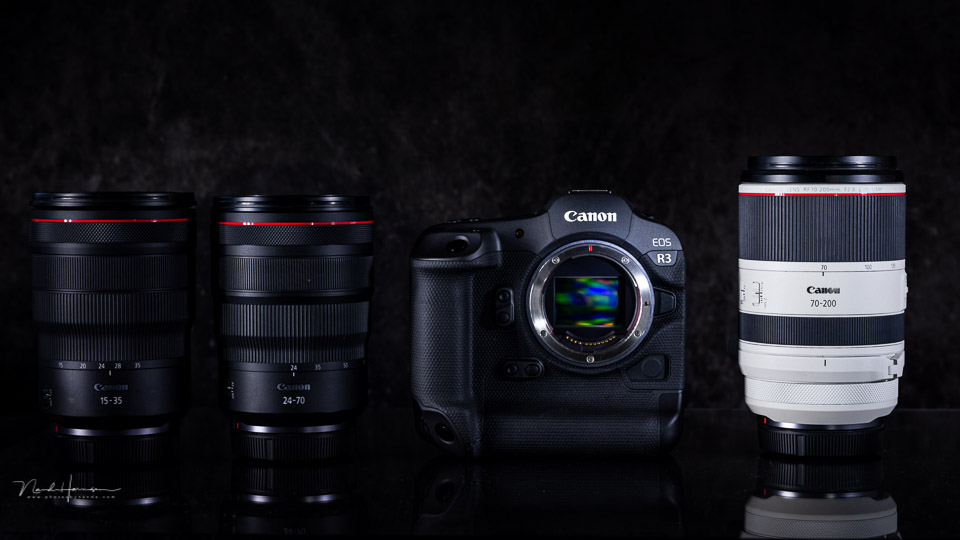
After the launch of the successful Canon EOS R5 and EOS R6, it was naturally only a matter of time before a new family member arrived.
Although many expected this to be a model that would be more or less a mirrorless version of the Canon EOS 1Dx mark III, Canon turned out to launch a different camera. This is not an EOS R1, but the Canon EOS R3.
The key features at a glance
- 24-megapixel stacked CMOS Dual Pixel AF sensor
- Electronic shutter up to 1/64,000 sec
- 30 frames per second with electronic shutter, in full 14-bit Raw
- 5.69-megapixel EVF with eye control for AF
- Eye AF for people and animals, and vehicle detection
- Very extensive options for setting AF behaviour
- No blackout in the viewfinder, with electronic shutter
- HDR viewfinder function to simulate an optical viewfinder
- Electronic shutter has a flash sync speed of 1/180 sec
- PQ HDR recording in 10-bit HEIF files
- Dual Pixel AF with improved subject recognition
- AF works down to -7.5 EV, with an f/1.2 lens
- CFexpress Type B and UHS-II SD memory card slots
- DCI and UHD 4K video up to 120p and oversampled up to 60p
- Raw video or 10-bit C-Log3 video recording
- Hot shoe with interface
- Image stabilisation up to 8 stops
The appearance of the Canon EOS R3
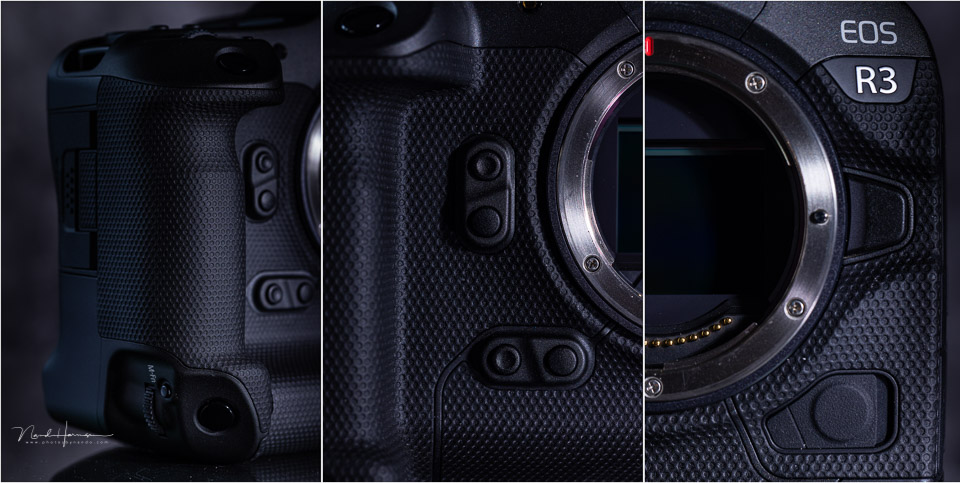
Just like the Canon EOS 1D series, the EOS R3 has a built-in grip containing the large battery we know from all other EOS 1D series cameras. But that is where the visual similarities largely end. Although the button layout is partly similar, we still see the typical button layout of the R series
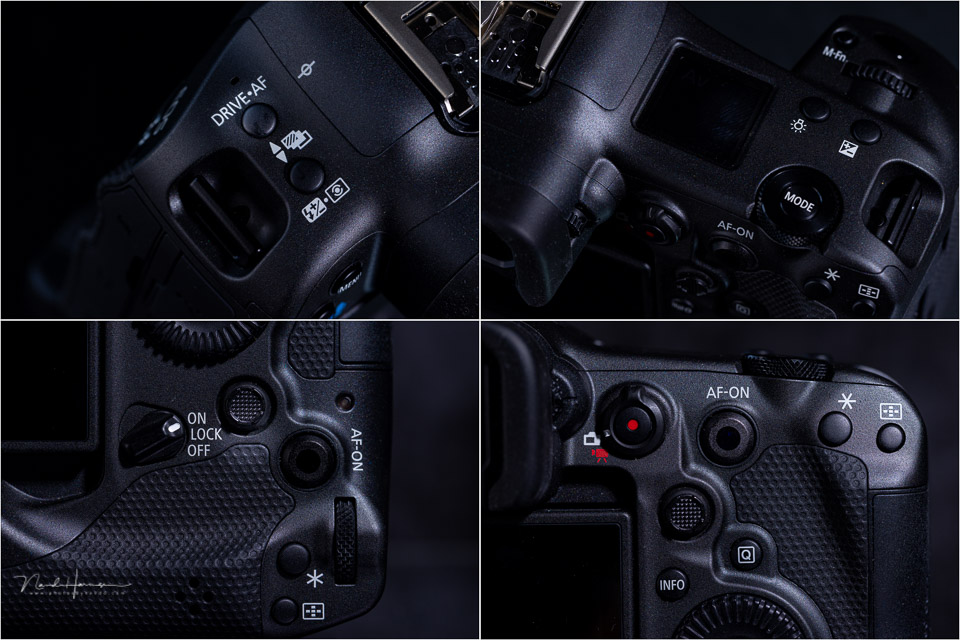
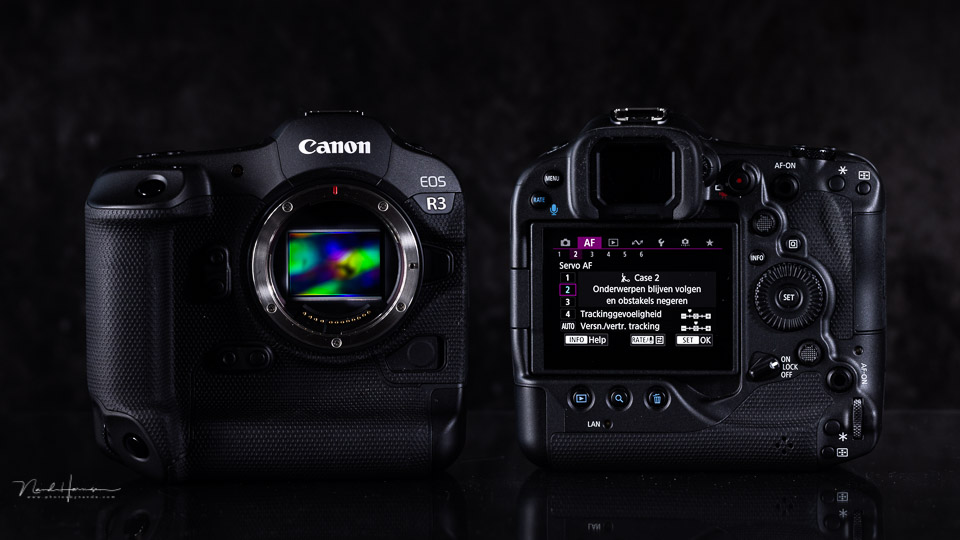
This may take some getting used to for those coming from the EOS 1D series, but for anyone who has already photographed with a mirrorless Canon camera, it feels very familiar. On top of the camera is the square screen and the mode button, like those on the Canon EOS R5. On the back of the camera, however, the typical second LCD screen from the 1D series is missing.
The LCD screen with touchscreen function
What you do find on the back of the camera is a tilting 3.2-inch LCD screen. This is the first time Canon has given a camera of this calibre a tilting screen.
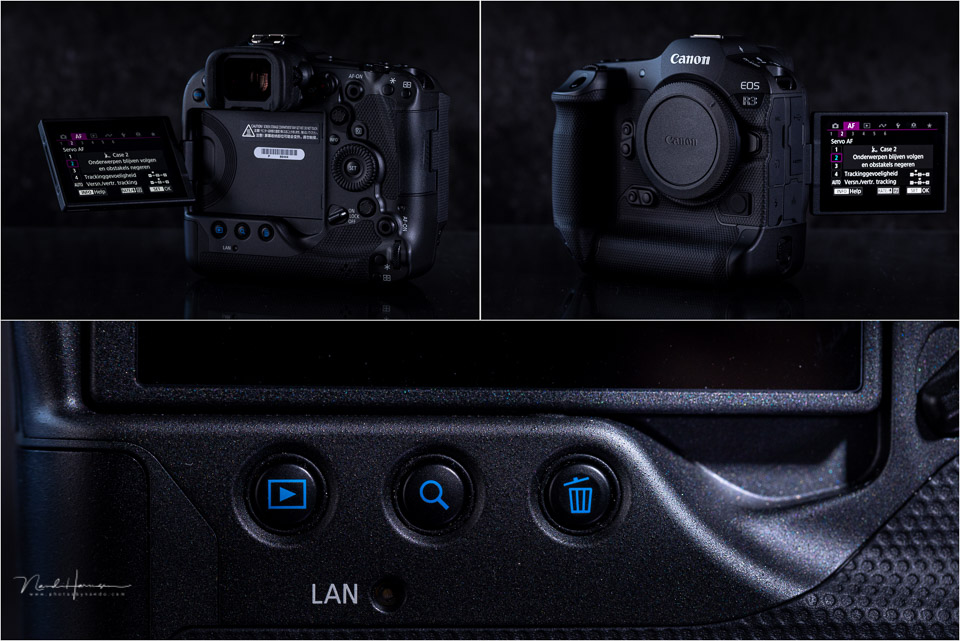
Like all EOS models, it has the familiar menu structure with full touchscreen functionality. You can operate both the menu and the Q menu via the touchscreen. You can also use the touchscreen to place the AF point and drag the AF point. Even while looking through the viewfinder.
The autofocus options
What is particularly special about this camera is almost entirely found in the autofocus system. Canon has added a function that we saw for the first, and last, time in the analogue EOS 3. Autofocus control using your eye, but much better than it was with the EOS 3 at the time.
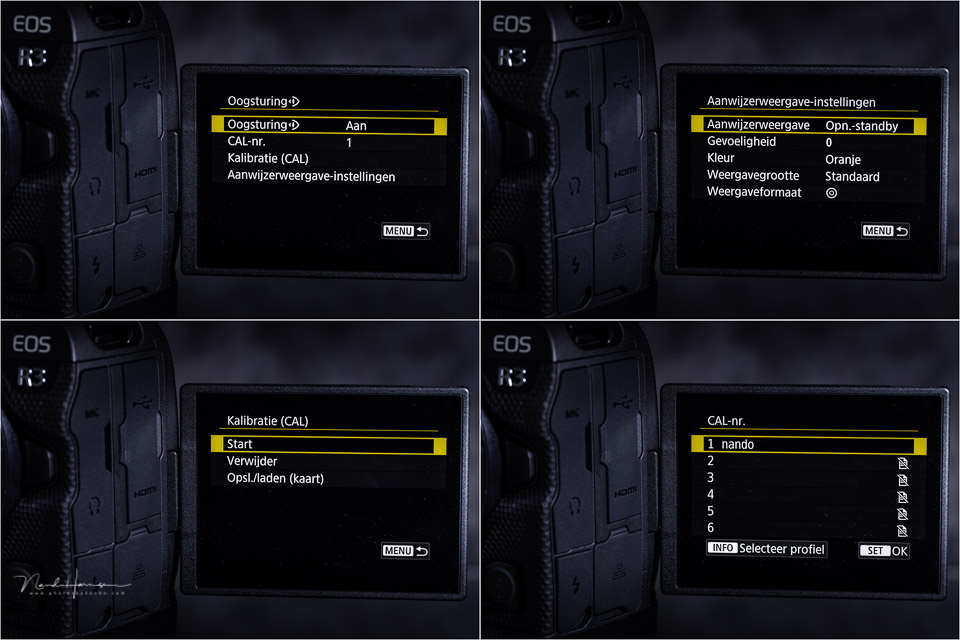
The viewfinder has sensors that can detect where you are looking. The camera can then automatically place the autofocus point there. In other words, when you activate AF, it will happen where you were looking in the viewfinder.
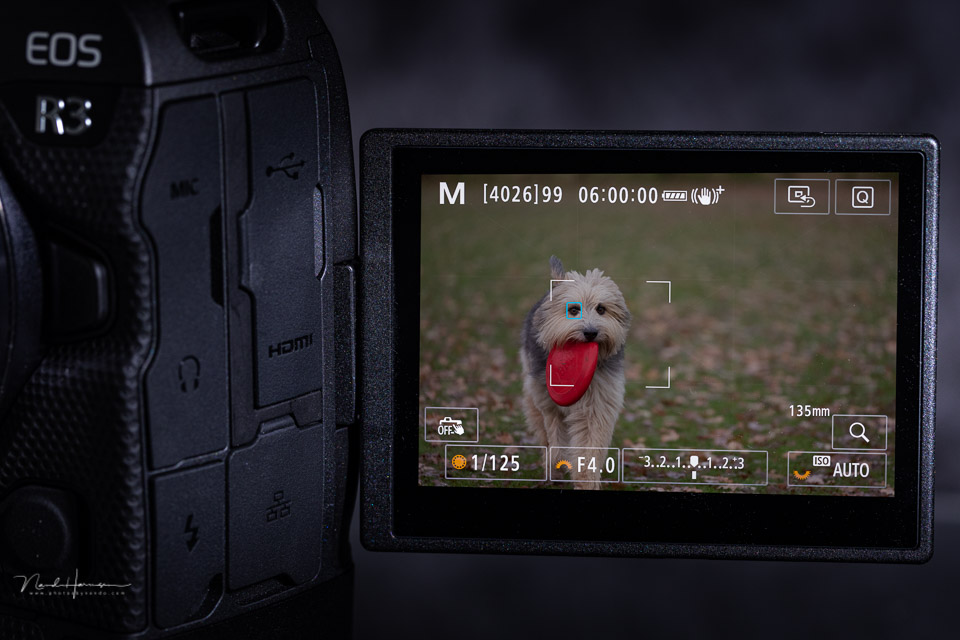
This system may seem like a gimmick, but it works surprisingly well. It works very quickly, which is essential for fast action. You also have to combine it with one of the other AF settings. It is not a standalone system, but must be used together with the desired AF setting.
You can calibrate the eye sensors, and there is room for several memory banks, each of which you can give a name.
Bear in mind that your eye only indicates where you want to focus. It is not the case that focusing takes place while you look through the viewfinder. Nor does the AF follow your eye when you activate AF. Your eye only indicates the starting point.

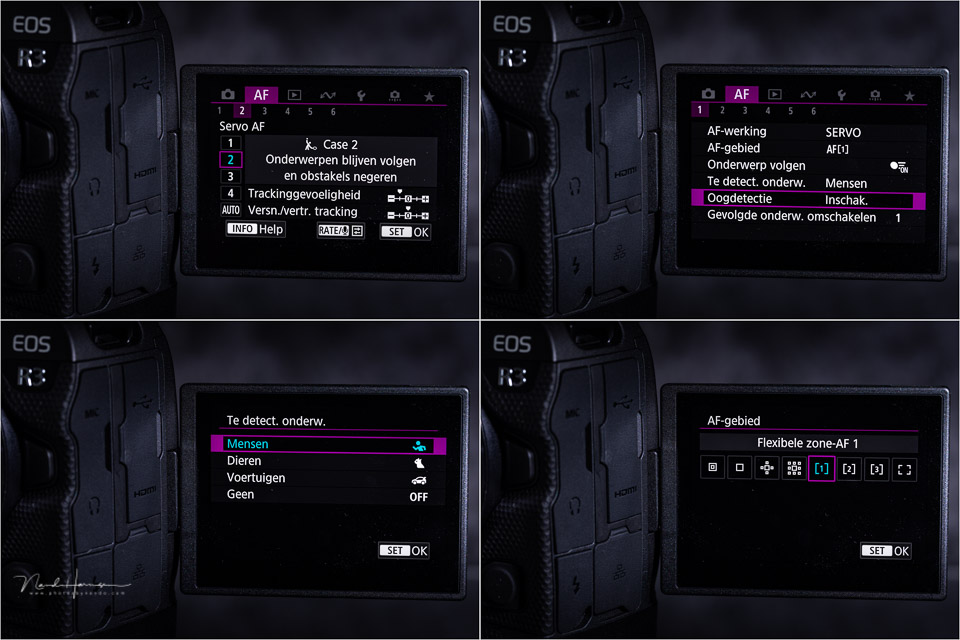
Alongside eye control, there are of course the familiar autofocus options we know from mirrorless systems. There is eye AF for both animals and people, and Canon has also added vehicle recognition. In principle, this is intended for sports vehicles, but I found that it also works well for ordinary vehicles.
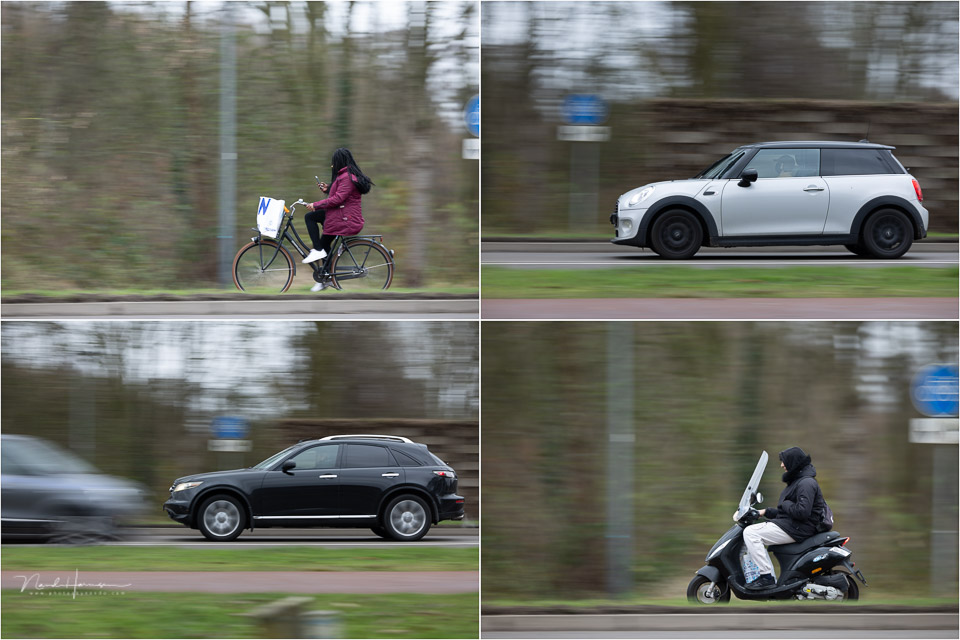
I had already seen with the Canon EOS R5 and EOS R6 that the eye AF of the Canon system works particularly well and accurately. It is therefore no surprise that this is also the case with the EOS R3. Combined with eye control, it works incredibly quickly.
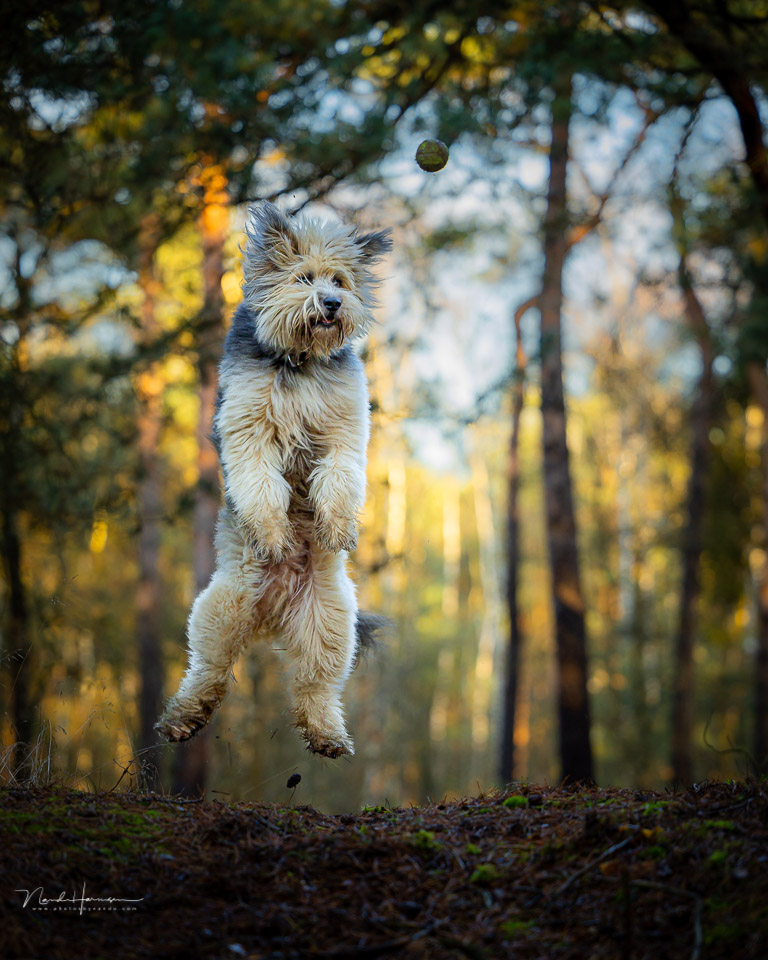
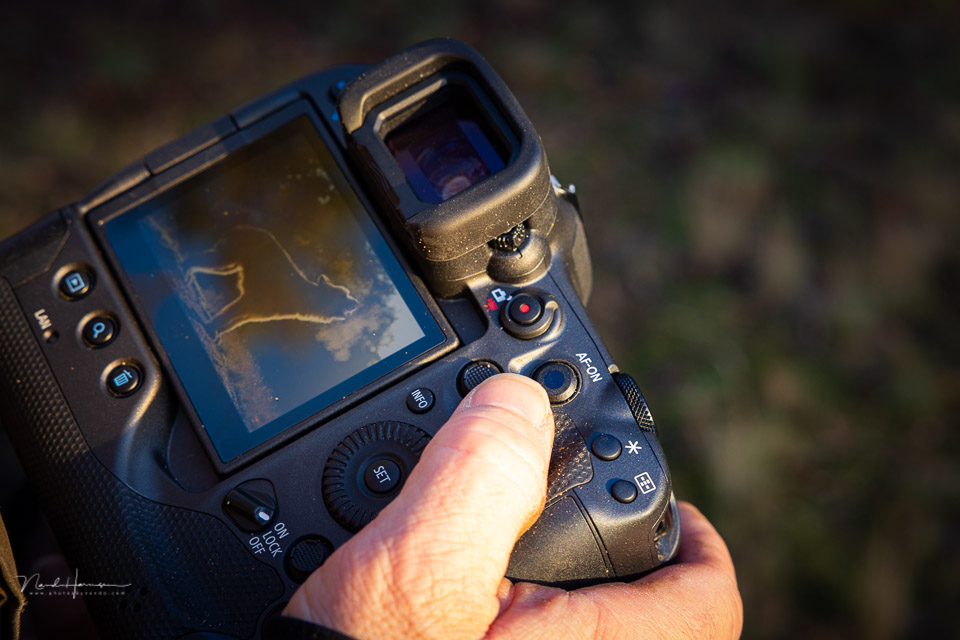
As if that were not enough, you can also drag your AF point to the desired position via the touchscreen. Finally, the EOS R3 has the smart controller on the AF-ON button, which I found so pleasant to use on the EOS 1Dx mark III.
This gives the new EOS R3 many different ways of working with AF. Enough to use your own familiar method.
Camera speed
The Canon EOS R3 is very fast. With the mechanical shutter, you can shoot at up to 12 frames per second. The buffer is large enough to keep shooting at this speed indefinitely.
During a speed test with the camera set to jpeg+ craw and 12 frames per second with the mechanical shutter, I eventually stopped shooting after a burst of 1,500 photos.
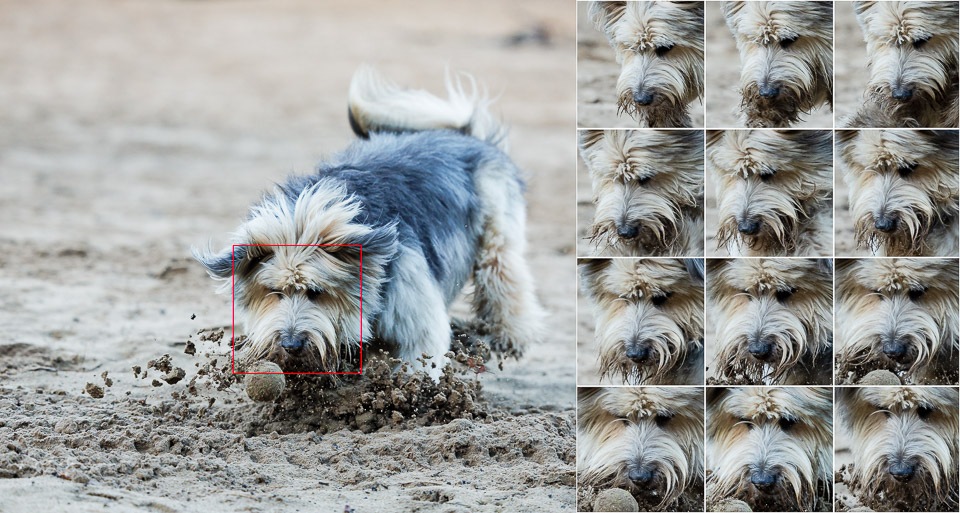
In the electronic shutter modes, the camera is even faster. It is then possible to shoot up to 30 frames per second. In this case, the buffer holds up for 100 images before the speed drops.
Here too, I photographed in jpeg+ craw. If you choose a different file format, this number will probably be higher. Unfortunately, I did not test this.
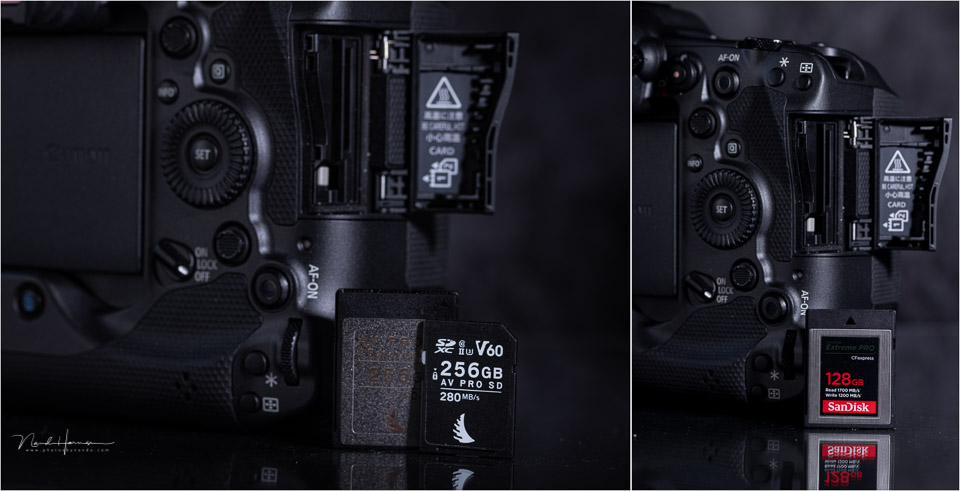
The camera requires a CF Express Type B card and a UHS-II SD card. Choose a good, fast card to make full use of the camera's capabilities.
For this test, I used a Sandisk Extreme Pro CF Express Type B card with 128 gigabytes and a write speed of 1,500 MB/s. Faster cards are available, but this one performed perfectly.
Combine this speed with the fantastic autofocus, and no action is too fast for you. The only thing left is choosing the best AF setting. The EOS R3 gives you many options for configuring the AF system to suit your own preferences.
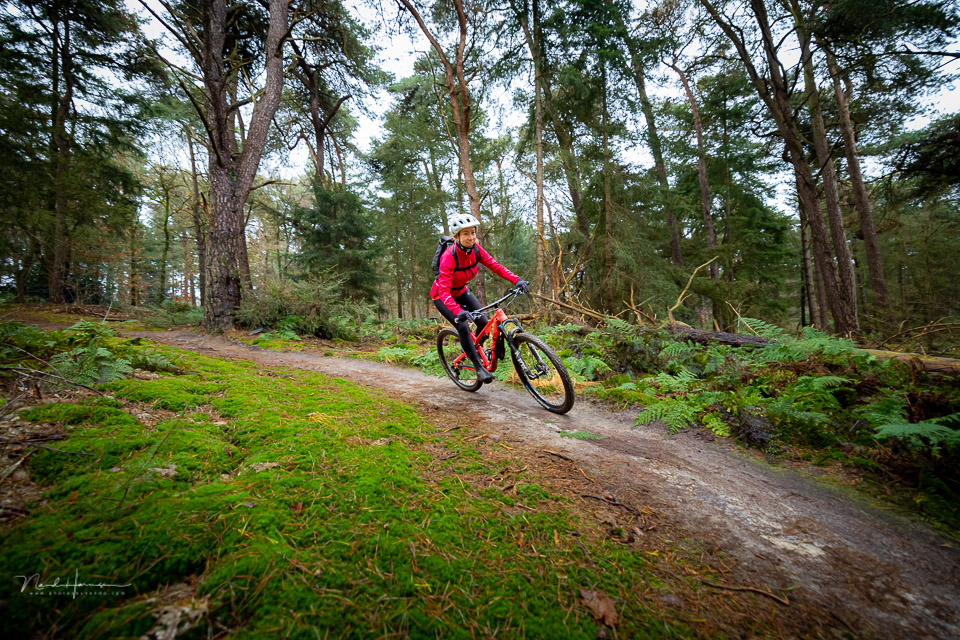
Image quality
The Canon EOS R3 uses a stacked 24-megapixel sensor. That may not sound like much, especially compared with the Nikon Z 9 or the Sony A1, but it is more than enough for most photographers.
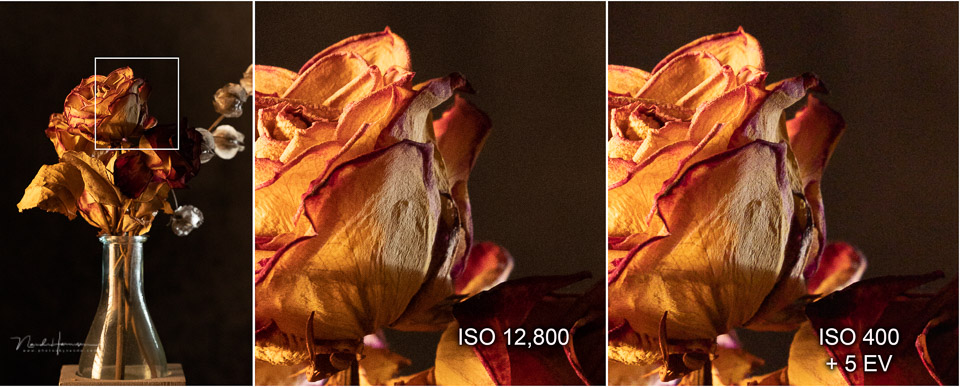
The camera has an ISO range between ISO 100 and ISO 25,600. You can extend this further if you wish. The image quality and noise levels are very good. It is possible to raise an underexposed photo taken at ISO 400 by 5 stops in post-processing, with noise levels matching an ISO value that is 5 stops higher.
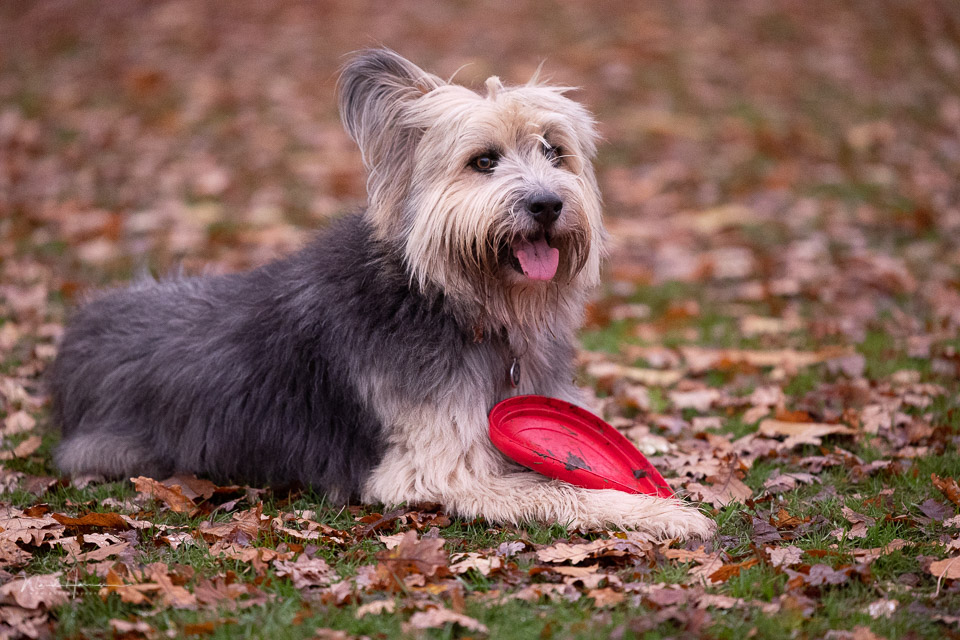
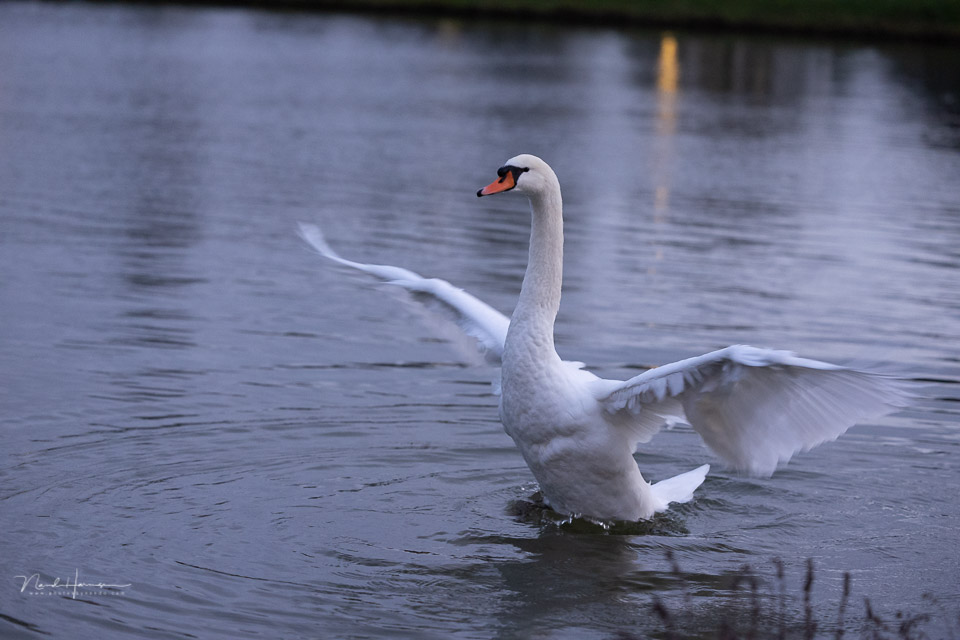
During the test period, I had many dark days, when I regularly had to set the ISO value to the maximum to get a sufficiently fast shutter speed. Although there is certainly some noise visible, it is well controlled, with plenty of detail in the image.
Experiences while photographing
What matters for a camera is how easy it is to handle. The Canon EOS R3 is a large camera, but certainly not too large or heavy.
It is smaller than an EOS R5 or EOS R6 with a battery grip, and weighs just a little over a kilogram. Compared with the EOS 1Dx series, it is a light and easy-to-handle camera.
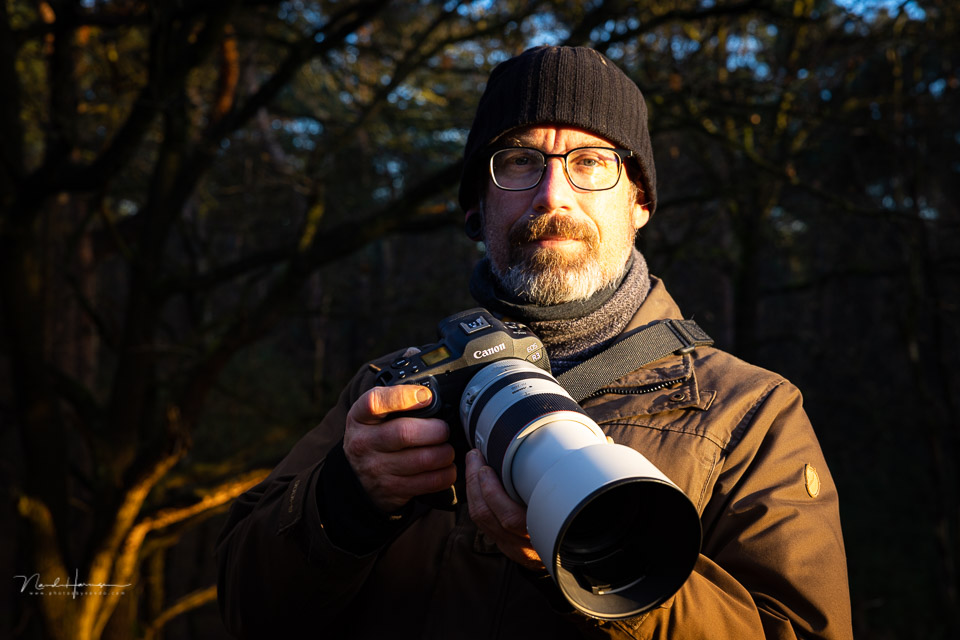
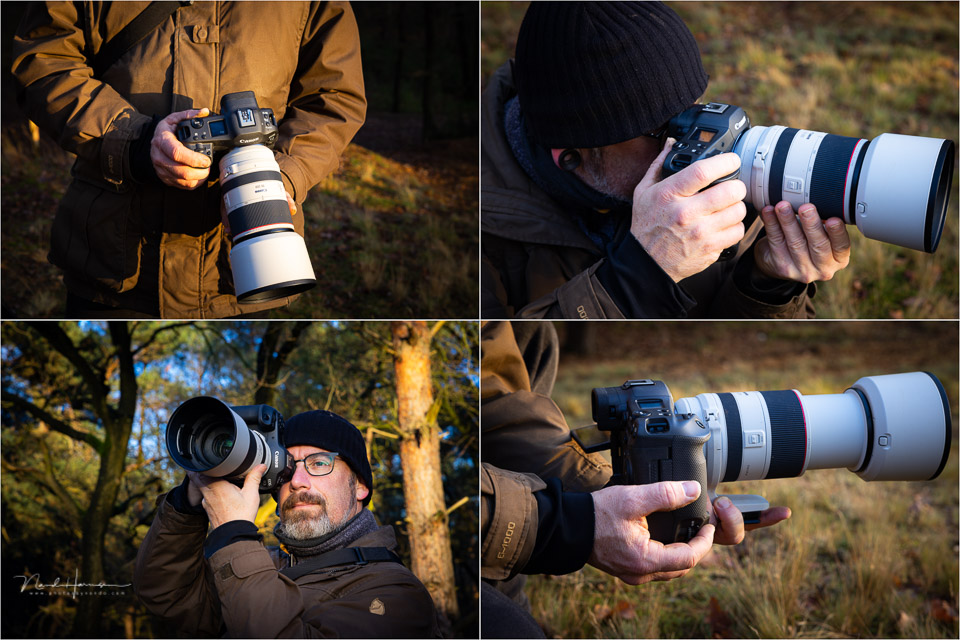
There is a good balance in both horizontal and vertical orientation. The tilting screen also makes it easy to photograph from awkward viewpoints. The recess made in the body makes it easy to unfold the tilting screen. Even when wearing gloves.
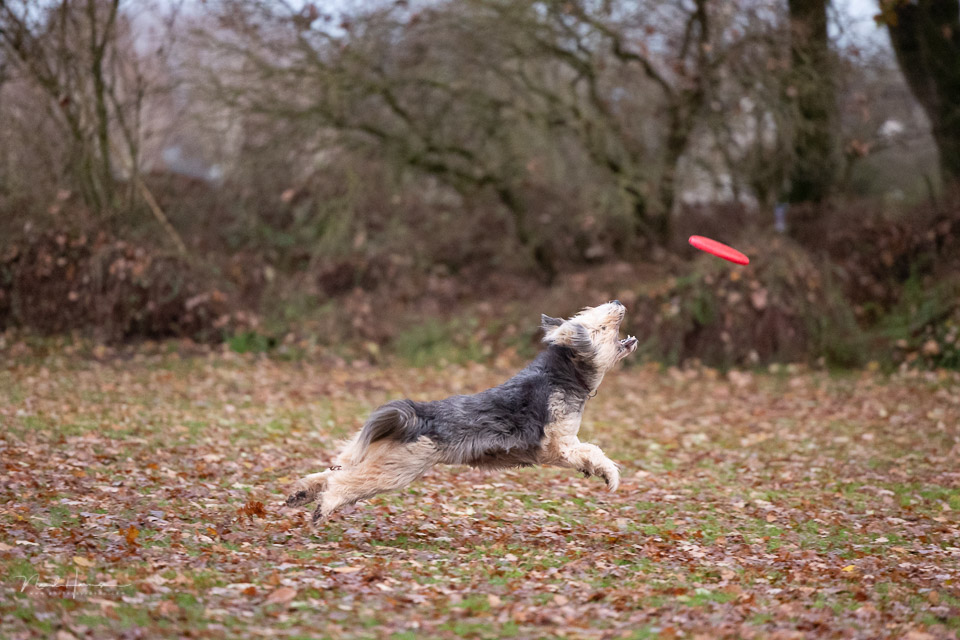
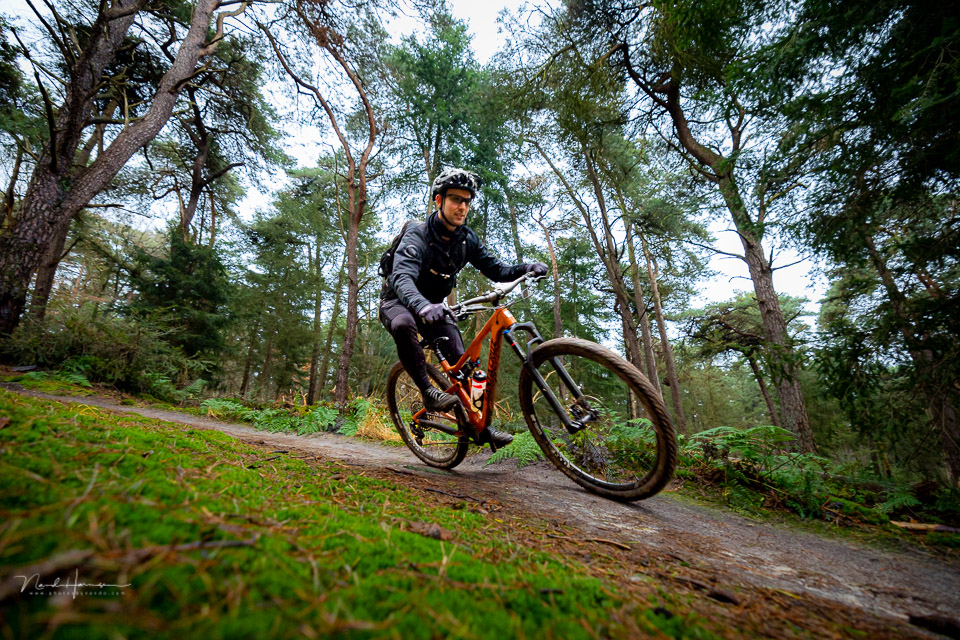
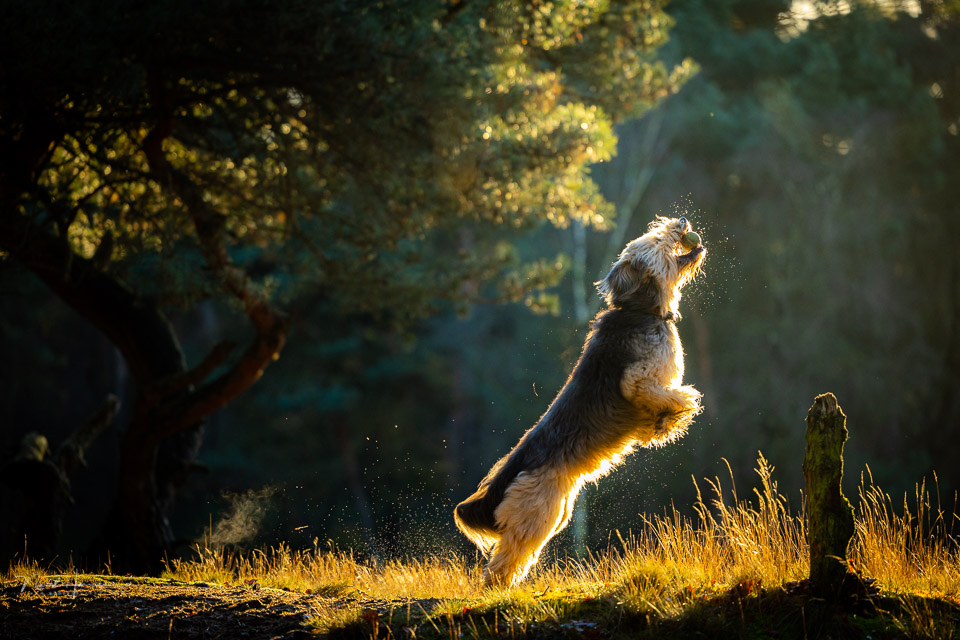
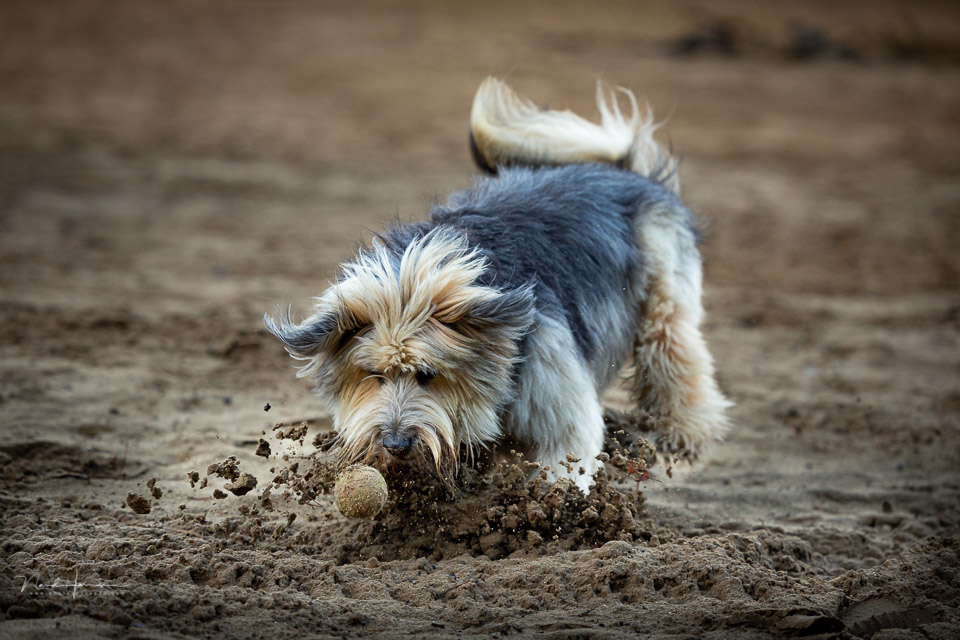
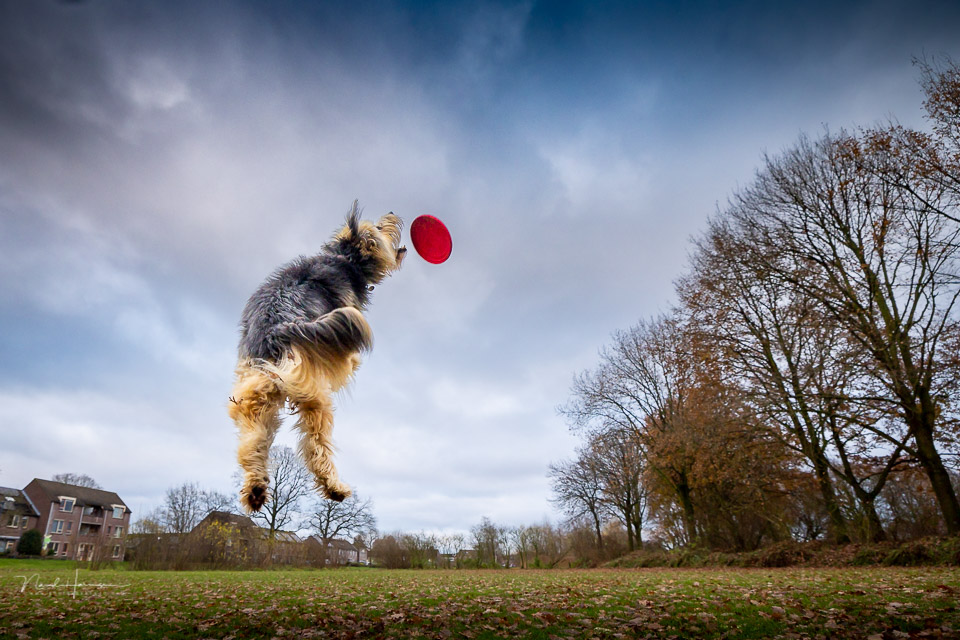
The frame rate and accuracy of the AF are impressive. It does require choosing the right setting, depending on the sport you are photographing. Football is fairly straightforward, but when you have to follow a mountain biker through a forest, the wrong setting can cause problems.
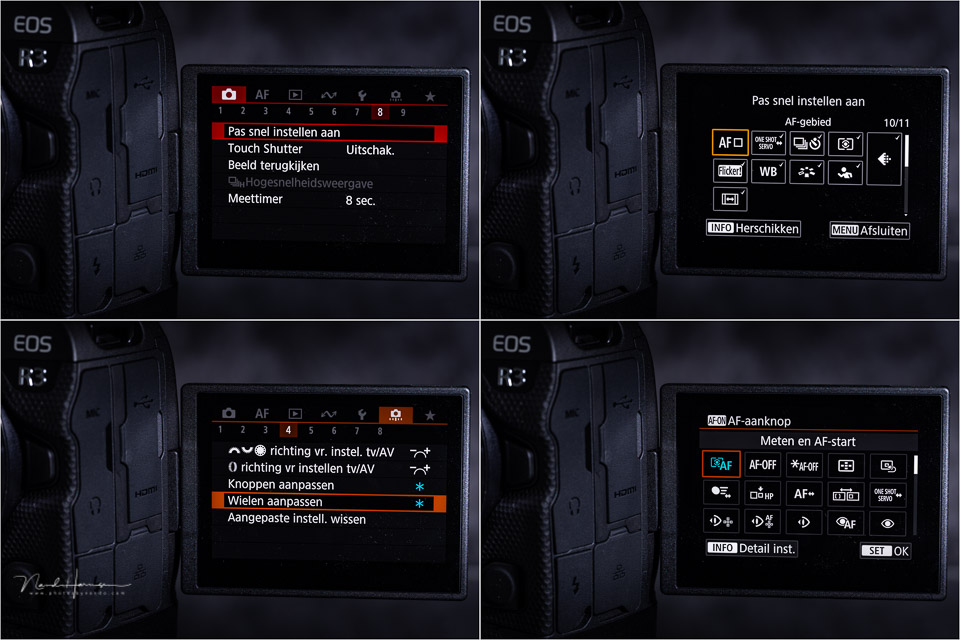
The camera has the unique option of programming multiple buttons for AF. You can program the AF-ON button for one sport, for example, and the button with the asterisk (*) for another sport. The settings you can choose from are very extensive.
My conclusion
I can keep my conclusion very short. The Canon EOS R3 is a fantastic camera that is particularly suited to its purpose: action photography.
The camera offers extensive setting options, and its flexibility makes it very easy to configure everything exactly to your own preferences.
The eye control for AF works better than I expected. It is not suitable in every situation, but you can switch it off at the press of a button. Eye AF finds and follows your subject from a great distance. When the eye leaves the frame, the camera switches seamlessly to the face, head or torso.

What I initially found disappointing was the lack of a 'no preference' option with eye AF. Still, I noticed that the camera is not too selective.
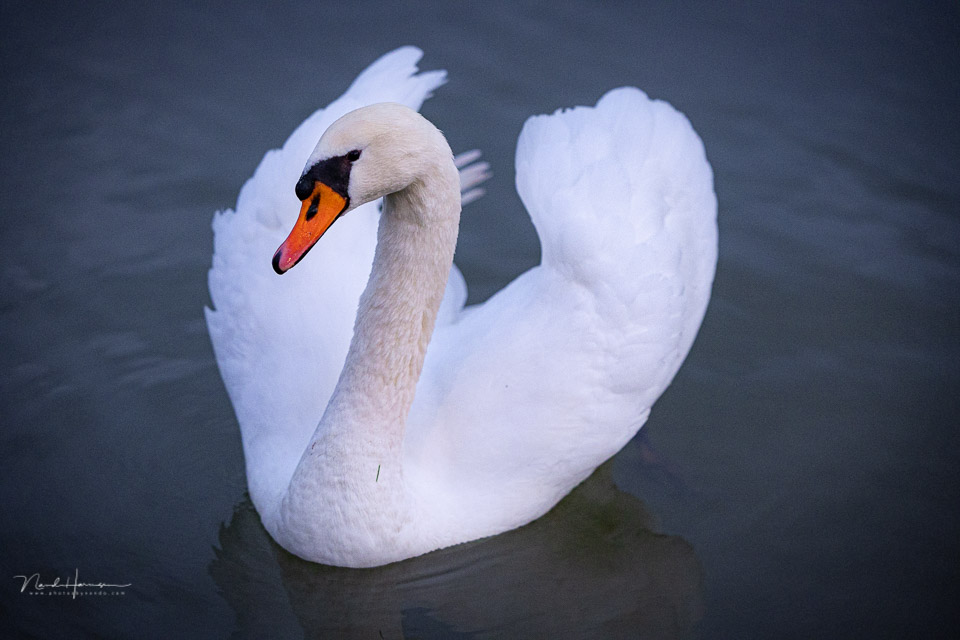
With eye AF for animals, a person will also be recognised. I suspect it is more a matter of priority, with the camera looking for other subjects when the selected subject is absent.
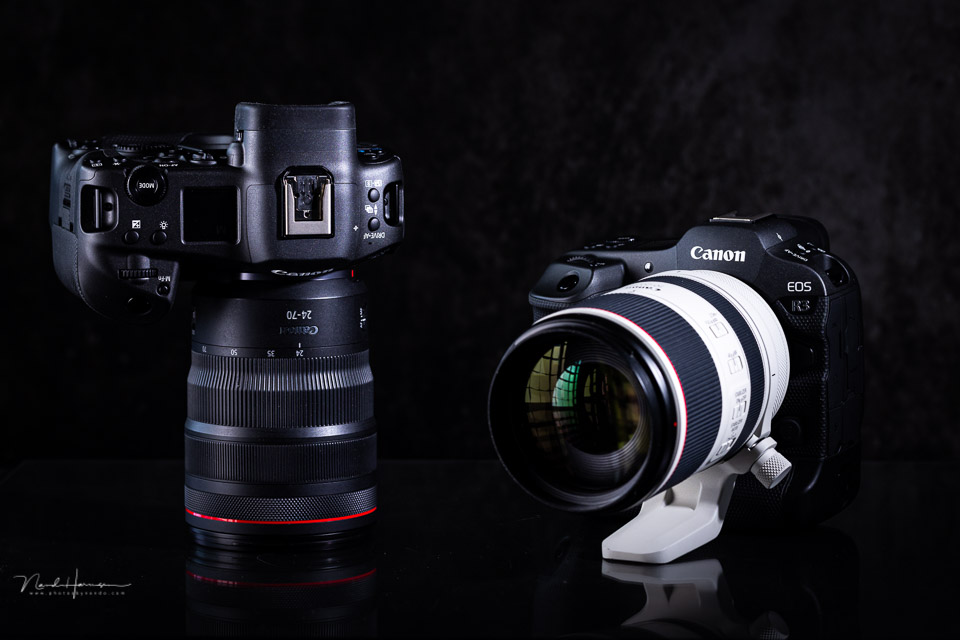
Although the camera is larger and heavier than, for example, the Canon EOS R5, the difference is certainly not great. The camera seems to nestle completely in your hand, with all the buttons and dials within easy reach.
The lack of a PASM button is still a drawback for me. On the other hand, the mode button is also very useful, and you can disable the modes you do not use.
What I like
- Very well thought-out ergonomics
- Camera can be configured completely to your preferences, including the AF system
- Eye control AF works well
- Smart controller in the AF-ON button
- Large buffer that also writes quickly to the memory card
- Good dynamic range
- Tilting screen with a sufficiently large recess in the rear panel
- Auto bracketing directly within reach
- Older batteries from the 1D series can be used
- Custom buttons on the front for both horizontal and vertical orientation
- Camera is not too heavy despite its size, 1014 grams including battery
- Eye AF works even when the subject is very small in the frame
- Large and bright electronic viewfinder with optical viewfinder simulation
What could be better
- Shutter speed is still limited to 30 seconds before Bulb has to be activated
- Limitations on the functions that can be programmed for custom buttons
- No option to have eye control activate AF automatically
- No PASM dial, this has to be done via the Mode button
The video functions of the Canon EOS R3
It is clear that the Canon EOS R3 was not specifically intended as a video camera, although it has enough functions to perform very well in that area too.
You of course have FHD and 4K available at the usual frame rates. In both 4K and FHD, you can switch to 100 fps.
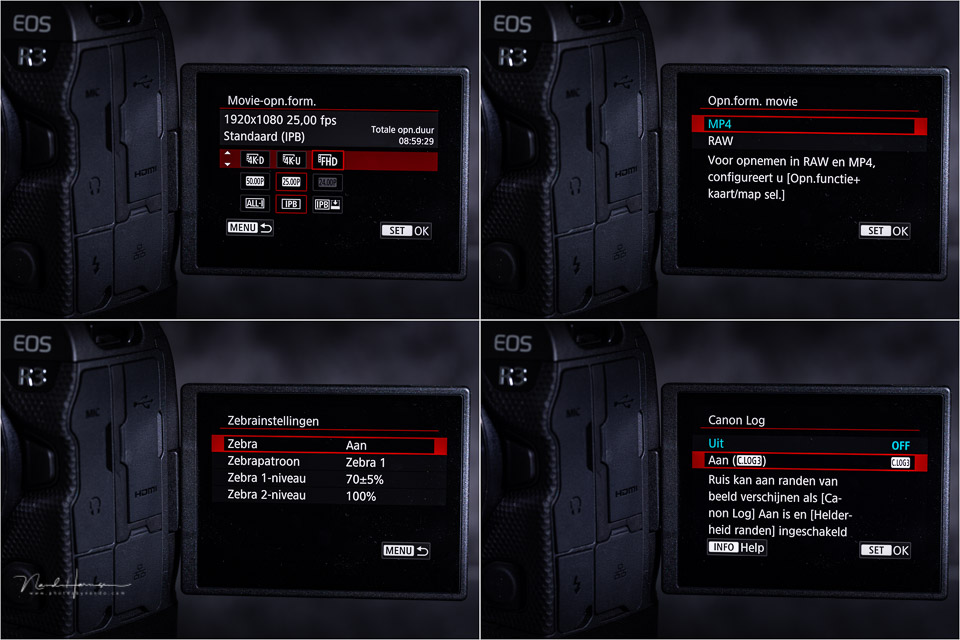
A quick test showed that the camera does not suffer from the rolling shutter effect. At least, it is not noticeable.
The sensor readout speed is therefore fast enough to film fast action properly. You can notice the rolling shutter effect in the viewfinder, however, even though it cannot be seen in the footage.
Despite its capabilities, the Canon EOS R3 is certainly not the best choice for video makers. But for the action photographer, it is certainly recommended. The Canon EOS R3 is available for 6,099 euros.
Gallery

About the author
Nando Harmsen has been photographing for more than 40 years. He specialises in wedding photography and landscape photography. Nando also gives talks, workshops, masterclasses and photo trips, and regularly reviews new and interesting equipment.
You might also like
-
 Review: Canon EOS R7
by Nando Harmsen
-
 Review: Canon EOS R8 full-frame mirrorless camera
by Nando Harmsen
-
 Firmware update for the Canon EOS R3
by Nando Harmsen
-
 Review: Canon EOS R10 mirrorless camera
by Nando Harmsen
-
 Review: Canon EOS R6
by Nando Harmsen
-
Canon announces the long-awaited EOS R3
by Nando Harmsen
8 comments
-
 esther wrote on Saturday 11 December 2021 at 18:33 | reply
Clearly written with clear photos! And naturally our mtb action photos!
Translated from Dutch.
Keep on going!
Gr Esther -

-
 Mieke Engelbos wrote on Tuesday 14 December 2021 at 12:50 | reply
Very curious to see how the autofocus performs at the greyhound racetrack when several dogs are running together !
Translated from Dutch. -

 RiPa-Photo
wrote on Tuesday 14 December 2021 at 13:20
| reply
RiPa-Photo
wrote on Tuesday 14 December 2021 at 13:20
| reply
Very curious when they will finally be delivered.
Translated from Dutch.
Otherwise a great review Nando. -
 Paul wrote on Tuesday 14 December 2021 at 13:33 | reply
As we are used to from Nando, this review is also very well written with practical tips that can be used directly by the buyer.
Translated from Dutch.
The lack of the PASM button (as on my eos R5) is personally not a problem for me at all, with the mode button I can change my choice much faster and also very quickly when it is dark. And, since you can assign certain buttons to a function of your choice, the lack of the PASM button is certainly not a disadvantage. This way I can switch directly to my favourite settings with one press of a button and switch between filming and photo mode.
Also worth mentioning that with the new firmware update, the R5/R6 now also have AF for vehicles. -
-
Mieke Engelbos wrote on Tuesday 14 December 2021 at 17:13 | reply
@Nando ... a football match or other sports matches, with people or animals, is not at all comparable to greyhound racing. So for now, just be patient until the racing season starts again to actually put it to the test.
Translated from Dutch. -
Nando
wrote on Wednesday 15 December 2021 at 10:11
| reply
@Mieke Engelbos: Every sport has its own challenges. I know from photographing dogs that it can be difficult. The EOS R3 performs very well in that area, especially with acceleration, sharp turns, and sudden braking. I assume that at a dog racing track where the dogs run laps, it will certainly do well, since the speed and movement are reasonably constant.
Translated from Dutch.
It certainly seems like fun to photograph that sometime.
Have your say
Please note: Articles older than a week can only be commented on by signed-in visitors.Would you still like to comment? sign in or create a free account.
Become a better photographer every week
A practical photography tip in your inbox every week.
39,009 photography enthusiasts already receive the tips! More about the weekly mail. Or keep up to date via  Facebook.

Elja Trum
Photofacts; everything to do with photography!
Would you like to take better photos and keep up with what is happening in photography? Photofacts publishes articles that teach you something about photography — from a product announcement to a practical shooting tip or a look at a website. Photofacts covers photography every day and is a hobby project of Elja Trum's that got out of hand. The articles are written by a team of volunteer authors. If you would enjoy writing one or more articles for Photofacts, do get in touch.More about PhotofactsPhotofacts is made possible in part by
