

Using an external monitor for photography on a camera
Tuesday 9 April 2024, 23:23 by Nando Harmsen | 8,049 views | 0 commentsThis article was translated from Dutch with the help of AI. Read the original.
You may have seen my images where I use an external monitor on the camera. I use it to record video, or to show the image on the LCD screen for my instructional videos on Photofacts Academy. You can of course also use it for photography.
For video recordings, it is useful to use an external recorder. You can record not only in a professional video format, such as ProRes or Raw, but you also get a larger screen. You can read about the benefits in this article about external monitors.
An external screen is connected to the HDMI port on your camera. Bear in mind that not every camera supports this. You first need to find this out if you are interested in a larger screen for your photography.
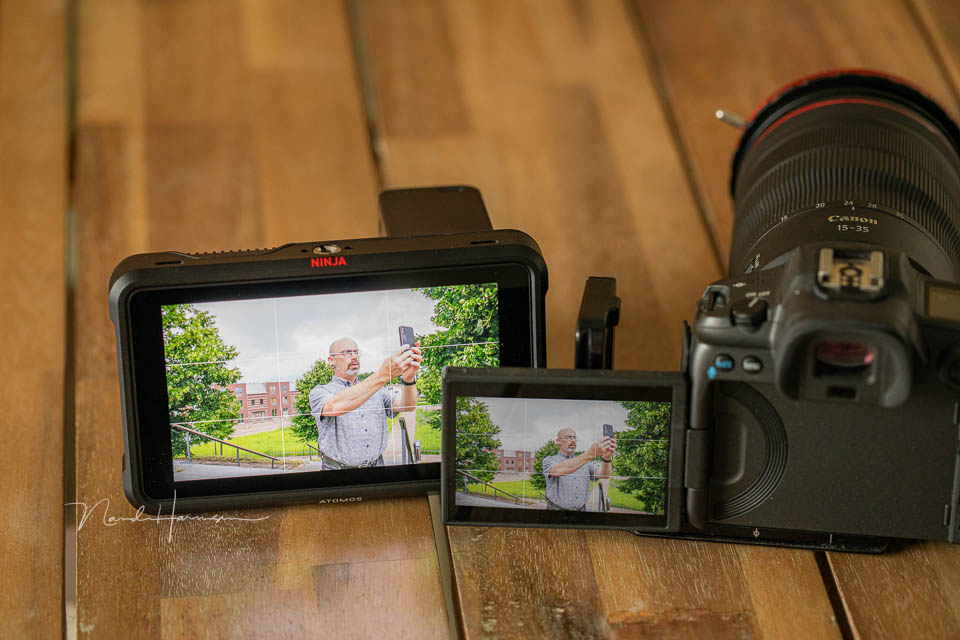
If your camera supports it, you have a number of options. They can be very expensive, or cheap. You have to decide for yourself what is suitable for your purposes.
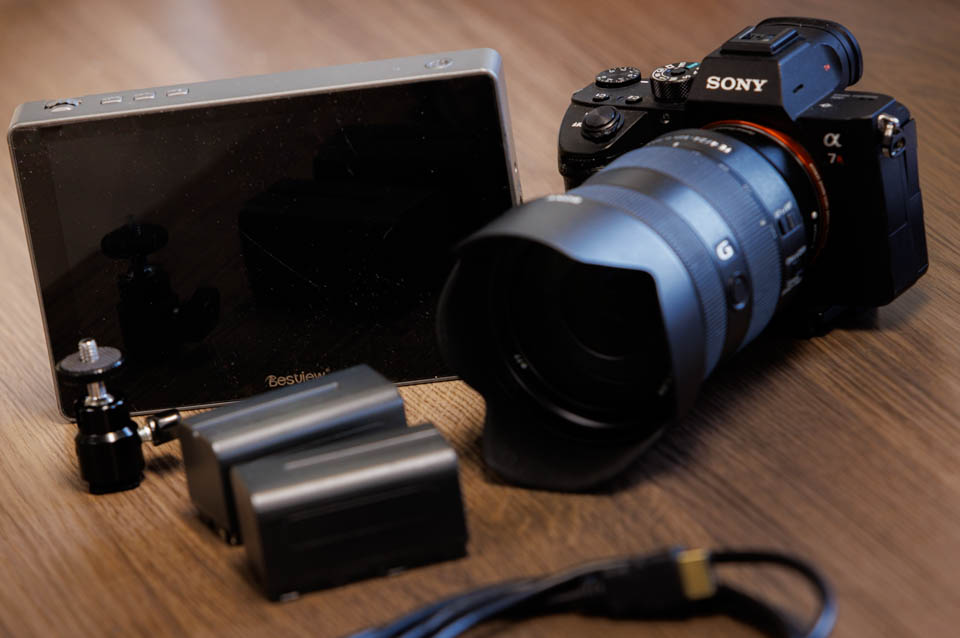
Bear in mind that you need an extra battery for this type of external screen. These are often universal NP-F type batteries, available in different capacities. You also need a bracket to place the screen on your hot shoe.
Atomos Ninja V or similar
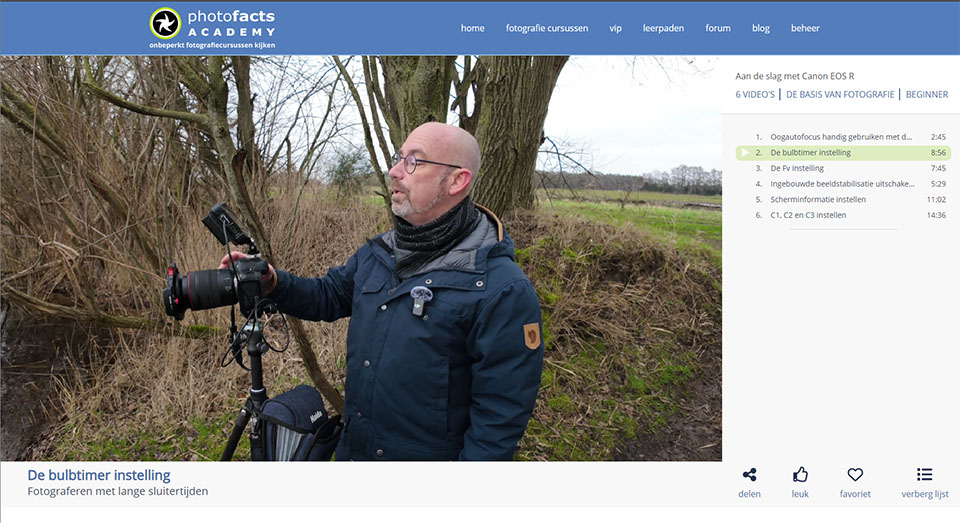
I use an Atomos Ninja V to record video. If required, I can also record the camera's LCD screen with it. This is ideal for instructional videos, some of which are available on Photofacts Academy. You can then see exactly what I am doing on the camera.
The Atomos Ninja V and similar external recorders are expensive. You will not get one for less than 500 euros. However, these external recorders are specifically intended for recording video footage. If you only want an external screen, the recording options are not needed. A monitor is enough.
Just an external screen
When you do not need an external recorder, external screens become much more affordable. You can get them from 100 euros, depending on the features and requirements you have.
Brands to look at include BestView, Freeworld, Desview and Viltrox. Atomos also makes monitors without recording capabilities. What you mainly need to pay attention to is the brightness of the screens. As you work in daylight and perhaps even sunlight, they need to be bright enough for you to see anything.
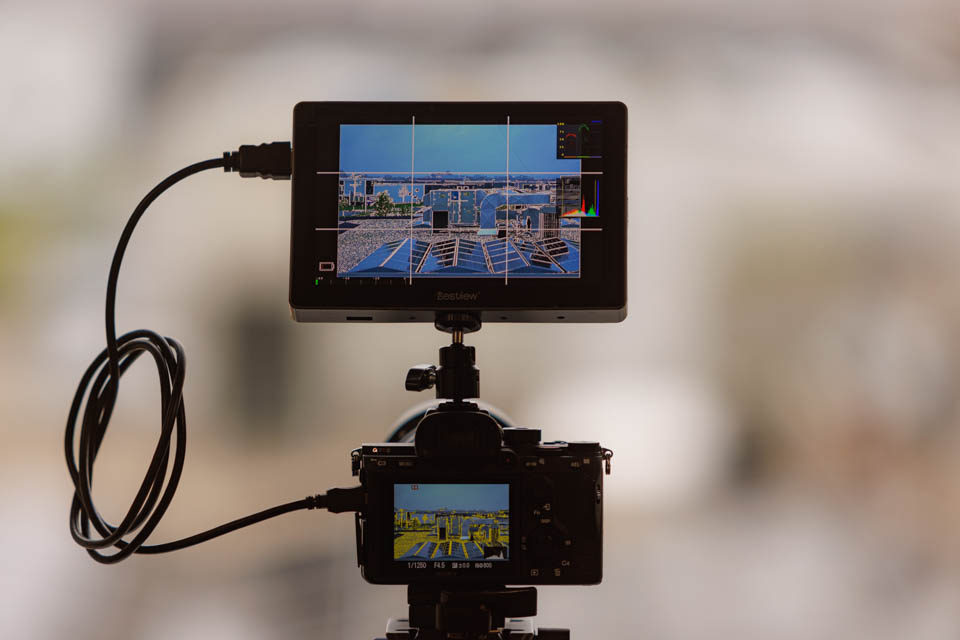
These monitors are also connected to the camera's HDMI port. They give you a nice large screen to work with, both for photography and video.
The smartphone as an alternative
Would you like to use an external screen, but do not want to carry lots of extra equipment? You can also use your smartphone as an external screen. This is easily done through the camera app and remote shooting, allowing you to see the image from your camera wirelessly on your smartphone.
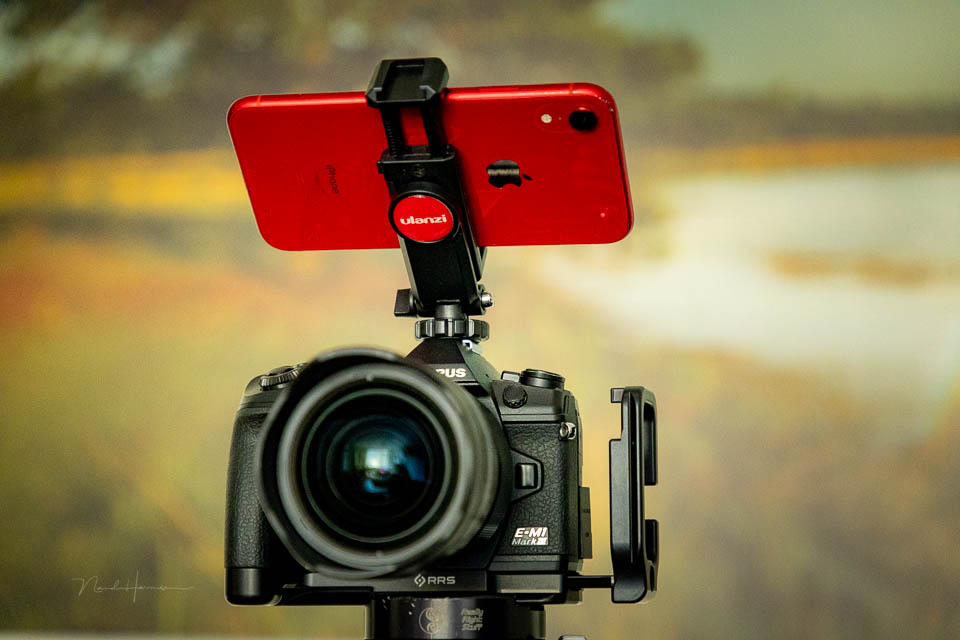
There are also adapters that connect to the HDMI port like an external screen, but use a smartphone as the screen. You can often use the smartphone for recording as well. An example of such an adapter is the Accsoon SeeMo.
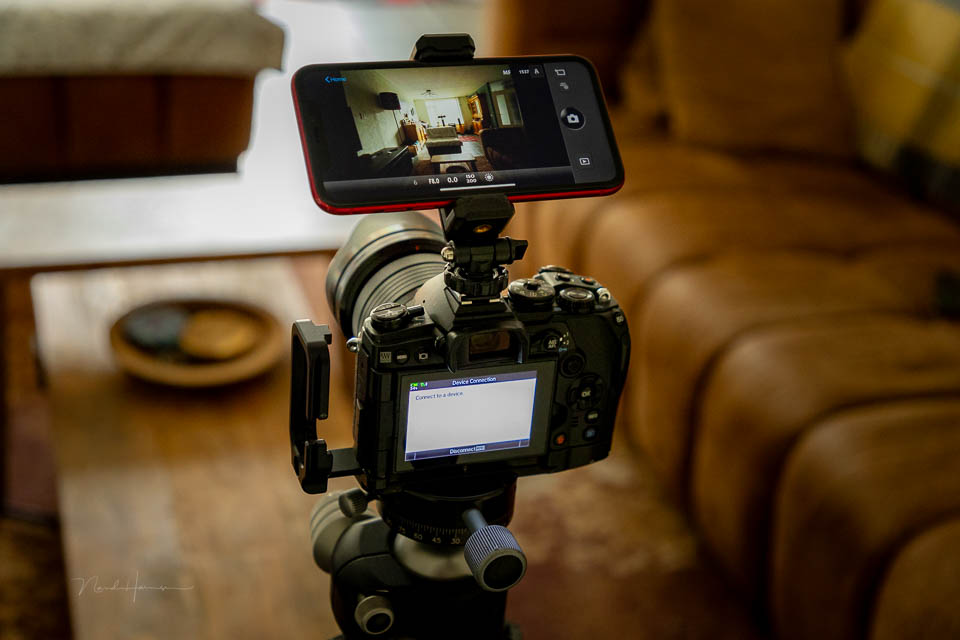
These solutions often cost as much as an external screen. Another disadvantage is that your smartphone is in use at that moment and cannot be used for other purposes.
Why use an external screen?
An external screen is especially useful when you are photographing from a fixed position. Or from a place where you have all the time and space you need. Think of landscape photography, macro photography or photography from a hide.
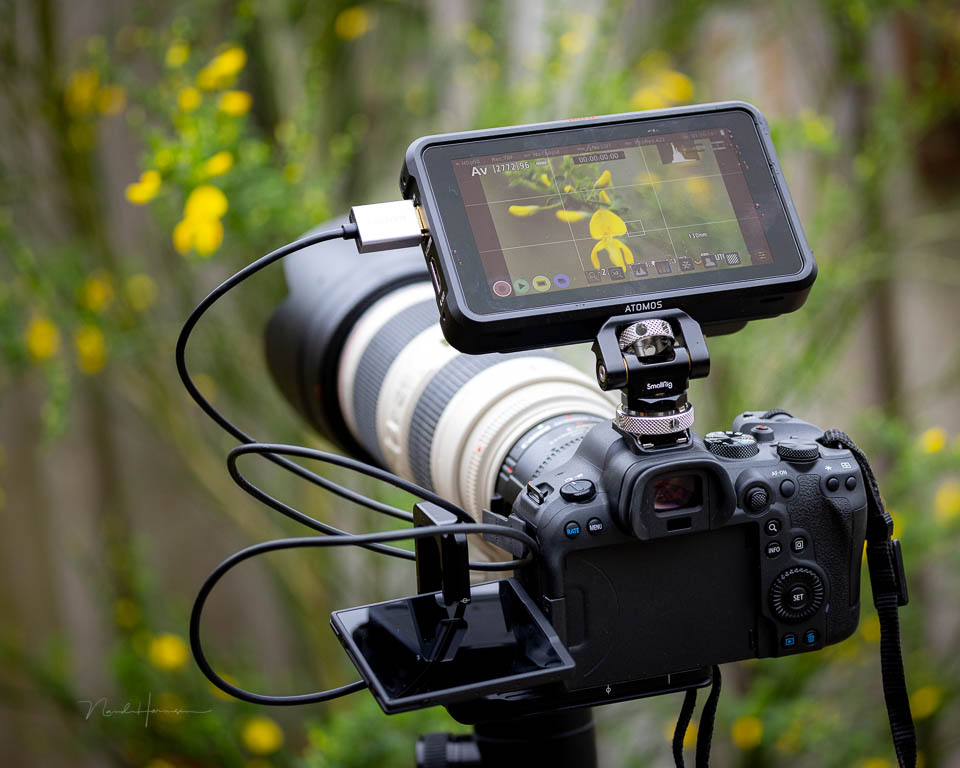
The advantage is the large screen. You do not have to look through a small viewfinder or at a three-inch LCD screen. Put the external screen on the hot shoe, or attach it to a separate bracket on a tripod.
The disadvantage is the bulky setup you get with an external screen, the HDMI cable and the need for extra batteries. Are you using a smartphone as an extra screen? Then you can only hope that nobody calls or sends you messages for a while.
About the author
Nando Harmsen has been photographing for more than 40 years. He specialises in wedding photography and landscape photography. Nando also gives talks, workshops, masterclasses and photo trips, and regularly reviews new and interesting equipment.
You might also like
-
 5 reasons to use an external recorder when filming
by Nando Harmsen
-
 A Camera Bag for Your Smartphone
by Nando Harmsen
-
 Review: Eizo ColorEdge CG 2700S monitor
by Nando Harmsen
-
 Choosing between a camera and a smartphone
by Nando Harmsen
-
 Is my smartphone replacing my system camera?
by Laura van der Burgt
-
 Review: Sony Xperia 5 III smartphone for photography
by Nando Harmsen
0 comments
Be the first to share what you think!
Have your say
Please note: Articles older than a week can only be commented on by signed-in visitors.Would you still like to comment? sign in or create a free account.
Become a better photographer every week
A practical photography tip in your inbox every week.
38,885 photography enthusiasts already receive the tips! More about the weekly mail. Or keep up to date via  Facebook.

Elja Trum
Photofacts; everything to do with photography!
Would you like to take better photos and keep up with what is happening in photography? Photofacts publishes articles that teach you something about photography — from a product announcement to a practical shooting tip or a look at a website. Photofacts covers photography every day and is a hobby project of Elja Trum's that got out of hand. The articles are written by a team of volunteer authors. If you would enjoy writing one or more articles for Photofacts, do get in touch.More about PhotofactsPhotofacts is made possible in part by
