

Review: DesignCap (latest version)
Friday 3 January 2020, 20:10 by Michelle Peeters | 4,680 views | 0 commentsThis article was translated from Dutch with the help of AI. Read the original.
I previously wrote a review of an earlier version of DesignCap, a programme for designing posters and flyers.
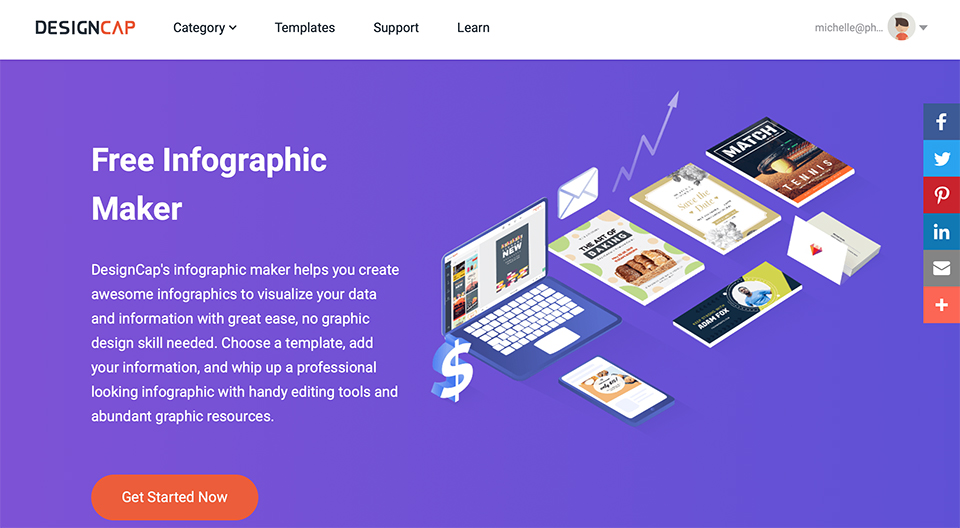
I received an upgrade via my email address to a DesignCap Plus account, with more options and unlimited access to templates, stock photos and so on. The Plus account is not free, you pay 6 dollars per month for it. The Basic account costs 5 dollars per month.
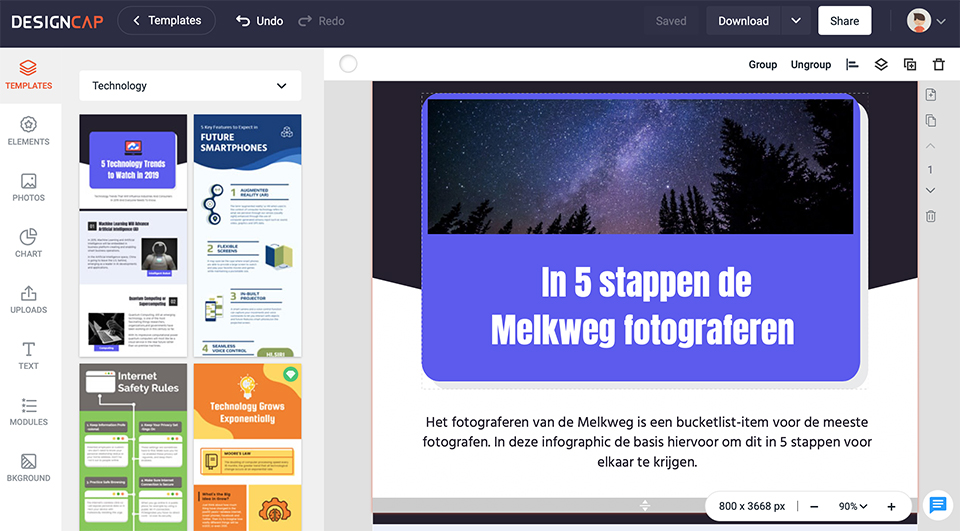
The latest DesignCap has been updated with more elements, charts, preset text styles and modules. The interface has also been redesigned with a new look. Candy from DesignCap asked me to write a new article about the possibilities for creating infographics.
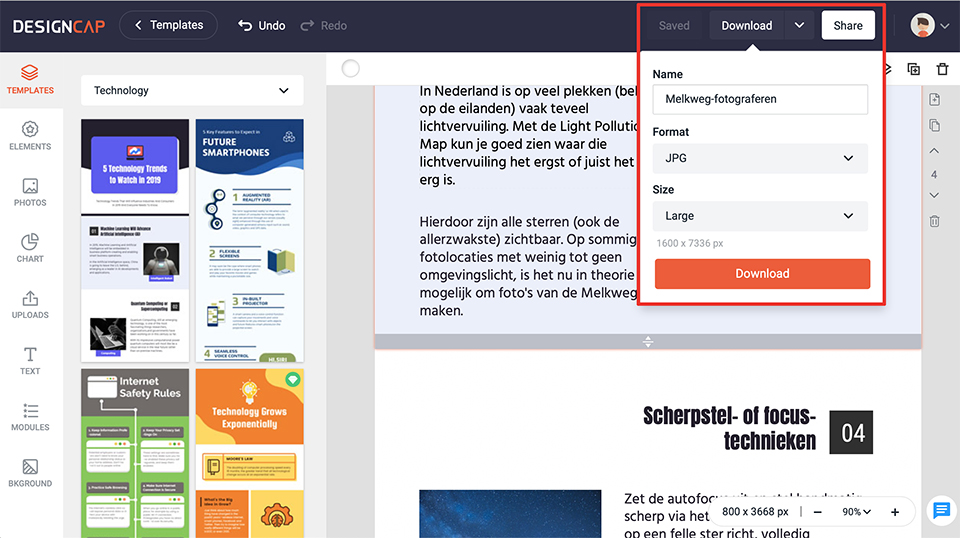
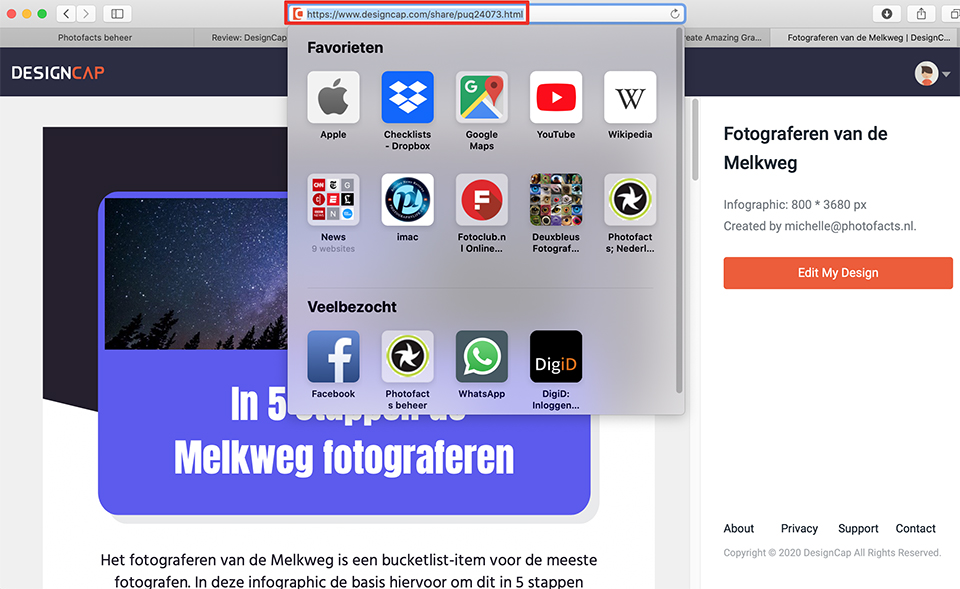
First, choose a template you like by double-clicking it. This template is a useful starting point and you can customise it completely to suit your needs. You can add your own photos, charts, text, elements and backgrounds, or replace the existing ones.
You can change the text colour. Unfortunately, adding hyperlinks is not possible. You can save your design while you are working on it, and when it is finished you can download it to your computer (in JPG, PNG or PDF format), or share it. You will then receive a link that you can copy and paste.
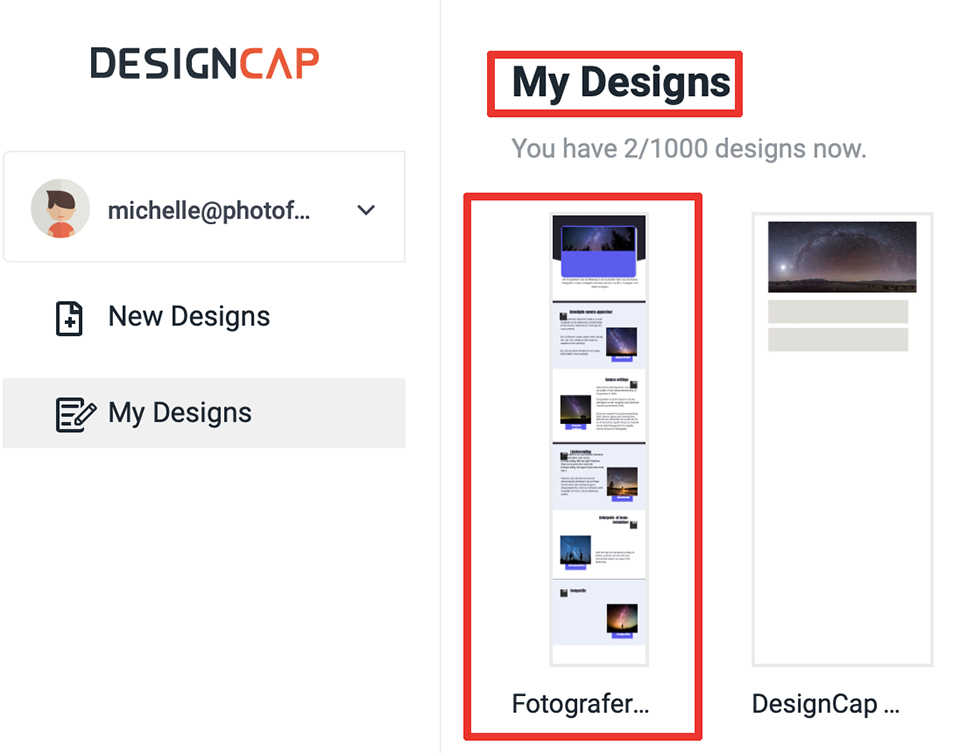
Downloading in PDF format did not work. I reported this to DesignCap as something to look into and improve. When downloading in JPG or PNG format, the design also looked somewhat different from the original. Some numbers and bits of text were partly missing, and the text in the last chapter under point 5 disappeared. This was reported as well.
Conclusion
I was already enthusiastic about DesignCap, because it enables anyone to quickly create appealing designs. The programme works intuitively and gives you quite a lot of freedom to customise existing templates.
Of course, not everything is possible, and if you are used to creating your own designs in Photoshop in every detail, exactly as you want them, you may find this far too limited.
There are still a few minor design errors (as mentioned above) in the Infographics section, but they will undoubtedly be fixed soon.
The price should not put you off either. I would go for the Plus version, which costs around 6 dollars per month. This programme is recommended for photographers who also regularly need to do some design work, but have little experience and/or time for it!
About the author
Michelle Peeters is fotografe en oprichter van DeuxBleus Fotografie. Michelle herkent het bijzondere in het gewone en het gewone in het bijzondere. Ze heeft zich nooit willen specialiseren en is daardoor van alle markten thuis.
You might also like
-
 Red Dot Award: Product Design for Nikon
by Michelle Peeters
-
 Review: Fotor, powerful design and photo editing tool
by Michelle Peeters
-
 Do you print photos for the wall, or have them printed?
by Nando Harmsen
-
 Review: Sony A7 IV
by Nando Harmsen
-
 Review: Canon EOS R50 mirrorless camera
by Nando Harmsen
-
 Review: Sony A7R V mirrorless camera
by Nando Harmsen
0 comments
Be the first to share what you think!
Have your say
Please note: Articles older than a week can only be commented on by signed-in visitors.Would you still like to comment? sign in or create a free account.
Become a better photographer every week
A practical photography tip in your inbox every week.
38,937 photography enthusiasts already receive the tips! More about the weekly mail. Or keep up to date via  Facebook.

Elja Trum
Photofacts; everything to do with photography!
Would you like to take better photos and keep up with what is happening in photography? Photofacts publishes articles that teach you something about photography — from a product announcement to a practical shooting tip or a look at a website. Photofacts covers photography every day and is a hobby project of Elja Trum's that got out of hand. The articles are written by a team of volunteer authors. If you would enjoy writing one or more articles for Photofacts, do get in touch.More about PhotofactsPhotofacts is made possible in part by
