

Review: Sony A7 IV
Friday 14 January 2022, 12:21 by Nando Harmsen | 11,757 views | 4 commentsThis article was translated from Dutch with the help of AI. Read the original.
I was given the A7 IV by Sony for a review. This successor to the A7 III not only has a new sensor with a higher resolution, the camera has also been improved in several other areas. In this review of the Sony A7 IV, you can read all about my findings.
The Sony A7 III was always a popular camera. This full-frame mirrorless camera may not have had the huge number of pixels of its bigger brothers, but with 24 megapixels it is a perfect choice for most photographers and filmmakers.
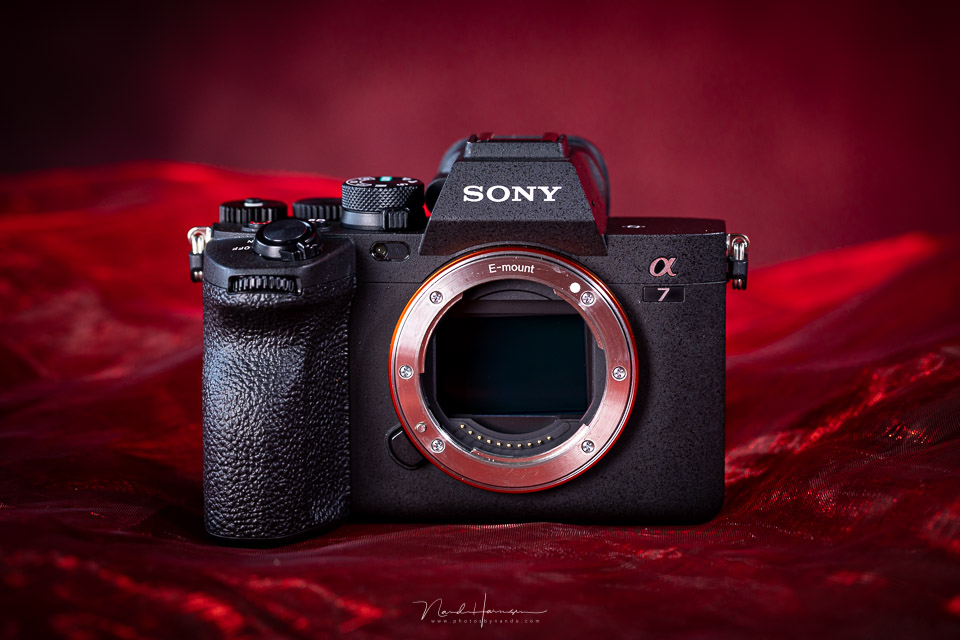
Now there is a successor, which has of course been given the name A7 IV. Although the name suggests that it is a camera with only marginal improvements, quite a few changes have been made. The only major drawback is the higher price.
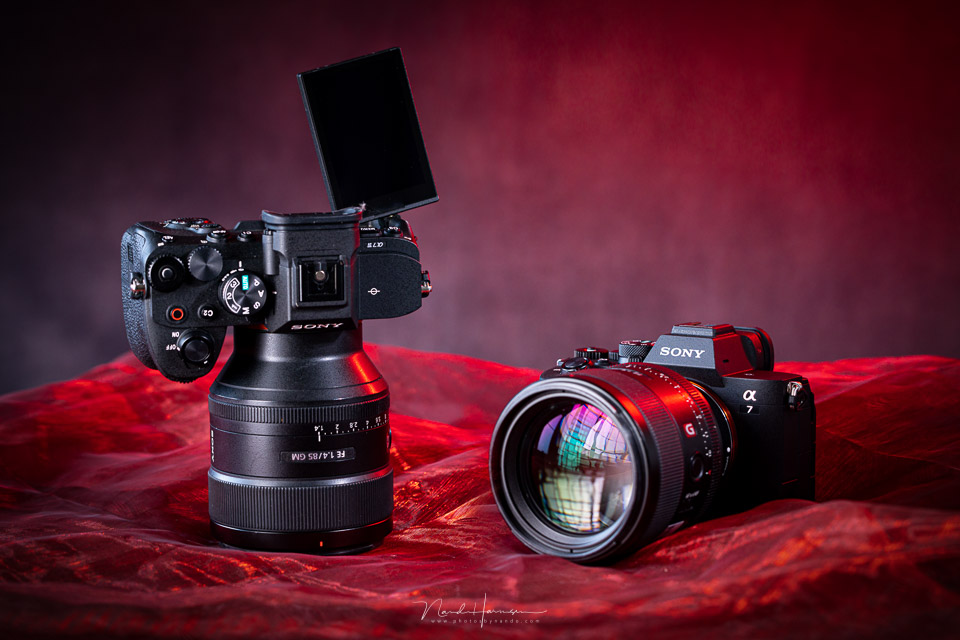
The most important specifications
- 33-megapixel back-side illuminated CMOS sensor
- Up to 10 frames per second with compressed raw files
- Up to 5.5 stops of image stabilisation
- 3.69-megapixel OLED electronic viewfinder
- Improved and more flexible AF system, both for video and photography
- Fully tilting and rotating 1.04-megapixel 3-inch LCD touchscreen
- Dual UHS-II SD card slot, with one also suitable for CF Express Type A
- 4K oversampled video from 7K resolution at 30p
- 4K/60p oversampled video from 4.6K with 1.5x crop
- 10-bit video and H.265 with S-Cinetone
- 10-bit HEIF photos
- New, improved menu structure
- Improved ergonomics
- Live streaming video via USB connection
- Shutter can be closed when the camera is switched off
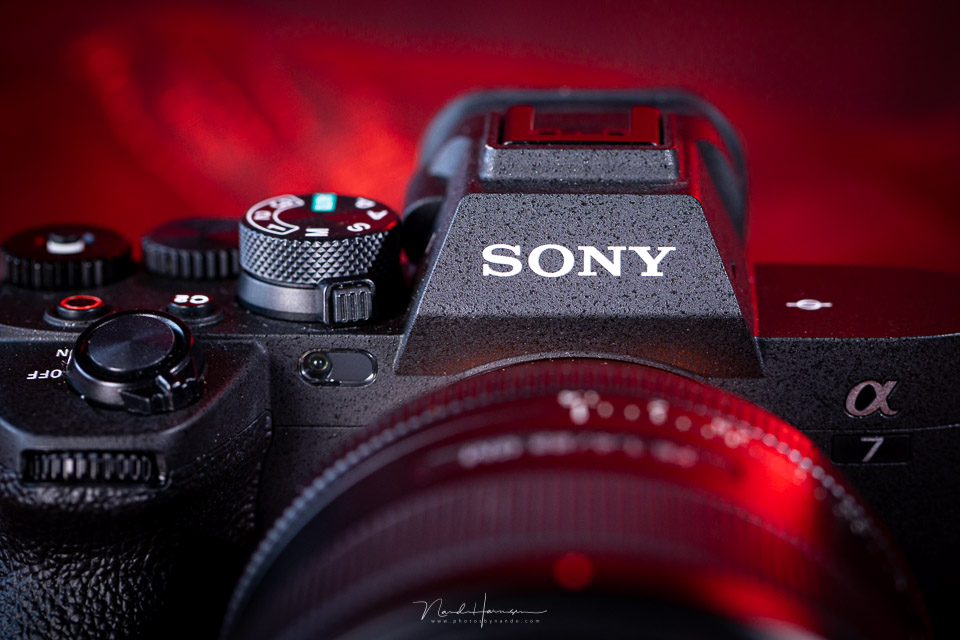
External differences between the Sony A7 IV and its predecessor
Although the Sony A7 IV looks the same as the previous model at first glance, there are still many changes. The first noticeable feature of this new camera is the fully articulating LCD screen.
You can now also tilt it all the way forwards, which vloggers will find very useful.
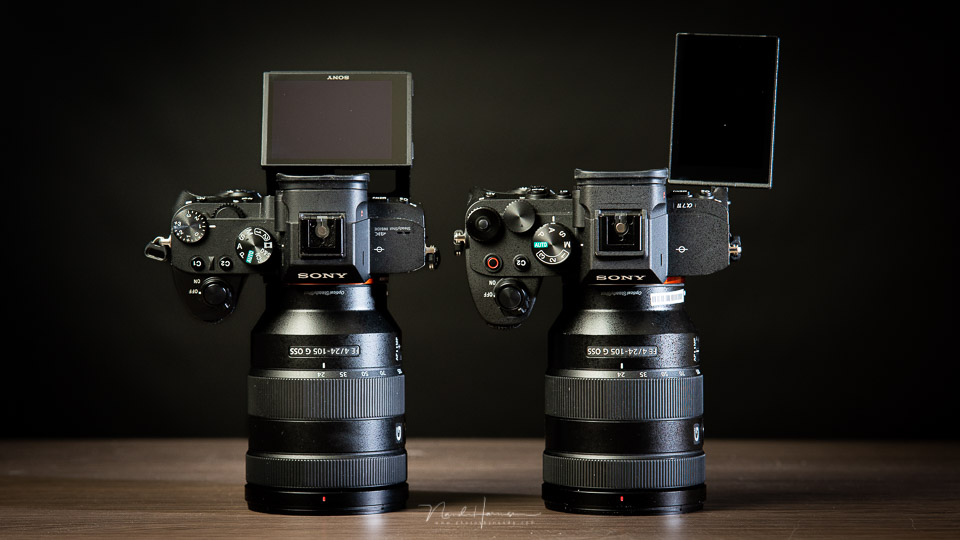
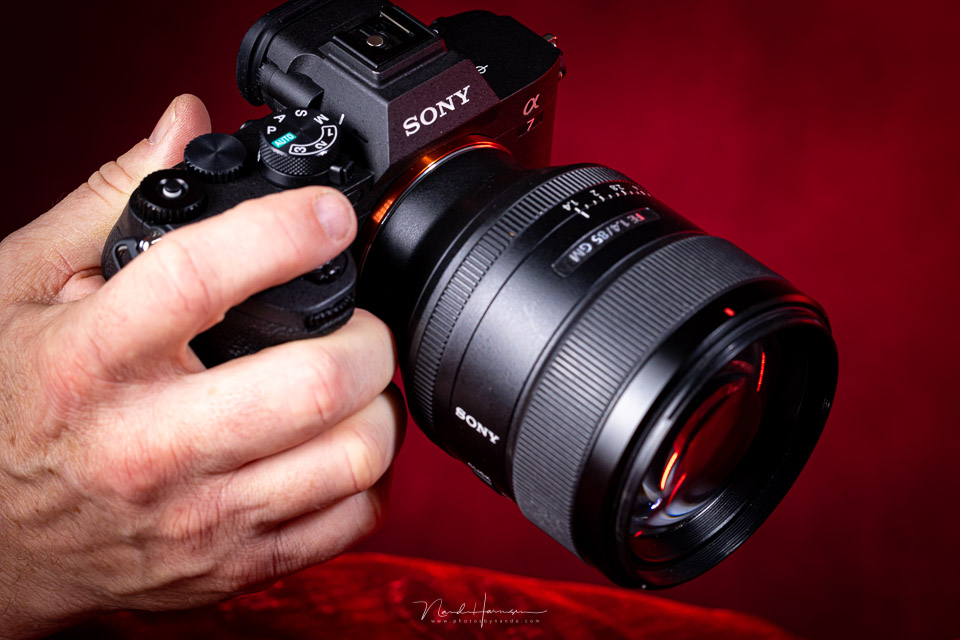
The camera is larger than its predecessor. In particular, the handgrip has been better shaped, making the camera more comfortable to hold.
The buttons are in the same places, apart from the movie button. This has been moved to the top of the camera, where the C1 button used to be. In effect, they have swapped positions.
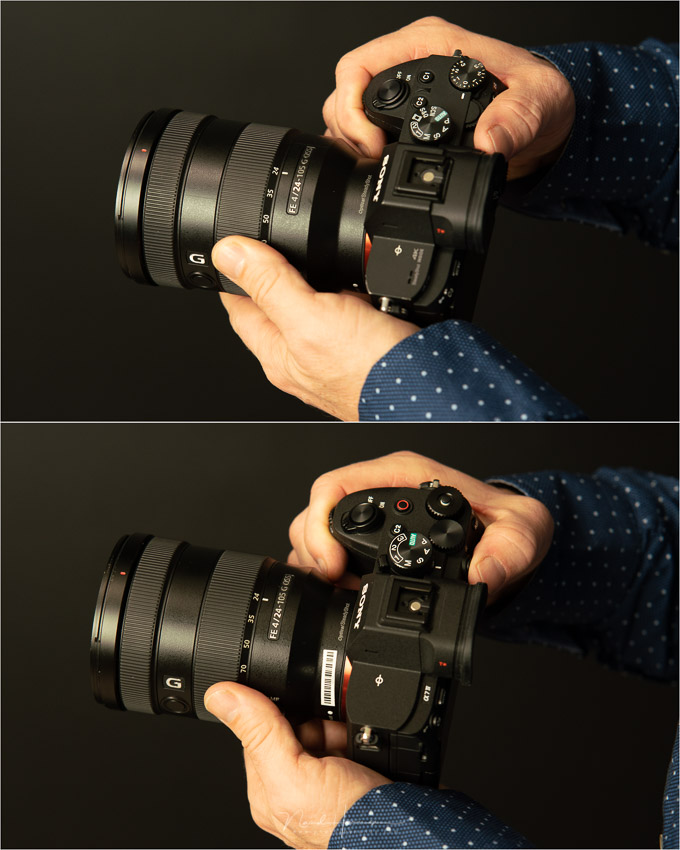
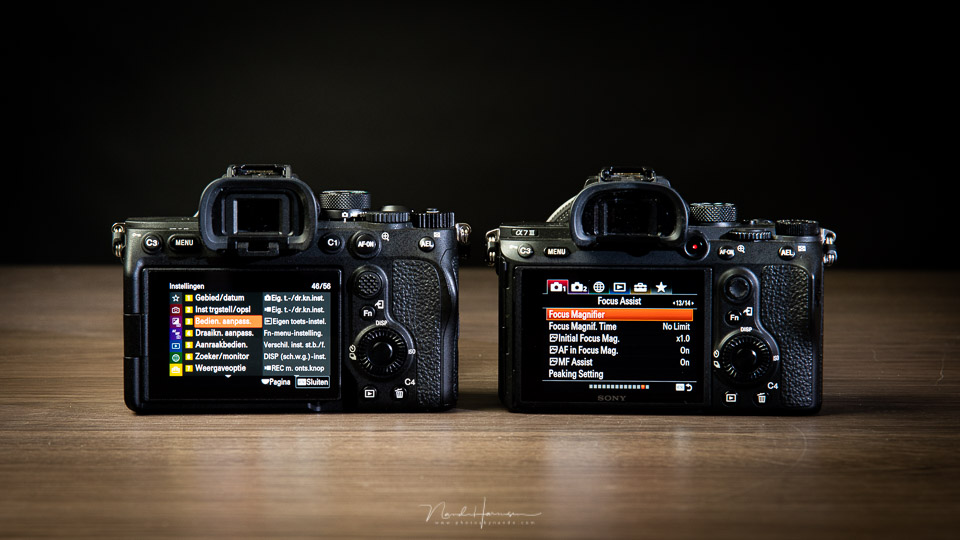
Another important improvement is the new menu structure. This makes navigating the menu more pleasant and faster. The touchscreen functionality also now works in the menu. However, the relative positions of the menu options themselves have changed little or not at all.
As you can see in the photos, the Sony A7 IV has a separate selector switch for choosing between movie, photo and S&Q functions. This means that the PASM options can be retained when switching to the movie functions.
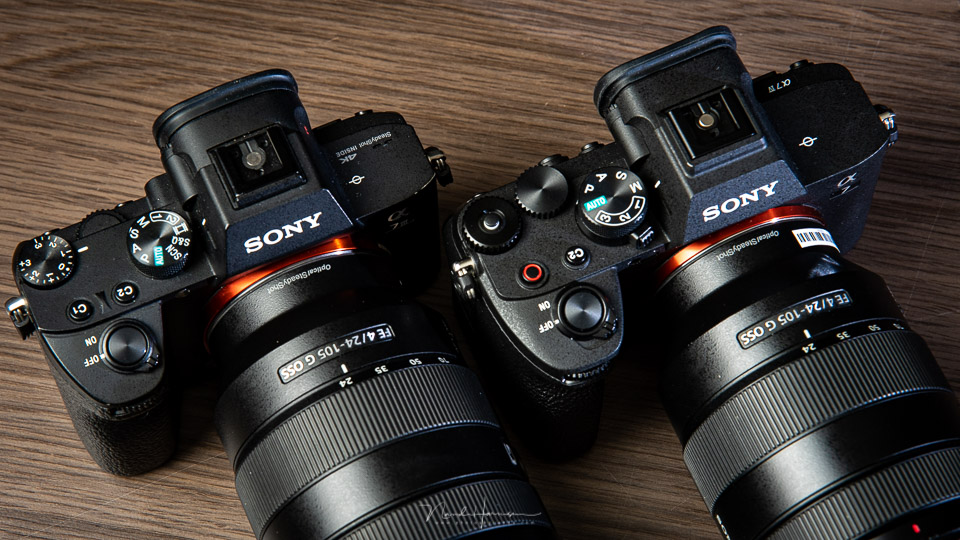
The lockable EV compensation dial no longer has the EV scale printed on it. You can now programme the dial to suit your own needs if you do not need it for EV compensation.
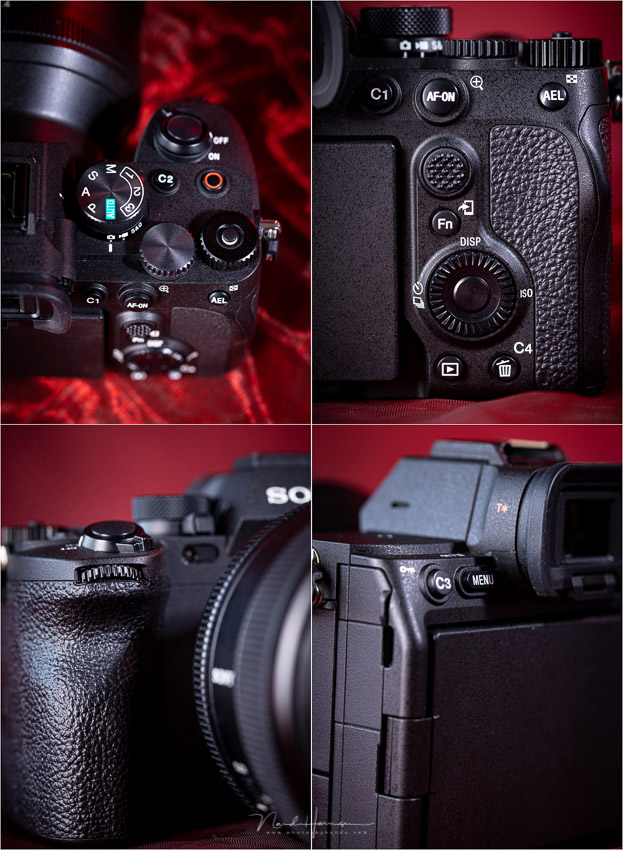
Details of the Sony A7 IV
As mentioned, the C1 button has swapped places with the movie button. Not everyone will like this, but it is a logical choice. Apart from that, there are few changes to the layout. The AF-ON button and joystick are of better quality and easier to use.
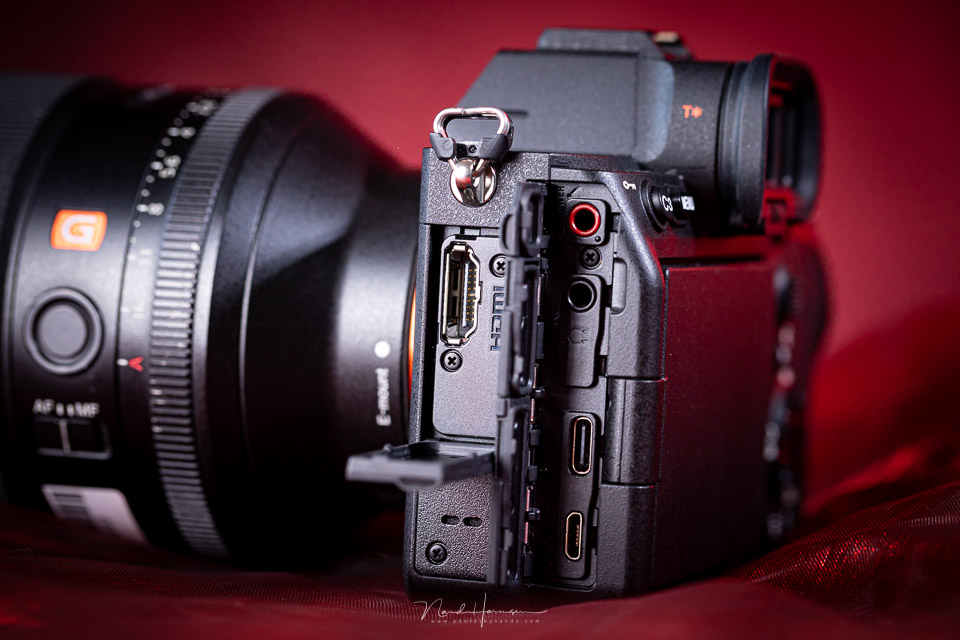
The connections on the Sony A7 IV are neatly hidden behind hinged covers. This is much more convenient than the rubber seals found on many other brands.
The HDMI connection is noticeable, as it no longer uses the annoying micro-HDMI format. This promises a better and more robust connection.
The camera can be charged via USB. You can also use USB to use the camera for live streaming. This can be done at 720p or 1080p at up to 60fps. If you want to stream in 4K, only 15 fps is available. You need Sony's Imaging Edge Software for this.
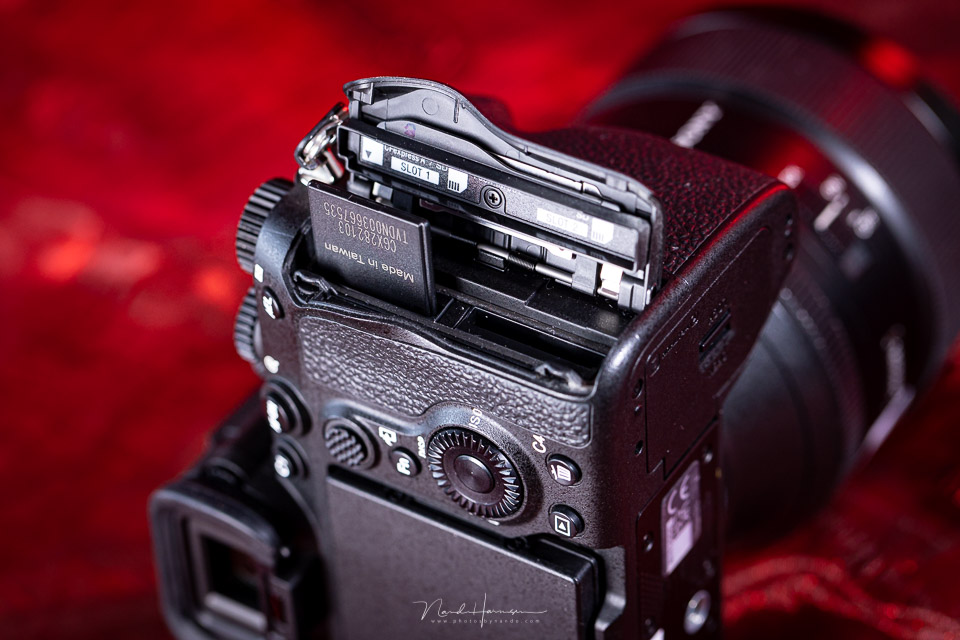
There are two card slots. One accepts both UHS-II SD cards and CF Express Type A, while the other is exclusively for UHS-II SD cards.
The CF Express Type A is effectively only necessary for one slow-motion video option. For all other recording options, a V90 UHS-II SD card is sufficient.
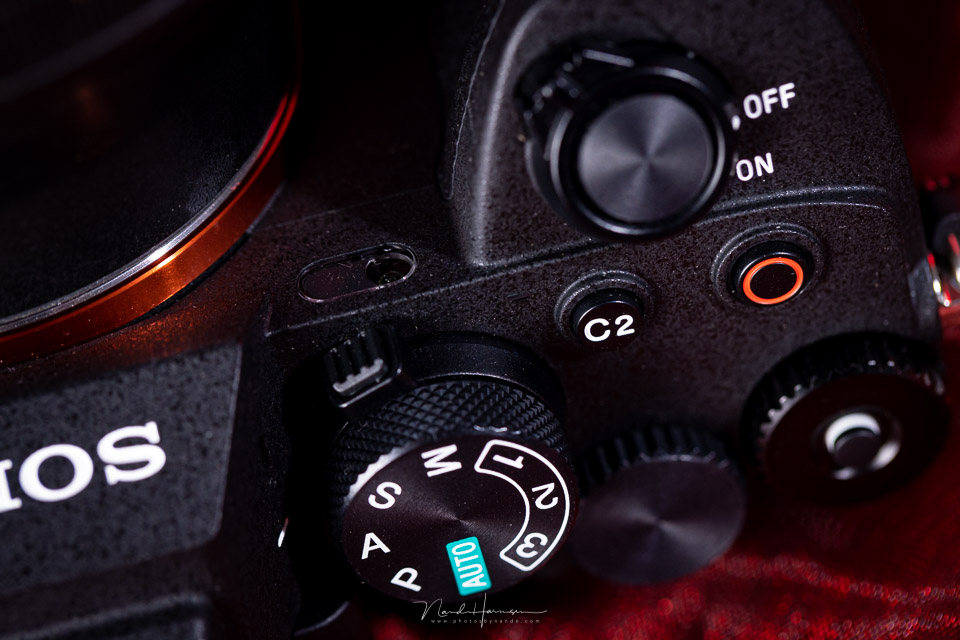
It is no longer necessary to activate the movie options using the PASM dial. Sony has added a dedicated switch for changing between photo, movie and S&Q functions.
This is a good choice, as it allows you to retain the exposure settings regardless of which mode you have selected.
Autofocus improvements
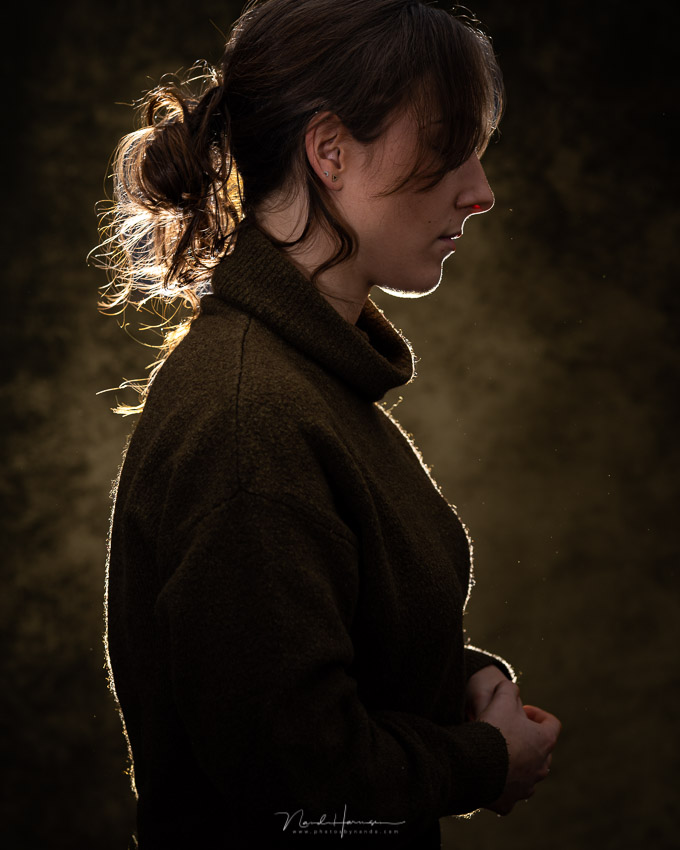
Quite a few improvements have been made to the AF system of the Sony A7 IV. The camera now has eye AF fully integrated into the AF system. It is no longer a separate option that could detect an eye but could not switch to an alternative when the eye was no longer detected.
The Sony A7 IV has the latest real-time tracking system, which responds better to the situation. With eye AF active, it is now possible to switch automatically and seamlessly to the face, head or body when the eye is no longer visible. The camera can also detect the eyes of people, animals and birds.
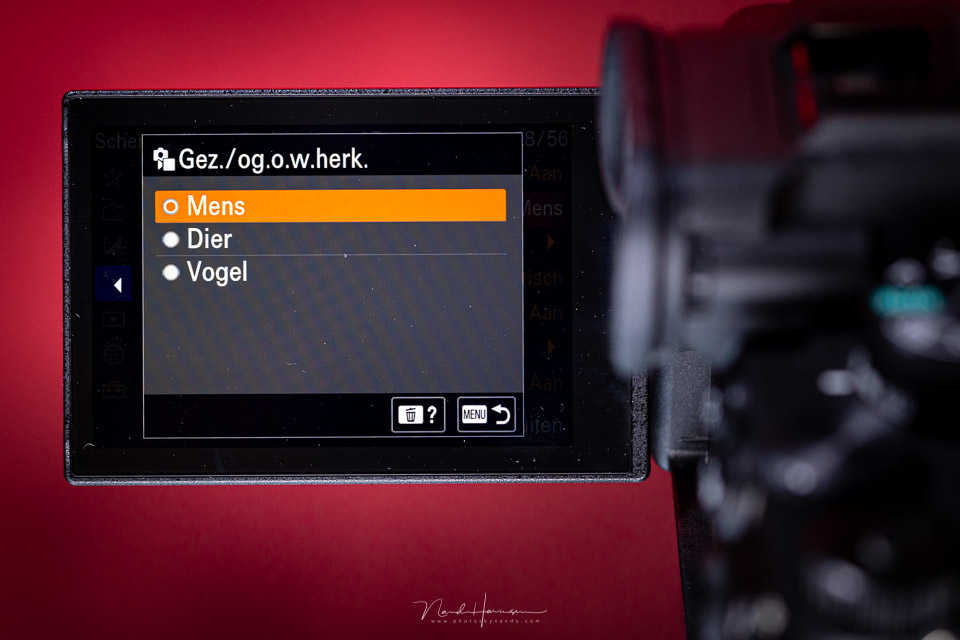
The autofocus functions are no longer reserved for photographers. The functions are also almost fully available when filming. Only the tracking modes are not available as such. Instead, you can tap the subject on the screen, after which the autofocus will follow it neatly.
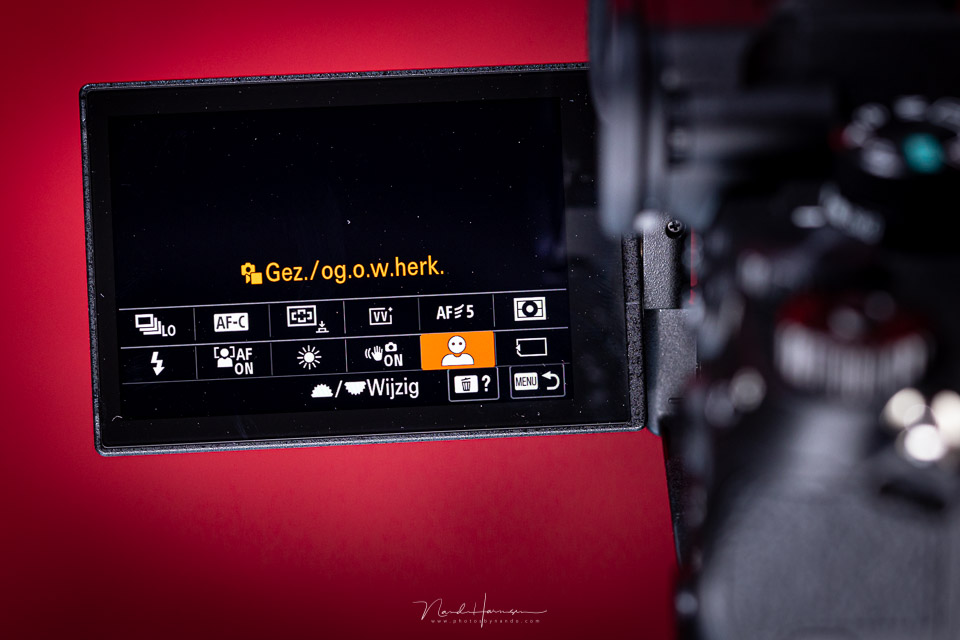
The sensitivity of the AF system now extends to -4 EV with an f/2 lens. This is a one-stop improvement over its predecessor.
Speed and buffer
The Sony A7 IV is not an extremely fast camera. You can shoot at a maximum of 10 frames per second, provided you use the electronic shutter, compressed raw files or jpeg/heif.
If you switch to uncompressed raw files, the speed drops to 6 frames per second. The maximum speed is also 6 frames per second with the mechanical shutter.
According to Sony, the buffer is large enough for a burst of 800 raw+jpeg images. These figures apply to uncompressed raw files, and therefore to a speed of 6 frames per second. If you shoot in jpeg, the buffer can handle a burst of more than 1,000 images.
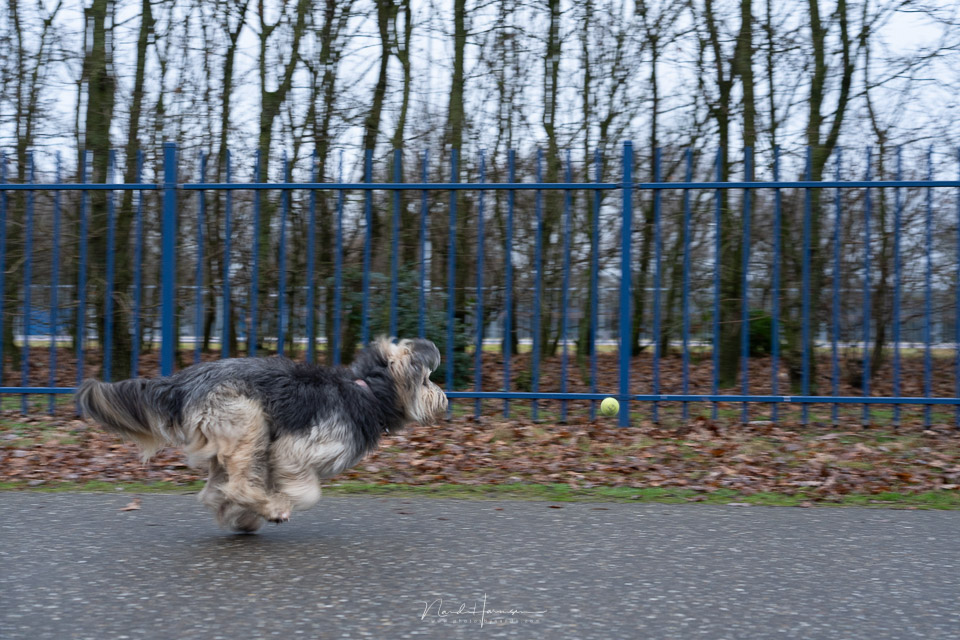
The sensor is not the fastest on the market. Reading out the sensor takes about 1/15 of a second. This is 17 times slower than the Sony A1. As a result, using the electronic shutter produces a strong rolling shutter effect, causing vertical lines to become distorted.
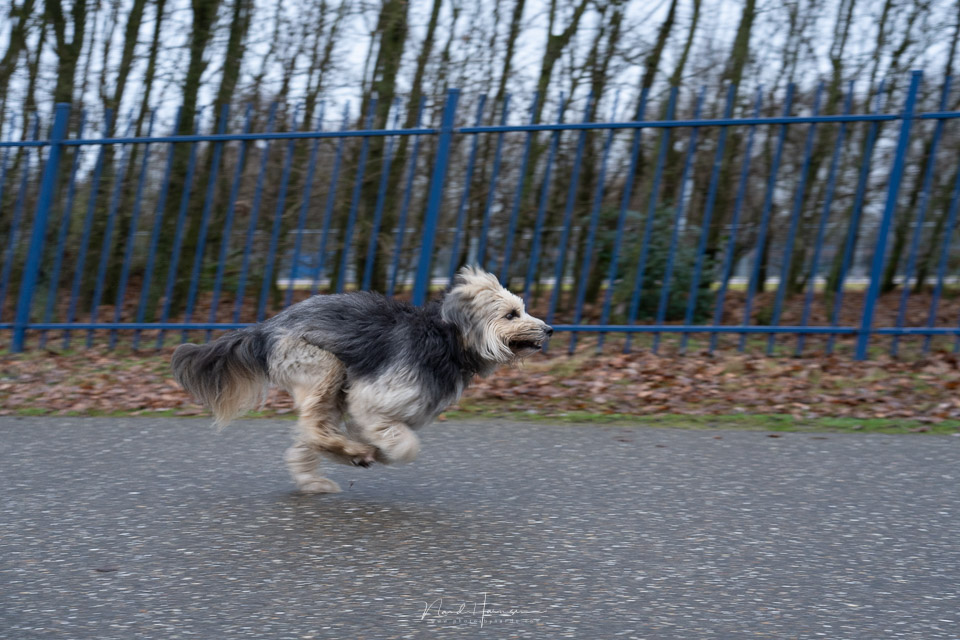
Filming at 4K resolution with the full sensor provides a faster readout speed, comparable to other cameras in this price range. As a result, the rolling shutter effect visible when photographing action is almost completely absent when filming.
The performance of the 33-megapixel sensor
The new sensor in the Sony A7 IV is a 33-megapixel back-side illuminated sensor. This is a significant increase over the A7 III, resulting in more detail in photos.
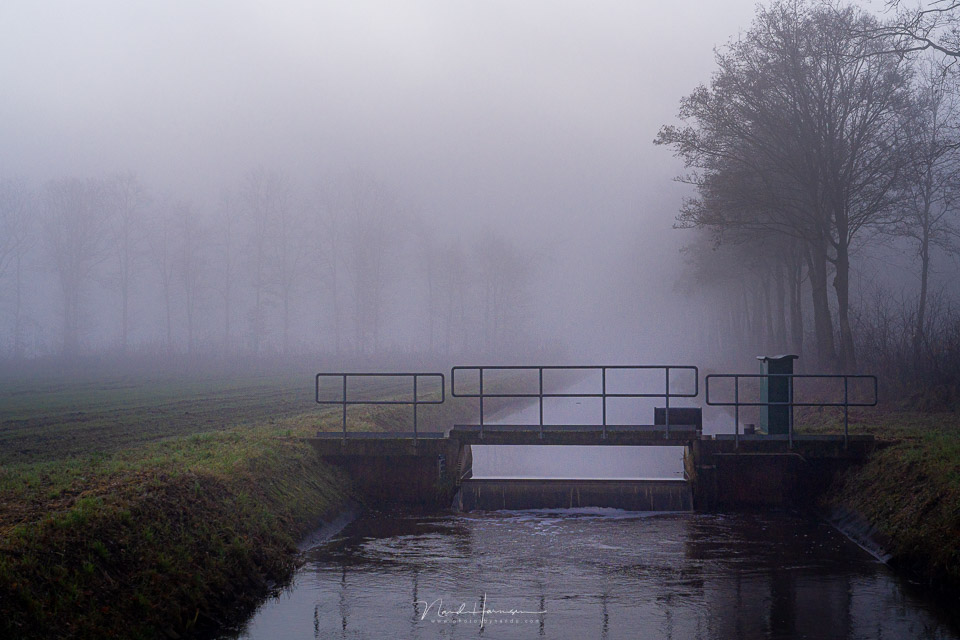
I tested the ISO performance. The camera performs very well up to ISO 3,200, with hardly any increase in noise compared with ISO 400. Higher ISO values are also perfectly usable, up to ISO 12,800.
If you accept a little noise and your exposure is perfect, the Sony A7 IV is even usable up to ISO 25,600.
.jpg "Nando Sony A7 IV ISO performance (1)")
To see how well the sensor performs, I carried out an ISO invariance test. I deliberately underexposed a photo at ISO 400 and later corrected it in Lightroom Classic to see how much noise became visible. I compared these noise levels with the corresponding ISO value.
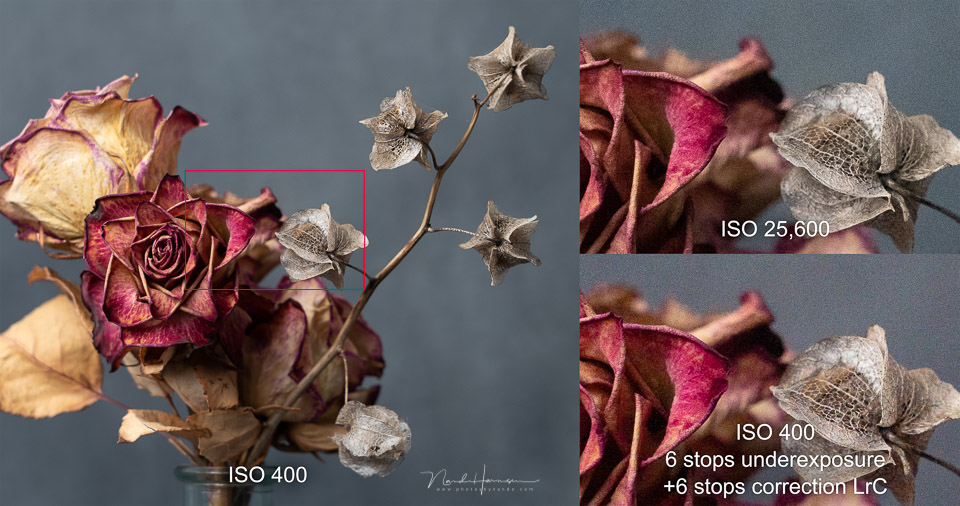
This test shows that underexposing by as much as six stops and correcting it produces the same noise level as a photo taken at an ISO six stops higher.
This shows that you can safely underexpose and correct a RAW file. Noise levels will remain well controlled. Do bear in mind that this is an uncompressed 14-bit raw file.
Using it in practice
The Sony A7 IV is one of the few Sony cameras with a comfortable grip, making it feel as a camera should. It provides stability and good access to the buttons and dials.
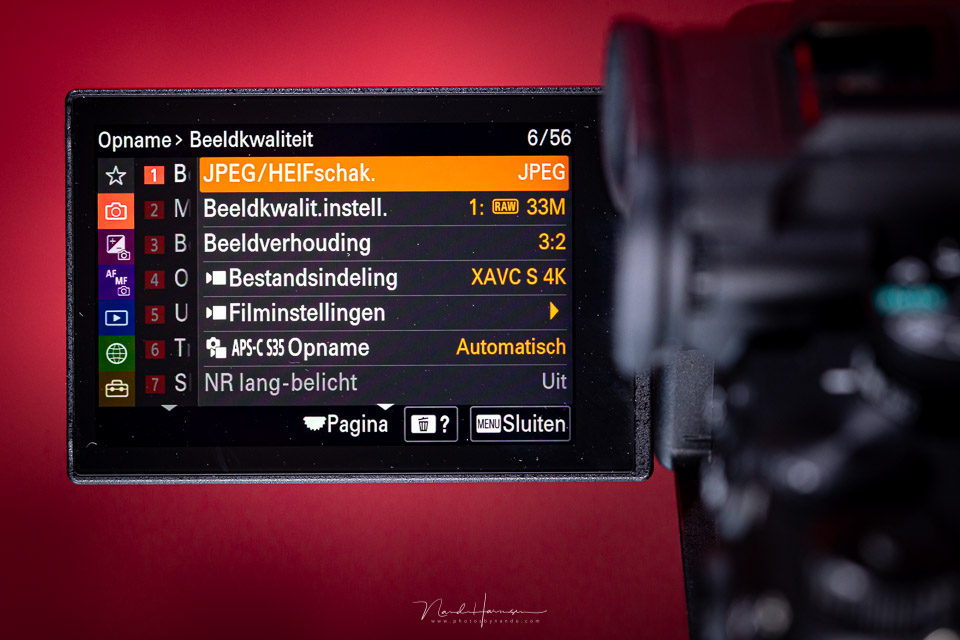
One major drawback of Sony was the old menu. Browsing through the many tabs was time-consuming, and the division of menu options was not always very logical.
Although the latter has not changed, the new menu structure is a huge step forwards. It works faster and more pleasantly in every respect, especially now that touchscreen functionality has also been extended to the menu.
Although the fully movable 3-inch LCD screen is not to everyone's taste, it does make it easier to shoot from unusual positions, both in landscape and portrait orientation. Vloggers will also benefit from it.
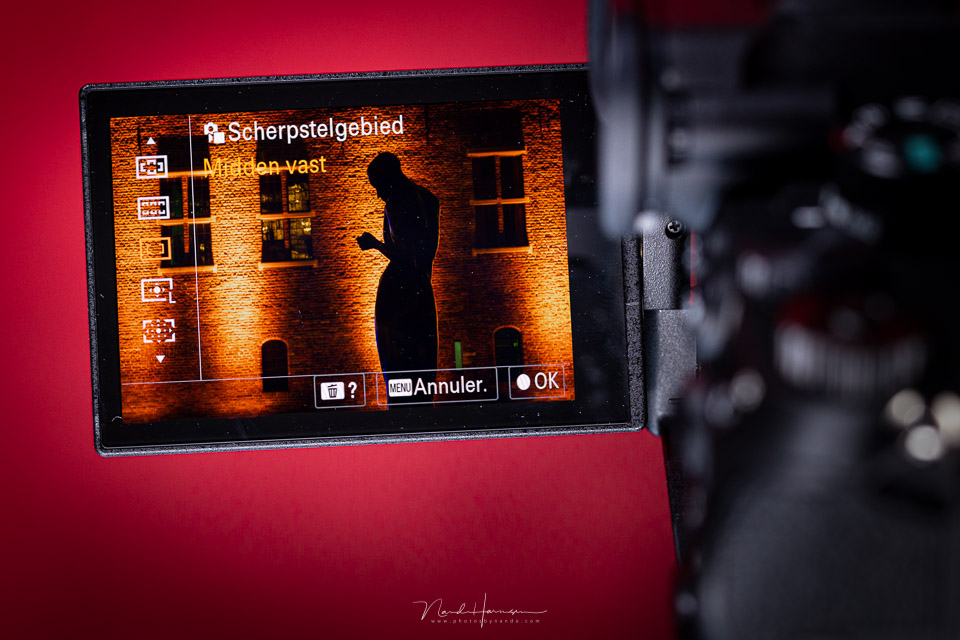
The LCD screen resolution, however, lags behind the competition. At 1.04 megapixels, the resolution is low, which is also clearly noticeable with text and symbols on the screen. It is not as sharp as it could be.
The red/orange symbols that appear as an overlay on the screen are also not sharply defined because of the low resolution. As a result, readability is still not ideal. It would be good if Sony paid more attention to this.
Filming with the Sony A7 IV
I used the camera specifically for photography and largely ignored its movie capabilities. Still, it is important to go through the options briefly.
The camera offers an excellent range of movie features, with the autofocus capabilities certainly being an important upgrade over its predecessor. There is little rolling shutter effect, unlike when photographing with the electronic shutter.
The Sony A7 IV can record UHD 4K 30p using the full sensor, or UHD 4K 60p with a 1.5x crop. S-Log2, 3 and HLG 10-bit are available.
The camera has breathing compensation, which maintains the angle of view when focusing. This is only available with a selected number of lenses. To achieve this, the video is cropped to the narrowest angle of view when focusing from the minimum focusing distance to infinity. This leaves room to compensate for breathing.
My conclusion
The Sony A7 IV is a worthy successor to its predecessor. The camera has been improved in every respect, with the ergonomics, menu and autofocus certainly standing out. Sony has brought the A7 series fully up to date.
However, bringing it up to date has not made the camera surpass its closest competitors. In terms of specifications, the camera has been brought up to the same level in many areas, but in other respects it falls behind. That does not mean it is a bad camera, far from it.
Unfortunately, Sony has raised the price of the A7 IV to 2,799 euros, which is no less than 800 euros more than its predecessor. Considering the specifications and what the competitors offer, the price has become rather high.
What I like about the Sony A7 IV
- Improved ergonomics
- New menu structure
- Full touchscreen functionality
- Fully articulating LCD screen
- Can be used as a live-streaming camera via USB
- Sensor resolution increased to 3.69 megapixels
- Large buffer for 800 compressed RAW+jpeg or 1,000+ jpeg images (at 6 fps)
- Eye AF with real-time tracking is now usable in all conditions
- Eye AF for people, animals and birds
- Separate switch for movie/photo/S&Q function
- EV compensation dial is programmable
- Breathing compensation with selected lenses
- IBIS up to 5.5 EV
- Good battery capacity, although less good than the A7 III
- Both memory slots accept UHS-II SD cards
- Rolling shutter effect when filming is almost absent
- Full-size HDMI connection
- Shutter can be closed when the camera is switched off
- Good ISO performance
What could be improved
- Speed on the slow side, maximum 10 fps under certain conditions
- Rolling shutter effect when photographing with the electronic shutter
- More logical division of menu options
- LCD screen still has a low resolution
- Text and symbols on the LCD screen are difficult to read in some situations
- 1.5x crop when filming in 4K 60p
- Price is on the high side
Gallery
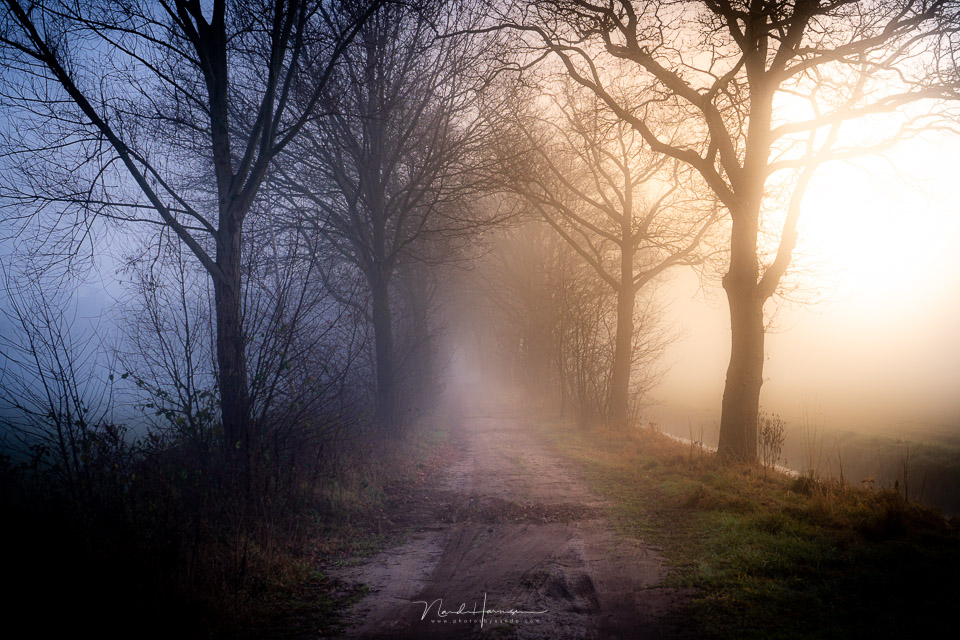
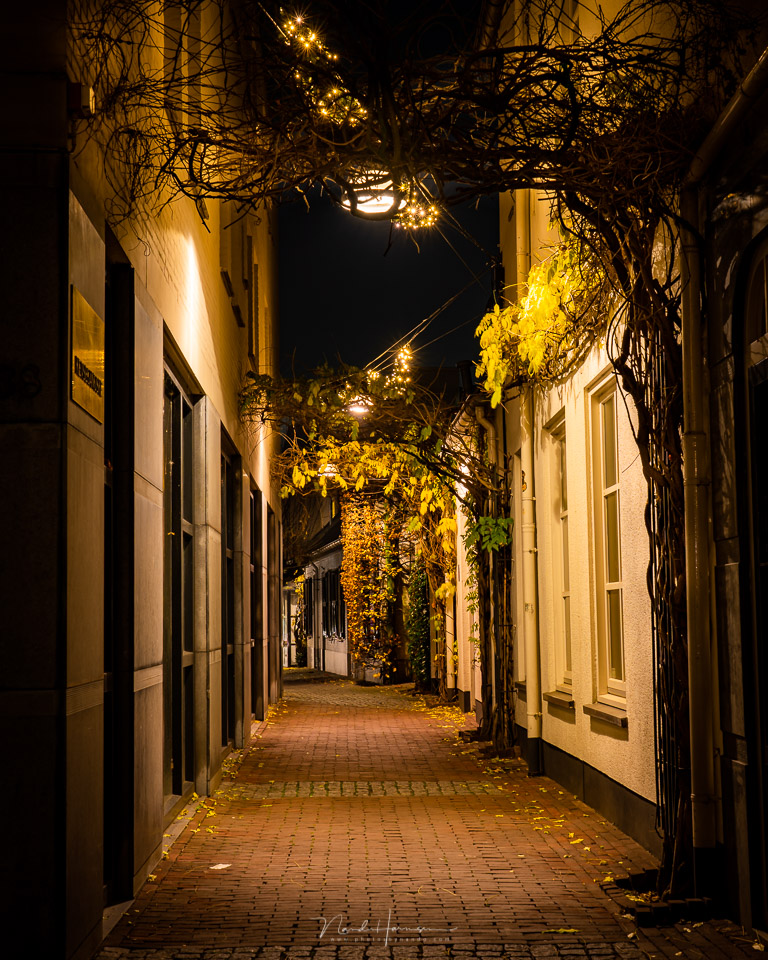
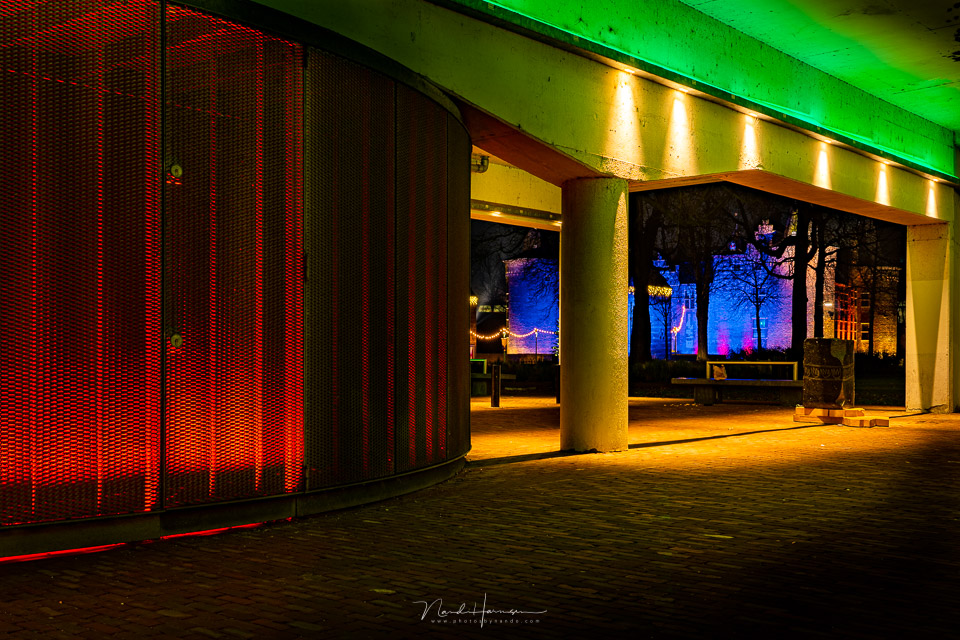
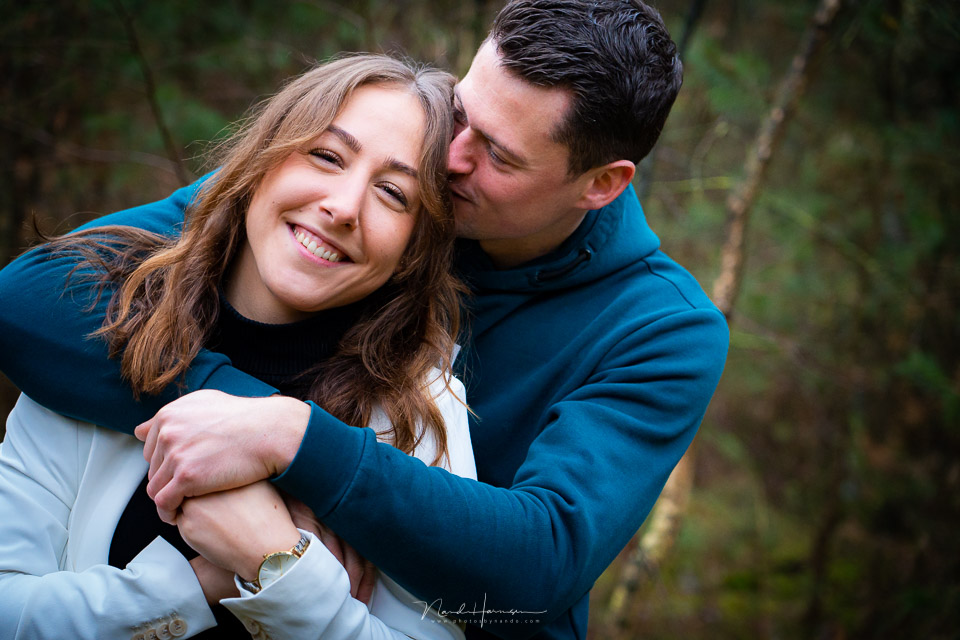
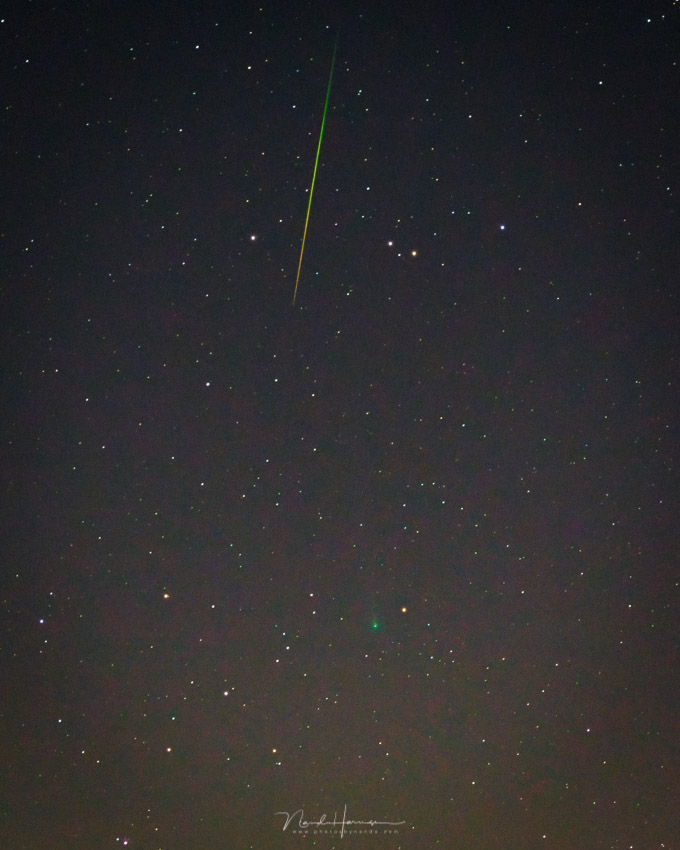
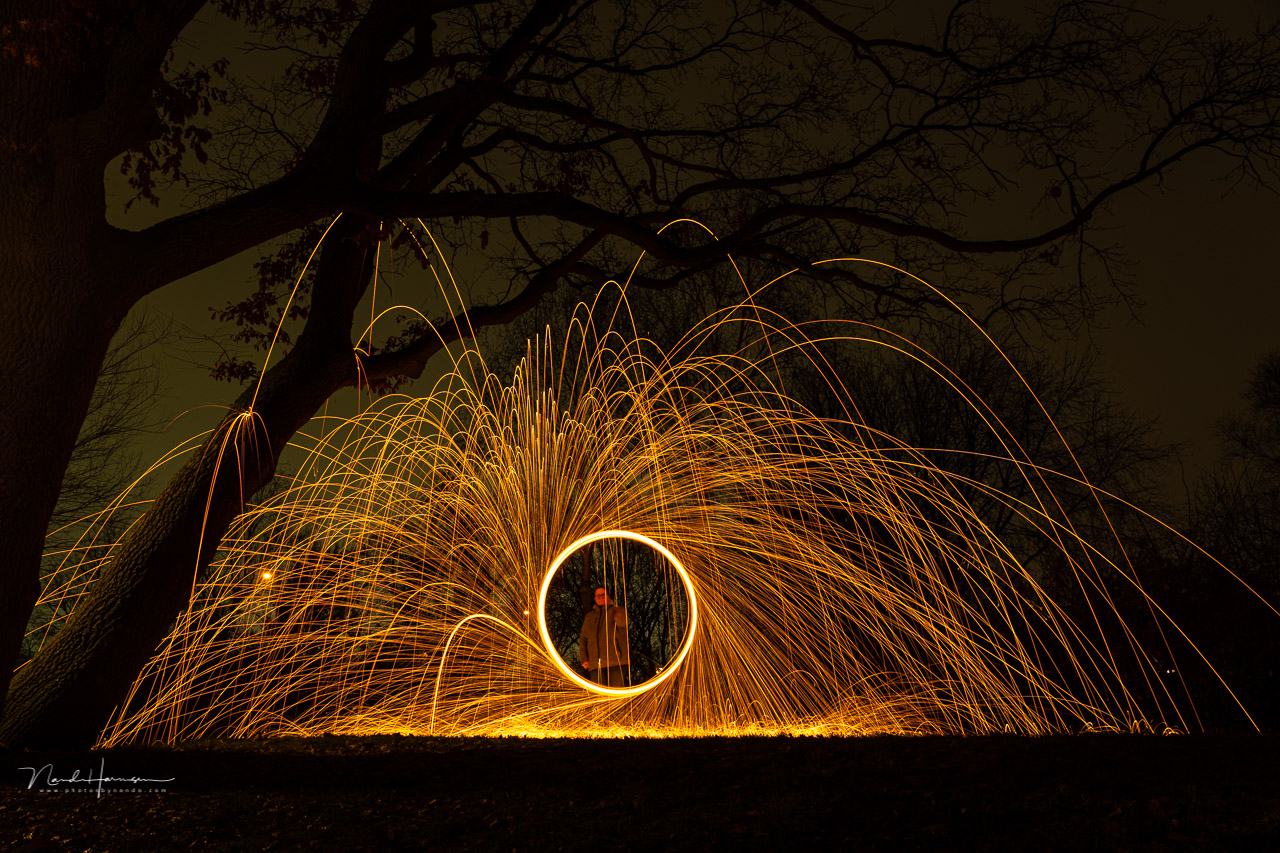
A number of photos taken with the Sony A7 IV.

About the author
Nando Harmsen has been photographing for more than 40 years. He specialises in wedding photography and landscape photography. Nando also gives talks, workshops, masterclasses and photo trips, and regularly reviews new and interesting equipment.
You might also like
-
 Sony a7 mark IV announced
by Elja Trum
-
 Review: Sony A7R V mirrorless camera
by Nando Harmsen
-
 Review: Sony Xperia 1 IV smartphone for photography
by Nando Harmsen
-
 Review: Sony A1 mirrorless camera
by Nando Harmsen
-
 Preview: Sony Alpha 7R IV
by Aäron Nasarany
-
 Sony Alpha a7s Mark III announced
by Elja Trum
4 comments
-
 Matt wrote on Monday 17 January 2022 at 09:48 | reply
One more addition to this extensive test: the A7 IV offers full support for the LA-EA5 adapter, unlike the A7 III. The A7 IV offers the same support for this adapter as the A1, A7R IV and A6600.
Translated from Dutch.
With the LA-EA5 adapter, you can use virtually all A-mount lenses while retaining all autofocus functionality. This applies to both lenses with a built-in focus motor and screw-drive lenses. Only the Minolta Xi series lenses (these have a power zoom instead of a manual zoom) are unusable. -

 4BYE
wrote on Tuesday 18 January 2022 at 13:55
| reply
4BYE
wrote on Tuesday 18 January 2022 at 13:55
| reply
I was really looking forward to the A7 IV as a replacement for the A7R III so my wife would have a better camera for wildlife, action, BIF, etc. Although I really appreciate the A7R III for portraits, landscapes and more static subjects, that is where it performs less well. Less fun now that we visit bird hides and bird shows together, among other things, and she is becoming more and more interested in photography. My second-hand A9 is already in an exceptional class for that kind of photography.
Translated from Dutch.
In a "test" in which we had our young cats run towards the camera, it turned out that the speed of the A7 IV is rather limited at 5-6 fps and a maximum of 10 fps with lossy compression. The tracking AF was also extremely disappointing. While it immediately detects the cats' eyes, in a sequence where they run towards the camera only the first photo is sharp. Of course, we did the same under the same conditions with the A9 and A7R III. Even the A7R III performed better, although it cannot do Animal Eye AF and tracking at the same time. Given the short distance and speed, it is not the easiest test for a camera, but we could clearly see the difference.
Of course, many things have been improved on the A7 IV, but that also comes with a hefty price tag. I therefore wonder whether, regardless of our personal requirements, people will notice much difference in the end result between this new A7 IV and, for example, a (second-hand) A7 III/A7R III. For those who do need speed in fps, AF and tracking, etc., a (second-hand) A9 is still a great option.
After some arguing about returning the A7 IV, I have just managed to get my hands on a demo A1 in like-new condition. A completely different class, capabilities and unfortunately price tag, although a substantial amount has already been taken off and I sold the A7R III. In the end I am still extremely happy with it, given the early results, capabilities and my current lenses that I can use with it.
What I have not figured out yet, and this also applies to the A7 IV, is the possibility of, when changing lenses and switching off the camera, having the shutter placed in front of the sensor to prevent dust on the sensor. However, I have heard several people warn against using that. This seems strange to me, though, given that dust on the sensor is a thing compared to DSLRs. So it would be very welcome, but I will look into this matter further. People are afraid that the shutter would break and is ultimately more vulnerable than the sensor. Maybe there are people here who already know a bit more? -
 Rino wrote on Tuesday 18 January 2022 at 20:15 | reply
Another fine review. Still, I need to get something off my chest, and that has more to do with the spirit of the times than with the review. When I came fresh from photography school 36 years ago, I started working at a photo agency. My boss gave me a Nikon F3 to cover a football match of the Saturday amateurs. I had 20 min, 36 exposures and only 6 frames per second at my disposal. Still, I managed to come back with usable material. My point, not pressing the shutter button and waiting for the right moment to pass by, but pressing the shutter at the right moment.
Translated from Dutch.
@4BYE
For more than 40 years I have been photographing with my trusty Minolta XD7. It has a mechanical shutter in it. Never had any problems with it. Yes, but there is a mirror in between when changing a lens, absolutely true. But not when changing film. That closed shutter therefore seems no problem to me and a good method to keep the sensor dust-free.
Rino -
4BYE
wrote on Wednesday 19 January 2022 at 14:10
| reply
@Rino thanks for your response.
Translated from Dutch.
Taking a photo at the "right moment" can be very difficult in some cases. Take a bird or something and then wait until it flies away for a nice action photo. By the time it starts to make a move, you are already too late. Olympus (I use that for macro/focus stacking) also has ProCapture. The moment you half-press the shutter, it makes up to around 30 shots in the memory that are continuously refreshed. When you then press the shutter, you also have the previous 30 images (or fewer, you set that yourself). Ideal for capturing something that you can hardly or not at all time or anticipate. In certain situations, more frames per second can make just the difference in an action sequence, giving you more choice to pick out that one. Fortunately, the digital trash can is patient, unlike the film era. Of course, you don't need that for very many segments of photography, but for others it can be really nice. When you see what has become possible by now from my Praktica MTL 3, those really are great steps.
I have now watched some extra videos and such regarding closing the shutter in relation to dust. They warn you to be careful, which is of course logical, but with normal use I don't think it should cause any problems. As you say, you had the same idea when loading film in the past.
Have your say
Please note: Articles older than a week can only be commented on by signed-in visitors.Would you still like to comment? sign in or create a free account.
Become a better photographer every week
A practical photography tip in your inbox every week.
38,886 photography enthusiasts already receive the tips! More about the weekly mail. Or keep up to date via  Facebook.

Elja Trum
Photofacts; everything to do with photography!
Would you like to take better photos and keep up with what is happening in photography? Photofacts publishes articles that teach you something about photography — from a product announcement to a practical shooting tip or a look at a website. Photofacts covers photography every day and is a hobby project of Elja Trum's that got out of hand. The articles are written by a team of volunteer authors. If you would enjoy writing one or more articles for Photofacts, do get in touch.More about PhotofactsPhotofacts is made possible in part by
