

Who is Photoshop Beta for?
Tuesday 27 May 2025, 20:02 by Nando Harmsen | 3,850 views | 1 commentThis article was translated from Dutch with the help of AI. Read the original.
If you use Adobe software, you won't have missed the manufacturer's advertising for Photoshop Beta. Who is this version of Photoshop suitable for?
Photoshop is part of Adobe's photography plan. It is a programme suitable for complex photo edits that aren't possible in Lightroom. Or they are simply more efficient in Photoshop.
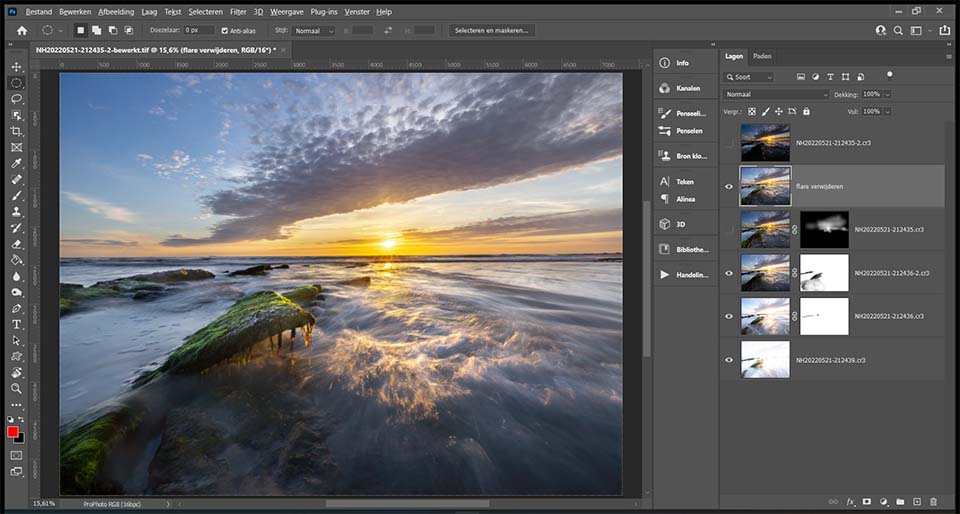
Photoshop is much more than carrying out complex photo edits. It allows you to manipulate photos. You can create drawings, do 3D edits, or design leaflets and flyers. Although there are more specialised software packages for that too.
For a photographer, it's simple. You work in Photoshop, in combination with Adobe Camera Raw. Or you work in Photoshop through Lightroom, which ultimately comes down to the same thing. If you can't do something in Adobe Camera Raw or Lightroom, you choose Photoshop.
So what about Photoshop Beta? To answer that, you first need to know what a beta version of software means. A beta version is a test version. It is software intended for testing new features.
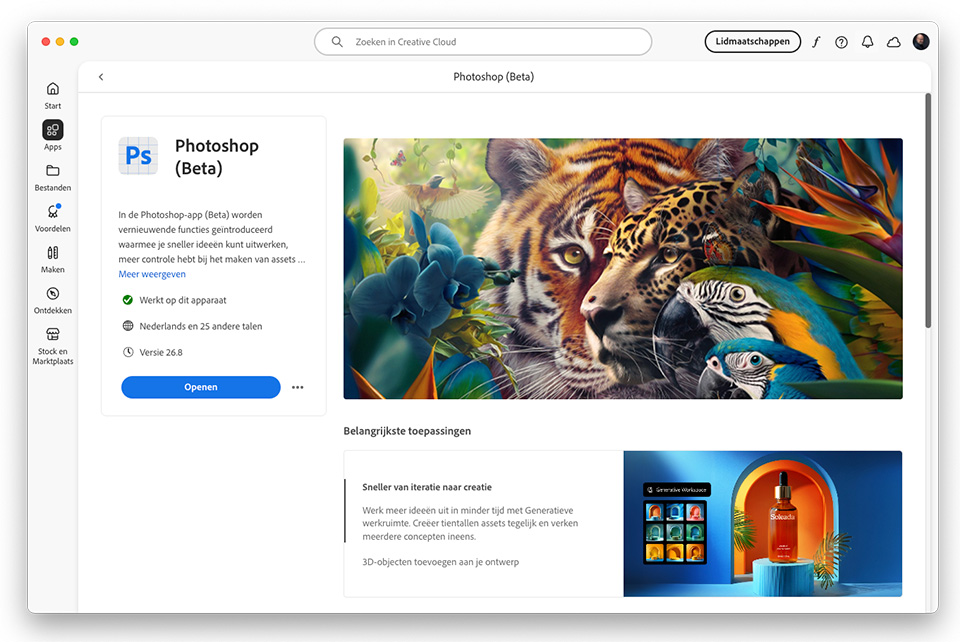
A beta version of software can therefore contain errors. Features may not work properly, or the programme may crash. That is the purpose of a beta version. It is there to discover those errors. Once the (majority of) errors have been found and fixed, it can be introduced in the normal version.
Photoshop Beta is such a test version. It is where new features are tested to remove errors. If you use this version, you will of course have the latest features available first. But the programme may crash, show errors, or produce unexpected results.
Also bear in mind that a feature in the beta version will not necessarily be the same when it is officially introduced. It may look different, be more extensive, or the opposite. That can be confusing, especially if you integrate such a feature into your workflow.
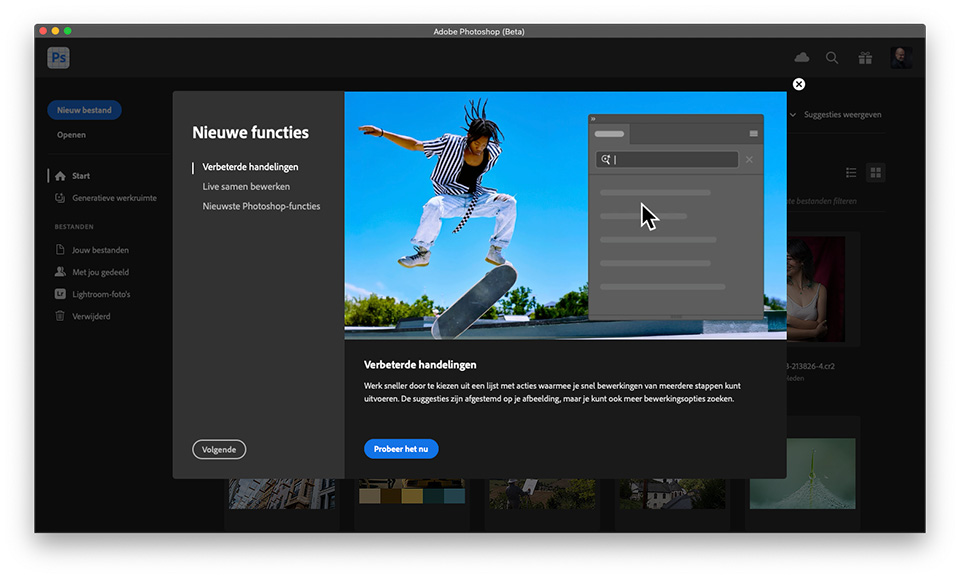
Do you enjoy trying out the latest features first? Then Photoshop Beta is for you. The idea is that you also provide feedback, although I expect most people won't be quick to do that.
Are you using Photoshop for serious work, for example for clients or your own portfolio? Then having a good, stable version is more important than the latest features. In that case, it's better to stay away from any beta version.
Do you want to start using or trying out the beta version of Photoshop? You can install it alongside the regular version. Click the 'apps' icon in the Creative Cloud app, and select the beta tab.
About the author
Nando Harmsen has been photographing for more than 40 years. He specialises in wedding photography and landscape photography. Nando also gives talks, workshops, masterclasses and photo trips, and regularly reviews new and interesting equipment.
You might also like
-
 Adobe launches beta for Photoshop CC on iPad
by Michelle Peeters
-
 Photoshop beta update April 2024
by Nando Harmsen
-
 Generative Expand added to Photoshop Beta
by Elja Trum
-
 New in Photoshop Beta: Generative Fill
by Nando Harmsen
-
 Adobe and the cost of AI generative fill
by Nando Harmsen

1 comment
-

 PvRFotografie
wrote on Wednesday 4 June 2025 at 08:33
| reply
PvRFotografie
wrote on Wednesday 4 June 2025 at 08:33
| reply
I also have Ps beta alongside the regular Ps. Interesting to look at the new functions that are coming. Such as the new layout of the action panel or the new adjustment brush tool, selection brush tool or AI functions.
Translated from Dutch.
What I personally find annoying is that every time after an update of Ps Beta, the "open with" function is overwritten to Ps Beta instead of the regular Ps. You can set that back in Mac OS, but then you have to do it again for the .PSD .PSB and every type of raw file. In my case I have raw files from different camera brands, so that is often an extra step. Only in Bridge can you specify to open raw files with Ps by default, but not when double-clicking on a file.
Have your say
Please note: Articles older than a week can only be commented on by signed-in visitors.Would you still like to comment? sign in or create a free account.
Become a better photographer every week
A practical photography tip in your inbox every week.
38,937 photography enthusiasts already receive the tips! More about the weekly mail. Or keep up to date via  Facebook.

Elja Trum
Photofacts; everything to do with photography!
Would you like to take better photos and keep up with what is happening in photography? Photofacts publishes articles that teach you something about photography — from a product announcement to a practical shooting tip or a look at a website. Photofacts covers photography every day and is a hobby project of Elja Trum's that got out of hand. The articles are written by a team of volunteer authors. If you would enjoy writing one or more articles for Photofacts, do get in touch.More about PhotofactsPhotofacts is made possible in part by
