

Masks in Adobe Camera Raw get feathering
Saturday 6 June 2026, 22:11 by Nando Harmsen | 2,203 views | 1 commentThis article was translated from Dutch with the help of AI. Read the original.
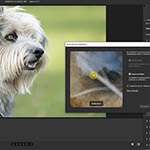
Adobe's automatic masks work well. With complex, detailed selections, you can still see that the edges aren't perfect. Adobe Camera Raw now lets you apply feathering and shift the edge.
Automatic masks using image recognition (AI masks) now work well and accurately. Sometimes they are too accurate, which can quickly reveal edge effects when making an adjustment.
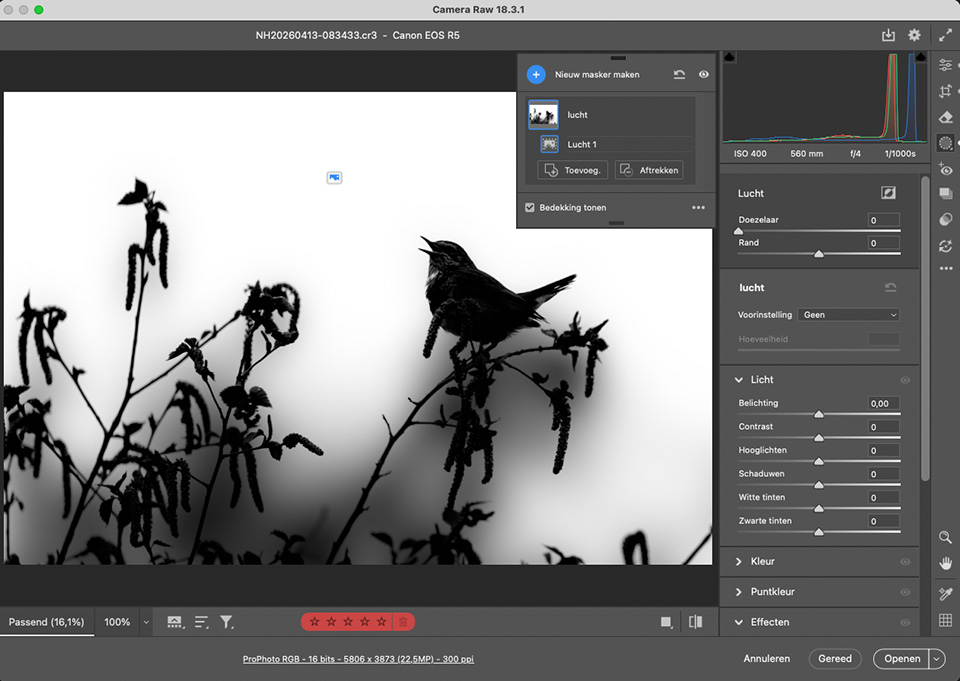
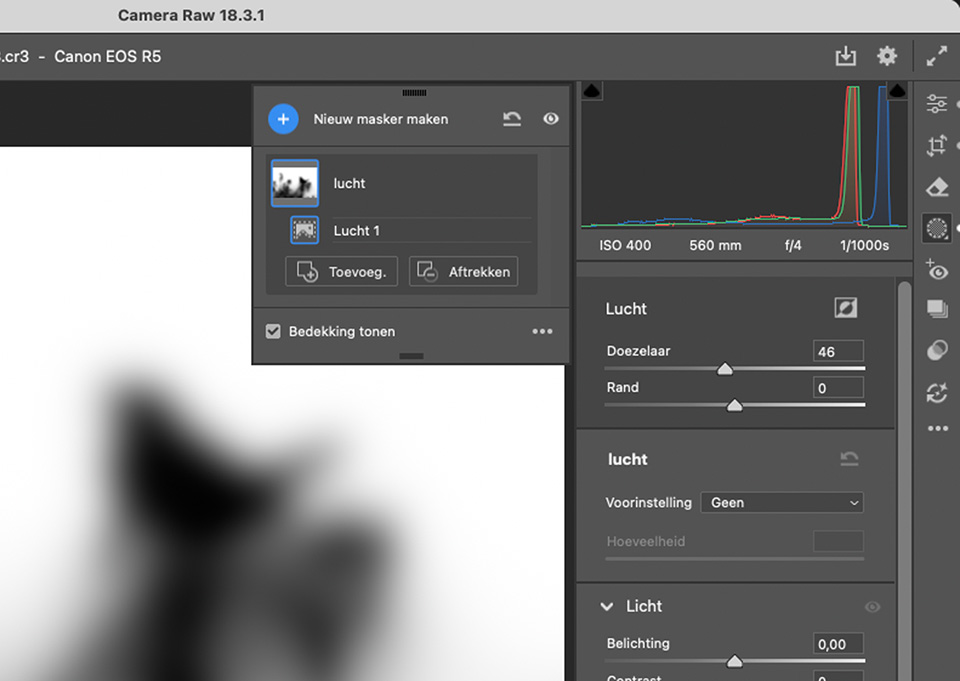
This is especially noticeable with branches and leaves in a sky mask. However, Lightroom's automatic mask options are missing one important option: the feather option for softening the edges.
The linear, radial and brush masks have feathering. This lets you create a soft gradient, so there are no abrupt transitions. This is not available with automatically generated masks.
In the latest update of Adobe Camera Raw (ACR), you now get a feather option, along with the ability to shift the edge. This gives you control over the transitions of automatic masks.
About the author
Nando Harmsen has been photographing for more than 40 years. He specialises in wedding photography and landscape photography. Nando also gives talks, workshops, masterclasses and photo trips, and regularly reviews new and interesting equipment.
You might also like
-
 Updates for LrC, LR and ACR
by Nando Harmsen
-
 Adobe updates Lightroom (Classic) with new AI masks
by Elja Trum
-
 The new updates for Adobe Lightroom and Photoshop
by Nando Harmsen
-
 The new Lightroom Classic updates
by Nando Harmsen
-
 A critical note on the new landscape masks in Lightroom
by Nando Harmsen
1 comment
-
 Donald Willemsen wrote on Tuesday 9 June 2026 at 15:06 | reply
Unlike many others, I find AI a welcome addition when finishing photos. Especially with tools such as those described in this article. Also when removing an annoying object that is replaced by a well-matching background with the help of AI, in line with the composition.
Translated from Dutch.
Have your say
Please note: Articles older than a week can only be commented on by signed-in visitors.Would you still like to comment? sign in or create a free account.
Become a better photographer every week
A practical photography tip in your inbox every week.
38,937 photography enthusiasts already receive the tips! More about the weekly mail. Or keep up to date via  Facebook.

Elja Trum
Photofacts; everything to do with photography!
Would you like to take better photos and keep up with what is happening in photography? Photofacts publishes articles that teach you something about photography — from a product announcement to a practical shooting tip or a look at a website. Photofacts covers photography every day and is a hobby project of Elja Trum's that got out of hand. The articles are written by a team of volunteer authors. If you would enjoy writing one or more articles for Photofacts, do get in touch.More about PhotofactsPhotofacts is made possible in part by
