

Aeroplane mode on a camera
Friday 6 June 2025, 22:22 by Nando Harmsen | 3,162 views | 1 commentThis article was translated from Dutch with the help of AI. Read the original.
When you fly, your smartphone must be in aeroplane mode. Many cameras have an aeroplane mode too. You don't need to use it when flying. So what is it for?
Aeroplane mode on your smartphone switches off all connections to the outside world. Except for Wi-Fi and Bluetooth. This prevents the smartphone's signals from interfering with aircraft systems, or so they say.
A camera often has an aeroplane mode too. However, it is not intended for the same purpose. A camera has no phone signal. But it does have wireless connection options.
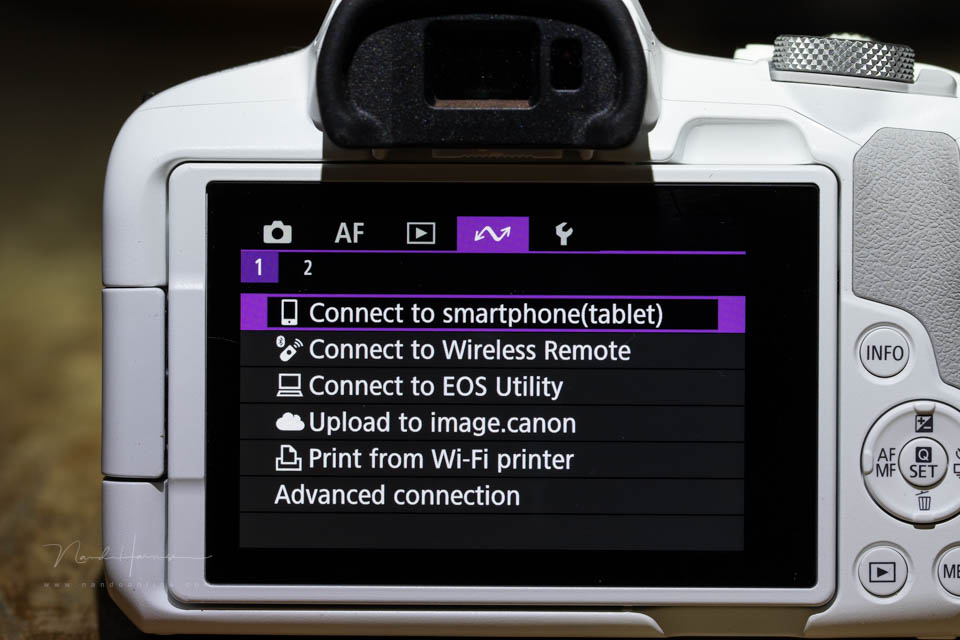
Modern cameras connect to smartphones via NFT, Bluetooth or Wi-Fi. These functions make it possible to control a camera wirelessly, operate it, or view or transfer images.
It can be a difficult process to connect to your tablet or smartphone. When you switch on communication, you often have to go through a process. With some cameras, this can be an annoying or time-consuming process.
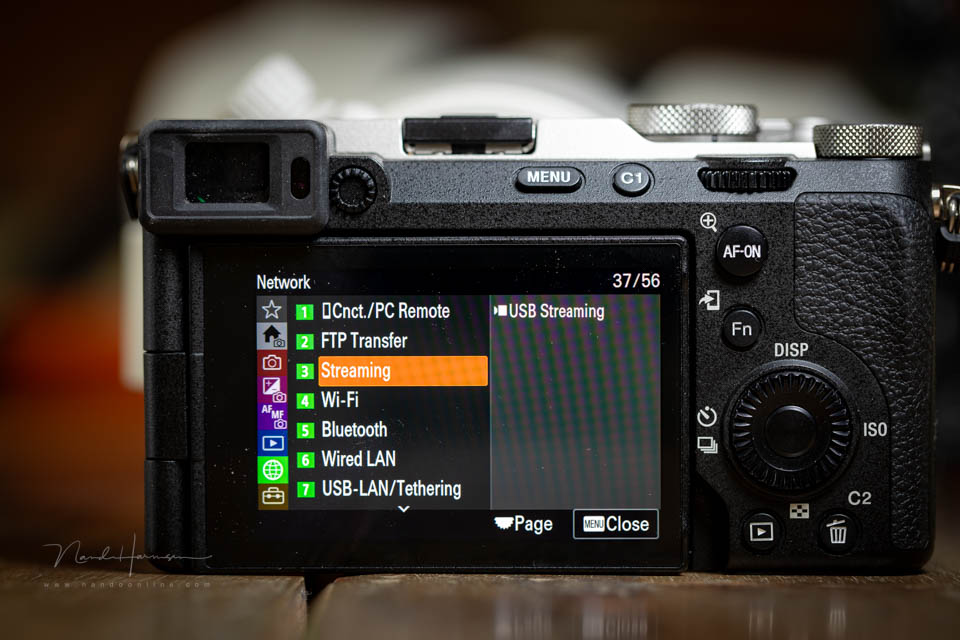
If you switch off the communication functions and then switch them on again later, there is a chance that you will have to establish the connection again. It is usually not advisable to leave everything switched on. It uses extra power, and the camera's battery only lasts so long.
This is where aeroplane mode comes in. This function switches off all the camera's wireless communication in one go. You no longer have NFT, Bluetooth or Wi-Fi. However, the settings for these functions remain in place in the background.
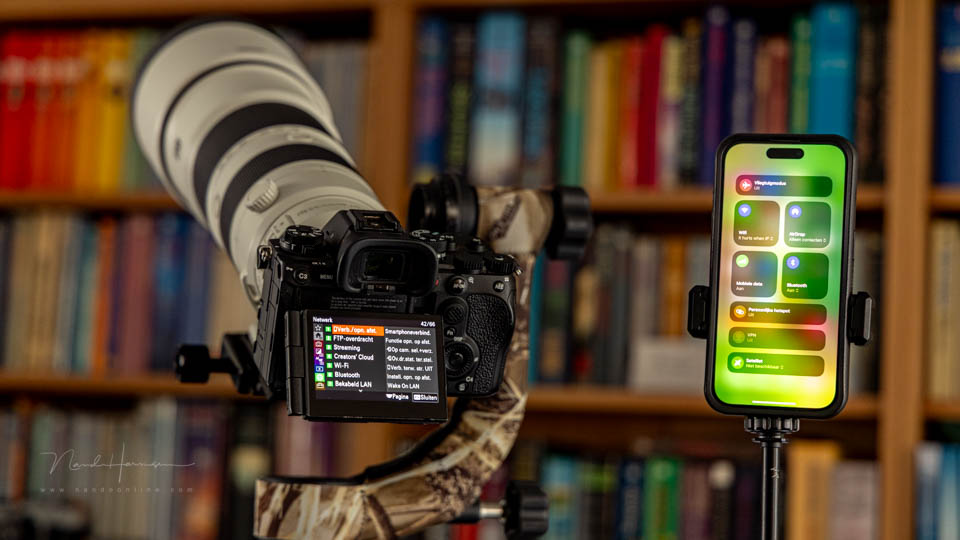
Aeroplane mode is perfect if you regularly connect your camera to a tablet or smartphone. Simply switching aeroplane mode on and off is enough. The connections will then be reactivated quickly.
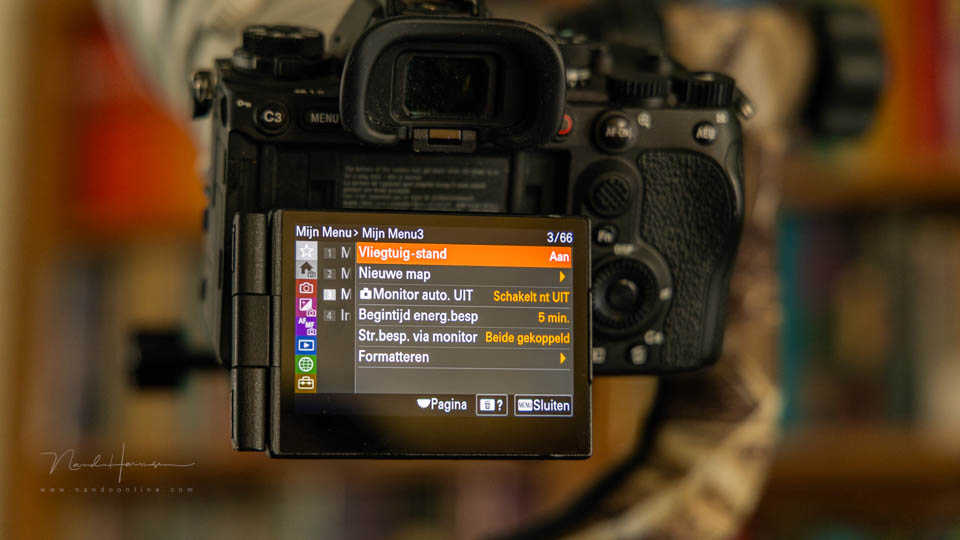
Put aeroplane mode in My Menu or the quick menu so you can access it quickly. This lets you use the camera's wireless connections more conveniently, and above all much more efficiently.
About the author
Nando Harmsen has been photographing for more than 40 years. He specialises in wedding photography and landscape photography. Nando also gives talks, workshops, masterclasses and photo trips, and regularly reviews new and interesting equipment.
You might also like
-
 Situations where manual mode is (actually) perfect
by Nando Harmsen
-
 Smartphone photography and travel
by Nando Harmsen
-
 The only real reason to set the exposure manually
by Nando Harmsen
-
 Is my smartphone replacing my system camera?
by Laura van der Burgt
-
 Review: Sony Xperia 1 IV smartphone for photography
by Nando Harmsen

1 comment
-
 Donald Willemsen wrote on Saturday 7 June 2025 at 11:52 | reply
I had it working well on the R7. I had it set to Bluetooth and that went well. A while later I wanted to use Wi-Fi on the home network. That also went well. But now I can no longer get the Bluetooth connection with the camera started.
Translated from Dutch.
So it really isn't that easy after all unfortunately. I keep trying, mazr if you have any tips, they are welcome.
Have your say
Please note: Articles older than a week can only be commented on by signed-in visitors.Would you still like to comment? sign in or create a free account.
Become a better photographer every week
A practical photography tip in your inbox every week.
38,937 photography enthusiasts already receive the tips! More about the weekly mail. Or keep up to date via  Facebook.

Elja Trum
Photofacts; everything to do with photography!
Would you like to take better photos and keep up with what is happening in photography? Photofacts publishes articles that teach you something about photography — from a product announcement to a practical shooting tip or a look at a website. Photofacts covers photography every day and is a hobby project of Elja Trum's that got out of hand. The articles are written by a team of volunteer authors. If you would enjoy writing one or more articles for Photofacts, do get in touch.More about PhotofactsPhotofacts is made possible in part by
