

Lightpainting, how does it work?
Monday 26 August 2019, 20:02 by Liesbeth van Asselt | 17,562 views | 2 commentsThis article was translated from Dutch with the help of AI. Read the original.
Even as a child, I moved little lights in front of my father's camera so we could take fun photos together. In this article, I take you into this playground, now called lightpainting, lightdrawing or lightart. How do I go about it?
Light source
Of course, you need a light source to paint with in front of the camera. That light source can be anything, a torch, sparklers, steel wool, Christmas lights, bike lights, et cetera.
As long as it gives enough light to be clearly visible, and is brighter than the surroundings. It is no coincidence that lightpainting was part of my night photography workshops for years.
You do lightpainting at sunset, during the blue hour or in the dark. During the day, it is too light, so your light source cannot outshine the ambient light.
You can place all sorts of translucent objects over a torch to make it more fun. Coloured bottles, for example. Or a transparent tube that once contained a poster. If you do not have one, you can also buy a fluorescent tube sleeve.
By playing with kite paper, coloured film, baking paper, aluminium foil, duct tape, et cetera, you can make the light source completely your own.
Do remember that you must remain invisible in the photo among all that light. That means wearing dark clothing, keeping moving and covering the back of all light sources with duct tape so that the light only shines forwards and does not fall on you.
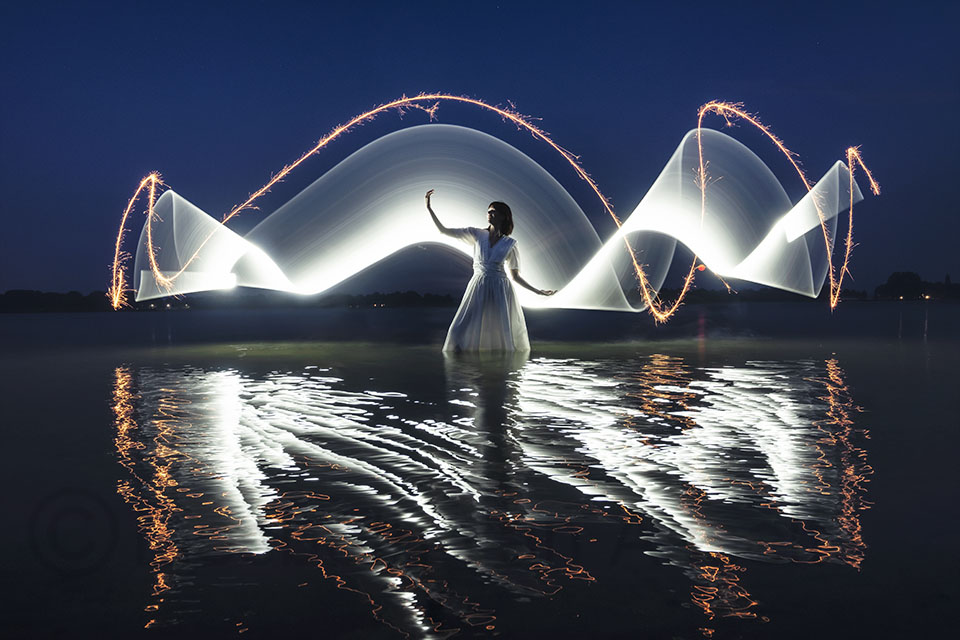
A torch whose brightness you can adjust is useful. During the blue hour, you can set the torch brighter than under the starry sky. And if you are buying a new torch anyway, look for one with a constant 'flashing function'. That gives you some extra creative options.
In 2017, I already shared a video with you via Photofacts about making a lightorb with bike lights as the light source. I also wrote a blog about steel wool as a light source long ago, in 2016.
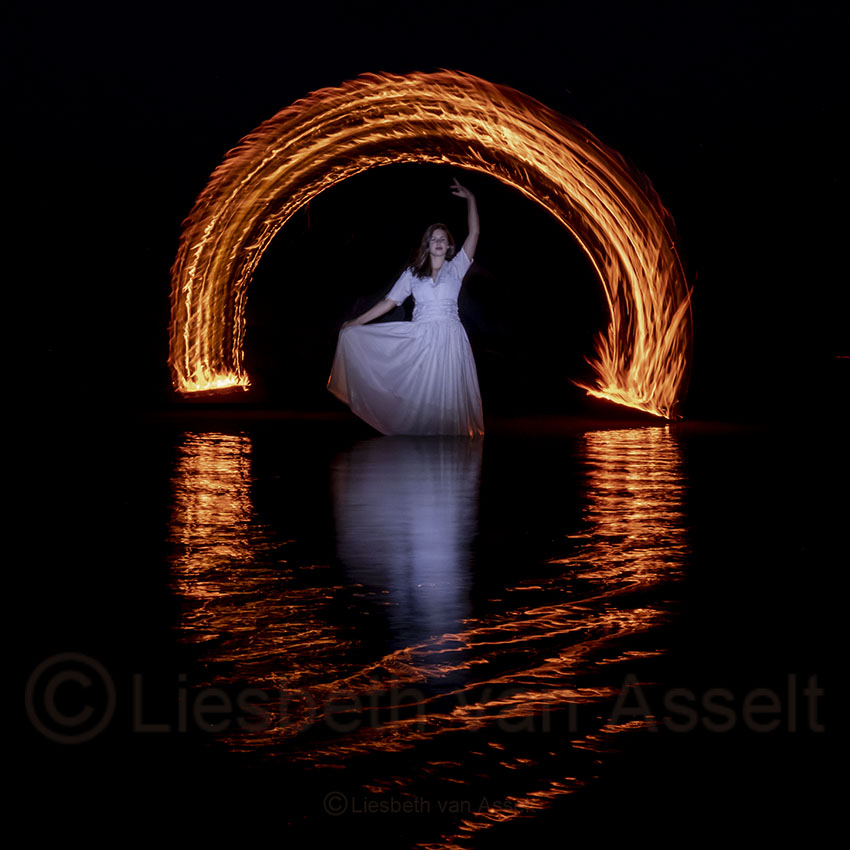
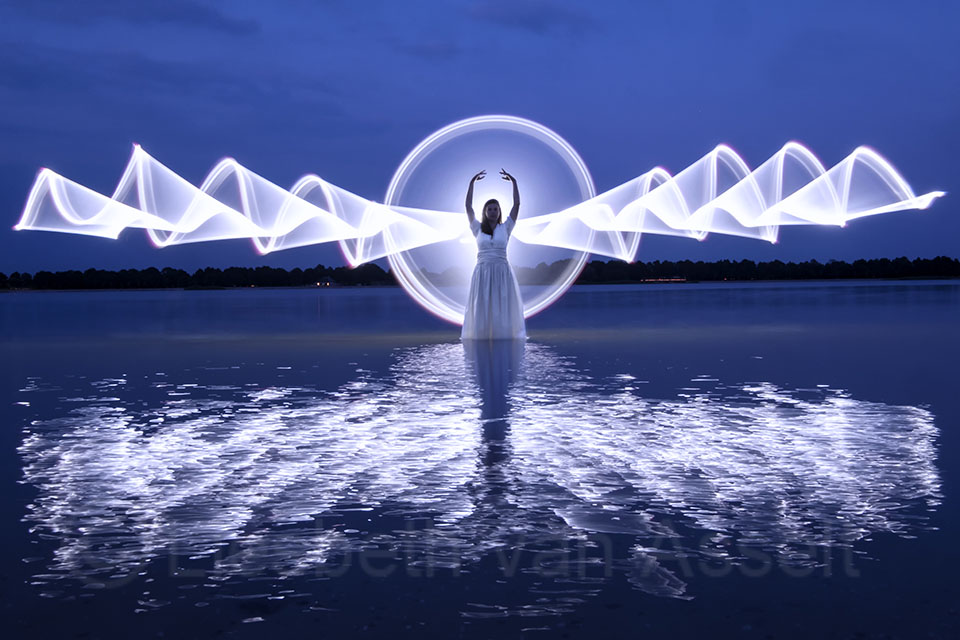
As well as steel wool as fire, you can also use a torch as a 'fire source'. Do be careful if you want to make this kind of image! For this photo, I met up with the students from my course group on the beach.
It was no coincidence that we chose this location, where the model could stand in the water. Safety comes first! Not just during my workshops, but especially when you go out on your own. In any case, take a mobile phone with you, just in case…
Magilight
These days, I also have a Magilight as a light source, the little brother of the Pixelstick. I am only 1.65 metres tall, and the Pixelstick is simply too long for me to work with comfortably.
The Magilight is a stick consisting of 144 LED lights. The handle contains an SD card with various pre-programmed figures that you can paint.
You can also put your own photos on this card. For example, you can paint your dog, your child or your logo in a special location. Despite all the possibilities, I personally find the DIY tools more fun. Making your own light source is part of the creative process, and the result looks less 'digital'.
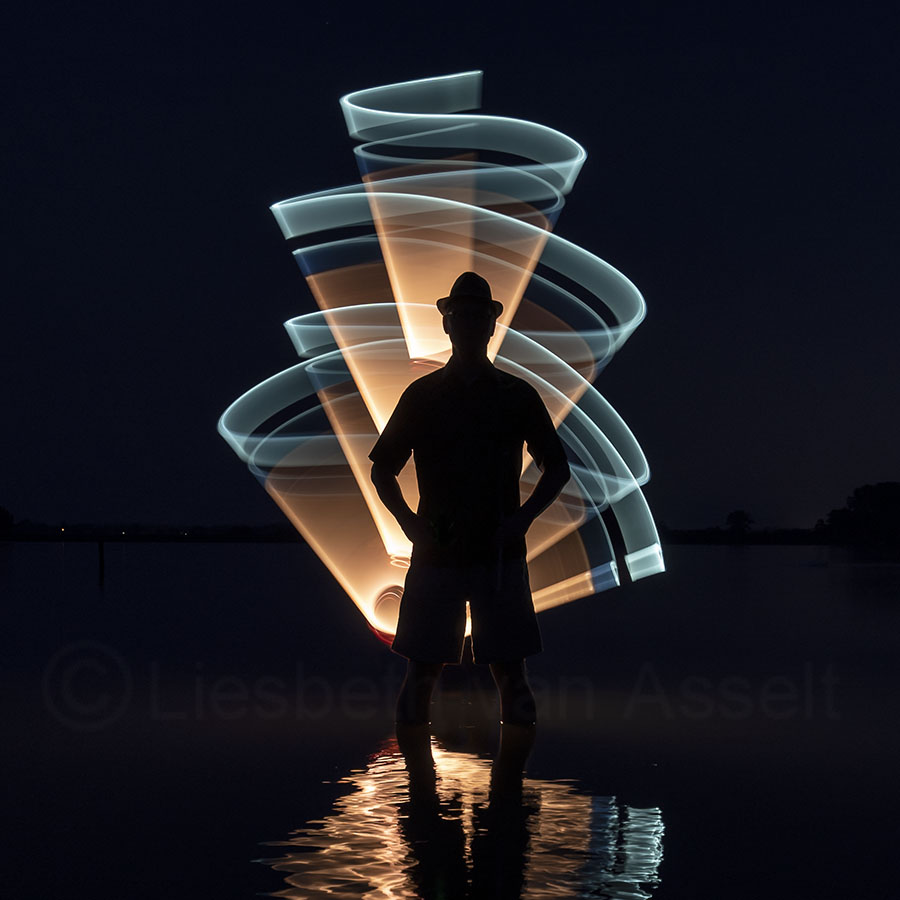
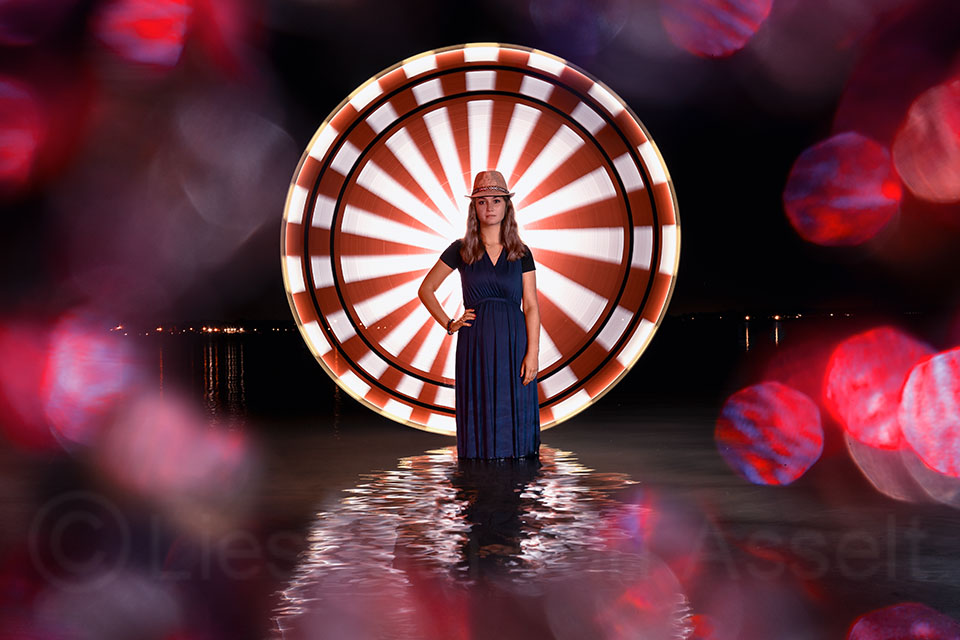
The stick I used for the photo of the model with the bowler hat was made entirely by hand. That meant I could choose the colour myself, where I wanted the strips, et cetera.
Tripod
Before you start, put your camera on a tripod. Or, if you do not have one, on a wall, bin or something else where you can put your camera down securely. Take a beanbag with you and place it on the wall, then push your camera into it. That is just a bit more stable than putting the camera down on its own.
That stability is really essential because we work with long shutter speeds of a few seconds to sometimes several minutes. If you do not put your camera down securely, your photos will be blurred by camera shake.
Camera settings
The requirement for getting started with lightpainting is that aperture, shutter speed and ISO can be set manually on the camera. It is also useful if the camera has a bulb mode, but most cameras do.
Which setting do you choose next? That of course depends on the amount of ambient light, the effect you want to achieve, the strength of your light source and how long you spend on the painting.
During the blue hour, you work with a lower ISO and a smaller aperture than in the dark with only light pollution in the background. Do remember that changing the aperture and ISO value also affects depth of field and noise!
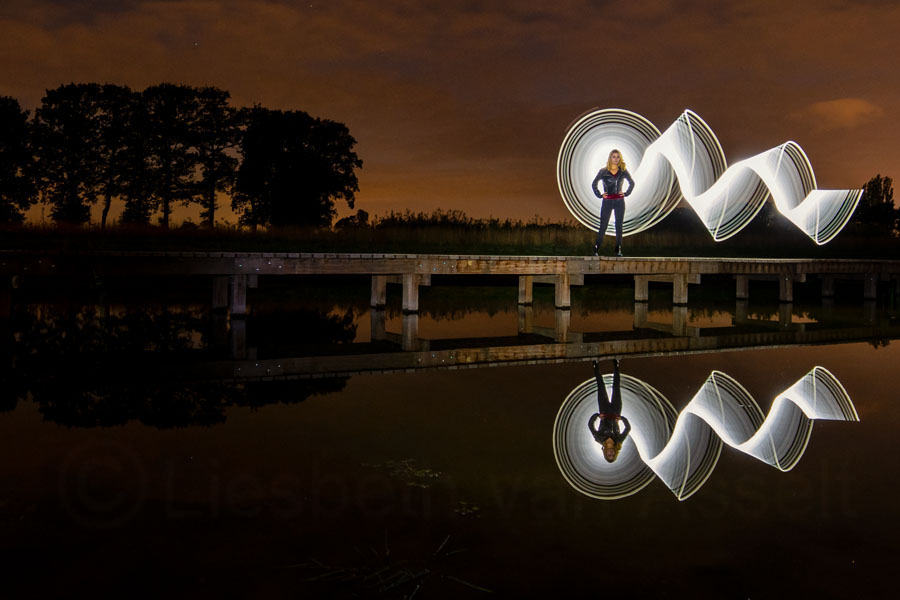
Image stabilisation and noise
With most lenses and cameras, image stabilisation must be switched off when you put the camera on a tripod. Otherwise, you will get blurred images. And that is exactly what you want to avoid! Image stabilisation is intended for handheld photography. So switch it off.
To prevent noise, we have 'noise reduction'. The normal 'high ISO noise reduction' blurs your photo, so I never use it. 'Long exposure noise reduction' is a good option. It filters out the noise caused by the sensor heating up during long exposures.
The problem is that it is not convenient for lightpainting. When this function is enabled, the camera takes a second, black photo with the same shutter speed as the photo you took. It then overlays these two photos and filters out the noise.
But if the light conditions change as quickly as they do at sunset or during the blue hour, you miss opportunities as a result. Just when the light is right, your camera is still busy making the second exposure for noise reduction...
So you cannot take a photo!
In short: both types of noise reduction should be switched off.
Focusing
Focusing, how do you do that in the dark? I always leave my camera set to autofocus at first. I then illuminate the subject with my torch to focus. Once that is done, I switch autofocus off. I then use focus peaking to check that the focus is correct.
If the model comes over to see how the photos turned out, you have to focus again! Unless you place a small stone or twig where they were standing, so they can stand in exactly the same place for the next photo. If your model is in the water, that is rather difficult.
Camera control
I always set the shutter speed to bulb. That means I work in M mode. The shutter stays open for as long as the painting takes. You press the shutter button when you start painting and release it when you finish.
Of course, you cannot paint and keep the shutter button pressed at the same time. A wireless remote is therefore essential if you are on your own. It can simply be the trigger set you use for your flashes.
Buy an extra cable to connect the receiver to your camera and you are ready. Some trigger sets even come with this cable.
Some cameras can be controlled from your phone. The disadvantage is that the connection is not always very stable, and you have to be very careful that the illuminated screen of your phone does not appear in the frame. Unless you are using the phone as a light source, of course.
If you do not have a remote, you can first work out how long painting the figure will take and set your camera to that shutter speed. I would allow a little extra time, so that the shutter does not close just before you finish.
If your painting takes 3 seconds, set the shutter speed to 4 seconds. See how this works with the amount of ambient light that reaches your photo. To make the light from your painting stand out against the ambient light, you may need to turn your torch up a little to get a balanced image.
If this makes the overall photo too light, lower the light sensitivity (ISO) or make the aperture smaller. Keep adjusting these settings as the light changes!
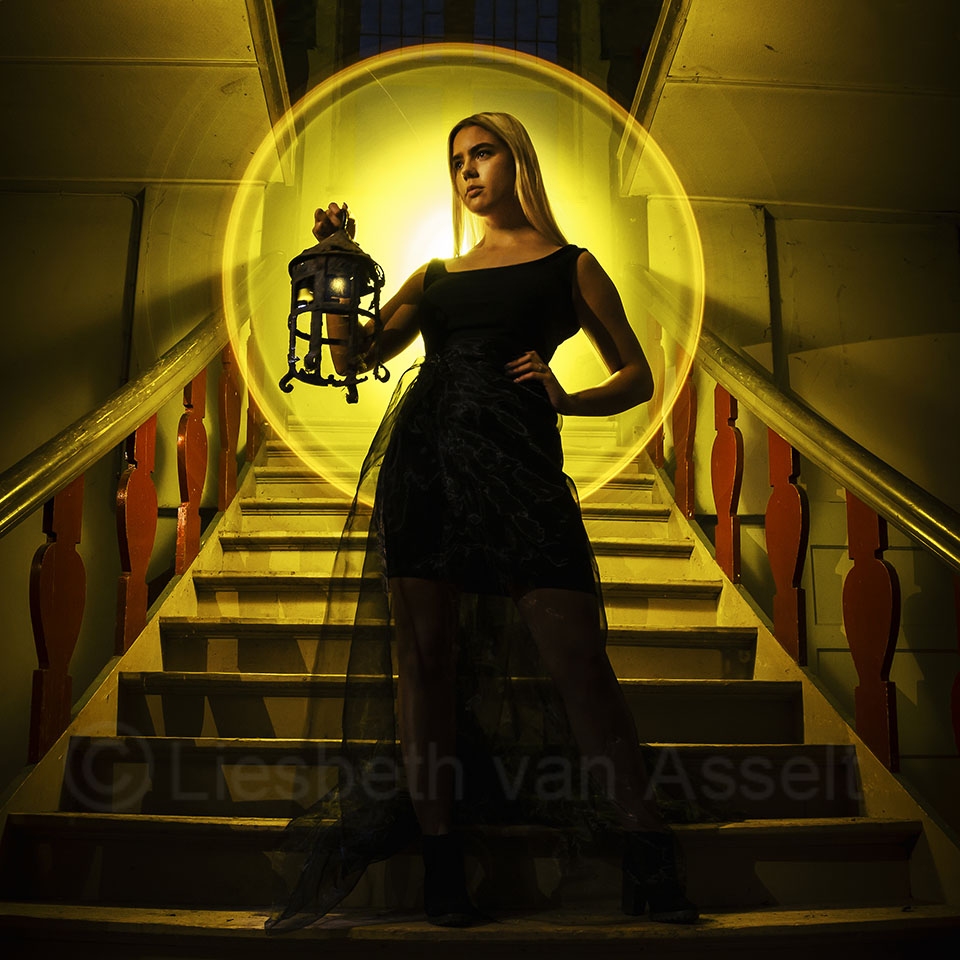
Of course, you do not always have to photograph outside in changing light conditions. The advantage of photographing in, for example, a dark old building is that you can completely control the light.
And you can safely set the shutter speed a little longer there than your painting takes. It is dark anyway, so no extra ambient light falls on the sensor.
Flashes
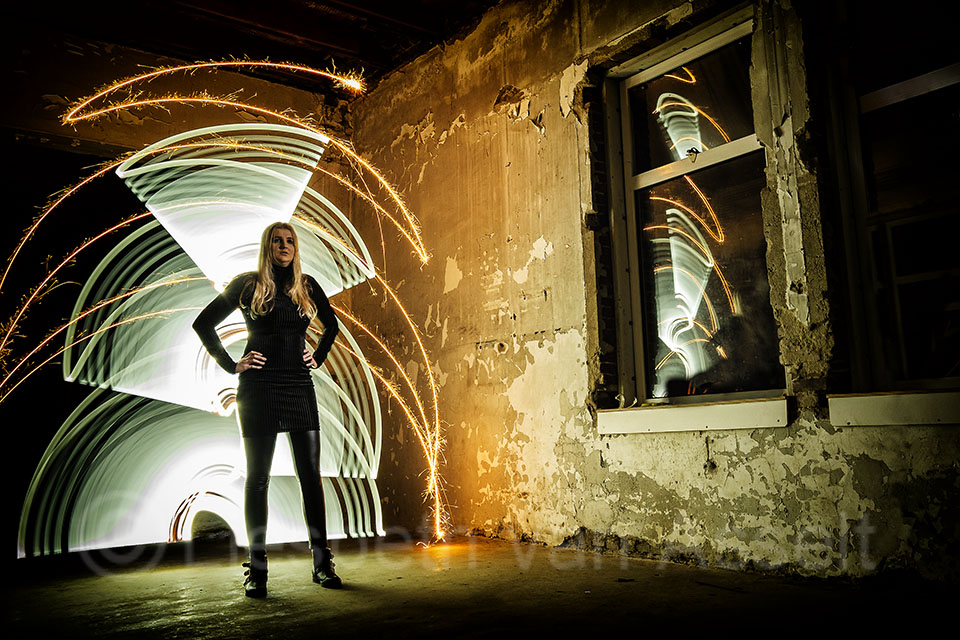
The simplest way to do lightpainting is to paint figures with a small light in front of the camera. When you combine lightpainting with a model, there are a few complications. Usually, you want the model to appear well lit rather than as a silhouette.
You can do this by lighting the model with your light source or with an extra torch, but you are standing behind the model while painting, so that is rather difficult.
It is better to use a flash for this. A reportage flash freezes the movement of the model, provided it is set to a short flash duration. And that is useful with these long shutter speeds!
So we put the flash on a small tripod. The flash is then controlled by a transmitter mounted on the camera. If this interests you, my second book, Flash & Lightart, will be published in November. It covers the use of flashes with lightpainting in detail.
You can of course also light the surroundings with the flash. You can optionally place a coloured filter in front of the flash for an extra creative effect.
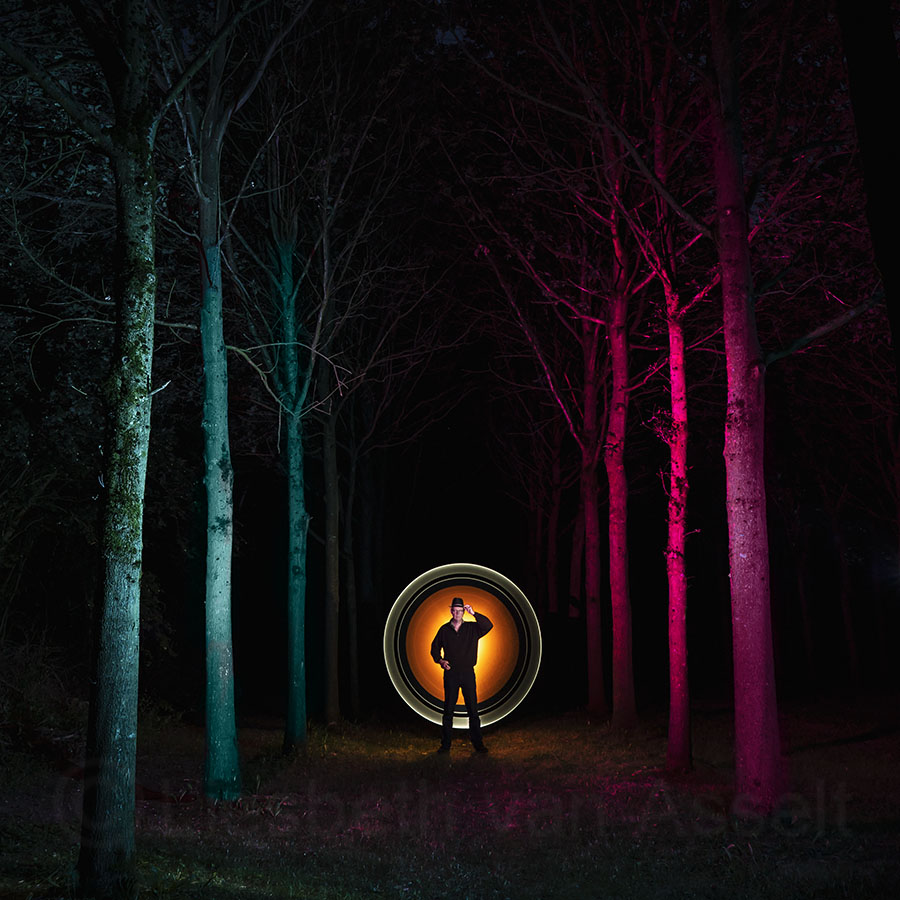
Make sure you are not hit by the flash light when you are painting behind the model, so hide yourself well. That applies during painting in general, of course. If you want to make things easier for yourself, have the model wear a long dress.
It is more difficult to remain invisible when the model is wearing trousers. You will have to align your legs exactly with theirs. Practice makes perfect!
About the author
Liesbeth fotografeert met haar bedrijf stapfoto.nl voor websites van bedrijven. Daarnaast verzorgt ze al sinds 2004 (vooral creatieve) workshops zoals lightpainting, flitsen in de natuur, fine art, frozen flowers, paintsplash, infrarood, icm en multi exposure. Daarnaast is er een Stapfoto vakgroep voor de meer gevorderde fotografen.
You might also like
-
 Olympus's Live Bulb in practice
by Nando Harmsen
-
 Night photography tip: taking photos without touching the camera
by Nando Harmsen
-
 Night photography tip: the eye is drawn to the brightest point
by Nando Harmsen
-
 What can you make with a light bulb? More than you think
by Frank Doorhof
-
 Night photography tip: keep bright lights bright
by Nando Harmsen
-
 Night photography tip: try black and white too
by Nando Harmsen
2 comments
-

 Huub Keulers
wrote on Tuesday 27 August 2019 at 16:45
| reply
Huub Keulers
wrote on Tuesday 27 August 2019 at 16:45
| reply
Very beautiful and clearly worded article, Liesbeth. Thank you! Wonderful example photos, by the way.
Translated from Dutch.
Kind regards,
Huub Keulers -
 Liesbeth van Asselt
wrote on Tuesday 27 August 2019 at 16:55
| reply
Liesbeth van Asselt
wrote on Tuesday 27 August 2019 at 16:55
| reply
Thanks Huub! I've become addicted to this branch of sport
Translated from Dutch.
Have your say
Please note: Articles older than a week can only be commented on by signed-in visitors.Would you still like to comment? sign in or create a free account.
Become a better photographer every week
A practical photography tip in your inbox every week.
38,937 photography enthusiasts already receive the tips! More about the weekly mail. Or keep up to date via  Facebook.

Elja Trum
Photofacts; everything to do with photography!
Would you like to take better photos and keep up with what is happening in photography? Photofacts publishes articles that teach you something about photography — from a product announcement to a practical shooting tip or a look at a website. Photofacts covers photography every day and is a hobby project of Elja Trum's that got out of hand. The articles are written by a team of volunteer authors. If you would enjoy writing one or more articles for Photofacts, do get in touch.More about PhotofactsPhotofacts is made possible in part by
