

Night photography tip: taking photos without touching the camera
Thursday 6 January 2022, 15:30 by Nando Harmsen | 4,126 views | 5 commentsThis article was translated from Dutch with the help of AI. Read the original.
When the shutter speed gets longer, you will need to use a tripod. Even with a tripod, pressing the shutter button can still cause motion blur. The best option is to take a photo without touching the camera.
There are a few ways to take a photo without touching the camera. Each option has advantages and disadvantages. So one is not necessarily better than another, it is simply a different way of doing it. Always consider which method works best for you.
Self-timer
A self-timer allows you to press the shutter button, after which the photo is taken with a delay. Depending on your camera's make and model, this can vary between 2 and 10 or even 15 seconds.
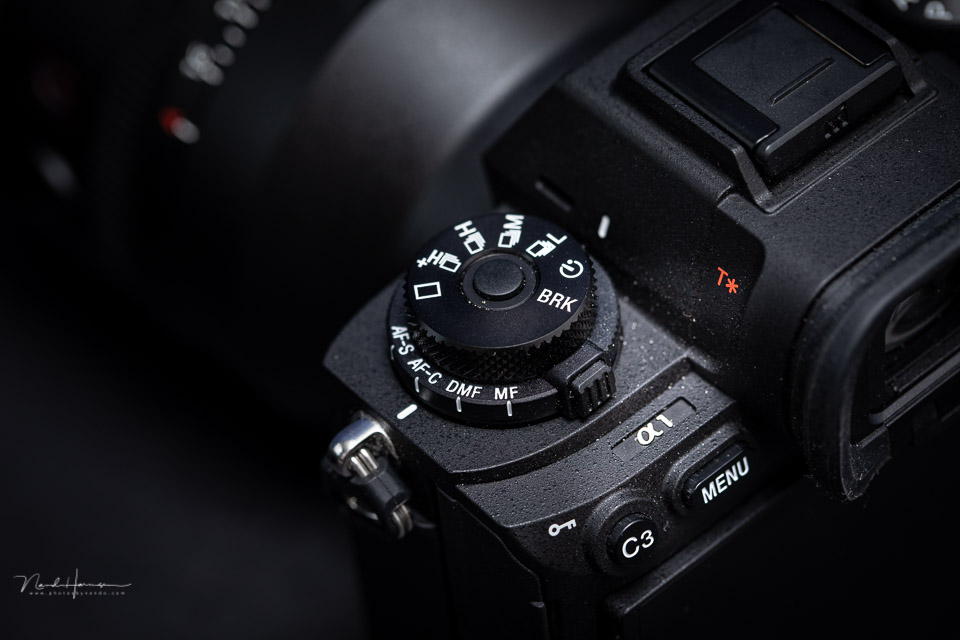
This way, any vibrations caused when you press the shutter button will no longer be present when the photo is actually taken. The disadvantage is that there is a delay between operating the camera and taking the actual photo. That can be inconvenient.
Cable release or remote control
A cable release or remote control allows you to take the photo from a distance. You simply do not touch the camera. A cable release is a simple control connected to the camera with a cable. A remote control is wireless.
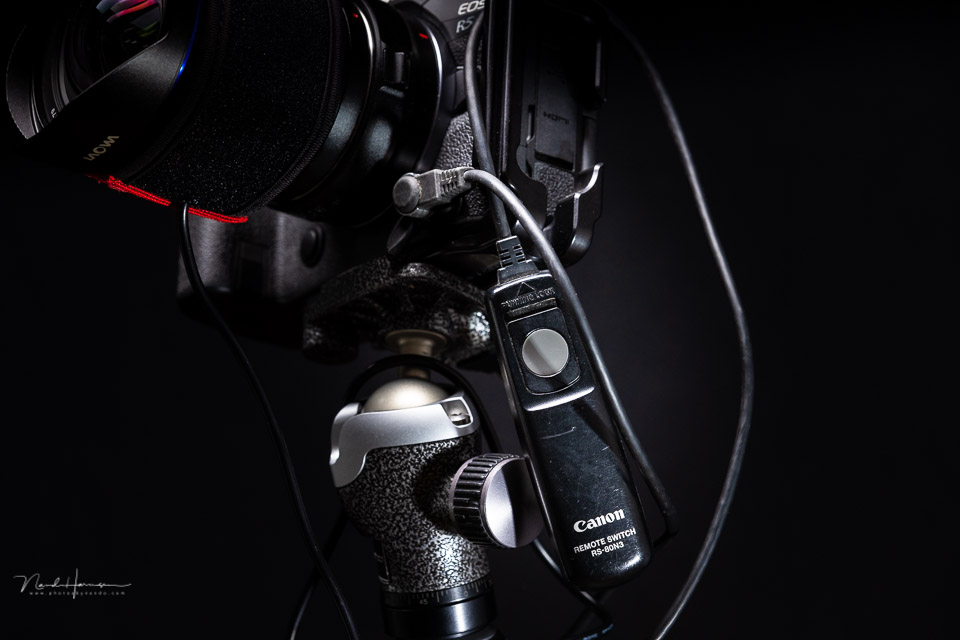
The advantage is that the photo is taken when you press the button. There is no delay like with the self-timer. You can also often lock the shutter button, which is useful for taking a series of photos or when using BULB mode.
Camera app on your smartphone
The third option is to control the camera using an app on your smartphone. This is not possible with all cameras, as you often need to be able to establish a WiFi or Bluetooth connection. Usually, you can control much more than just taking a photo. You will also often have a live view image available.
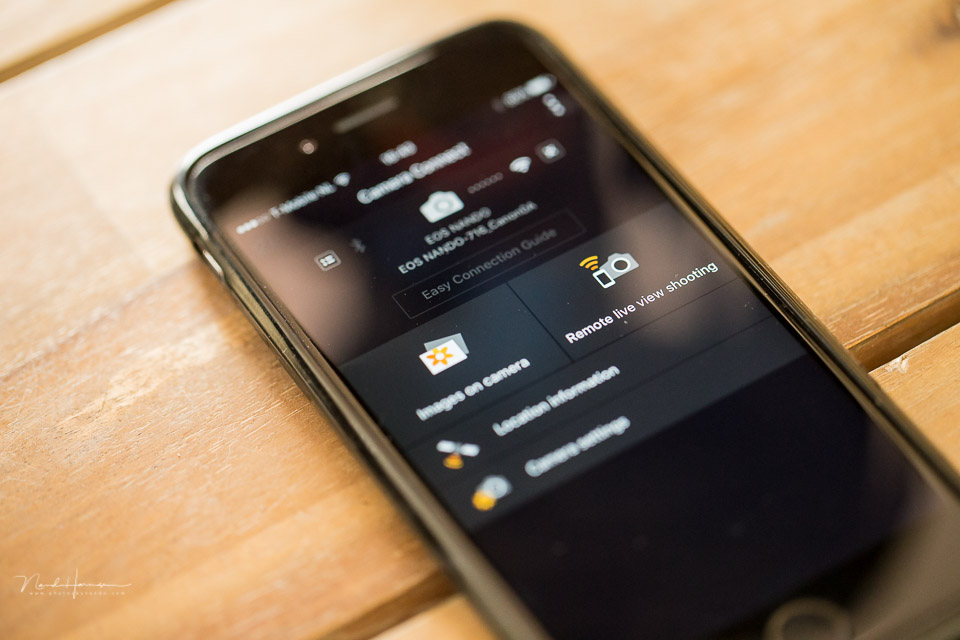
One disadvantage can be an unstable connection between the camera and smartphone. This is usually down to the manufacturer's app. They do not all work equally well or easily. You can always try it out to see whether it works for you.
Choose what works easiest for you
I always use the self-timer for my night photography, unless it is important to take the photo at exactly the right moment. In that case, I always use a cable release. You do not need an app or a battery, and it always works.
This way, I make sure my night photos do not have unwanted motion blur. Which method do you prefer to use?
About the author
Nando Harmsen has been photographing for more than 40 years. He specialises in wedding photography and landscape photography. Nando also gives talks, workshops, masterclasses and photo trips, and regularly reviews new and interesting equipment.
You might also like
-
 Using a cable release to capture the right moment
by Nando Harmsen
-
 Night photography tip: the eye is drawn to the brightest point
by Nando Harmsen
-
 Night photography tip: keep bright lights bright
by Nando Harmsen
-
 Night photography tip: try black and white too
by Nando Harmsen
-
 Night photography tip: choose the blue hour
by Nando Harmsen
-
 Night photography tip: Choose the right white balance
by Nando Harmsen
5 comments
-

 martinphili wrote on Thursday 6 January 2022 at 21:22
| reply
martinphili wrote on Thursday 6 January 2022 at 21:22
| reply
Quick question: Image stabilization or not?
Translated from Dutch. -

-
 Alois wrote on Tuesday 11 January 2022 at 16:31 | reply
I don't read anything about flipping up the mirror (in a DSLR).
Translated from Dutch.
One can also do that before taking the photo, precisely to prevent the vibrations from it. -
Nando
wrote on Tuesday 11 January 2022 at 16:49
| reply
@Alois:
Translated from Dutch.
This is separate from using a cable release or similar. But you're right, this can be a good option for an SLR. Do keep in mind that in that case you have to press a shutter button (remote control/cable release) twice. The first time to raise the mirror, the second to take the photo. -
 ronald Maas wrote on Wednesday 12 January 2022 at 01:02 | reply
What about the "this old method" of holding a piece of cardboard in front of the lens, shutter open, cardboard away wait a number of sec, cardboard in front of the lens again shutter closed again Even if the camera shakes it doesn't register an image so.......
Translated from Dutch.
Have your say
Please note: Articles older than a week can only be commented on by signed-in visitors.Would you still like to comment? sign in or create a free account.
Become a better photographer every week
A practical photography tip in your inbox every week.
39,081 photography enthusiasts already receive the tips! More about the weekly mail. Or keep up to date via  Facebook.

Elja Trum
Photofacts; everything to do with photography!
Would you like to take better photos and keep up with what is happening in photography? Photofacts publishes articles that teach you something about photography — from a product announcement to a practical shooting tip or a look at a website. Photofacts covers photography every day and is a hobby project of Elja Trum's that got out of hand. The articles are written by a team of volunteer authors. If you would enjoy writing one or more articles for Photofacts, do get in touch.More about PhotofactsPhotofacts is made possible in part by
