

Printing your photos? Which Canon printer should you choose?
Wednesday 6 December 2023, 20:02 by Nando Harmsen | 3,856 views | 5 commentsThis article was translated from Dutch with the help of AI. Read the original.
It is very easy to view all the photos you take on your computer screen or TV. Yet nothing beats a printed photo. If you really want a photo to come into its own, a print is still the best choice. So which Canon printer should you choose? This article explains.
Choosing the right printer can be difficult. You need to think carefully about how you will use the printer. Will you only print photos, or documents as well? Do you also want to scan and copy? Are you planning to sell printed photos? What kind of media will you print on?
These are just a few questions you can ask yourself before you buy. Your budget is also important. If you are going to sell prints, you can justify a higher purchase price. If it is only for simple private use, you may want to pay a little more attention to the price.
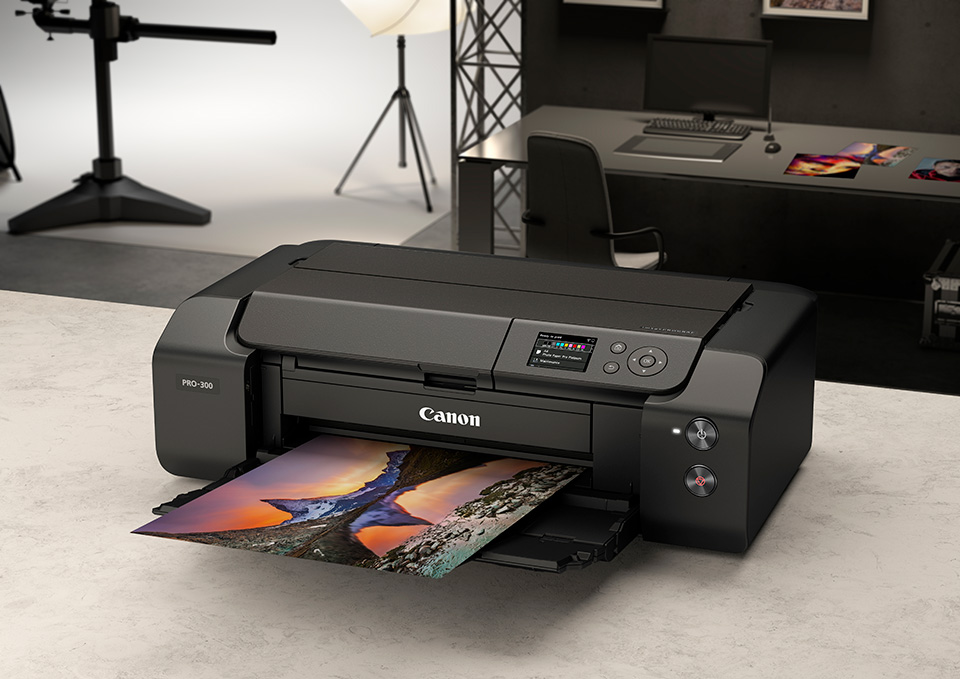
Canon offers a selection of printers for every target group. This selection is based on the expected use, which is also reflected in the purchase price. In consultation with Canon Nederland, this article covers four types of printers.
Two 3-in-1 printers for general home use have been selected, along with two printers specifically aimed at printing photos.
The PIXMA TS5350i, the ideal family printer
Are you looking for a printer that can be used for a wide range of tasks? Then the PIXMA TS5350i is a good choice. As well as printing, this 3-in-1 printer can scan and copy. You can print anything from simple documents to holiday photos in excellent quality.
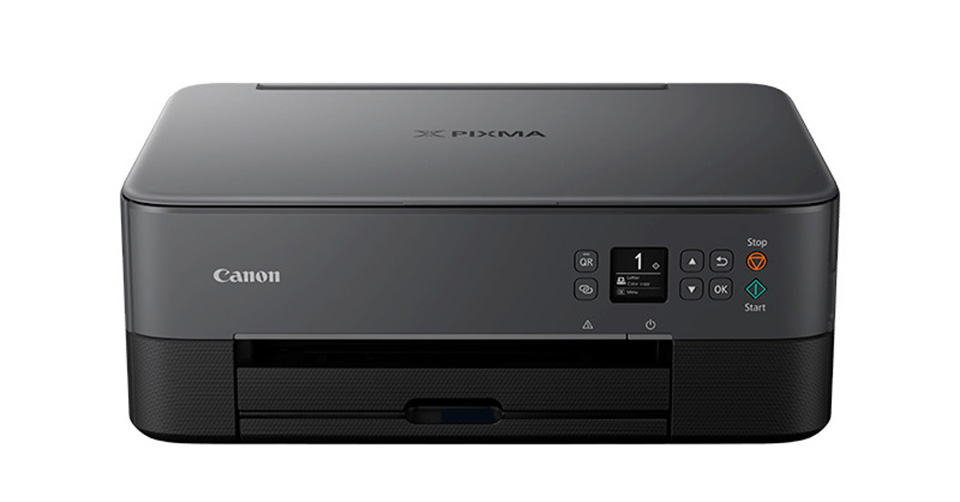
The printer uses FINE cartridges with ChromaLife 100 ink. The number 100 refers to the number of years the colours in the print will remain intact. You can print photos without a white border, up to A4 size.
A lot of attention has been paid to ease of use. You can connect your smartphone, tablet or computer to the printer via Wi-Fi. There is a special app that makes printing from your smartphone or tablet very easy. This means you can quickly print a beautiful photo in excellent quality.
Don't like the classic black colour of a printer? It is also available in white, pink and green. The price of the PIXMA TS5350i is 109 euro.
The PIXMA TS8750, the multifunctional home printer
The PIXMA TS8750 is a multifunctional printer that excels not only in its features, but also in its speed. It is an A4 printer intended for frequent use, with a handy LCD touchscreen.
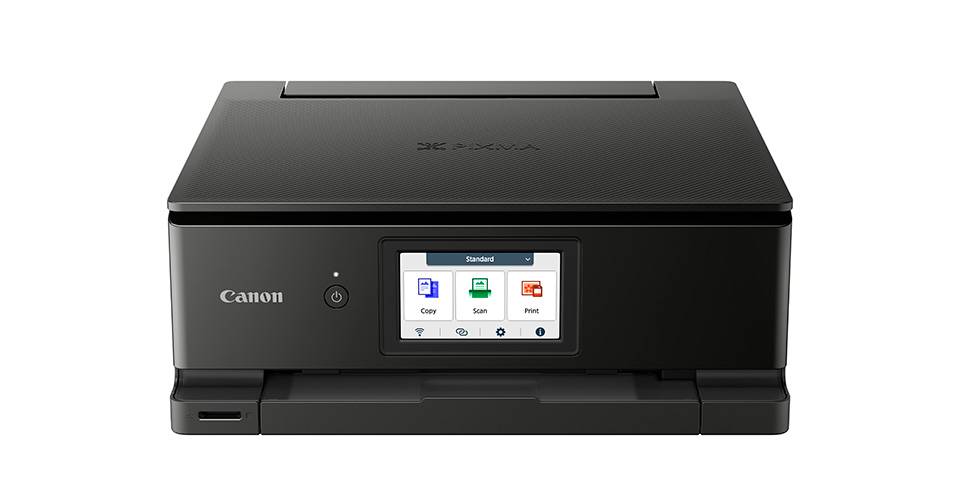
Just like the previous model, it can scan and copy. As well as being suitable for home use, it is also very suitable as a business printer or photo printer. You can print up to 15 black-and-white documents per minute, or 10 in colour. A 10x15cm photo without a white border takes 13 seconds to print.
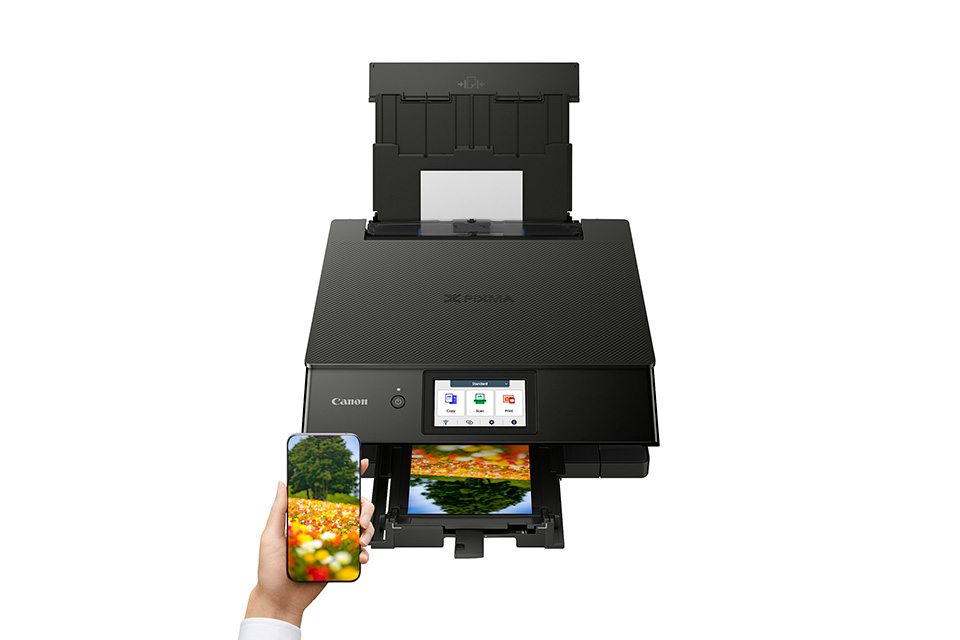
You can connect your smartphone and tablet via the Wi-Fi network. The Canon print app allows you to print directly from your smartphone or tablet. The PIXMA TS8750 also has an SD card slot, so you can print directly from your memory card.
A 4.3-inch colour LCD touchscreen makes operating the printer very easy. You can control printing, scanning and copying directly on the printer, sometimes even without using a computer.
The price of the PIXMA TS8750 is 259 euro.
The PIXMA G550, the printer for large numbers of photos
Are you looking for a printer with which you can print large numbers of photos? Then the PIXMA G550 is the perfect printer for you. Thanks to its six refillable dye ink tanks, it can print up to 3,800 10x15cm photos on a single fill.
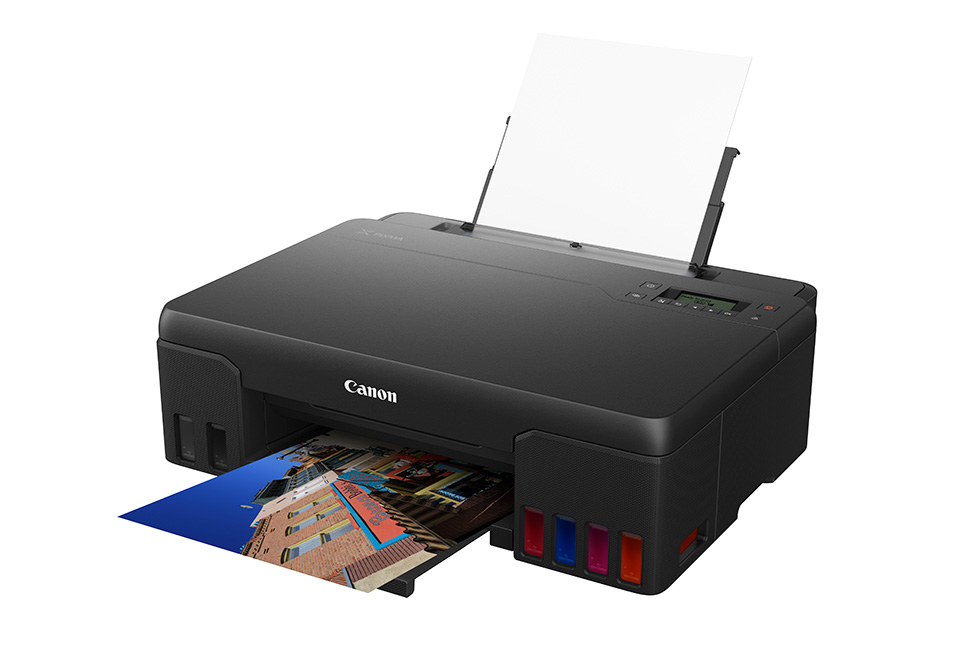
The PIXMA G550 has an extra red and grey ink tank in addition to the normal colours. This makes the colour gamut that can be printed considerably larger. As a result, the colours in a photo are reproduced very accurately.
The printer allows you to make high-quality prints on various media. As well as different types of photo paper, you can choose magnetic paper or repositionable paper. Iron-on transfer paper is also possible.
You connect your computer or smart device to the printer via Wi-Fi. It can be operated using the Canon Print app, Mopria or AirPrint.
The print speed is high. A 10x15cm photo print is ready within 47 seconds. The maximum size you can use with this printer is A4. The price of the PIXMA G550 is 269 euro.
The PIXMA ImagePROGRAF PRO-300, for high-quality photo prints.
If you are looking for a professional photo printer, the PIXMA ImagePROGRAF PRO-300 is suitable for you. You can print up to A3+ size, producing a high-quality gallery-grade print.
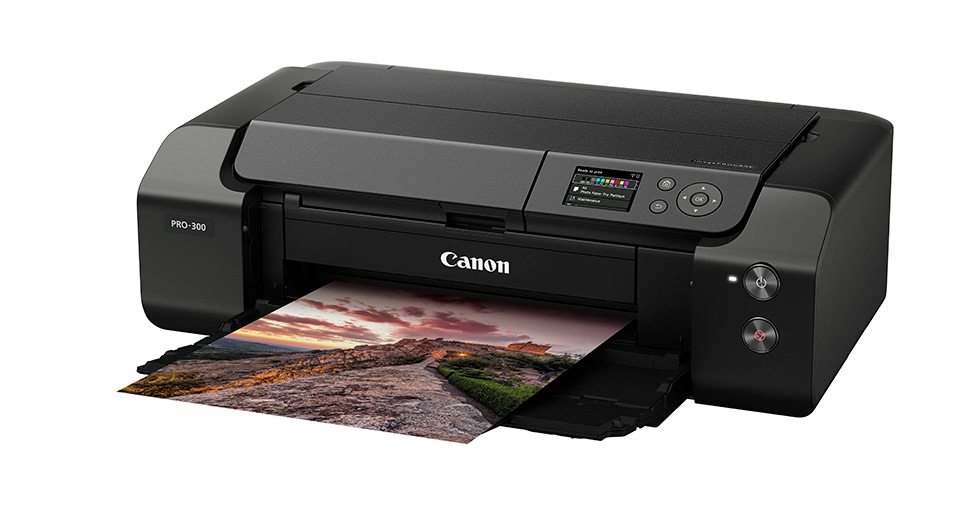
Despite its large print size, the printer itself is compact. You can easily connect the printer via Wi-Fi or Ethernet. Thanks to the L-COA PRO processor and optimised ink delivery, an A3+ photo can be printed in 4 minutes and 15 seconds, both in colour and black and white.
As the printer is aimed at professional printing, it uses 10 LUCIIA Pro pigment inks. The special Chroma Optimizer ink prevents cyan, black and grey tones from developing an iridescent colour cast. This effect is called bronzing.
Combined with special Fine-Art paper, the PRO-300's matt black ink produces deeper blacks without losing their vibrancy.
The PIXMA ImagePROGRAF PRO-300 is for photographers who expect the best print quality. The printer is available for 849 euro.
The Canon PIXMA Print Plan
When you print regularly, you don't want to run out of ink. You usually don't keep a constant eye on the ink levels. With Canon's Auto-Ink Delivery system, ink is ordered automatically when the levels become too low.
This Canon PIXMA Print Plan takes care of checking and physically ordering the ink yourself. It prevents you from unexpectedly running out of ink. You can also save up to 50% on the costs.
This plan is based on a monthly subscription, tailored to how you use your printer. Choose between printing a small, average or large amount at home, or printing for a home office.
Prices range from 2.99 euro per month for printing an average of 30 pages per month, to 9.99 euro for 200 pages per month. You can find more information about these subscriptions on Canon's website.
About the author
Nando Harmsen has been photographing for more than 40 years. He specialises in wedding photography and landscape photography. Nando also gives talks, workshops, masterclasses and photo trips, and regularly reviews new and interesting equipment.
You might also like
-
 Canon introduces new large-format imagePROGRAF printers
by Nando Harmsen
-
 Review: Epson EcoTank ET 8500 photo printer
by Nando Harmsen
-
 Polaroid Hi-Print 4x6 printer announced
by Elja Trum
-
 Do you print photos for the wall, or have them printed?
by Nando Harmsen
-
 Blown-out white and blocked-up black in your photo print
by Nando Harmsen
-
 5 mistakes to avoid when printing your photos
by Elja Trum
5 comments
-

 kok.f@ziggo.nl wrote on Friday 8 December 2023 at 11:15
| reply
kok.f@ziggo.nl wrote on Friday 8 December 2023 at 11:15
| reply
It's a shame that Photofacts lends itself to advertising through a disguised editorial article. As a rule, I see independent articles here that are often interesting. You could also write something like this about printing, but here it comes down to Canon only. I can't escape the impression that the text was provided by Canon 1:1. For good photo printing, there is more under the sun than just Canon, and from an independent platform I expect information about that. With an article like this, you send readers in one direction, and I don't think that is appropriate for Photofacts.
Translated from Dutch. -
 Elja Trum
wrote on Friday 8 December 2023 at 11:21
| reply
Elja Trum
wrote on Friday 8 December 2023 at 11:21
| reply
The article is not in the 'advertorials' category for nothing. It also says in the text that the article was made in consultation with Canon Netherlands. In my opinion, clear enough for it not to be a 'disguised editorial article'.
Translated from Dutch.
Nando simply wrote the article himself with input from Canon. -
 R.M. Tijs wrote on Tuesday 12 December 2023 at 11:26 | reply
There are a few printers listed that are no longer available??
Translated from Dutch. -

-
 ifiamminghi wrote on Tuesday 12 December 2023 at 18:17
| reply
ifiamminghi wrote on Tuesday 12 December 2023 at 18:17
| reply
One of the problems when printing is "who" manages the colours, the printer or e.g. Lightroom/Photoshop.
Translated from Dutch.
You may have a calibrated screen, but that still doesn't mean your printer is. The little devices that also create a printer profile or LUT are already quite a bit more expensive than those with which you calibrate (only) your screen.
What is better, printer manages colours, or LR/PS?
Have your say
Please note: Articles older than a week can only be commented on by signed-in visitors.Would you still like to comment? sign in or create a free account.
Become a better photographer every week
A practical photography tip in your inbox every week.
38,981 photography enthusiasts already receive the tips! More about the weekly mail. Or keep up to date via  Facebook.

Elja Trum
Photofacts; everything to do with photography!
Would you like to take better photos and keep up with what is happening in photography? Photofacts publishes articles that teach you something about photography — from a product announcement to a practical shooting tip or a look at a website. Photofacts covers photography every day and is a hobby project of Elja Trum's that got out of hand. The articles are written by a team of volunteer authors. If you would enjoy writing one or more articles for Photofacts, do get in touch.More about PhotofactsPhotofacts is made possible in part by
