

Setting exposure for video recording
Sunday 28 January 2024, 14:07 by Nando Harmsen | 3,949 views | 6 commentsThis article was translated from Dutch with the help of AI. Read the original.
You know that good exposure is achieved by choosing the right combination of shutter speed, aperture and ISO. You have some freedom when doing this. Video is different, because the choice of these settings determines what your video will look like.
It is simple for photography. You choose an ISO value and an aperture, and the required shutter speed for a good exposure follows from that. Or you choose an ISO value and shutter speed, from which the required aperture follows.
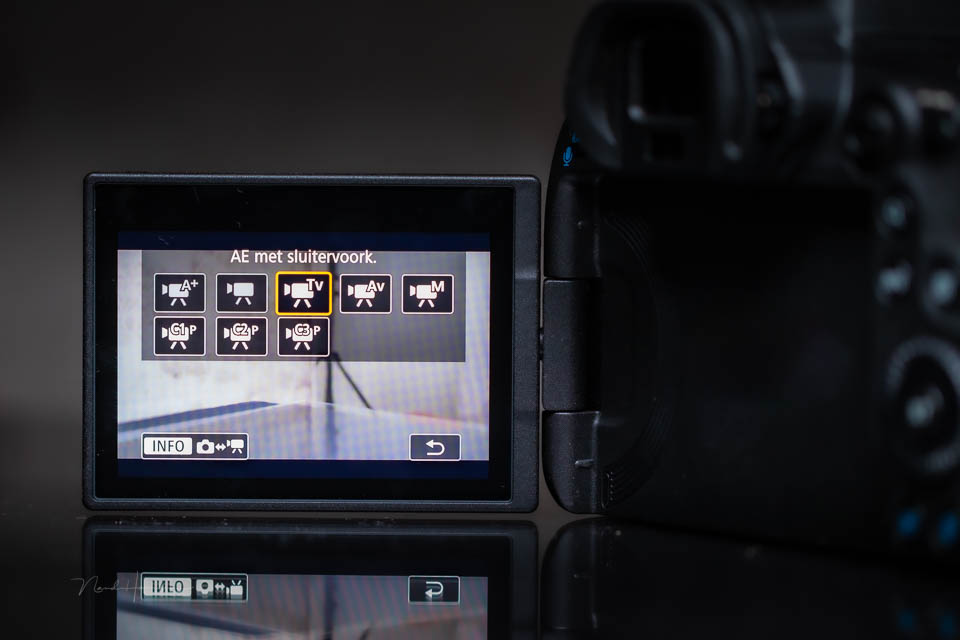
You have plenty of freedom to choose a fast shutter speed, slow shutter speed, large depth of field or small depth of field. This is different for videography, because the shutter speed determines the appearance of the moving image.
First things first: framerate
First of all, it is important to know something about the framerate. Video consists of a large number of images per second shown quickly one after another. This creates the illusion of a moving image.
The more images are shown per second, the smoother the image becomes. Modern cameras can record up to 50 images per second in PAL format, or 60 images per second in NTSC format. Since we use PAL format in Europe, I will ignore the framerates for NTSC format for convenience.
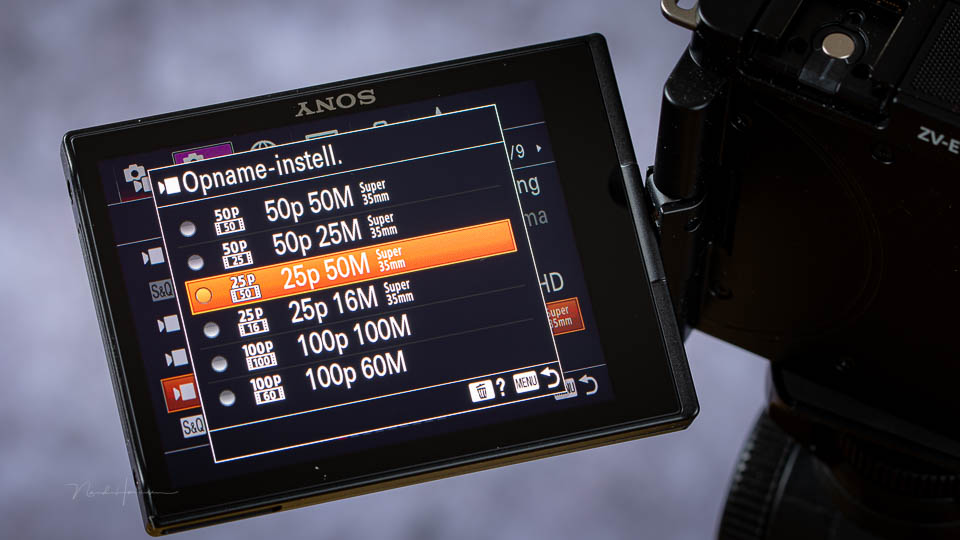
You may know that some cameras can also record 100 images per second, and sometimes even 200. This is intended for slow motion, which is then displayed at 50 images per second, or even 25 images per second.
Although 50 images per second looks beautiful, it can be less pleasant to watch. It is considered too clinical, although this is of course also a matter of taste.
For a cinematic image that shows beautiful, smooth movement, there should be motion blur. This means that for this type of image it is better to choose a framerate of 25 images per second.
The 180-degree shutter
To show smooth movement in video, the shutter speed is extremely important. It does not matter whether you use 25, 50 or even 100 images per second. You need to match the shutter speed to the framerate.
The rule of thumb is: the shutter speed should be 2x the framerate. This is 1/50 sec for 25 images per second, and 1/100 sec for 50 images per second. This corresponds to a 180-degree shutter.
This 180-degree shutter is a term from analogue film. The rotating circular shutter used there was half open, at 180 degrees.
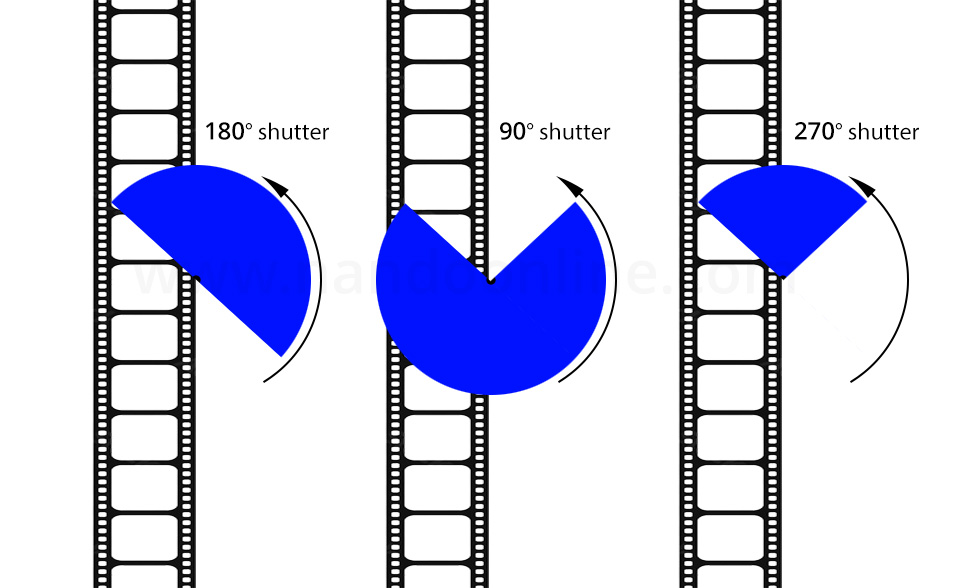
You could close it further, giving you, for example, a 90-degree shutter, which corresponds to 1/100 sec at 25 images per second. Or you could use a 270-degree shutter, which is the same as 1/25 sec at 25 images per second.
You understand that a slower shutter speed creates motion blur. The same applies to the images you create for video. But by showing these images one after another, the movement becomes very natural. This is the case with 50 images per second. But it is even more natural with 25 images per second.
A fixed exposure time
All this means that you have no room to adjust the shutter speed when recording video. You choose it based on the framerate. Of course, you are not required to always choose 2x the framerate. You choose the shutter speed based on how smooth you want the movement to look.

Since the shutter speed has then been chosen and fixed, only the aperture and ISO remain for controlling the exposure. But suppose you want to use a particular depth of field. Then only the ISO value remains for setting the correct exposure.
The need for an ND filter
Bear in mind that when you want to film with a higher dynamic range, the so-called LOG setting, the minimum ISO value is often ISO 400 or even ISO 800. When there is a lot of light, it may then be necessary to stop the aperture down completely.
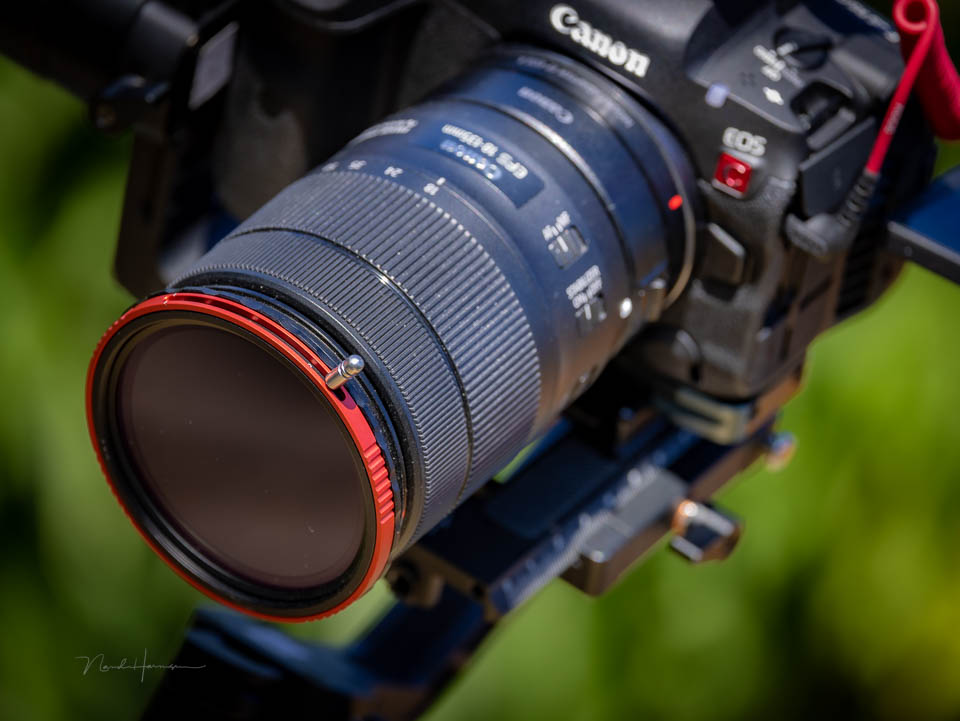
As a result, it becomes impossible to use the desired depth of field. The aperture is needed to achieve the correct exposure. The only solution is then a variable ND filter.
A variable ND filter allows you to control the amount of light passing through the lens. This gives you an extra way to set the exposure. With an ND filter, it is then possible to achieve the desired depth of field at the minimum selectable ISO value and the shutter speed matched to the framerate.
Choose the framerate deliberately
I mentioned 2x the framerate as the ideal shutter speed, the 180-degree shutter. This produces smooth footage that is pleasant to watch. You can of course deviate from this, but do so for a deliberate reason.
More movement from making the shutter speed equal to the framerate gives the video image a very different feel. The same applies to a shutter speed that is, for example, 4x the framerate.
However, avoid an automatic exposure setting such as aperture priority. Otherwise, there is a good chance that the video image will no longer be pleasant to watch because of constantly changing shutter speeds.
About the author
Nando Harmsen has been photographing for more than 40 years. He specialises in wedding photography and landscape photography. Nando also gives talks, workshops, masterclasses and photo trips, and regularly reviews new and interesting equipment.
You might also like
-
 Choosing a light source for your video recordings
by Nando Harmsen
-
 5 reasons to use an external recorder when filming
by Nando Harmsen
-
 Is your landscape photo a record, or do you put feeling into it?
by Nando Harmsen
-
 5 things you need to know when you start filming
by Nando Harmsen
-
 Is a photo a record or an expression?
by Nando Harmsen
-
 The Entire Starry Sky in One Photo
by Nando Harmsen
6 comments
-
 Wim Hendriks wrote on Tuesday 30 January 2024 at 11:07 | reply
Nice technical story, only the photographer sees his film footage evaporate through the dense "forest" and you're forgetting 2 more things: sound and editting of the film. or if you're making those TikTok videos, then you can do that better with a phone.
Translated from Dutch. -

-
Wim Hendriks wrote on Tuesday 30 January 2024 at 13:59 | reply
Then I’d be happy to see your follow-up.
Translated from Dutch. -
-
 Paul eos wrote on Tuesday 30 January 2024 at 14:39 | reply
Thank you Nando for writing something about filming again, I'm already looking forward to the next topic. (sound, editing, 4k or is FHD good enough, 4k = very large files)
Translated from Dutch. -
 Nando
wrote on Wednesday 31 January 2024 at 10:48
| reply
Nando
wrote on Wednesday 31 January 2024 at 10:48
| reply
4K is old-fashioned, Paul. It should be 8K now.
Translated from Dutch.
hahaha - that's a joke, of course.
I'm going to look for a follow-up article. Who knows, maybe I'll do a course about it sometime, about video on video at Photofacts Academy.

Have your say
Please note: Articles older than a week can only be commented on by signed-in visitors.Would you still like to comment? sign in or create a free account.
Become a better photographer every week
A practical photography tip in your inbox every week.
38,938 photography enthusiasts already receive the tips! More about the weekly mail. Or keep up to date via  Facebook.

Elja Trum
Photofacts; everything to do with photography!
Would you like to take better photos and keep up with what is happening in photography? Photofacts publishes articles that teach you something about photography — from a product announcement to a practical shooting tip or a look at a website. Photofacts covers photography every day and is a hobby project of Elja Trum's that got out of hand. The articles are written by a team of volunteer authors. If you would enjoy writing one or more articles for Photofacts, do get in touch.More about PhotofactsPhotofacts is made possible in part by
