

6 handy apps for landscape photographers
Monday 22 March 2021, 20:10 by Nando Harmsen | 9,468 views | 7 commentsThis article was translated from Dutch with the help of AI. Read the original.
You don't need much equipment to take good landscape photos. A camera, lens and tripod will usually do the job. Then you can head out.
But when should you go, and where? Apps can make those questions easier to answer. Here are six handy apps for landscape photographers.
An app certainly isn't essential for photography. But they are very useful for taking specific photos. They provide all the information you could need anywhere in the world. As long as you have a data plan, of course. In many cases, that is a requirement.
I've put together a list of apps that landscape photographers can benefit from greatly. It is certainly not a complete list, just a selection. There are many more, both free and paid.
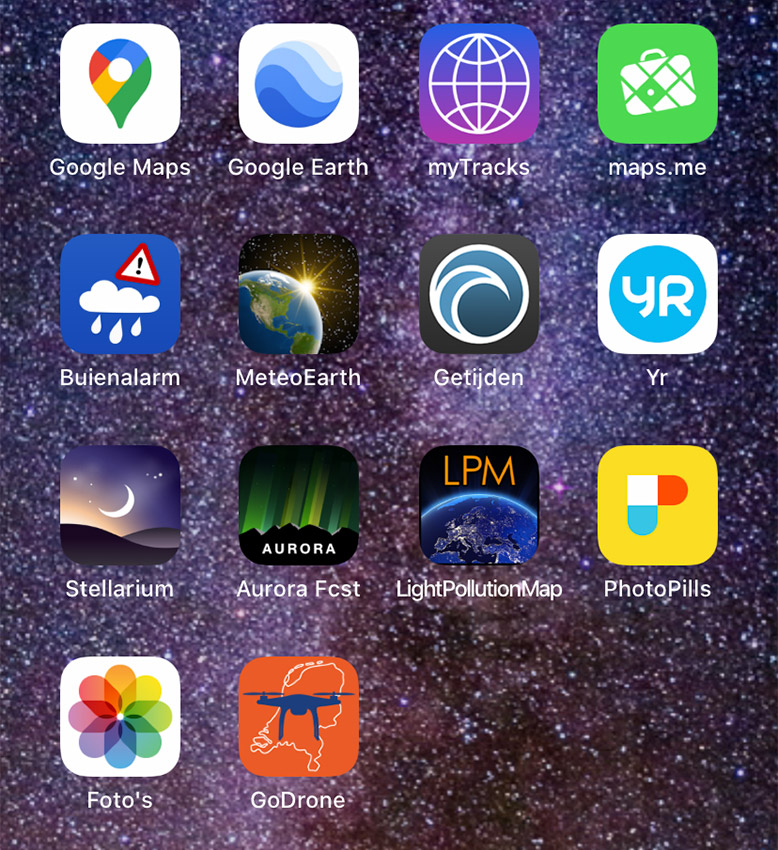
Which one you prefer to use is entirely personal. Choose what you need or what seems useful. If you think another app is more suitable, that is fine too. The most important thing is that you have the information you need at hand.
1. Photopills
This is the app of all apps for photographers. It offers more options than you will ever need. You can look up sunrise and sunset times, or moonrise and moonset. It also shows you the direction in which they occur.
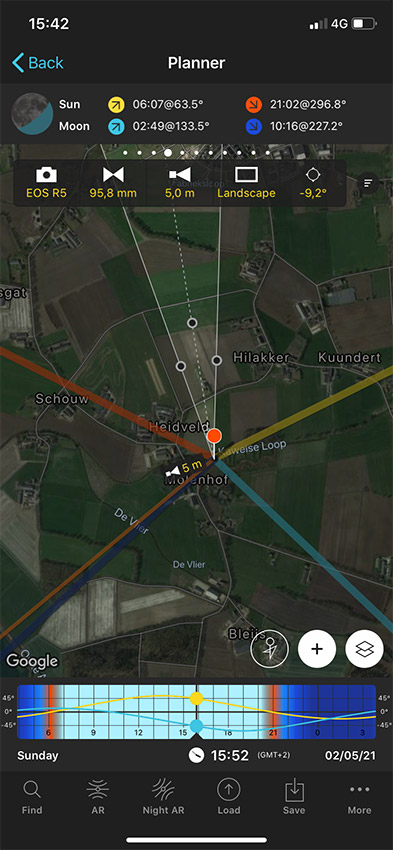
You can make plans, view meteor showers and solar eclipses, and the augmented reality feature also gives you a great indication when you arrive at your destination. That way, you are always in the right place.
You can check the depth of field and hyperfocal distance. The length of star trails, and much more. The app isn't free, but it is well worth the one-off purchase.
2. Google Maps
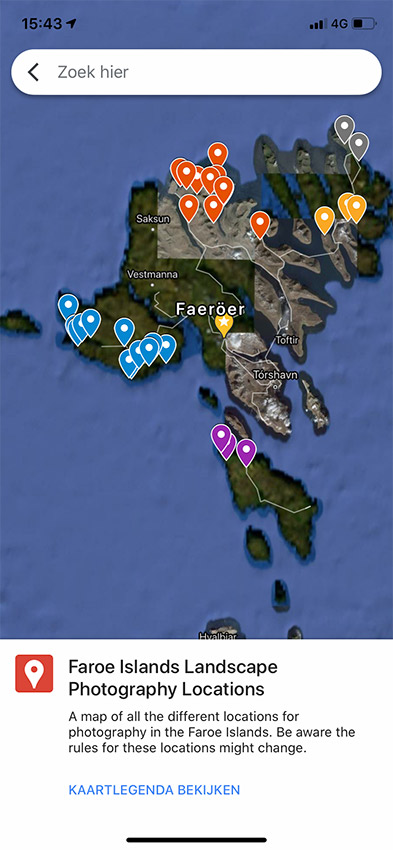
You can use Google Maps as a route planner, but also as a map where you mark important sights and photo spots. When you are logged in, you can tag locations, plan routes and save them at home. That way, you can view them directly on your smartphone.
3. Maps.me
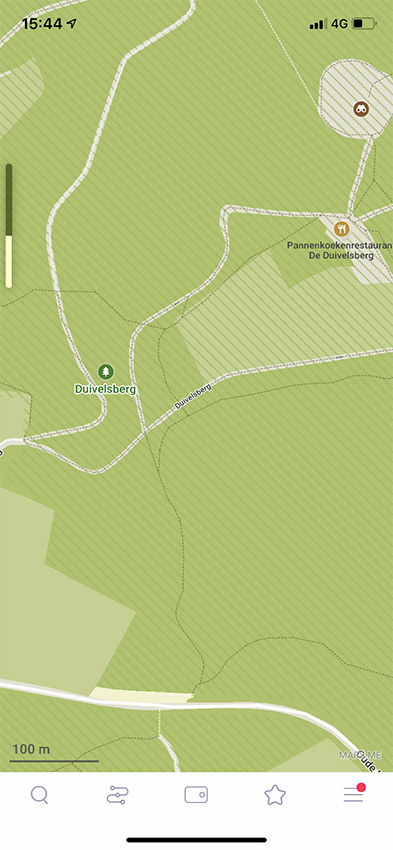
This is similar to Google Maps, but more focused on walking routes. At least, that is how I experience it. You can see the most unlikely walking paths on it, and you can also use it as a route planner.
The app is free, and you can download a map for each area. When you visit a new area, you can download that area as a map too. It may not look as fancy as Google Maps, but it is a great addition for walkers and landscape photographers.
4. LightPollution Map
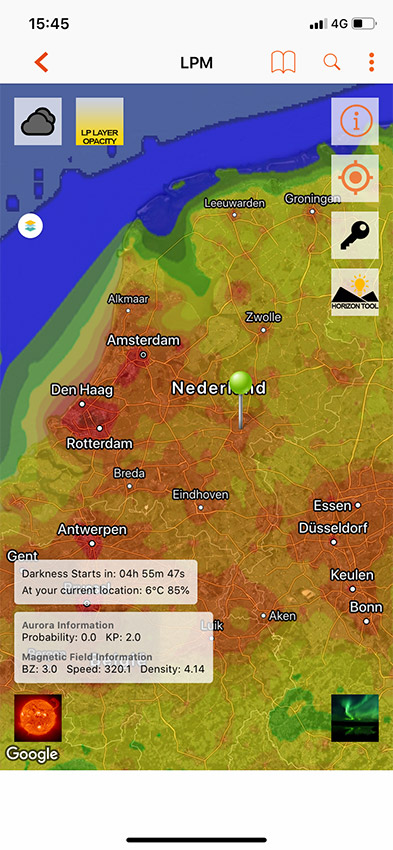
If you want to photograph a starry night sky, it is best to stay away from areas with a lot of light pollution. LightPollution Map is a worldwide map showing light pollution.
The app gives you a reasonably good and detailed view of the amount of light pollution at each location. You zoom in on the place where you are, and the colour coding tells you how much light pollution there is.
5. Yr.no weather app
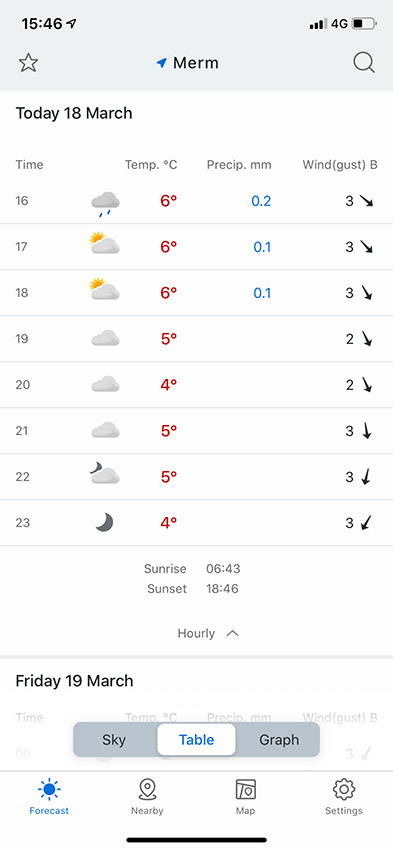
There are many weather apps available. I use the Norwegian weather app Yr.no a lot. It works all over the world, not just in Scandinavia. It provides a clear view of the weather conditions, shown by the hour several days in advance.
Like other weather apps, its accuracy is not always perfect. But which weather app is?
6. Tide app
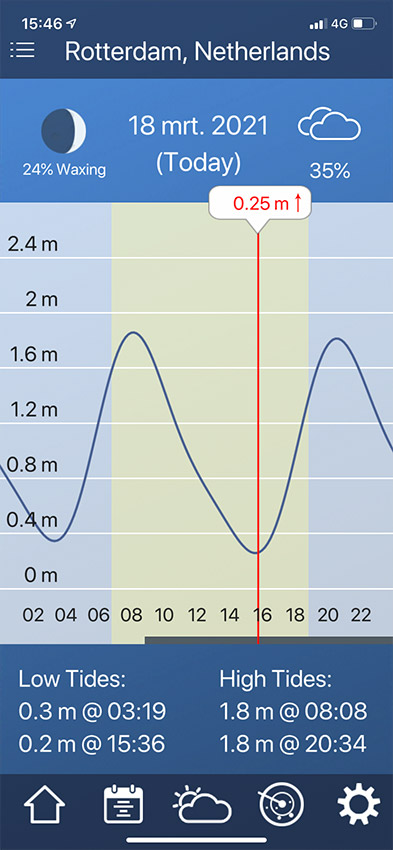
Do you enjoy photographing by the sea? Then a tide app is essential. It prevents you from being surprised by high tide, or even getting cut off. It also makes it possible to plan your time by the sea.
There are many tide apps, and not all of them are free. Those suitable for nautical purposes often cost money. I use the Tide app from 7th Gear, which is free.
You can easily find every app I've mentioned here by searching for its name in your app store. Of these apps, only Photopills is paid. The others are free, with the necessary adverts in between.
Do you have any apps that you consider essential for landscape photography, or photography in general? Or do you have alternatives? Feel free to share them in a comment below this post.
Also say what you use them for and why. That way, you can help other photographers make a good choice too.
About the author
Nando Harmsen has been photographing for more than 40 years. He specialises in wedding photography and landscape photography. Nando also gives talks, workshops, masterclasses and photo trips, and regularly reviews new and interesting equipment.
You might also like
-
 4 Handy Items to Keep in Your Camera Bag
by Nando Harmsen
-
 The imgmi app, Luminar for your smartphone
by Nando Harmsen
-
 Review: Amaran app for controlling lights
by Nando Harmsen
-
 Review of the handy Haida Magic Stick-It Wrapper Cloth
by Nando Harmsen
-
 Find photo locations with the NoFilter app
by Elja Trum

7 comments
-

 Donald Willemsen
wrote on Tuesday 23 March 2021 at 14:39
| reply
Donald Willemsen
wrote on Tuesday 23 March 2021 at 14:39
| reply
Nando, you really provide a nice number of useful apps. I still have a few additional apps for Android-based smartphones:
Translated from Dutch.
Sun Surveyor and Forecast by Auroralabs are also worth checking out. The latter (Forecast) is especially useful for predicting the Northern Lights and where you can then best observe that. -
 Tromp Willem van Urk
wrote on Tuesday 23 March 2021 at 16:28
| reply
Tromp Willem van Urk
wrote on Tuesday 23 March 2021 at 16:28
| reply
I bought PhotoPills. Indeed an app with all sorts of things in it. But for some (advanced) features, you do need to study up first !
Translated from Dutch. -
 Walther De Munter wrote on Tuesday 23 March 2021 at 20:00 | reply
Hi Nando, thanks for the tips.
Translated from Dutch.
I've now downloaded Yr.no and Tides.
TPE is also recommended, it works a bit like Photopills. -

-
-
 peterheins
wrote on Wednesday 31 March 2021 at 23:25
| reply
peterheins
wrote on Wednesday 31 March 2021 at 23:25
| reply
Good article.I had Photopills. But not 7th Gear. I immediately in"stalled it. Also because I regularly go to the coast. (Petten and De Kerf in Schoorl aan Zee) . Thanks for the tips.
Translated from Dutch. -

Have your say
Please note: Articles older than a week can only be commented on by signed-in visitors.Would you still like to comment? sign in or create a free account.
Become a better photographer every week
A practical photography tip in your inbox every week.
38,938 photography enthusiasts already receive the tips! More about the weekly mail. Or keep up to date via  Facebook.

Elja Trum
Photofacts; everything to do with photography!
Would you like to take better photos and keep up with what is happening in photography? Photofacts publishes articles that teach you something about photography — from a product announcement to a practical shooting tip or a look at a website. Photofacts covers photography every day and is a hobby project of Elja Trum's that got out of hand. The articles are written by a team of volunteer authors. If you would enjoy writing one or more articles for Photofacts, do get in touch.More about PhotofactsPhotofacts is made possible in part by
