

Microsoft releases free RAW Image Viewer extension for Windows 10
Thursday 1 August 2019, 20:10 by Michelle Peeters | 14,137 views | 1 commentThis article was translated from Dutch with the help of AI. Read the original.
For Windows users, Mac already has the required tools, Microsoft makes things a little easier by releasing a useful new RAW Image Extension for Windows 10.
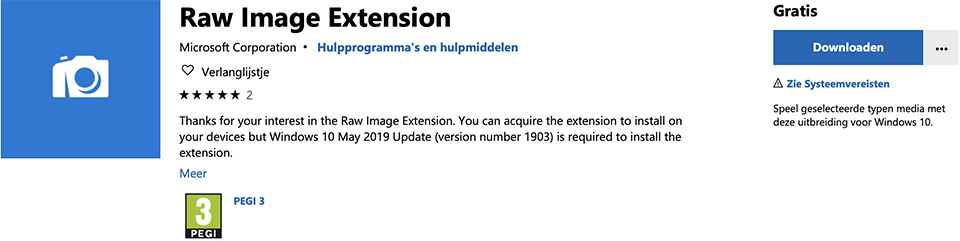
With the free extension, you can view RAW files in Windows File Explorer and open them in the built-in Photos app. So you no longer need Photoshop or Lightroom just to take a quick look at something, only to realise that you opened the wrong file...
Combine this new extension with the popular QuickLook extension, which lets you preview files in File Explorer simply by pressing the space bar. It suddenly brings Windows' File Explorer much closer to the experience Mac users have in Finder.
The current version of the extension is said to support a long list of camera types, but some Raw formats such as .CR3 and .GPR are not currently supported. No doubt these will eventually be added, as Microsoft keeps the extension up to date.
If you want to download and install the extension yourself, check that the May 2019 version of Windows 10 is installed, version number 1903 or higher, and then go to the Microsoft Store.
About the author
Michelle Peeters is fotografe en oprichter van DeuxBleus Fotografie. Michelle herkent het bijzondere in het gewone en het gewone in het bijzondere. Ze heeft zich nooit willen specialiseren en is daardoor van alle markten thuis.
You might also like
-
 RAW output for the Nikon Z 7 and Z 6
by Michelle Peeters
-
 Editing photos in Microsoft Photos with AI
by Elja Trum
-
 Microsoft lets portrait photos talk with AI
by Elja Trum
-
 Using a cable release to capture the right moment
by Nando Harmsen


1 comment
-
 Teun wrote on Wednesday 7 August 2019 at 16:40 | reply
The Windows RAW image Extensions are useful if you don't have Photoshop. If you do have it, you will soon also have Adobe Bridge. That's an Explorer-like program that allows you to view your raw photos very quickly. Another advantage is that by selecting photos in it and right-clicking one of the selected photos, you can easily open them in either Camera Raw or Adobe Photoshop (or whatever other Adobe program you want to use, such as Lightroom).
Translated from Dutch.
Have your say
Please note: Articles older than a week can only be commented on by signed-in visitors.Would you still like to comment? sign in or create a free account.
Become a better photographer every week
A practical photography tip in your inbox every week.
38,982 photography enthusiasts already receive the tips! More about the weekly mail. Or keep up to date via  Facebook.

Elja Trum
Photofacts; everything to do with photography!
Would you like to take better photos and keep up with what is happening in photography? Photofacts publishes articles that teach you something about photography — from a product announcement to a practical shooting tip or a look at a website. Photofacts covers photography every day and is a hobby project of Elja Trum's that got out of hand. The articles are written by a team of volunteer authors. If you would enjoy writing one or more articles for Photofacts, do get in touch.More about PhotofactsPhotofacts is made possible in part by
