

A panorama or a panorama crop?
Saturday 8 January 2022, 20:20 by Nando Harmsen | 5,484 views | 9 commentsThis article was translated from Dutch with the help of AI. Read the original.
A panorama lets you create a very wide photo. This gives your photo a distinctive effect. You can take photos in a panorama setup and stitch them together with software, or crop the photo to a panorama format. Which method is best?
A landscape often looks most expansive as a panorama. By changing the ratio between height and length, we get the feeling of a very vast landscape.
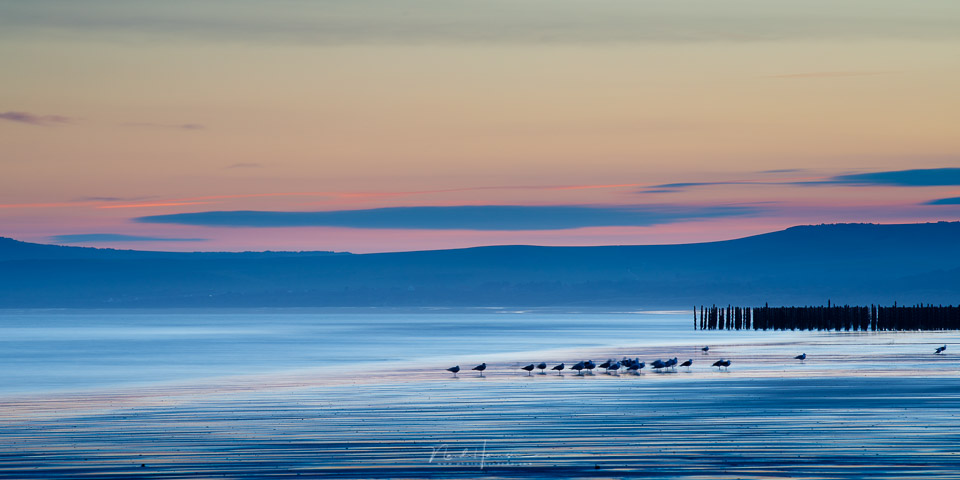
That expansive panorama should not become too narrow and long, as that will produce the opposite effect. I always find a ratio close to 2:1 most pleasing. It can be stretched to 2.5:1 or 3:1 at most before it becomes too narrow.
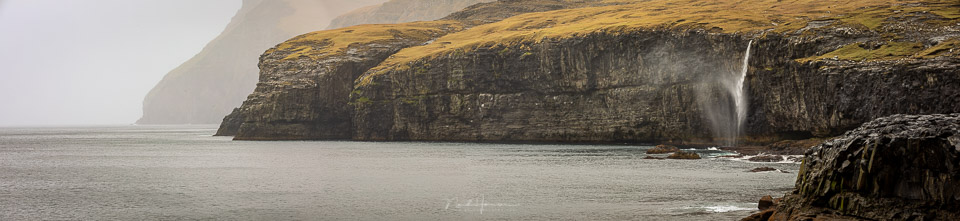
If you want to capture a landscape as a panorama, you can do this in two ways. You can take several photos in a row and merge them into a panorama with software later. Or you can take a single photo and crop off the top and/or bottom later. So which is actually the best thing to do?
A panorama from multiple shots
When you make a panorama from multiple shots, there are a few things to take into account. Parallax errors must be prevented by using a nodal slide.
It is best to take vertical shots to prevent ending up with a narrow panorama. You also need to take movement in your landscape into account, so that everything can be fitted together properly later.
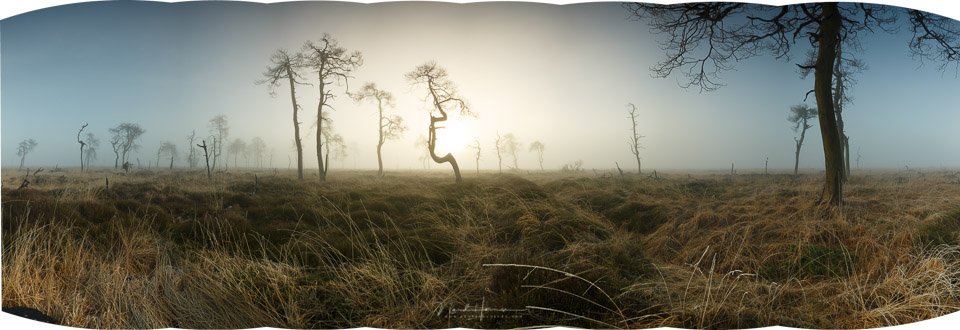
It takes some work. Perfect horizontal alignment is important, and the exposure must be set correctly. If you use an exposure bracketing series, you can end up with quite a lot of photos. The horizon can also be a disadvantage, as it always ends up in the middle. You can correct this with a crop, of course.
Keep in mind that you can end up with a huge resolution. Cameras with 50 megapixels are no longer unusual, so the final photo can end up with hundreds of megapixels. That takes quite a lot of computer power to edit.
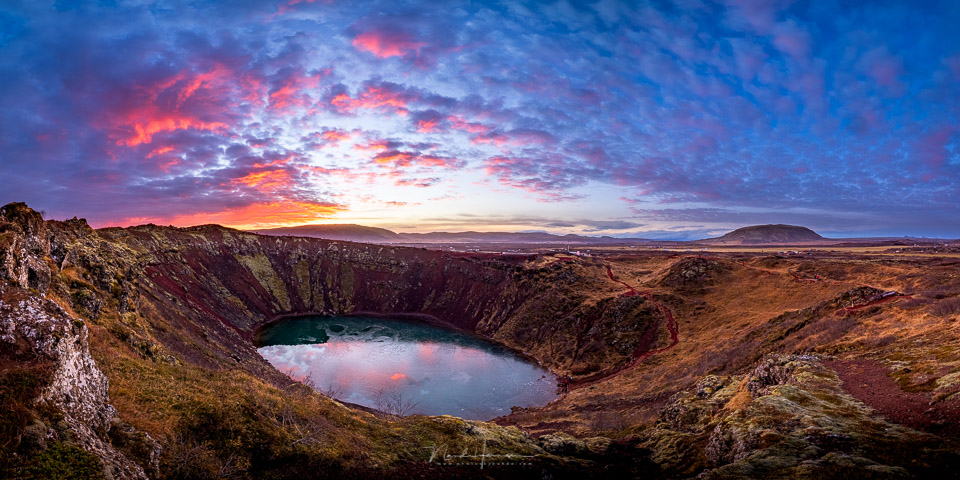
A panorama crop
The alternative is simpler. You take a photo with a fairly wide-angle lens and crop off the top and/or bottom edge until you have the right ratio. This has several advantages.
The photo takes less work and time. It is made with a single press of the button. Or with an exposure bracketing series, if desired. You do not have to take parallax errors into account, and movement in your landscape will not cause any problems.
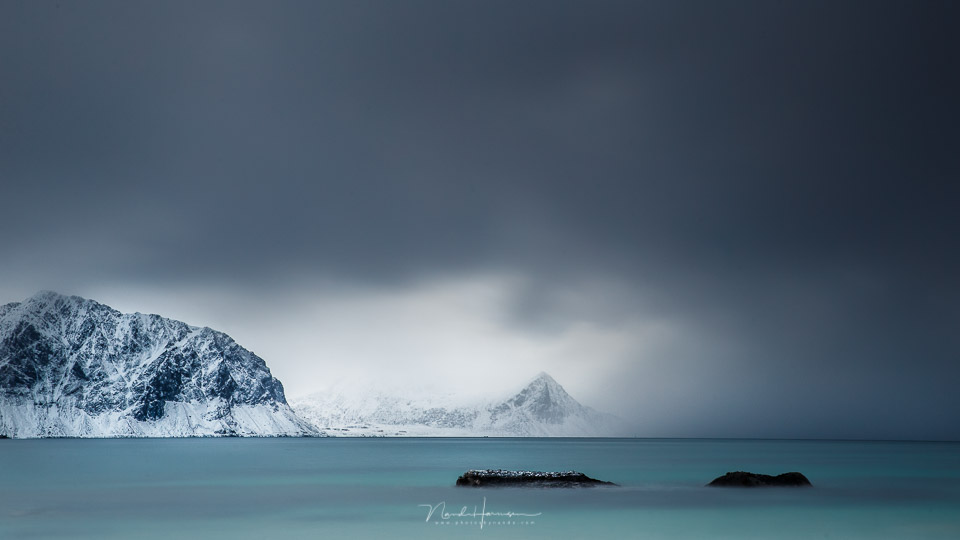
Cropping the photo does mean losing resolution, though. After all, you throw away some of the pixels to get that panorama crop.
In most cases, though, this is not a problem. If you throw away half of a 50-megapixel photo, you still have 25 megapixels left. That is more than enough for most purposes.
When should you use which method?
It is clear that a panorama made from multiple photos produces a much higher resolution. You need to allow for 30 per cent overlap, which means that, in theory, a panorama of 4 photos with 50 megapixels each leaves you with a photo of approximately 150 megapixels. In reality, it will be less, but the point is clear.
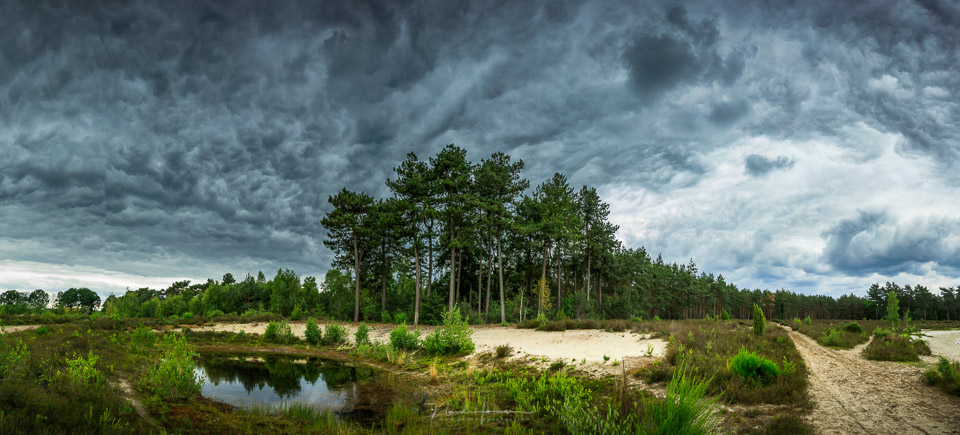
A photo with 100 megapixels or more is an enormous resolution. If you need that, then this is clearly the way to photograph a panorama.
If you do not need that resolution, a crop from a single photo is often enough. With a 2:1 ratio, you throw away approximately a quarter of the resolution. You are then left with 37.5 megapixels from your 50-megapixel photo. Not bad, is it?
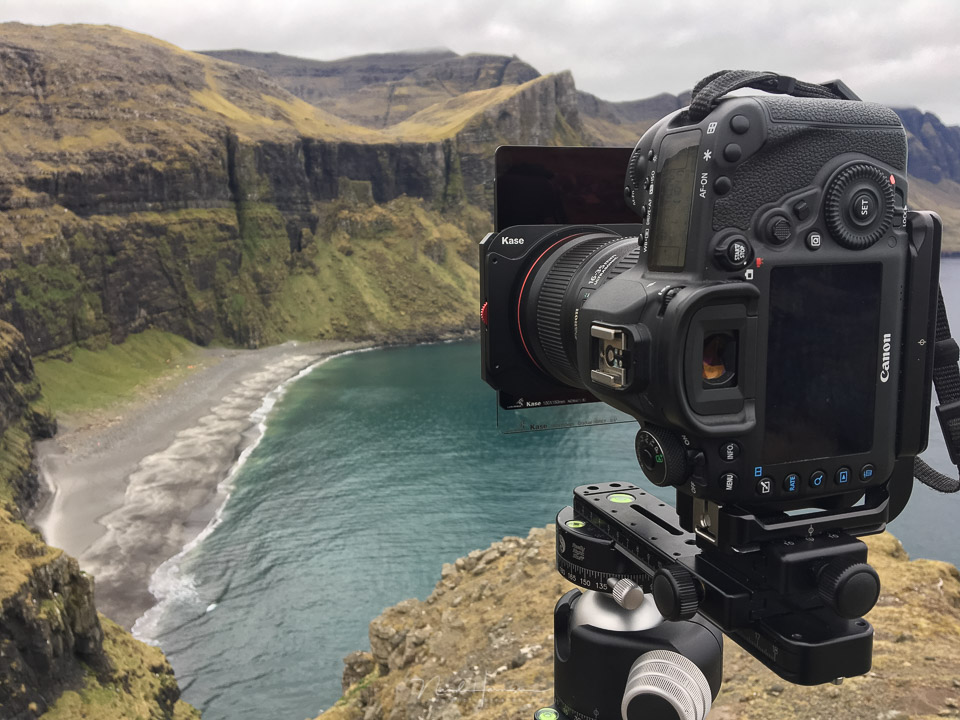
When your angle of view needs to be wider than an extreme wide-angle lens
Normally, you should not be too quick to photograph with an extremely wide angle. There is a good chance you will get too much in the photo.
But if it is necessary, the desired angle can sometimes be wider than what your widest wide-angle lens can offer. For example, a photo with an angle of view of 180 degrees or even 360 degrees, all the way around.
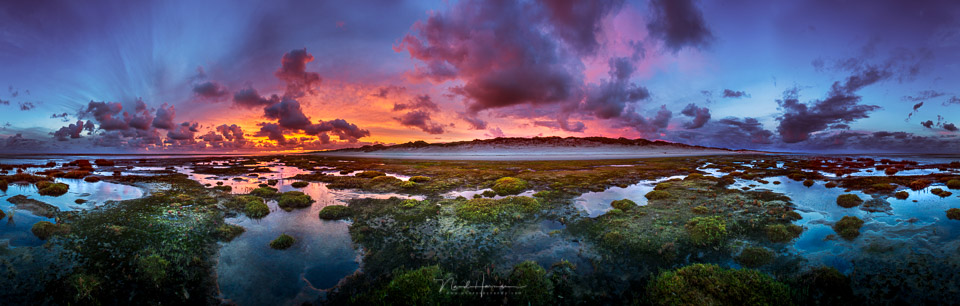
In those cases, there is no avoiding making a panorama from multiple photos. Otherwise, it simply cannot be done. But I do think these are exceptional situations. After all, remember that the wider your angle, the more you get in the frame, and the smaller it will appear within your photo.
My opinion and your opinion
I believe that a panorama made from multiple photos is not necessary in most cases. A 12mm or 16mm lens already has such a wide angle that it will often include enough in the photo. Crop the photo to a ratio of 2:1 and you have a beautiful panorama that can also be printed perfectly. Even with a 25-megapixel camera.
If you need more resolution, you can turn to a panorama made from multiple photos, if necessary using a longer focal length when your subject is further away. Do you want to cover 180 degrees or more with your photo? Well, then a panorama made from multiple photos is certainly necessary.
In 2022 I will record a course about making panorama photos. Keep an eye on Photofacts Academy for it.
What do you think is the best method? Is it important to you to have as much resolution as possible, or is a cropped photo enough? Let us know in a comment below this post. Also let us know if there is a particular aspect you would like to see included in the announced course.
About the author
Nando Harmsen has been photographing for more than 40 years. He specialises in wedding photography and landscape photography. Nando also gives talks, workshops, masterclasses and photo trips, and regularly reviews new and interesting equipment.
You might also like
-
 When to use which type of panorama?
by Nando Harmsen
-
 Photographing or cropping a panorama
by Nando Harmsen
-
 The Biggest Disadvantage of a Panorama
by Nando Harmsen
-
The opposite of cropping
by Nando Harmsen
-
 A little short on wide angle? Make a panorama
by Nando Harmsen
-
Improve your panorama with a nodal slide
by Nando Harmsen
9 comments
-
 Mac wrote on Monday 10 January 2022 at 09:12 | reply
Actually, it's very simple. A panorama is always multiple photos unless it can't be helped.
Translated from Dutch. -
 Smits wrote on Tuesday 11 January 2022 at 09:22 | reply
In some situations with a lot of movement (waves at sea, crowds) you can actually only use a wide-angle lens.
Translated from Dutch.
Extreme wide-angle gives ugly distortion with architecture. If you take multiple photos, you can correct that in Photoshop/panorama software.
My only wide-angle lens is my phone. The effect is (sometimes) cool. But by taking multiple photos for a pano, I am more consciously engaged. But I do agree with you. For many panos, you might as well just take a regular photo and crop it. -

-
 Bernard wrote on Tuesday 11 January 2022 at 12:56 | reply
Always topical and a subject people appreciate. The key question remains: "Why multiple photos". As far as I'm concerned, the answer is simple and has three aspects: 1) if you have to make a "wall-sized" enlargement, you need pixels, 2) the panorama photo gives you an image that you cannot capture in a single photo and 3) a wide-angle lens with an enormous angle will inevitably result in (unwanted) distortion. For convenience, I refer to my publication "How to make a panorama photo" from December 30, 2017 on Photofacts.
Translated from Dutch. -
 Nando
wrote on Tuesday 11 January 2022 at 13:25
| reply
Nando
wrote on Tuesday 11 January 2022 at 13:25
| reply
@Bernard:
Translated from Dutch.
The distortion with an ultra-wide angle only applies when you point upwards or downwards. With the horizon in the middle, that problem doesn't exist. A panorama will also result in a horizon in the middle, as you show in the article. Then you also crop part of it off to move it out of the middle.
The only difference is then the resolution.
A high resolution (100+ mp) is also not always necessary for a wall-sized enlargement. You have to take the viewing distance into account, after all. Standing with your nose against the photo will show blurriness, but at a normal viewing distance it will not be noticeable.
But nevertheless, I don't want to claim that a photo of 100+ megapixels is necessarily not pointless. If you want to take such photos, of course. I do it regularly too. Especially when the angle is wider than my shortest focal length allows.
Soon I will start shooting for a course on panoramic photography. Then all of this will be covered in great detail. -
Mac wrote on Tuesday 11 January 2022 at 15:57 | reply
@Nando
Translated from Dutch.
Because technically speaking, a crop is not a panorama. it is just a crop.
but that aside.
Because then you are explicitly working on making a panorama, you "usually" make a crop afterwards because it gives a nicer image. you often did not consciously choose a panorama.
Certainly, as you also explain, when you take several vertical photos you get a much more detailed image than when you make a crop from a wide-angle shot.
That does not mean that you should not make crops, I do it very often because it gives a nicer image. But I was not working on making a panorama. -
 Rudolf wrote on Tuesday 11 January 2022 at 16:04 | reply
I make my panoramas with a wide-angle lens and the camera vertical, so in portrait orientation. Take a series of shots that completely covers the desired landscape. This gives a much better result than in the "landscape" orientation, the less attractive letterbox effect. You can also click from top left to right with any kind of lens. Then drop down a little to the left again and to the right and so on. This can simply be done without a tripod. Here I do use the camera in the normal horizontal position. You stitch that series together with the familiar programs. With a very wide-angle lens, preferably don't use a polarizing filter to prevent unnatural color transitions.
Translated from Dutch. -
 guest wrote on Tuesday 11 January 2022 at 16:26 | reply
I have, among other things, made a 360-degree panoramic photo of the Panorama Mesdag. So that cannot be done with 1 photo and also not from 1 point. Same goes for 360-degree panoramas from various towers.
Translated from Dutch. -
Nando
wrote on Tuesday 11 January 2022 at 16:43
| reply
@Mac: It is an assumption that you are not consciously thinking about a crop when you make a panorama from a 3:2 or 4:3 image. So that is not the case for everyone. I am very conscious of that. Not only with panoramas.
Translated from Dutch.
That this technically isn't a panorama, I don't agree with that. A panorama made from multiple photos is achieving that result by 'stitching multiple photos', gluing them together. The name refers to the end result, not to the way in which it is achieved.
Have your say
Please note: Articles older than a week can only be commented on by signed-in visitors.Would you still like to comment? sign in or create a free account.
Become a better photographer every week
A practical photography tip in your inbox every week.
38,982 photography enthusiasts already receive the tips! More about the weekly mail. Or keep up to date via  Facebook.

Elja Trum
Photofacts; everything to do with photography!
Would you like to take better photos and keep up with what is happening in photography? Photofacts publishes articles that teach you something about photography — from a product announcement to a practical shooting tip or a look at a website. Photofacts covers photography every day and is a hobby project of Elja Trum's that got out of hand. The articles are written by a team of volunteer authors. If you would enjoy writing one or more articles for Photofacts, do get in touch.More about PhotofactsPhotofacts is made possible in part by
