

Waterfalls and water droplets
Saturday 14 March 2026, 22:11 by Nando Harmsen | 2,013 views | 2 commentsThis article was translated from Dutch with the help of AI. Read the original.
When photographing a waterfall, you risk getting water droplets on your front lens or filter.
That is not ideal, and it can ruin your photo. Wiping it with a cloth helps, but Photoshop can help too. I explain how in this article.
It can produce beautiful images when you photograph a waterfall with a longer shutter speed.
You choose the desired shutter speed and use the neutral density filter that makes that shutter speed possible. There is one problem you will encounter: droplets.
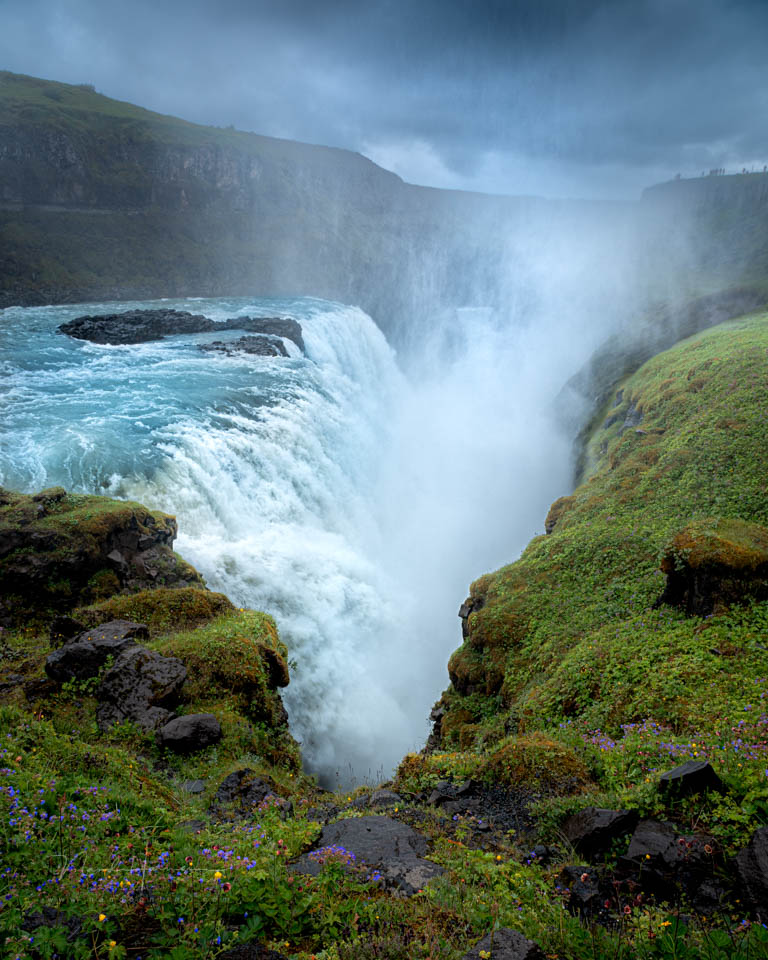
With longer shutter speeds, there is a high chance of droplets landing on your front lens or filter.
Especially when the wind blows the mist around the waterfall in your direction. That does not make photographing impossible, but it does make it challenging.
There is a solution.
But it does require some work, in two stages. First taking the photos, then editing them. You need patience and perseverance, because not only the filter gets wet, but your camera and you do too.
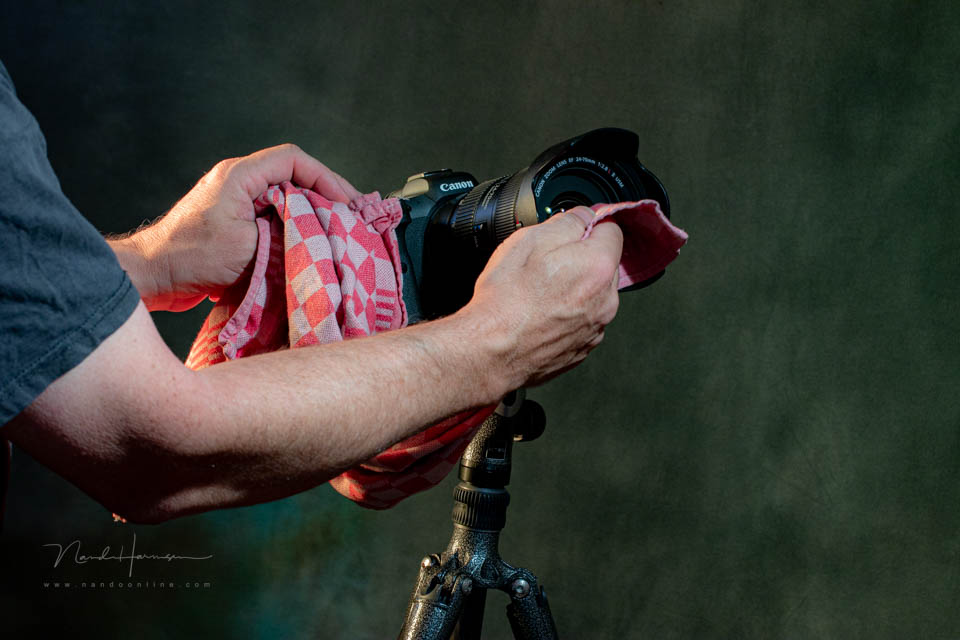
My tea towel plays a major role in this.
I take a photo with the desired shutter speed, then dry the filter with the tea towel. Then I take another photo and dry the filter again. I repeat this several times, sometimes ten or more.
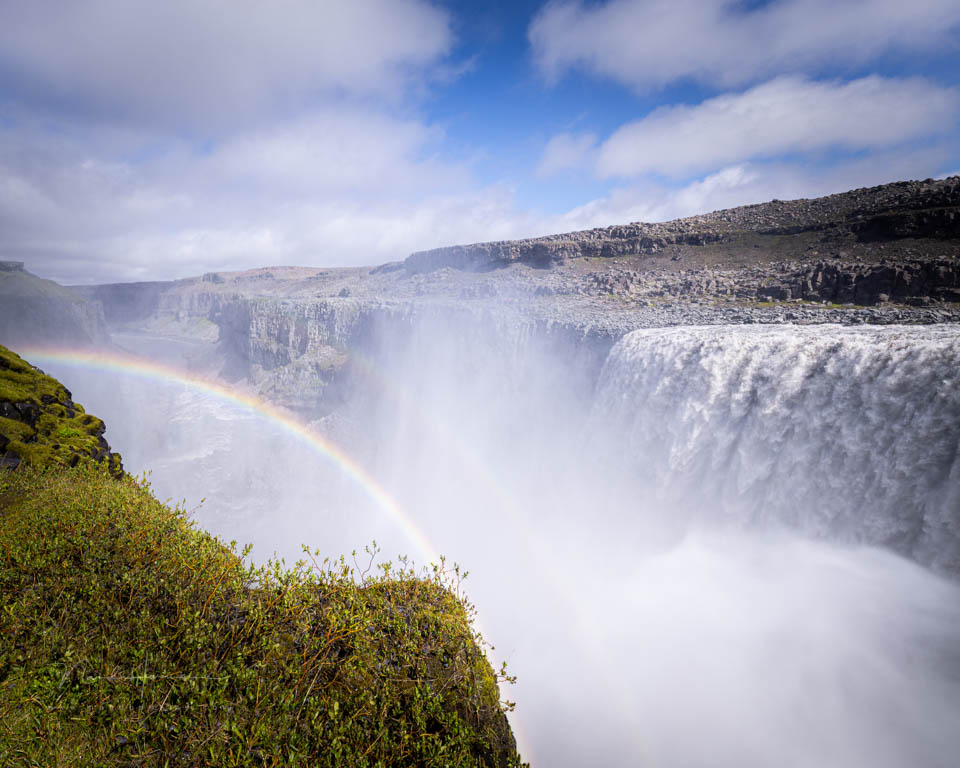
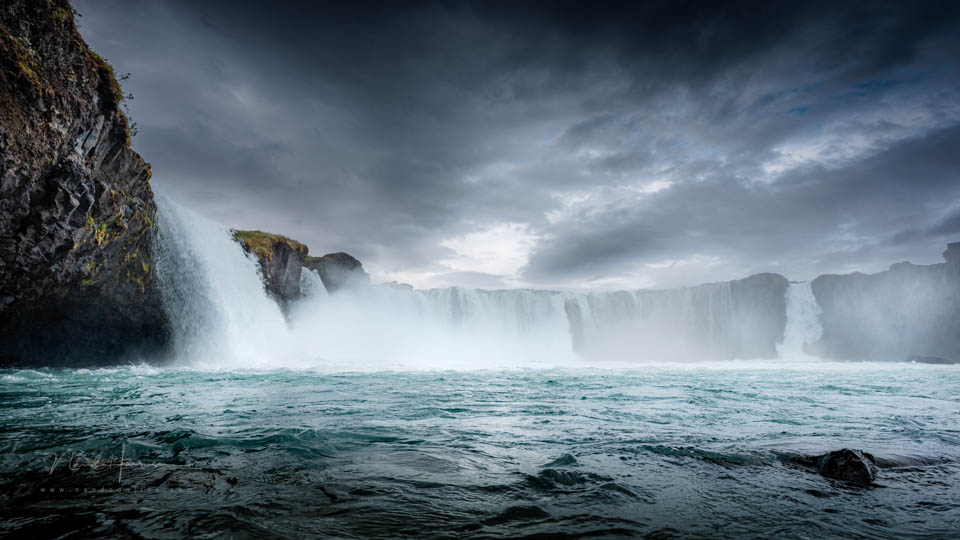
It is important that the camera does not move between these photos. This gives me a series of photos with droplets visible in each one. However, they are in different places in every photo. By combining these photos, I can easily remove the droplets.
You need photo-editing software that can work with layers. I use Photoshop for this. Open the photos as layers on top of each other and use masks on each photo to remove the droplets by making parts transparent, or not.
About the author
Nando Harmsen has been photographing for more than 40 years. He specialises in wedding photography and landscape photography. Nando also gives talks, workshops, masterclasses and photo trips, and regularly reviews new and interesting equipment.
You might also like
-
 High-speed water droplets photography
by Tromp Willem van Urk
-
 10 tips for photographing a waterfall
by Nando Harmsen
-
 From drip... to a real water droplet 💧
by Rob Zwart
-
 Create a mini-lens effect in a droplet
by Michelle Peeters
-
 Flowing Water and Choosing the Shutter Speed
by Nando Harmsen
-
 How to Photograph Flowing Water Realistically
by Nando Harmsen
2 comments
-
 Govaerts wrote on Tuesday 17 March 2026 at 12:45 | reply
Is it possible to refer to the place in your Photoshop course where you explain this exercise of removing drops or other distracting elements using masks in more detail?
Translated from Dutch. -


Have your say
Please note: Articles older than a week can only be commented on by signed-in visitors.Would you still like to comment? sign in or create a free account.
Become a better photographer every week
A practical photography tip in your inbox every week.
39,023 photography enthusiasts already receive the tips! More about the weekly mail. Or keep up to date via  Facebook.

Elja Trum
Photofacts; everything to do with photography!
Would you like to take better photos and keep up with what is happening in photography? Photofacts publishes articles that teach you something about photography — from a product announcement to a practical shooting tip or a look at a website. Photofacts covers photography every day and is a hobby project of Elja Trum's that got out of hand. The articles are written by a team of volunteer authors. If you would enjoy writing one or more articles for Photofacts, do get in touch.More about PhotofactsPhotofacts is made possible in part by
