

Photograph signs to remember your locations
Saturday 21 March 2026, 14:28 by Nando Harmsen | 1,315 views | 3 commentsThis article was translated from Dutch with the help of AI. Read the original.
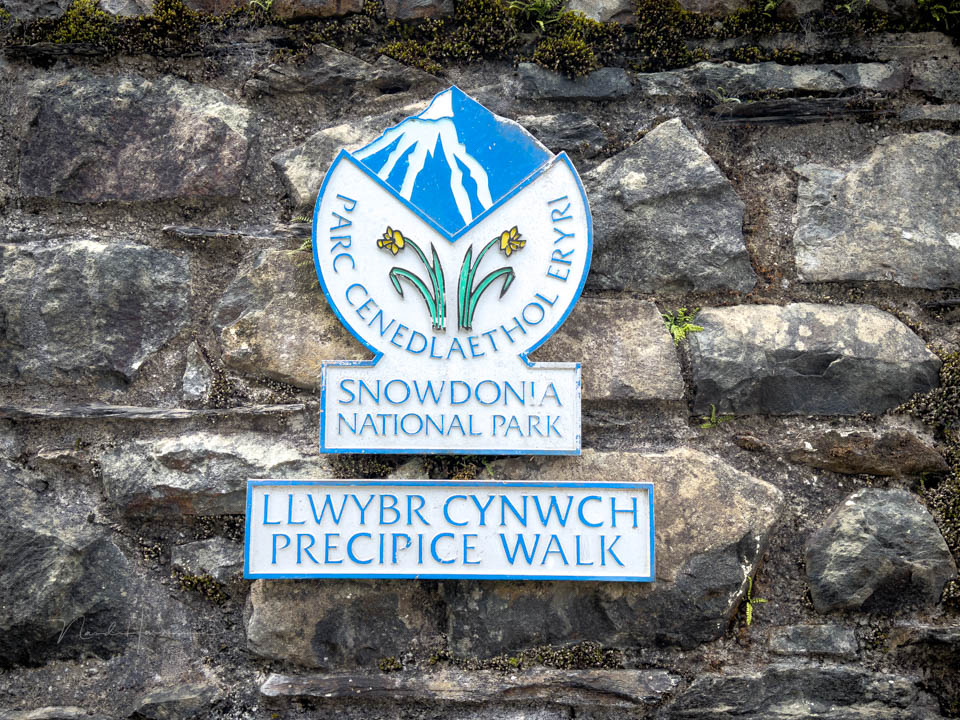
How do you know where your photos were taken? Visiting one location is easy. But what if you visit several locations during a day trip or holiday? Photograph a sign, with your camera or, better still, your smartphone.
For most photos, it isn't particularly interesting to know where they were taken. It's about the photo, not the location. Although it is useful to know where you were. For a photo book, or when you want to visit again.
It is possible to store GPS data with the photo. You can use built-in GPS or a Bluetooth-connected smartphone. You can also use a GPS tracker. There are plenty of options.
Sometimes you don't need accurate GPS coordinates. Probably not in most situations. A general location is enough, especially when you are travelling. The only thing you need to know is the name of the place for the photo book.
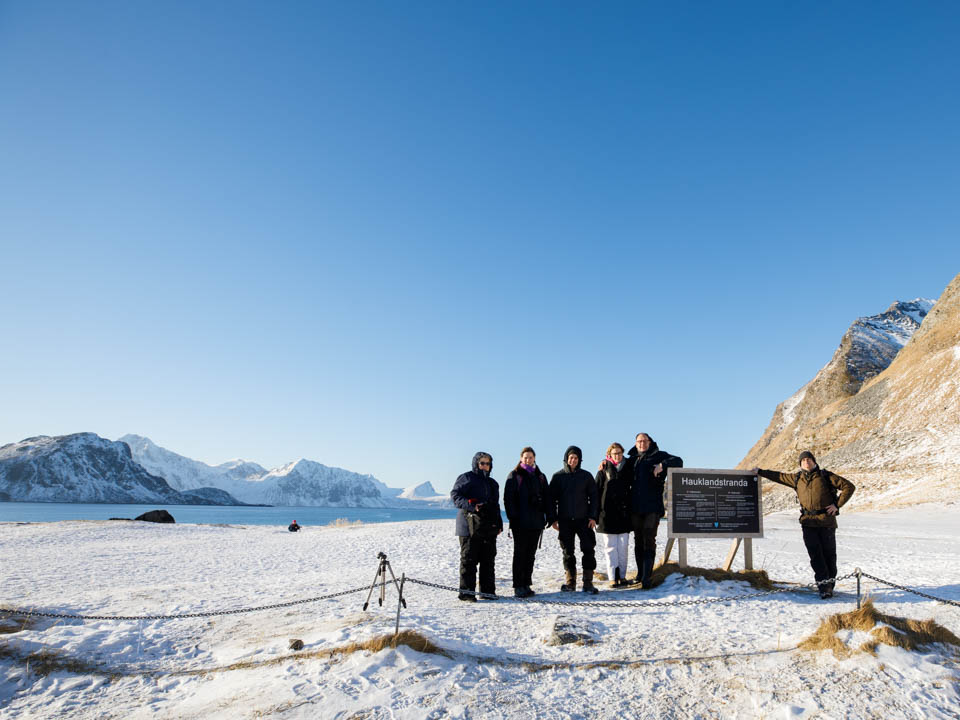
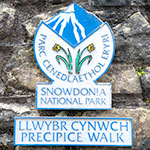
The solution is very simple. Photograph a signpost or information board before you start taking photos. They are usually available. Do this before you actually take your photos. Everything after that photo belongs to that location.
It's a matter of making it a habit. It's useful, and you might even be able to use it for your photo book. Include your travel companion, or take a selfie. In the latter case, with your smartphone, of course.
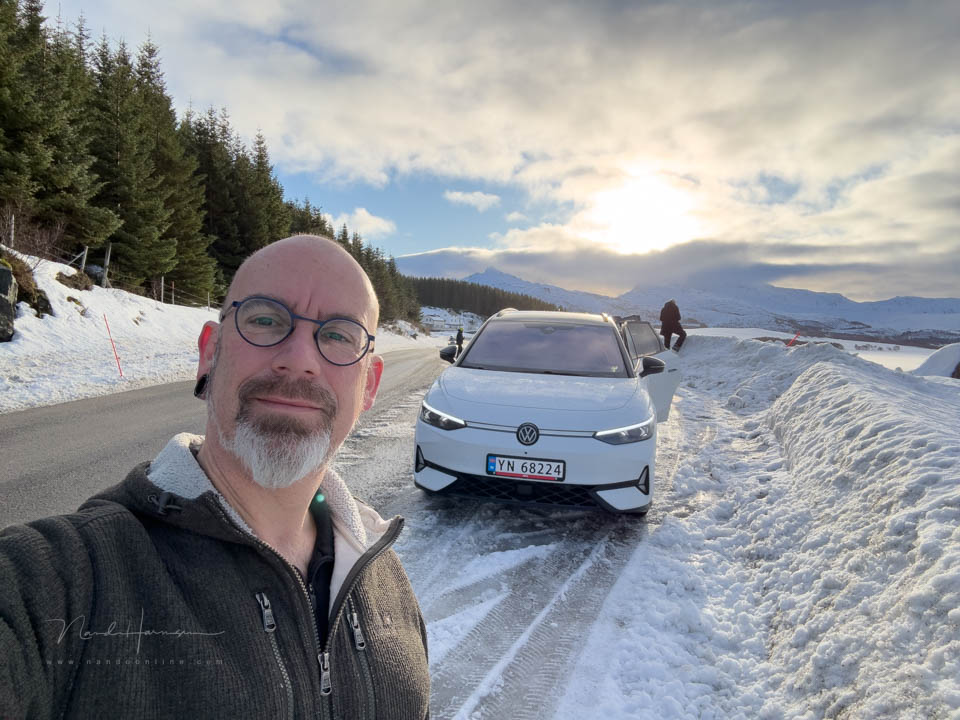
Speaking of smartphones, they offer even more options because the GPS coordinates are stored with the photo straight away. Provided you have GPS switched on, of course. In that case, you don't necessarily need to photograph a sign.
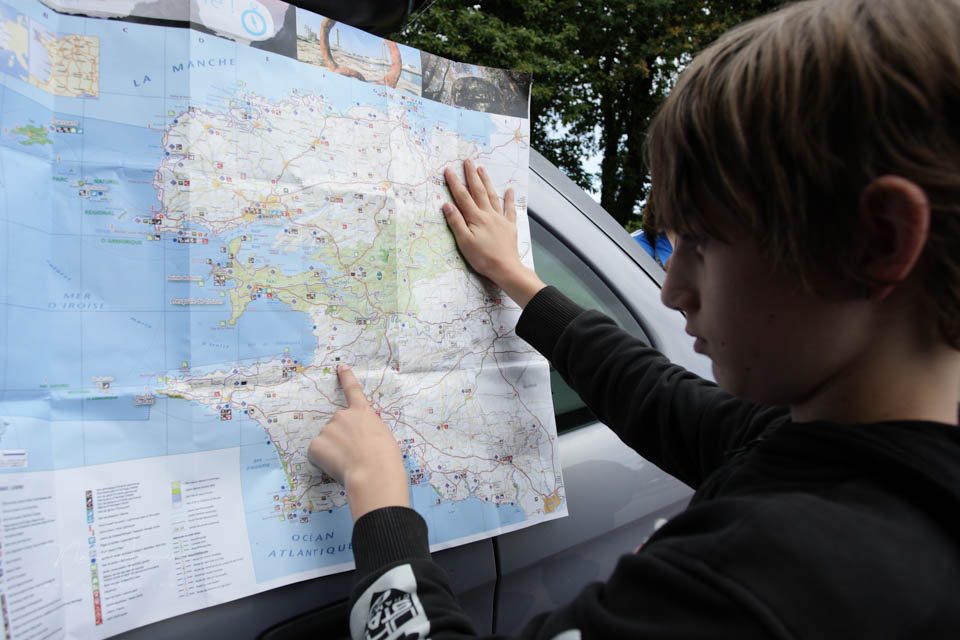
How do you record the information you need about the locations where you take photos? Do you use GPS in your camera or connected to your camera? Or do you not think it is that important? Share your method below this post.
About the author
Nando Harmsen has been photographing for more than 40 years. He specialises in wedding photography and landscape photography. Nando also gives talks, workshops, masterclasses and photo trips, and regularly reviews new and interesting equipment.
You might also like
-
 Locations on holiday and day trips
by Nando Harmsen
-
 Find photo locations with the NoFilter app
by Elja Trum
-
 Photopills for saving photo locations
by Nando Harmsen
-
 Portrait tip: Use an urbex location
by Elja Trum
-
 5 great locations in a city for portrait photos
by Elja Trum

3 comments
-

 MacBigfoot wrote on Sunday 22 March 2026 at 00:05
| reply
MacBigfoot wrote on Sunday 22 March 2026 at 00:05
| reply
When I think of it, I use a GPS tracker on my phone (although there are also smartwatches with this functionality).
Translated from Dutch.
And if I have forgotten anyway, indeed a photo with my iPhone also works fine to roughly know where you have been, or of course where you are at that moment. -
 Eric Dankbaar wrote on Tuesday 24 March 2026 at 12:37 | reply
While making photo reports of my walks with the DSLR camera, I always have a GPS (Garmin) with me that records the route. Once I get home, I can use Garmin's BaseCamp program to add the GPS coordinates to the edited and exported photos. It is important, however, that the time on the GPS and camera is set the same during the shoot in order to be able to display the exact location.
Translated from Dutch. -
 Hugo wrote on Tuesday 24 March 2026 at 16:37 | reply
I start an app on my smartphone in the morning ( geotag photos ) that logs all day, in the evening I load it onto my laptop in Lightroom map so I can enter GPS coordinates in every photo.
Translated from Dutch.
Have your say
Please note: Articles older than a week can only be commented on by signed-in visitors.Would you still like to comment? sign in or create a free account.
Become a better photographer every week
A practical photography tip in your inbox every week.
38,937 photography enthusiasts already receive the tips! More about the weekly mail. Or keep up to date via  Facebook.

Elja Trum
Photofacts; everything to do with photography!
Would you like to take better photos and keep up with what is happening in photography? Photofacts publishes articles that teach you something about photography — from a product announcement to a practical shooting tip or a look at a website. Photofacts covers photography every day and is a hobby project of Elja Trum's that got out of hand. The articles are written by a team of volunteer authors. If you would enjoy writing one or more articles for Photofacts, do get in touch.More about PhotofactsPhotofacts is made possible in part by
