

Synchronise the time between your cameras
Thursday 27 August 2026, 17:17 by Nando Harmsen | 702 views | 0 commentsThis article was translated from Dutch with the help of AI. Read the original.
When you take a photo, it is not just the camera settings that are saved, but also the date and time. This is the timestamp. Do you use multiple cameras? Make sure they are all set to the same time.
The timestamp tells you exactly when a photo was taken. As long as you have set the date and time correctly. And, if necessary, the time zone when you are on holiday.
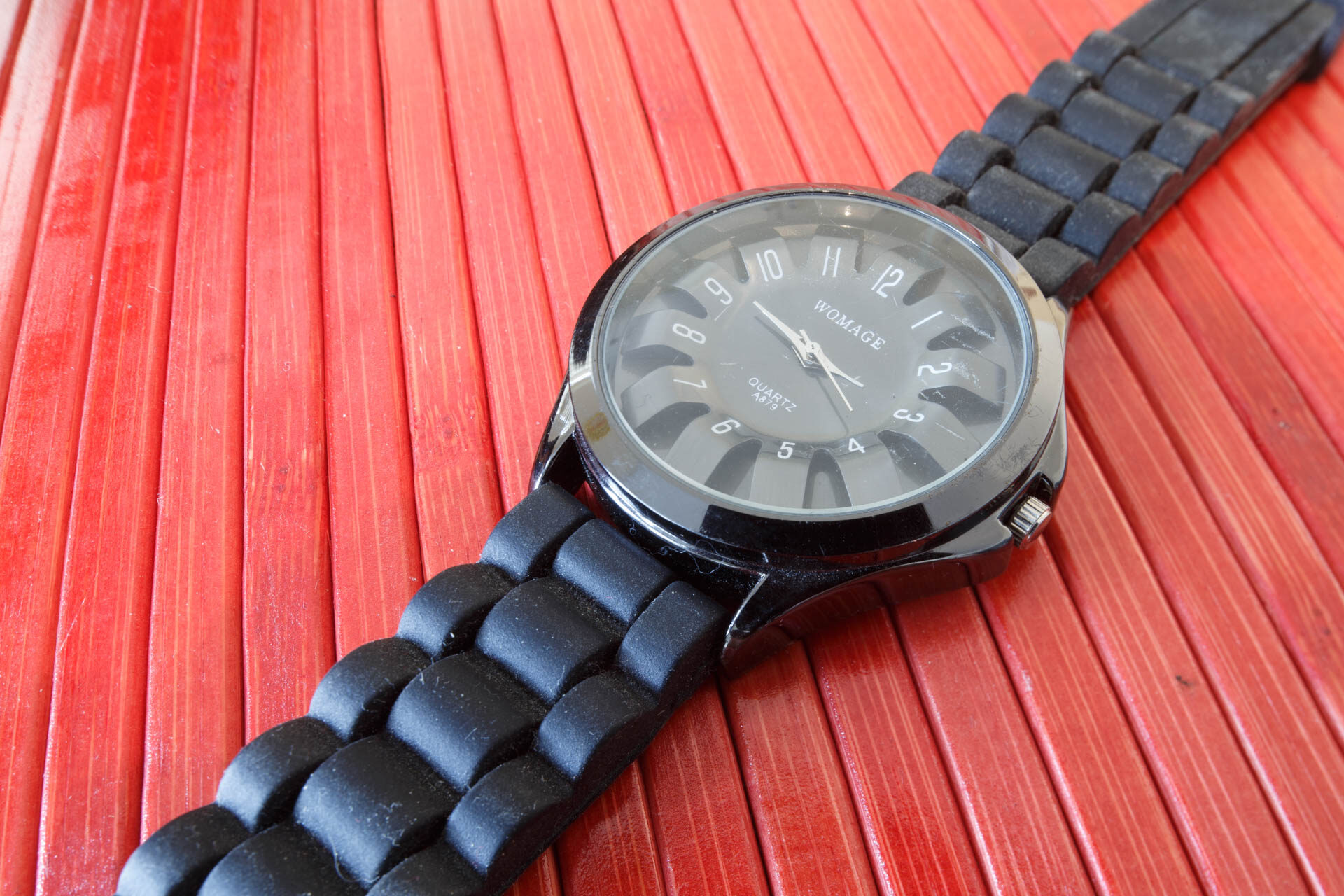
The correct time - f/16, 25s, 100 ISO @ 24mm
This means you can always find out when a photo was taken. It also gives you the opportunity to put photos in order, sort them, or search for a photo.
Do you use multiple cameras? Make sure the time is set to exactly the same time on all of them. Check this just before you start taking photos, because clocks are never perfectly synchronised.
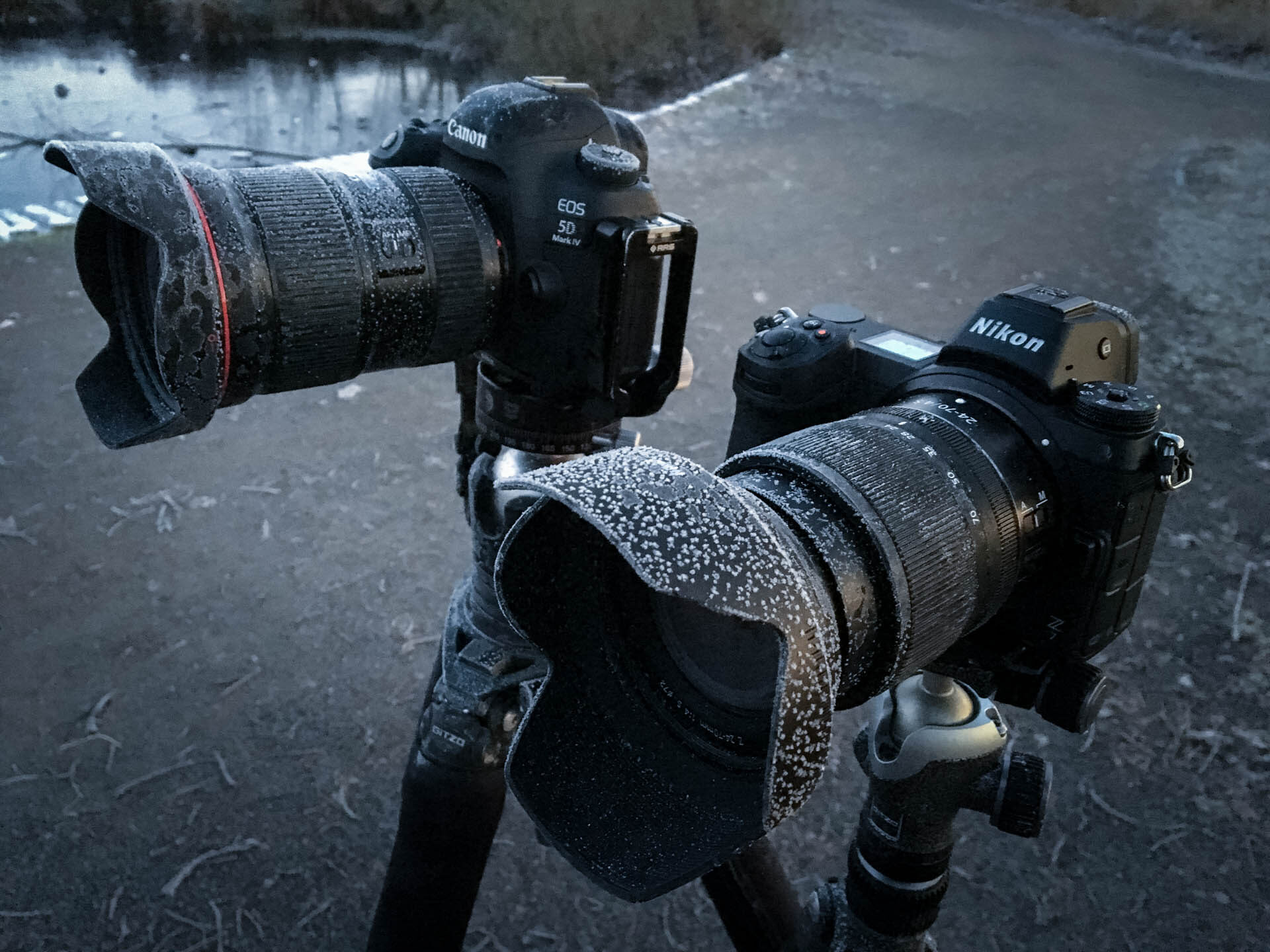
With two cameras - f/2.2, 1/17s, 640 ISO @ 4.2mm
I advise you to use the time on your smartphone. Your smartphone is also a camera, after all. A simple smartphone photo will then fit perfectly among the others.
If you collect the photos from your day out, holiday, or photography trip, they will always be in the right order. Also pay attention to time zones if your journey takes you further afield. Any GPS tracking will then be perfectly accurate too.
It takes very little effort to do this before your trip or journey. You will get a lot of enjoyment from it later.
About the author
Nando Harmsen has been photographing for more than 40 years. He specialises in wedding photography and landscape photography. Nando also gives talks, workshops, masterclasses and photo trips, and regularly reviews new and interesting equipment.
You might also like
-
 The Columbus P10 GPS Logger for Your Photo Trips
by Nando Harmsen
-
 Locations on holiday and day trips
by Nando Harmsen
-
 Review: Sony Xperia 10 IV smartphone for photography
by Nando Harmsen
-
 Smartphone photography and travel
by Nando Harmsen
-
 Shoot met meerdere camera's, van chaos naar orde
by Dick Holtman
-
Choosing between a camera and a smartphone
by Nando Harmsen
0 comments
Be the first to share what you think!
Have your say
Please note: Articles older than a week can only be commented on by signed-in visitors.Would you still like to comment? sign in or create a free account.
Become a better photographer every week
A practical photography tip in your inbox every week.
38,902 photography enthusiasts already receive the tips! More about the weekly mail. Or keep up to date via  Facebook.

Elja Trum
Photofacts; everything to do with photography!
Would you like to take better photos and keep up with what is happening in photography? Photofacts publishes articles that teach you something about photography — from a product announcement to a practical shooting tip or a look at a website. Photofacts covers photography every day and is a hobby project of Elja Trum's that got out of hand. The articles are written by a team of volunteer authors. If you would enjoy writing one or more articles for Photofacts, do get in touch.More about PhotofactsPhotofacts is made possible in part by
