

Review: Haida MagSafe Magnetic Filter Holder for Smartphones
Friday 23 January 2026, 13:13 by Nando Harmsen | 4,854 views | 3 commentsThis article was translated from Dutch with the help of AI. Read the original.
Are you a smartphone photographer or videographer? The Haida MagSafe Magnetic Filter Holder and smartphone filters could give you some extra options. Haida provided me with a set. Curious? Read about my findings in this review.
Using a smartphone as a camera works perfectly well, of course. The quality can be surprisingly good, especially with high-end models. Just as with real cameras, you can also use filters with smartphones. This offers extra creativity.
Haida has also entered the smartphone photography accessories market with a set of smartphone filters using a MagSafe system. This set consists of a Golden and Blue Streak filter, an X-Star filter, a Black Mist 1/4 filter and a polarising filter.
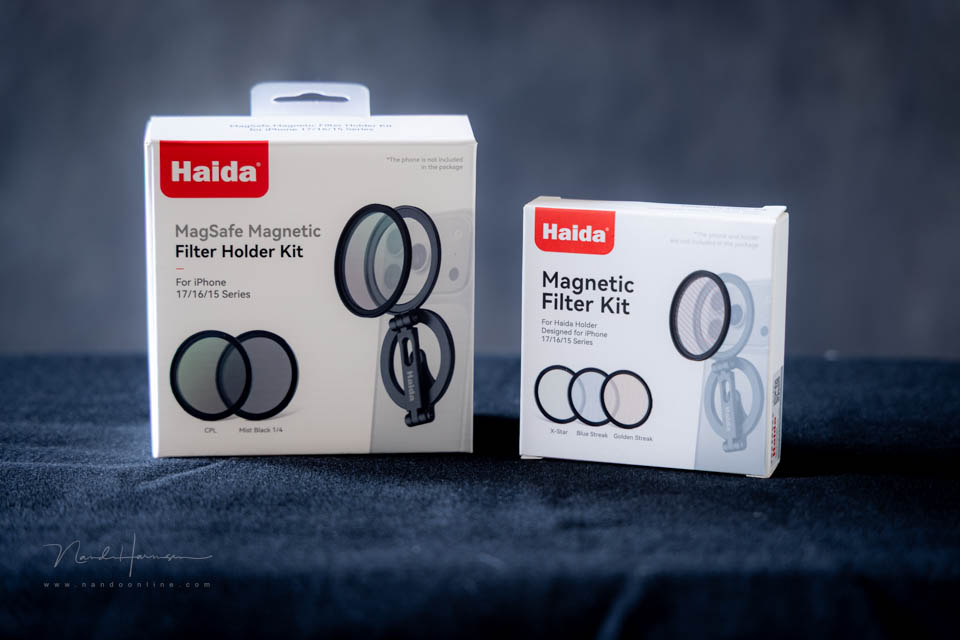
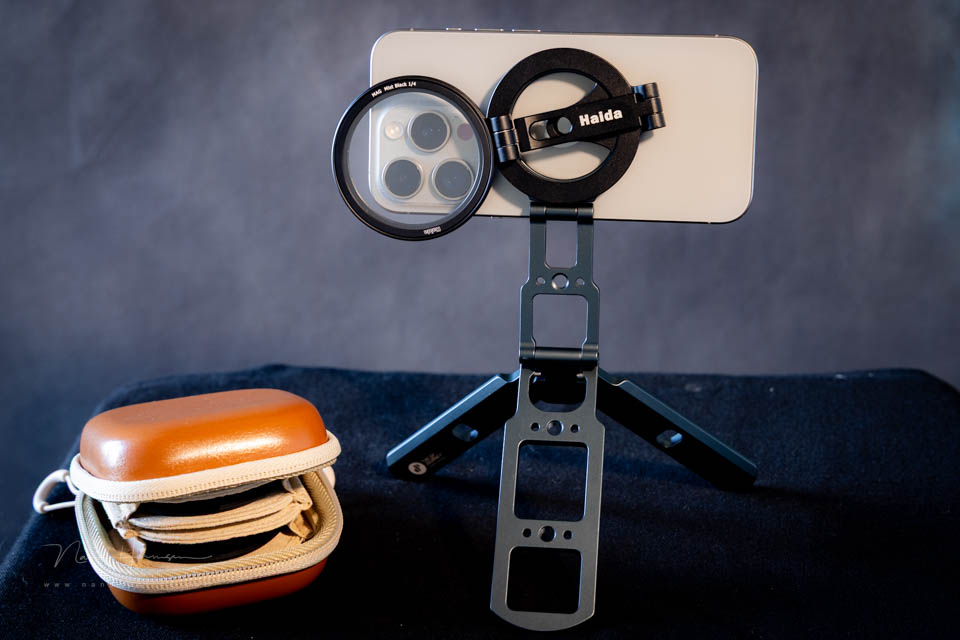
With the set, which fits in a nice case, you get the filter holder that can be attached to the smartphone using MagSafe. This filter holder can also be used as a small smartphone tripod. Or you can screw the holder onto a 1/4"-20 screw on a 'real' tripod.
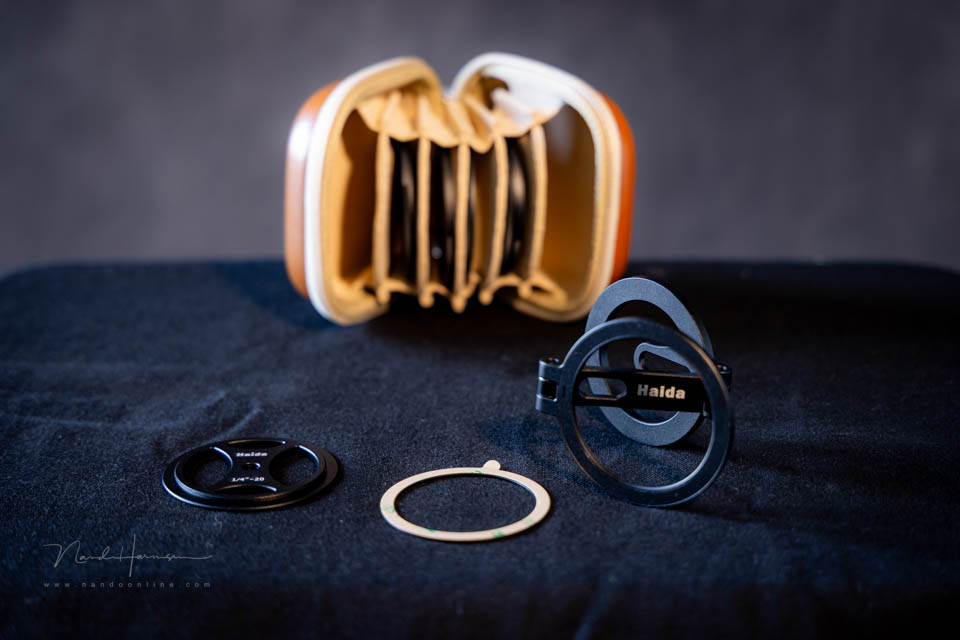
How the MagSafe holder works
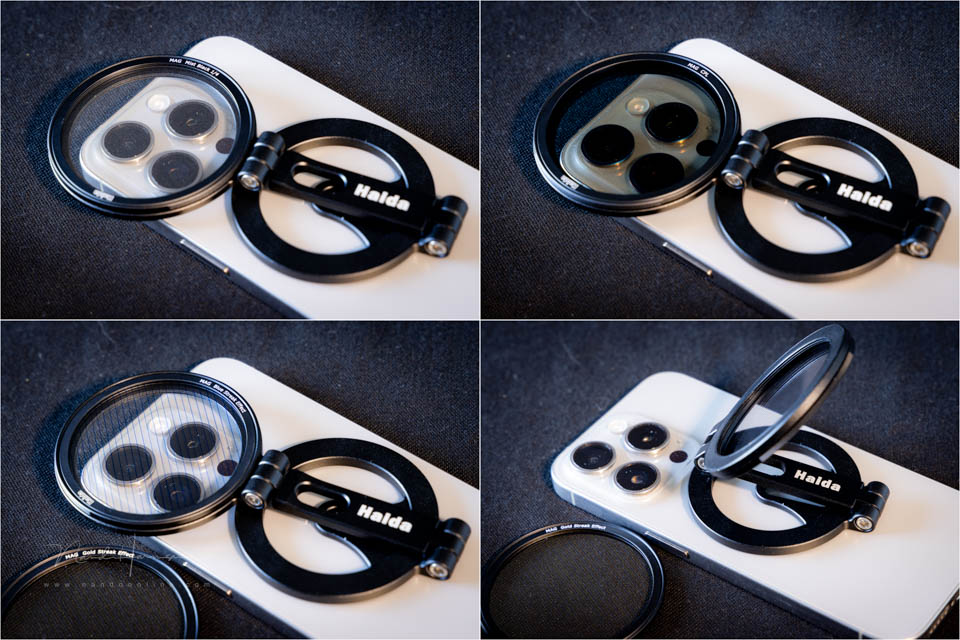
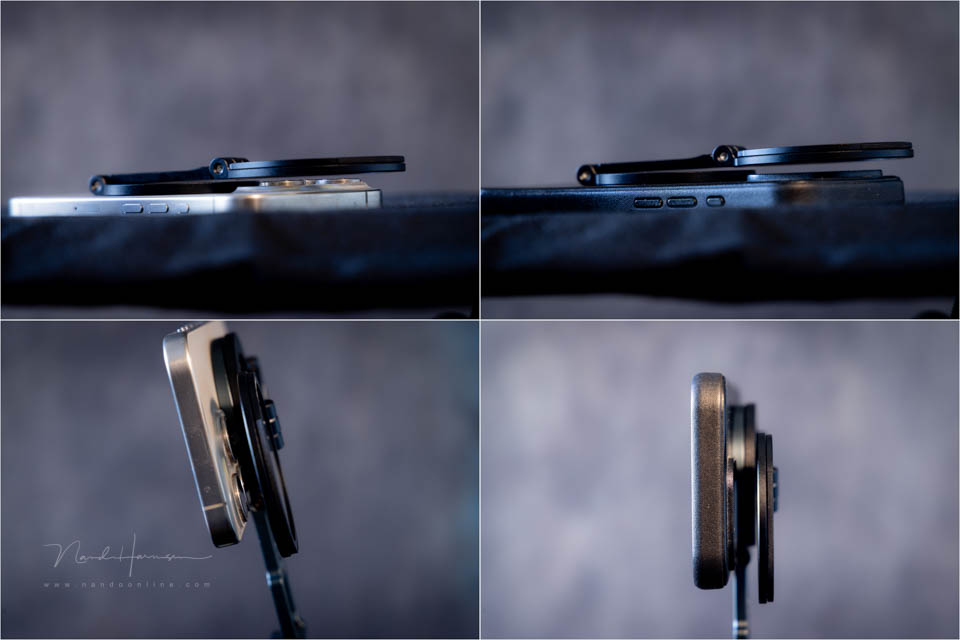
The name says it all, MagSafe. The holder uses this reasonably standardised system, which uses the magnet in the smartphone. It simply clicks into place, after which you rotate the holder in front of the camera.
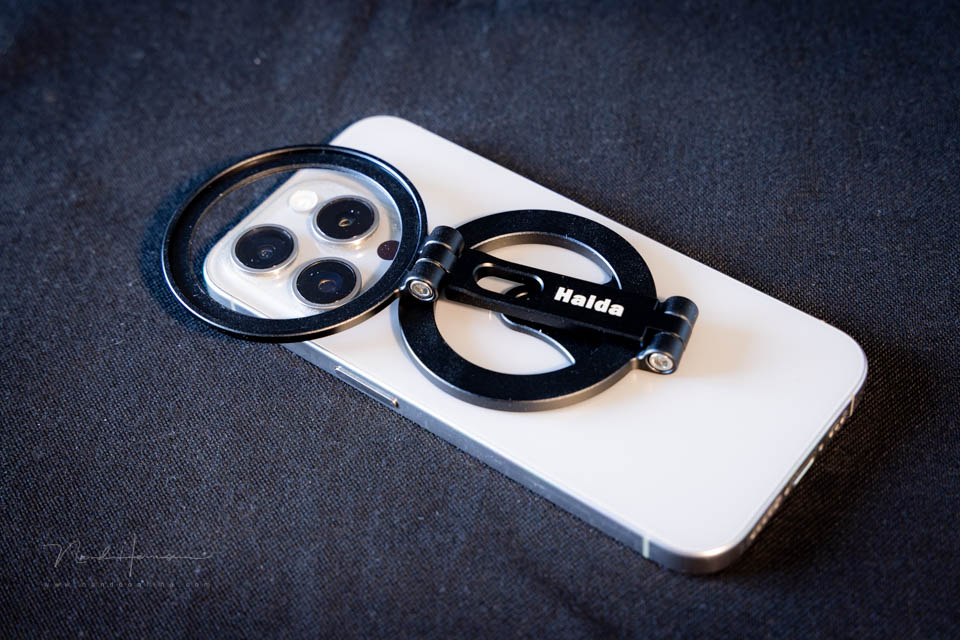
The holder is designed to also serve as a small smartphone tripod. However, this means that it cannot act as a filter holder at the same time. You choose one or the other.
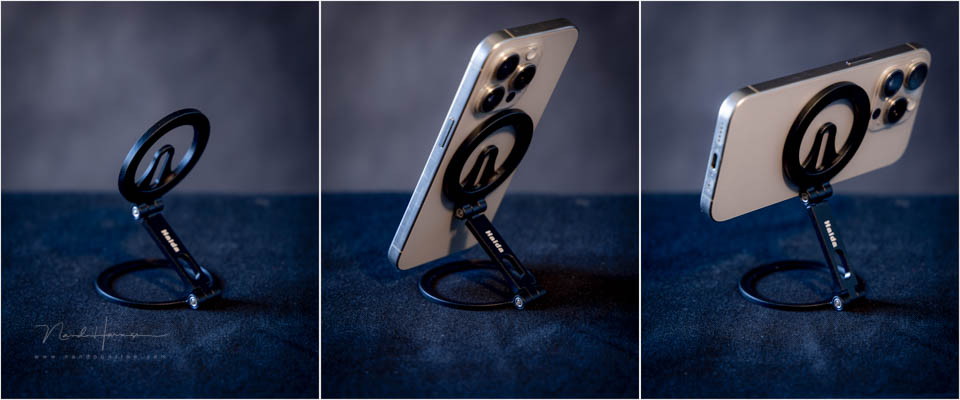
If you have a (mini) tripod, you can screw the specially supplied ring onto it. You can then screw the filter holder onto that.
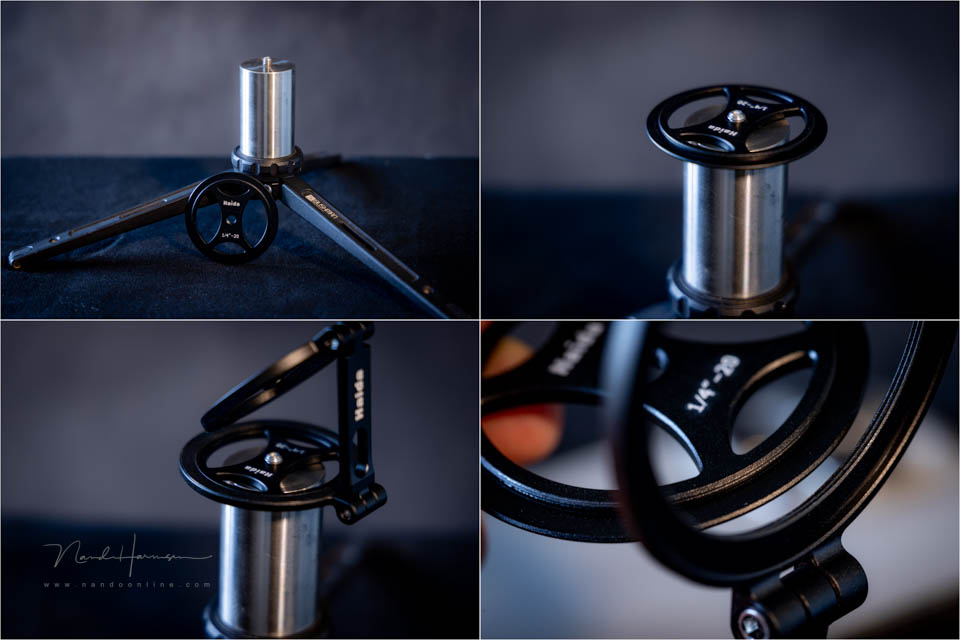
This is, of course, multifunctional use of the filter holder. However, it is primarily intended for using the smartphone filter. Just as MagSafe holds the holder magnetically, the filters are also placed magnetically in the holder.
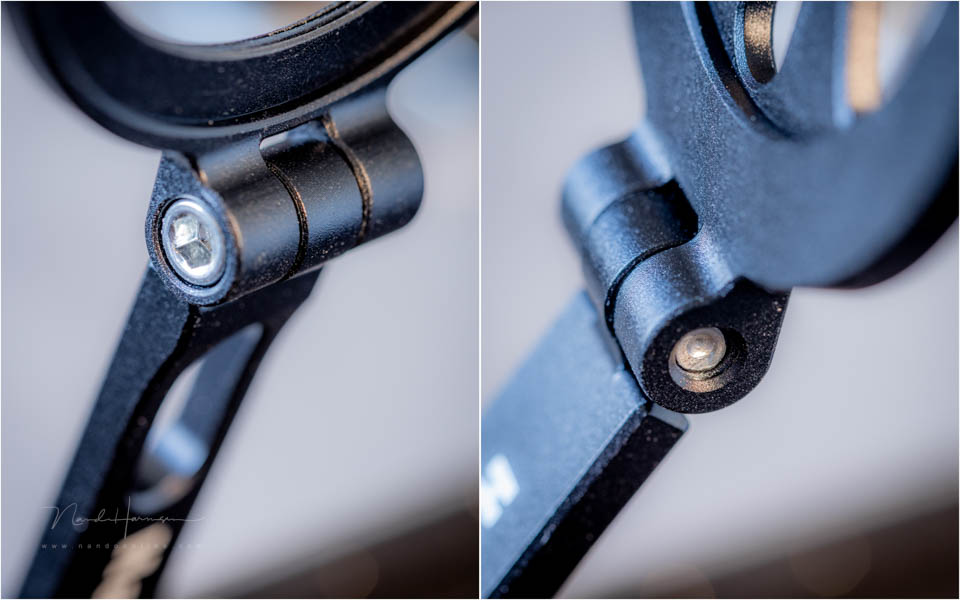
The magnets are strong enough that you do not have to worry about losing the filters. The holder is made of metal and the hinges are stiff enough to keep everything in place. If required, you can tighten or loosen the screws.
The filters
When you buy the filter holder, you get a Black Mist 1/4 filter and a polarising filter. The Black Mist 1/4 creates a glow around light sources, while the polarising filter can, of course, remove reflections.
The special effect filters, which you can buy as an additional set, consist of an X-Star filter and a Blue and Yellow Streak filter. The effects are intended for light sources. The strength of the effect depends on the intensity of the light source. If you are not careful, it can become very extreme.

You can, of course, use this type of filter for photography. However, it is more suitable for video. The Blue and Yellow Streak filters produce a similar effect to what you also see with anamorphic lenses.
Using the filters
Using the filter holder is simple. The filters click easily into place. Once a filter has been fitted, it feels firmly locked in place. If required, you can also use several filters at the same time.
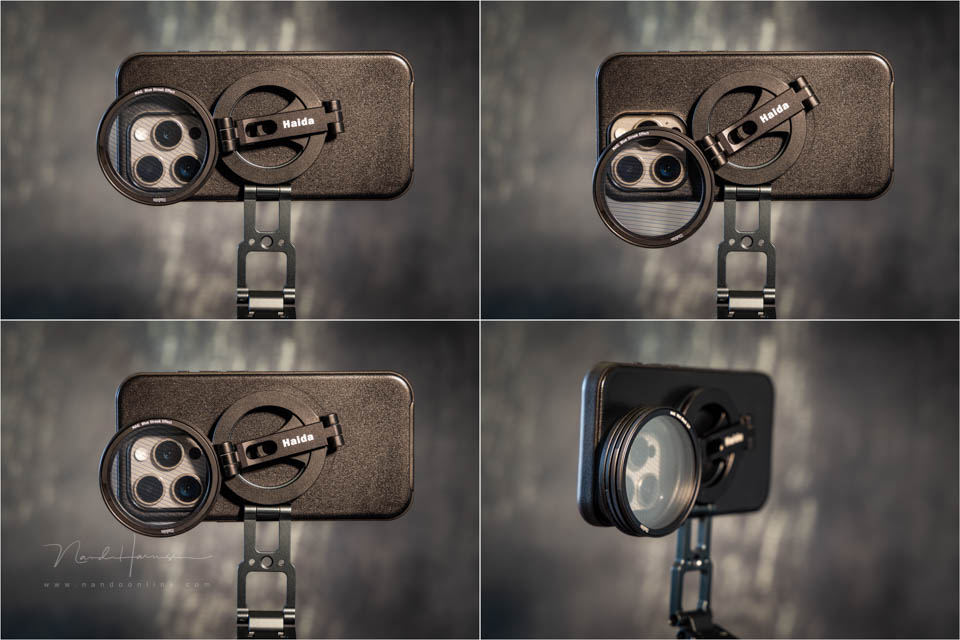
You do need to make sure that the filter is positioned correctly in front of the smartphone camera. If it is even slightly off to the side, you will photograph the edge of it. This happens particularly quickly if your smartphone has a wide-angle lens.
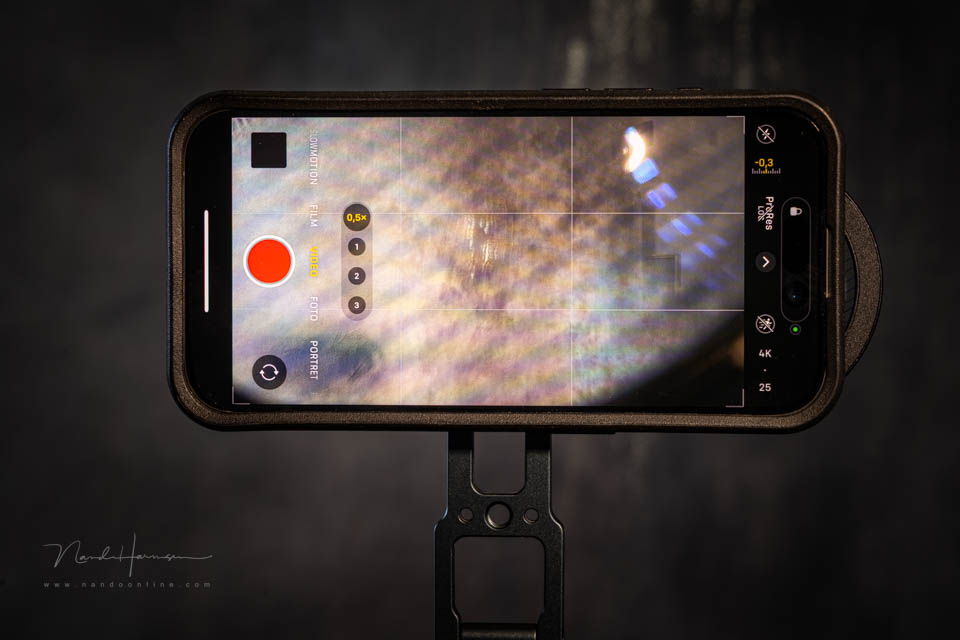
If the smartphone cannot focus, there is a risk that the Streak filters will focus on the pattern of the filter. This risk is particularly high with a wide-angle lens. In practice, this is hardly a problem.
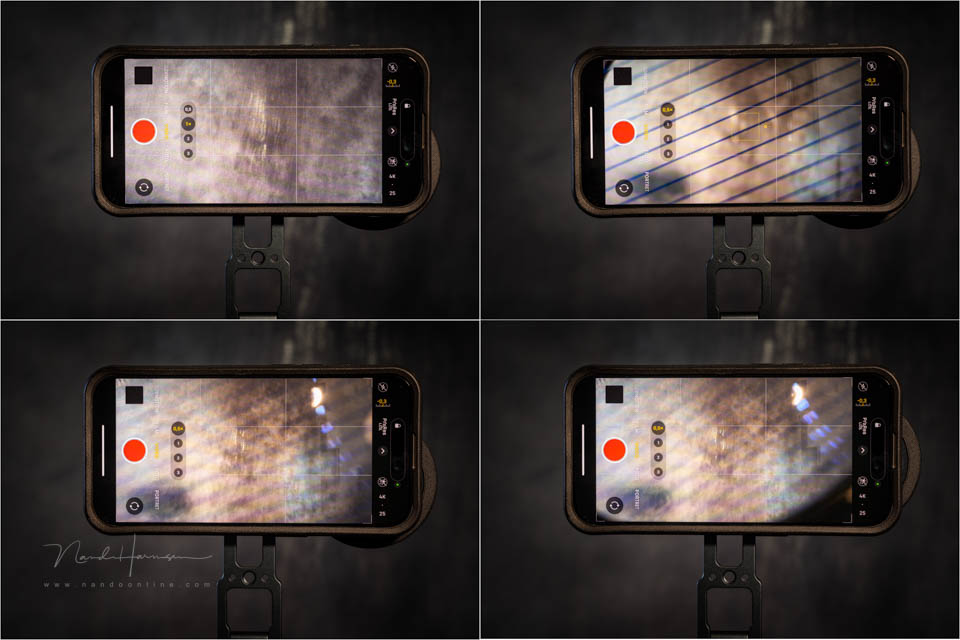
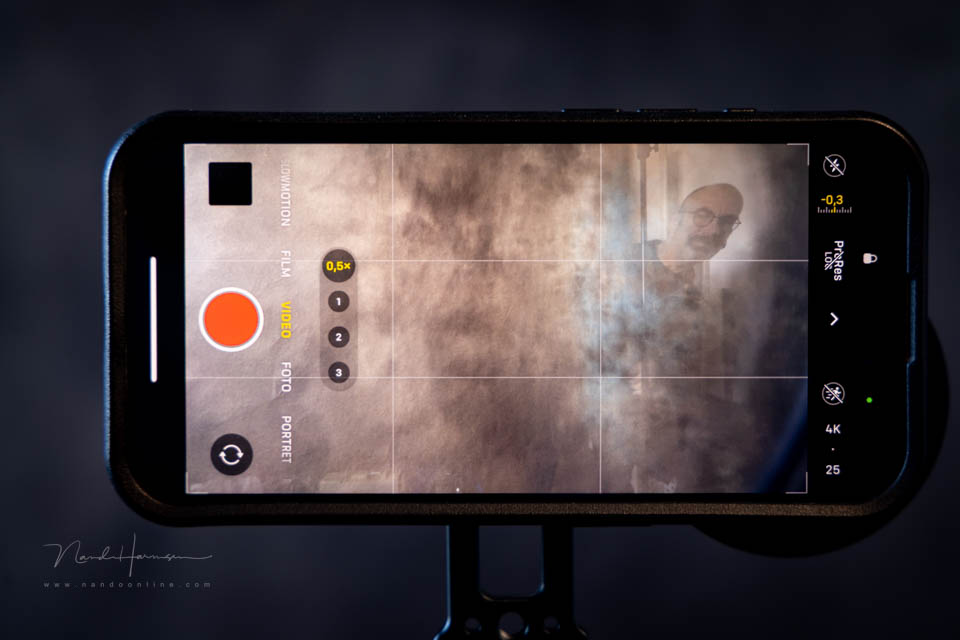
Another problem you may encounter is reflections. Because the filters do not fit perfectly, light sources behind you can be reflected. This is clearly visible in the photo above.
Using them in practice
Because the effect of the filters depends on light sources, I went out photographing in the evening. Using the filter holder is simple. The filters click easily into place. Once a filter has been fitted, it feels firmly locked in place.


The most efficient way to work is to fit or change the filter first, and only then click the holder onto the smartphone. You need to keep paying attention to the position of the filters, especially when using a wide-angle lens.


The result of the effect filters depends greatly on the light sources in the frame and their brightness. The brighter they are, the stronger the effect. Sensible use of the filters is recommended.
Be careful when using a wide-angle lens, especially with the Blue and Yellow Streak filters. Distortion and unwanted effects can occur quickly. You may also sometimes see reflections because of the gap between the filter and the lenses of the smartphone cameras.

My findings
The filters work well for smartphone photography and videography. The effect filters add extra atmosphere to your footage, provided you use them sparingly and in the right conditions.
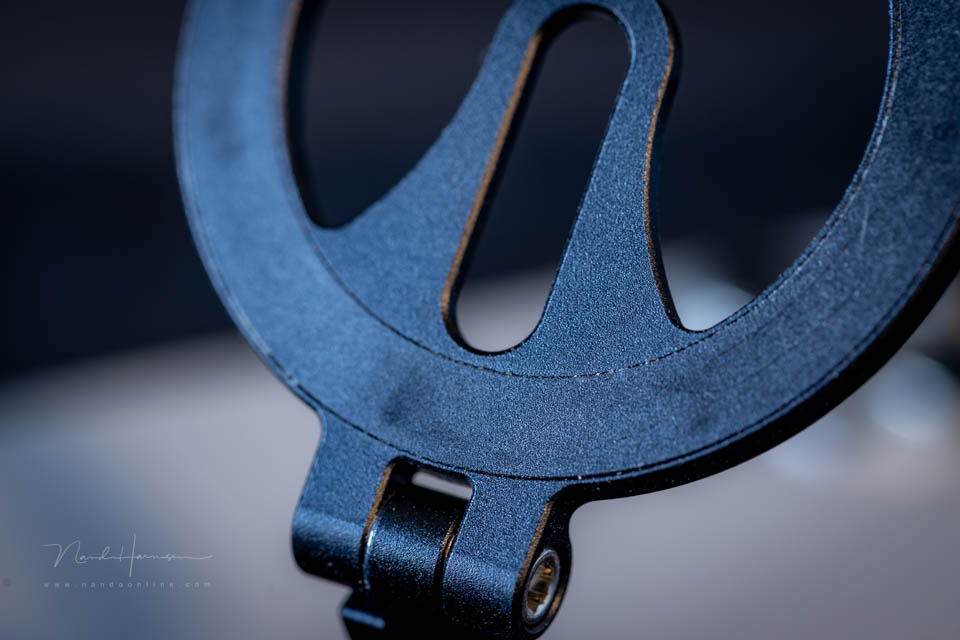
It is a shame that the MagSafe holder does not have some kind of felt to protect the smartphone. The metal can cause scratches. Using a smartphone case with MagSafe prevents this.
The system is designed so that there is always space between the lenses and the filters. In some situations, this can cause light leaks or unwanted reflections. You need to be very alert to this.
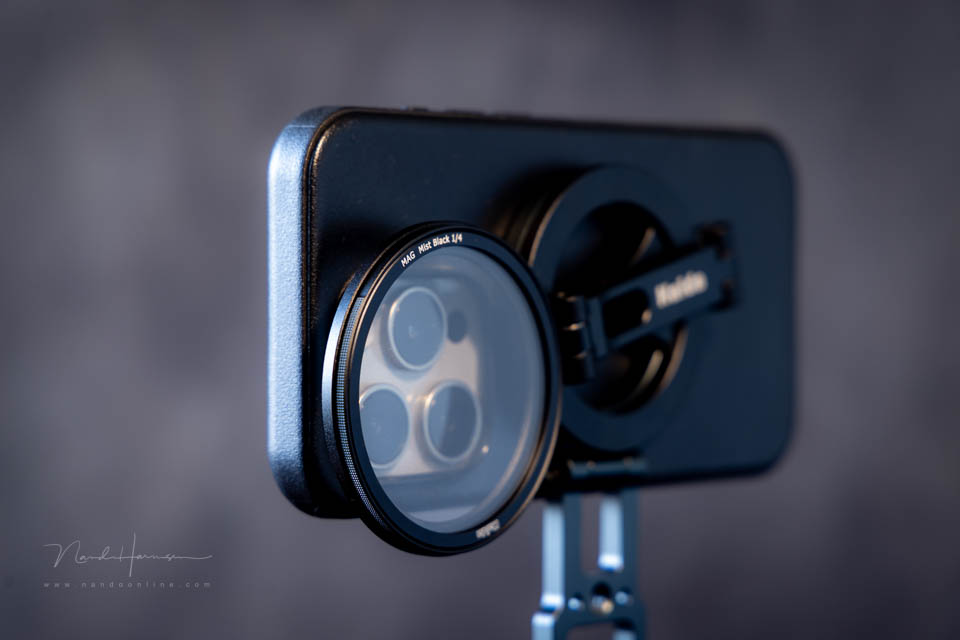
Although the MagSafe Magnetic Filter Holder can also be used as a mini tripod, this is not possible while using filters. You then need to use a separate small tripod. If this separate tripod also has MagSafe, you can combine the two.
Bear in mind that combining a tripod and filter holder increases the distance between the filter and the lens. This can increase the chance of reflections, or of focusing on the effect filters as mentioned earlier.
The filter needs to be rotatable when using the effect filters and the polarising filter. Because of the strength of the magnet holding the filter in place, this is not very easy. You often rotate the filter holder on the smartphone as well.
But if you want to use filters occasionally, they are a nice addition to smartphone photography and video.
Pros
- Nice, well-presented set with case and basic filter set
- Good-quality materials
- Filter holder can be used as a tripod
- Connection ring for a 'real' tripod
- Several filters can be used at the same time
- Strong filter magnets
- Easy to position on the smartphone
Cons
- Risk of scratches when using the MagSafe filter holder
- Distance between filter and camera increases the chance of light leaks and reflections
- Filter holder has no extra magnet for other MagSafe accessories
- Filter holder's freedom of rotation makes precise positioning important
- Strength of the filter magnets makes rotating the filters difficult
- Using the holder as a tripod and using filters at the same time is not possible
- Screwing the filter holder onto a tripod plate is difficult
The Haida MagSafe Magnetic Filter Holder is an accessible accessory for using filters. However, the system is not perfect.
There are a few things that would make the Haida MagSafe Magnetic Filter Holder better. A seal between the filter and camera to prevent reflections, and an extra magnet on the filter holder itself for attaching an additional MagSafe tripod or other MagSafe accessory.
Can you live with this drawback, or does it not matter for how you use it? Then the Haida MagSafe Magnetic Filter Holder is a nice addition to your smartphone photography and videography.
Thanks to Haida for providing the filter holder and filters.
About the author
Nando Harmsen has been photographing for more than 40 years. He specialises in wedding photography and landscape photography. Nando also gives talks, workshops, masterclasses and photo trips, and regularly reviews new and interesting equipment.
You might also like
-
 A tripod for your smartphone
by Nando Harmsen
-
 Haida magnetic filters, a perfect alternative to a filter system
by Nando Harmsen
-
 Review: Haida X in 1 Ultra-Low Reflection Magnetic Filter
by Nando Harmsen
-
 Be careful with MagSafe and PhotoPills AR
by Nando Harmsen
-
 Review of the handy Haida Magic Stick-It Wrapper Cloth
by Nando Harmsen
-
 Review: Haida M10 Insert Variable ND filter
by Nando Harmsen
3 comments
-
 Donald Willemsen wrote on Friday 23 January 2026 at 13:32 | reply
But be careful if you want to use the AR feature of PhotoPills. The magnets affect the accuracy of PhotoPills.
Translated from Dutch. -

 smartzine
wrote on Sunday 1 February 2026 at 22:55
| reply
smartzine
wrote on Sunday 1 February 2026 at 22:55
| reply
Nice review. What I am curious about, though, is whether you can also use the filter holder in combination with a conversion lens. In other words: can you position the filter holder at a greater distance from the camera mount?
Translated from Dutch. -

Have your say
Please note: Articles older than a week can only be commented on by signed-in visitors.Would you still like to comment? sign in or create a free account.
Become a better photographer every week
A practical photography tip in your inbox every week.
38,937 photography enthusiasts already receive the tips! More about the weekly mail. Or keep up to date via  Facebook.

Elja Trum
Photofacts; everything to do with photography!
Would you like to take better photos and keep up with what is happening in photography? Photofacts publishes articles that teach you something about photography — from a product announcement to a practical shooting tip or a look at a website. Photofacts covers photography every day and is a hobby project of Elja Trum's that got out of hand. The articles are written by a team of volunteer authors. If you would enjoy writing one or more articles for Photofacts, do get in touch.More about PhotofactsPhotofacts is made possible in part by
