

Review: Sony ZV-E10 vlog camera
Friday 10 September 2021, 13:31 by Nando Harmsen | 8,850 views | 0 commentsThis article was translated from Dutch with the help of AI. Read the original.
Sony has launched a new camera specifically for vloggers. This is the Sony Alpha ZV-E10, a compact vlog camera with interchangeable lenses. It lets content creators make vlogs and photos without having to worry too much about all kinds of settings.
The ZV-E10 is not the first vlog camera the brand has brought to market. Sony previously had the ZV-1, a camera with a 1-inch sensor and a fixed zoom lens.
The ZV-E10 has the larger APS-C sensor and the option to change lenses. Those are also the biggest differences.
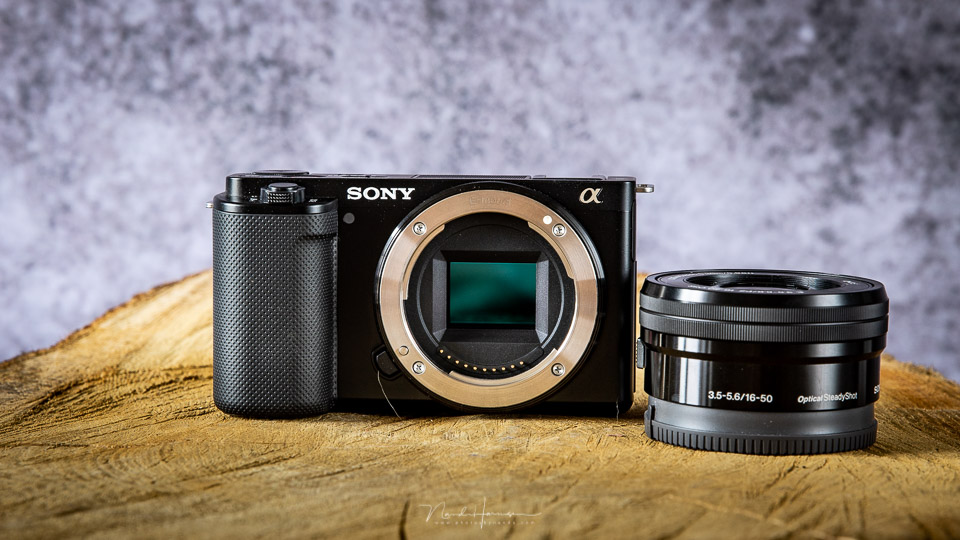
An overview of the most important features.
- 24-megapixel APS-C CMOS sensor
- Face and eye autofocus
- 4K/25p video recording
- 1080/120p slow-motion recording (with crop)
- Built-in directional microphone array with windscreen
- Multi-functional hot shoe
- Product Showcase setting
- Fully tilting and rotating LCD screen
- 3.5mm headphone and microphone socket
- Livestreaming via the USB-C connection
- 440 shots or 80 minutes of continuous video per battery charge
- Option for vertical video recording
- Sony E-mount
I was given the camera together with the 16-50mm f/3,5-5,6, the 10-18mm f/4.0 OSS, and the GP-VPTBT Bluetooth grip for this review.
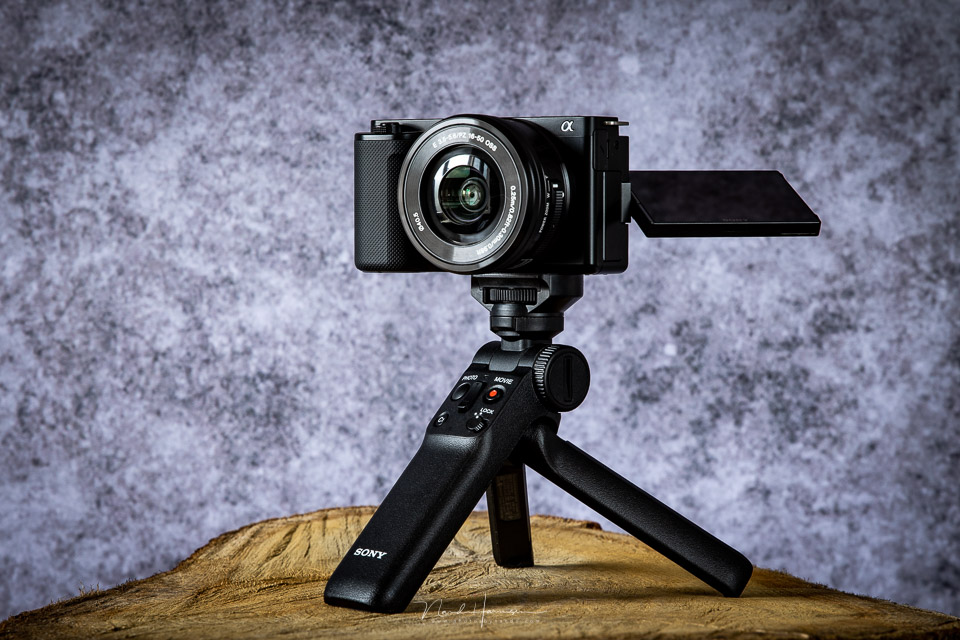
Appearance
The camera is similar to the Sony A6100 in many respects, but important changes have been made to its appearance to make it suitable for vlogging.
Many of these exterior features are similar to those of the ZV-1, such as a fully tilting screen and the lack of a viewfinder.
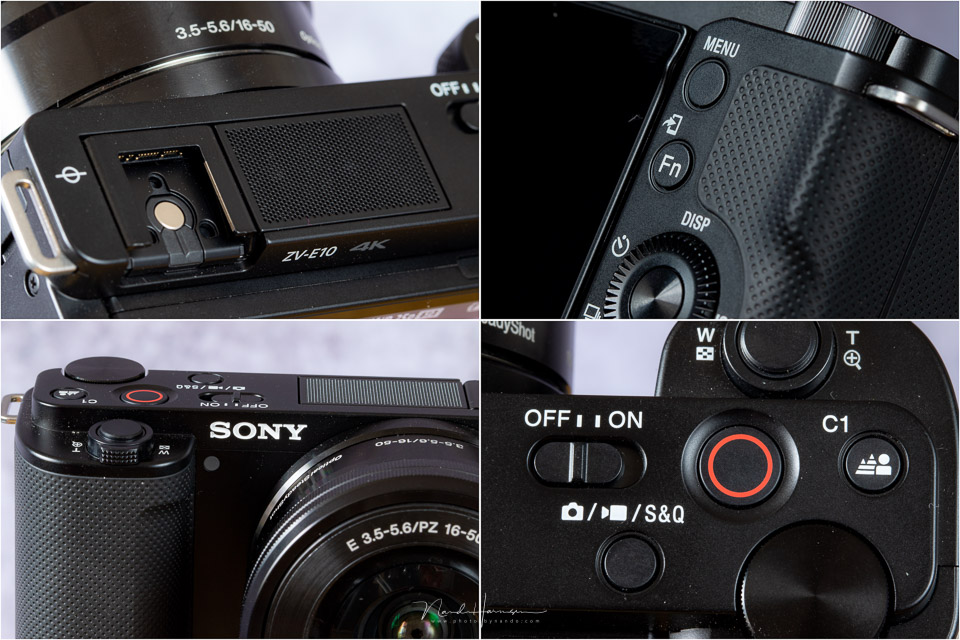
The camera has a manageable size with a fairly shallow grip. Next to the shutter button, there is a zoom lever for operating powered zoom lenses such as the 16-50mm f/3,5-5,6 supplied as a kit with the camera.
Two control dials have been chosen, the dial on the back and one on top of the camera. They both have to be operated with the same thumb, which is not ideal. The back will be very familiar to Sony users.
All buttons can be customised, and can have separate functions for video and photos.
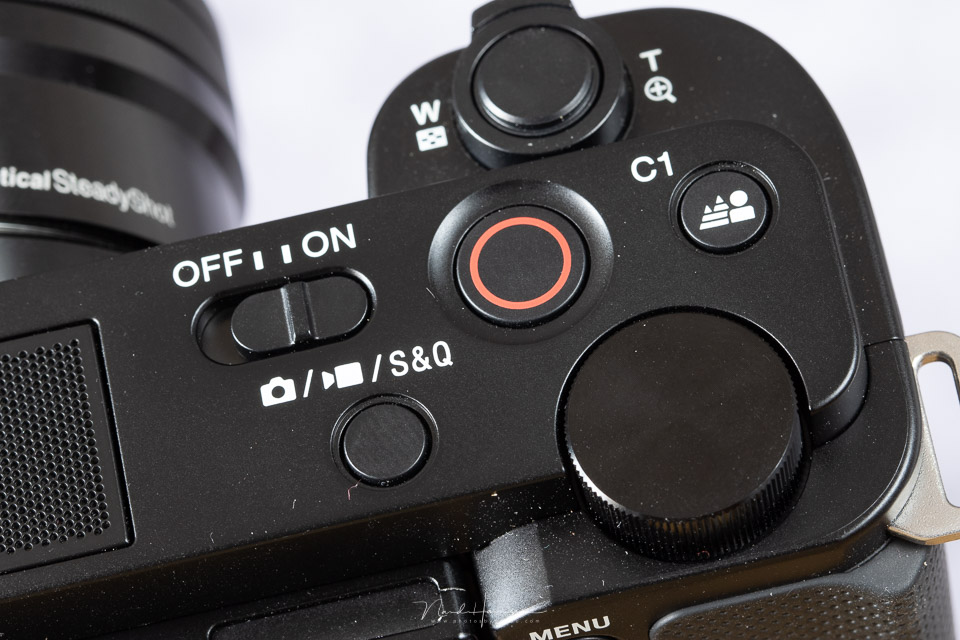
On top of the camera, you will find the on/off button next to a large red video button and the S&Q (slow & quick) button, which also switches between video and photo modes. The rest of the top is occupied by the microphone array and hot shoe.
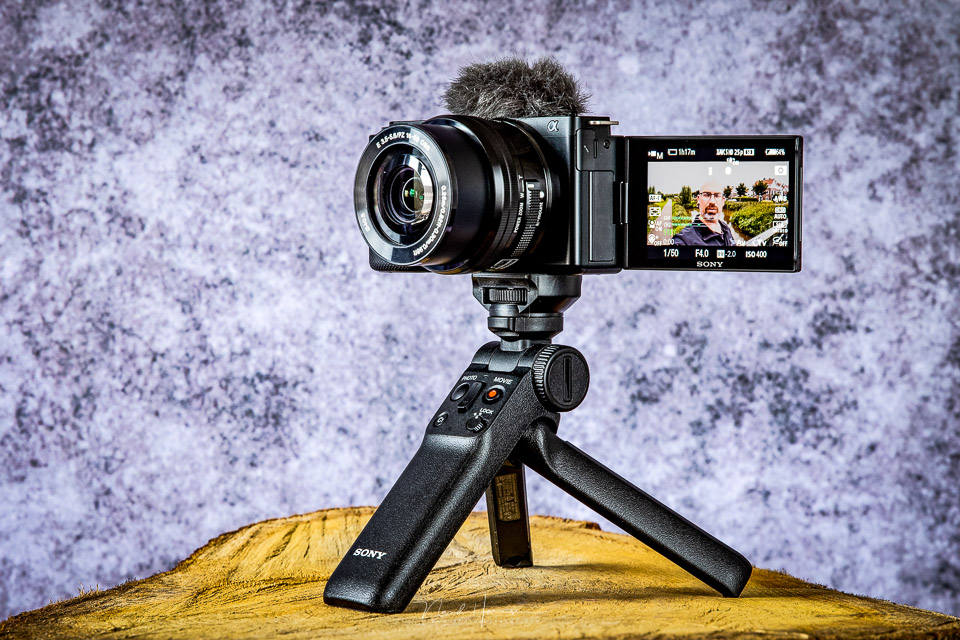
The ZV-E10 has a fully tilting 3-inch LCD screen with 1.44 megapixels and basic touchscreen functionality. It can only be used while filming or taking photos to move the focus point. Double-clicking in playback mode zooms the image to 100%.
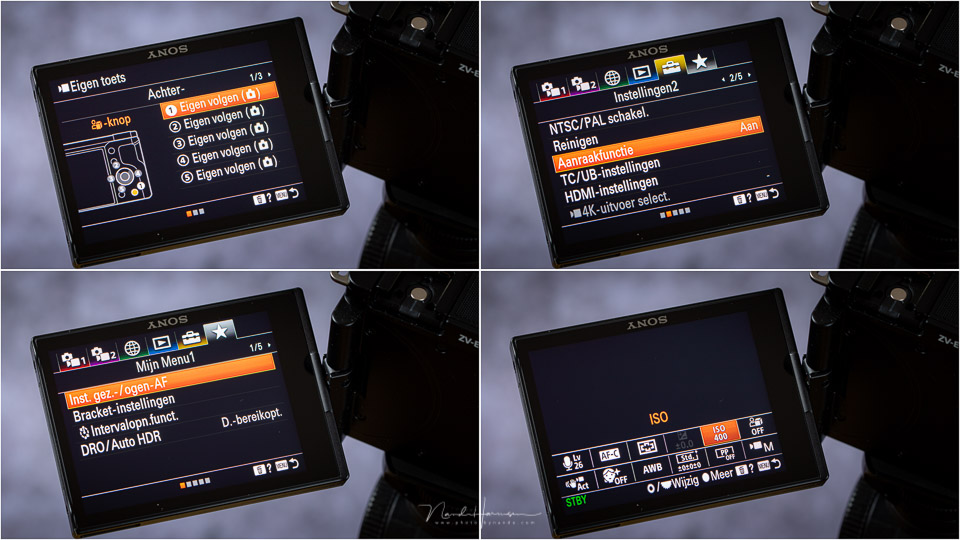
Sony has opted for the old menu structure, with its often illogical division of functions. There is a My Menu option for grouping the most frequently used functions. The quick menu (Q button) also lets you keep the most important options close at hand.
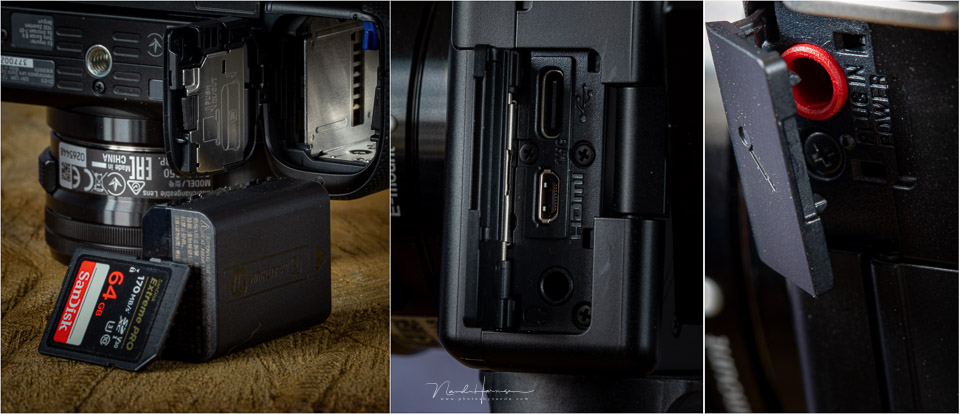
The camera's connections are the headphone and microphone sockets, next to a USB-C port for charging the battery in the camera or providing direct power, provided the battery is in the camera. There is also a micro-HDMI port.
Storage is on an SD card. Storage uses UHS-I, but you can use UHS-II cards. UHS-I is fast enough to make full use of the camera's capabilities.
Using the camera
I hardly used the camera for photography because everything about it is clearly aimed at video use. While vlogging, I used the optional GP-VPTBT Bluetooth grip almost continuously.
In the vlog below, I take a look at the camera and cover its most important aspects. I list the key points below the video.
A large red frame is shown around the image while filming. This makes it completely clear that you are recording. There is also a red LED on the front, which can be switched off if required.
Although the camera has a quick menu, you cannot operate it when the screen is folded forwards. You have to turn it back before you can use it. The same applies to the normal menu.
The only way to change a setting while vlogging is to programme the background-defocus button, which is the same as the C1 button on the GP-VPTBT Bluetooth grip.
You can film in 4K or Full HD at 25 frames per second. If you want 30 frames per second, the 4K resolution gives you a 1.23x crop. In Full HD resolution, you have access to slow motion. Bear in mind that this also comes with a small 1.14x crop.
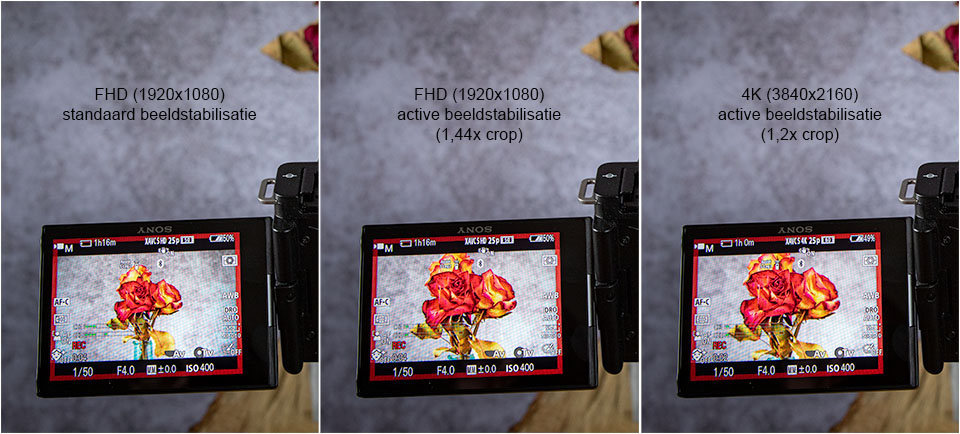
The ZV-E10 has software image stabilisation, which can be switched between two modes. The standard image stabilisation provides only minimal stabilisation. If you want more, you have to switch to Active mode. Bear in mind that this introduces a substantial extra crop of 1.44x.
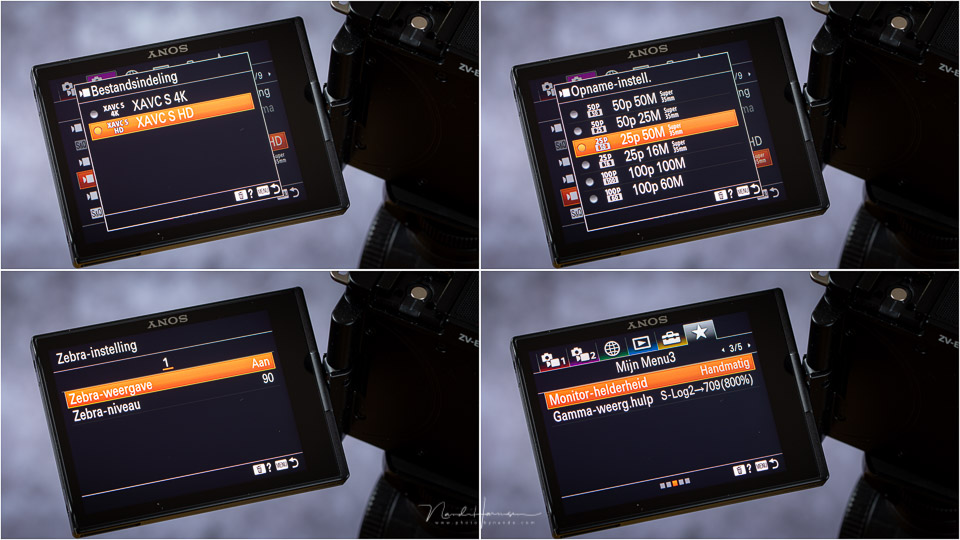
The camera offers S-Log 2, S-Log 3 and HLG for filming at low contrast and applying colour grading. However, the ZV-E10 only records in 8-bit, which limits the options compared with using a 10-bit camera.
In terms of image quality, the ZV-E10 is very good and detailed in 4K. It is less impressive when recording in Full HD, where the image is much softer. This also applies to recordings at 120 frames per second. Just bear in mind that there is a considerable rolling shutter effect in 4K, as demonstrated in the vlog.
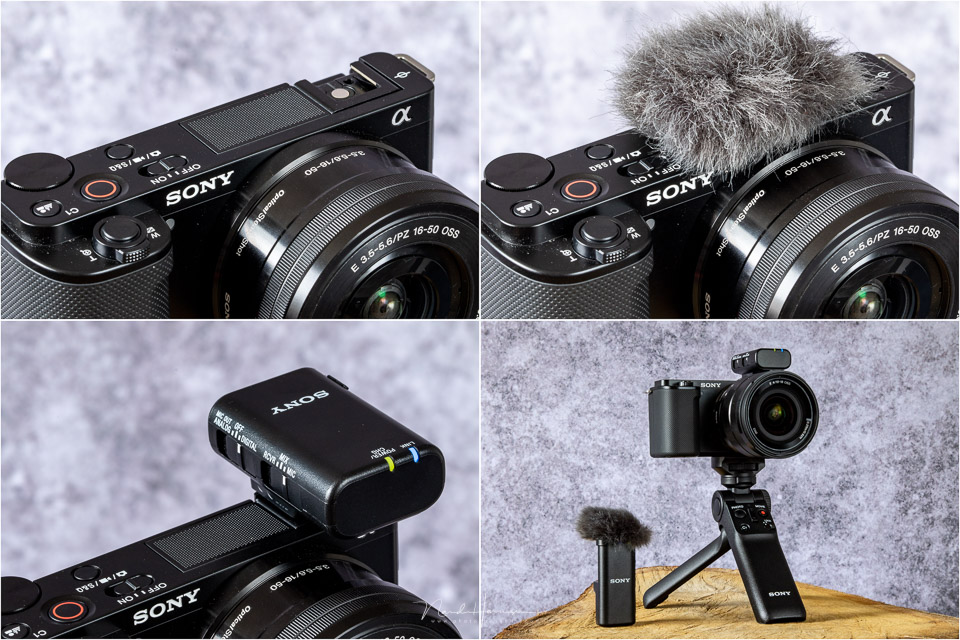
The built-in microphone array works well and the sound is quite acceptable. The supplied windscreen provides reasonably good sound even in strong winds.
If you want better sound, you can use Sony's special microphones, which communicate with the camera through the hot shoe. Alternatively, you can use another microphone connected via the 3.5mm socket.
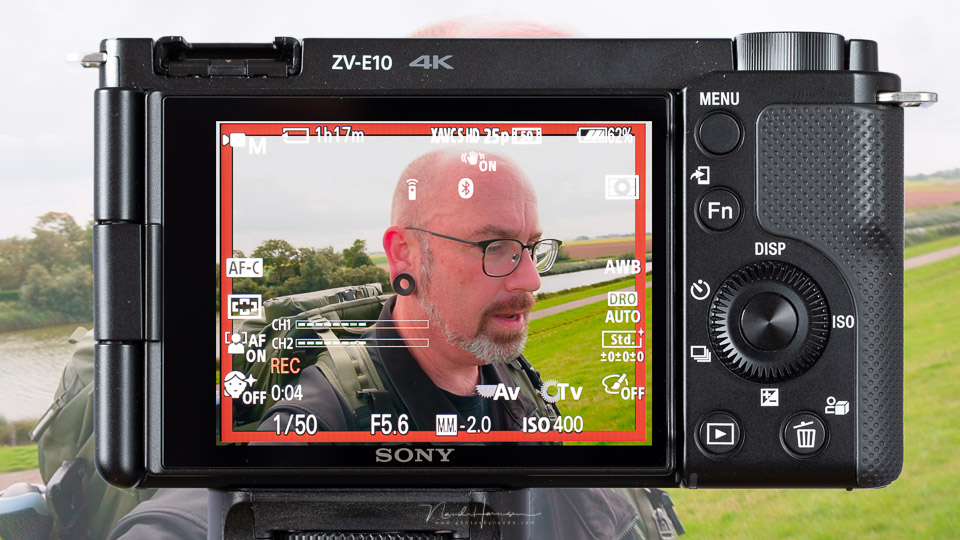
The autofocus of the ZV-E10 works as you would expect from a Sony camera. The eye/face AF keeps the focus point where you want it. There are 425 PDAF points covering 84% of the sensor surface.
Useful features
There are several features that can help when using the camera. For example, there is the Product Showcase button, which affects the behaviour of the autofocus.
Normally, the camera will focus directly on a face and eyes. With this function, however, a nearby object is given priority. I demonstrate this function in the vlog.
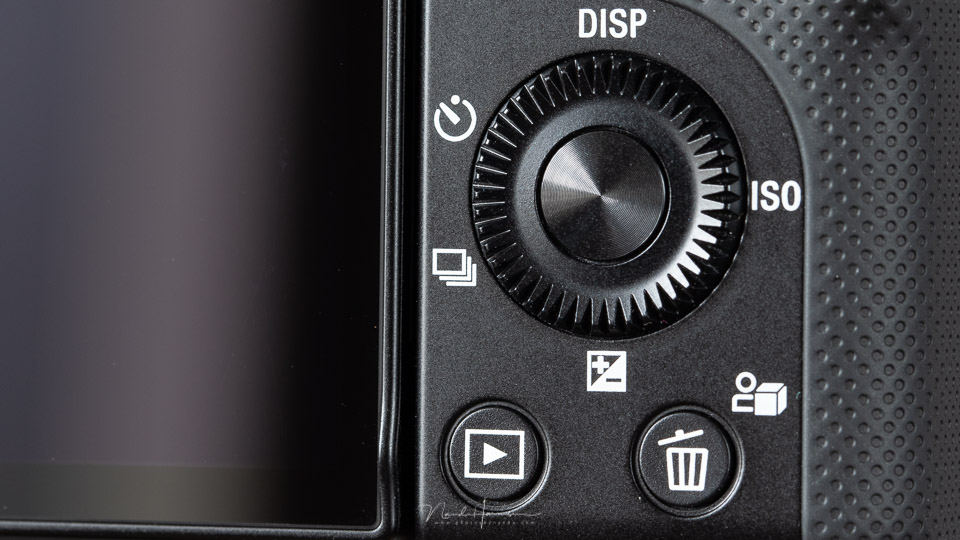
The ZV-E10 also has a soft-skin function that applies a soft-focus filter over a face. It comes in three strengths, with the strongest effect going slightly too far when smoothing the skin.
Pressing the defocus background button switches the camera to a very shallow depth of field. This blurs the background so that your subject stands out from it. Bear in mind that this can result in an overexposed image in daylight. Unfortunately, the ZV-E10 has no built-in ND filter to solve this.
If you set your exposure settings yourself, you can also achieve this manually. Fortunately, the button assigned to this function can also be programmed for another function.
Conclusion
I worked with this camera for two weeks, including in stormy conditions on the Wadden Islands. During this time, it became clear that this is an accessible vlog camera that lets you leave everything to the camera.
In other words, it is a camera aimed at content creators who do not want to spend time adjusting settings. Features such as background defocus and soft skin also clearly point towards easily achieving the desired result.
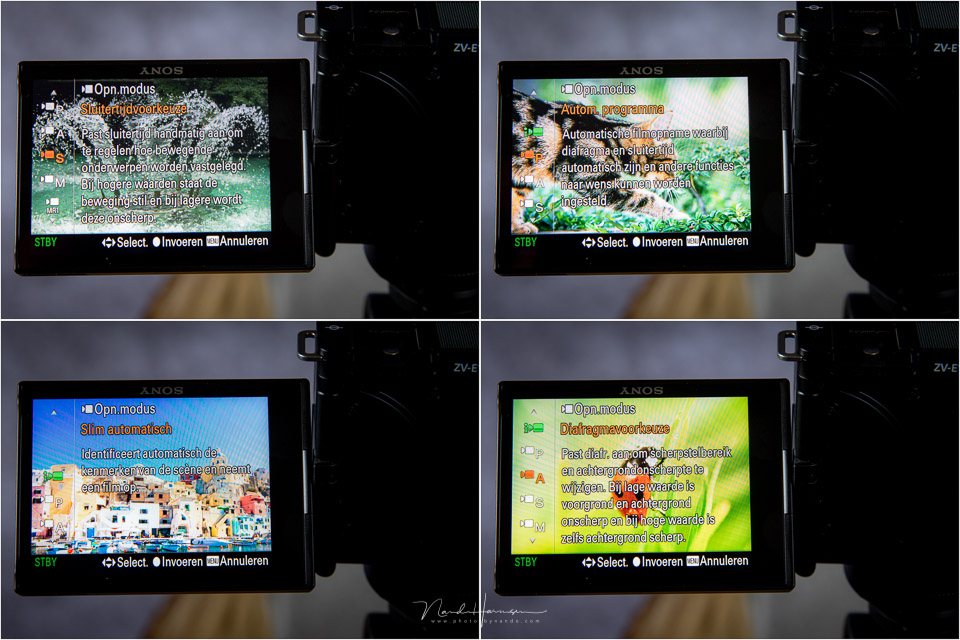
The camera's controls leave something to be desired. Unfortunately, the menu is still the old menu, and the lack of useful touchscreen functionality makes it difficult to change settings quickly and effectively while vlogging.
In terms of image quality, the camera sits somewhat between two stools. On the one hand, the 4K quality is simply excellent, but you suffer badly from rolling shutter effects with moving subjects. On the other hand, this rolling shutter effect is barely present in Full HD, but the image quality is then no more than reasonable.
Also be sure to take the ZV-E10's crop factors into account. The image sensor already has a 1.5x crop, but additional crop factors are added on top of that. There is a 1.23x crop for 4K30p and a substantial 1.44x crop when you turn on Active image stabilisation.
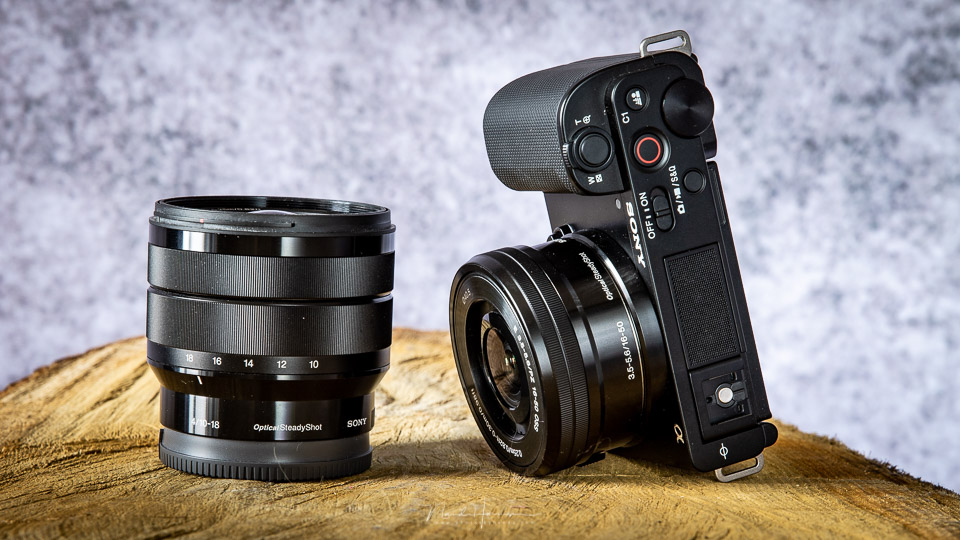
To give you an idea, the standard zoom lens sold in the kit has a 16mm focal length, which produces a 24mm angle of view with the APS-C sensor. With Active image stabilisation, this becomes a 35mm angle of view, and in 4K30p it is even a 43mm angle of view.
Fortunately, the ZV-E10 can use all E-mount lenses, so you can always switch to a shorter focal length to compensate for this.
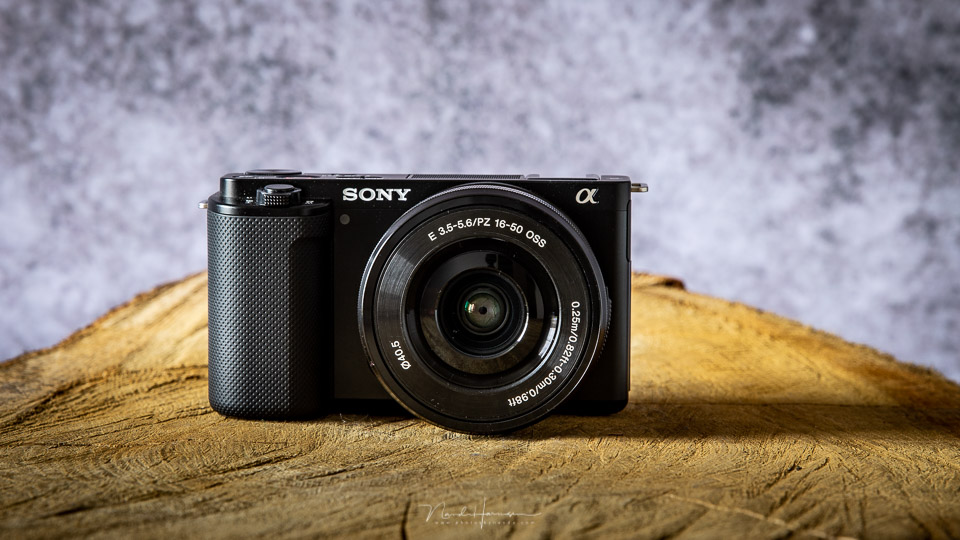
The Sony ZV-E10 is a fun vlog camera for content creators. It is easy to use and the result is reasonable to good, depending on the resolution you film in. You have to decide for yourself whether the advantages outweigh the disadvantages for you.
The camera is available for 749 euros, and with the 16-50mm lens for 849 euros. If you want to add the GP-VPT2BT grip, the price comes to 949 euros.
What I like
- Small and compact
- APS-C sensor
- S-Log 2, S-Log 3 and HLG recording options, although only 8-bit
- Product Showcase button
- Very good autofocus with tracking, eye AF and face AF
- Good 4K25p image quality
- Red frame on the LCD screen while recording
- Good built-in microphone array
- My Menu function
- All buttons can be customised
- E-mount offers a wide choice of available lenses
- Power and charging via USB-C are possible
- Can easily be used for livestreaming
What I like less
- Old, confusing menu structure
- No useful touchscreen functionality
- Strong rolling shutter effect at 4K resolution
- Full HD has a soft image, and this is even more noticeable at 120p
- No built-in ND filter
- Image stabilisation is software-based only and shows a substantial crop in Active mode (1.44x)
- 4K30p adds another 1.23x crop
Thanks to Sony Netherlands for making the ZV-E10 available.
About the author
Nando Harmsen has been photographing for more than 40 years. He specialises in wedding photography and landscape photography. Nando also gives talks, workshops, masterclasses and photo trips, and regularly reviews new and interesting equipment.
You might also like
-
 Sony introduces the new ZV-E10 vlogging camera
by Nando Harmsen
-
 Sony announces the full-frame ZV-E1 for content creators
by Nando Harmsen
-
 Review: Sony ZV-E1
by Antonette de Groot
-
 Review: Sony A7 IV
by Nando Harmsen
-
 Review: Canon EOS R50 V vlog camera
by Nando Harmsen
-
 Review: Sony Xperia 5 III smartphone for photography
by Nando Harmsen
0 comments
Be the first to share what you think!
Have your say
Please note: Articles older than a week can only be commented on by signed-in visitors.Would you still like to comment? sign in or create a free account.
Become a better photographer every week
A practical photography tip in your inbox every week.
38,938 photography enthusiasts already receive the tips! More about the weekly mail. Or keep up to date via  Facebook.

Elja Trum
Photofacts; everything to do with photography!
Would you like to take better photos and keep up with what is happening in photography? Photofacts publishes articles that teach you something about photography — from a product announcement to a practical shooting tip or a look at a website. Photofacts covers photography every day and is a hobby project of Elja Trum's that got out of hand. The articles are written by a team of volunteer authors. If you would enjoy writing one or more articles for Photofacts, do get in touch.More about PhotofactsPhotofacts is made possible in part by
