

A new update for Lightroom Classic
Thursday 23 June 2022, 09:18 by Nando Harmsen | 4,327 views | 0 commentsThis article was translated from Dutch with the help of AI. Read the original.
There is another new update for Lightroom Classic and Lightroom CC. Both programmes include small and major changes that make working with them more pleasant, easier, more flexible and faster. This article provides an overview of the changes in Lightroom Classic.
The changes Adobe has made are not huge in every respect. Apart from a number of additions, a few awkward points have also been addressed that can make working with the programme more pleasant or even easier.
I will list the changes, as shown in the screen that also appears after you have installed the update. You can also see some of them in the video.
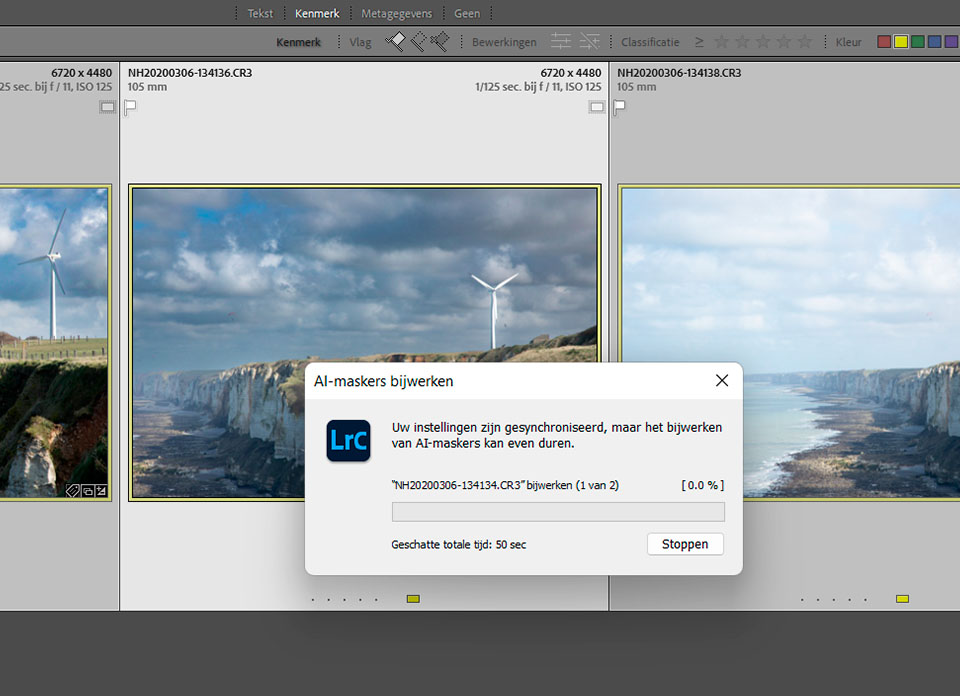
- AI masks are automatically updated after synchronising
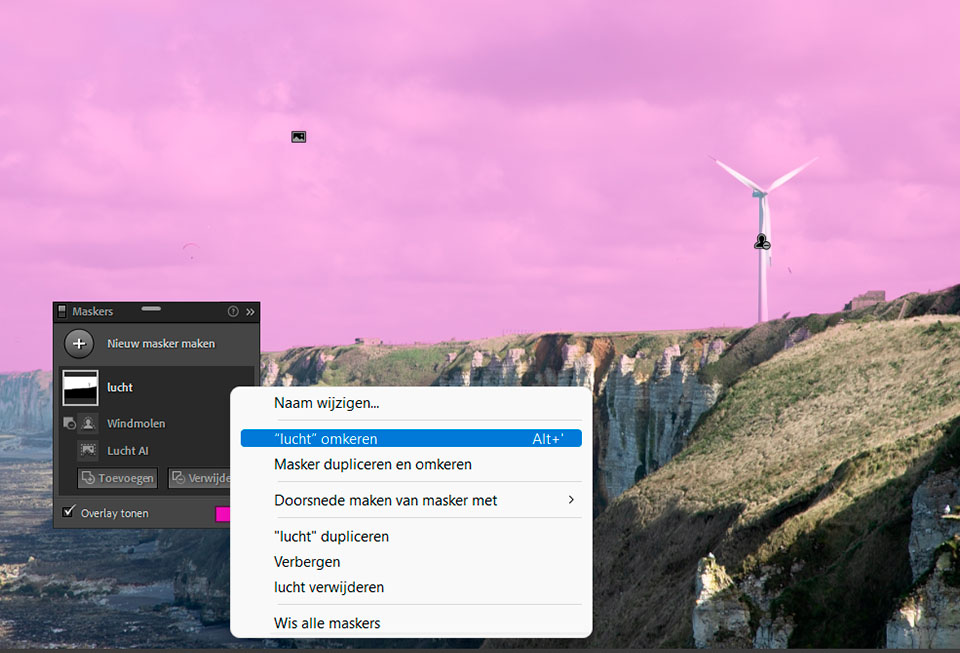
- Complex masks can be inverted easily
- Adjust the intensity of presets and masks
- Adaptive presets using AI
- New premium presets
- Info overlay can be set separately for the Library and Develop modules
- GPU acceleration when exporting
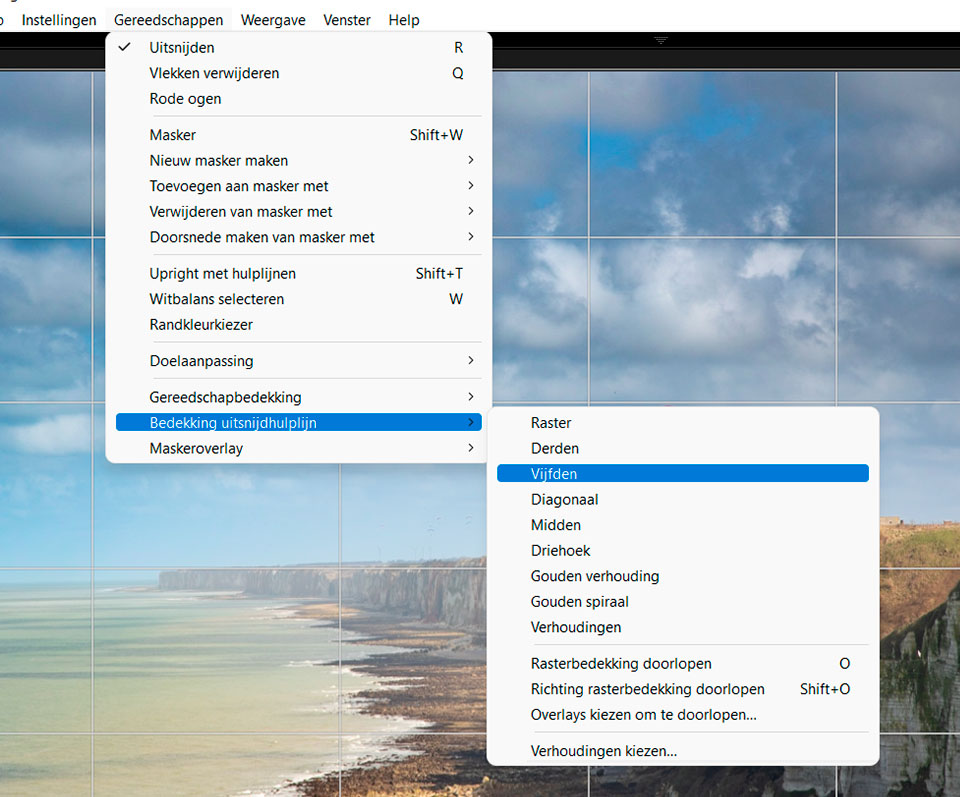
- New grid overlay for the Crop tool
The first two changes, those involving masks, are particularly useful. Previously, you had to update the AI masks for every photo when synchronising. Lightroom now does this automatically. Inverting complex masks has also become much easier.
Anyone who works with presets will be pleased with the option to change the intensity of presets. The setting is applied at 100% by default, but you can change this to anywhere between 1% and as much as 200%.
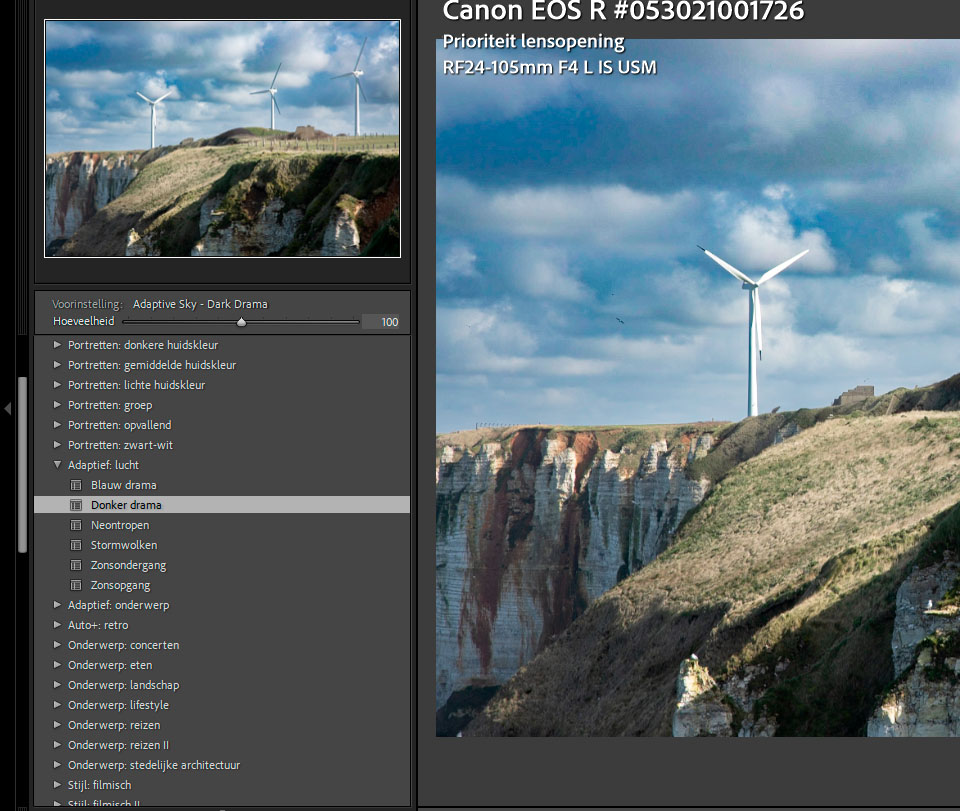
The masks based on the AI selections are also useful. For example, you can apply a preset directly to the sky or a subject. Together with the addition of several premium presets, this gives you plenty of user-friendly options.
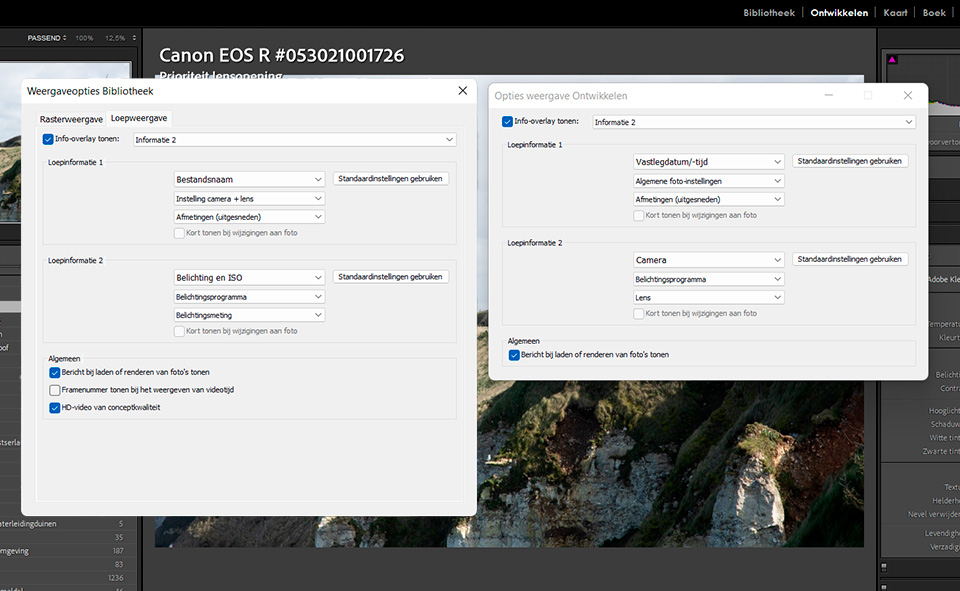
Besides a way to set the information for the Library and Develop modules separately, there is also a new overlay in the Crop tool. But it is mainly the GPU acceleration for exporting that should significantly increase processing speed.
About the author
Nando Harmsen has been photographing for more than 40 years. He specialises in wedding photography and landscape photography. Nando also gives talks, workshops, masterclasses and photo trips, and regularly reviews new and interesting equipment.
You might also like
-
 Adobe updates Lightroom (Classic) with new AI masks
by Elja Trum
-
 What's new in the Lightroom Classic 13 update?
by Nando Harmsen
-
 The new Lightroom update now offers super-resolution
by Nando Harmsen
-
 Updates for LrC, LR and ACR
by Nando Harmsen
-
 New update for Lightroom Classic enables AI noise reduction
by Nando Harmsen
-
 The new Lightroom Classic updates
by Nando Harmsen
0 comments
Be the first to share what you think!
Have your say
Please note: Articles older than a week can only be commented on by signed-in visitors.Would you still like to comment? sign in or create a free account.
Become a better photographer every week
A practical photography tip in your inbox every week.
38,937 photography enthusiasts already receive the tips! More about the weekly mail. Or keep up to date via  Facebook.

Elja Trum
Photofacts; everything to do with photography!
Would you like to take better photos and keep up with what is happening in photography? Photofacts publishes articles that teach you something about photography — from a product announcement to a practical shooting tip or a look at a website. Photofacts covers photography every day and is a hobby project of Elja Trum's that got out of hand. The articles are written by a team of volunteer authors. If you would enjoy writing one or more articles for Photofacts, do get in touch.More about PhotofactsPhotofacts is made possible in part by
