

Considering composition when you have no time
Monday 2 September 2024, 20:20 by Nando Harmsen | 3,371 views | 0 commentsThis article was translated from Dutch with the help of AI. Read the original.
Every photo needs a good composition. But how do you deal with composition when you have no chance to think about it? The solution is actually very simple. You do it in post-processing.
Without a good composition, a photo will never be successful. You do this while taking the photo. You take the time to optimise the arrangement of image elements within the frame. You look at distracting elements, lines, and the positioning of the subject.
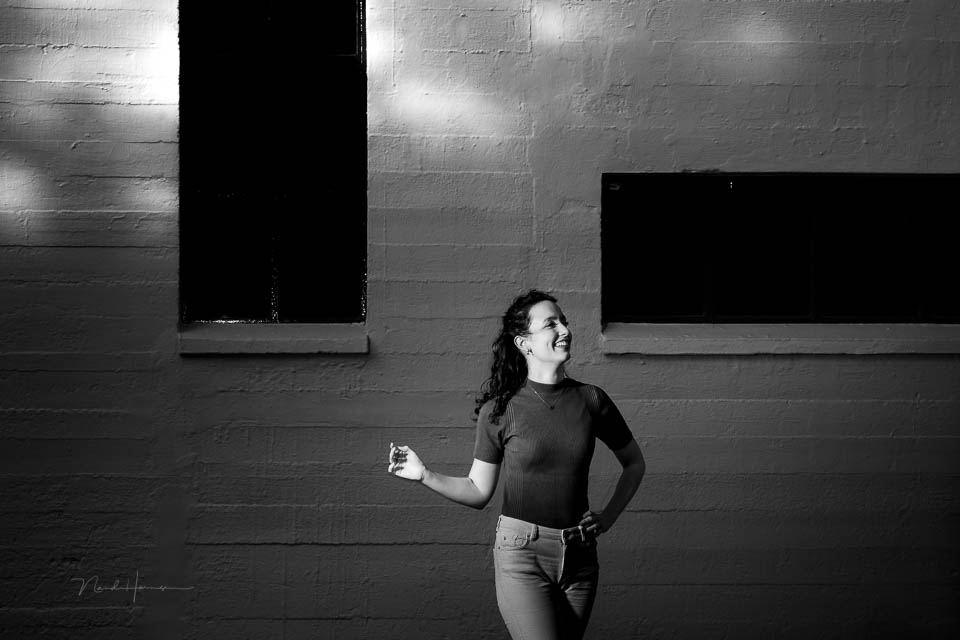
If you have enough time, composing is a matter of looking and choosing. Landscape photography and portrait photography are examples where that time is available. Make sure you use that time.
However, there are also subjects where that time is not available. These are types of photography where speed is important. Either you have to react quickly, or the subject is moving quickly. It then becomes difficult to think about composition in the heat of the moment as well.
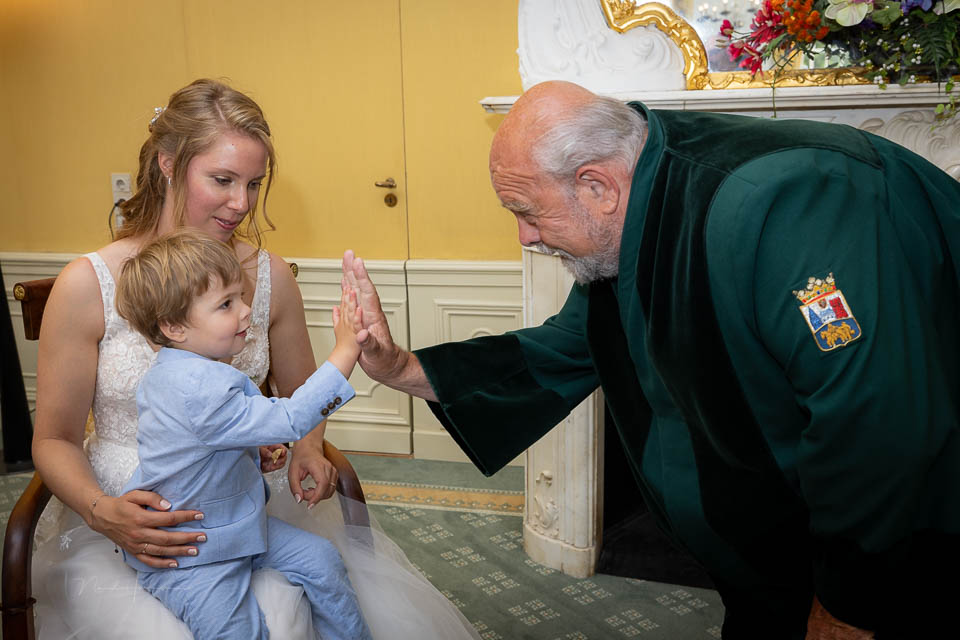
Quite apart from composition, sharpness is also very important. This means that your autofocus needs to be spot on. Fortunately, modern mirrorless cameras offer many options that DSLRs did not have. That is a great advantage, of course.
Yet sometimes a single focus point is the best choice. In that case, choose the centre, where, especially on DSLR cameras, you will find the focus point with the greatest sensitivity. The consequence is that the subject is always in the centre.
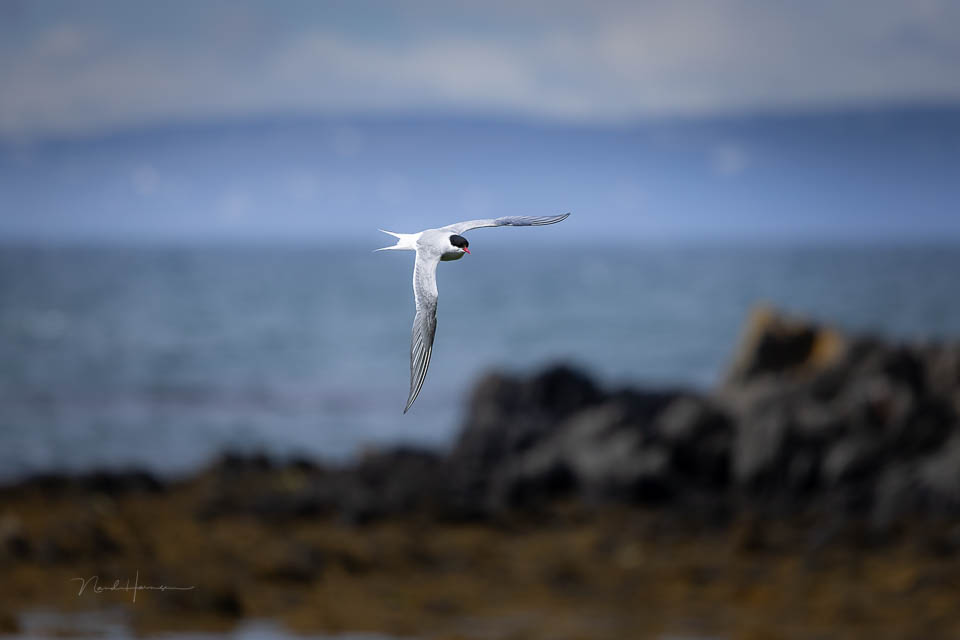
When following moving subjects, such as animals and people, it can also be sensible to keep them in the centre. It makes following them much easier, especially with fast and erratic movements.
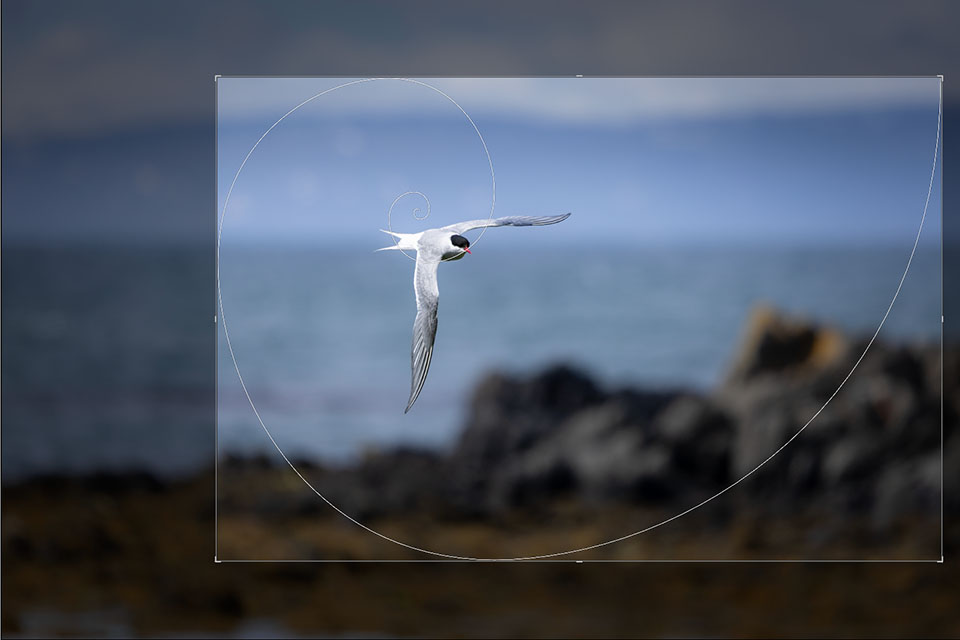
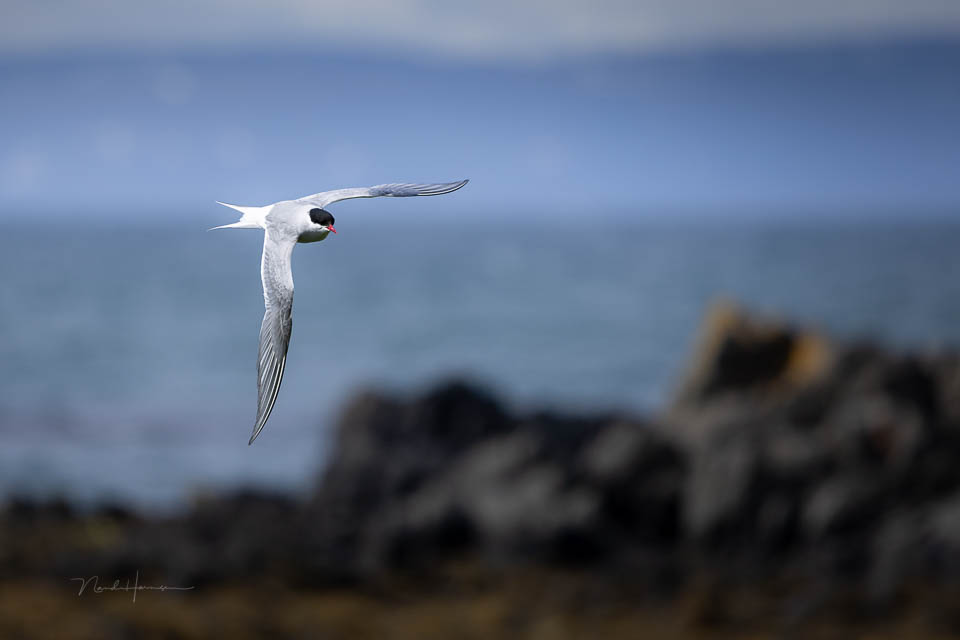
Do the composition afterwards in post-processing. As with the Arctic tern, it is a matter of making the right crop. Remember that it is sensible to leave enough space around the animal, so there is room for this crop.
Sometimes there are many objects in the frame that can confuse the autofocus. Selecting a single point can also be the solution then. I often choose the centre point. Especially when the subject can suddenly appear, this makes aiming and focusing easiest.
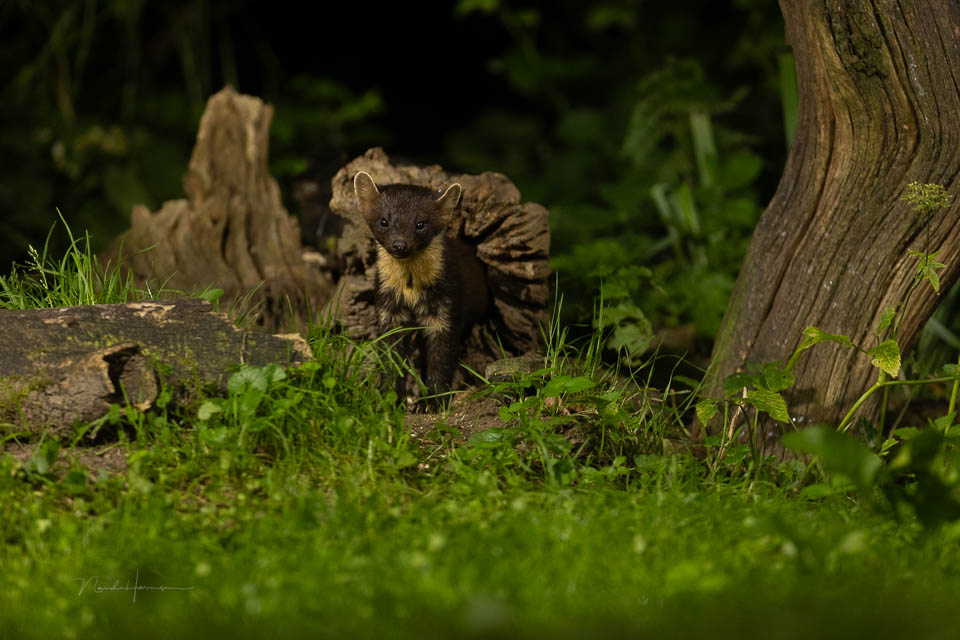
In post-processing, light and dark can then be used to direct attention within the image. Cropping the image also gives you the opportunity to create the best possible composition.
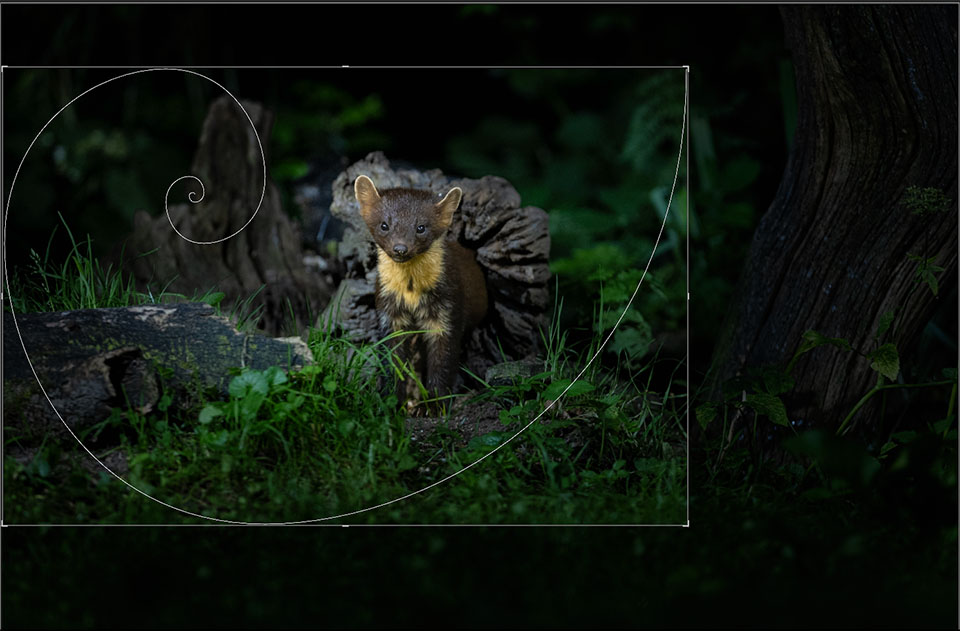
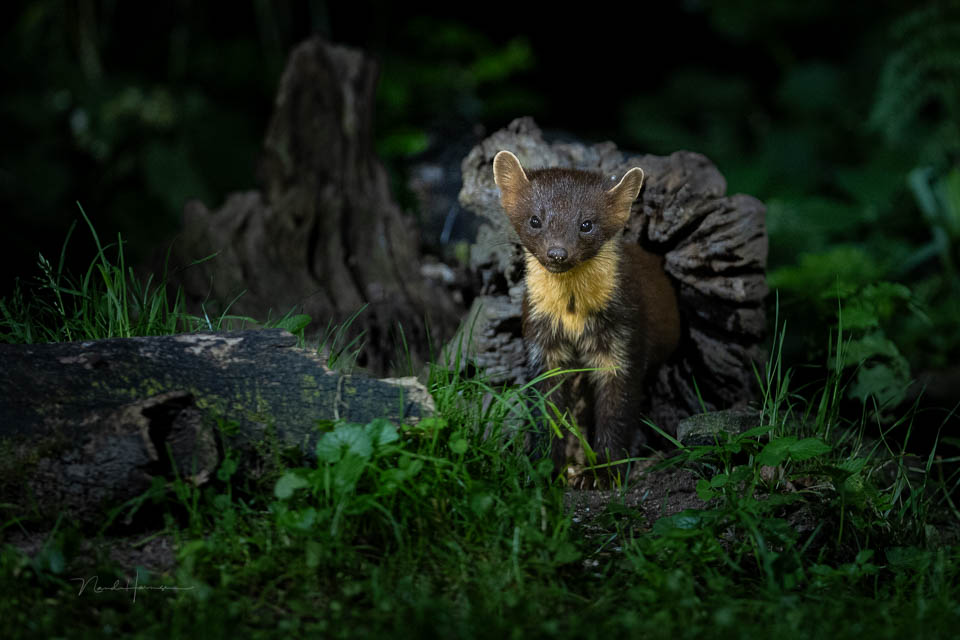
There are essentially two important rules to follow when you want to use this technique. The first is, of course, making sure that the subject is perfectly sharp in the frame. You do this by using the focus as effectively as possible. Which settings those are depends on your subject and the circumstances.
The second rule is to frame loosely. This means that you should not zoom in as far as possible, but leave more than enough space around the subject. Only then can you make a good crop so that the composition becomes as good as possible.
However, remember that a genuinely bad composition can never be repaired in post-processing. In that case, the photo has simply failed. Do not rely on AI techniques for this either, because apart from removing a small distracting element, that is no longer photography.
About the author
Nando Harmsen has been photographing for more than 40 years. He specialises in wedding photography and landscape photography. Nando also gives talks, workshops, masterclasses and photo trips, and regularly reviews new and interesting equipment.
You might also like
-
 A panorama or a panorama crop?
by Nando Harmsen
-
 Macro with a crop sensor means more magnification
by Nando Harmsen
-
The opposite of cropping
by Nando Harmsen
-
 Cropping for composition
by Nando Harmsen
-
 Cropping is good, but don't overdo it with animal photos
by Nando Harmsen
-
 Which is better, cropping a full-frame image or using a crop sensor?
by Nando Harmsen
0 comments
Be the first to share what you think!
Have your say
Please note: Articles older than a week can only be commented on by signed-in visitors.Would you still like to comment? sign in or create a free account.
Become a better photographer every week
A practical photography tip in your inbox every week.
38,901 photography enthusiasts already receive the tips! More about the weekly mail. Or keep up to date via  Facebook.

Elja Trum
Photofacts; everything to do with photography!
Would you like to take better photos and keep up with what is happening in photography? Photofacts publishes articles that teach you something about photography — from a product announcement to a practical shooting tip or a look at a website. Photofacts covers photography every day and is a hobby project of Elja Trum's that got out of hand. The articles are written by a team of volunteer authors. If you would enjoy writing one or more articles for Photofacts, do get in touch.More about PhotofactsPhotofacts is made possible in part by
