

Tip: create a shot list
Monday 9 December 2019, 22:22 by Elvira Smit | 8,607 views | 0 commentsThis article was translated from Dutch with the help of AI. Read the original.
Sometimes it is good to experiment with your photographic workflow. That is the only way to discover that something can be really useful. Such as creating a shot list beforehand. Here is a short guide to what it is and how it can help you.
Your photo shopping list
You should see a shot list as a simple shopping list: what do you want to come home with? I usually go to the supermarket without a shopping list, which means I sometimes spend minutes aimlessly wandering in front of the shelves.
I don't know what I want, I can't choose, and I go home with far too much rubbish. And that regularly happens to me with photography too.
Shot lists are widely used by wedding photographers. They visit the wedding venue beforehand to decide from which angle they want to photograph each moment. But even if you don't photograph weddings, it can be very useful to think beforehand about what you are actually going to do.
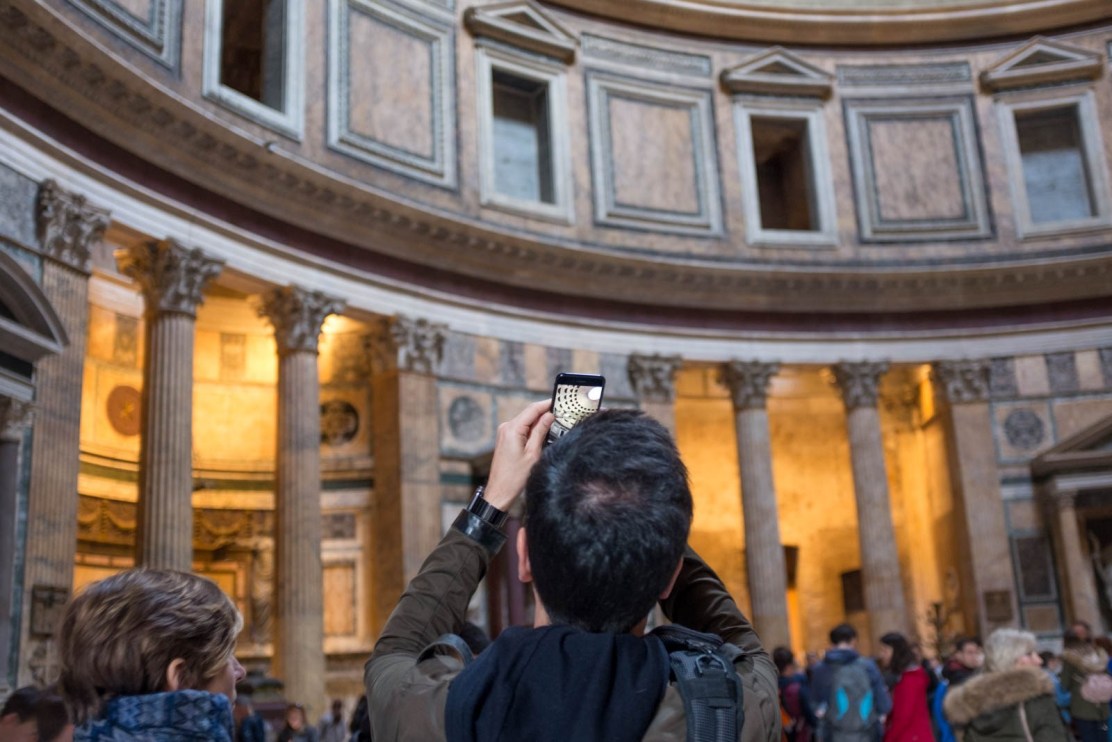
I had read about shot lists before, but I had never used one myself. Until photojournalist Ed Kashi started talking about it in a workshop I attended with him.
He said that he always goes out with a shot list. His reasons:
1. It forces you to think beforehand about what you are actually going to do.
2. When you get up in the morning, you immediately know what you need to do.
3. It is a useful guide when things are not going well.
Ha, I thought. That actually suits the way I work quite well. I like structure, discipline and imposed boundaries. Because that is exactly what fuels my creativity. And perhaps yours too.
When can you use a shot list?
Always.
A few examples:
Street photography: think of a theme beforehand and make that theme specific. What photos do you want to come home with, and what will they look like? Think about viewpoint, aperture and composition. Draw it out if necessary.
Location portrait photography: study other portraits. What works, and what doesn't? What sort of background are you looking for? Decide beforehand whether you want to experiment with the framing: just the head, head and upper body, arms crossed, etc. Then make a list of photos you definitely want to take.
Travel photography: you are going on holiday to a country you have never visited before. But you are not going in completely blind. What makes you want to visit that country?
Can you turn that into a theme for a photo series? That immediately prevents you from coming home with a flood of images that seemed great during your holiday, but are actually rather boring once you get home, without the context.
Anyway, the trick is to adapt your list to what you need. That is what I do too.
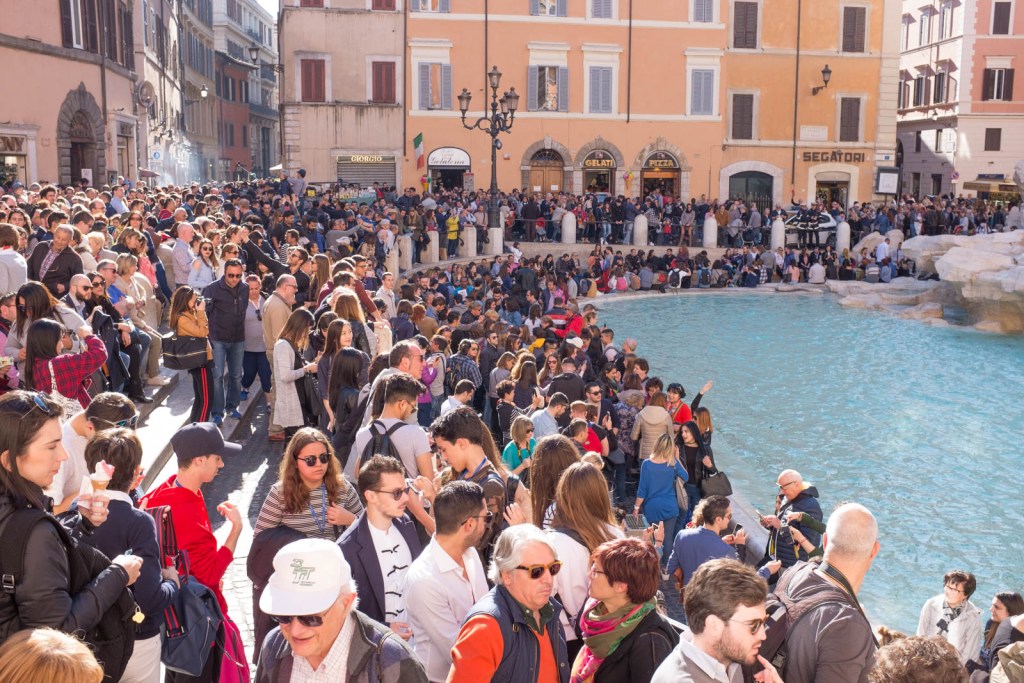
People with the same shot list...
How I use the shot list
I have only been using a shot list for a short while. Recently, for example, I joined a shepherd and thought beforehand about what I wanted to photograph. The list included:
- My camera settings
- My desired viewpoint
- The atmosphere I want to convey with the resulting photo series
- A description of several detail shots
- A description of several overview shots
Was it useful? Absolutely. When I didn't know what to do for a moment, I mentally went back to the list. That helped me focus again. But when I got home, it turned out that the strongest photos had not been on the list.
But that is fine.
Because I use that shot list when I don't know what to do for a moment. It prevents me from getting stuck, or worse, from slowly losing my creativity.
So, the next time you go out, try making a shot list!
About the author
Ik heb een eigen fotografieblog, Kronkeling. Daar schrijf ik om de week twee artikelen. Over hoe je je blik kunt scherpen, je creativiteit kunt aanwakkeren, en over fotografen die mij inspireren. Geen technische zaken, wél over hoe je leert kijken. En dat blijkt nog een hele klus. Een mooi startpunt zijn de Kronkeltips, die vind je hier.
You might also like
-
 Make a list of your favourite places
by Nando Harmsen
-
 Workflow tips for Lightroom Classic in 7 steps
by Nando Harmsen
-
 Workflow for the ideal camera settings
by Michelle Peeters
-
 Improve your workflow with your own Lightroom scripts
by Dick Holtman
-
 Should you list photography prices on your website?
by Wilmar Dik
-
 6 Tips for Importing Photos into Lightroom
by Nando Harmsen
0 comments
Be the first to share what you think!
Have your say
Please note: Articles older than a week can only be commented on by signed-in visitors.Would you still like to comment? sign in or create a free account.
Become a better photographer every week
A practical photography tip in your inbox every week.
39,024 photography enthusiasts already receive the tips! More about the weekly mail. Or keep up to date via  Facebook.

Elja Trum
Photofacts; everything to do with photography!
Would you like to take better photos and keep up with what is happening in photography? Photofacts publishes articles that teach you something about photography — from a product announcement to a practical shooting tip or a look at a website. Photofacts covers photography every day and is a hobby project of Elja Trum's that got out of hand. The articles are written by a team of volunteer authors. If you would enjoy writing one or more articles for Photofacts, do get in touch.More about PhotofactsPhotofacts is made possible in part by
