

Tips for a photo trip. Part 4: storing photos safely
Monday 14 November 2022, 16:32 by Nando Harmsen | 5,578 views | 7 commentsThis article was translated from Dutch with the help of AI. Read the original.
To enjoy a worry-free photo trip, I have a number of tips to help you take photos with a group without any concerns. I draw on the experience I have gained from the many situations I have encountered as a photography tour leader.
This is the fourth part in the series of tips for a photo trip. The first part was about the camera bag and how to deal with it during your trip, the second part was about the tripod. The third part was about knowing your camera.
Despite all the equipment, bags and tripods, the small, fragile memory card is still where your valuable photos are collected. It is therefore important to pay attention to it, so you do not come home without your photos.
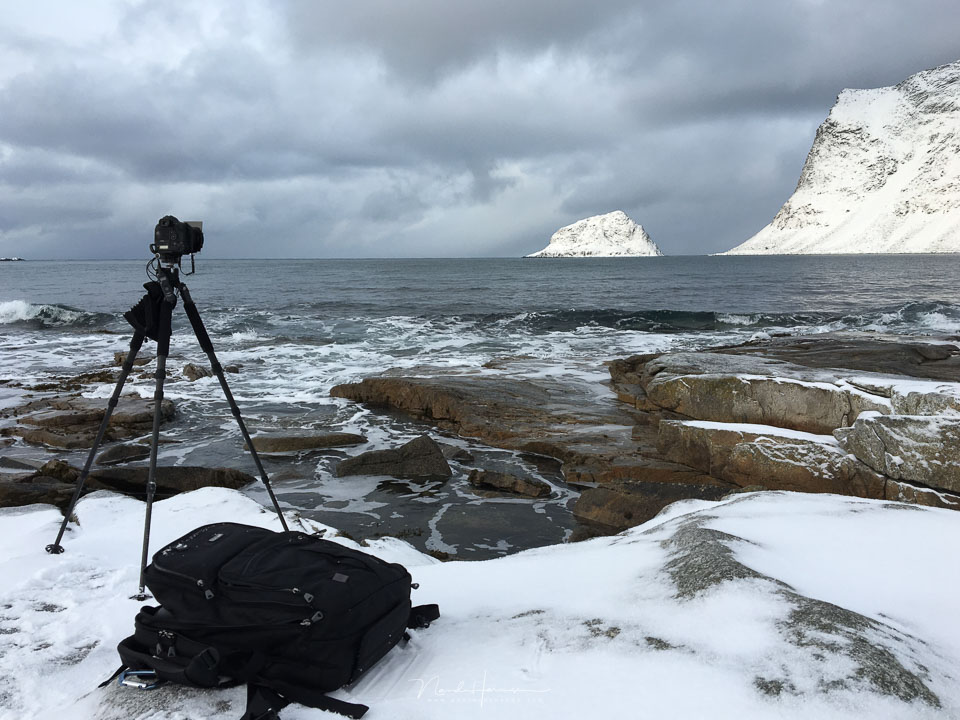
All sorts of things can happen to your memory card. It is small enough to lose. It is vulnerable to breaking, at least some cards are. A memory card can become unreadable for unclear reasons. It is enough to make you nervous.
The way travellers deal with keeping their photos safe is as varied as the people themselves. And yet, despite all kinds of ingenious methods, I have seen things almost go wrong. That is a shame.
You may still have the memories, but the photos were part of the point too.
1. Buy good memory cards
There are cheap and expensive memory cards. Some are unbranded, while others come from a reputable brand. Preferably buy good quality. Search online and read which ones are good. Usually, these will be the better-known brands.
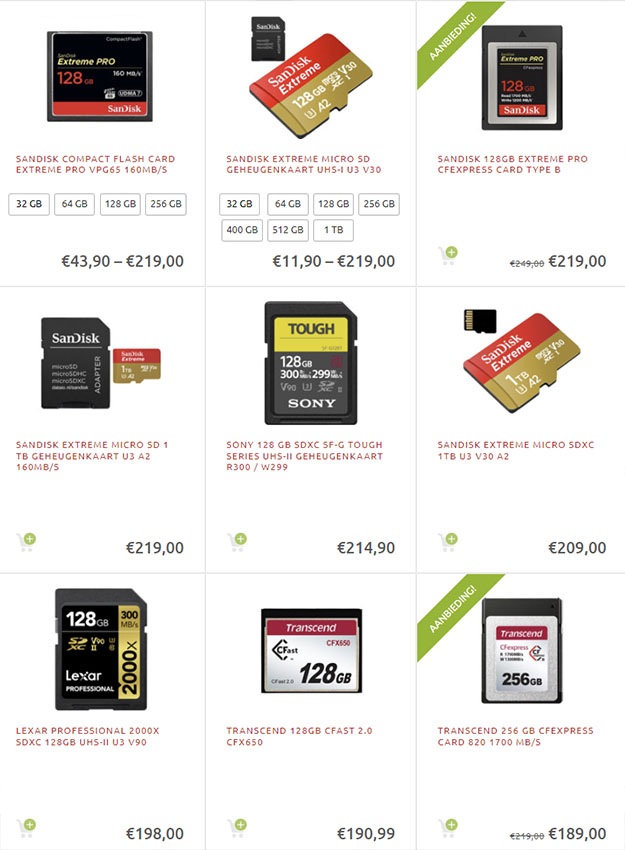
Do not go for the cheaper unbranded cards. Remember that you are entrusting your valuable photos to them. You do not want to take the risk that something happens to them.
2. Make sure you have enough memory cards
I have seen photo-trip participants take only one or two cards with them. Sometimes they do not even have enough storage on the card. They can run out of storage halfway through a day or halfway through the trip.
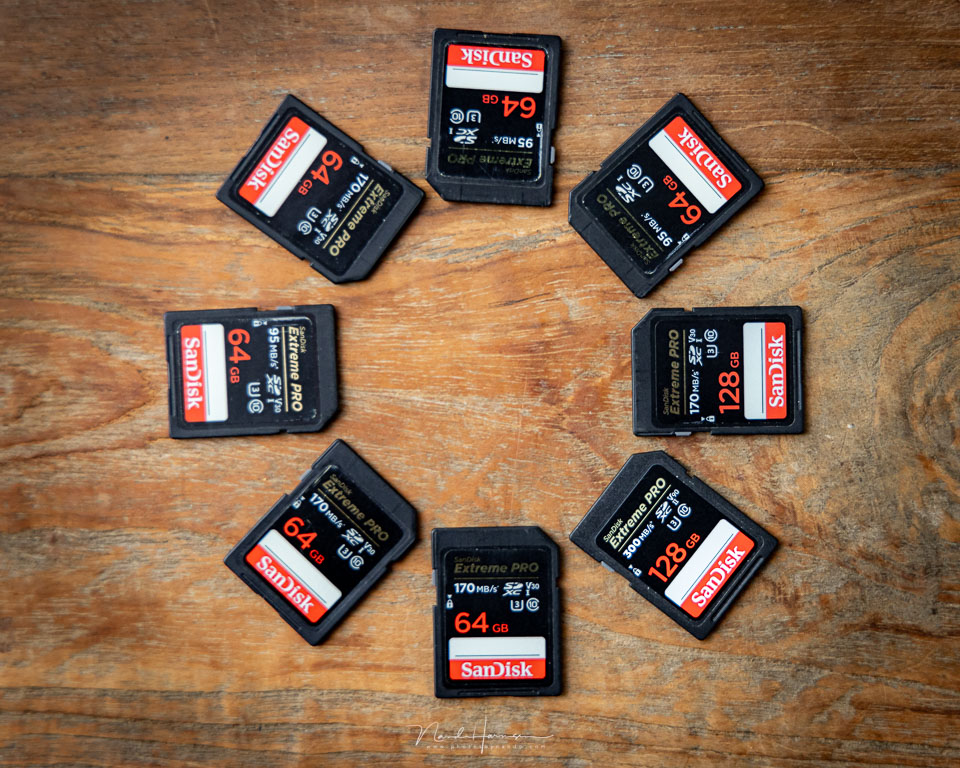
Sometimes the plan is to transfer the memory card to a hard drive every day, then empty it and use it again. Sometimes the number of photos taken is seriously underestimated.
Take more than enough with you. You would rather come home with an unused card than have to delete photos because you run out of space.
It is better to take four 64-gigabyte or 128 GB cards than two 32 GB cards, or, and I hope you never do this, a single card that you empty every day after copying the photos to a laptop.
3. Keep spare cards in a good case
Once you have bought enough memory cards, also buy a good case for all of them. Do not use the handy plastic boxes they came in, even if you have convenient compartments in your camera bag where they fit. A case keeps everything organised and safe.
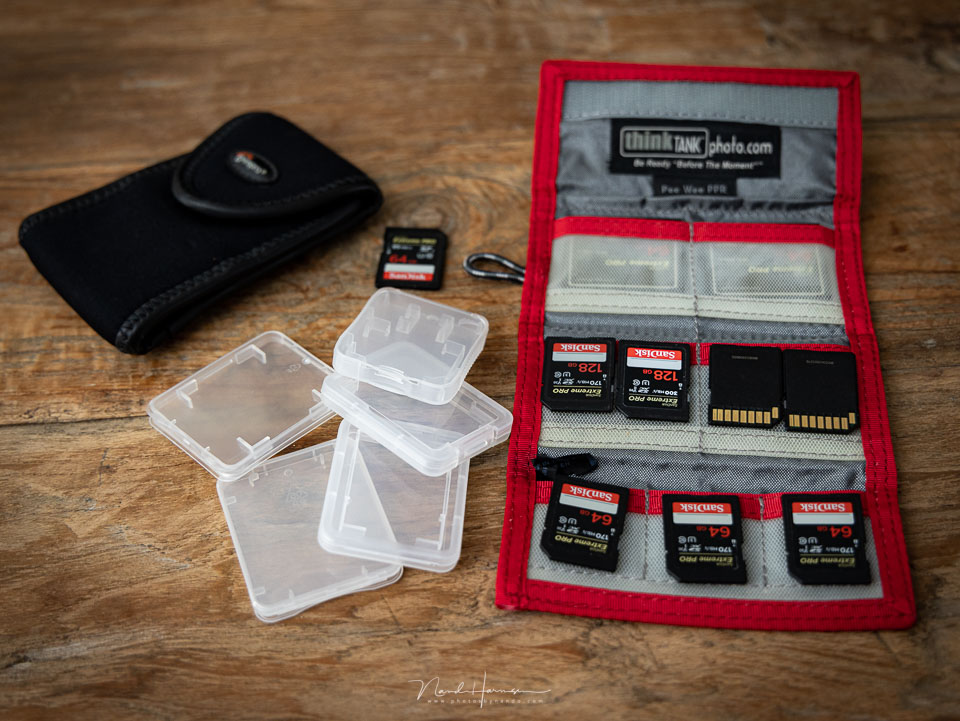
Number your cards if you wish, so you can easily see which ones you have used and which ones you have not. Come up with a system that lets you see at a glance which are full and which are empty.
It can be very simple. Front facing forwards means empty, turn it around for full.
4. Use backup in the camera
Does your camera have room for two memory cards? Then you can save every photo directly to both cards. A perfect backup while taking photos. If something happens to one card, you will still have the other one with the same photos on it.
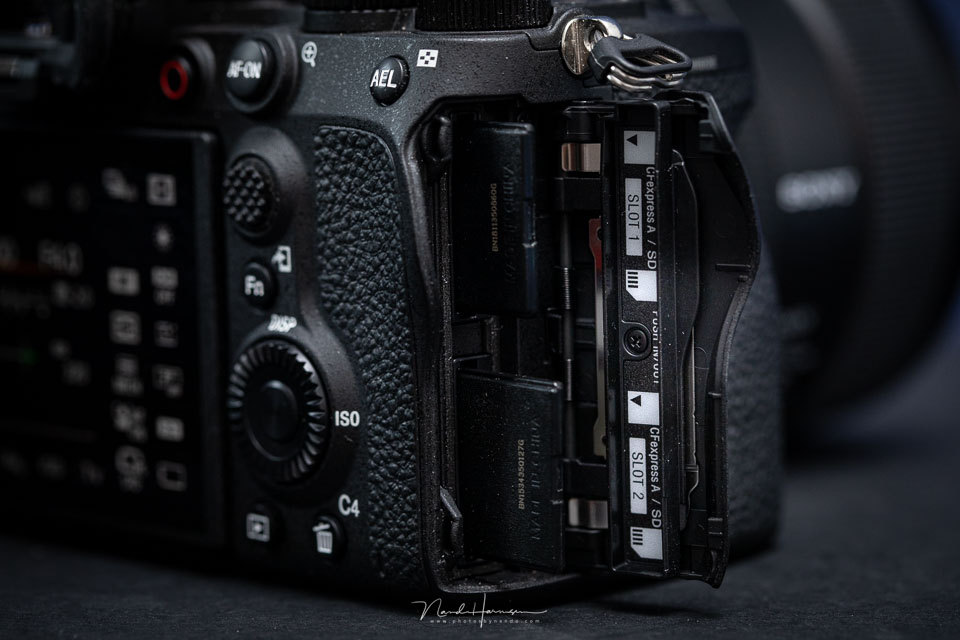
Some people say that nothing ever happens to cards, or that nothing has ever gone wrong in all the years before. That may be true, but it does not guarantee that it will not happen. Every so often I see another sad message about photos being lost for that reason.
Save your photos to both cards in exactly the same file format. So both raw, or both jpeg if you prefer to use that. Do not think you can save a jpeg as a backup for a raw file. That is not a backup.
5. Never delete photos
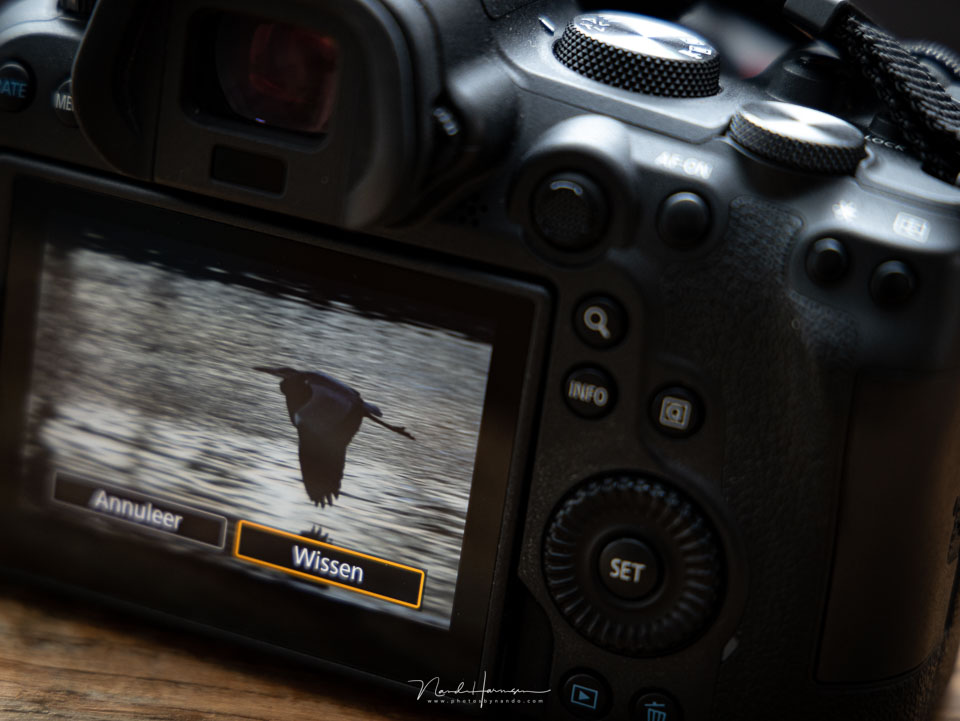
It is tempting to look at your photos during the day, or even straight after taking them. Never delete photos, even if they have really failed.
Why would you? You have enough storage with you after all. Avoid accidentally deleting the wrong photo, or something going seriously wrong while deleting. It is better to delete photos at home.
6. Make a daily backup to a hard drive or laptop
If you have two memory cards in your camera, you have a backup. If you only have one card in your camera, it is sensible to make a backup of your card to an external hard drive or laptop at the end of every day.
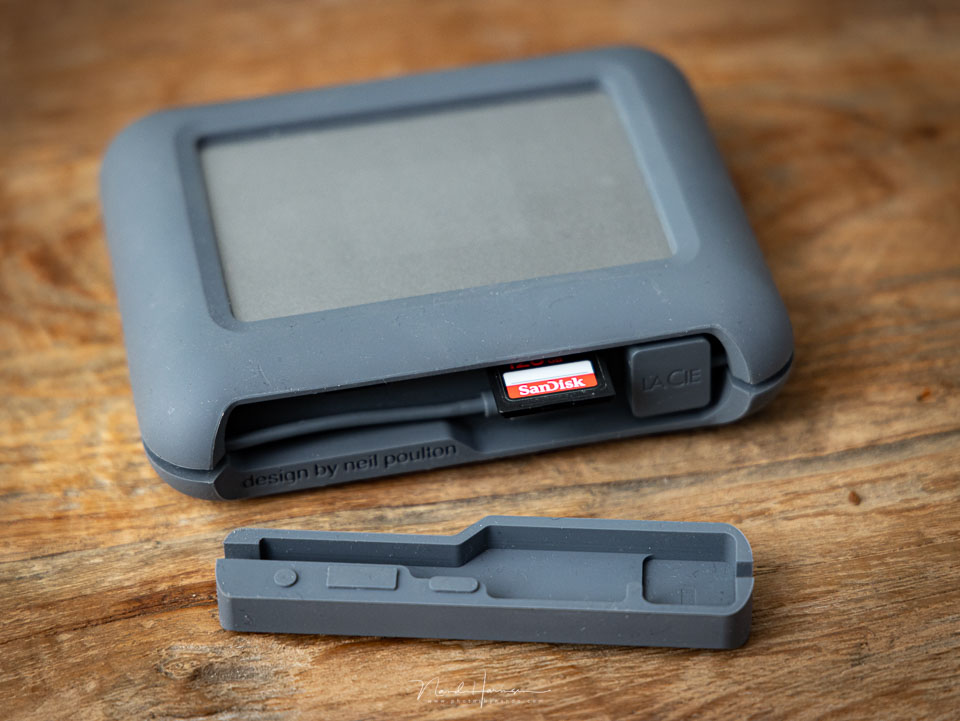
I personally prefer an external hard drive with a built-in card reader. It is small and compact, and you do not have to carry a large laptop around. Usually there is not enough time to edit photos anyway, so I would rather leave that at home.
Even when you have two cards in your camera and use the camera's backup option, the external hard drive or laptop provides extra security.
In principle, it would also be possible to upload your photos to the cloud, but you are then always dependent on a good internet connection. Moreover, uploading can be painfully slow, meaning there may not even be time to do it.
7. Never empty your cards
Once you have transferred all the photos from your memory card to an external hard drive or laptop, never empty the card. Leave your photos on it. If your card is full, take a new card, but always leave your photos on the card.
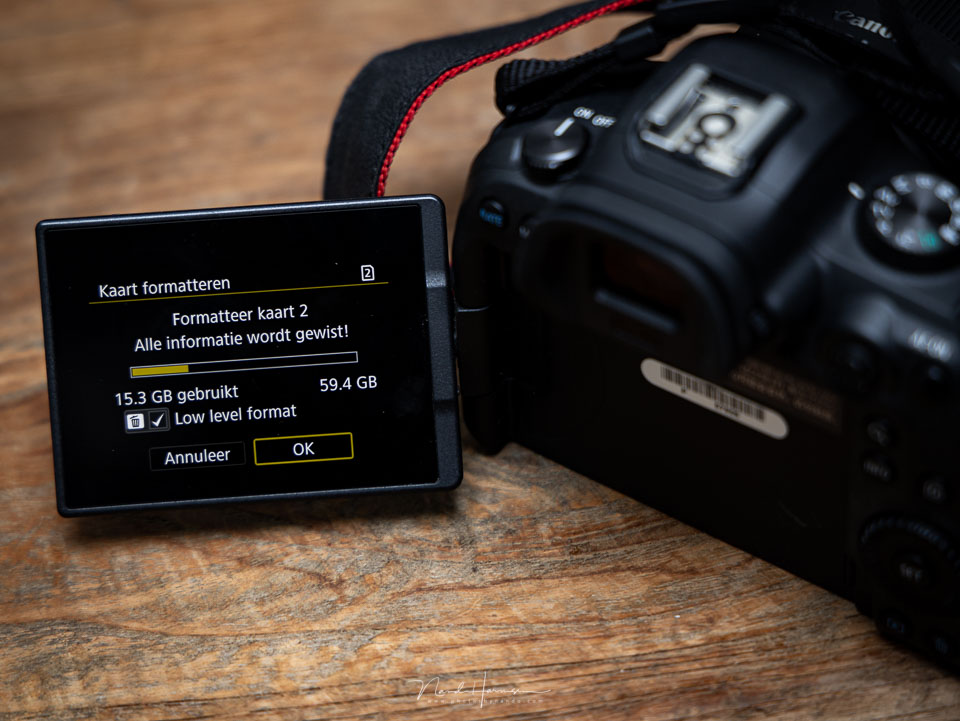
The card contains your photos, and your external hard drive is your backup. If you empty the card, you no longer have a backup. If something goes wrong with your laptop or external hard drive, you have nothing left. Theft, dropping it, or a hard-drive crash is all it takes to lose your photos.
Four extra tips
Always format the cards in the camera itself before use. Do this for all the cards you take with you, even those you have just bought.
This way, your card is perfectly prepared for storing photos from your camera. Do this at home as preparation, not while you are travelling.
Take a photo of your home address on every card you take with you. Write it on a piece of paper and take a photo of it. If a card does get lost and you have an honest finder, it will always be clear who the card belongs to.
Of course, you must take this photo after formatting the card.
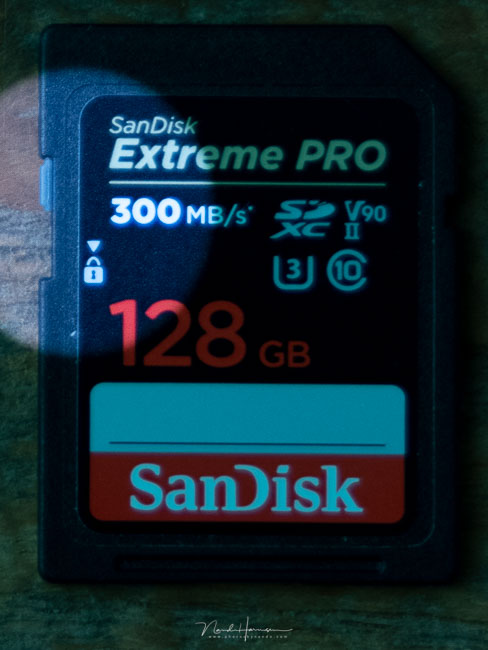
If the camera suddenly says during the trip that it cannot write to your card, check whether there is a mechanical write-protection switch.
SD cards in particular have a small slider that can sometimes accidentally move to lock when taking the card out of or putting it into the camera.
Do not make backing up a complicated or time-consuming process. Keep it simple and easy so you can do it without having to think about it too much. If it takes too much effort or time, you may decide not to do it this time.
Do not turn your photo trip into a nightmare
A photo trip is fantastic. Going out together with like-minded people is also educational, because you get to see how others take photos. It is inspiring, and you can easily reach the most beautiful places.
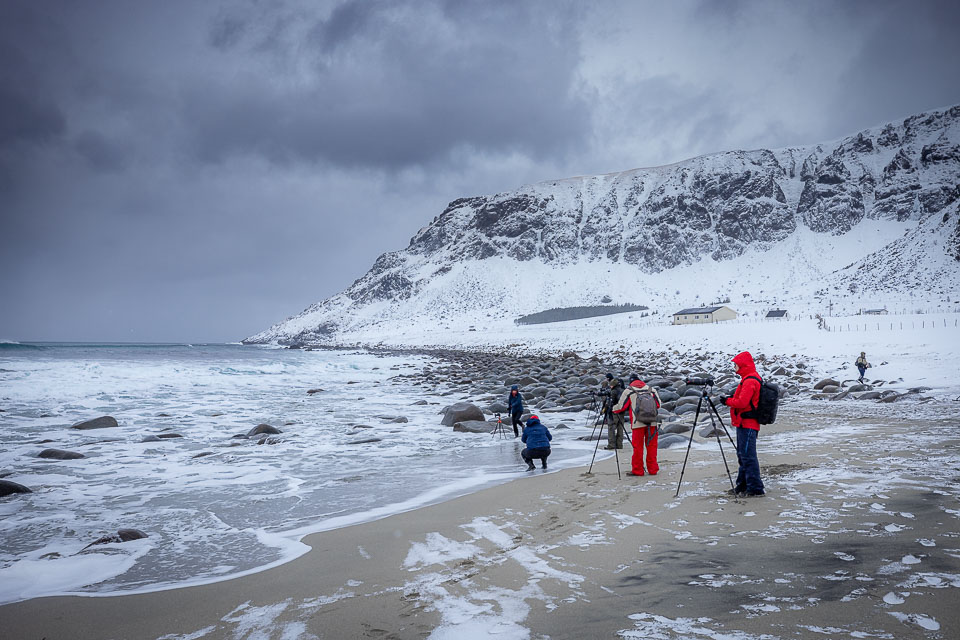
By making sure you have enough storage and a reassuring backup system, you can be certain that your photos will actually make it safely home. That way, you can enjoy looking at your photos for many years to come, bringing back memories or showing them off.
About the author
Nando Harmsen has been photographing for more than 40 years. He specialises in wedding photography and landscape photography. Nando also gives talks, workshops, masterclasses and photo trips, and regularly reviews new and interesting equipment.
You might also like
-
 5 tips to turn your holiday photos into great travel photos
by Nando Harmsen
-
 An Ode to Holiday Snapshots
by Michiel Heijmans
-
 Tips for a photography trip. Part 3: know your camera
by Nando Harmsen
-
 The sense and nonsense of fast memory cards
by Nando Harmsen
-
 5 tips for taking your camera on holiday with peace of mind
by Nando Harmsen
-
 Tips for a photo trip. Part 2: the tripod
by Nando Harmsen
7 comments
-
 patrick wrote on Monday 14 November 2022 at 18:07 | reply
Small side note:
Translated from Dutch.
Hard drive with built-in battery and card reader are no longer made.
At least I can't find them. -

 Nando
wrote on Tuesday 15 November 2022 at 10:06
| reply
Nando
wrote on Tuesday 15 November 2022 at 10:06
| reply
@Patrick: then you haven't searched properly. Although I have to admit that the HD with a battery seems to be missing, they are usable with a cable to the power outlet. I'll name a few.
Translated from Dutch.
LaCie Rugged RAID PRO
GNARBOX 2.0 Rugged SSD -
patrick wrote on Tuesday 15 November 2022 at 10:20 | reply
@nando we definitely searched. but I specifically wanted one with a battery. so that I can copy cards when I'm standing along the circuit.
Translated from Dutch.
and I knew about the GNARBOX but it's not available or in stock. and there's a lot of uncertainty about whether they still exist. they don't respond to email and Twitter hasn't been updated since 2019.
just like nexto. the nexto nps-10 would be ideal for me.
besides that, there's the RAVPower FileHub but that has a speed of less than 10MB/s -
-
 Raymond wrote on Tuesday 15 November 2022 at 14:36 | reply
I have been using the Western Digital "My Passport" SSD 1TB for years.
Translated from Dutch.
This one has a rubber shield and can withstand falls, also has a decent power bank function, and of course an sd card reader and usb for other backup. BUT apparently this device is no longer being produced, but is still available at some online shops. So happy hunting. success !!! -
 Ellen Keizer wrote on Tuesday 15 November 2022 at 16:36 | reply
With a photo trip to Iceland coming up, I read this article with great interest. Useful tips, I will definitely read the previous articles too.
Translated from Dutch. -
Nando
wrote on Tuesday 15 November 2022 at 16:42
| reply
@Ellen Keizer:
Translated from Dutch.
What a lovely prospect.
Also take a look at my article about my trip to Iceland:
https://www.photofacts.nl/fotografie/rubriek/landschapsfotografie/fotograferen-in-ijsland.asp
Perhaps it will be of some use to you too.
Have fun there.
Have your say
Please note: Articles older than a week can only be commented on by signed-in visitors.Would you still like to comment? sign in or create a free account.
Become a better photographer every week
A practical photography tip in your inbox every week.
38,937 photography enthusiasts already receive the tips! More about the weekly mail. Or keep up to date via  Facebook.

Elja Trum
Photofacts; everything to do with photography!
Would you like to take better photos and keep up with what is happening in photography? Photofacts publishes articles that teach you something about photography — from a product announcement to a practical shooting tip or a look at a website. Photofacts covers photography every day and is a hobby project of Elja Trum's that got out of hand. The articles are written by a team of volunteer authors. If you would enjoy writing one or more articles for Photofacts, do get in touch.More about PhotofactsPhotofacts is made possible in part by
