

Review: Photoshop tools for photographers by Glyn Dewis
Friday 22 March 2019, 15:51 by Michelle Peeters | 7,846 views | 2 commentsThis article was translated from Dutch with the help of AI. Read the original.
Via publisher Van Duuren Media, we received a copy of the book by Glyn Dewis: 'Photoshop tools for photographers'. In this book, photographer and author Glyn Dewis breaks Photoshop down into just three main functions: layer masks, brushes and blending modes.
Over the coming weeks, we will be paying extra attention to the authors of Van Duuren Media, including Glyn Dewis, Scott Kelby, Frank Doorhof, Pim Ras and Bas Meelker, all of whom, apart from Scott Kelby, will be attending the Professional Imaging trade show on 23, 24 and 25 March.
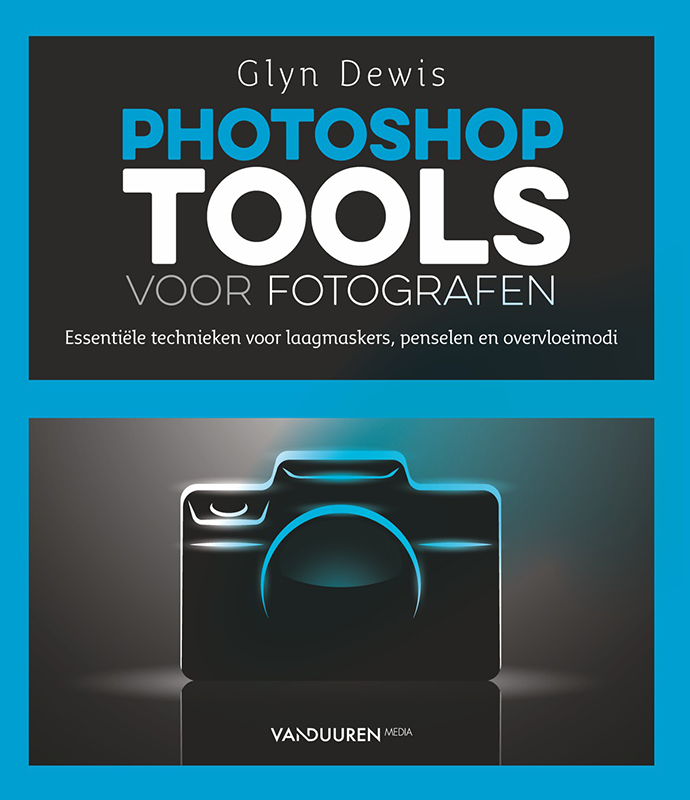
Glyn Dewis has taught thousands of people online, in person and through his bestselling books The Photoshop Workbook and Photograph Like a Thief. Time and again, he saw that once users truly understand these three tools, nothing prevents them from achieving in Photoshop whatever they want to achieve.
Because the 'why' behind layer masks, brushes and blending modes is explained, as well as the 'what', you are able to go beyond each individual example and ask that all-important question: 'What would happen if I used this technique on that other image?'
Contents
'Photoshop tools for photographers' was written especially for photographers with little knowledge of Photoshop. In this book, you will read about:
- Photoshop basics: explore Photoshop's workspace, toolbar, options bar, layers and Properties panel;
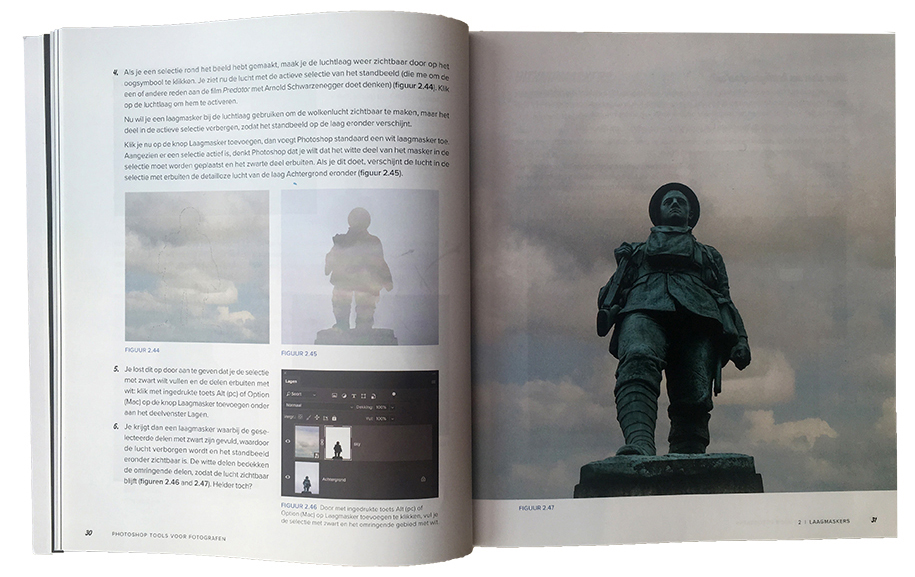
- Layer masks: the basic principles of layer masks are explored in more depth, along with specific techniques for cut-outs, halo removal, content-aware fill, colour lookup tables and more;
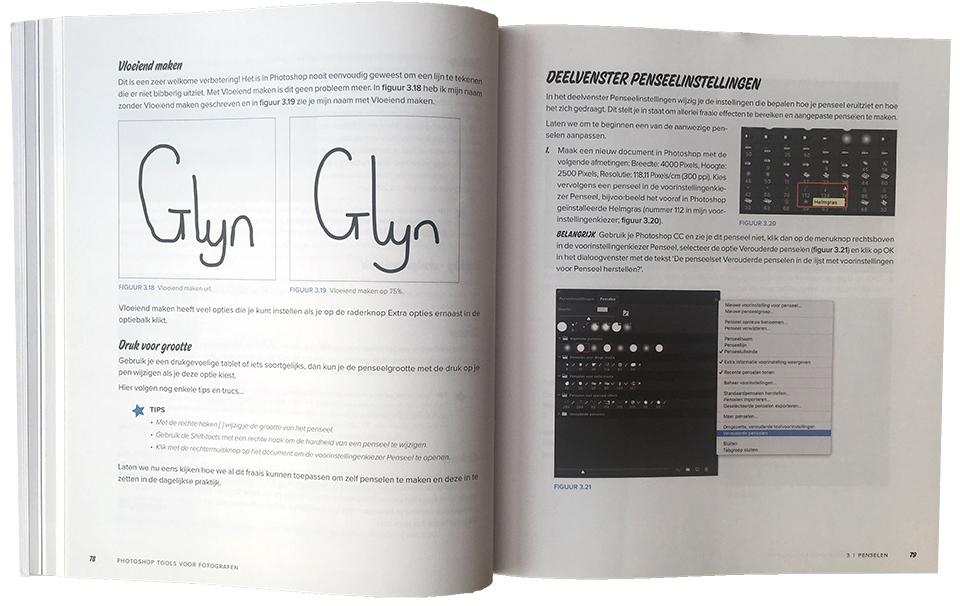
- Brushes: brushes are useful for everything from cut-outs to creating special effects such as snow, smoke, grass and even your own signature;
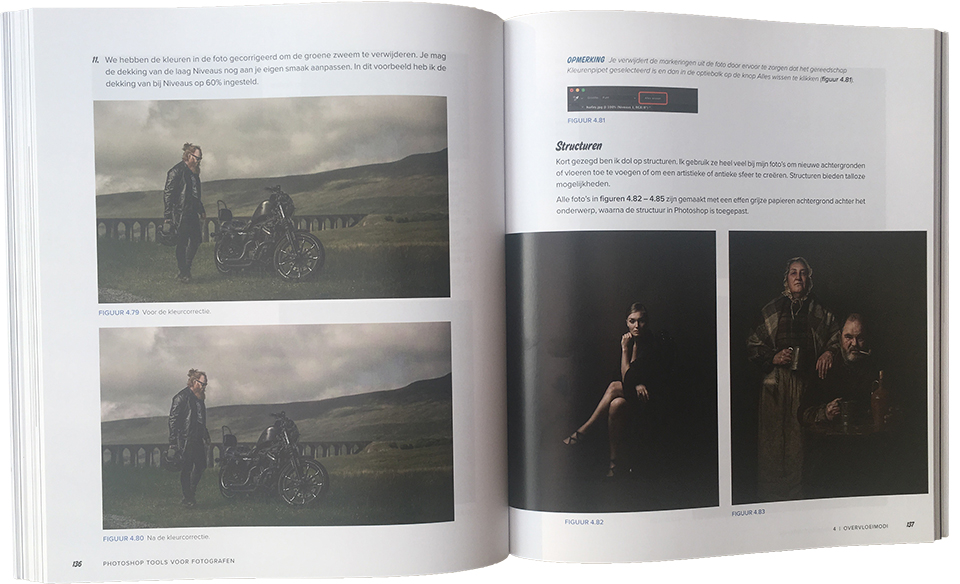
- Blending modes: use blending modes for difficult selections, lightening and darkening an image, and cleaning up a layer mask;
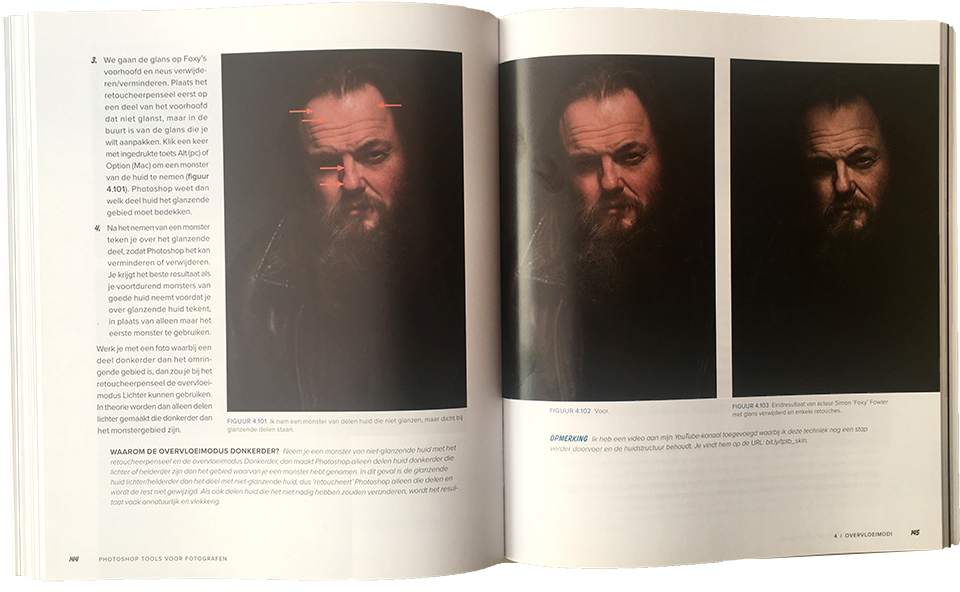
- Additional tips, tricks and techniques: an entire chapter is devoted to 'bonus' techniques such as correcting overly red skin, creating smoke, matching colours and adding depth to your image with contrast, light and sharpness;
- Finally, the last chapter of the book brings everything together from start to finish in a project that mainly focuses on photo retouching'
Essential techniques
If you have never really understood how layers work in Photoshop, or if you want to discover that brushes are certainly not just for painting, you should definitely read this book!
When you hear the word 'layers', you immediately think of complex things that you would rather stay well away from. Because it sounds so professional, it must surely be difficult. Fortunately, nothing could be further from the truth, and this book makes it very clear.
In this book, a layer is nicely compared to a transparent sheet of plastic that you place over your photo and draw on. Whatever you do on this transparent sheet, the original photo underneath is not affected. That is how it works in Photoshop too.
The only difference is that you can do much more with layers. For example, you have adjustment layers that apply all kinds of effects to the photo underneath, without affecting it, of course.
If you lose your way or take a completely wrong turn, you can simply delete the layer and your problem is solved. You can start again with a clean slate.
Layers, brushes and blending modes
This book describes what you can do with layers in an accessible and practical way. For example, you learn what layer masks are, but clipping masks and layer groups are also covered.
Once you have mastered that, you move on to brushes, which you can of course also simply use for painting. But there are also adjustment brushes, which let you paint adjustments onto a photo locally, so to speak. Or you can create your own brush, for example to create smoke.
All these useful things are covered in detail, along with much more. The third main function is blending modes. These are essentially 'blending methods' between different layers. They allow you to achieve the most unusual effects.
Bonus content
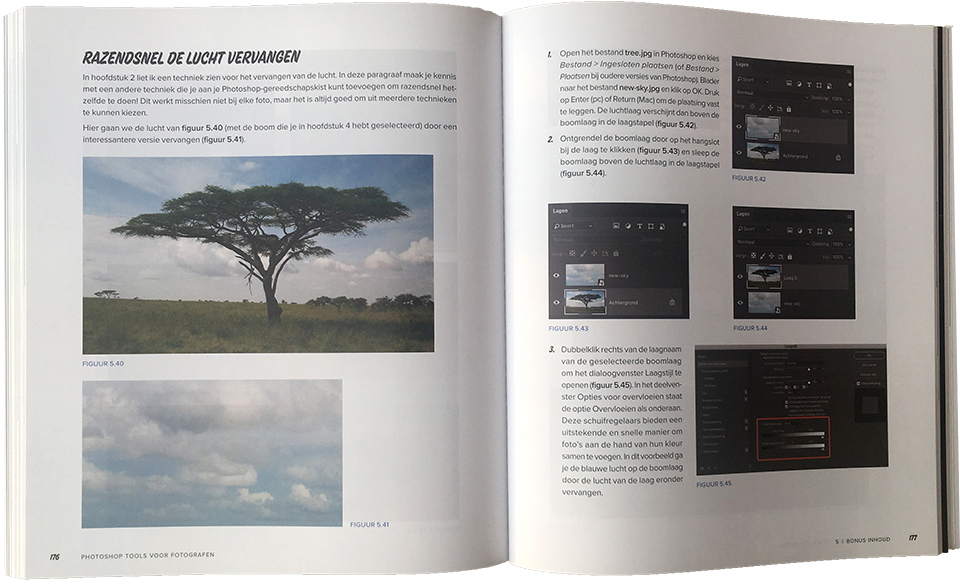
In addition to the three pillars, layers, brushes and blending modes, the book also contains a fifth chapter with extras. It explains, for example, how to replace skies in a photo very quickly. Or how to make your model's skin smoother without making it look overly polished. It also explains how to whiten teeth and how to reduce the effect of red skin.
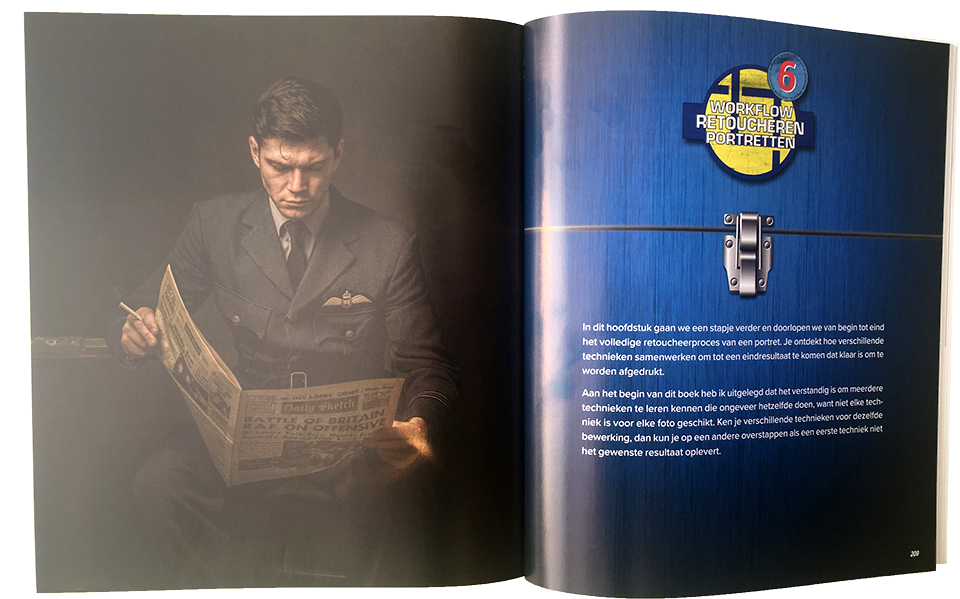
Finally, chapter six explains how to retouch a portrait. Both Camera Raw and Photoshop are used for this.
Conclusion
All in all, I think it is a solid 'handbook' for photographers who want to do more with Photoshop. This book proves that it does not have to be very complicated!
The writing style is very similar to Scott Kelby's, although he is also part of the KelbyOne community, along with Frank Doorhof, but with fewer (corny) jokes. This book is more of a 'textbook' that helps you better understand the most important Photoshop techniques.
And I have to say that it really works! Apparently, I had never fully understood how many tools, including layers and all their forms, work in detail, or how best to use them.
This book therefore fills in the understanding and knowledge of the tools, which are somewhat left out in Scott Kelby's books. Those books are also very useful if you want to achieve a specific result very quickly.
So that you are ultimately able to come up with solutions yourself for problems you encounter in practice. And you also know instinctively which tools to use one after another. As far as I am concerned, this book is once again highly recommended and a great addition!
Price and where to buy it
Van Duuren Media offers its readers a nice service. You can register the book and, in addition to the web version of the book, you will receive some extra content.
The book normally costs 34.99 euros, but is temporarily available for just 29.99 euros, until 30 April.
» Order Photoshop Tools for Photographers
About the author
Michelle Peeters is fotografe en oprichter van DeuxBleus Fotografie. Michelle herkent het bijzondere in het gewone en het gewone in het bijzondere. Ze heeft zich nooit willen specialiseren en is daardoor van alle markten thuis.
You might also like
-
 Book: Scott Kelby, how do you do that in Photoshop?
by Michelle Peeters
-
 Review: 'Photoshop Masters' by Rob de Winter
by Huub Keulers
-
 Review: Blurb photo books via Lightroom Classic
by Nando Harmsen
-
 Review: Book Sport Photography
by Michelle Peeters
-
 Review: The Photoshop Layers Book - Johan Elzenga
by Michelle Peeters
-
 Review: The Great Landscape Photography Book by Scott Kelby
by Michelle Peeters
2 comments
-
 Mariette wrote on Tuesday 26 March 2019 at 14:05 | reply
Thanks for the explanation of Glyn Dewis's book. I also found his presentation very interesting. I have photoshop element 15. Can his book also be used for that?
Translated from Dutch. -

 Michelle Peeters wrote on Tuesday 26 March 2019 at 21:07
| reply
Michelle Peeters wrote on Tuesday 26 March 2019 at 21:07
| reply
@Mariette: I don't know Elements, but I understand that it has many of Photoshop's functions. Including (I assume) layer masks, blending modes and brushes. But I would be on thin ice making a definitive statement about that...
Translated from Dutch.
Have your say
Please note: Articles older than a week can only be commented on by signed-in visitors.Would you still like to comment? sign in or create a free account.
Become a better photographer every week
A practical photography tip in your inbox every week.
38,937 photography enthusiasts already receive the tips! More about the weekly mail. Or keep up to date via  Facebook.

Elja Trum
Photofacts; everything to do with photography!
Would you like to take better photos and keep up with what is happening in photography? Photofacts publishes articles that teach you something about photography — from a product announcement to a practical shooting tip or a look at a website. Photofacts covers photography every day and is a hobby project of Elja Trum's that got out of hand. The articles are written by a team of volunteer authors. If you would enjoy writing one or more articles for Photofacts, do get in touch.More about PhotofactsPhotofacts is made possible in part by
