

Review: Blurb photo books via Lightroom Classic
Friday 17 February 2023, 16:32 by Nando Harmsen | 6,760 views | 0 commentsThis article was translated from Dutch with the help of AI. Read the original.
You can create photo books in Lightroom Classic. The Book module is available for this, allowing you to create a photo book in a simple way. You can even upload directly to Blurb books. For the Lightroom Classic modules course, I ordered three photo books.
There are many places where you can have photo books made. Usually, this is done through an online design programme where you can upload the photos you want to include in the book. The programme can then place them in the book automatically, or you can do it yourself.
This kind of online software will probably be familiar to anyone who has ordered a photo book before. As well as putting something together online, it is also possible to create an album spread in Photoshop or Affinity Photo. This gives you even more freedom when designing.
Creating a photo album in Lightroom Classic
If you use Lightroom Classic, it is also possible to put an album together in it. This is the Book module, which is generally hardly used.
I covered this module in my course on the Lightroom Classic Modules at Photofacts Academy.
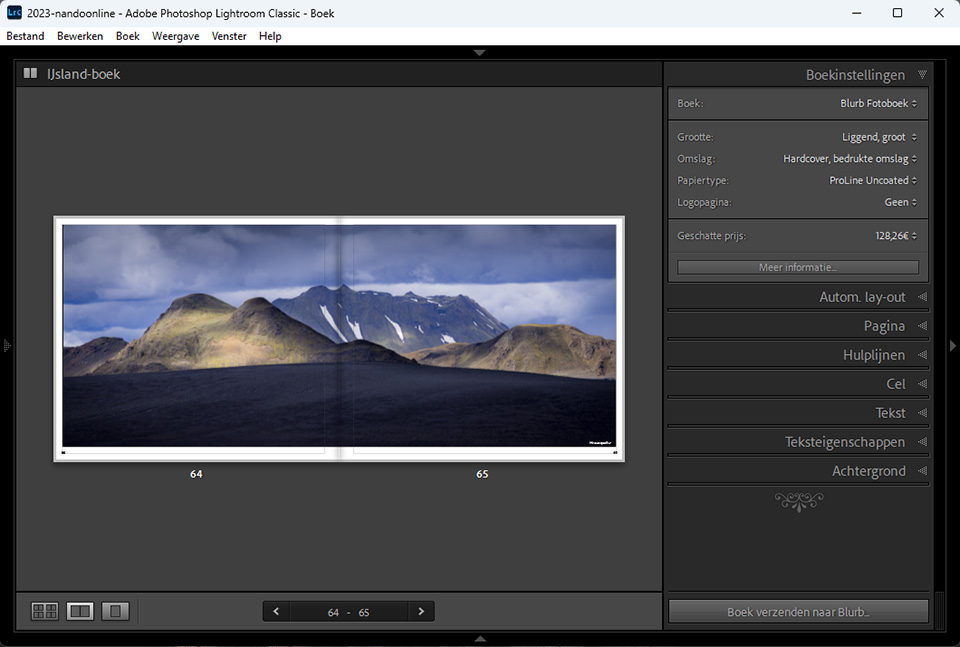
Through the Book module in Lightroom Classic, it is possible to order an album directly from Blurb. The course therefore provided a good opportunity to order a few albums to look at the quality.
Creating and ordering from Blurb
Creating a photo album in Lightroom Classic is not something I want to cover in this review. There are some things you need to pay attention to, and in some respects it can feel rather limited. If you take that into account, it is reasonably easy to do with some time and attention.
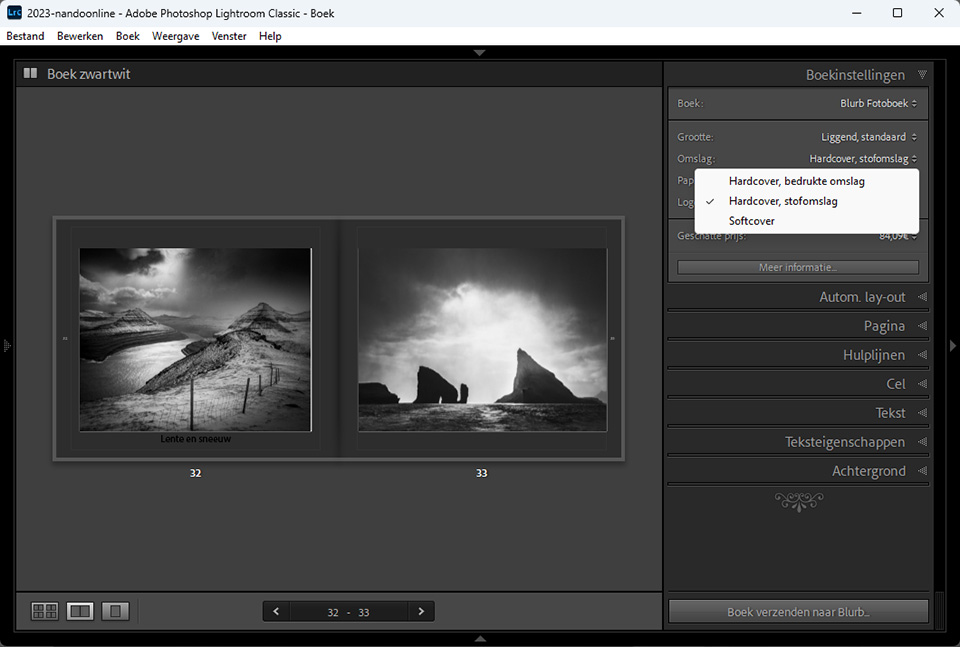
Since Blurb is connected to Lightroom Classic, you can choose from a number of different album types. For each album, you have a selection of sizes, page finishes and covers. Unfortunately, only one layflat album is available.
Once you have created an album, ordering is easy. The upload takes place directly from Lightroom Classic, after which you complete the rest of the ordering process on the Blurb website. You have a few weeks to complete the order.
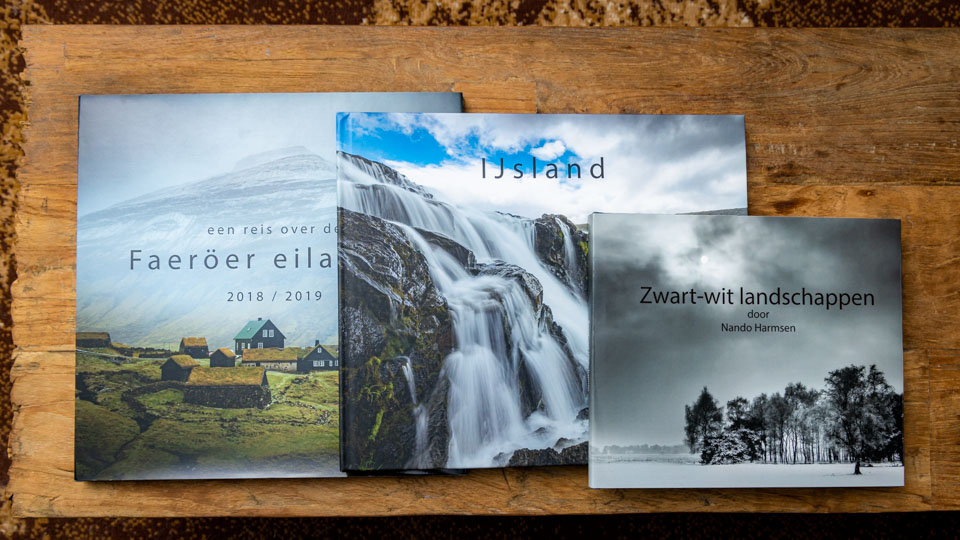
Three different photo books
I created three photo books in Lightroom Classic. I chose a cloth hardcover, a printed cover, and three paper types. Despite it being around the Christmas period, I received the photo albums at home after about a week in sturdy packaging.
20x20cm photo book, cloth hardcover and Proline Pearl Photo paper
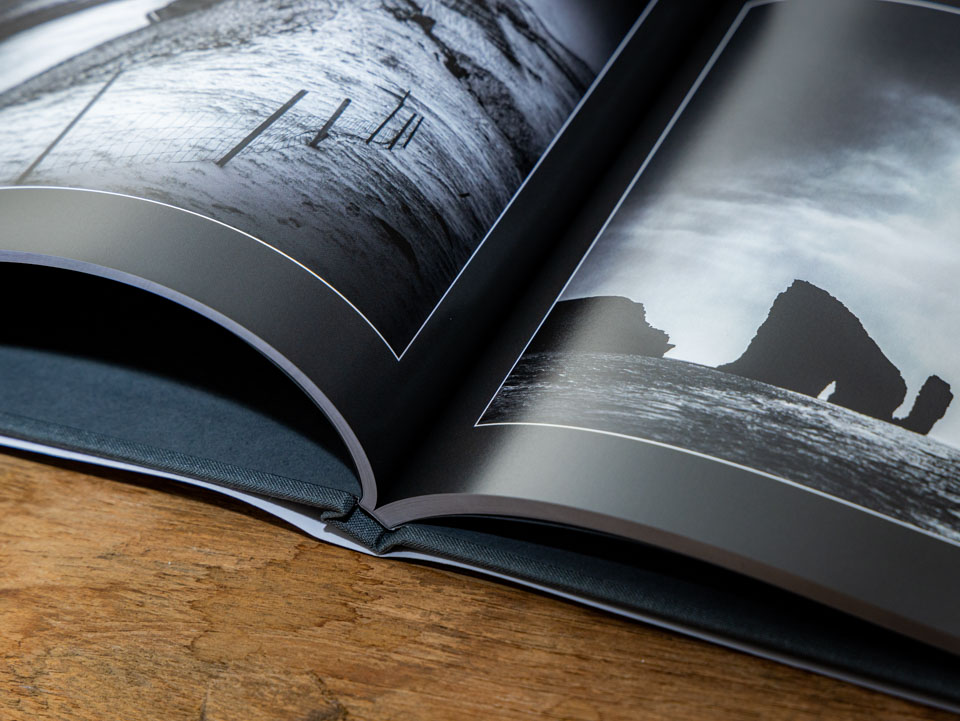
The album has a lovely appearance thanks to the glossy cover. The cloth cover is neatly finished in a neutral grey. The album pages themselves are sturdy and show absolutely no fingerprints.

I chose only black and white photos for this album. The print quality is good, and black and white really is black and white. There is no colour cast. The contrasts match well and I see no banding effects in the photos. The text I placed in the album is easy to read, as it should be.
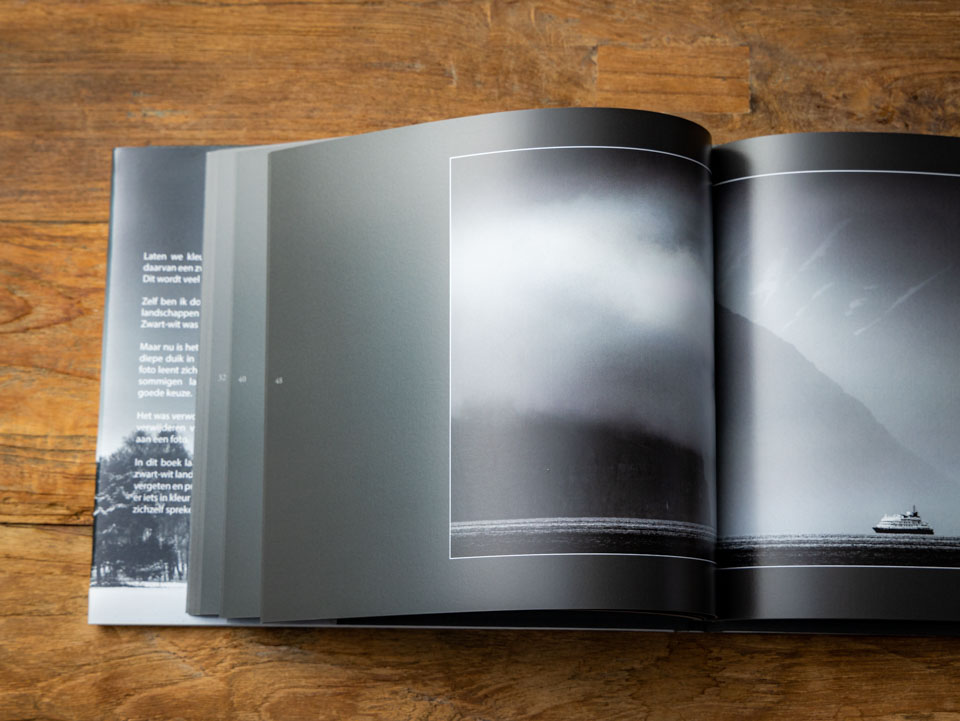
The album remains in good shape when stored. Although it is not layflat, you can press the pages into the fold without any problems. The album stays neatly in shape.
30x30cm photo book, cloth hardcover and Premium Lustre Photo paper
This version is the same as the previous album, with the same grey cloth cover. Unfortunately, you cannot choose another colour through Lightroom Classic. The paper has more gloss than the Proline Pearl, but not so much that it causes distracting reflections. Colours come out beautifully.
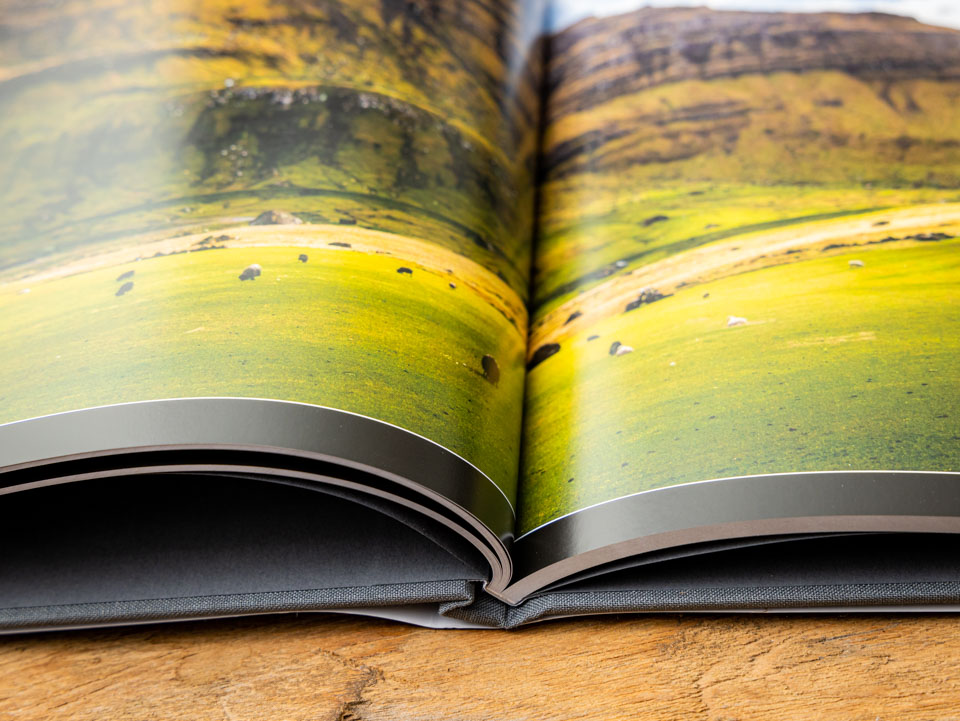
Although Premium Lustre is a completely different paper, it looks very much like the Proline Pearl. Here too, it does not show fingerprints, despite being slightly glossier.
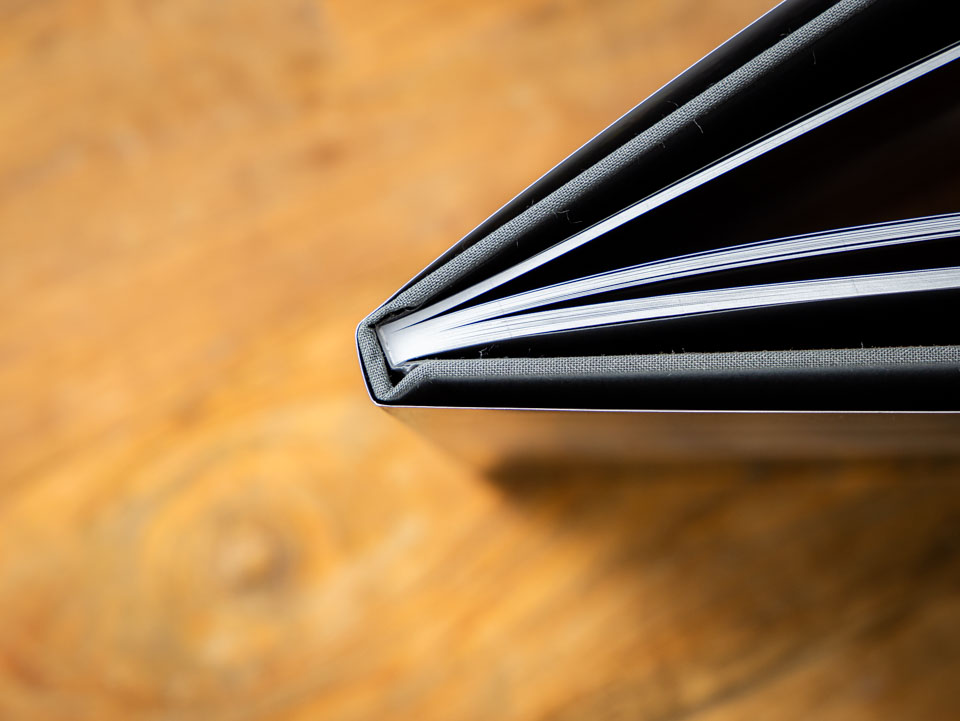
33x28cm photo book, printed hardcover and Proline Uncoated Photo paper
For this album about Iceland, I chose a printed hardcover. This matte print looks good and has lovely colours. Proline Uncoated was chosen for the pages.
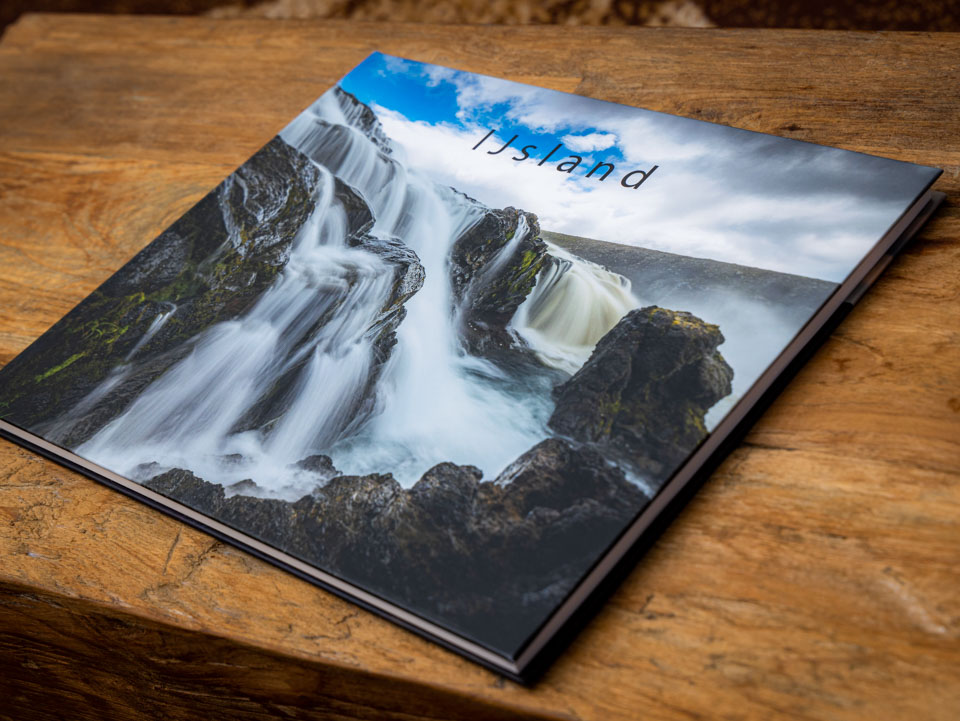
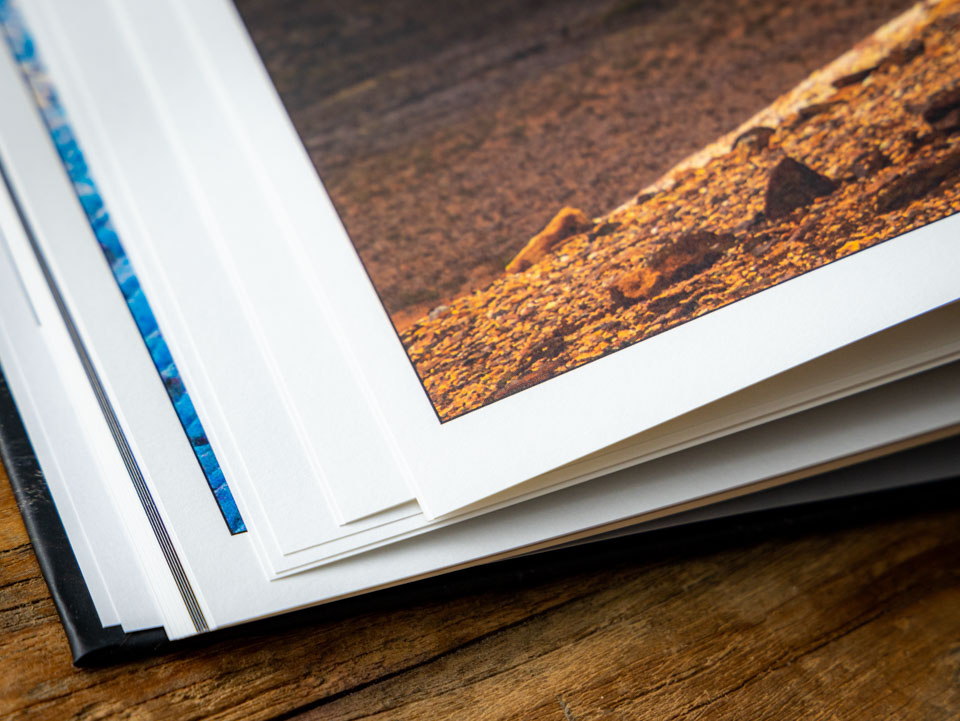
This paper has no glossy finish. It has a somewhat rough texture, giving the photos a distinctive appearance without losing detail in the photo.
The pages do fold more easily than the other paper types I chose. This works reasonably well with the first pages, but you need to be more careful as you move further into the album.
If you press into the fold, the place where the paper is glued becomes visible, giving you a red line in the middle of the photo book.
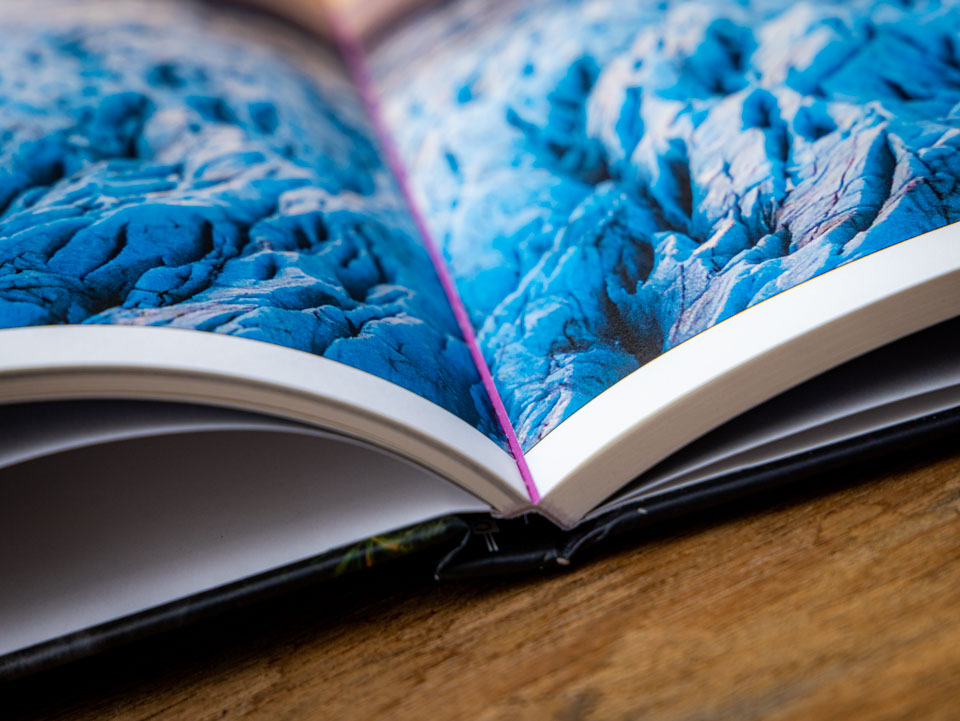
The album is not intended to be opened this far, which is immediately clear. But it is something that can easily happen during normal use, meaning the pages can become almost layflat in the middle.
As a result, the pages do not open nicely either, and you can clearly see this in the way the pages shift when open. Although the paper is very attractive and the prints look good, these things detract from the overall result. Perhaps this would work much better in a layflat version.
There is more choice, but not through Lightroom Classic
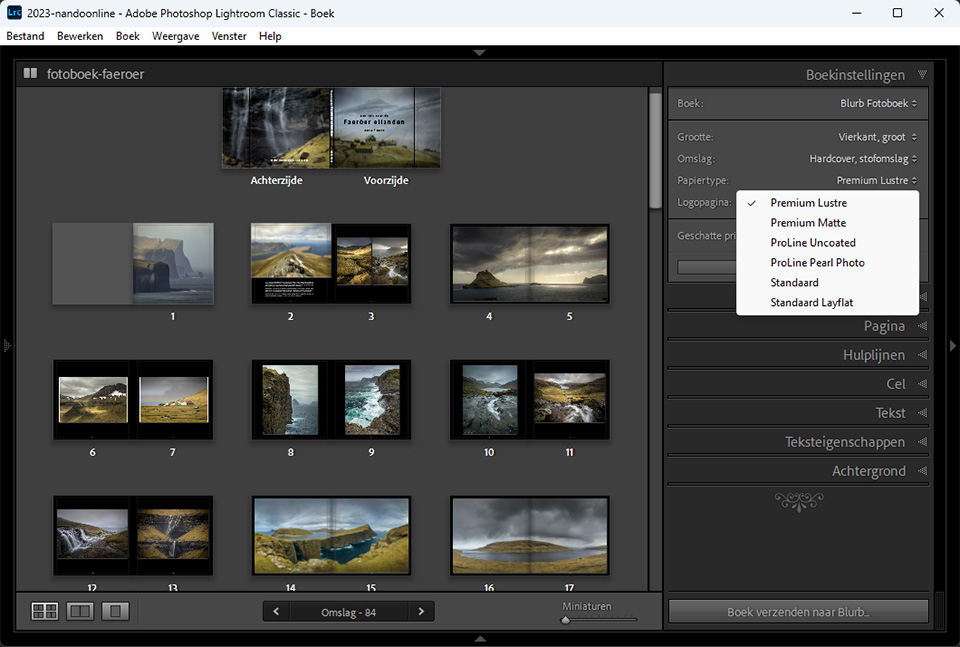
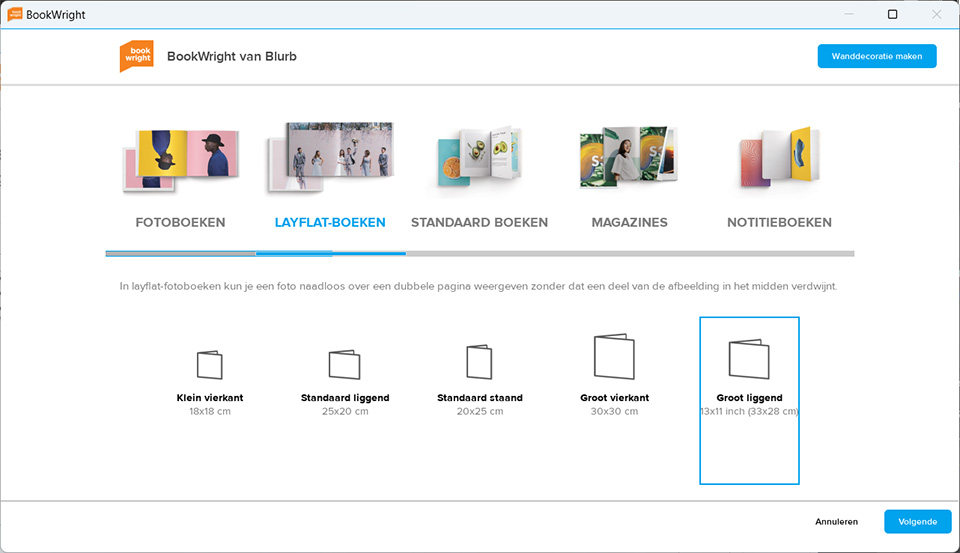
It was not entirely clear whether the Blurb photo books in Lightroom Classic had traditional binding, or whether they would be layflat. Only the paper type mentions 'standard layflat' as an option.
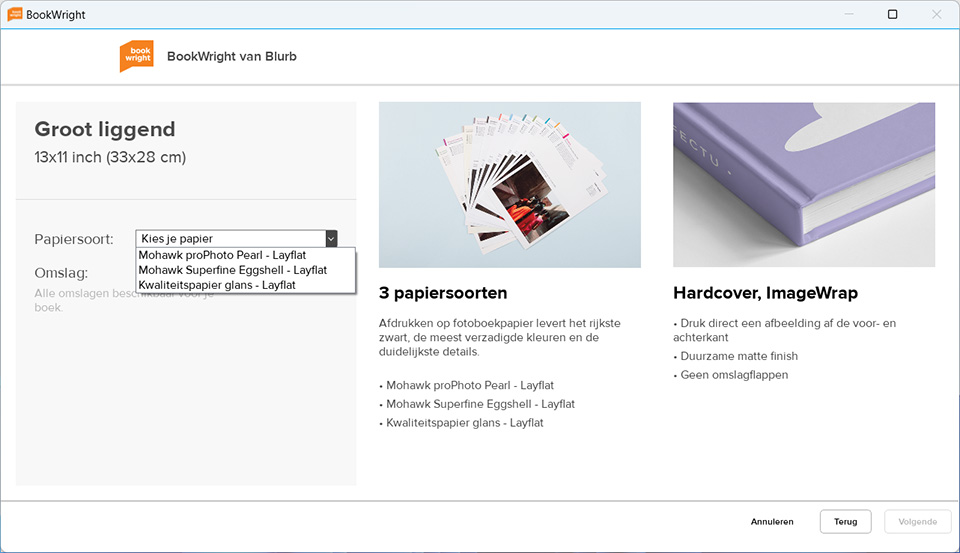
If you want a different paper type for your layflat album, such as Proline or Premium, ordering through Lightroom Classic limits you to regular photo books without a layflat option. That is a shame.
Because I wanted my photo books to use Proline or Premium, this review does not include a layflat album. Perhaps I will try this again at a later date.
It is striking that Blurb's album software, called Bookwright, does offer more options. The distinction is also much clearer than in Lightroom Classic. If you want a layflat album with a different type of paper than the one listed in Lightroom Classic, order it through Blurb's album software.
Final verdict
The different albums I ordered look excellent. Each paper type gives a different appearance. Choose the paper type that best suits your photo.
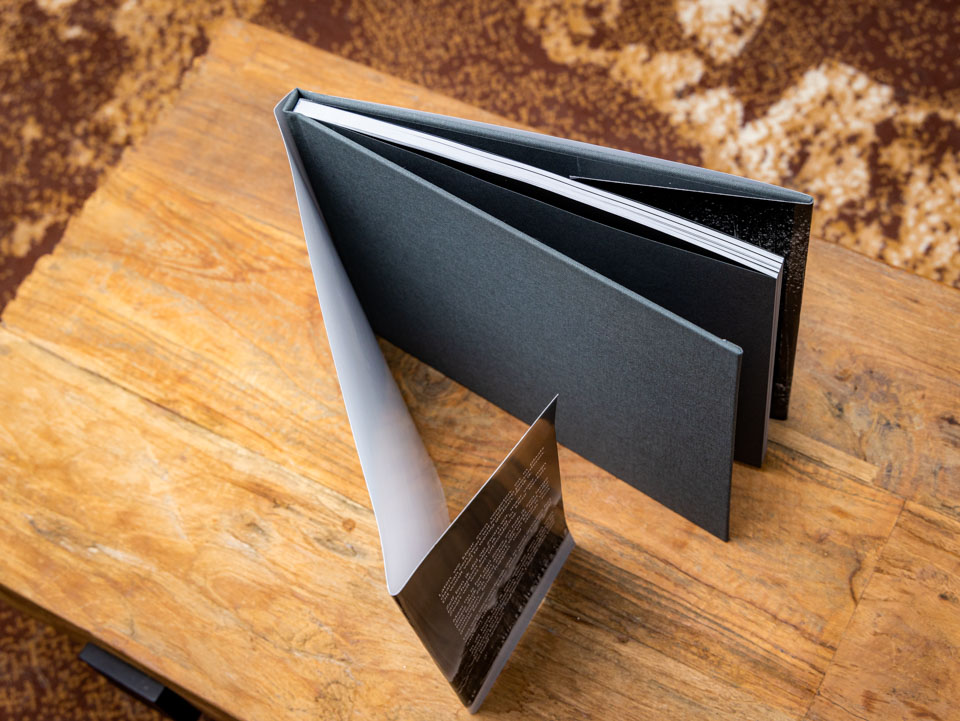
The quality of the paper types offered through Lightroom Classic is good. They do not show fingerprints and are not so glossy that it becomes distracting. The Proline Pearl and Premium Lustre look very much alike.
I am less impressed with the finish in the fold of the Proline Uncoated paper. The red line is very distracting and immediately noticeable when the book is opened. In addition, the pages do not open particularly well, which detracts from the overall appearance.
It is a shame that, apart from standard, no other paper types are available for the layflat option. This is a missed opportunity. In this respect, Blurb's offering within Lightroom Classic's Book module is too limited.
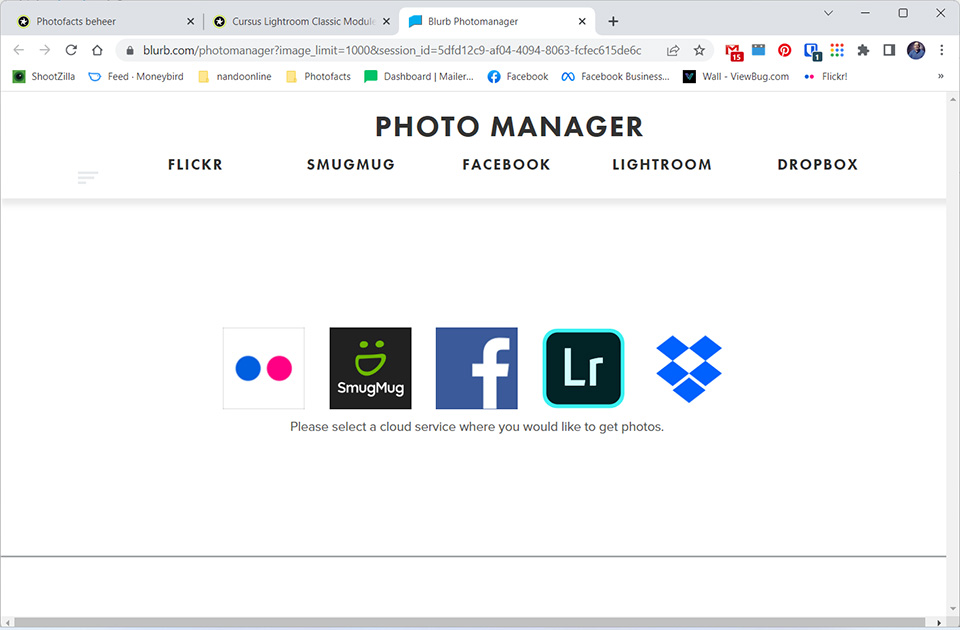
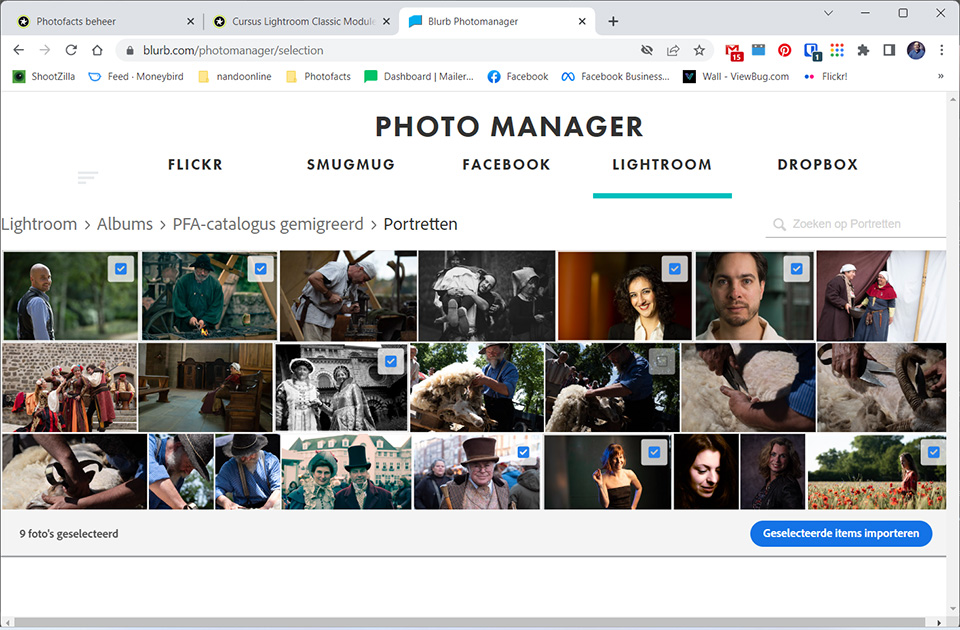
By using the Bookwright software, you get many more options for putting together a photo book. You also have different paper types to choose from. You can import photos directly from various online services, including Lightroom (note: not Lightroom Classic).
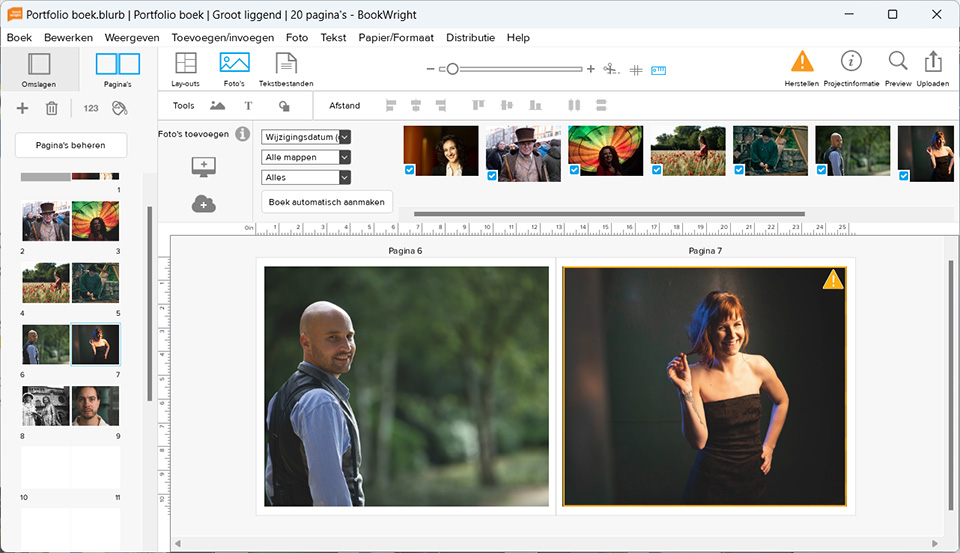
It strongly appears that the Blurb products listed in Lightroom Classic are not up to date. Since the Book module is rarely used and is often effectively ignored, I can imagine that updating the products is not a priority.
Still, it would be good if this were done. Even if it is only for the few photographers who do use Lightroom Classic's Book module. The better it is put together and the more complete it is, the more appealing it will be to use it.
If you do want all the options Blurb offers, however, I recommend creating photo books through the Bookwright software. You have to download and install this software, so you are not dependent on an internet connection.
About the author
Nando Harmsen has been photographing for more than 40 years. He specialises in wedding photography and landscape photography. Nando also gives talks, workshops, masterclasses and photo trips, and regularly reviews new and interesting equipment.
You might also like
-
 What is the Comments tab in Lightroom Classic for?
by Nando Harmsen
-
 Presets in Lightroom Classic
by Nando Harmsen
-
 What's new in the Lightroom Classic 13 update?
by Nando Harmsen
-
 How do you get started with Lightroom Classic?
by Nando Harmsen
-
 Automate your Lightroom Classic imports
by Nando Harmsen

0 comments
Be the first to share what you think!
Have your say
Please note: Articles older than a week can only be commented on by signed-in visitors.Would you still like to comment? sign in or create a free account.
Become a better photographer every week
A practical photography tip in your inbox every week.
38,938 photography enthusiasts already receive the tips! More about the weekly mail. Or keep up to date via  Facebook.

Elja Trum
Photofacts; everything to do with photography!
Would you like to take better photos and keep up with what is happening in photography? Photofacts publishes articles that teach you something about photography — from a product announcement to a practical shooting tip or a look at a website. Photofacts covers photography every day and is a hobby project of Elja Trum's that got out of hand. The articles are written by a team of volunteer authors. If you would enjoy writing one or more articles for Photofacts, do get in touch.More about PhotofactsPhotofacts is made possible in part by
