

5 ways to impress your fellow photographer
Monday 13 October 2025, 15:30 by Nando Harmsen | 3,446 views | 6 commentsThis article was translated from Dutch with the help of AI. Read the original.
How do you impress your fellow photographer? There are several ways. You can even turn a mediocre photo into a masterpiece. If you do it right. Here are five ways you can use. Can you think of any more?
Photographers are very focused on equipment and settings. Not all of them, I don't want to tar everyone with the same brush, but more than you might like. You can impress people with equipment and settings.
Do you recognise yourself in these tips? Don't worry, it's not meant personally. But it is based on reality. As they say in films: any resemblance to people or events in reality is purely coincidental.
1. Overwhelm people with equipment and settings
It used to be done in magazines, and digital photography took it to uncontrolled extremes. Listing the camera, lens, focal length, settings and everything else that was used.
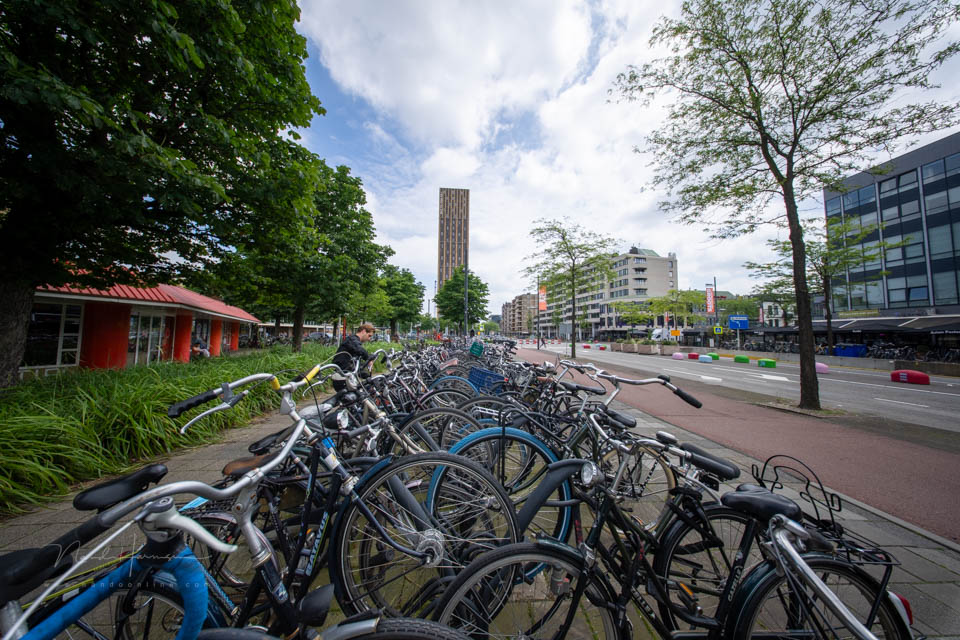
It gives the impression that you know what you are talking about and that you know what you are doing. If you really want to stand out, mention all the equipment you own in the caption of your forum post. Or on your website.
2. Make up a vague story
A photo tells more than a thousand words. That is an undeniable truth. It also gives you the opportunity to turn a mediocre photo into a masterpiece.
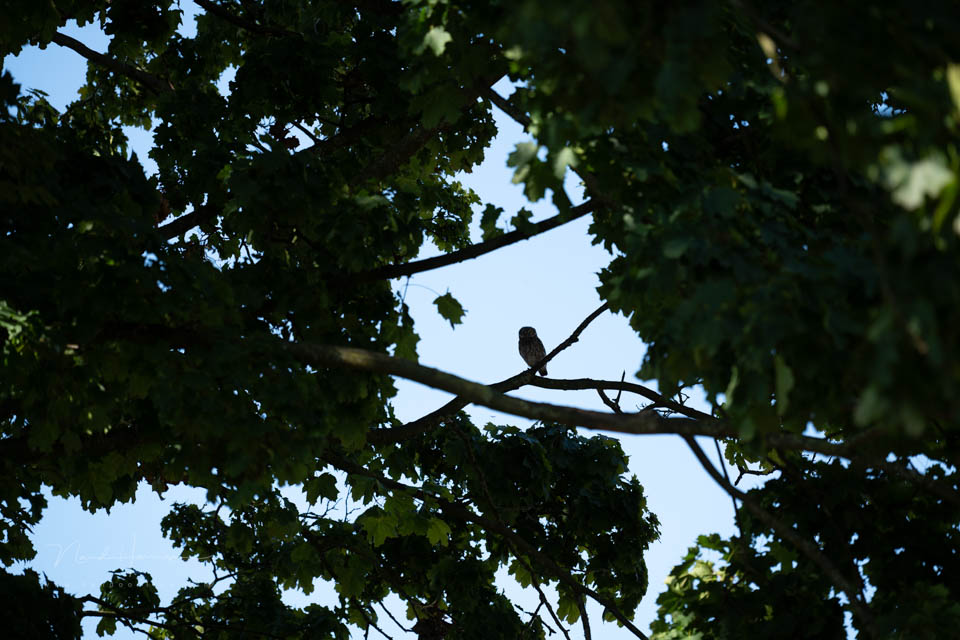
Add what you were thinking, and how you felt. Make up a vague story to mask the mediocrity. Do it well, and your photo could even be worthy of the final round of a photography competition.
3. Show off your technique
Let people know what technique you used. How many exposures you made and how you combined them. Which equipment you used, and how much effort it took.

Make a panorama from dozens of images with a telephoto lens to get a photo you could also have taken with a wide-angle lens. Make a bracketing sequence of twenty photos that you could also have made with two.
The most important thing of all: mention it with your photo.
4. The no-editing excuse
Editing is the equivalent of developing. In the past, you developed your photos, these days you edit them. Or not, because you can also claim that your photo is unedited.
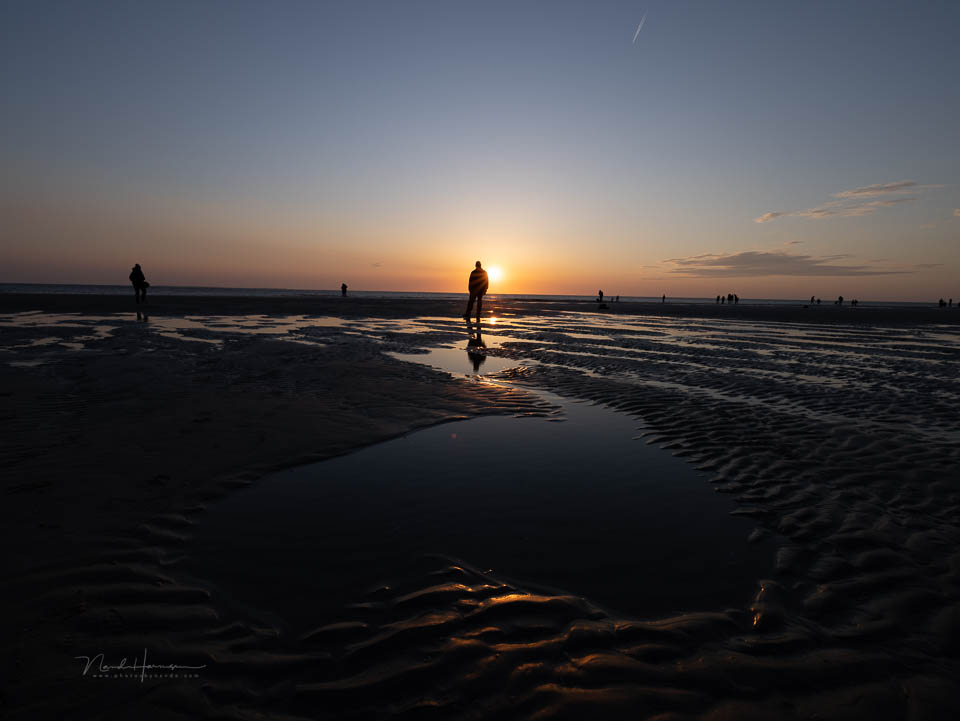
Showing an unedited photo means that you don't need any editing. That you have such good control over the technique that you can get it right in the camera. That will amaze people.
5. Follow the trend
Editing a photo into a finished result is much like developing a photo in the analogue era. The technology has advanced in leaps and bounds. You are keeping up with it closely.
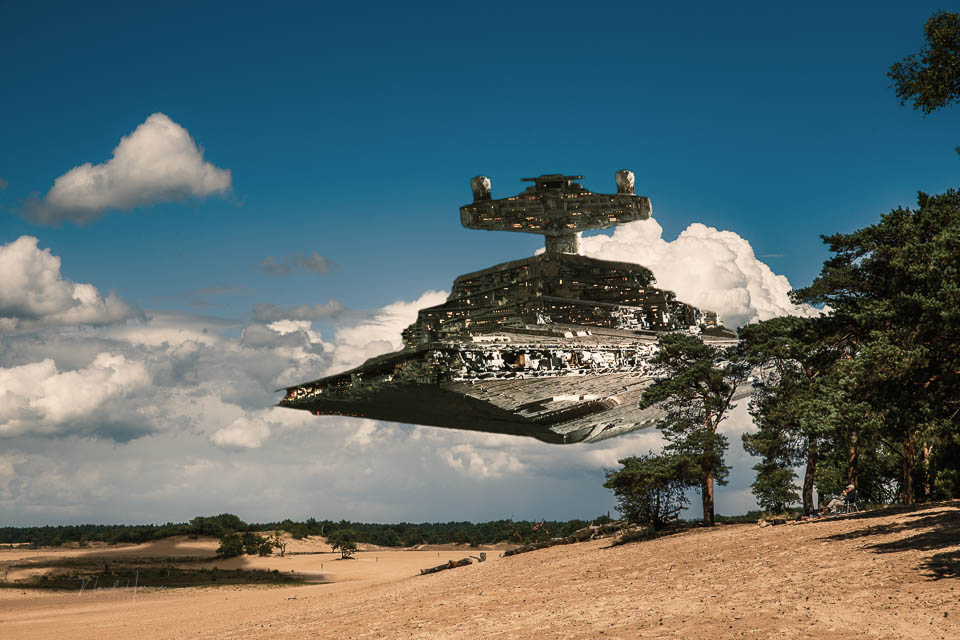
Show that you use the technology and have mastered it. Use all the software tricks, such as AI. Add things, remove things, make it completely different. Show that you are the one who keeps up.
Was it about the photo? Or not?
Technique is important. Without a camera, it is difficult to take a photo. Without software, it is difficult to edit one. Without technology, we would not be where we are now.
Remember that this is not about impressing your fellow photographer. It is about creating beautiful images. Technique is important, but completely secondary.
Finally, I want to mention one important thing: it's just a joke, don't take any of this seriously, do whatever you like and whatever feels right to you. Those are actually four things, but as I said: don't take it seriously.
About the author
Nando Harmsen has been photographing for more than 40 years. He specialises in wedding photography and landscape photography. Nando also gives talks, workshops, masterclasses and photo trips, and regularly reviews new and interesting equipment.
You might also like
-
 Sony announces the A6700, a first impression
by Nando Harmsen
-
 First impressions of the Fujifilm X-T50
by Nando Harmsen
-
 Impressive underwater photographs by George Karbus
by Michelle Peeters
-
 An impression of the DxO PureRAW4 plugin for Lightroom
by Nando Harmsen
-
 Visual Storytelling: make an impression with your photos
by Laura van der Burgt
-
 Godox C100 review: a mediocre camera, but fun
by Elja Trum
6 comments
-
 Hans van Sterkenburg. wrote on Tuesday 14 October 2025 at 13:23 | reply
Hi Nando.
Translated from Dutch.
One word is enough: delightful.
Regards,
Hans -
 Gert wrote on Tuesday 14 October 2025 at 13:29 | reply
In tip 1 it says “ If you really want to stand out, mention all the equipment you own in your caption in the forum post. Or on your website.” Addition: above all, add your address so criminals know where to pick it up.
Translated from Dutch. -

-

 herman wrote on Friday 7 November 2025 at 00:16
| reply
herman wrote on Friday 7 November 2025 at 00:16
| reply
beautiful response to a nihilistic remark (I thought the same)
Translated from Dutch. -
 Mia Gypen wrote on Tuesday 14 October 2025 at 22:04 | reply
A nice article by a brilliant photographer with the necessary sense of perspective, including about himself.
Translated from Dutch.
I’m just a small amateur with a camera who regularly learns all sorts of things from your newsletters and videos. Thanks for the consistently clear explanations in otherwise impeccable Dutch! -
 Donald Willemsen wrote on Wednesday 15 October 2025 at 10:24 | reply
Including the settings with a photo is completely useless. In post-processing, you may have adjusted the photo in such a way that they no longer correspond with the camera settings. Take the exposure, for example. You may have adjusted it by + or - 1 stop in post-processing. At that point, the data in the exif are already incorrect, or at least they no longer correspond.
Translated from Dutch.
I include the settings with a photo to prevent people from asking about them. It happens quite often that others are curious about those settings. Do they want to imitate that?
Have your say
Please note: Articles older than a week can only be commented on by signed-in visitors.Would you still like to comment? sign in or create a free account.
Become a better photographer every week
A practical photography tip in your inbox every week.
39,024 photography enthusiasts already receive the tips! More about the weekly mail. Or keep up to date via  Facebook.

Elja Trum
Photofacts; everything to do with photography!
Would you like to take better photos and keep up with what is happening in photography? Photofacts publishes articles that teach you something about photography — from a product announcement to a practical shooting tip or a look at a website. Photofacts covers photography every day and is a hobby project of Elja Trum's that got out of hand. The articles are written by a team of volunteer authors. If you would enjoy writing one or more articles for Photofacts, do get in touch.More about PhotofactsPhotofacts is made possible in part by
