

Does AI generative removal make you a lazy photographer?
Monday 15 July 2024, 14:28 by Nando Harmsen | 2,470 views | 2 commentsThis article was translated from Dutch with the help of AI. Read the original.
Options such as AI generative fill make it very easy to remove distracting elements from a photo. This can have consequences for you as a photographer. If you are not careful, you can become a truly lazy photographer.
Over the years, the removal tools in Lightroom and Photoshop have continued to improve. Content-Aware Fill was already a big step forward. Although it is far from perfect.
Now there is AI generative fill. This literally removes the existing content from your selection and fills it with content created by an AI engine. That part of your photo is no longer real.
That does not have to be a problem, because the differences are often impossible to spot. It works so well that it becomes very easy to remove distracting elements. You could do that before too, but it took much more work. Now it is just a click of a button.
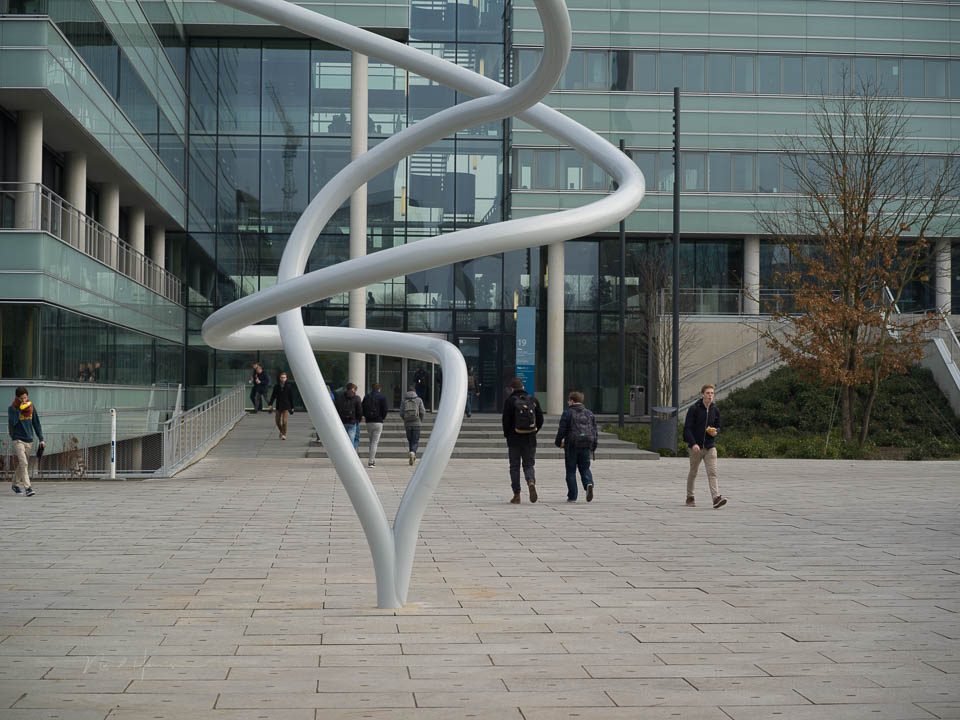
The ability to remove something distracting with the click of a button can have a downside. During my workshops, I have heard the phrase several times: I will just remove that in Photoshop.
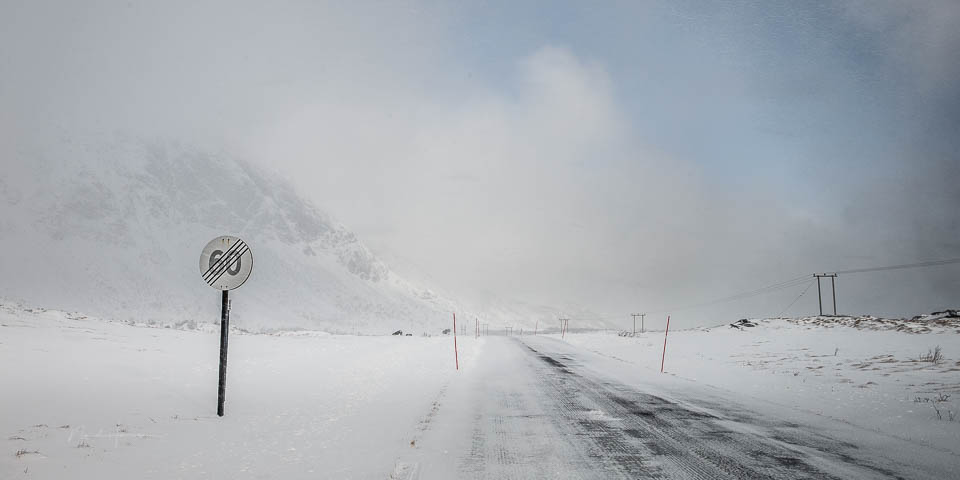
The ironic thing is that with a small adjustment to your viewpoint and focal length, the distracting element would not even have been in the frame. It is a sign that less effort is being made on location, because you can correct it afterwards.
This also applies to people in a busy location. If you do not want them in the shot, wait until they are out of the frame. That is easier than using AI generative fill afterwards. It does not always work, but often it does.
I am afraid that a lazy photographer is emerging. One who simply corrects mistakes in composition, distracting elements and other errors afterwards. You could do that in the past too, but now you no longer need any Photoshop knowledge.
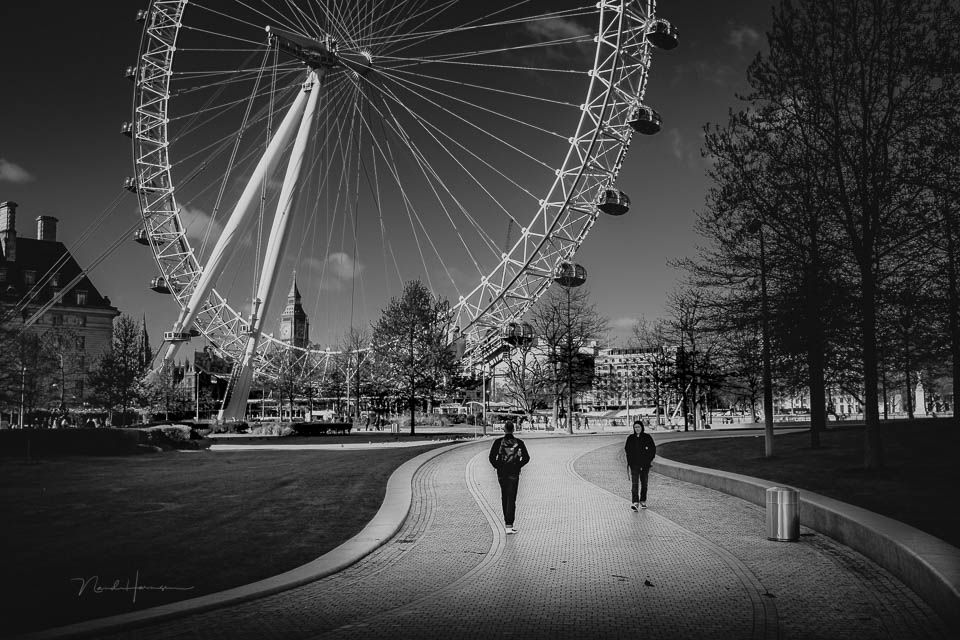
I admit that AI generative fill can be very useful. But if I can avoid distracting elements in the field, I prefer that. I only use AI generative fill as a last resort. If a simple clone brush will do the job, I would rather choose that.
What do you think about it? Do you ever catch yourself doing this? Do you use AI generative fill whenever you can? Or would you rather avoid it? Let us know in a comment below this article.
About the author
Nando Harmsen has been photographing for more than 40 years. He specialises in wedding photography and landscape photography. Nando also gives talks, workshops, masterclasses and photo trips, and regularly reviews new and interesting equipment.
You might also like
-
 Everything about Generative Fill in Photoshop Beta
by Nando Harmsen
-
 Adobe and the cost of AI generative fill
by Nando Harmsen
-
 Lightroom update with generative AI
by Nando Harmsen
-
 Retouching and cloning in Photoshop
by Johan Elzenga
-
 New in Photoshop Beta: Generative Fill
by Nando Harmsen
-
 The Hidden Costs of Using AI
by Nando Harmsen
2 comments
-
 Donald Willemsen wrote on Monday 15 July 2024 at 12:10 | reply
Removing distracting elements from a photo can also be done without AI. It takes a bit more time and effort to do it properly. In such a way that you cannot see it at 100% on a large screen.
Translated from Dutch.
The question is whether generative removal with the help of AI is better and faster. I have my doubts about that. It entirely depends on the background of the subject you want to remove. If that background is fairly complicated because of the different elements, then generative removal with the help of AI misses the mark quite badly. Then it does more harm than good.
I have carried out tests with the same photo in both Photoshop and Luminar Neo.
Both software packages make mistakes. However, there is one major difference. With Luminar Neo, the mistakes do not stand out to viewers who are unfamiliar with the situation at the photographed location. Viewers who know the location do notice it. In my opinion, Photoshop does it somewhat worse, because you can always see a difference in pixels along the edges. The correction blends in less well and Luminar does it slightly better. I think this is because Luminar is ahead of Adobe in the development and use of AI applications in photography packages.
For the time being, you still have to correct things too often and too much with generative removal, and in the end you spend more time than when working with the old methods. -

 kok.f@ziggo.nl wrote on Monday 15 July 2024 at 23:01
| reply
kok.f@ziggo.nl wrote on Monday 15 July 2024 at 23:01
| reply
For me, the goal is to get as close as possible to what I have in mind with the original shot. That applies not only to removing things, but to the entire composition, toning, lighting, etc. But there is usually something to ‘polish’ in every photo. Photoshop and LR are a wonderful toolbox for that. Which tool I use differs from situation to situation and also has to do with personal skills and preferences. The tools are becoming increasingly extensive and better too. I certainly don't call good and sensible use laziness.
Translated from Dutch.
Have your say
Please note: Articles older than a week can only be commented on by signed-in visitors.Would you still like to comment? sign in or create a free account.
Become a better photographer every week
A practical photography tip in your inbox every week.
38,886 photography enthusiasts already receive the tips! More about the weekly mail. Or keep up to date via  Facebook.

Elja Trum
Photofacts; everything to do with photography!
Would you like to take better photos and keep up with what is happening in photography? Photofacts publishes articles that teach you something about photography — from a product announcement to a practical shooting tip or a look at a website. Photofacts covers photography every day and is a hobby project of Elja Trum's that got out of hand. The articles are written by a team of volunteer authors. If you would enjoy writing one or more articles for Photofacts, do get in touch.More about PhotofactsPhotofacts is made possible in part by
