

Get to know your camera properly
Monday 16 February 2026, 20:20 by Nando Harmsen | 3,284 views | 15 commentsThis article was translated from Dutch with the help of AI. Read the original.
Modern cameras are packed with features. So many, in fact, that they can make your head spin. Fortunately, you don't need to know everything. Learn what you need to know first, then gradually expand your knowledge when necessary. Don't try to learn everything at once.
Each new digital camera gets new features. Or existing features are expanded. Sometimes functions are removed, but we won't go into that now. In any case, getting to know your camera is becoming increasingly complex.
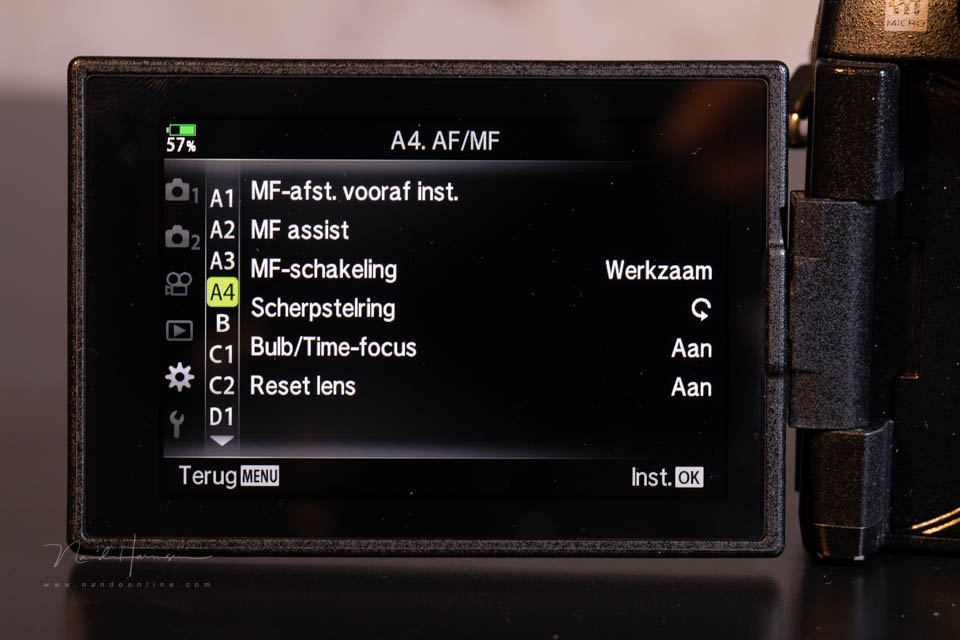
All those functions in the menu can make your head spin. Where should you start when getting to know your camera? If you think you need to learn everything before you can use the camera properly, you're mistaken.
Don't let all those features overwhelm you. It's nice that they're included, but you probably never need most of them, or only rarely. Learn the important things first so you can start taking photos. The rest can come later.
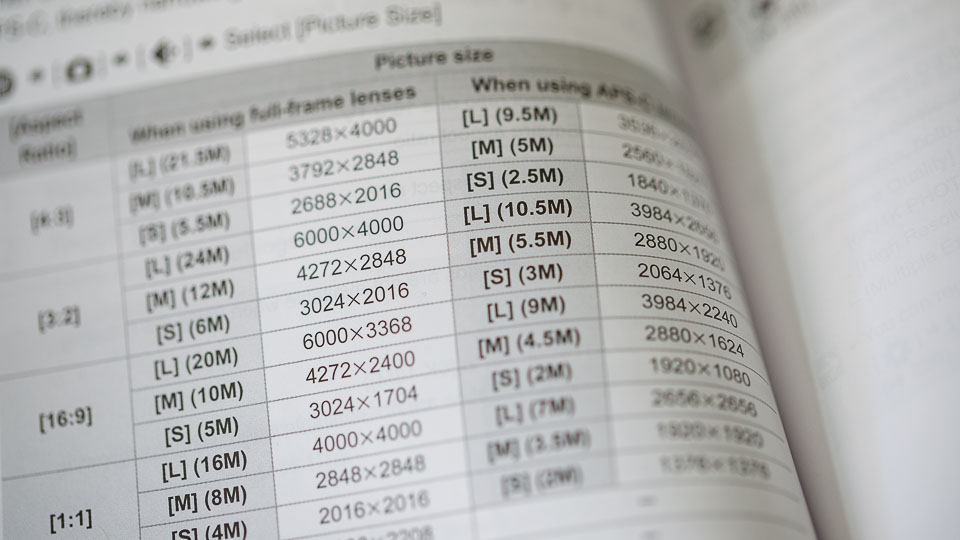
Sometimes I hear people say that they read or try to learn the entire instruction manual. That's completely pointless. By the time you start the second chapter, you've already forgotten half of the first chapter.
What you need to learn is the basics. Set the image format, raw or jpeg, white balance, frame rate and the simplest autofocus options, subject recognition, single-point AF and AF tracking. And of course, how to set aperture, shutter speed and ISO.
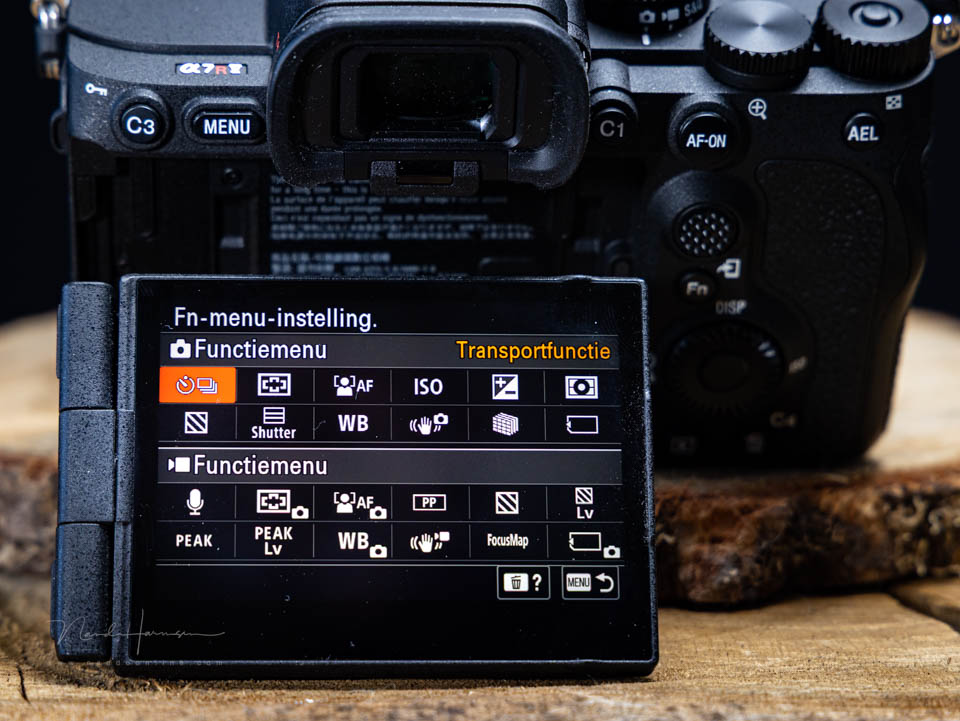
This doesn't mean the rest can't be important. But these things will probably already give you enough to work on. Get familiar with these settings. And start practising.
Do you run into a problem? Only then look at how you can adjust it to suit your needs. At that point, you're investigating something with a clear purpose, possibly with the help of the instruction manual. That's how the knowledge really sticks.
As you become more and more familiar with the basics, look at ways to expand them. Other autofocus or frame rate functions, for example. Or the special features your camera offers.
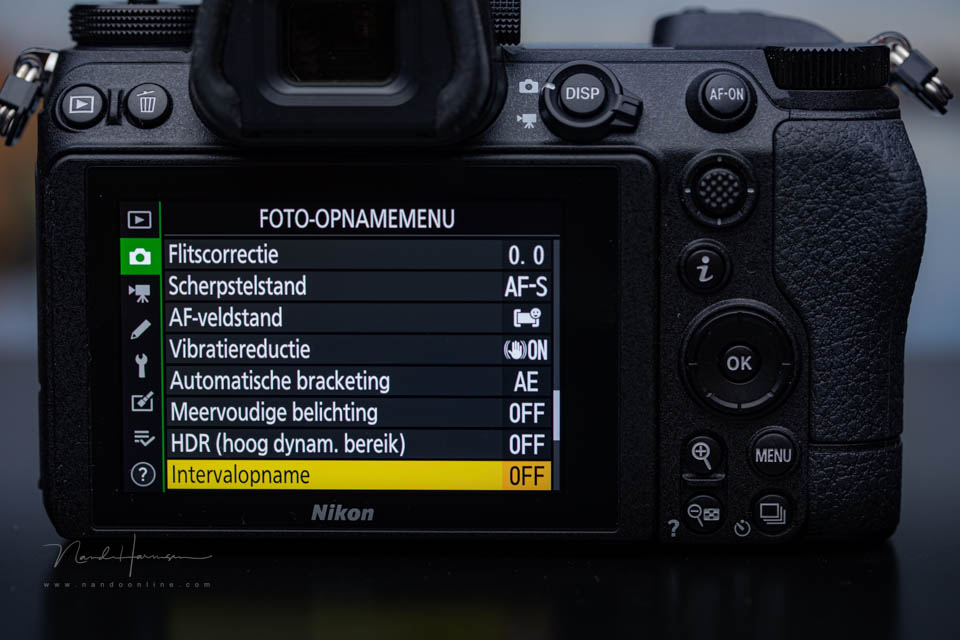
Never try to learn everything at once. That's impossible. Learn step by step, and only what you actually need. After that, you can look at what other functions are available and whether they could be useful to you.
Use the instruction manual as a reference book or knowledge base. Either the booklet or an online manual on the manufacturer's website. That way, you can always look something up.
This is how I learned to use my Canon. But also my Fujifilm and Olympus cameras. That way, I became familiar with the Sony and Nikon. It didn't happen all at once. It took time.
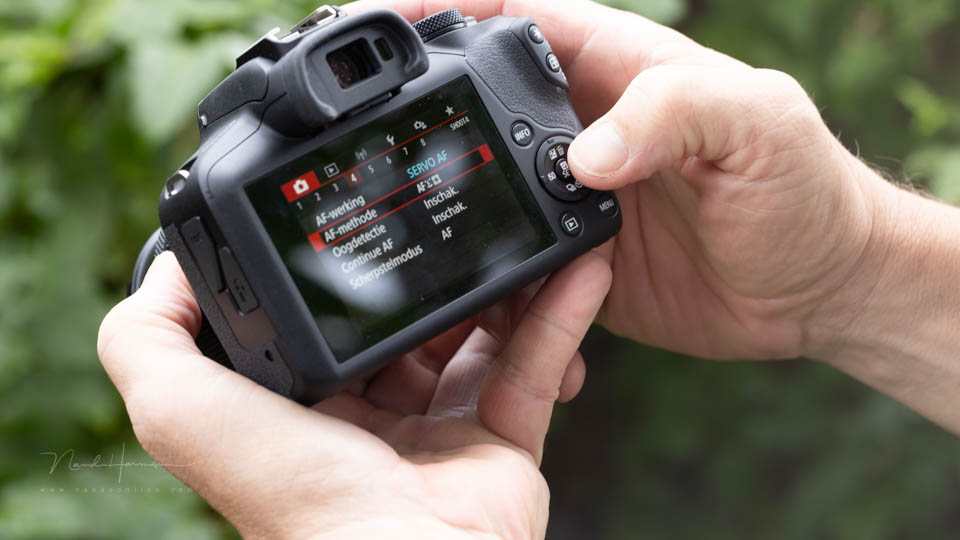
Even so, I still don't know everything. That's fine too. When I need to know something, I look it up. But only when I need it.
Fortunately, there is not only an instruction manual, but also the internet. You can find everything in videos and articles. Make use of that. But always one step at a time.
Is there something about your camera that you still struggle with or can't get the hang of? Let us know in a comment below this post.
About the author
Nando Harmsen has been photographing for more than 40 years. He specialises in wedding photography and landscape photography. Nando also gives talks, workshops, masterclasses and photo trips, and regularly reviews new and interesting equipment.
You might also like
-
 Review of Xpozer 4-pack
by Michelle Peeters
-
 Is theoretical knowledge the basis for creativity?
by Liesbeth van Asselt
-
 Forget equipment and get to know your subject for better photos
by Nando Harmsen
-
 10 Tips for Beginner Photographers
by Elja Trum
-
 Focus stacking: experimenting is learning
by Juliette Gribnau
-
 The right way to learn from a book or video
by Nando Harmsen
15 comments
-
 paulus wrote on Tuesday 17 February 2026 at 12:17 | reply
Before I went digital, I only had a few things I had to learn. Exposure: iso ( back then din or asa), aperture and shutter speed. You focused yourself. Now everything is so "perfect" that you have to pay attention to dozens of settings. That is called progress.
Translated from Dutch.
The camera's instruction manual was something like 8 pages or so....... -

-
 Toon wrote on Tuesday 17 February 2026 at 13:26 | reply
Hi Nando, because I find all your articles very interesting and educational, I'd like to post the following comment (better: question), which maybe doesn't directly belong with this item, but I'll give it a try anyway: what's the best way to upgrade the firmware of my Canon R6 m2? Could you please write a little article about this sometime?
Translated from Dutch. -
 Nando
wrote on Tuesday 17 February 2026 at 13:44
| reply
Nando
wrote on Tuesday 17 February 2026 at 13:44
| reply
I could write about that sometime, but keep in mind that this may differ from one brand to another.
Translated from Dutch.
Upgrading firmware is not a matter of 'what is the best way' but of how it should be done. When downloading new firmware, a manual is included. It is simply a matter of following that manual.
Nowadays, it can often also be done with an app from the camera manufacturer. That is the same app you use to connect to the camera itself wirelessly (WiFi and/or Bluetooth). There too, it is simply a matter of following the manual. -
 Photosnappy wrote on Tuesday 17 February 2026 at 13:58 | reply
All true, but many words for little more than especially trying out your camera.
Translated from Dutch. -
 Liesbeth Verkade wrote on Tuesday 17 February 2026 at 15:40
| reply
Liesbeth Verkade wrote on Tuesday 17 February 2026 at 15:40
| reply
Dear Photosnappy, everyone is entitled to their opinion of course, but I don't agree with your response to Nando's article. He emphasizes that you shouldn't learn the entire user manual by heart before you start photographing, but that you should first master the most important basic principles. That is different from:'above all, try out your camera'. Of course that is also important, but especially only after you have mastered the basics.
Translated from Dutch. -
 Peter wrote on Tuesday 17 February 2026 at 18:25 | reply
I agree with Liesbeth and Nando. I bought the Lumix S5ii at the end of last year and it comes with a manual of more than 900 pages. I did put it on my phone, though, so that if I run into something I can easily look it up.
Translated from Dutch. -
 Bert van Veen wrote on Tuesday 17 February 2026 at 20:33 | reply
He is only indicating that you should read the basics (where do I put my memory card and battery, where is the on button, all those things). But first try the camera with the basic concepts: does it feel good in your hand, where are the right buttons. And when you know all that, grab your diving goggles and dive into your manual with pleasure to discover even more. That way you will have much more fun than discovering all those things that you may already know. Then you start looking up how they work and what can I do with them.
Translated from Dutch. -
 donald Willemsen wrote on Tuesday 17 February 2026 at 22:37 | reply
I have a Canon Eos R7 and what I find most difficult is the AF system. That system is so extensive that I find it difficult to quickly select the right AF method to take the photo. One time you photograph a stationary subject and the next time a moving subject. With landscape photography you can also choose from different AF methods. Do you then choose 1 point or a certain zone. When I had just got the camera (2 years ago) I took a half-day course. That was mainly about which AF methods you have available. But it becomes more difficult when to choose which one is best. Oh yes, how do you quickly switch from one method to the other.
Translated from Dutch.
I now mainly use the 1 point AF method, but there is more. -
 AfterClick Marketing
wrote on Wednesday 18 February 2026 at 10:14
| reply
AfterClick Marketing
wrote on Wednesday 18 February 2026 at 10:14
| reply
Hello Nando, once again a nice article!\n\nIf you are a beginner like me, and already have a nice camera. What would then be the best order for learning the functions? So instead of step by step, what order of steps? \n\nAt the moment I actually only use the auto mode. And although this often produces beautiful images, I know that it can simply be much better.\n\nI use the camera as a hobby for nice photos that I take in nature.\n\nRegards Arjen
Translated from Dutch. -
Nando
wrote on Wednesday 18 February 2026 at 10:24
| reply
What do you call auto mode? If it's aperture priority, there's nothing wrong with that. Another mode won't produce better photos.
Translated from Dutch.
There isn't a specific order of steps that you can or have to follow. If you want to achieve something while taking photos, which can be difficult, then you find out whether there is a setting that makes this easier.
If you notice that the image on the monitor is too dark, then you find out how to set it lighter. Or if you have too much information on the screen (or in the viewfinder with a mirrorless camera), then you find out whether and how you can reduce that. If you notice that the camera focuses on the wrong point too often, then you look into whether there is another autofocus setting that is better suited to your photography. -
 Paul eos wrote on Wednesday 18 February 2026 at 16:01 | reply
Hi Nando, I don't think Toon's question is that crazy. The first time I did a firmware update with my Canon I used the manual and spent an hour on it, while it can also be done in 5 to 10 minutes. As a beginner, definitely leave WiFi or Bluetooth out of it and keep it simple, I'd say.
Translated from Dutch. -
Nando
wrote on Friday 20 February 2026 at 10:17
| reply
Busy with a firmware upgrade for an hour?
Translated from Dutch.
That is a very long time, especially when you consider that the manual included with the firmware download is a few pages long.
I have written an article about firmware updates.
https://www.photofacts.nl/fotografie/rubriek/firmware/hoe-belangrijk-is-de-firmware-update-voor-je-camera.asp -
 Hoegina De Boer wrote on Wednesday 18 February 2026 at 17:02 | reply
Hi Nando, hi everyone, I would like to give a tip on how you can learn to use your camera step by step. I recently got the Canon R7. I downloaded a 30-day challenge with ideas for subjects from the internet. Besides the subject, I give myself the assignment every day to try out the camera's possibilities. So besides aperture, shutter speed, etc., also things like multiple exposure, AF point(s), etc. This way I get to know the camera little by little. Besides "obliging" myself to pick up the camera every day, this way I keep discovering more and more of all the possibilities the camera offers.
Translated from Dutch. -
Have your say
Please note: Articles older than a week can only be commented on by signed-in visitors.Would you still like to comment? sign in or create a free account.
Become a better photographer every week
A practical photography tip in your inbox every week.
38,937 photography enthusiasts already receive the tips! More about the weekly mail. Or keep up to date via  Facebook.

Elja Trum
Photofacts; everything to do with photography!
Would you like to take better photos and keep up with what is happening in photography? Photofacts publishes articles that teach you something about photography — from a product announcement to a practical shooting tip or a look at a website. Photofacts covers photography every day and is a hobby project of Elja Trum's that got out of hand. The articles are written by a team of volunteer authors. If you would enjoy writing one or more articles for Photofacts, do get in touch.More about PhotofactsPhotofacts is made possible in part by
