

Review: Eizo ColorEdge CS2400S 24-inch monitor
Friday 18 August 2023, 15:30 by Nando Harmsen | 8,458 views | 0 commentsThis article was translated from Dutch with the help of AI. Read the original.
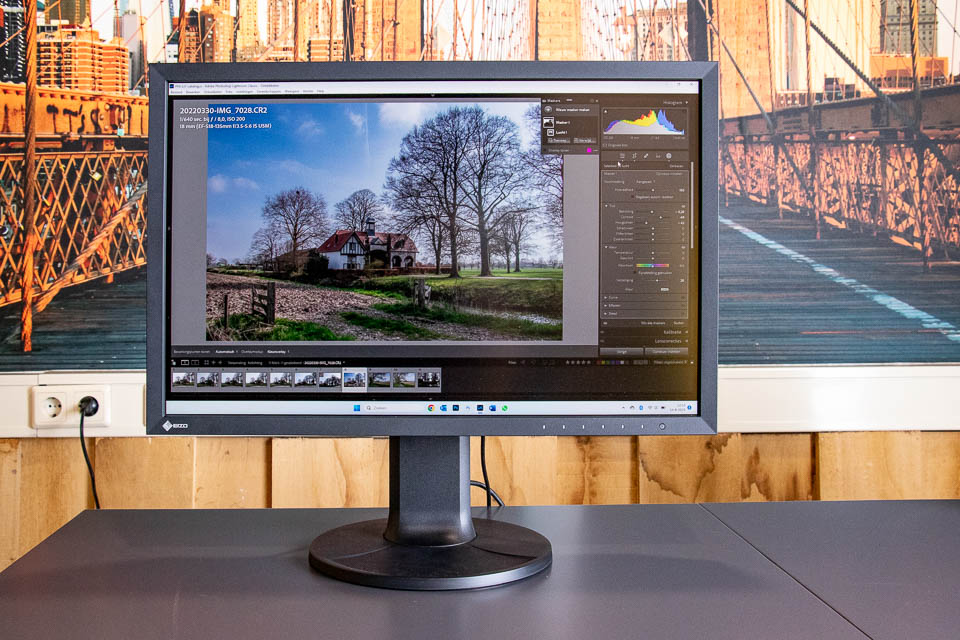
If you want to step into the world of Eizo monitors, the ColorEdge CS2400S is a great place to start. This 24-inch monitor may be an entry-level model, but it is well worth considering. I was given a unit to review.
The ColorEdge CS2400S is Eizo's latest monitor with a 24-inch screen diagonal and a resolution of 1920 x 1200 pixels. The number of pixels in height is slightly higher than the standard Full HD format of 1080 pixels. This gives you a little more space for editing photos.
Specifications
The specifications of the ColorEdge CS2400S are of course important. I have listed them for you.
- 24.1-inch (61.1-centimetre) screen diagonal with 60 Hz refresh rate
- Resolution of 1920 x 1200 pixels (pixel pitch is 0.27 mm)
- IPS (Wide Gamut) LED panel with a maximum viewing angle of 178 degrees and anti-glare display
- Via USB-C and HDMI in 10-bit with 1.07 billion colours, and via 8-bit with a maximum of 16.7 million colours
- Internal 16-bit Look-up table provides 278 trillion colour gradations from which the 10-bit palette is built
- DCI P3 (>95%), AdobeRGB (>99%), CMYK ISO Coated V2 (>99%), sRGB (100%)
- Maximum brightness of 450 cd/m2 with a contrast ratio of 1350:1
- USB-A dock (2x USB3 + 2x USB2)
- USB-C, HDMI and DisplayPort connections
- USB-C port with power delivery of up to 70 watts
- 18 watts power consumption (up to 149 watts with all (signal) ports in use and maximum brightness)
- Standby mode uses 0.3 watts, with the mains switch turned off this is 0 watts
- Built-in KVM switch for seamlessly switching between two connected PCs
- Dimensions 54 x 396-551 x 245mm and 8.2 kilograms
- Rotates up to 344 degrees, and tilts from 5 to 35 degrees
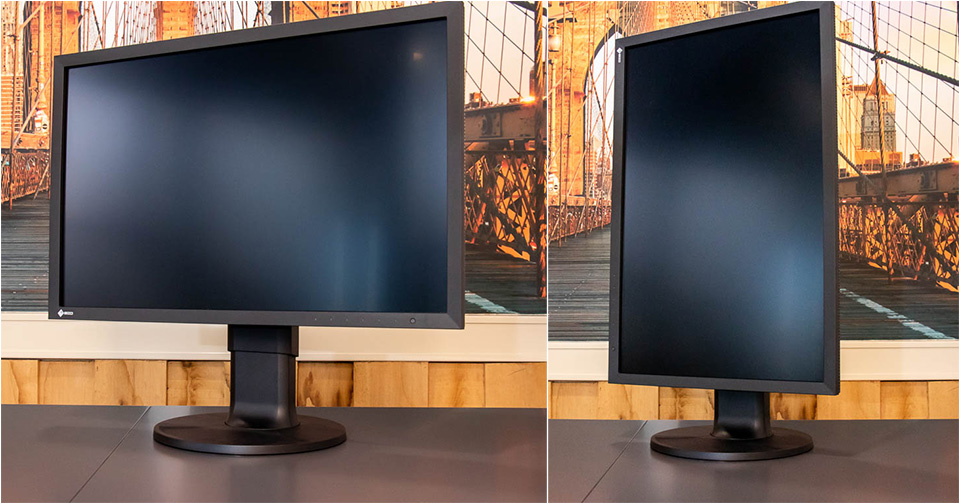
- Can be used in both landscape and portrait (pivot) orientation
- Height adjustable by up to 155mm
The appearance of the ColorEdge CS2400S
A 24-inch monitor is in fact the ideal monitor size. It is not as huge as a 27-inch screen, but still large enough to work with comfortably. The extra 120 pixels in height, 1200 instead of 1080, make the image look less narrow.
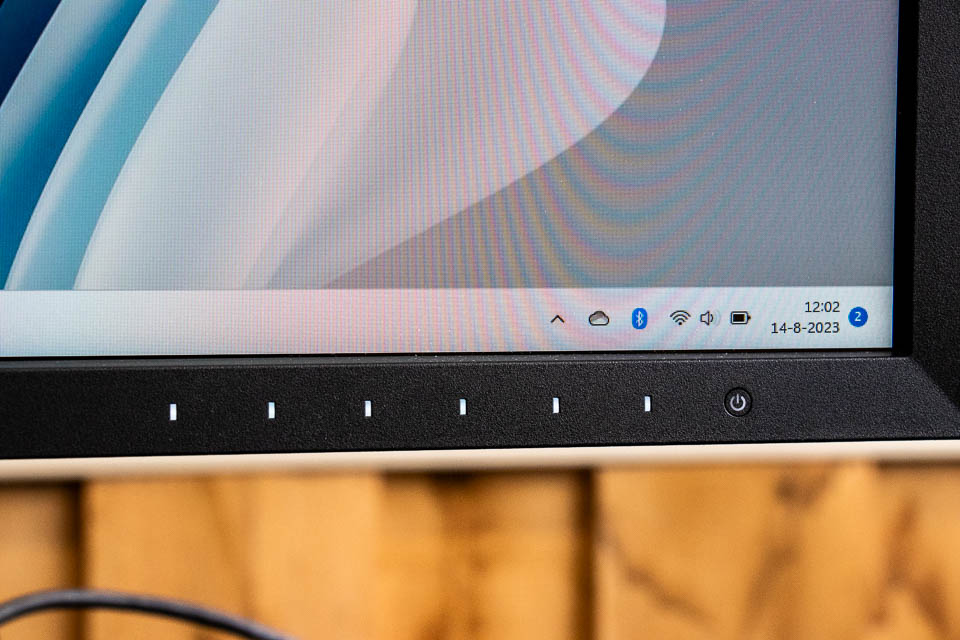
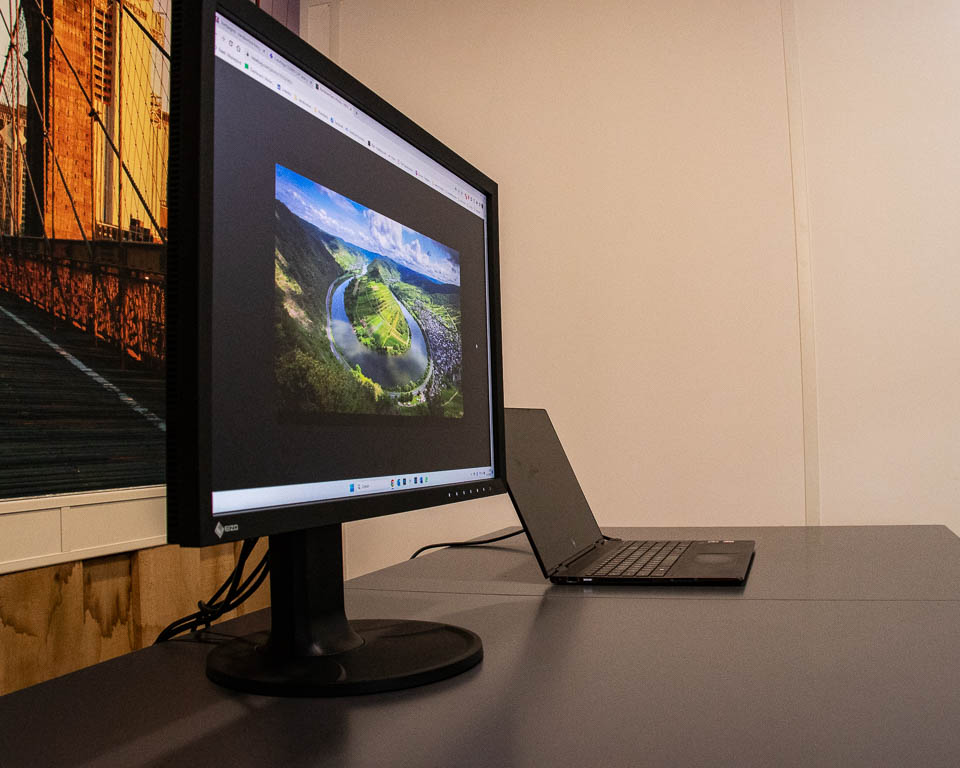
The appearance is clean and typical of modern Eizo monitors. The screen bezels have the right thickness for graphics displays. You will find the touch-sensitive controls for the menu and, of course, the on and off button. Touching the buttons makes them light up, and when not in use they are unobtrusive and dark.
The round stand gives the 8.2-kilogram monitor a stable base. You can rotate the monitor effortlessly. The height and angle of the monitor can also be adjusted. This allows you to set it up perfectly for your workspace.
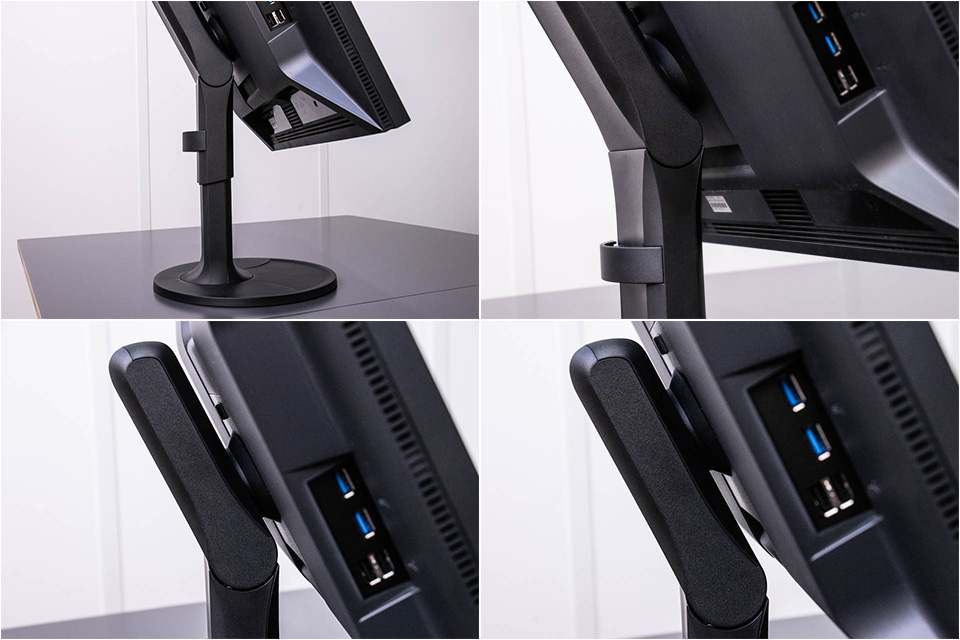
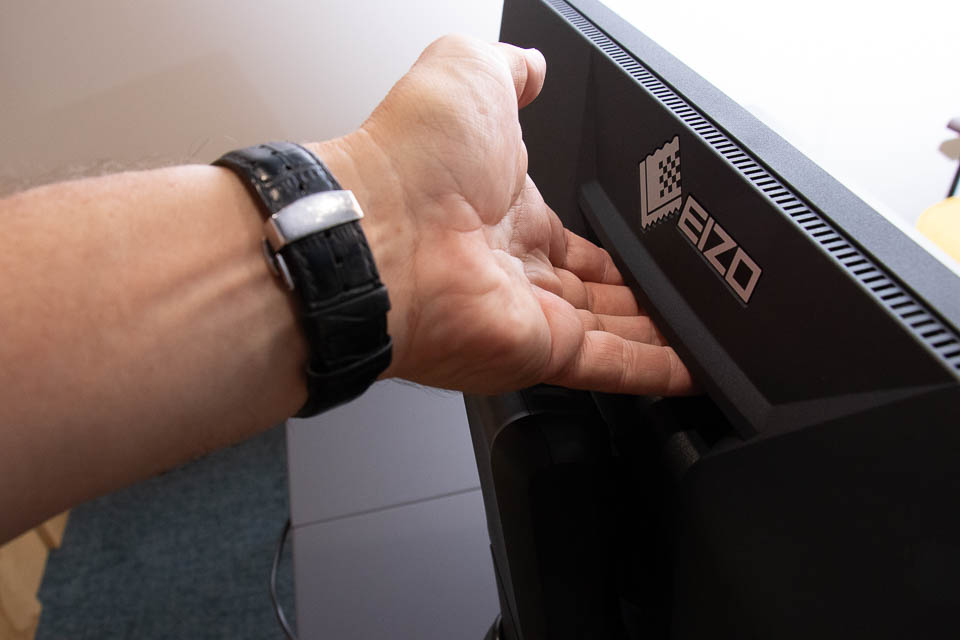
The stand has a cable clamp with enough space to hide all the necessary cables behind it. You do not need many cables, unless you make maximum use of the possibilities. There is an HDMI, a DisplayPort, a USB cable for the USB hub, and a USB-C connection.
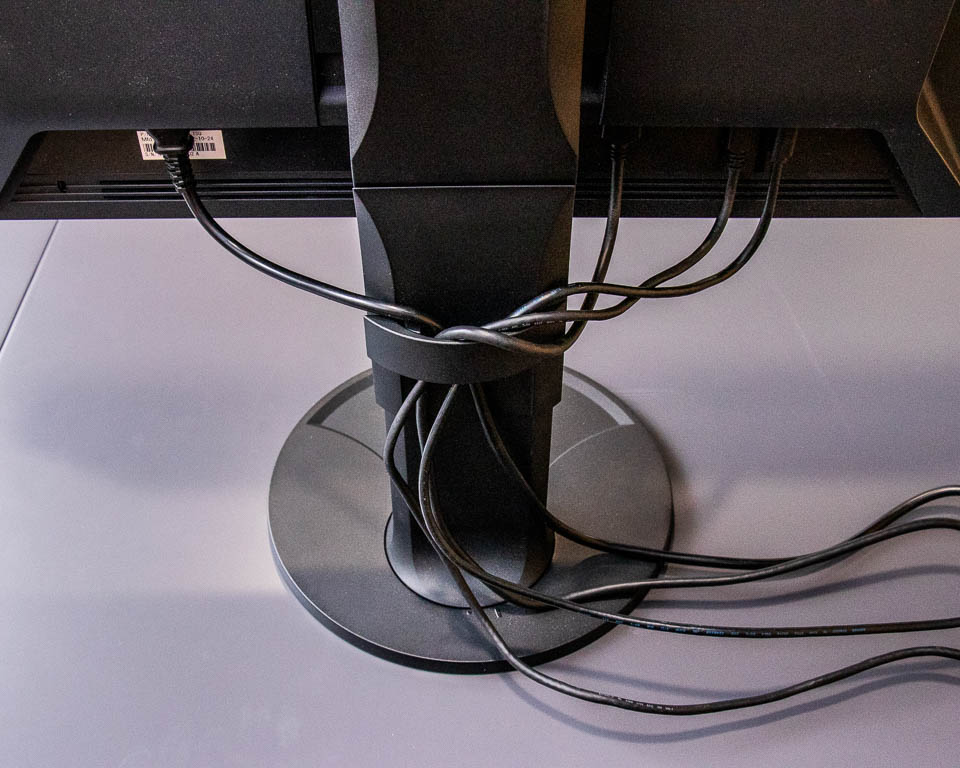
The USB hub is on the left-hand side. There are two USB2 and two USB3 ports available. If you use the USB-C connection to connect your computer, the USB cable for the hub is not needed.
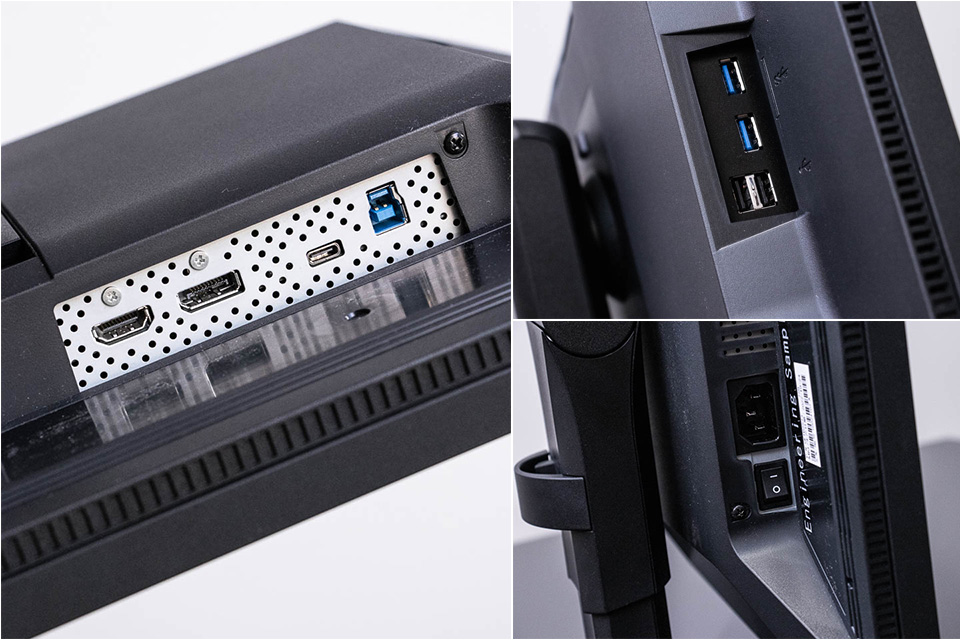
With the USB-C connection, you can use your monitor with a single cable, giving you a clean and tidy desk. If you use a laptop, the 70-watt power output can be used to charge it directly.
The menu
The ColorEdge CS2400S menu is operated with the six touch-sensitive buttons on the front. They light up when you use them, and a beep sounds when one is pressed. This sound can also be switched off in the menu.
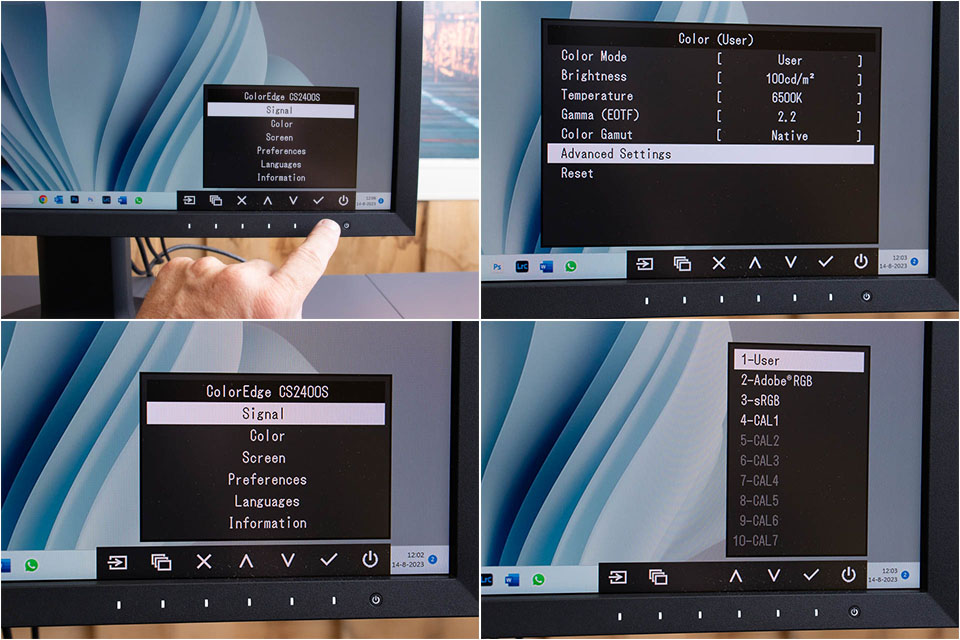
One of the touch-sensitive buttons lets you select the input signal directly, while another switches between the different configured colour spaces. There are also two shortcut buttons that you can programme yourself. The function of the buttons changes depending on the menu. The labels below the menu clearly show what each button does.
The display
The monitor offers four colour spaces. sRGB has 100% colour coverage, while AdobeRGB and CMYK ISO Coated V2 both have more than 99% colour coverage. DCI P3 covers 95% of the colours.
All settings can be adjusted manually, right down to individual colours. Seven different custom presets can be programmed. You can change these at the press of a button without having to go deep into the menu.
An internal Look-Up Table (LUT) is available, with a colour depth of no less than 16-bit. This cannot be selected or adjusted manually. The monitor uses this LUT to generate the 10-bit colour display that the monitor can show. This continuously optimises the colour display.
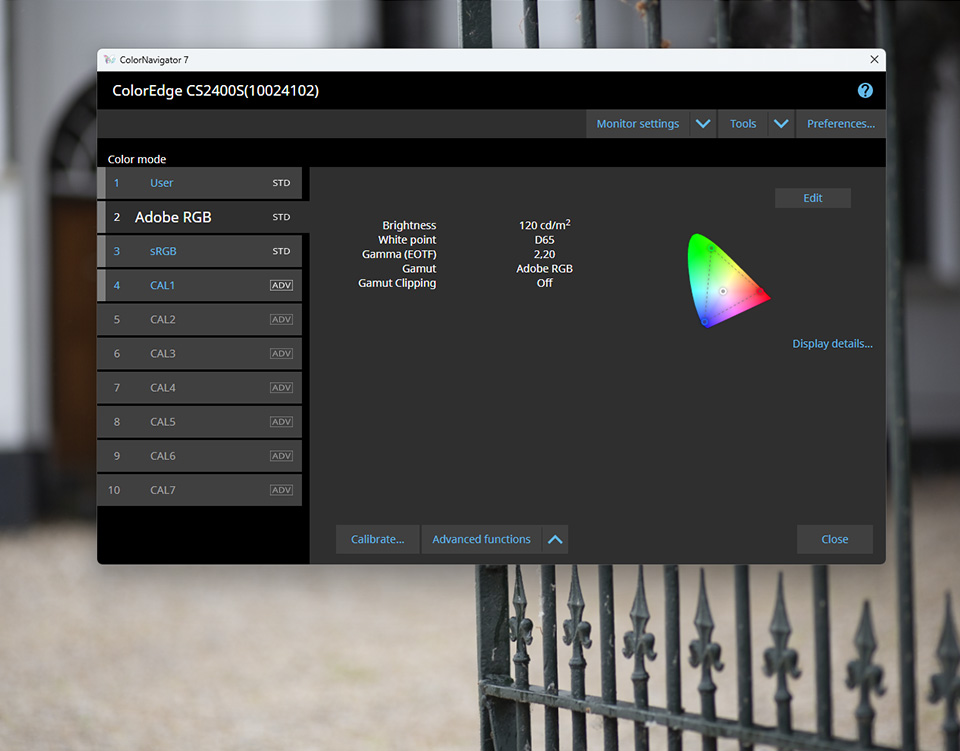
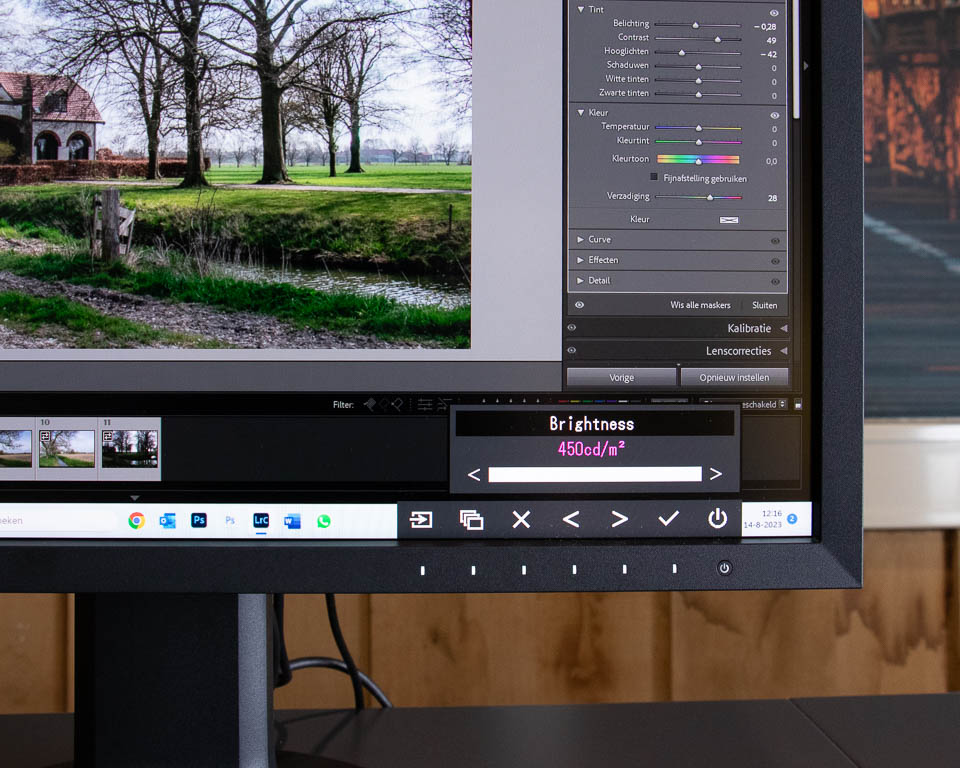
The monitor's brightness is matched to the selected colour space. You can adjust this manually up to a maximum of 450 cd/m2. The monitor's contrast is 1350:1.
Thanks to the wide 178-degree viewing angle, you do not need to sit exactly in front of your monitor for the best colour display. You can assume that virtually any viewing angle guarantees perfect contrast and colour reproduction.
The display has a matte finish that reduces reflections as much as possible. That does not mean that light sources cannot be reflected in it, but it is not a mirror in which you can see yourself. This makes it less distracting when there is a light source behind you, or when you are sitting in the light yourself.
Connections
The USB-C connection with 70 watts of power offers many possibilities for laptop users. With a single cable, your laptop can drive the display and receive data through the USB ports on the screen. This allows you to connect a mouse and keyboard to the monitor instead of to the laptop or a separate hub.
If you have a laptop and a desktop computer, you can connect both. The KVM switch recognises which input is active. If you have everything connected to the hub, you can use a single keyboard and mouse for both computers.
It is not compulsory to use USB-C for your video signal, by the way. The monitor also has DisplayPort and HDMI. Unfortunately, there is no USB-C connection on the monitor's hub. If you have external peripherals that use USB-C, you can only connect them via an adapter.
Conclusion
The Eizo ColorEdge CS2400S is a superb monitor with a large number of features that will certainly appeal to photographers and graphic designers. In terms of settings, the monitor is not as extensive as Eizo's more expensive and professional monitor range. But it is more than enough to make it a very capable monitor.
Some menu options are not immediately clear if you are not an expert, and unfortunately there is no good documentation. You therefore have to investigate for yourself to find out what these settings do. Think of settings such as Gamut Clipping and Picture Expansion. Fortunately, the latter can be set to automatic.
These connections make it possible to connect a computer or laptop very easily. The power supplied via USB-C is a respectable 70 watts. This may not be enough for more high-end laptops.
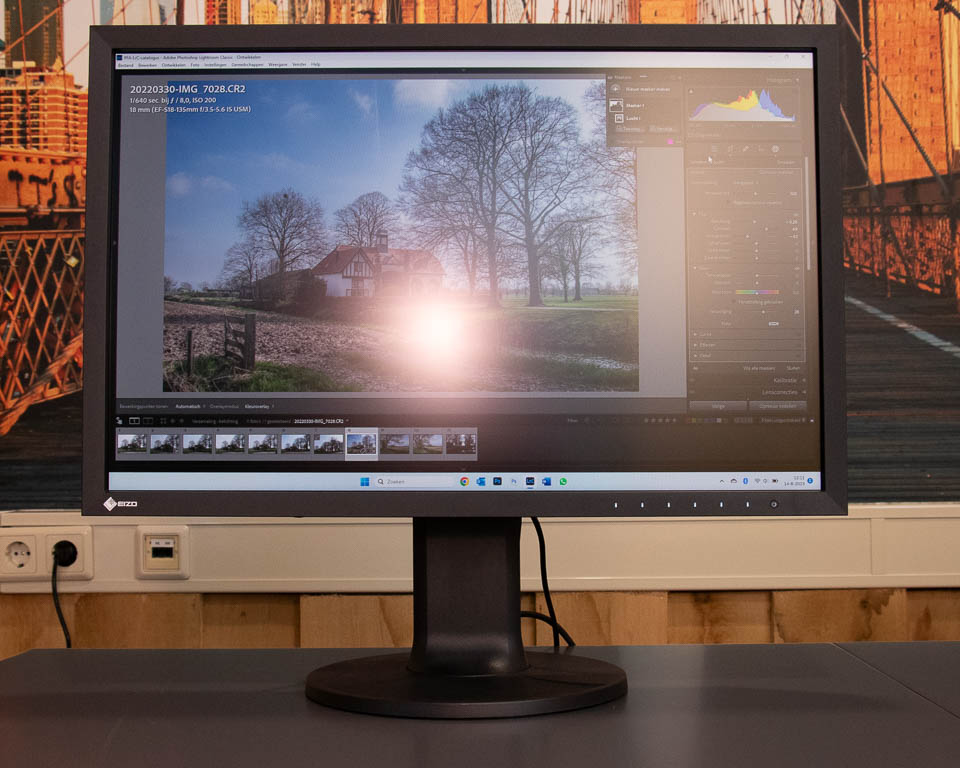
The screen is comfortable to look at, without distracting reflections. Thanks to the combination of resolution and screen size, text is perfectly legible. The extra pixels above the Full HD height may seem negligible, but they provide a little more room for displaying photos.
I cannot say much about the colours and uniformity across the display. I do not have a colour meter or other measuring equipment to check the values specified by the manufacturer.
What I can say is that the display looks perfect to the eye. Brightness gradients blend smoothly into one another, without any banding. There is no difference in brightness towards the edges, which indicates that the Digital Uniformity Equalizer is doing its job well.
Pros
- Resolution of 1920 x 1200 pixels provides much more space in height
- Fantastic, calm and pleasantly flicker-free image
- The Eizo Digital Uniformity Equalizer ensures even brightness across the entire surface
- No reflective image
- Wide viewing angle
- Pleasant and clear menu, although some options are at expert level
- Easy switching between colour spaces and input signals
- Switching between two computers is possible via the KVM switch
- USB-C connection provides 70 watts for charging a laptop or other device
- ColorEdge calibration software available
- Monitor has hardware calibration for brightness, white point and gamma, among other things
- Light hood available as an accessory
- 5-year warranty and environmentally friendly packaging
Cons
- USB-C power delivery is 'only' 70 watts
- USB connections only on the dock, no USB-C
- Bezel thickness makes the monitor unsuitable for multi-monitor setups
- The purpose or reason for the Gamut Clipping and Picture Expansion options in the menu is not explained anywhere
- Light hood not included
- Despite its keen price, it may still be above the budget of a larger group of enthusiasts
If you are looking for a quality monitor, the Eizo ColorEdge CS2400S is a superb monitor that will give you many years of enjoyment. The hardware calibration guarantees accurate colour reproduction. Eizo also offers the option of carrying out an additional check over time using external Eizo software. This ensures that even after the 5-year warranty, you have a monitor you can rely on. I can certainly recommend the monitor.
The Eizo ColorEdge CS2400S is available for 812 euros. An LE version is also available. However, this limited version of the monitor has one disadvantage. It does not work with Apple computers with an M1 or M2 chip. This will be possible later with a firmware upgrade, but with a maximum refresh rate of 30 Hz.
This limited version is therefore only suitable for Windows users. The price of this LE version is 659 euros, which is much lower than the standard version.
About the author
Nando Harmsen has been photographing for more than 40 years. He specialises in wedding photography and landscape photography. Nando also gives talks, workshops, masterclasses and photo trips, and regularly reviews new and interesting equipment.
You might also like
-
 Review of the Eizo ColorEdge CG3100X monitor
by Nando Harmsen
-
 Review: Eizo ColorEdge CS2731 monitor
by Nando Harmsen
-
 Review: Eizo CS2740 ColorEdge 4K monitor
by Elja Trum
-
 Review: Eizo ColorEdge CG 2700S monitor
by Nando Harmsen
-
 Eizo introduces a new 24-inch monitor, and a limited edition
by Nando Harmsen
-
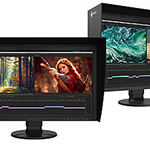 EIZO introduces two new 27-inch ColorEdge monitors
by Nando Harmsen
0 comments
Be the first to share what you think!
Have your say
Please note: Articles older than a week can only be commented on by signed-in visitors.Would you still like to comment? sign in or create a free account.
Become a better photographer every week
A practical photography tip in your inbox every week.
39,077 photography enthusiasts already receive the tips! More about the weekly mail. Or keep up to date via  Facebook.

Elja Trum
Photofacts; everything to do with photography!
Would you like to take better photos and keep up with what is happening in photography? Photofacts publishes articles that teach you something about photography — from a product announcement to a practical shooting tip or a look at a website. Photofacts covers photography every day and is a hobby project of Elja Trum's that got out of hand. The articles are written by a team of volunteer authors. If you would enjoy writing one or more articles for Photofacts, do get in touch.More about PhotofactsPhotofacts is made possible in part by
