

Review of the Eizo ColorEdge CG3100X monitor
Friday 9 October 2026, 14:07 by Nando Harmsen | 840 views | 0 commentsThis article was translated from Dutch with the help of AI. Read the original.
There are many monitors to choose from. At the top end, you will find Eizo monitors. They are perfect for graphic work, including photography and video. We take a close look at the ColorEdge CG3100X with its 30.5-inch screen.
A 24-inch monitor used to be a good size. With high-resolution photo files, working on a 27-inch monitor is often a little more comfortable. If you want something larger, the 30.5-inch model might be for you.
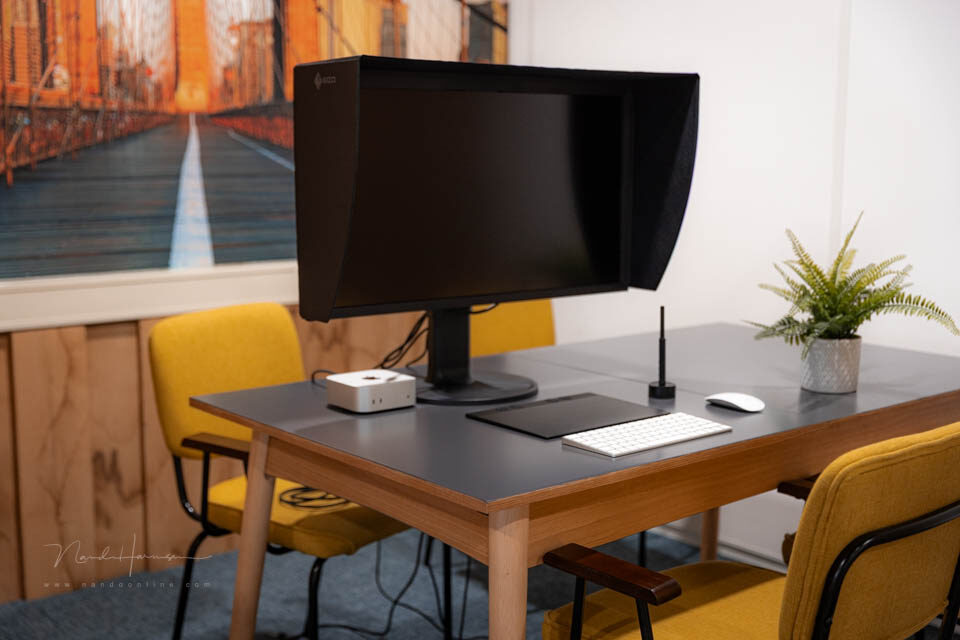
The Eizo ColorEdge CG3100X monitor
In metric dimensions, a 30.5-inch screen measures 77.5 cm diagonally. It is a large screen that, according to the 'viewing distance rule', requires you to sit 1.5 metres away for a 1.5x viewing distance.
However, with the 'pixel peeping' we photographers do when editing, that large size can be very useful. Do remember, though, that larger does not mean a higher resolution. The monitor remains 4K, even at 30.5 inches.
Technical specifications
Before we look at the monitor, it is useful to list some specifications. This is important to see what the monitor is capable of.
- Screen size 30.5 inches (77.5 cm)
- Wide-Gamut LED panel
- Native resolution of 4096 x 2160 pixels (16:9)
- Pixel pitch 0.167 x 0.167 mm (152 ppi)
- 10-bit display (24-bit LUT) with 1.07 billion colours
- Brightness of 500 cd/m2 and 1800:1 contrast ratio
- 15 ms response time and maximum 60 Hz
- Colour gamut of 97% AdobeRGB and 99% DCI-P3
- USB-C, DisplayPort and HDMI input signal
- 94W power delivery
- 2x 5Gbps USB-A and 2x USB-A 2.0 connections
- USB-LAN adapter
- Power consumption of 86W (270W maximum) and 0.5W standby
- Built-in calibration sensor and free ColorNavigator 7 software
- Preset modes BT.2020, BT.709, DCI-P3, PQ_DCI-P3, HLG_BT.2020, Adobe RGB, sRGB
- Dimensions without stand 721 x 413.9 x 87.2 mm
- Weight 12.3 kg
- Tilt 35 degrees upwards and 5 degrees downwards
- 344-degree rotation on the base and 155 mm height adjustment
- Light-Shielding Hood included
Numbers are useful, but they do not really show what the CG3100X is like. What does the monitor look like when it is on your desk?
First impressions
The CG3100X is strikingly large. If you have a small desk, it may be too large. You also do not want to sit too close to it. You will lose the overall view of the screen.
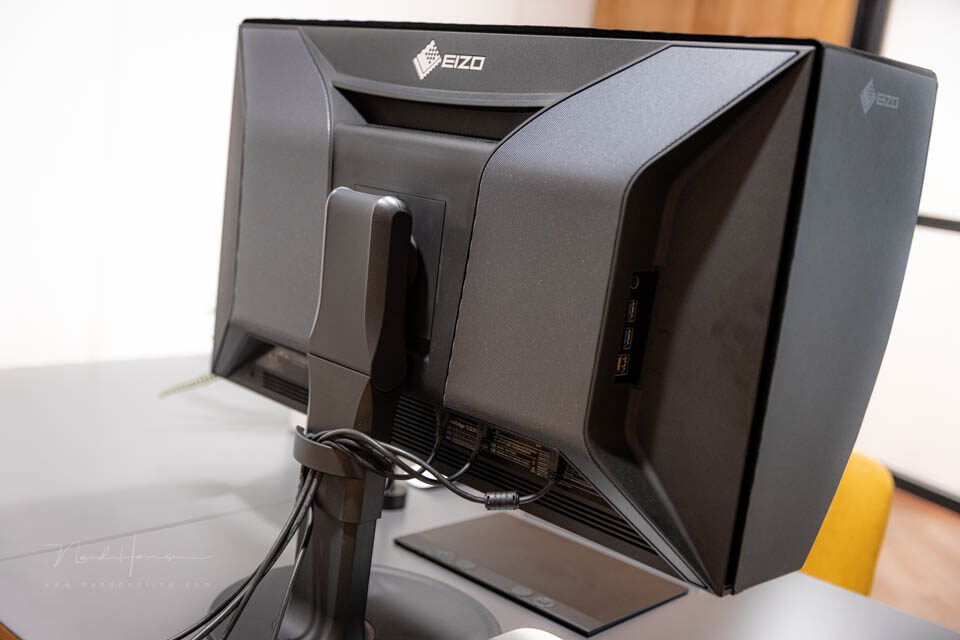
A neat finish on the rear with built-in speakers.
The appearance of the CG3100X matches the other Eizo monitors in the CG series. There is little that is new in that respect. This is a good thing, because a proven design does not need to be changed.
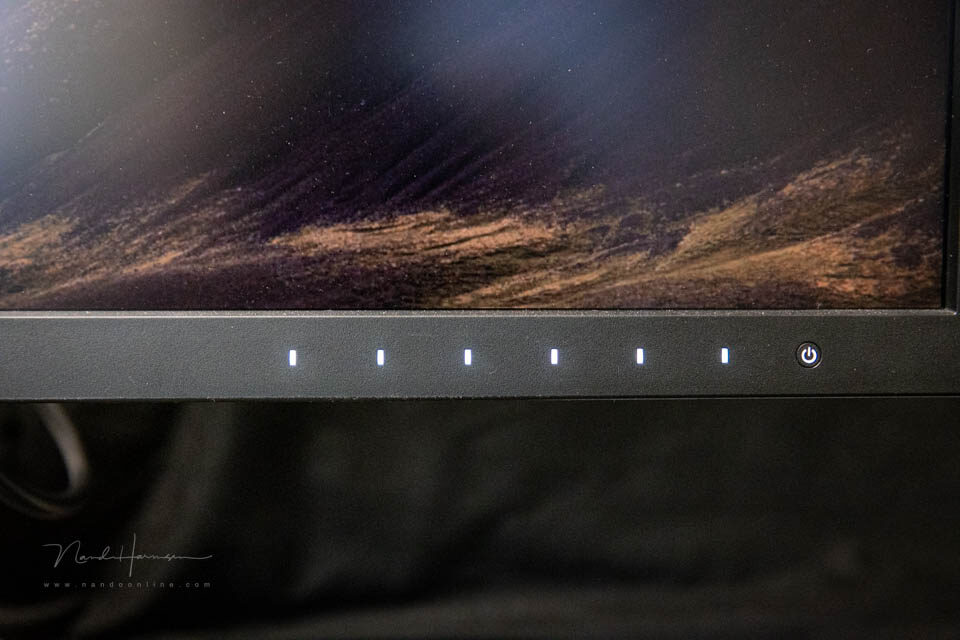
Illuminated touch-sensitive controls.
The monitor has wide bezels, with a raised section at the top. The calibration sensor is hidden inside it. The controls are illuminated touch-sensitive buttons. There is a physical switch on the rear.
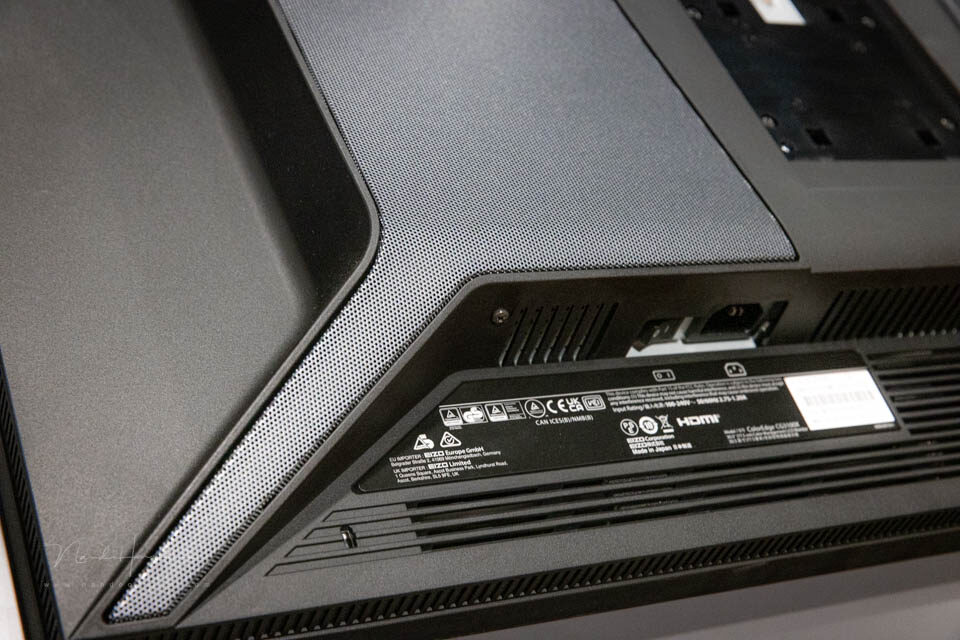
The rear has a main power switch, if you do not want to leave the monitor in standby.
The main connections are on the rear. Cables can be bundled using a cable guide on the stand. It is well designed and provides room for all the cables.
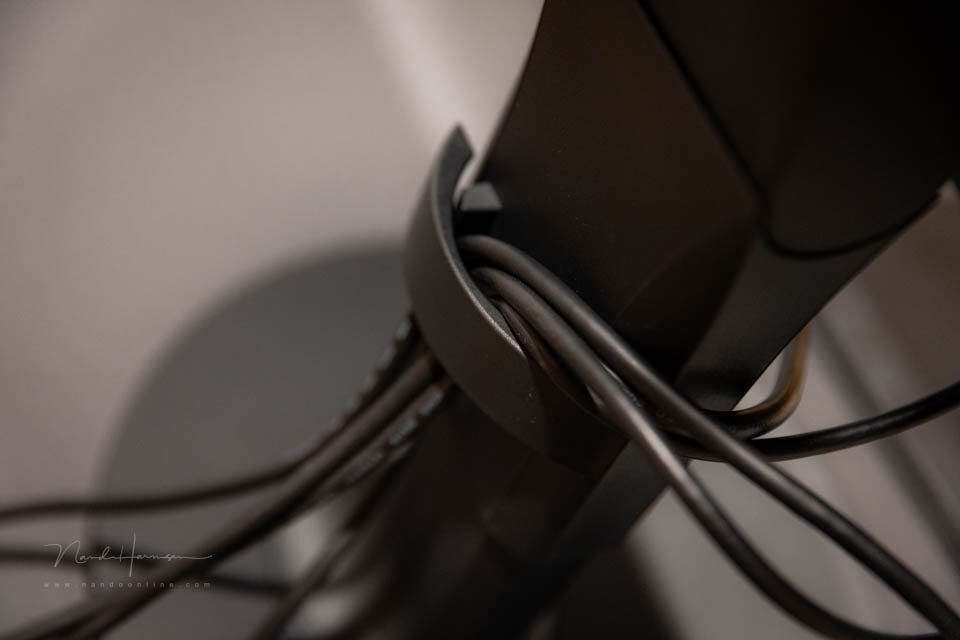
A spacious and user-friendly cable guide.
On the side, you will find the remaining connections, consisting of four USB-A ports and a headphone connection.
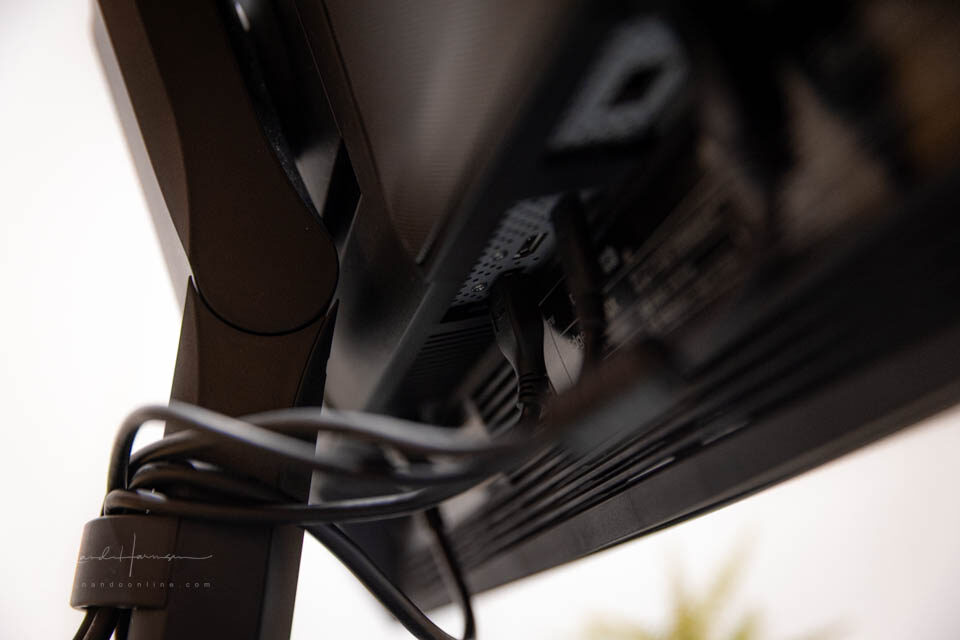
The main connections are on the rear. Tilt the monitor backwards to access them.
The monitor can easily be adjusted in height. It can be tilted, but not rotated. For a screen of this size, that would not be practical anyway. The monitor has a universal 100mm VESA mount.
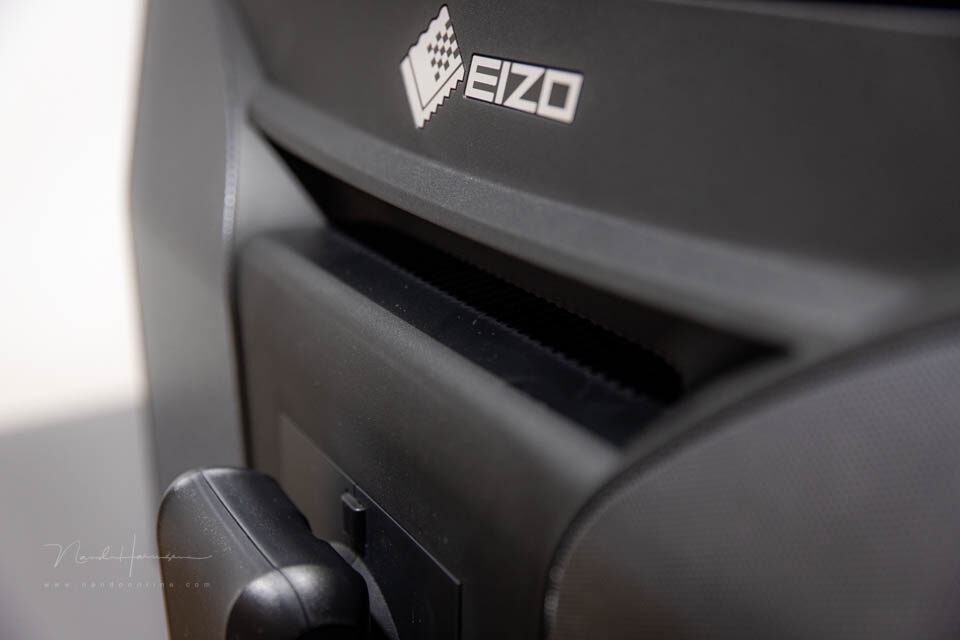
If you want to move the monitor, the handgrip makes it easy and safe.
One cable for everything
The CG3100X is designed to work as a multi-port USB hub. Connect an Ethernet cable to the monitor, along with other USB peripherals.
All communication and control take place through the USB-C connection. It also supplies 94 W of power, which is enough to charge a laptop. This keeps your workspace free from cables.
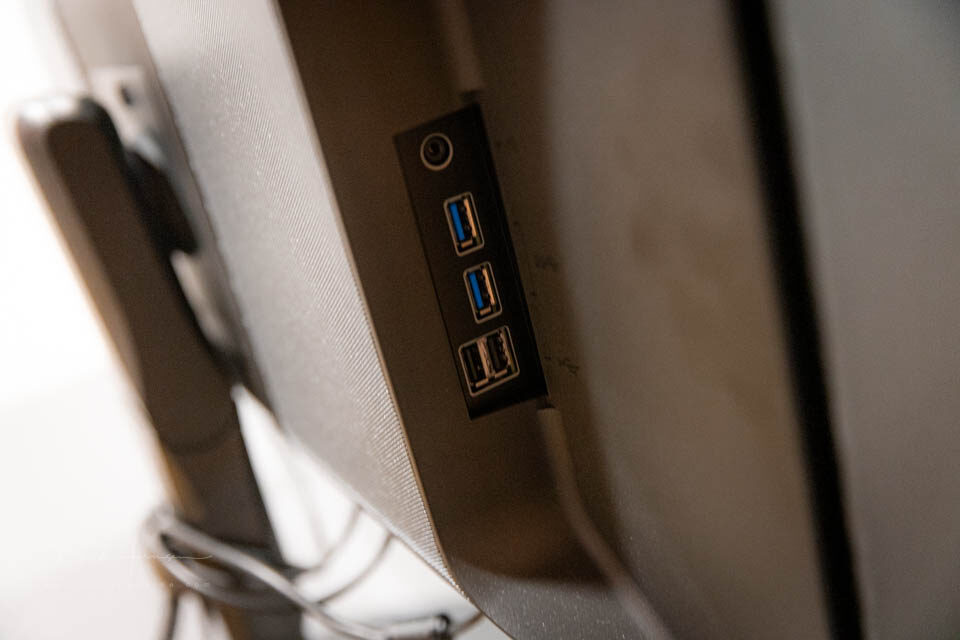
The USB-A hub, including the headphone connection. Why no USB-C connections?
The peripherals you want to connect must have a USB-A connection. The monitor has no additional USB-C connections. This is a shame, as USB-C is now the standard.
Would you rather use a DisplayPort or HDMI connection? That is possible too. You could even connect several computers and switch between input signals.
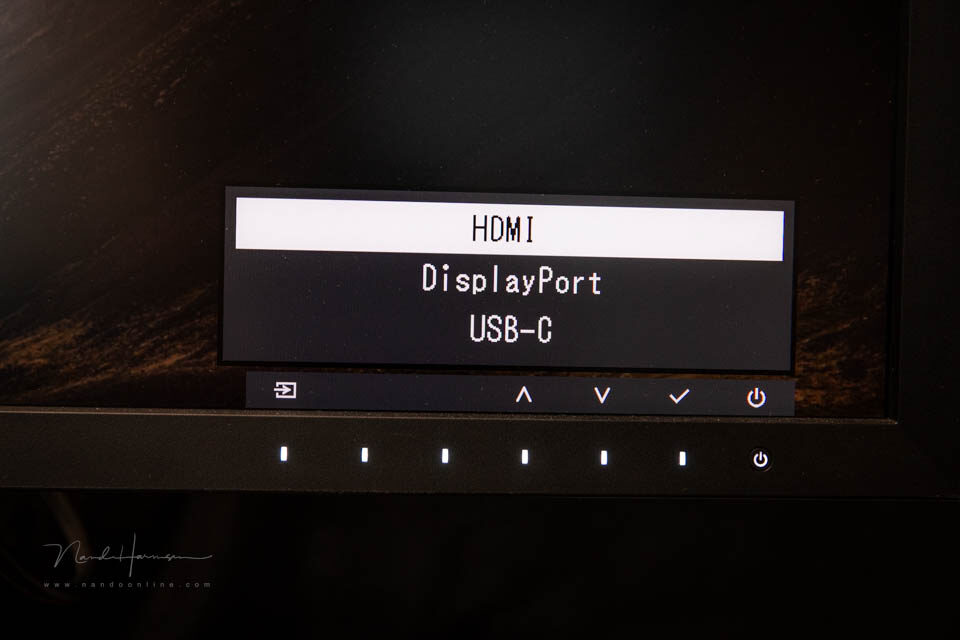
Choose the desired input signal. In principle, you could connect three computers and switch between them when needed.
Using the screen
We do not have measuring equipment to check the brightness or colours of the screen. We therefore have to rely on the information Eizo provides in the specifications.
The screen has a matte finish. This is comfortable to look at because it does not act like a mirror. Light is still reflected, but as a patch. The Light-Shielding Hood helps prevent unwanted light from entering.
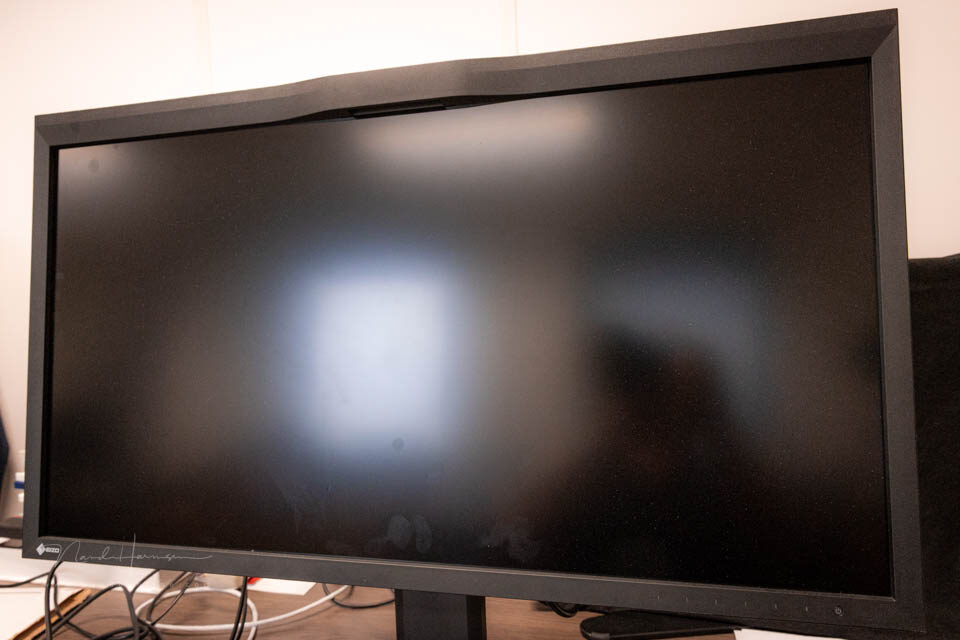
The matte screen is not a mirror, but light is still reflected in it. Watch out for fingerprints. They are easy to wipe off, of course.
The display is bright but not too bright. It is perfect for post-processing and video editing. Tools such as a Luminosity warning are built in, showing clipped highlights.
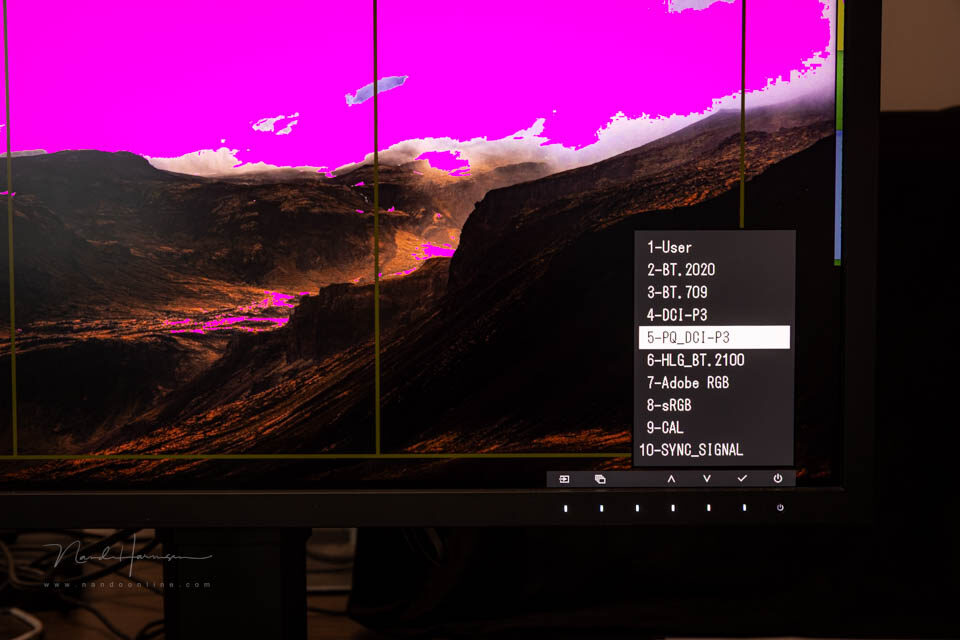
Clipping can be made visible. A useful feature. Pay attention to the colour spaces you can choose.
There is a 4K zoom function to show details even more clearly. Aspect ratios can be enabled as an overlay. These markers help when working as a graphic designer.
A built-in calibration sensor is a feature of these monitors. You can have the monitor calibrated periodically without any worries. This ensures that the display is always accurate.
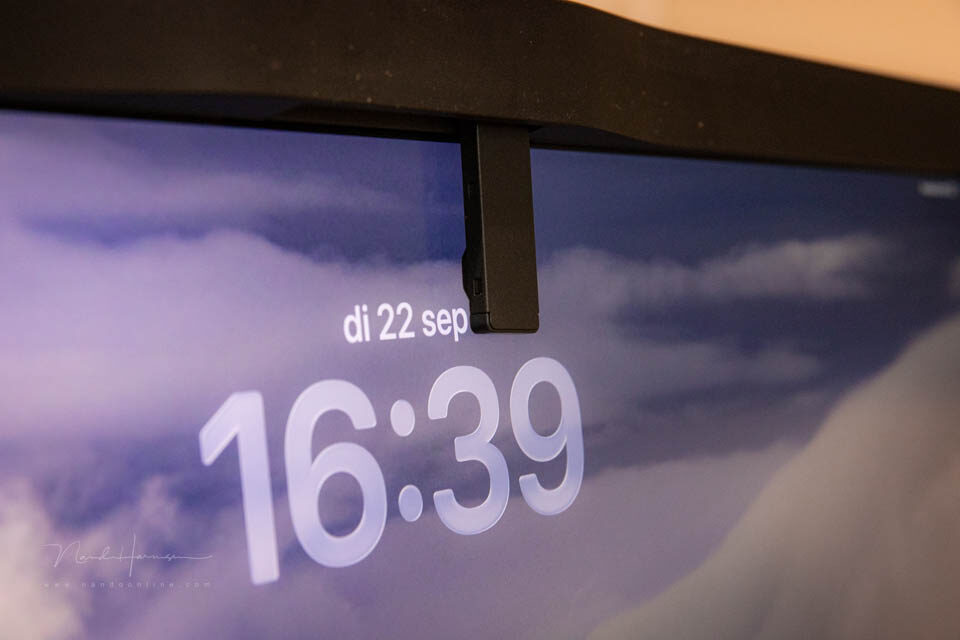
Have the monitor calibrated automatically at regular intervals. You can continue working during calibration.
Conclusion
The Eizo ColorEdge CG3100X is comparable to the monitors in the same series. The main difference is its size. At 30.5 inches, it is a substantial monitor that will not suit every desk.
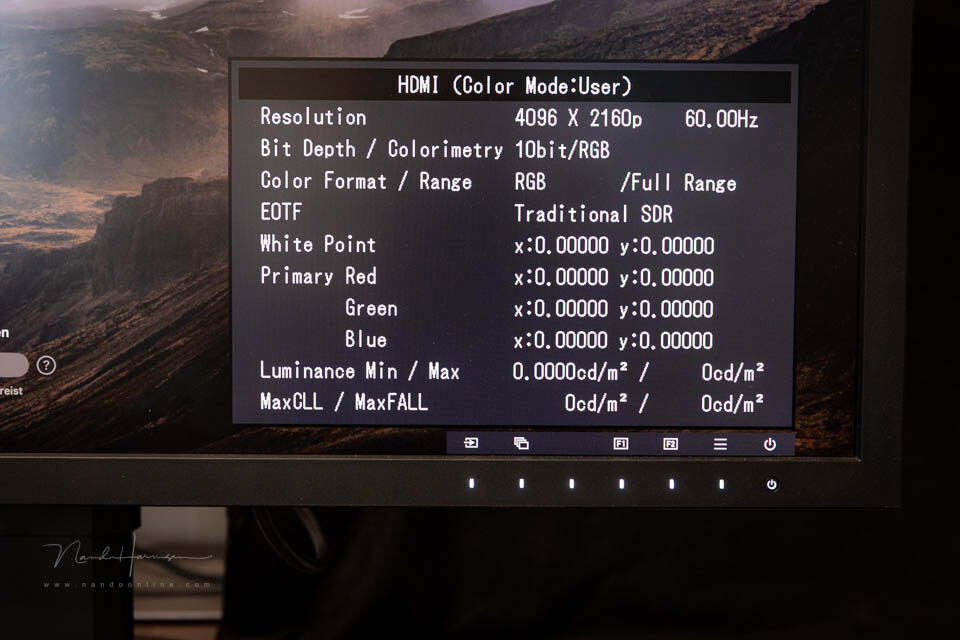
All the information at a glance.
The features of the ColorEdge CG3100X make it a perfect monitor for professional use. With all the colour spaces that can be set, you can be sure that the image is exactly as you want it.
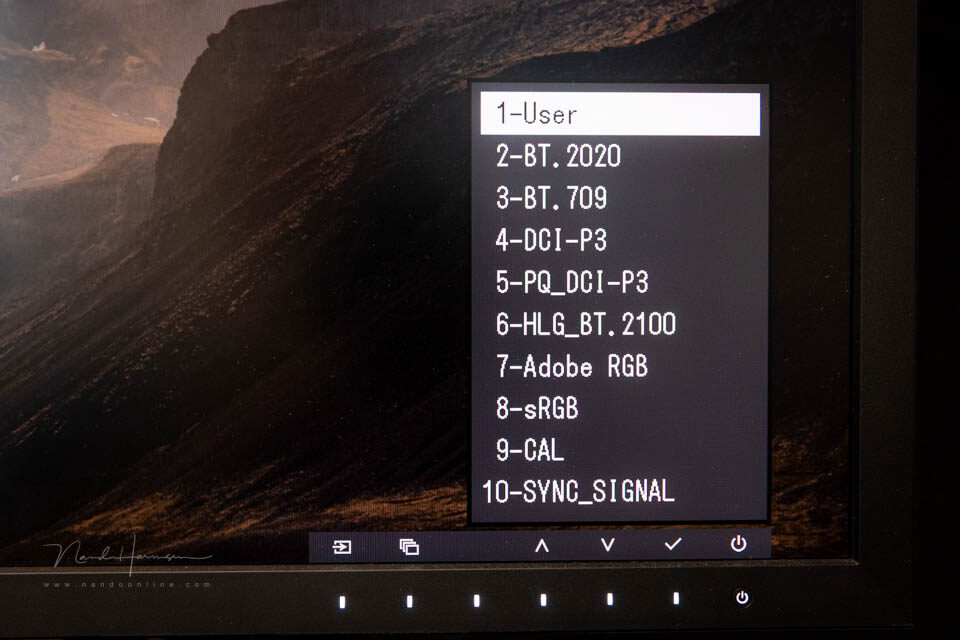
Choose a colour profile or create your own colour profile. You can set everything exactly as you want it.
The ColorEdge CG3100X can work as a multi-port USB hub. This is useful and saves cables and complicated connections. The lack of additional USB-C connections is a drawback.
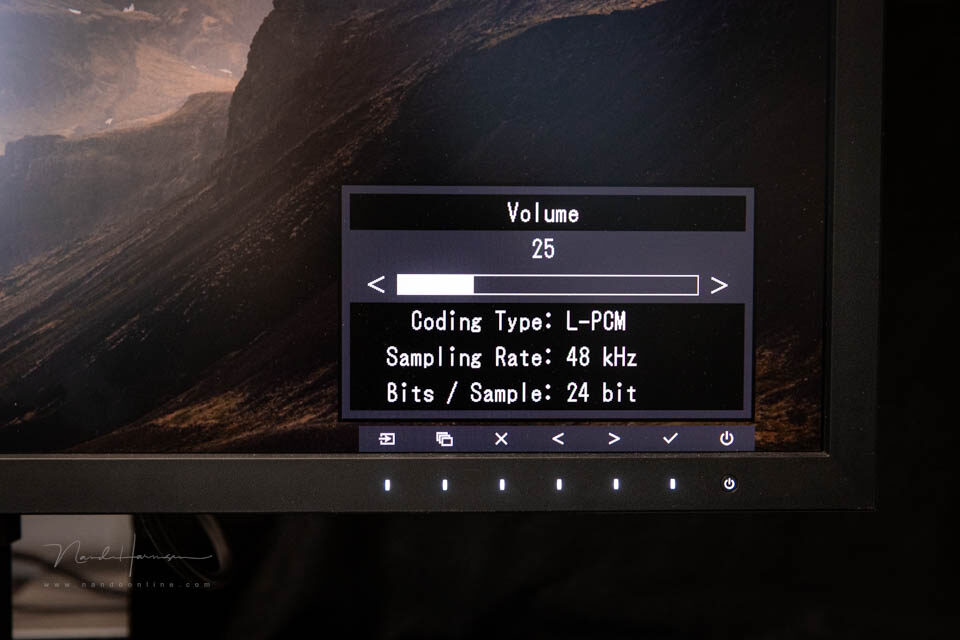
Speakers are built in. Very useful. For truly good sound, you will always need an external speaker.
The Eizo ColorEdge CG3100X is certainly recommended. Do keep the price in mind. At 5,377 euros, this monitor is aimed at the professional market.
Eizo alternatives
Are the specifications interesting, or even what you need? Is the monitor too large for you? You can always opt for the smaller models.
Choose a ColorEdge CG2700X with a 27-inch screen. This monitor is also available with a slightly lower resolution, the CG2700S. Read our review of this model via this link.
Thanks to Eizo for providing the monitor.
About the author
Nando Harmsen has been photographing for more than 40 years. He specialises in wedding photography and landscape photography. Nando also gives talks, workshops, masterclasses and photo trips, and regularly reviews new and interesting equipment.
You might also like
-
 Review: Eizo ColorEdge CS2731 monitor
by Nando Harmsen
-
 Review: Eizo ColorEdge CG 2700S monitor
by Nando Harmsen
-
 Review: Eizo CS2740 ColorEdge 4K monitor
by Elja Trum
-
 Review: Eizo ColorEdge CS2400S 24-inch monitor
by Nando Harmsen
-
 Eizo’s ColorEdge CG3100X monitor announced
by Elja Trum
-
 EIZO introduces two new 27-inch ColorEdge monitors
by Nando Harmsen
0 comments
Be the first to share what you think!
Have your say
Please note: Articles older than a week can only be commented on by signed-in visitors.Would you still like to comment? sign in or create a free account.
Become a better photographer every week
A practical photography tip in your inbox every week.
38,938 photography enthusiasts already receive the tips! More about the weekly mail. Or keep up to date via  Facebook.

Elja Trum
Photofacts; everything to do with photography!
Would you like to take better photos and keep up with what is happening in photography? Photofacts publishes articles that teach you something about photography — from a product announcement to a practical shooting tip or a look at a website. Photofacts covers photography every day and is a hobby project of Elja Trum's that got out of hand. The articles are written by a team of volunteer authors. If you would enjoy writing one or more articles for Photofacts, do get in touch.More about PhotofactsPhotofacts is made possible in part by
