

No People in the Photo and Still No AI
Friday 11 July 2025, 16:32 by Nando Harmsen | 2,437 views | 4 commentsThis article was translated from Dutch with the help of AI. Read the original.
Are you at a public location? There are always people walking through your frame.
If you don't want people in the shot, you can use all kinds of AI tricks. Or you can use the old-fashioned method of taking multiple exposures.
I was in Iceland at a well-known black church on the beach. As with so many popular locations, it was busy with tourists.
If you don't want people in the photo, that becomes a challenge. The least inspiring way is to remove them with AI tricks.
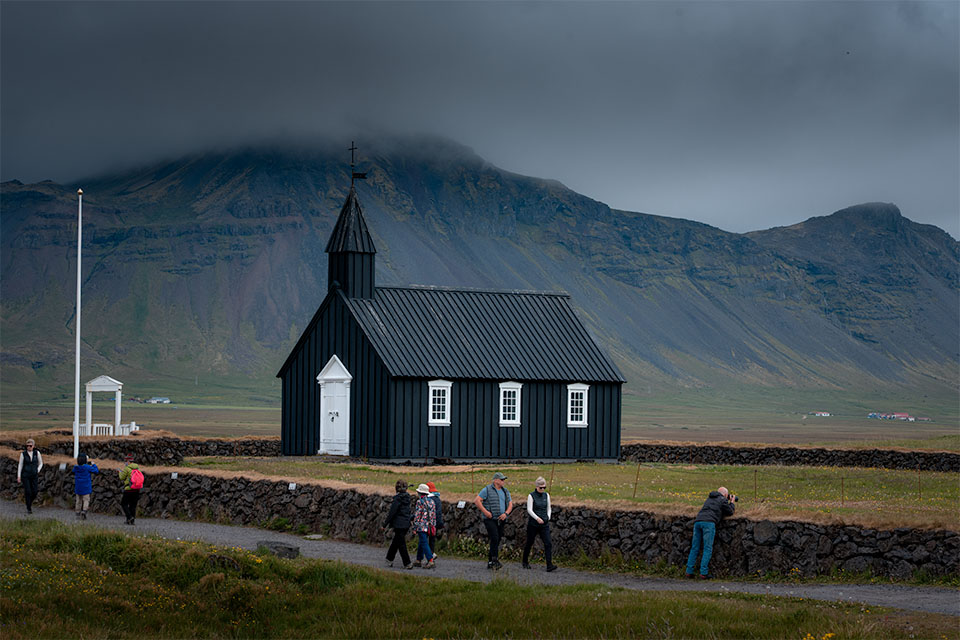
It can also be done differently, the old-fashioned way.
You can wait until everyone is out of the frame, but that can be difficult and time-consuming. It might not even work.
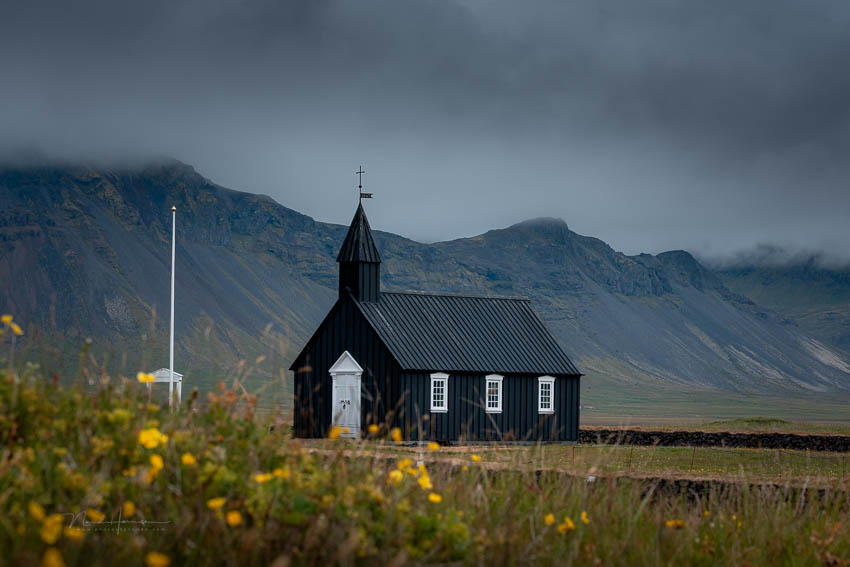
Do you have a tripod with you? Then you can use multiple exposures. You take one photo with people in one position, and another with people in a different position. You then combine these in Photoshop, using a mask to hide the people.
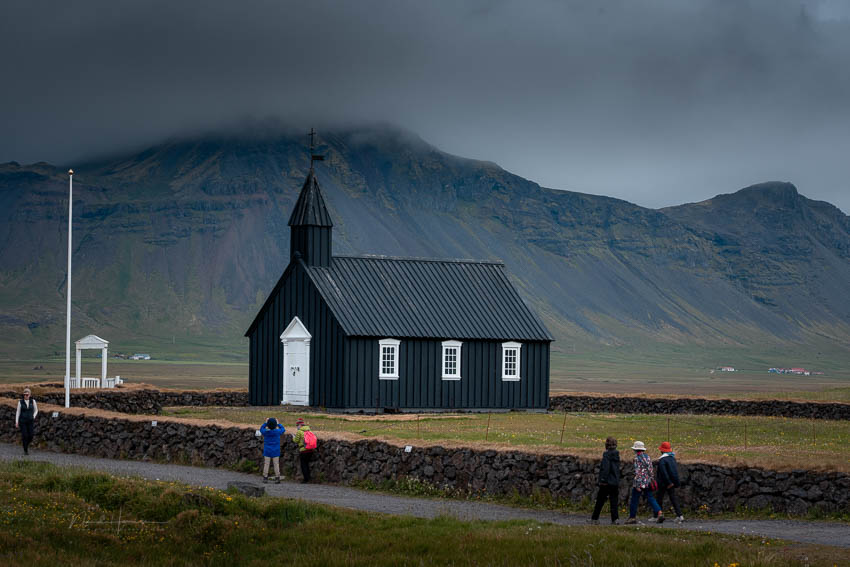
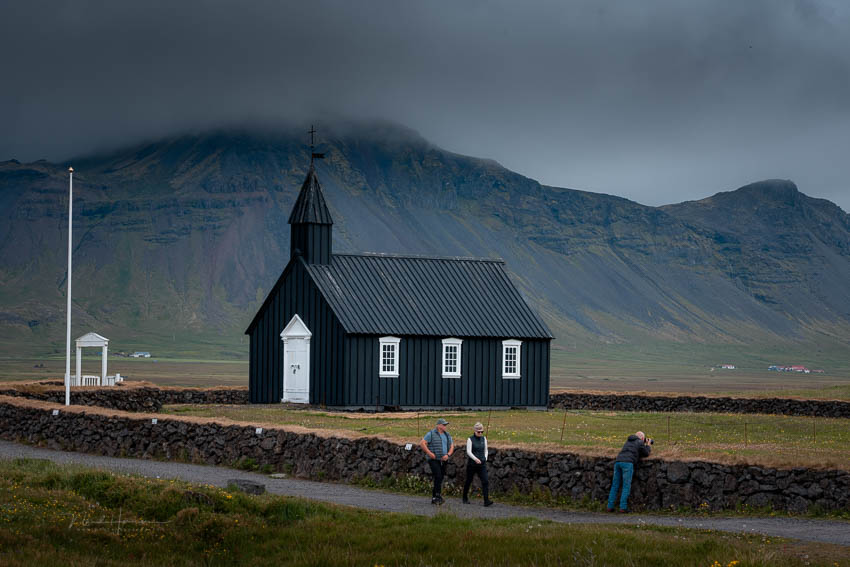
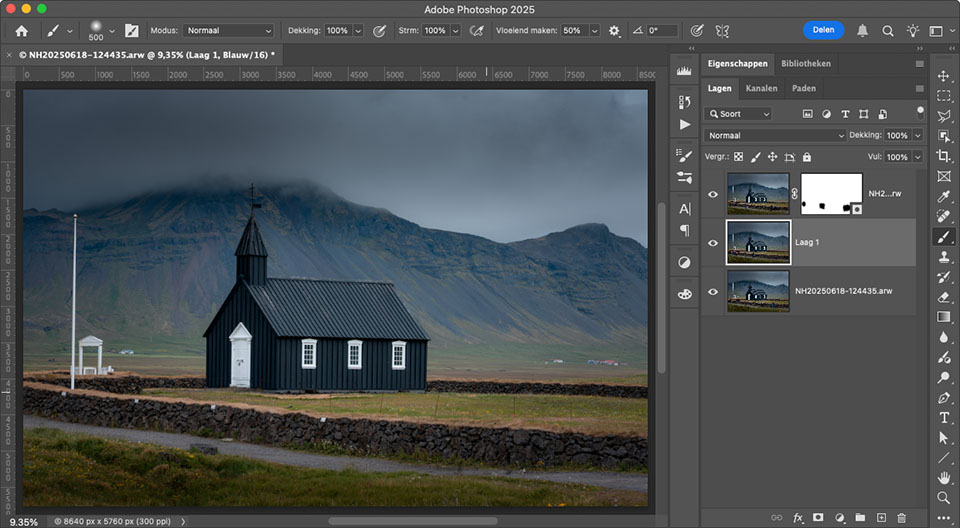
I think this is a neater way than using AI. With AI, the people are replaced by a piece of the surroundings invented by software. This can lead to strange results and things that don't exist.
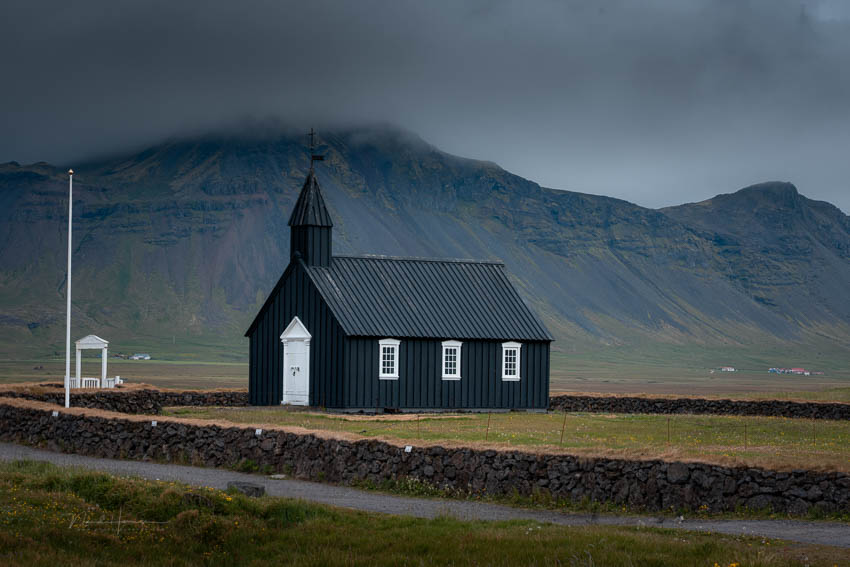
There are also situations where the technique of taking multiple shots doesn't work. Especially when it is very busy. But in that case, it might be better to accept the crowds as something that characterises the surroundings.
Or you can go back when there won't be anyone there.
In Iceland, that can be in the middle of the night during summer, because it never gets dark.
About the author
Nando Harmsen has been photographing for more than 40 years. He specialises in wedding photography and landscape photography. Nando also gives talks, workshops, masterclasses and photo trips, and regularly reviews new and interesting equipment.
You might also like
-
 Does AI generative removal make you a lazy photographer?
by Nando Harmsen
-
 The Hidden Costs of Using AI
by Nando Harmsen
-
 Review: Topaz DeNoise AI
by Michelle Peeters
-
 Adobe's AI credit system
by Nando Harmsen
-
Lightroom update with generative AI
by Nando Harmsen
4 comments
-

-

 Nando
wrote on Tuesday 15 July 2025 at 16:14
| reply
Nando
wrote on Tuesday 15 July 2025 at 16:14
| reply
Indeed. That option is there too.
Translated from Dutch.
However, that option does not always work, because sometimes people simply remain stationary in one place for too long. Or because of the long shutter speed, clouds or water appear blurred in the photo. That is not always what is wanted. -
 PvRFotografie
wrote on Wednesday 16 July 2025 at 15:08
| reply
PvRFotografie
wrote on Wednesday 16 July 2025 at 15:08
| reply
What you can also do instead of masking is import the photos as layers, create a smart object and then via Layer->Smart objects->Stack mode choose 'Median'. Photoshop removes all unwanted people that way. Which can be useful if you have many more people in the photos.
Translated from Dutch. -
 P. Kooijman wrote on Wednesday 16 July 2025 at 19:13 | reply
I would also choose a long shutter speed with an ND filter. If you have a tripod with you, at least.
Translated from Dutch.
Have your say
Please note: Articles older than a week can only be commented on by signed-in visitors.Would you still like to comment? sign in or create a free account.
Become a better photographer every week
A practical photography tip in your inbox every week.
38,937 photography enthusiasts already receive the tips! More about the weekly mail. Or keep up to date via  Facebook.

Elja Trum
Photofacts; everything to do with photography!
Would you like to take better photos and keep up with what is happening in photography? Photofacts publishes articles that teach you something about photography — from a product announcement to a practical shooting tip or a look at a website. Photofacts covers photography every day and is a hobby project of Elja Trum's that got out of hand. The articles are written by a team of volunteer authors. If you would enjoy writing one or more articles for Photofacts, do get in touch.More about PhotofactsPhotofacts is made possible in part by
