

Do you use your camera's My Menu yet?
Friday 3 December 2021, 22:44 by Nando Harmsen | 4,793 views | 2 commentsThis article was translated from Dutch with the help of AI. Read the original.
Cameras are crammed with features. These days, so much is possible that a camera's menu has become very extensive or even complicated.
Sometimes you can open a quick menu, and sometimes you can programme buttons. But do you use your camera's My Menu yet? It makes using your camera much easier.
A camera's menu can be a jungle. Fortunately, you only need to set many options once, and then you're done. Settings you need to change more often are often available through the camera's buttons. Think of the PASM setting, white balance and ISO.
There aren't enough buttons on a camera to make all the settings quickly accessible. That's why manufacturers introduced a quick menu.
On some cameras, you activate this with a Q button, such as on Canon and Fujifilm. Other cameras have an i button, such as Nikon, or an Fn button, such as Sony.
The quick menu gives you access to a number of functions that can often be programmed as well. This puts the most important settings within easy reach. That's useful.
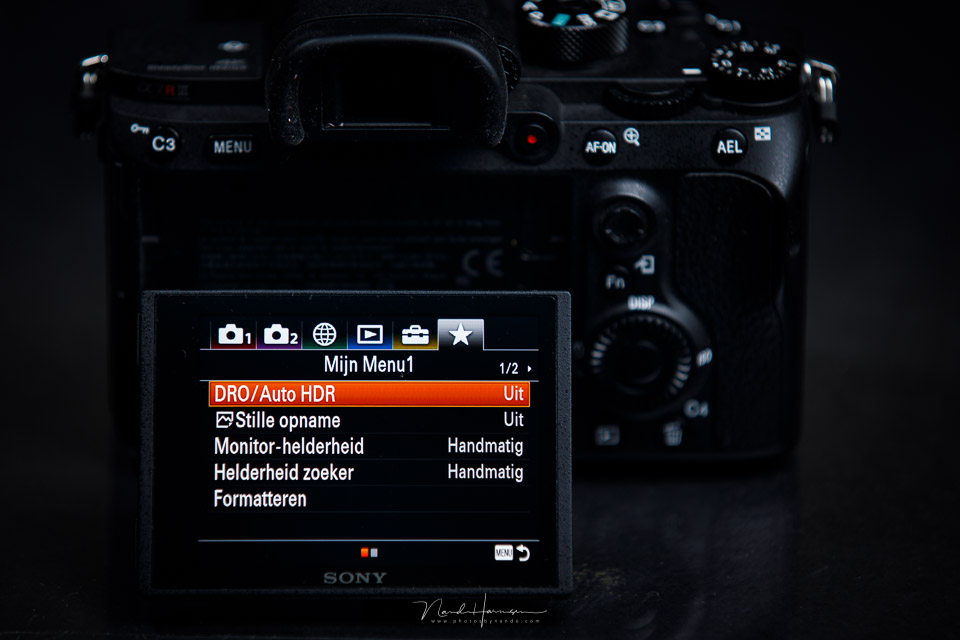
There are also functions that you use less often. Many of these functions cannot always be added to the quick menu either. You often cannot assign them to a button. This means that you often have to delve deep into the menu for these functions.
These can be functions such as the brightness of your LCD/EVF screen, formatting your memory card, or checking the battery status.
But other functions such as bracketing, focus stacking, bulb timer or interval shooting can also be spread across several tabs in the menu. Wouldn't it be useful if you could put them together?
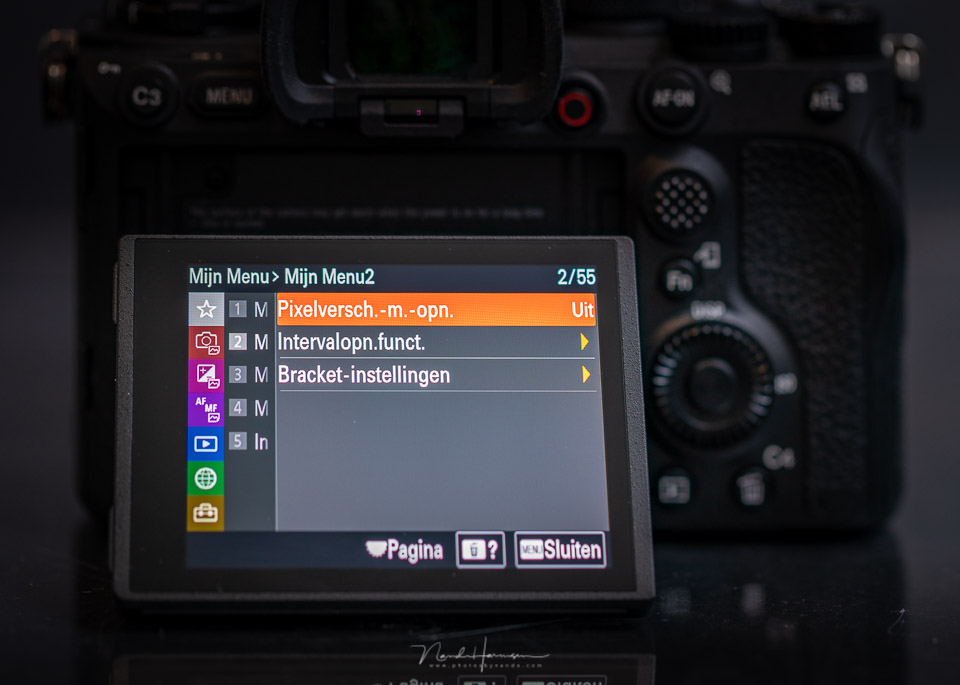
Most camera brands now have a My Menu built into their menus. This is a tab where you can collect your own selection of menu options and functions, making them very quickly accessible. This keeps them within easy reach without having to delve deep into the menu.
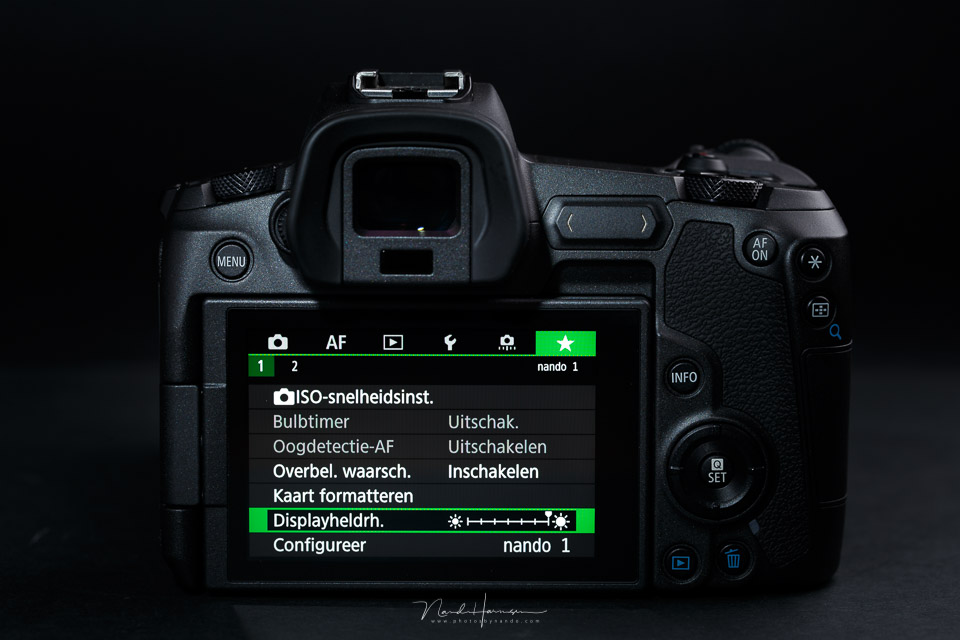
It is amazing how many photographers still don't use this built-in feature of their camera.
They programme buttons to suit their own preferences, adjust a quick menu and personalise their camera in this way. But My Menu is often overlooked.
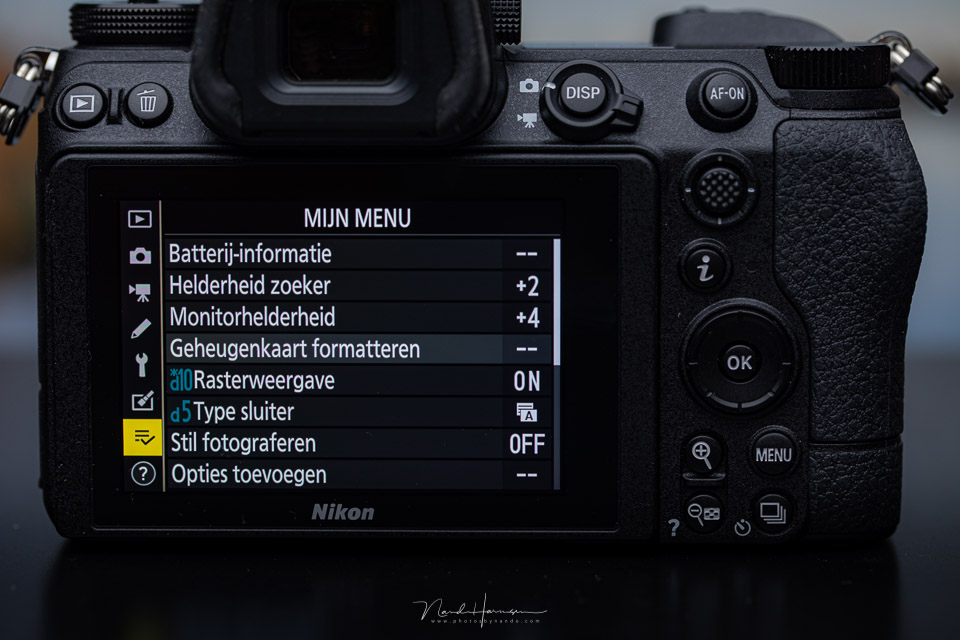
Go and look at your camera's menu, and find out whether it also has a My Menu. Then get started by adding the functions you use regularly. Don't know which ones to choose? Don't worry, you can always change the functions you add later.
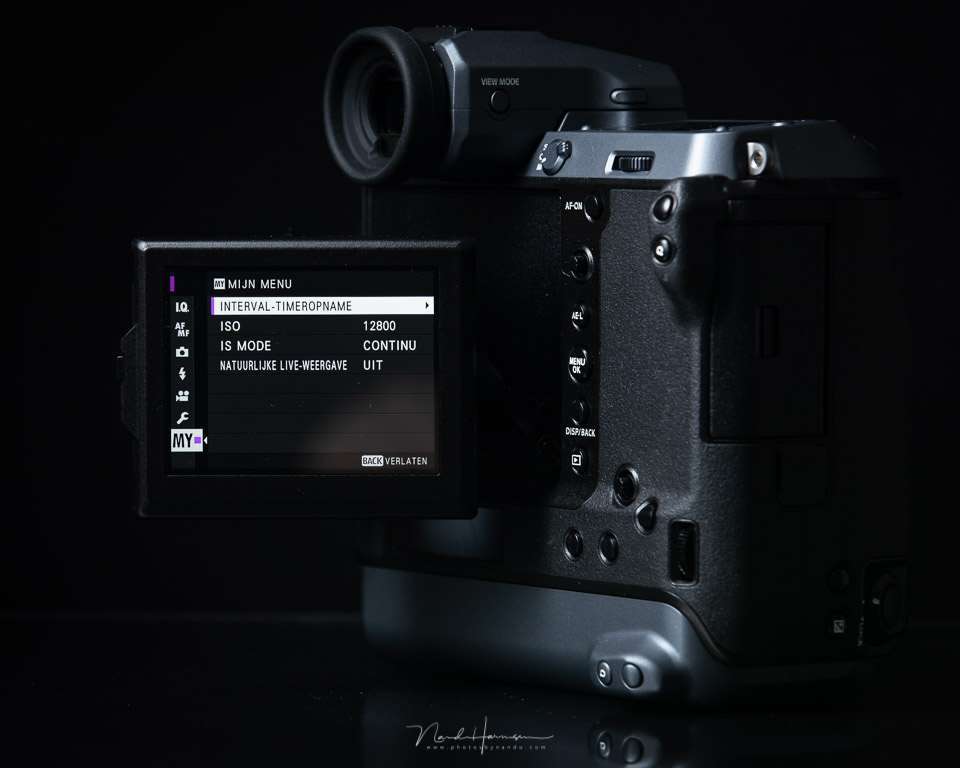
Using your camera's My Menu makes it even easier to operate your camera properly and quickly in all circumstances. Do this together with assigning functions to buttons and putting together your personal quick menu.
Keep in mind that not all cameras have a My Menu. If you're not sure, check your camera's manual. It will definitely be mentioned there.
Do you use the My Menu function? Or have you never looked at it? Tell us in a comment below this post which functions you have collected in My Menu and why. I'm curious to hear your thoughts.
About the author
Nando Harmsen has been photographing for more than 40 years. He specialises in wedding photography and landscape photography. Nando also gives talks, workshops, masterclasses and photo trips, and regularly reviews new and interesting equipment.
You might also like
-
 Camera tip: use your My Menu
by Nando Harmsen
-
Do you know your camera's menu?
by Nando Harmsen
-
 What is Nikon's exposure delay mode for?
by Nando Harmsen
-
 Changing autofocus behaviour in a Canon camera
by Nando Harmsen
-
 Microsoft releases free RAW Image Viewer extension for Windows 10
by Michelle Peeters
-
 Luminar NEO gets a panorama feature
by Nando Harmsen
2 comments
-
 Paul wrote on Wednesday 8 December 2021 at 07:25 | reply
A good useful tip Nando. I got started with it and have now placed the options in the menu that I regularly use under "my menu". Very handy and quick to use, honestly, I would never have thought of that myself.
Translated from Dutch. -
 Gerda Roelofs wrote on Wednesday 8 December 2021 at 12:57 | reply
Thanks a lot for the tips. I've had a Sony 7iii for a week now and am struggling my way through the user manual. I've now set the following in my menu: Eye f, Bluetooth control, Wi-Fi, airplane mode. I do the rest using the other buttons.
Translated from Dutch.
Phew, you can take such great portraits with this, I'm very happy.
Have your say
Please note: Articles older than a week can only be commented on by signed-in visitors.Would you still like to comment? sign in or create a free account.
Become a better photographer every week
A practical photography tip in your inbox every week.
38,938 photography enthusiasts already receive the tips! More about the weekly mail. Or keep up to date via  Facebook.

Elja Trum
Photofacts; everything to do with photography!
Would you like to take better photos and keep up with what is happening in photography? Photofacts publishes articles that teach you something about photography — from a product announcement to a practical shooting tip or a look at a website. Photofacts covers photography every day and is a hobby project of Elja Trum's that got out of hand. The articles are written by a team of volunteer authors. If you would enjoy writing one or more articles for Photofacts, do get in touch.More about PhotofactsPhotofacts is made possible in part by
