

Do you know your camera's menu?
Monday 19 July 2021, 16:32 by Nando Harmsen | 8,208 views | 12 commentsThis article was translated from Dutch with the help of AI. Read the original.
Modern cameras are basically computers. They contain a lot of software with all kinds of settings. Usually, you set the most important things to your liking once and then start taking photos. Will you still remember your menu settings after a year?
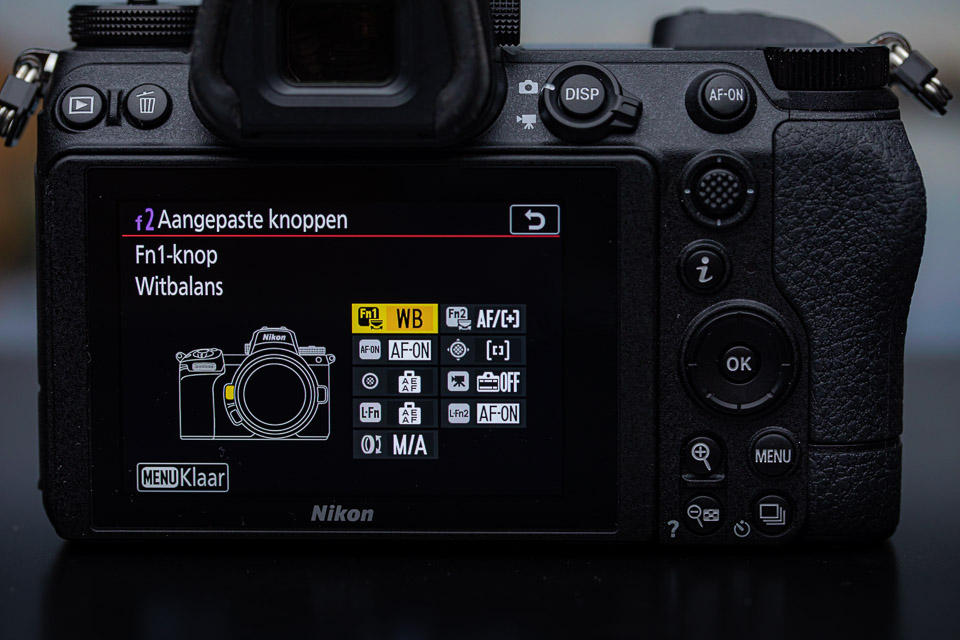
It is important to get to know the camera you use. Usually, this means settings that lead to a well-exposed, sharp photo. But there is much more to it than that. There are also many things that you set once and then hardly ever look at again.
Think about the settings you only set once and that can simply stay as they are after you have set them to your liking. White balance, file format, an AF setting, function assignments for buttons, settings for an electronic viewfinder or LCD screen. You name it.
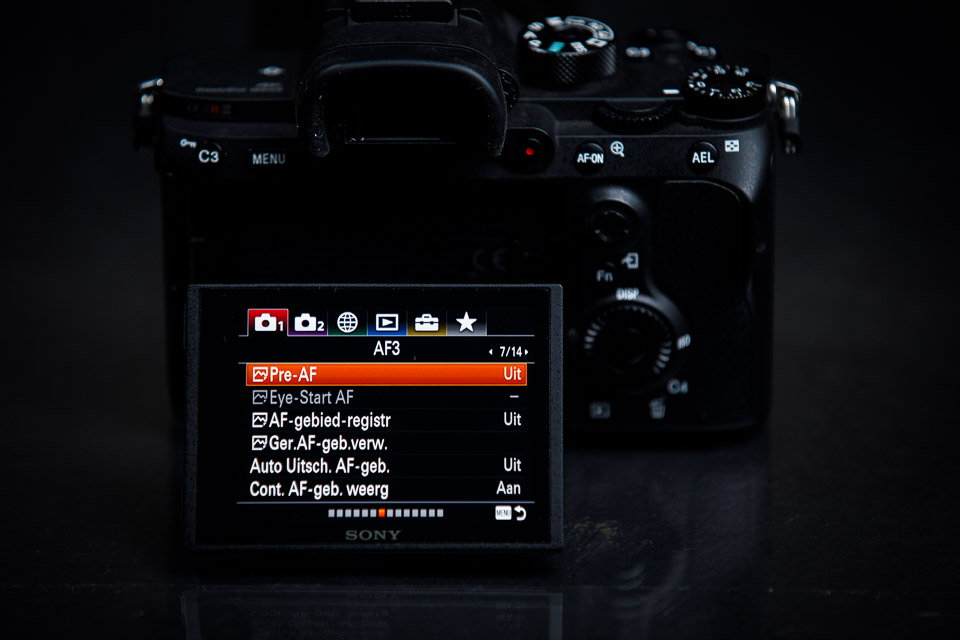
There may even be settings that you have forgotten about after all this time because you never need to change them. Or you may no longer know they exist because you did not need that function shortly after buying the camera. Who knows, perhaps a function that seemed pointless at the time has now become incredibly useful.
I have a tip for you. Spend an evening, or several evenings, going through your camera's menu. Step by step, tab by tab. If you have not done so already, write down every setting you have made, one by one.
Precisely because you only need to set many things once, there is a chance that you will no longer remember them after a while. A crib sheet can be useful then. Suppose that, for whatever reason, the camera is reset or has to be reset to its factory settings. You would then have to work everything out again.
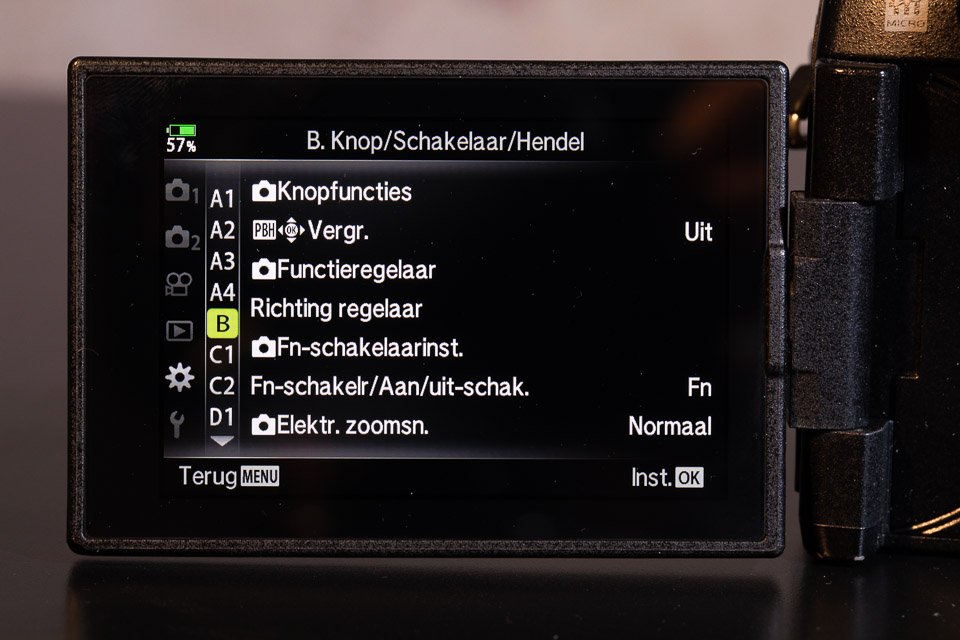
A very nice added benefit of going through the menu and writing things down is that you become very aware of what you have set and why. Who knows, perhaps a small change could make operating the camera even easier. After all, you also develop as a photographer over time.
Do you know your camera inside out, and do you know which settings you have changed to suit your own preferences? Tell us in a comment below this article.
About the author
Nando Harmsen has been photographing for more than 40 years. He specialises in wedding photography and landscape photography. Nando also gives talks, workshops, masterclasses and photo trips, and regularly reviews new and interesting equipment.
You might also like
-
 Camera tip: use your My Menu
by Nando Harmsen
-
 Do you use your camera's My Menu yet?
by Nando Harmsen
-
 6 useless camera settings when you shoot in Raw
by Nando Harmsen
-
 Workflow for the ideal camera settings
by Michelle Peeters
-
 Wrong settings or just not optimal settings?
by Nando Harmsen
-
 The basic settings for action photography
by Nando Harmsen
12 comments
-
 Peter wrote on Monday 19 July 2021 at 20:54 | reply
There is also another possibility. You can back up the settings of many cameras to a file. My Nikon Z6ii allows me to put them on a memory card, my Fuji X-T3 allows me to back them up to a computer. That way they can always be restored if you have to reinitialize your camera.
Translated from Dutch. -
 Mac wrote on Tuesday 20 July 2021 at 08:28 | reply
With a new camera, I set everything once in the menu. After that I hardly look at it. The only things I still dive into the menu for are: AF micro adjustment. Sensor cleaning.
Translated from Dutch.
The rest is basically set once, and then forgotten.
I shoot with Pentax, which also have an info button, with that you immediately see the most important settings that you can change. I still want to use that once in a while. But for the rest, basically everything is done via the physical buttons. -

-
 H. Assink wrote on Tuesday 20 July 2021 at 10:13 | reply
Dear people,
Translated from Dutch.
We all normally have some kind of camera. There is talk here about all kinds of menus. I have seen a great many menus but the vast majority is manageable. Only the big boys want to offer more, Usually it is not used at all. It is a pity there is much more in the menu than people think.
Greetings:
H. A.. -
PEN-Fan wrote on Tuesday 20 July 2021 at 11:08 | reply
The more possibilities, the more you can forget.
Translated from Dutch.
My PEN-F has 4 fully programmable Custom positions on the PASM dial. And after that evening with Nando I set them all up very cleverly. Even after 3 years I can still remember exactly one of them, the C1 that takes AF off the shutter and puts it on a separate focus button. And of course I also wrote down all those settings. But where? -
 Peter Snieder wrote on Tuesday 20 July 2021 at 12:43 | reply
I bought the Photographers Guide by Alexander S. White for my Lumix LX100M2. In that English-language book, he goes through all the menus and gives tips on what is or isn’t useful and what he himself uses (for what it’s worth). It is quite a slog to get through, but I skipped the video section and then it’s manageable. Also fun to try out the different settings.
Translated from Dutch. -
 Johan Rimmelzwaan wrote on Tuesday 20 July 2021 at 13:32 | reply
I put the complete menu of my Nikon D850 into an Excel sheet. For puzzling settings, I provide an explanation of where I can find the explanation in the manual. Because I am never satisfied, I also note down the settings when I change them. It has saved me a lot of time and searching.
Translated from Dutch. -
 mike wrote on Tuesday 20 July 2021 at 21:26 | reply
also have a sony and i'll adopt the tip too. then go through all the menus. a few evenings through a difficult menu structure
Translated from Dutch. -
 Jef Langenaeken wrote on Wednesday 21 July 2021 at 08:33 | reply
I think calling the menu of the Sony RIII a "disaster" is rather strongly put. I've been working with this camera for quite some time and can find my way around it without any problems. I do have to admit that the menu of the new Sony A I, which I recently started using, is more logically structured. But that also took some getting used to, and after that everything went smoothly again.
Translated from Dutch. -
 Nando
wrote on Wednesday 21 July 2021 at 09:54
| reply
Nando
wrote on Wednesday 21 July 2021 at 09:54
| reply
@Jef,
Translated from Dutch.
Of all the camera brands I have used (and that is pretty much all the common brands), I find Sony's the least logical and hardest to understand menu structure there is. And from that perspective indeed a disaster.
But that is about the old one, mind you. The new menu structure is much better and more logically laid out. -

-
 Ronnie wrote on Saturday 24 July 2021 at 13:05 | reply
@Nando as you already said to Peter :That misses the point that you no longer know what settings you are using and why.
Translated from Dutch.
Have your say
Please note: Articles older than a week can only be commented on by signed-in visitors.Would you still like to comment? sign in or create a free account.
Become a better photographer every week
A practical photography tip in your inbox every week.
38,938 photography enthusiasts already receive the tips! More about the weekly mail. Or keep up to date via  Facebook.

Elja Trum
Photofacts; everything to do with photography!
Would you like to take better photos and keep up with what is happening in photography? Photofacts publishes articles that teach you something about photography — from a product announcement to a practical shooting tip or a look at a website. Photofacts covers photography every day and is a hobby project of Elja Trum's that got out of hand. The articles are written by a team of volunteer authors. If you would enjoy writing one or more articles for Photofacts, do get in touch.More about PhotofactsPhotofacts is made possible in part by
