

Everyone photographs in raw, there are no exceptions
Friday 27 August 2021, 16:08 by Nando Harmsen | 5,741 views | 4 commentsThis article was translated from Dutch with the help of AI. Read the original.
You have photographers who shoot in jpeg file format, and photographers who shoot in raw. That is what we always tell each other. But I say that everyone photographs in raw, without exception. Even those who set their camera to jpeg. I'll explain how that works.
As you probably hear everywhere, shooting in raw is the way to make maximum use of your camera's capabilities. It allows you to use all the available image information contained in the raw file. If necessary, of course.
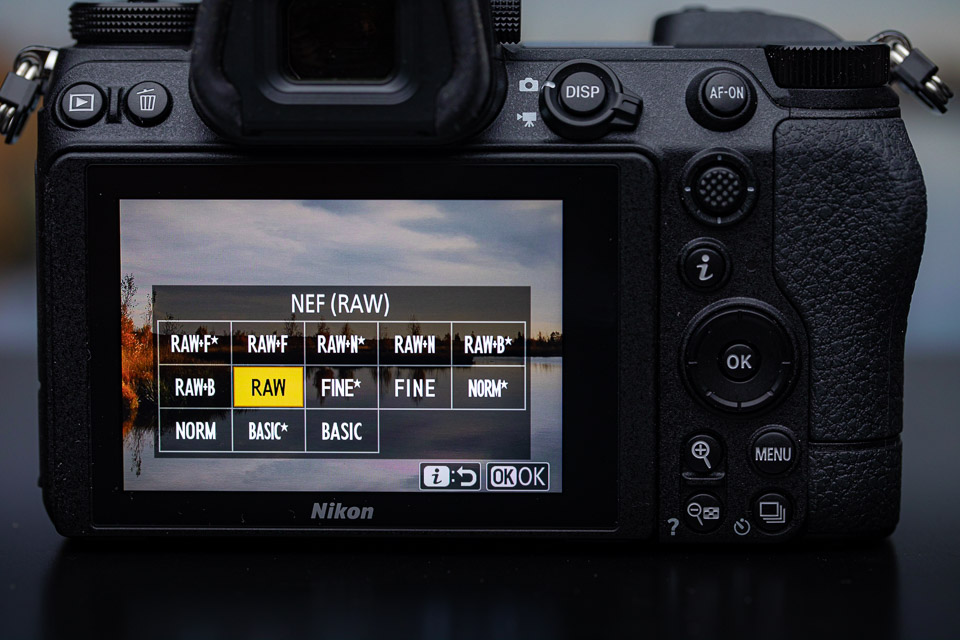
On the other side of the divide are the photographers who, despite all that advice, simply shoot in jpeg. Sometimes the reason is that they believe this is the only proper way to photograph. Sometimes it is due to a kind of fear of having to edit a raw file.
But what exactly is a JPEG photo from the camera? Do you really create a JPEG photo when you press the shutter button, or not? The answer may be surprising. You always create a raw file.
Recording digital light
Taking a photo is nothing more than recording an amount of light and a pattern of light. The digital sensor does not actually make a photo, but provides information about the amount and distribution of light. This is, of course, a very simplified explanation, but we should not make it too complicated either.
All that information about the light is stored in a digital file. Various additional information is then added to it: the EXIF data. This includes the exposure settings, colour profiles, picture styles or film simulations, contrast, colour saturation, sharpening and white balance.
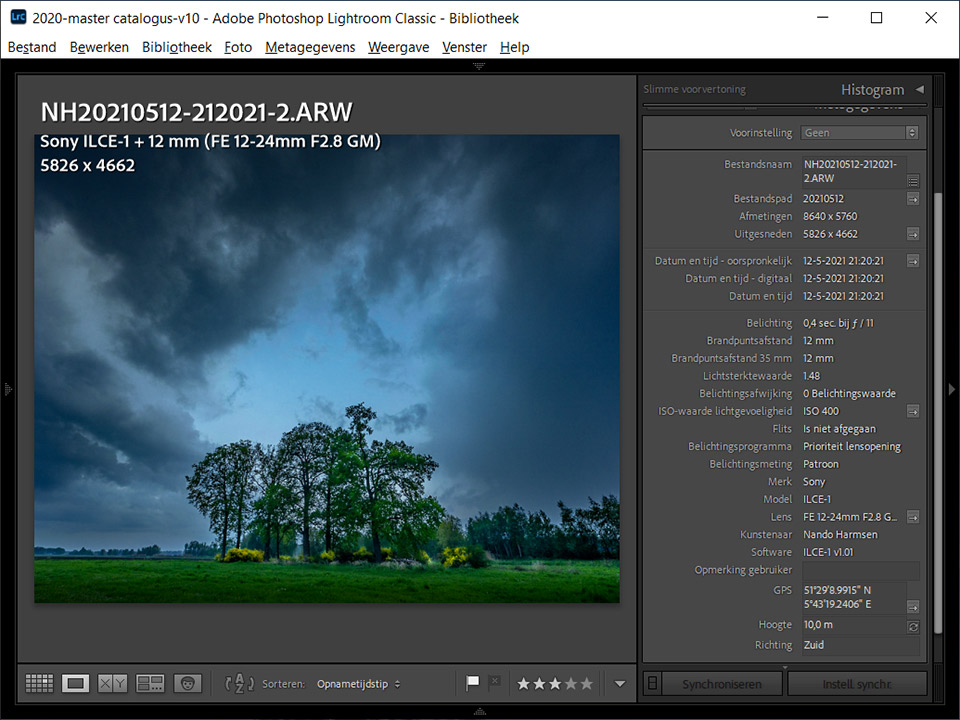
The difference between the raw photographer and the JPEG photographer
The raw photographer takes the raw file and edits it, using or not using the accompanying information I mentioned above. The raw photographer does this on their computer with the software of their choice. This gives them the freedom to change some settings.
The JPEG photographer leaves the editing of their raw file to the computer built into the camera. The camera generates a JPEG photo from that raw data using these built-in settings, which you can regard as a kind of 'presets'. As a JPEG photographer, you can choose from different 'presets' or even adjust them.
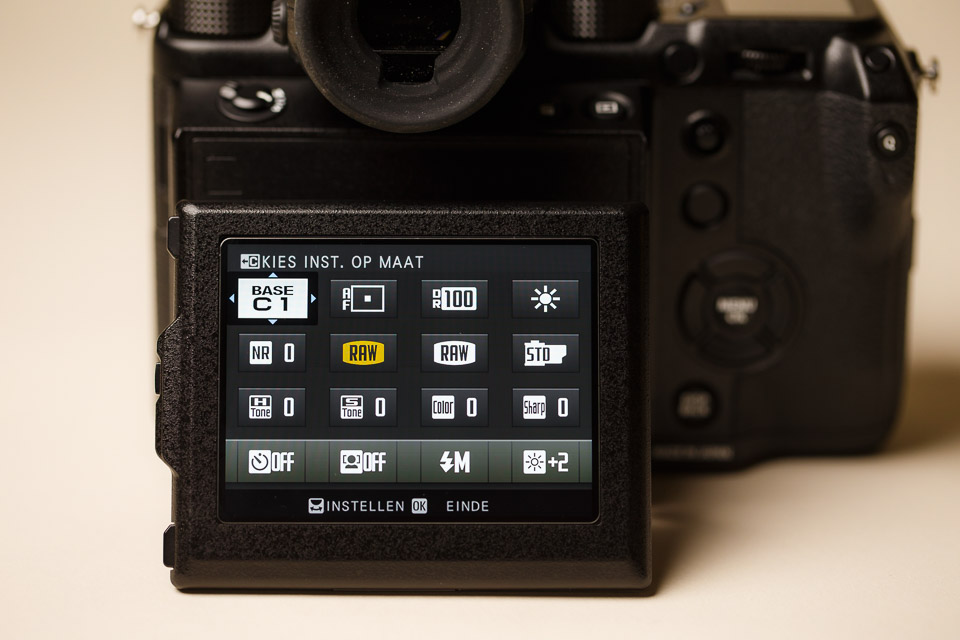
The JPEG photographer edits their photo too
This means that the JPEG photographer has already done their photo editing before taking the photo. Is your camera set to the landscape or portrait picture style? Have you chosen a Velvia film simulation or a neutral look?
Are you using an HDR function or increasing the dynamic range? Have you chosen a specific white balance, or adjusted the sharpening of your photo? Perhaps you chose black and white.
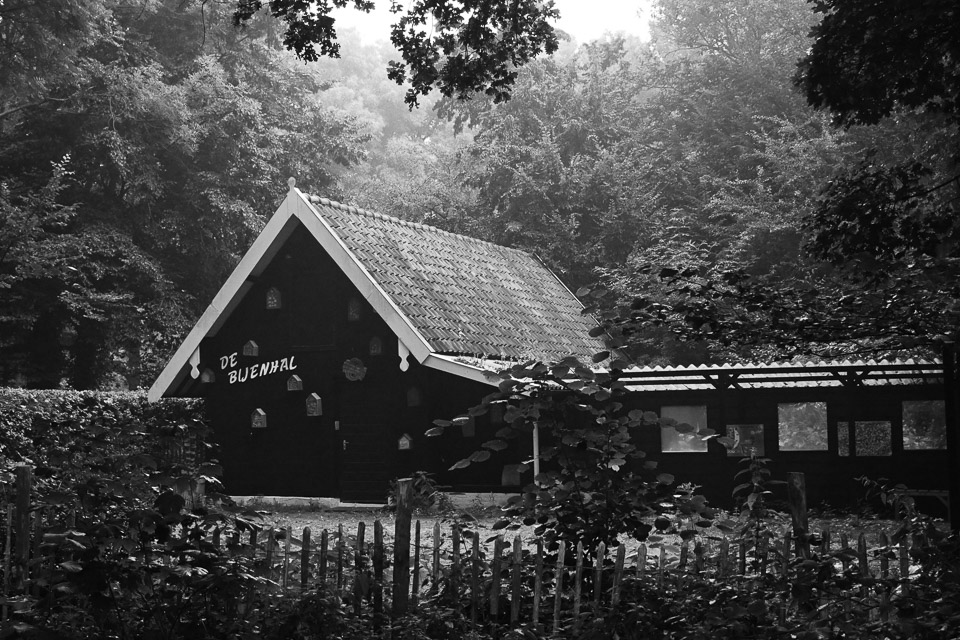
All these settings affect the final result that comes out of the camera. They are the edits carried out on the unseen raw file in the camera. The JPEG photographer therefore uses their camera for the editing. The raw photographer does this afterwards on a computer and is not limited by the camera's setting options.
JPEG or raw is a personal choice
This is not intended to convince a JPEG photographer to shoot in raw. Far from it. But I do want to make it clear that the result a JPEG photographer gets depends entirely on the settings made on the camera. These may be your own settings, or settings chosen for you by the manufacturer.
In other words, you as a JPEG photographer have also edited the raw data from your sensor into a final result. Even if you use the default settings chosen for you by the manufacturer.
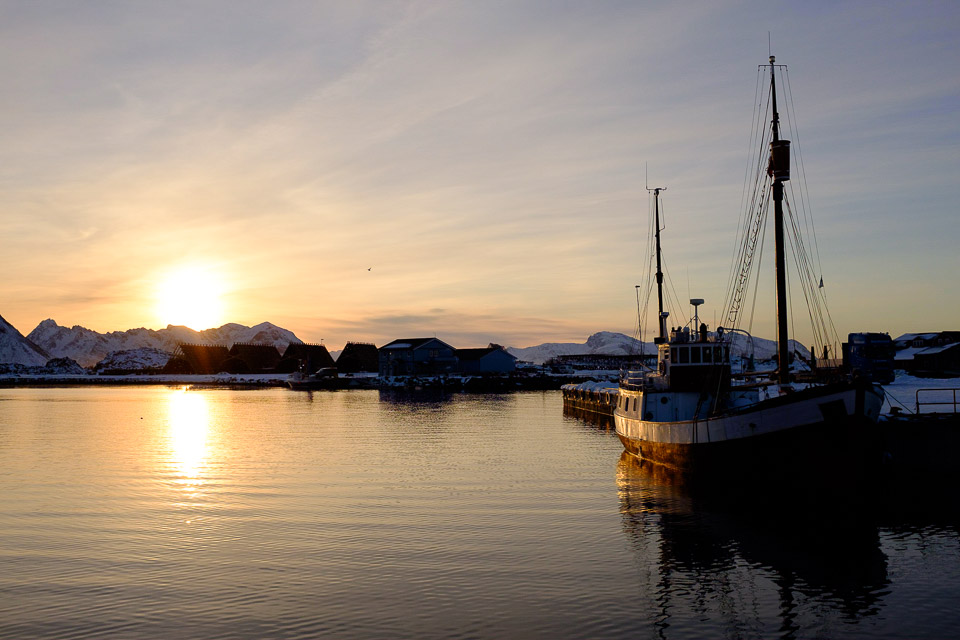
Are you a JPEG photographer? Then I am very curious about your reason for shooting in JPEG. Do you also use the setting options your camera offers JPEG photographers? Share it in a comment below this post.
About the author
Nando Harmsen has been photographing for more than 40 years. He specialises in wedding photography and landscape photography. Nando also gives talks, workshops, masterclasses and photo trips, and regularly reviews new and interesting equipment.
You might also like
-
 10 tips for photographers who prefer shooting JPEG
by Nando Harmsen
-
 Is there a reason to save both raw and jpeg?
by Nando Harmsen
-
 Keep an overview: don't make JPEGs of your RAW files
by Nando Harmsen
-
 Make the Most of Your Camera as a JPEG Photographer
by Nando Harmsen
-
 Saving a JPEG in Photoshop has changed
by Nando Harmsen
-
 How to handle JPEGs and prevent quality loss
by Nando Harmsen
4 comments
-
 Robert wrote on Tuesday 31 August 2021 at 15:56 | reply
Jpeg. I'm happy with that. Whether it's 13/18 in size, or a large banner on the side of a car.
Translated from Dutch.
I do set my own settings, of my 2 D700s from Nikon.
I don't like mega-edited photos anyway. You see them, and then I think yeahhh bye.
Photo-shooting regards Robert -

 Peter wrote on Tuesday 31 August 2021 at 22:53
| reply
Peter wrote on Tuesday 31 August 2021 at 22:53
| reply
My camera can save RAW and JPEG to two cards. I almost always import the JPEGs and keep the RAW files for when I run into something. I used to do everything in RAW, but my current camera (Fuji X-H1) actually produces such good JPEGs that I only sporadically have to fall back on the RAW photos. Undeniably, RAW files offer more editing possibilities, but in practice, the JPEGs from cameras are getting better and better.
Translated from Dutch. -
 Dwarsje wrote on Tuesday 31 August 2021 at 23:16 | reply
The camera gives you the option to save JPG and RAW simultaneously, so always shoot in that mode. Because of the large files that RAW requires, you can always delete that file afterwards.
Translated from Dutch. -
 Donald Willemsen
wrote on Wednesday 1 September 2021 at 11:42
| reply
Donald Willemsen
wrote on Wednesday 1 September 2021 at 11:42
| reply
Everyone should do what they feel most comfortable with. A press photographer will therefore almost always shoot in JPEG, because a JPEG isn't too large to send and it's immediately ready for use by a newspaper or magazine.
Translated from Dutch.
I always photograph in RAW because I want to retain full control over the end result myself. I also edit every photo separately in Photoshop and/or Luminar AI. I can afford to do that because I have the time for it. I only edit the photos that, after an initial assessment, are interesting enough to spend time on. I leave the rest as they are.
Have your say
Please note: Articles older than a week can only be commented on by signed-in visitors.Would you still like to comment? sign in or create a free account.
Become a better photographer every week
A practical photography tip in your inbox every week.
38,982 photography enthusiasts already receive the tips! More about the weekly mail. Or keep up to date via  Facebook.

Elja Trum
Photofacts; everything to do with photography!
Would you like to take better photos and keep up with what is happening in photography? Photofacts publishes articles that teach you something about photography — from a product announcement to a practical shooting tip or a look at a website. Photofacts covers photography every day and is a hobby project of Elja Trum's that got out of hand. The articles are written by a team of volunteer authors. If you would enjoy writing one or more articles for Photofacts, do get in touch.More about PhotofactsPhotofacts is made possible in part by
