

Keep an overview: don't make JPEGs of your RAW files
Saturday 25 July 2026, 14:14 by Nando Harmsen | 1,901 views | 19 commentsThis article was translated from Dutch with the help of AI. Read the original.
Do you shoot in RAW format? After editing your photo, you might make a JPEG. It may be better not to do this unless you actually have a purpose for it.
It sounds so logical. You take a photo in RAW, import it into your favourite photo editing programme and edit the photo until you have a finished result. You then export the photo as a JPEG.
And then? What do you do with this JPEG photo? Do you put it somewhere on your hard drive? Do you use the photo for print, printing or social media? Or does that JPEG file only take up space on your hard drive?
The idea behind a photo editing programme with a catalogue is to manage all your photos. You do that in the programme, not outside it. It doesn't matter whether you use Lightroom, Bridge, Capture One, Luminar or DxO PhotoLab.
In these programmes, you search for photos, view photos and edit photos. That is the heart of your photo management. So why export to a JPEG if you can view everything perfectly in these programmes?
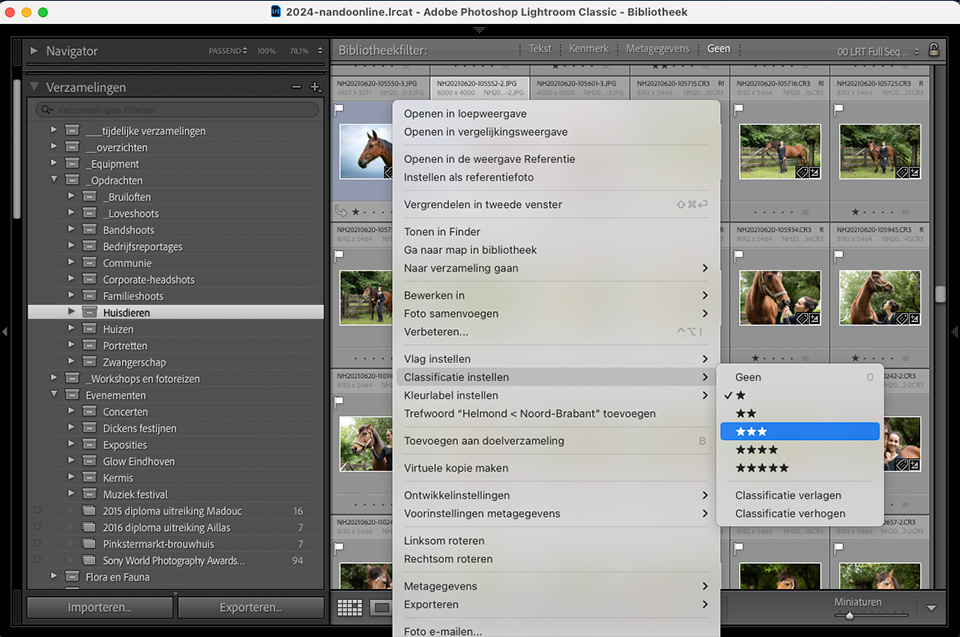
Exporting a JPEG file without a specific purpose means creating an extra photo file that you can't do anything else with. Apart from viewing it in File Explorer or Finder. But that's what you have a photo management programme for.
You export to a JPEG with a specific purpose in mind. You make sure the resolution and dimensions are right. For print, social media, or viewing in File Explorer or Finder if you like doing that.
After using it, you no longer need that specific JPEG. Because next time you may need a different format or resolution. So just delete the JPEG after using it. After all, you have the edited original.
Another argument for not exporting without a purpose is hard drive space. It may use little space, but it still uses some. Besides, you have the photo twice or even three times on your hard drive, in a whole range of different resolutions.
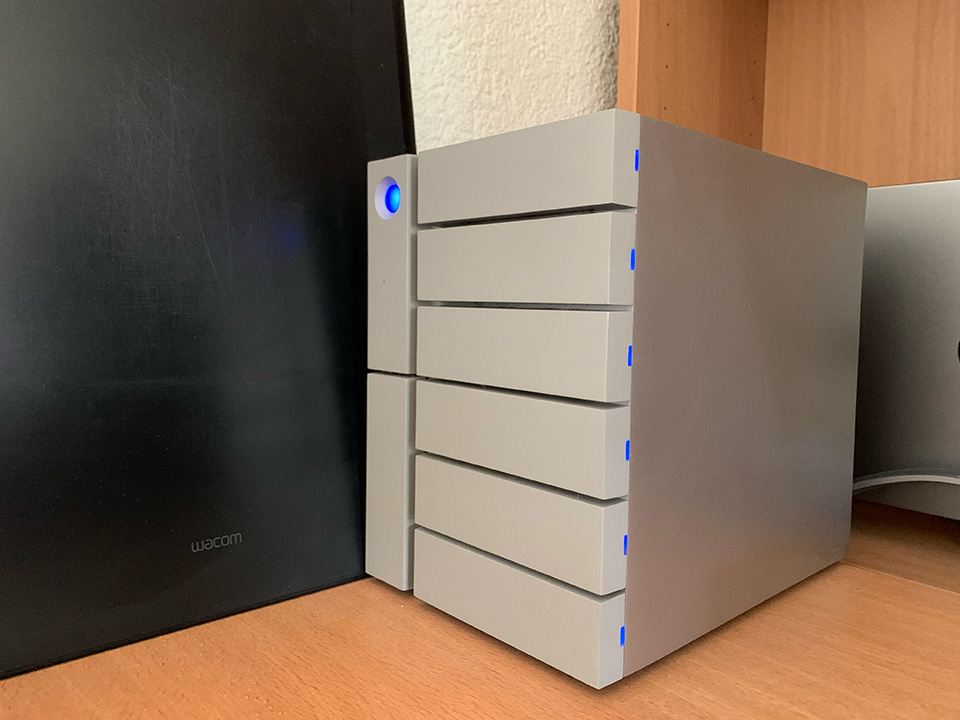
If you make further adjustments to the edit, the JPEG you have stored on your hard drive is no longer correct either. Can you still keep track of that? In other words, different versions arise and it is easy to lose the overview.
Of course, the choice is entirely up to you. Still, it is worth considering not making a JPEG of your edited RAW file. Until you need one. Then export it in the right dimensions, use it and delete it again.
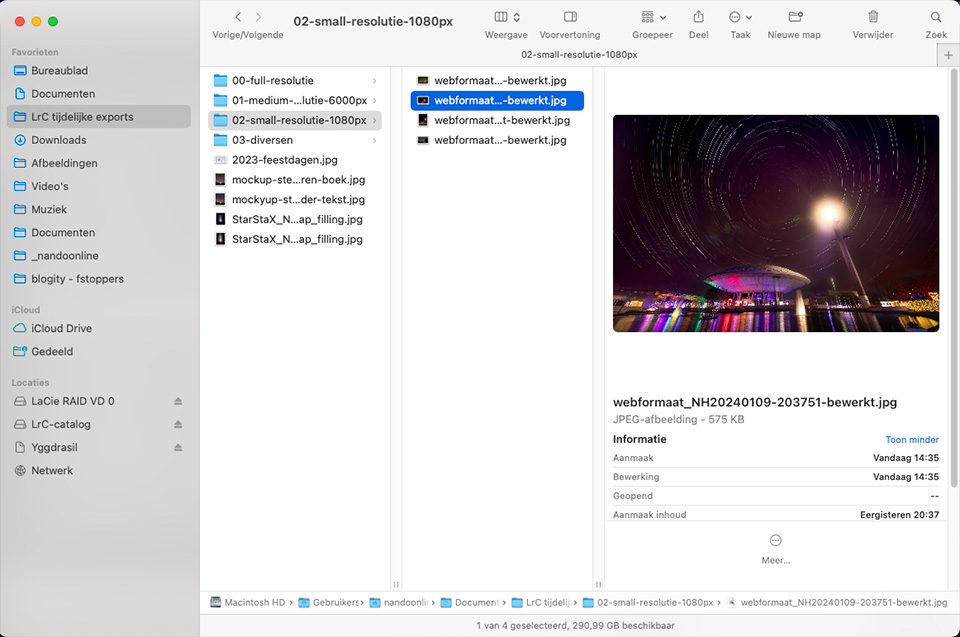
This way, you keep a perfect overview and your hard drive doesn't fill up with all kinds of JPEG versions of your photos. But what if you still like browsing through your photos on your computer, outside your photo management programme? Then export a selection of photos at your screen resolution.
Do you also have all your RAW files on your hard drive as edited JPEGs? Let us know what purpose you had in mind when you did that. Leave a comment below this article.
About the author
Nando Harmsen has been photographing for more than 40 years. He specialises in wedding photography and landscape photography. Nando also gives talks, workshops, masterclasses and photo trips, and regularly reviews new and interesting equipment.
You might also like
-
 Is there a reason to save both raw and jpeg?
by Nando Harmsen
-
 Managing your photos smartly
by Huub Keulers
-
 How to handle JPEGs and prevent quality loss
by Nando Harmsen
-
 Everyone photographs in raw, there are no exceptions
by Nando Harmsen
-
 When is a RAW file proof of ownership?
by Michelle Peeters
-
 Saving a JPEG in Photoshop has changed
by Nando Harmsen
19 comments
-
 Rob wrote on Tuesday 28 July 2026 at 10:22 | reply
Hey Nando,
Translated from Dutch.
I do indeed only work in RAW and export certain photos as JPEG for printing (usually a book, sometimes a poster). These JPEGs remain in a separate folder afterwards. But why? I don't know. So thanks for drawing attention to this. The deleting starts shortly.
Rob -

-
 Paulo wrote on Tuesday 28 July 2026 at 11:09 | reply
If you have opened a raw (dng) photo in Lightroom and you want to edit it with Photoshop you can no longer save the photo in raw, only as jpg.tiff or psd.
Translated from Dutch. -
 Nando
wrote on Tuesday 28 July 2026 at 11:12
| reply
Nando
wrote on Tuesday 28 July 2026 at 11:12
| reply
That's correct, but that's a different situation.
Translated from Dutch.
You obviously aren't going to make a jpeg of an edited file in Photoshop. If you want to preserve quality, save it as a TIF, as is standard when you edit a photo in Photoshop via Lightroom. -
 Elja Trum
wrote on Tuesday 28 July 2026 at 11:17
| reply
Elja Trum
wrote on Tuesday 28 July 2026 at 11:17
| reply
I usually save the best photos from a shoot (around 10) as JPEGs in a separate folder on my Onedrive. That way I can always access them from other computers or my smartphone.
Translated from Dutch.
I always consciously export to my desktop, so that after sending or uploading them I can easily drag them to the trash. -
Rob wrote on Tuesday 28 July 2026 at 12:49 | reply
??
Translated from Dutch.
No, I don't throw away a single original RAW file, unless it's not good enough. -
Rob wrote on Tuesday 28 July 2026 at 12:52 | reply
Hello Paulo,
Translated from Dutch.
DNG is, generally speaking, not the original RAW. I mean the real original RAW here: CR, NEF, ORF, … -
 Liesbeth Verkade wrote on Tuesday 28 July 2026 at 13:08
| reply
Liesbeth Verkade wrote on Tuesday 28 July 2026 at 13:08
| reply
When I edit photos from holidays, I always save them to a separate folder under the original one, so that when I'm making a photobook I have the photos in JPEG format readily available. I find throwing them away difficult because of a nasty experience years ago when I lost a bunch of RAW photos for an unknown reason. So I'll just use a bit more disk space. At least I'll still have the JPEGs if something goes wrong.
Translated from Dutch. -
-
 guest wrote on Tuesday 28 July 2026 at 13:25 | reply
A DNG file (Digital Negative) contains the original raw file embedded, regardless of whether it is from Canon, Nikon, Fujifilm, etc.
Translated from Dutch. -
Nando
wrote on Tuesday 28 July 2026 at 14:18
| reply
That is not always the case. Only when you convert a raw file to DNG and check the option to embed the original raw.
Translated from Dutch.
The result, an enormous file that is certainly 2x as large.
Converting to DNG is completely pointless in my opinion. Especially if you also embed a raw. I don't see the point and I don't think there is any point at all. -
 Jan Mackloet wrote on Tuesday 28 July 2026 at 13:44 | reply
Dear Nando, I take all photos in RAW and then always convert them to JPEG in Photoshop and save them on an external hard drive, I also save the RAW files in a separate folder on the external drive. I use JPEG for photos in the media or photo club. So is it wiser to do it in Photoshop?
Translated from Dutch. -
Nando
wrote on Tuesday 28 July 2026 at 14:23
| reply
If you only use Photoshop, then having a jpeg next to your raw in a separate folder can be useful. If you use a photo management program (such as Lightroom, DXO, Capture One or even Adobe Bridge), then it is less useful.
Translated from Dutch.
However, you should do what you find most convenient. If you would like to have all photos as jpegs next to your raws, that is perfectly fine of course. -
 Ria wrote on Tuesday 28 July 2026 at 14:37 | reply
What if your loved ones want to look at the photos, that will be difficult for them in a program they don't know. Option: save all precious photos as jpg, so that the editing is contained in them and they are not in the LR folder as an unedited raw file.
Translated from Dutch.
Still an option to save them as jpg? -
Nando
wrote on Tuesday 28 July 2026 at 14:44
| reply
Where do they view those photos? On your computer? Then you're the one in control, right?
Translated from Dutch.
On their own computer? On TV? Then you do have to convert them to jpeg.
Isn't that exactly what I described? If they're going to be used for something, export them to jpeg. If you view them on your own computer, you don't have to convert them first.
A tip: if you have photos for your loved ones and want to show them, make a photo album. That's always more fun than all staring at a digital screen together. -
 Peter wrote on Tuesday 28 July 2026 at 15:09 | reply
I find Lightroom very expensive these days and am thinking about switching to another editing program. Would I then have to make JPEGs of all those thousands of edited photos, or are there programs that also recognize Lightroom edits?
Translated from Dutch. -
Nando
wrote on Tuesday 28 July 2026 at 16:13
| reply
Depends on which program you choose. If the other program can read XMP files, you’ve safely stored part of the edits, but not everything done in LrC can be carried over.
Translated from Dutch.
So, if you save all the edits in LrC as XMP files, you’ve at least preserved that. Now you just need to find a program that can read them. Which one you choose depends on the requirements you have for your editing program, and the functions you want it to have.
Or you could eat out one less time per month. Then you’ll more than make up that 15 euros a month for Lightroom (wink). -
Rob wrote on Tuesday 28 July 2026 at 17:15 | reply
Nando, 100% agree. I don't see the point of converting to DNG either, and certainly not when you then include the original RAW file as well.
Translated from Dutch. -
 Donald Willemsen wrote on Tuesday 28 July 2026 at 23:44 | reply
In many editing programs, the RAW files are displayed after editing, including the edits. I find that annoying. I prefer to simply look at the unedited file and have the edits saved in a separate XMP next to the RAW file. If I don't like the edit later, I only have to delete the XMP file.
Translated from Dutch.
I make a jpg from the edited RAW files for publications. I keep them temporarily and throw away the jpgs after a year. Except for the jpgs made from analogue photos or slides.

Have your say
Please note: Articles older than a week can only be commented on by signed-in visitors.Would you still like to comment? sign in or create a free account.
Become a better photographer every week
A practical photography tip in your inbox every week.
38,937 photography enthusiasts already receive the tips! More about the weekly mail. Or keep up to date via  Facebook.

Elja Trum
Photofacts; everything to do with photography!
Would you like to take better photos and keep up with what is happening in photography? Photofacts publishes articles that teach you something about photography — from a product announcement to a practical shooting tip or a look at a website. Photofacts covers photography every day and is a hobby project of Elja Trum's that got out of hand. The articles are written by a team of volunteer authors. If you would enjoy writing one or more articles for Photofacts, do get in touch.More about PhotofactsPhotofacts is made possible in part by
