

The annual major update for Lightroom and Photoshop
Thursday 17 October 2024, 16:32 by Nando Harmsen | 4,653 views | 2 commentsThis article was translated from Dutch with the help of AI. Read the original.
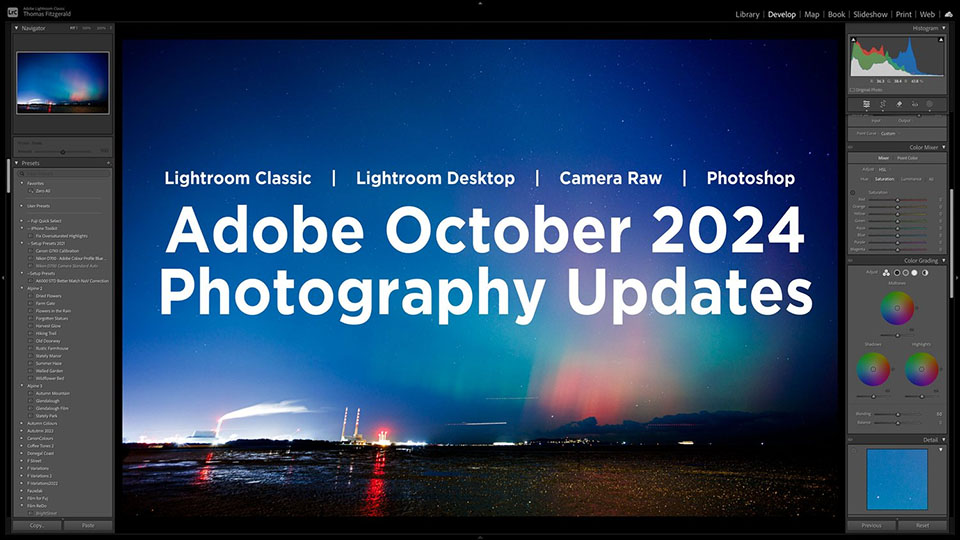
It's that time again. Adobe MAX 2024 has taken place. This is the time of year when Adobe releases new versions of its software. This includes Lightroom and Photoshop, of course. In this article, we look at what this means.
The new versions of the software packages also become available during Adobe MAX. These are not just some updates, but also new features and more significant changes. In this article, we look at Lightroom Classic, Lightroom and Photoshop.
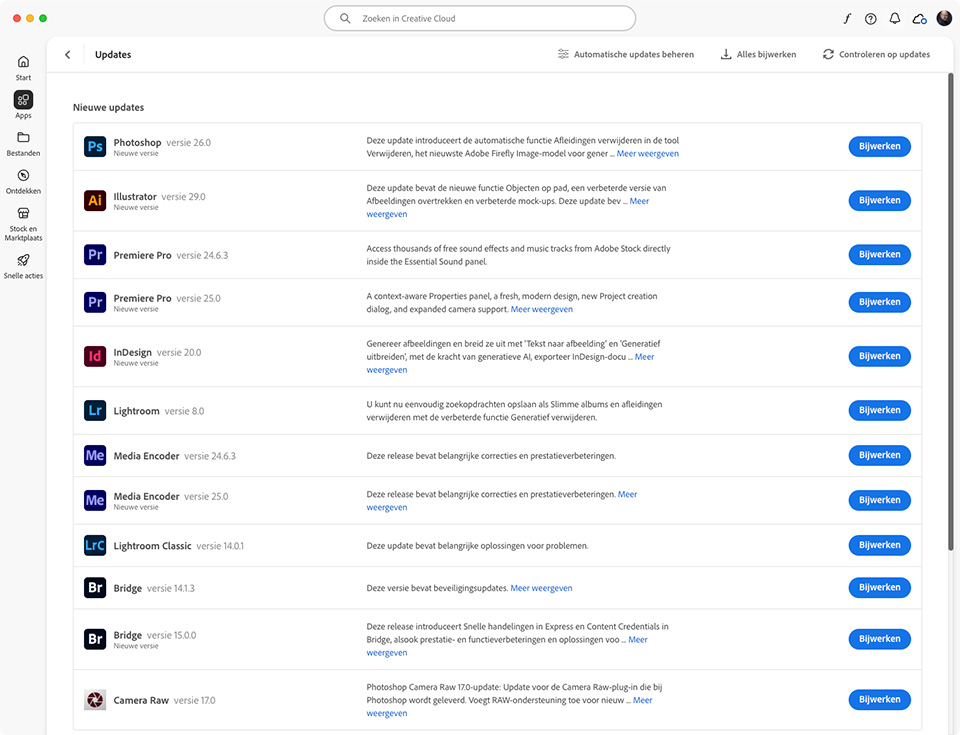
New versions mean that a new programme is installed. This can be installed alongside the old, previous version. It is always sensible to do this, so you can still use the old version.
If the new version works as you want, the old one can be removed. After all, there is no point in having two versions of the same programme on your computer. For Lightroom Classic users, this also means upgrading the catalogue.
Upgrading the catalogue means that it can no longer be used in older versions of Lightroom Classic. But don't worry, the old catalogue is kept as a backup, so you can always go back.
Lightroom Desktop
The new version of Lightroom, the version with LR in the icon, is now version 8.0. This version has received the following new features and updates.
- Create smart albums
- New preset layout with thumbnails
- Presets can be saved as favourites.
- External plugins/programmes can be used
- Generative Fill with object selection is available, out of early access
- Content Credentials (early access)
Lightroom Classic
With this update, Lightroom Classic has reached version 14.0. It includes the following updates, improvements and changes.
- Generative Remove has left "early access" and is fully functional, including detecting objects
- Content Credentials (early access)
- AI noise reduction is available for more file formats, including HDR and panorama DNG files, Fujifilm X-Trans, etc.
- Improved tethering for Nikon cameras
- Simple way to rename the catalogue
- Support for new lenses and cameras
- Automatic backup of a catalogue after an upgrade
- Improved settings for preview cache limits
- Improved navigation and response times in the Develop module
Adobe Camera Raw
Adobe Camera Raw has reached version 17. There are a number of adjustments that cannot be found in Lightroom Classic or Lightroom.
- Generative Remove has left "early access" and is fully functional, including detecting objects
- Content Credentials (early access)
- Denoise is performed on the same photo rather than on a copy of the file
- Generative Expand is available in the crop tool
- Adobe Adaptive (beta) profile available
- AI noise reduction is available for more types of file formats
Photoshop
With this update, Photoshop has become version 26. You can expect the following updates and new features. Most updates focus on removing and generating with AI.
- AI Generative Remove tool with many more options
- Automatically remove distracting elements from images
- Automatically remove cables
- The new Firefly 3 is used to generate new content
- Content Credentials (early access)
About the author
Nando Harmsen has been photographing for more than 40 years. He specialises in wedding photography and landscape photography. Nando also gives talks, workshops, masterclasses and photo trips, and regularly reviews new and interesting equipment.
You might also like
-
 The new updates for Adobe Lightroom and Photoshop
by Nando Harmsen
-
 Lightroom updates 2025, with more useful AI features
by Nando Harmsen
-
 Adobe updates Lightroom (Classic) with new AI masks
by Elja Trum
-
 A new update for Lightroom Classic
by Nando Harmsen
-
 What's new in the Lightroom Classic 13 update?
by Nando Harmsen
-
 The new Lightroom update now offers super-resolution
by Nando Harmsen
2 comments
-
 Tessa Lankester wrote on Wednesday 23 October 2024 at 11:53 | reply
Nice, all those updates, but I get a notification that my MacOS Monterey 12.7.6 is not compatible.
Translated from Dutch.
How do I solve this??? my Mac is still super fast and not due for replacement.
/Users/lankestertessa/Desktop/Schermafbeelding 2024-10-18 om 11.14.00.png -


Have your say
Please note: Articles older than a week can only be commented on by signed-in visitors.Would you still like to comment? sign in or create a free account.
Become a better photographer every week
A practical photography tip in your inbox every week.
38,886 photography enthusiasts already receive the tips! More about the weekly mail. Or keep up to date via  Facebook.

Elja Trum
Photofacts; everything to do with photography!
Would you like to take better photos and keep up with what is happening in photography? Photofacts publishes articles that teach you something about photography — from a product announcement to a practical shooting tip or a look at a website. Photofacts covers photography every day and is a hobby project of Elja Trum's that got out of hand. The articles are written by a team of volunteer authors. If you would enjoy writing one or more articles for Photofacts, do get in touch.More about PhotofactsPhotofacts is made possible in part by
