

Delete separate photos for HDR and panoramas, or not?
Sunday 24 November 2024, 15:30 by Nando Harmsen | 3,183 views | 18 commentsThis article was translated from Dutch with the help of AI. Read the original.
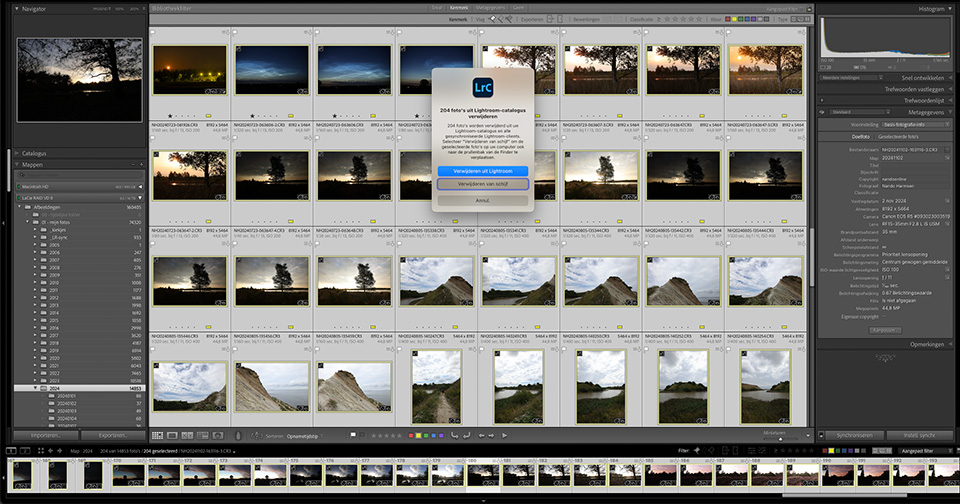
If you take lots of photos, you gradually collect a lot of images. They take up space on your hard drive and in Lightroom Classic, if you use it. Some of these photos are for HDR images and panoramas. Once you have created them, should you delete the original photos? Or not?
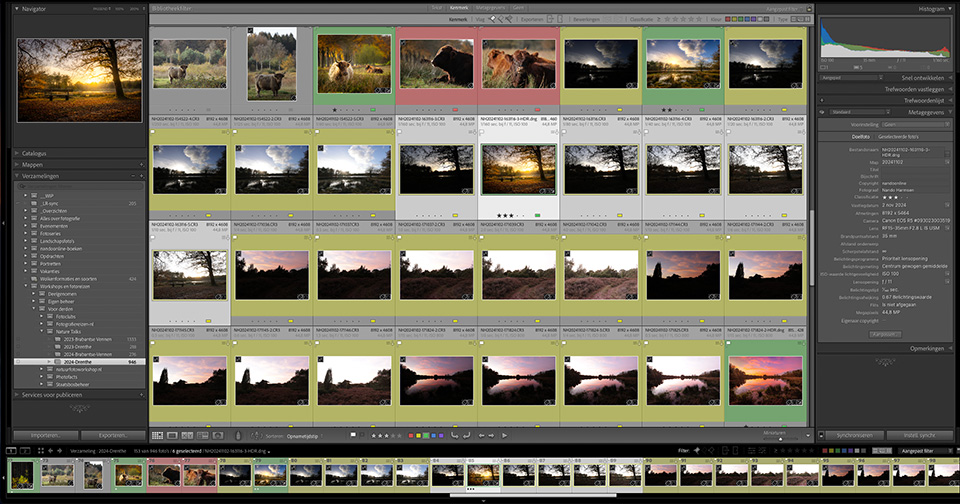
The end of the year is approaching again. For me, that means it is time to sweep through my Lightroom Classic catalogue. The Big Clean-up.
This not only tidies up my Lightroom Classic catalogue, but also cuts down the ever-growing number of photos on my hard drive. Anything that is not worth keeping goes in the bin.
Some people say that hard drive space costs nothing, but that is not true. It costs money, especially when you make sure you have a proper backup. One hard drive is not enough. You need at least two, and preferably another backup in the cloud.
Apart from that, it is time to sweep through my catalogue, and therefore through the photos on my hard drive. There are large numbers of exposure brackets from which I have created an HDR image. And there are also many separate photos that have been merged into a panorama.
I started asking myself the following question: is it necessary to keep the separate images for an HDR and panorama?
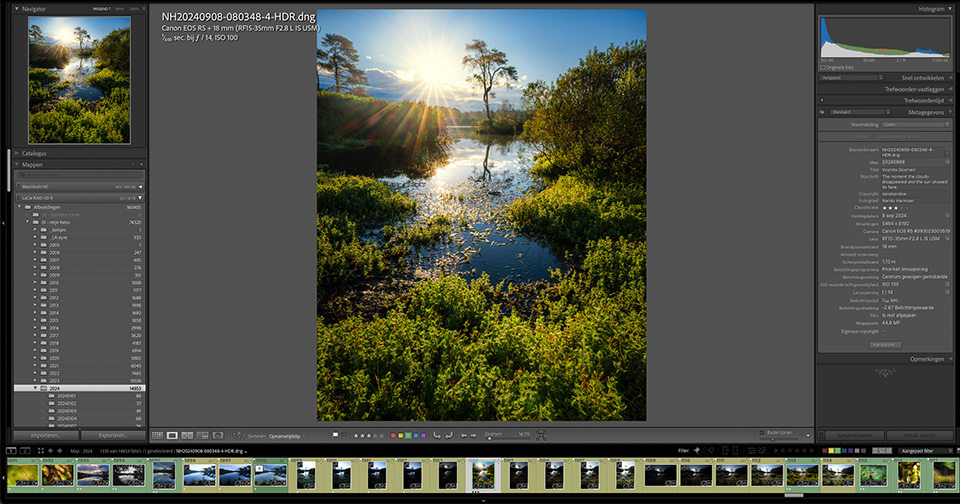
Every HDR photo is made up of five separate photos. Merging them into an HDR results in a DNG file containing all the information from those five photos. Is it then necessary to keep those five photos?
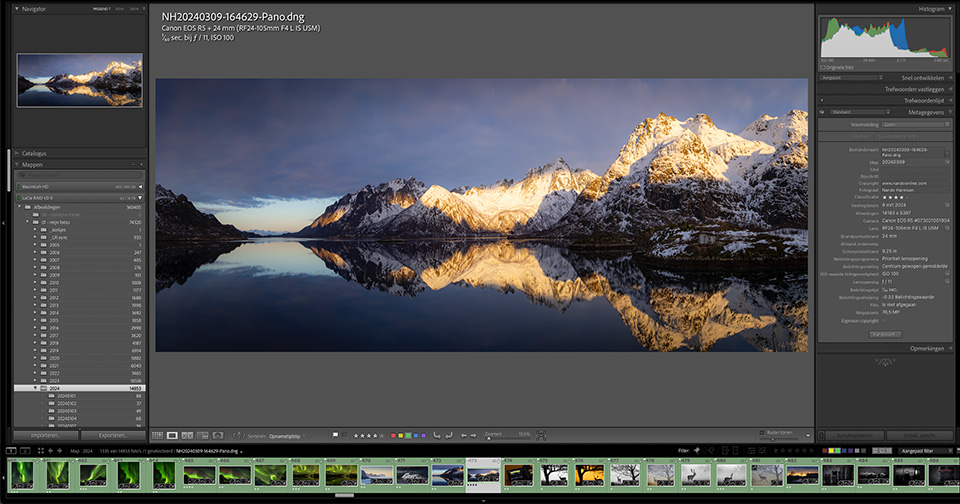
A panorama photo is made up of two, three, four, five, or more photos. This merging results in a DNG file between 12000 and 20000 pixels in size, along its longest side. Is it still necessary to keep those separate panorama images?
On the one hand, I say yes. They are the original files. On the other hand, the HDR photo and panorama in DNG format contain enough image information to be edited as a raw file. So I am leaning towards deleting all those separate images.
What about an HDR panorama? A panorama made from four HDR photos, each consisting of an exposure bracket of five images. Should I then delete all 20 originals? Or should I keep the four merged HDR images that make up the panorama?
I have not quite made up my mind yet. So I am curious how you deal with this. What do you keep, and what do you delete? What would you advise?
Don't say that hard drive space costs nothing and that you can therefore keep everything. That is not true, and certainly not an option. Anything that is not worth keeping or that has failed is deleted. But I would be glad to read your advice on this.
About the author
Nando Harmsen has been photographing for more than 40 years. He specialises in wedding photography and landscape photography. Nando also gives talks, workshops, masterclasses and photo trips, and regularly reviews new and interesting equipment.
You might also like
-
 10 tips to save hard drive space
by Nando Harmsen
-
 Review: Special Photography Techniques, Panoramas, HDR, Virtual Tours and More
by Michelle Peeters
-
 A panorama or a panorama crop?
by Nando Harmsen
-
 Programme your camera for HDR
by Nando Harmsen
-
 10 Tips for a Handheld Panorama
by Nando Harmsen
-
 Exposure bracketing instead of brightening dark areas
by Nando Harmsen
18 comments
-
 MacBigfoot wrote on Sunday 24 November 2024 at 17:24 | reply
Something you could consider when thinking about a panorama: do the individual photos have value, meaning: if not, I would settle for the final panorama photo.
Translated from Dutch.
And furthermore: I don't know whether the technique of merging photos, panorama or HDR, could improve much further. That would mean that keeping them is pointless, because the end result is already there.
And finally: you had a goal in taking individual photos for HDR & panorama: that goal has been achieved, so what would you still want to do with the individual photos? -

-

 ifiamminghi wrote on Tuesday 26 November 2024 at 11:06
| reply
ifiamminghi wrote on Tuesday 26 November 2024 at 11:06
| reply
Completely agree.... after all, the individual photos aren't good anyway (well, exposure bracketing, so with each photo there is something that is over- or underexposed), whereas the composite photo now contains exactly what you need, and with a DNG you can still carry out some editing, if that is still necessary.
Translated from Dutch.
I have been guilty of it too, and thus "wasted" a lot of storage space... I am also busy "cleaning it all up" now. -
Nando
wrote on Tuesday 26 November 2024 at 11:40
| reply
A DNG file is not only suitable for some further editing. It is a raw file, but with all the brightness values that were in the individual images. So you have much more room for editing (that is the essence of an HDR image)
Translated from Dutch. -
 Ron A.B. wrote on Tuesday 26 November 2024 at 10:44 | reply
I keep them because it quite often happens that I want to merge those old ones again because the quality of the programs (photoshop) has improved so much... besides, insights and taste also change and that too can be a good reason to want to do it all over again and possibly with different techniques
Translated from Dutch. -
Nando
wrote on Tuesday 26 November 2024 at 11:38
| reply
This is indeed a point to consider.
Translated from Dutch.
The starting point I have is that an HDR image is a combination of the exposure bracket. In my opinion, that combining is not something that changes. But editing that HDR image is.
It is interesting to delve a little deeper into that.
The starting point for me is that the DNG of the composited image (the HDR) has all the brightness values available that were present in the individual images of the exposure bracket. -
 hendrik wrote on Tuesday 26 November 2024 at 11:20 | reply
Backing up your files (photos are on an external hard drive), which systems are worth considering? Part of an existing course or how can I find out more? Can you give advice?
Translated from Dutch. -
Nando
wrote on Tuesday 26 November 2024 at 11:43
| reply
There are several options for backup. That also makes it difficult to find a good system.
Translated from Dutch.
I would advise having a local backup drive to which you have your external hard drive backed up (automatically) - preferably in real time via backup software).
Additionally, back up to the cloud so that it is also stored outside your home.
You can read this article to get an idea of how I have arranged it: https://www.photofacts.nl/fotografie/rubriek/lightroom_tips/5-tips-voor-fotobeheer-in-lightroom-classic-en-ook-voor-andere-software.asp -
 Truus wrote on Tuesday 26 November 2024 at 11:39 | reply
I too am busy tidying up. Sometimes unfortunately too much and too quickly. Especially when I have made an edit that I have edited undesirably in a plug-in. I can no longer go back in the edit in LR. Some photos can work in a panorama of 5 photos, but later I think that 2 or 3 photos could also be nice. So last week I agreed with myself that those photos would get an X flag and the good ones a white one. Still more time to think, because the possibilities for editing photos keep growing and then it is wonderful to edit the older photos again.
Translated from Dutch. -
Nando
wrote on Tuesday 26 November 2024 at 11:49
| reply
That is indeed a risk, Truus. Throwing things away too quickly is not good. I therefore do this periodically, and not immediately.
Translated from Dutch.
I would never throw away the original of externally edited photos, for the reason you already mention yourself.
Combining panoramas of, for example, five photos means that you can always crop that photo later - which would then correspond to a panorama of fewer photos.
-
 van loon antoon wrote on Tuesday 26 November 2024 at 11:46 | reply
Usually I keep a single photo from a panorama series that has a good composition in its own right. The ends usually go then.
Translated from Dutch.
Have found that the well-exposed photo from an HDR series usually shows a different color pattern than the composite result. I usually keep that one as well.
I usually make series of photos that are only meant to be viewed and not projected quite a bit smaller, which saves some space too.
But I can imagine that Nando has more shots than I do and therefore the erasing brush needs more hairs to erase. -
 Joseph wrote on Tuesday 26 November 2024 at 15:47 | reply
After creating the HDR, I always throw away the files
Translated from Dutch. -
 Marcel Jakobs wrote on Tuesday 26 November 2024 at 17:09 | reply
In this age of AI, I find myself hesitating quite a bit about throwing away some panoramic images, especially if you also want to enter a photo in a competition now and then. The rules often say that you must always be able to prove that the end result consists only of photos taken by yourself. Well, if you then throw away the originals, you can create a problem for yourself and get disqualified. All because of AI and the possibilities of image enhance or image extender.
Translated from Dutch.
In other words, you will have to carefully consider what you do with each photo, throwing things away too quickly can cause problems later on. But you should certainly clean up regularly. -
-
 Jos wrote on Wednesday 27 November 2024 at 16:10 | reply
Photos that aren't worth the effort aren't used to make composite photos. They don't even belong in the selection, so they're thrown away.
Translated from Dutch.
The RAW files that are part of a composite photo, I keep. The reason is quite simple: when I started with digital photography, I had an Olympus XZ-1 and the RAW photos from it are still worth keeping. More than that: with DxO PhotoLab I can still get more out of them now than I could back then with RawTherapee. So my reason for keeping them is clear, although naturally the limit is set by the information actually available in the RAW file. -
Nando
wrote on Thursday 28 November 2024 at 10:02
| reply
A good reason to keep RAW images.
Translated from Dutch.
The question that does occur to me is the following: the HDR merge (DNG files) created from multiple RAW images contains all the necessary image information from those RAW images. New software then makes 'better' use of that information. In my opinion, that doesn't have much to do with a new HDR merge.
It would be interesting to test that sometime. -
 Jos wrote on Thursday 28 November 2024 at 11:14 | reply
As far as I know, merging into a single DNG file is only possible in Lightroom. Since not everyone makes money from photos, that isn't a universal option. In that case, keeping the RAW files is wiser, especially since the stored information takes up just as much space.
Translated from Dutch. -
Have your say
Please note: Articles older than a week can only be commented on by signed-in visitors.Would you still like to comment? sign in or create a free account.
Become a better photographer every week
A practical photography tip in your inbox every week.
38,982 photography enthusiasts already receive the tips! More about the weekly mail. Or keep up to date via  Facebook.

Elja Trum
Photofacts; everything to do with photography!
Would you like to take better photos and keep up with what is happening in photography? Photofacts publishes articles that teach you something about photography — from a product announcement to a practical shooting tip or a look at a website. Photofacts covers photography every day and is a hobby project of Elja Trum's that got out of hand. The articles are written by a team of volunteer authors. If you would enjoy writing one or more articles for Photofacts, do get in touch.More about PhotofactsPhotofacts is made possible in part by
