

Review of the Canon EOS M50 mark II
Friday 11 June 2021, 14:14 by Nando Harmsen | 9,060 views | 3 commentsThis article was translated from Dutch with the help of AI. Read the original.
Do you enjoy vlogging? Or are you looking for a wonderfully compact mirrorless camera that does not cost a fortune? Then the new Canon EOS M50 mark II could be for you.
Canon Nederland sent me one to review. In this article, you can read about my findings.
First, I am going back in time a little. In 2018, Cameraland.nl gave me a Canon EOS M50 to try out and review.
I took this small (white) camera with me to the French Auvergne and was impressed by this little powerhouse. You can find that review on my website.
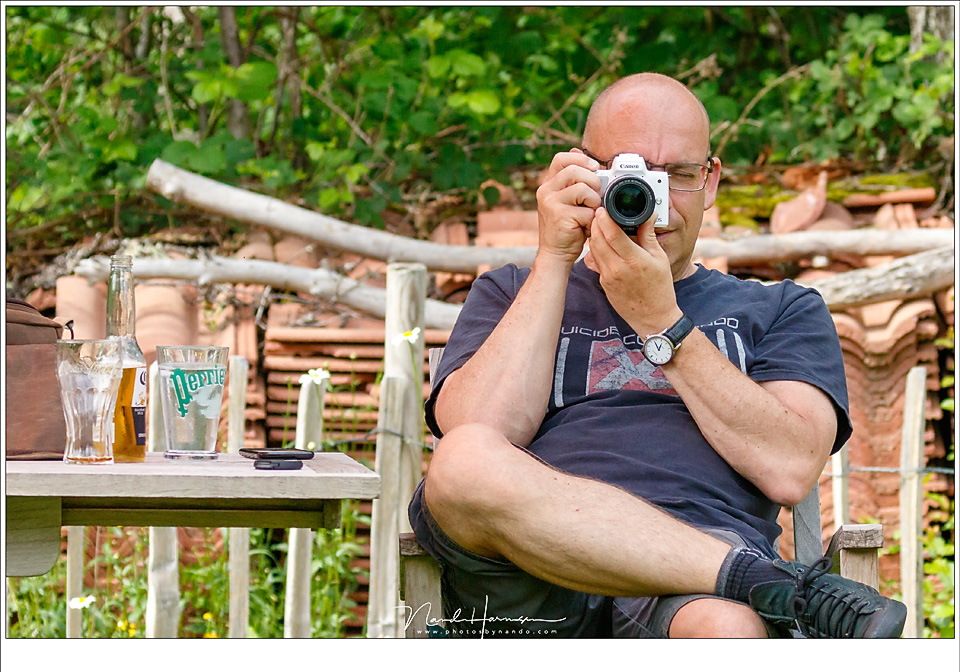
Three years later, there is a successor. The Canon EOS M50 mark II. At first glance, this mark II looks exactly like the same camera. And that is correct, complete with the same 24-megapixel sensor. The improvements can be found under the bonnet.
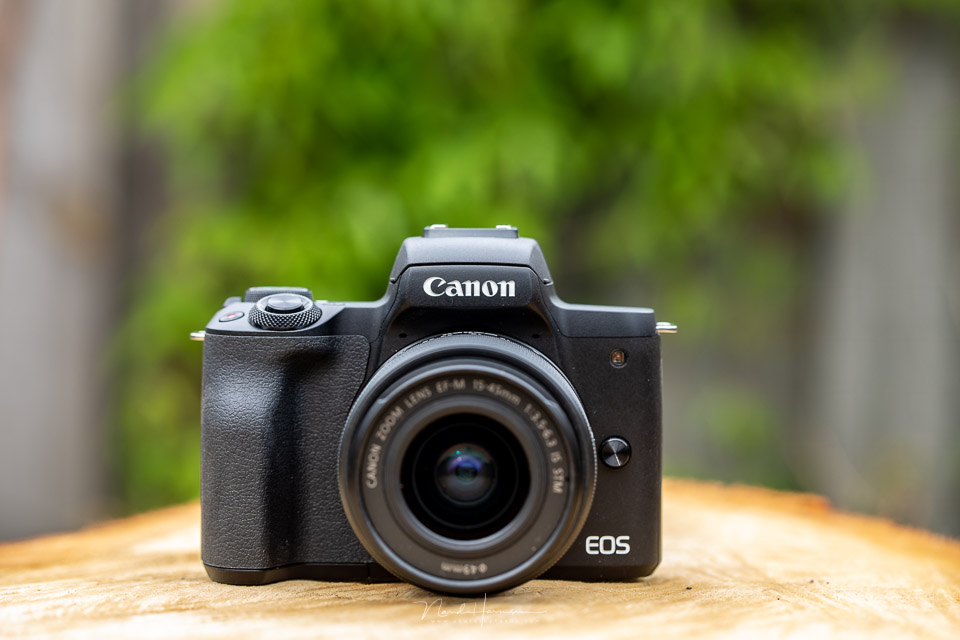
The differences between the EOS M50 and the EOS M50 mark II:
- Improved autofocus, including eye AF for photos and video
- Support for vertical video
- Touch video and movie self-timer for better vlogging options
- Wireless YouTube Live streaming
- AF works down to -4 EV, a 2-stop improvement
- Light meter sensitivity down to -2 EV, also a 2-stop improvement
- Improved battery capacity, 250 shots instead of 235
The following specifications have remained the same:
- 24.1-megapixel APS-C CMOS sensor
- 4K 24 fps, FHD 50 fps and 100 fps in HD
- 2.3-million-dot OLED EVF
- WiFi and Bluetooth
- ISO range from ISO 100 to ISO 25,600, expandable to ISO 51,200
- 3-inch fully articulating 1MP touch screen with Clear View LCD II
- 7.4 frames per second continuous shooting, 10 fps with AF lock
- Completely silent shooting
- Dual Pixel CMOS autofocus with 143 AF points covering 88% / 100% of the image area
- Touch and drag AF to move the AF point across the LCD screen, even when looking through the viewfinder
- 5-axis image stabilisation
- Compressed CR3 Raw file option, Craw
The same sensor, the same quality in a compact body
The sensor in the EOS M50 mark II, and therefore also in the EOS M50, is the same type found in many of Canon's APS-C cameras. In the video I recorded, I mention the Canon EOS 7D mark II, but that is not quite correct.
The M50 mark II has a 24.1-megapixel sensor. It is, however, the same type of sensor. You can therefore expect the same image quality from the EOS M50 mark II, but in an extremely compact camera body.

The original EOS M50 was one of the first EOS models to have the compressed Craw file format.
The EOS M50 mark II also has this file format. The Craw format produces files that are 40% smaller without affecting quality. You only notice a negligible difference when pushing the editing to extremes.
The EOS-M lens mount
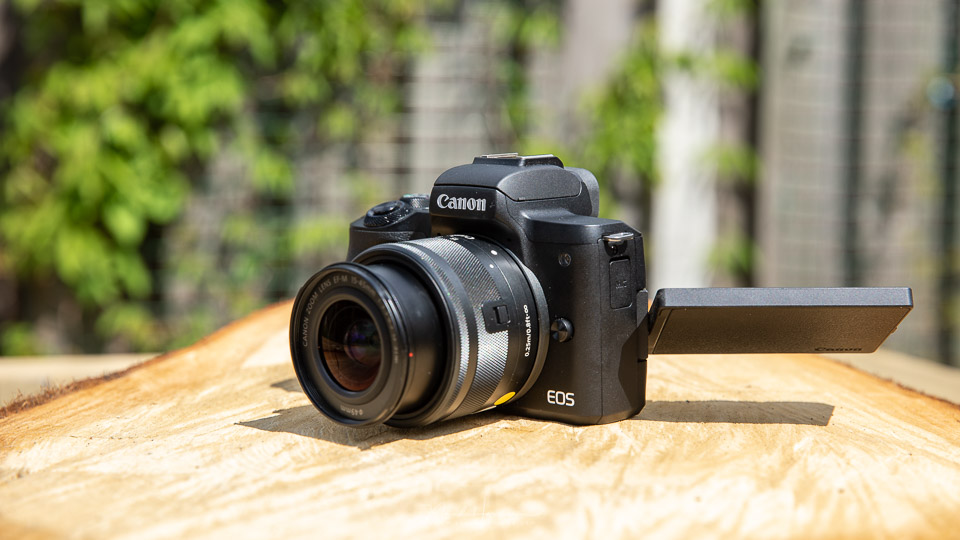
The EOS M50 mark II is very compact. This also makes very compact lenses possible, available as EOS-M lenses. The range of these lenses is large enough for the camera's intended purpose.
With an EOS-EF-M adapter, it is also possible to use EF-S or EF lenses.
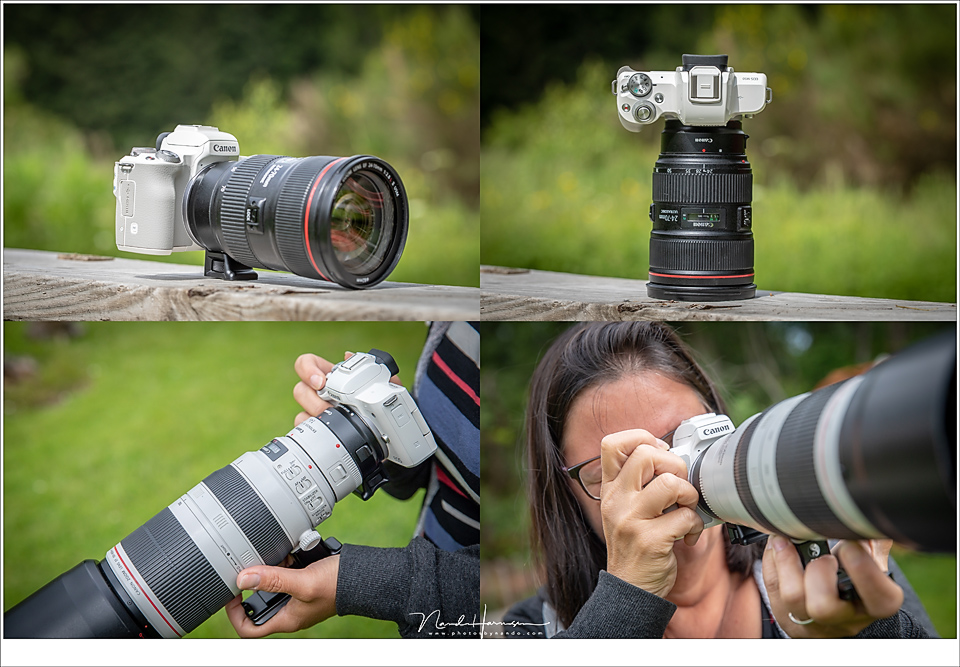
The compact design of the EOS M lenses is what makes this system particularly attractive. These lenses are often much more affordable than the larger EF-S and EF versions. The fact that you can still use those lenses makes the EOS M50 mark II very flexible.
An ideal vlogging camera
Although photography is perfectly possible with this small EOS M50 mark II, the camera is also intended for filming. Its compact design and simple video functions make it an ideal vlogging camera.
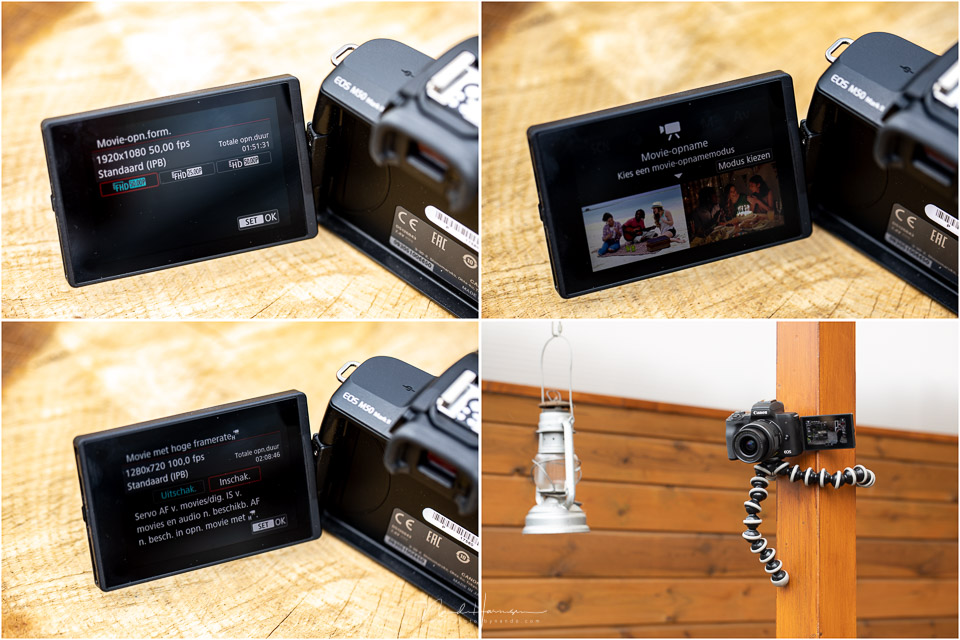
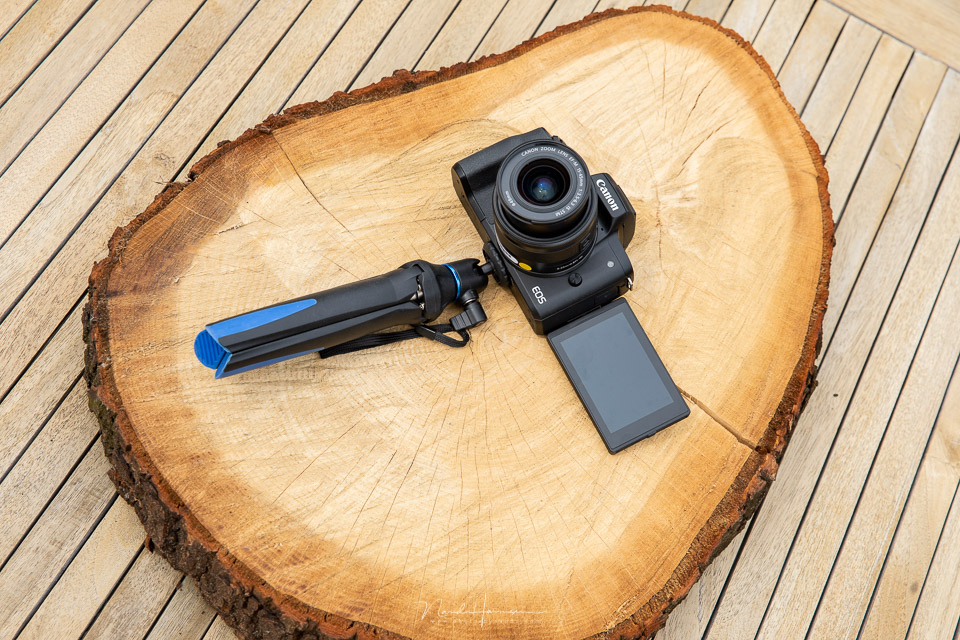
Flip the screen forwards and you can see perfectly how you are positioned in the frame. Combine this with the excellent eye AF and built-in 5-axis image stabilisation, and you have a very suitable camera for walking around with.
For this review, I made a short vlog video, my first. The footage is straight out of the camera and unedited. The sound was also recorded with the built-in microphone. Unfortunately, I did not manage to photograph the orange-tip butterflies I had gone out to find.
This video was recorded in full HD at 50 frames per second. Only at the end of the video can you see the result of the 100 fps slow-motion HD recording, which is also available. You can also record in 4K if you wish.
Photography with the EOS M50 mark II
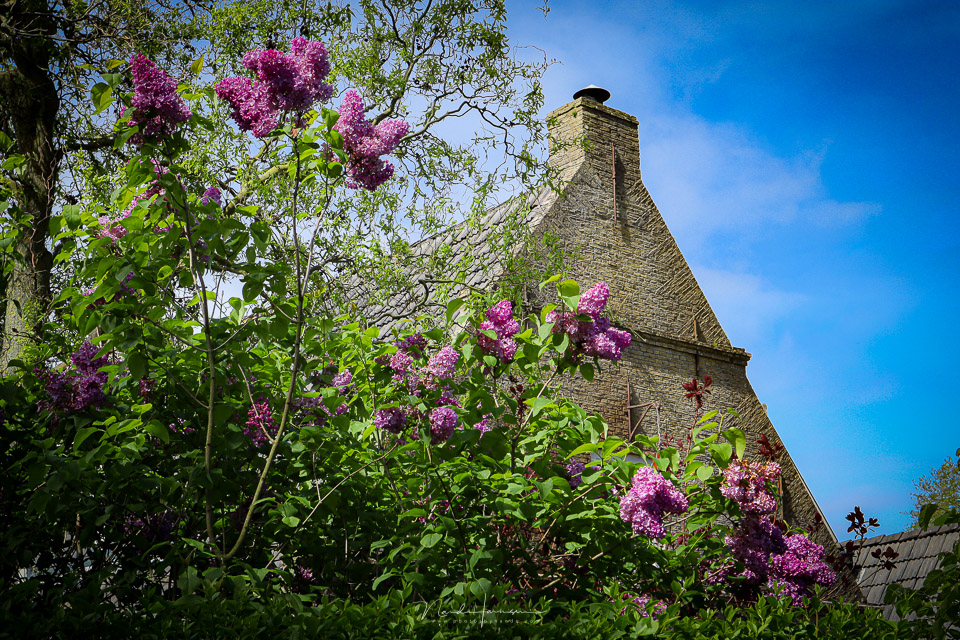
The camera's small size makes you want to take it with you. I mainly photographed with the standard 15-45mm lens, which is equivalent to 24-72mm full frame.
Focusing is fast and accurate. You can use the touchscreen to move your AF point by swiping, even when using the EVF. This lets you choose the point you want to focus on very quickly and efficiently.
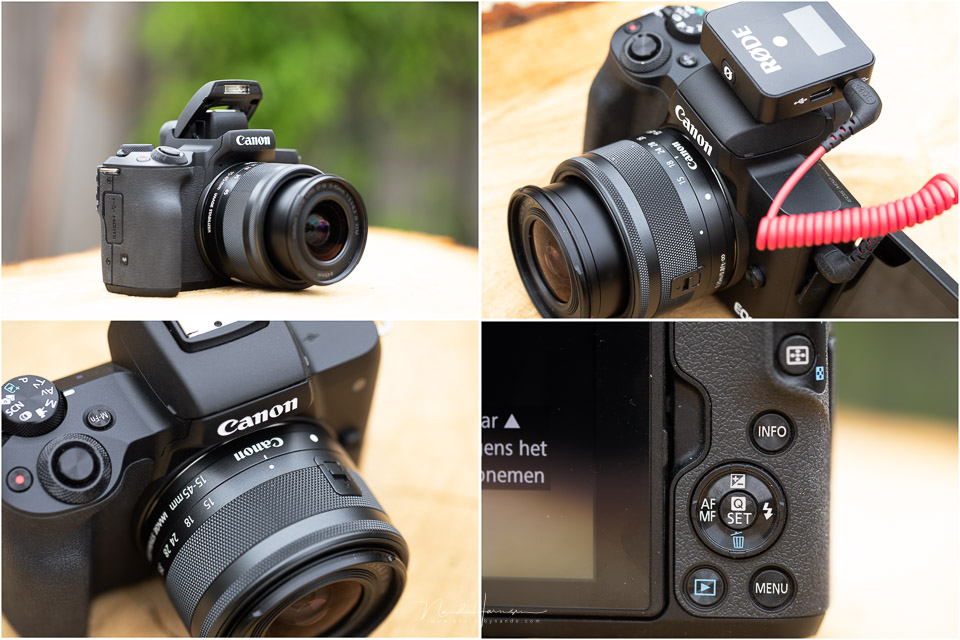
The buttons on the EOS M50 mark II are very small, but have a clear pressure point. Only the M-Fn button and the movie button on top of the camera are less easy to feel.
Around the shutter button is a control dial that can be used to set various values. The function assigned to the dial depends on the mode selected.
Despite the small number of buttons, operating the camera is reasonably intuitive and easy to master. Together with the excellent menu layout and touchscreen, photographing and filming with the Canon EOS M50 mark II is very enjoyable.
Connectivity
The connections on the EOS M50 mark II are not particularly extensive, partly because of the camera's small size. They are sufficient for normal use of the camera.
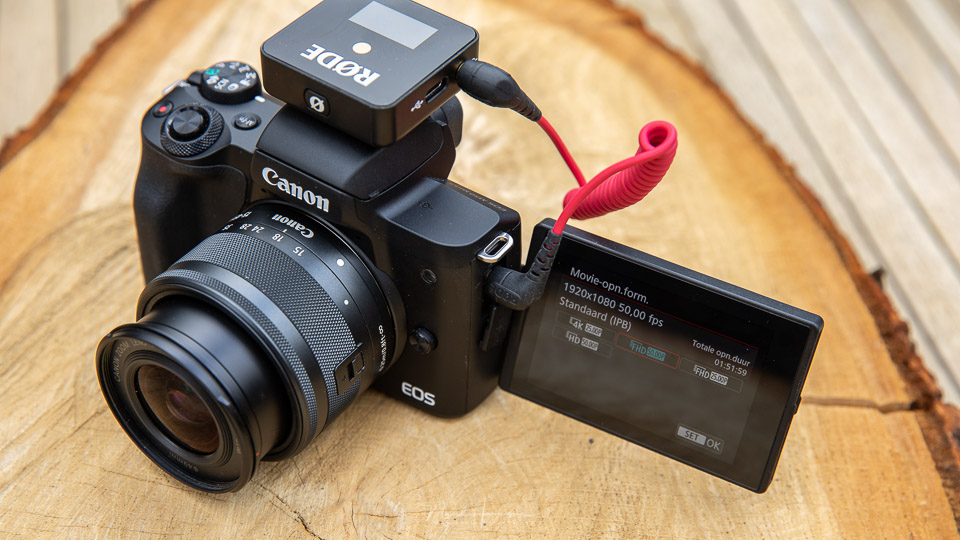
On the left is the microphone connection, which can sometimes get in the way when you flip the screen out for vlogging. At least, when you use an external microphone.
On the right, you will find a mini USB 2.0 and mini HDMI connection, type D. Unfortunately, there is no USB-C, and the camera cannot be powered via the USB cable. The battery compartment is underneath the camera, and this is also where the UHS-II SD card goes.
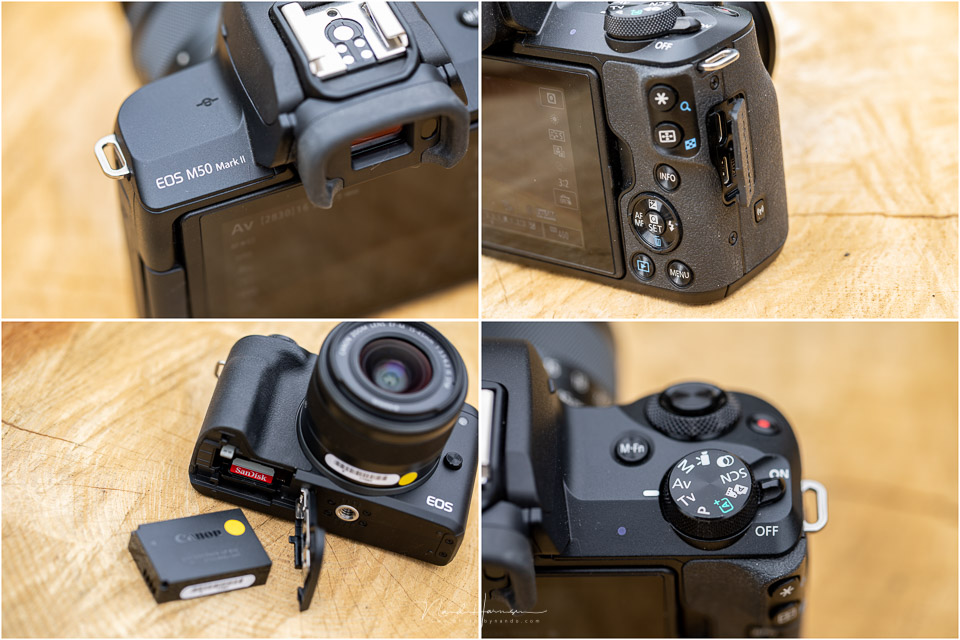
The size and position of the battery and memory card compartment make it awkward to use the camera on a tripod. Once a tripod plate is attached, the cover can no longer be opened. You therefore always have to remove the tripod plate when you need to access the compartment.
The menu and options
The menu has Canon's familiar layout. It clearly separates the different options. All the functions in the menu can be operated using the touchscreen.
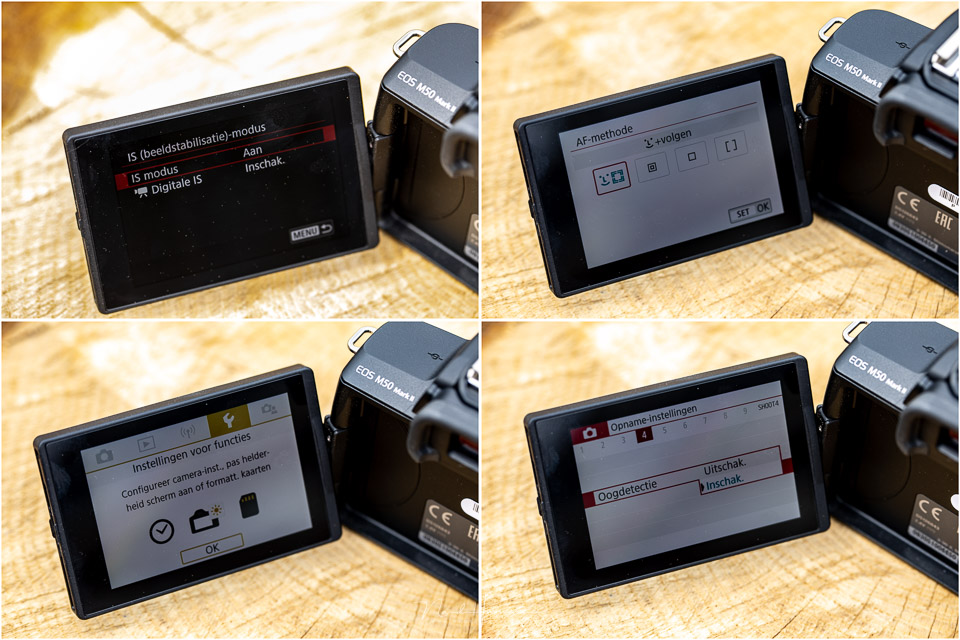
Some of the available functions change depending on whether you have selected video or photography. The EOS M50 mark II goes further in its options, however, by offering a number of creative settings.
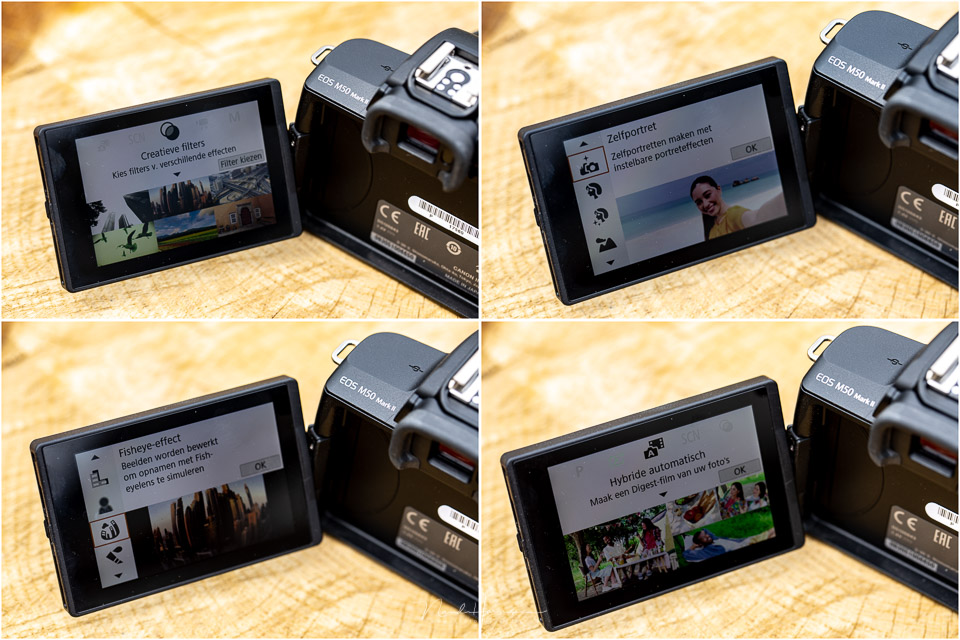
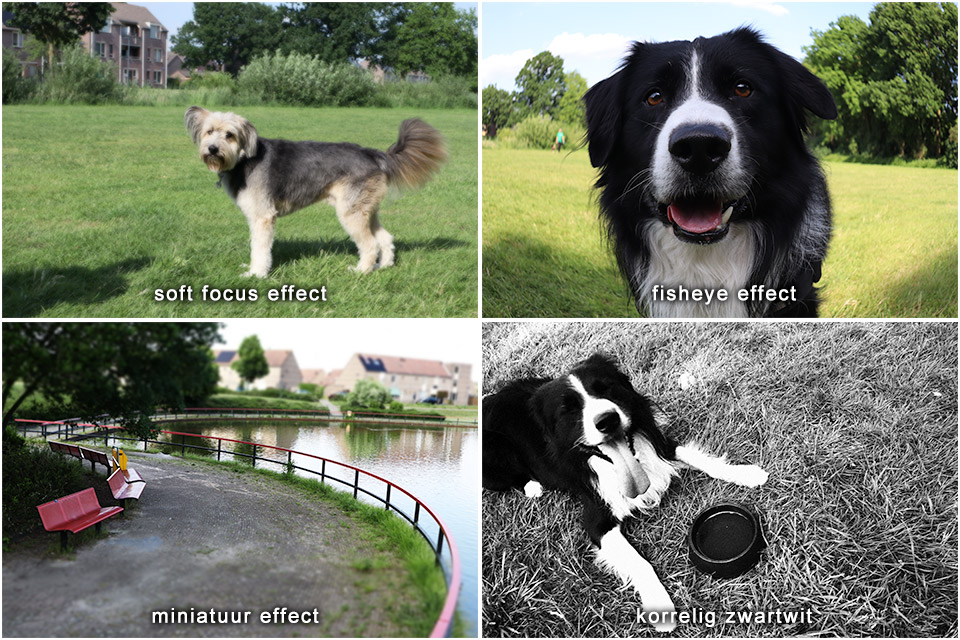
These functions are aimed at photographers who do not want to edit afterwards and prefer to shoot in JPEG. You can choose portrait, landscape and similar creative functions, but there is more than that.
Would you like to photograph with a fisheye effect? That is possible. Want a miniature effect? You can set that too. Although these functions are often more of a gimmick, they will certainly appeal to a large audience. Especially if you are focused on social media.
Using the camera for photography
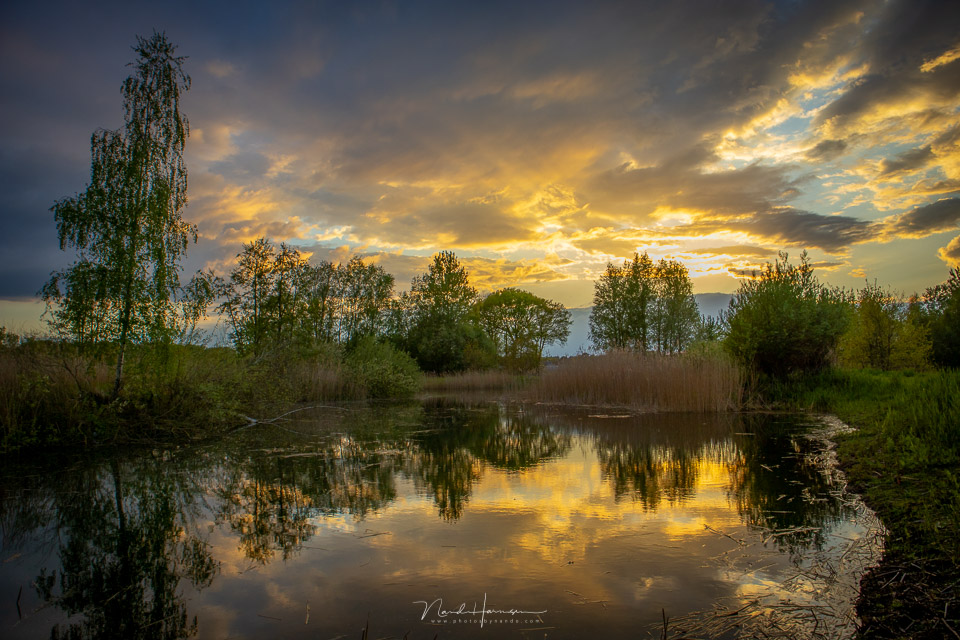
During the photography weekend in Ameland, where I was a guide for Fotografiereizen.nl, I found using the camera in the village of Nes very enjoyable. Because the camera is small and unobtrusive, the EOS M50 mark II is also suitable for street photography.
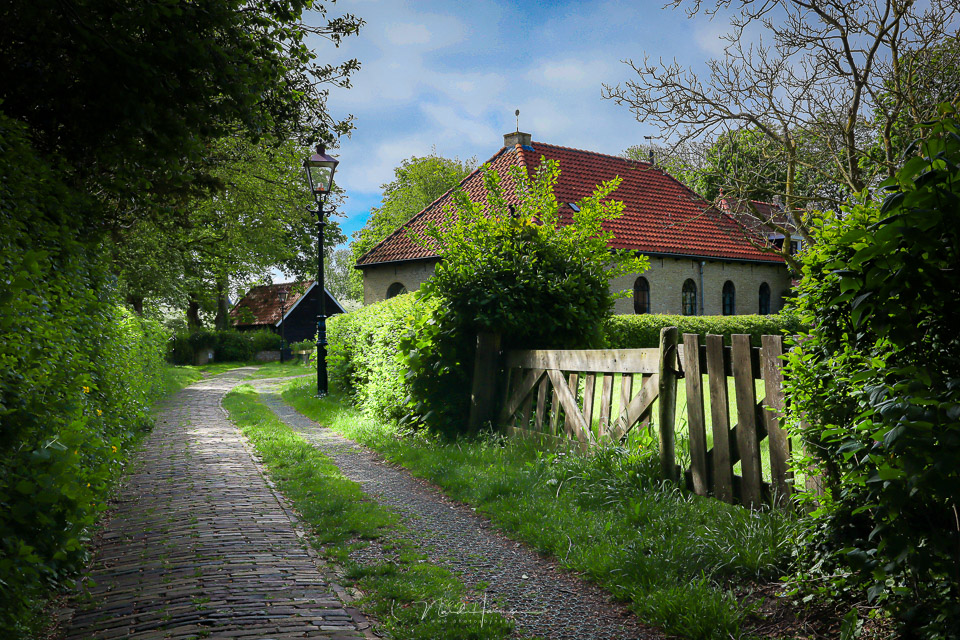
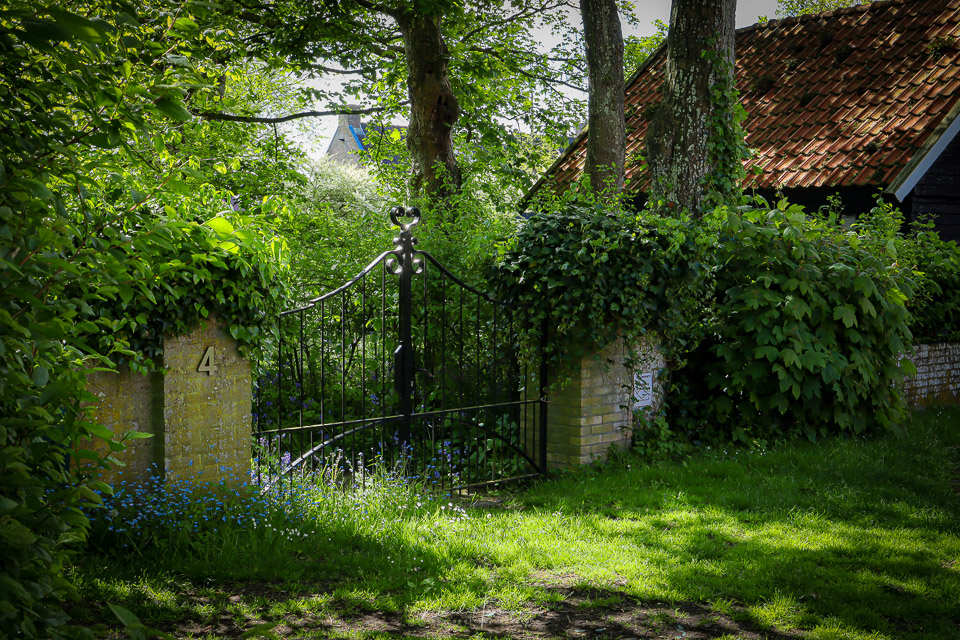
The camera was, however, used more often for landscape photography. It also performs excellently there, with all the options you would expect from a camera. From auto bracketing and creating time-lapses to setting exposure compensation, or making a vlog, of course.
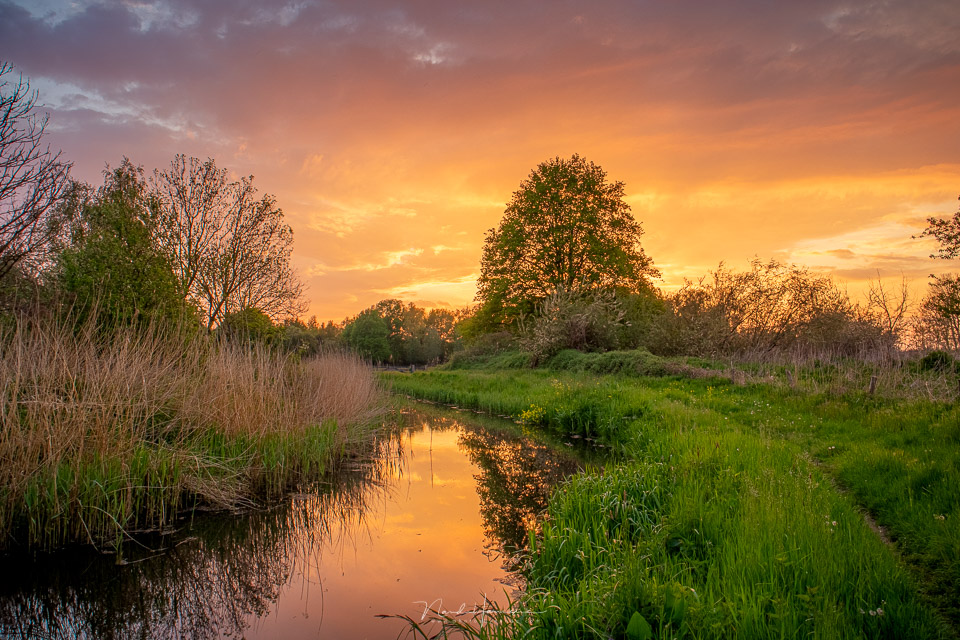
I used the camera alongside my larger camera a lot, and it was striking how convenient it was to quickly reach for the EOS M50 mark II. Not just for photos, but also for trying things out. The image stabilisation removes the immediate need to use a tripod.
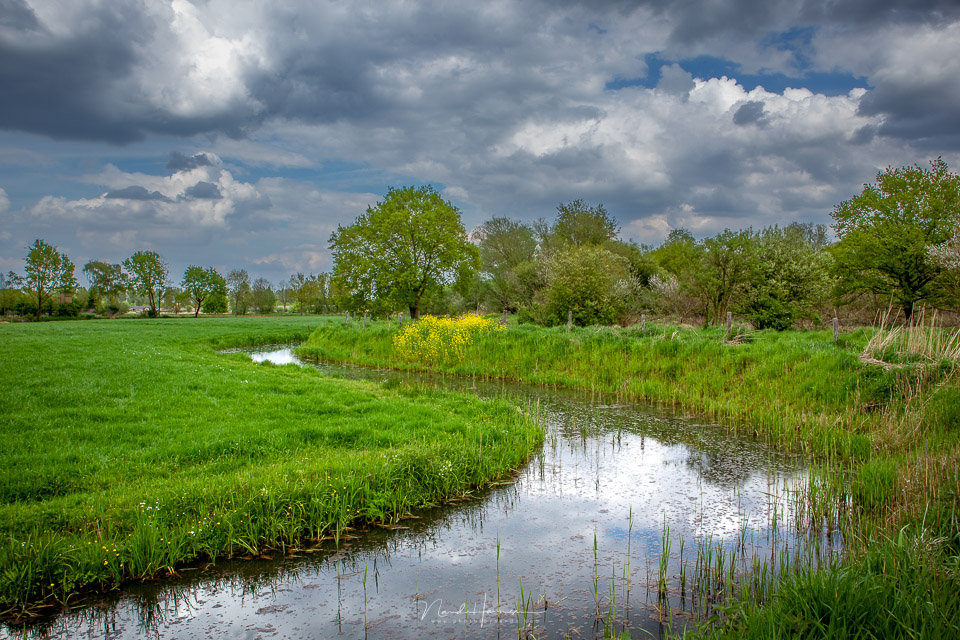
The sensor's dynamic range is not as good as that of much more expensive modern cameras, but it is certainly enough for most people. You can use bracketing if necessary.
My conclusion and verdict
I was already very impressed by the EOS M50, the first model, in 2018. The quality this camera delivers, and the option to use larger EF-S and EF lenses, made it a lot of fun to use.
How much fun it was became clear again when using this second version, the Canon EOS M50 mark II. It is essentially the same camera. But the small changes are the finishing touches.
If you already have the older EOS M50 and mainly take photographs, I do not think an upgrade is worthwhile, unless you want one of the newer functions. If you want to use eye AF, for example in videos, an upgrade is worth considering.
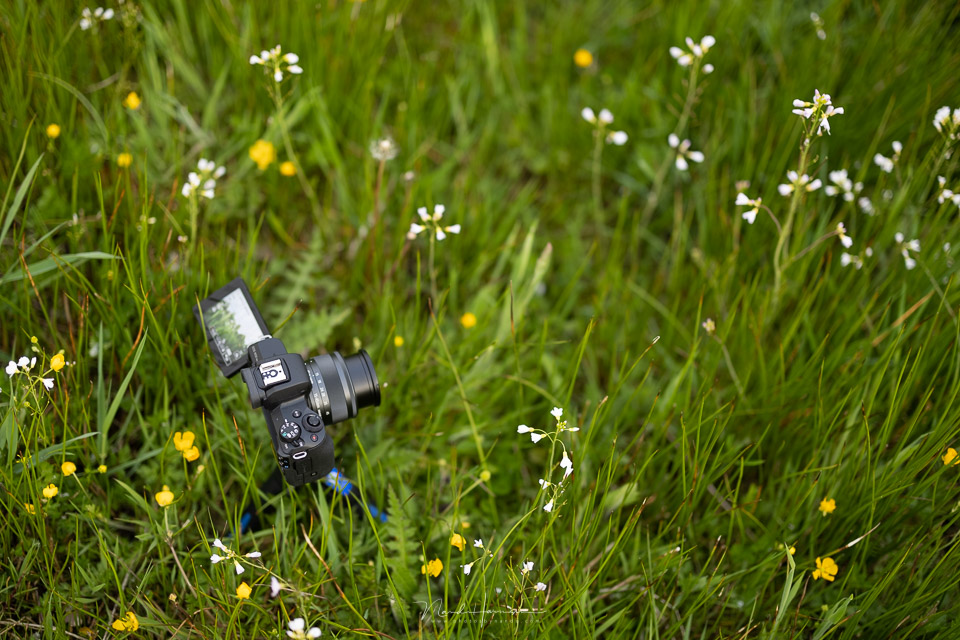
I did not use the vlogging function in 2018. This time, I did. To be honest, I cannot make a good comparison with other similar cameras suitable for vlogging. What I do know is how enjoyable it was with the EOS M50 mark II.
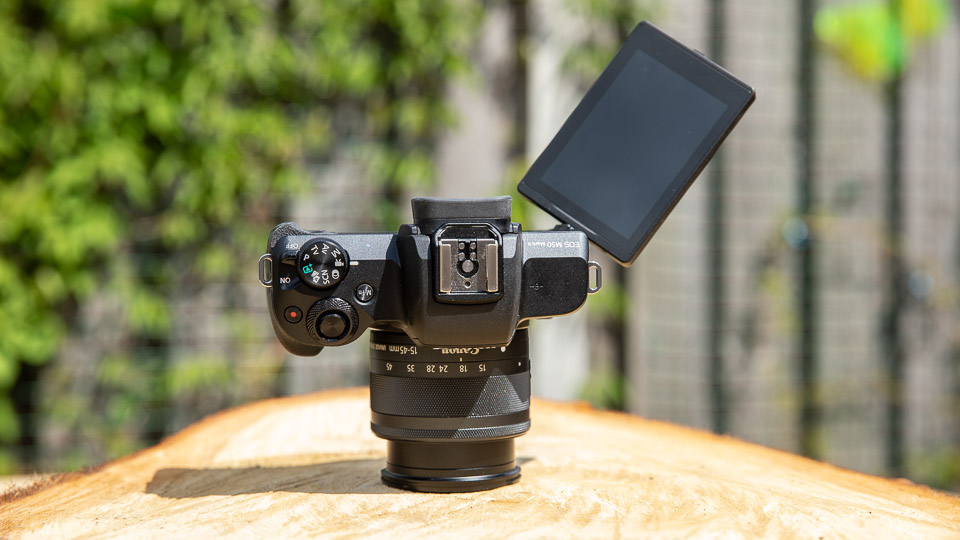
There are only a few things that I found less enjoyable. Of course, there is the previously mentioned position of the microphone connection, which can get in the way when tilting the LCD screen.
The other is the need to remove a tripod plate when charging the battery and changing an SD card.

What I found positive
- Very compact and lightweight
- Clear LCD screen
- Good touchscreen functionality
- WiFi and Bluetooth, with direct streaming to YouTube
- Vertical video is possible
- Compressed Craw file
- Menu can be switched between very simple and normal
- LCD screen can be used to place the AF point by swiping, also when using the EVF
- Fast and accurate autofocus with eye AF, for both video and photos
- Excellent image quality and ISO performance
What could be improved
- The M-Fn button and movie recording button provide little feedback when pressed
- No separate exposure compensation dial
- Manual switching between the EVF and LCD is only possible through the menu
- The dioptre adjustment is awkward and easily moved accidentally
- The battery cover cannot be opened when a tripod plate is attached
- The external microphone connection can obstruct rotation of the LCD screen
- No power supply via USB, although a mains adapter for continuous power is available separately

Since 2018, I have recommended buying a Canon EOS M50 to anyone who wants small size, compactness and good-quality photos without spending a fortune.
I will continue to do so now, but with the Canon EOS M50 mark II. In other words, it is recommended.
The EOS M50 mark II is available with the EF-M 15-45mm for 699 euros.
About the author
Nando Harmsen has been photographing for more than 40 years. He specialises in wedding photography and landscape photography. Nando also gives talks, workshops, masterclasses and photo trips, and regularly reviews new and interesting equipment.
You might also like
-
 The new Canon EOS M50 Mark II mirrorless camera
by Nando Harmsen
-
 Review: Canon EOS R10 mirrorless camera
by Nando Harmsen
-
 Review of the fantastic Canon EOS R6 Mark II
by Nando Harmsen
-
 Review: Canon EOS R7
by Nando Harmsen
-
 Review: Canon EOS R50 mirrorless camera
by Nando Harmsen
-
 Review: Canon EOS R5
by Nando Harmsen
3 comments
-
 Gert van Eck wrote on Friday 11 June 2021 at 16:48 | reply
Hi Nando, thanks for this review and the beautiful photos you took with it. I have had the M50 since the end of 2018.
Translated from Dutch.
What I miss in your review is whether an upgrade to the Mark 2 is possible. It seems that they are, after all, (almost) all software improvements.
My criticism of the old M50 is the AF focusing as soon as the subject becomes somewhat smaller and the contrast is less pronounced, such as a deer or roe deer in the woods at some distance with a 150 or 300 mm lens. I am now very curious to see how the Mark 2 handles this.
I previously came from the EOS550D and my second problem was that I often unintentionally activated functions on the control dial. You wouldn't believe how often I had to turn off the unintentionally activated flash function before being able to take a picture. There are also slightly too many functions for which you need the display touchscreen.
A positive point for the M50 Mark 1 or 2 is photographing with EF(S) lenses. With these somewhat heavier lenses, I always use the threaded connection underneath the EF adapter ring and position my Arca Swiss plate so that the rails run in the viewing direction. In this situation, you can change batteries without obstruction. -

-
 Paul wrote on Tuesday 15 June 2021 at 13:09 | reply
Now this is what I call a review, immediately useful information and no mile-long texts that you dread reading.
Translated from Dutch.
Well done Nando!!

Have your say
Please note: Articles older than a week can only be commented on by signed-in visitors.Would you still like to comment? sign in or create a free account.
Become a better photographer every week
A practical photography tip in your inbox every week.
38,982 photography enthusiasts already receive the tips! More about the weekly mail. Or keep up to date via  Facebook.

Elja Trum
Photofacts; everything to do with photography!
Would you like to take better photos and keep up with what is happening in photography? Photofacts publishes articles that teach you something about photography — from a product announcement to a practical shooting tip or a look at a website. Photofacts covers photography every day and is a hobby project of Elja Trum's that got out of hand. The articles are written by a team of volunteer authors. If you would enjoy writing one or more articles for Photofacts, do get in touch.More about PhotofactsPhotofacts is made possible in part by
