

Review: Canon EOS R5
Friday 11 September 2020, 14:28 by Nando Harmsen | 14,064 views | 4 commentsThis article was translated from Dutch with the help of AI. Read the original.
With the EOS R5, Canon has brought a professional mirrorless camera to the market. The camera's capabilities are simply fantastic. I was able to test it for a week. This is a review of the Canon EOS R5 from a photographer's point of view.
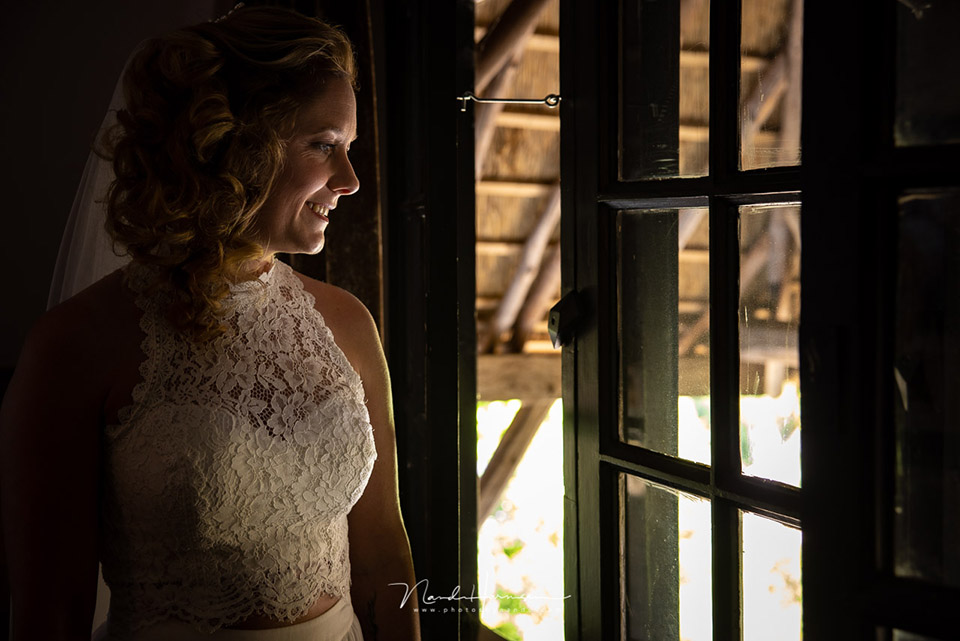
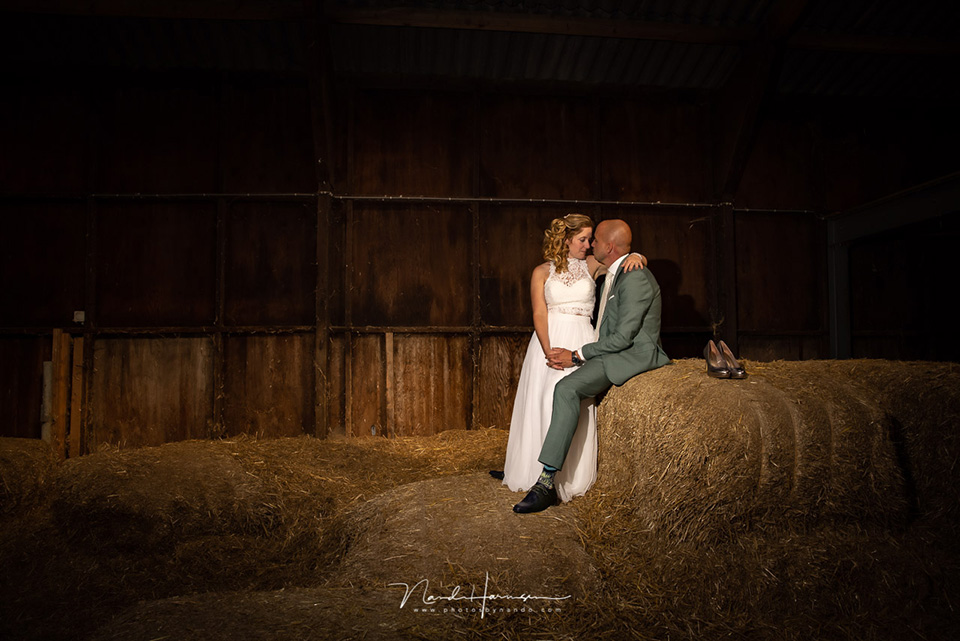
I have been photographing with the Canon EOS 5D mark IV for many years, and have always been very happy with it. The camera is perfect for my landscape and wedding photography.
I never found a good reason to switch to the mirrorless cameras from competing brands. Not even after trying out and reviewing those cameras for sometimes several months at a time.
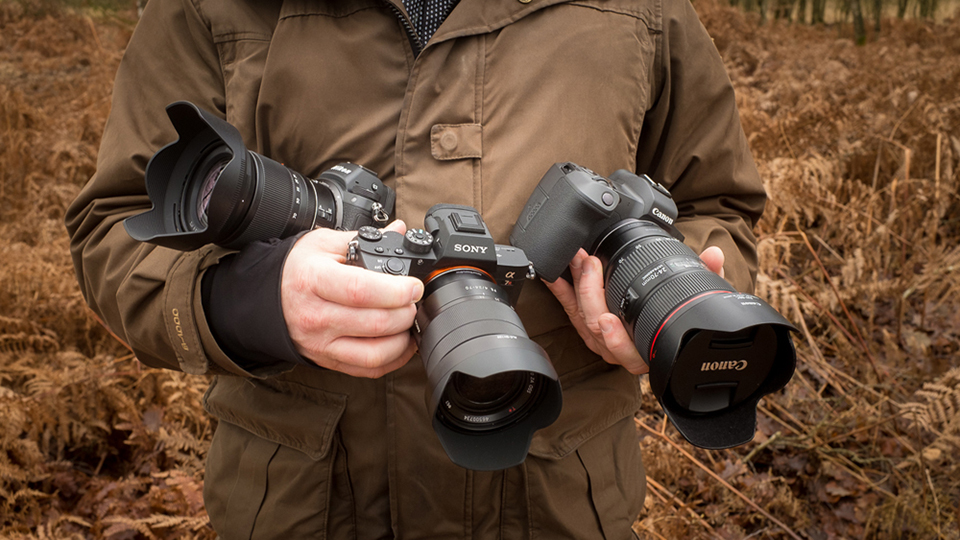
The Canon EOS R was Canon's first full-frame mirrorless camera. A fine camera that offered me some major advantages over Sony and Nikon.
Even so, the Canon EOS R could not match the convenience of the EOS 5D mark IV in many areas. The touch bar did not work as I had hoped, and it lacked the dual card slot that is indispensable for my wedding photography. It was clearly not a camera for the professional market.
But now there is the Canon EOS R5. A mirrorless full-frame camera with a huge 45-megapixel resolution, 5-axis In Body Image Stabilization, or IBIS, eye-detection autofocus, continuous shooting at up to 20 frames per second, a dual card slot, and thankfully no touch bar.
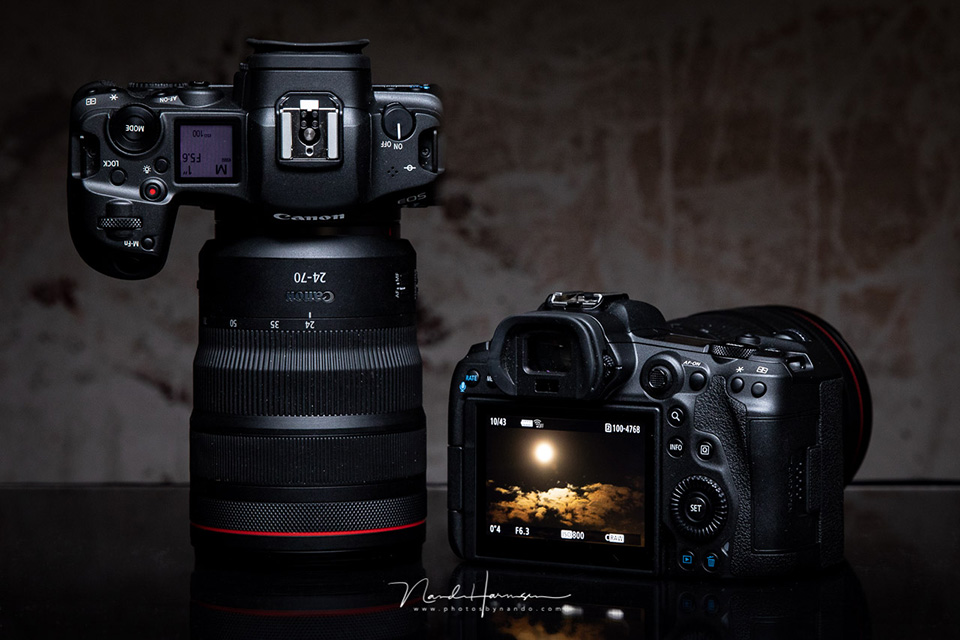
The Canon EOS R5's video function
One of the striking specifications of the Canon EOS R5 is its ability to record video in 8K resolution at 30 frames per second.
The amount of data generated is so large that it creates a lot of heat. The risk of the camera overheating is therefore a much-discussed topic on the internet.
During the week I had the camera available, there was no time to look at or try out the video functions. I focused entirely on using the camera for photography, both as a landscape photographer and as a wedding photographer.
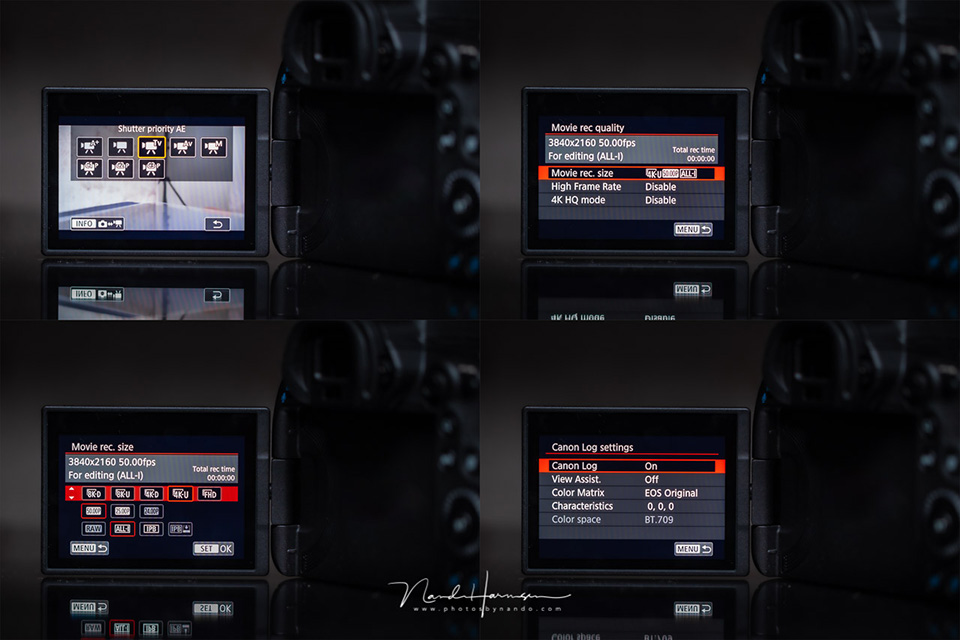
I do want to mention the video settings menu. The choice of video resolution and frame rate has been greatly improved. This was one of the few drawbacks of the Canon EOS 1D mark III, which I also recently wrote a review about. Canon has made this much more logical in the EOS R5.
As well as 8K resolution, the Canon EOS R5 of course also records in 4K and FHD. You can choose different frame rates and use the Canon Log format. As mentioned, this review will not cover video, but photography.
The Canon EOS R5's appearance
The appearance is broadly comparable to that of the Canon EOS R. It also feels similar in the hand, with a comfortable grip and enough space between the grip and the lens for your fingers.
The buttons are well distributed across the camera and easy to find by touch. For a moment I had doubts about the position of the AF-ON button and the joystick, but the position turns out to be very logical.
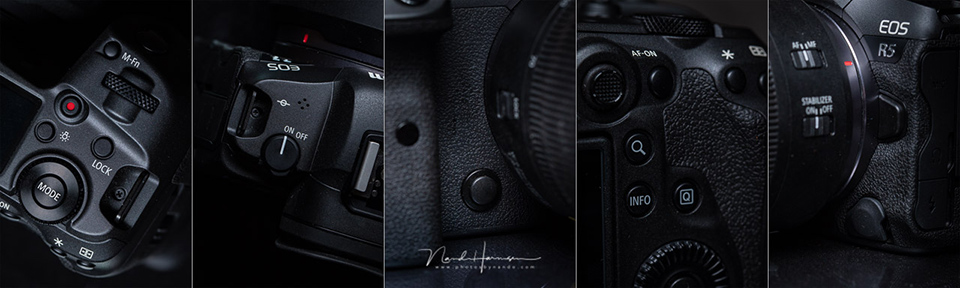
On the back we also find the large control wheel, which works much more pleasantly than the four-way button found on the EOS R.
With this wheel, the Canon EOS R5 now has three control dials in total, which can be programmed perfectly for the three exposure settings: aperture, shutter speed and ISO. If you also count the control ring on the lens, you have an extra control dial available.
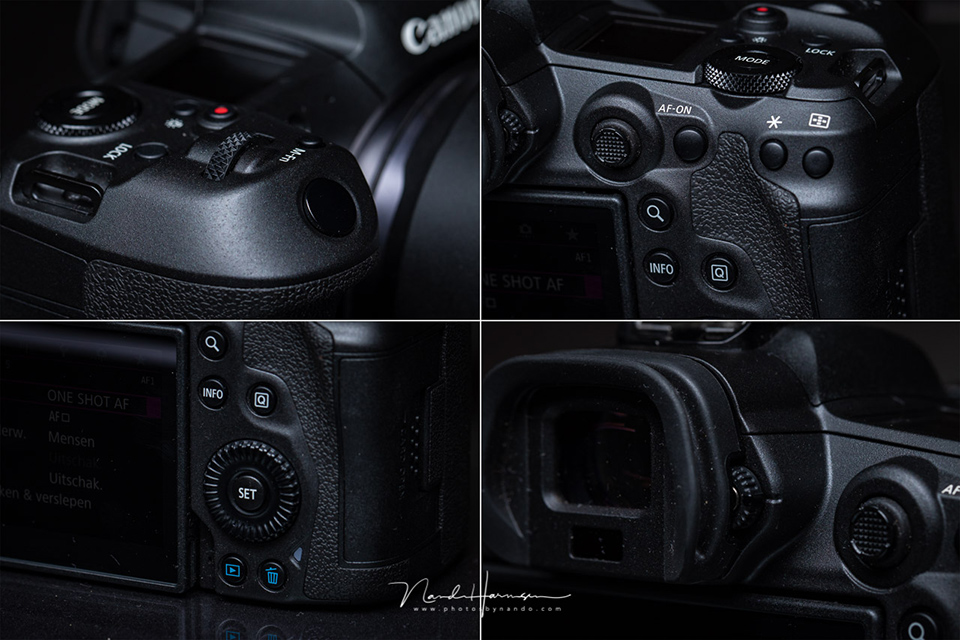
An important aspect of the buttons on a camera is their quality and feel. The most important buttons are easy to find by touch. They have a clear pressure point and feel solid and robust.
The less important buttons are recessed further, so they feel different. This greatly reduces the chance of pressing the wrong one.
What I do miss is the PSAM dial. This setting now has to be selected by pressing the mode button, after which you can choose the PSAM setting, together with the familiar custom functions C1, C2 and C3.
You can select in the menu which of these settings you want to have active. If, for example, you never use P mode, you can deactivate it so it cannot be selected. Unfortunately, the disabled function remains visible in the selection list.
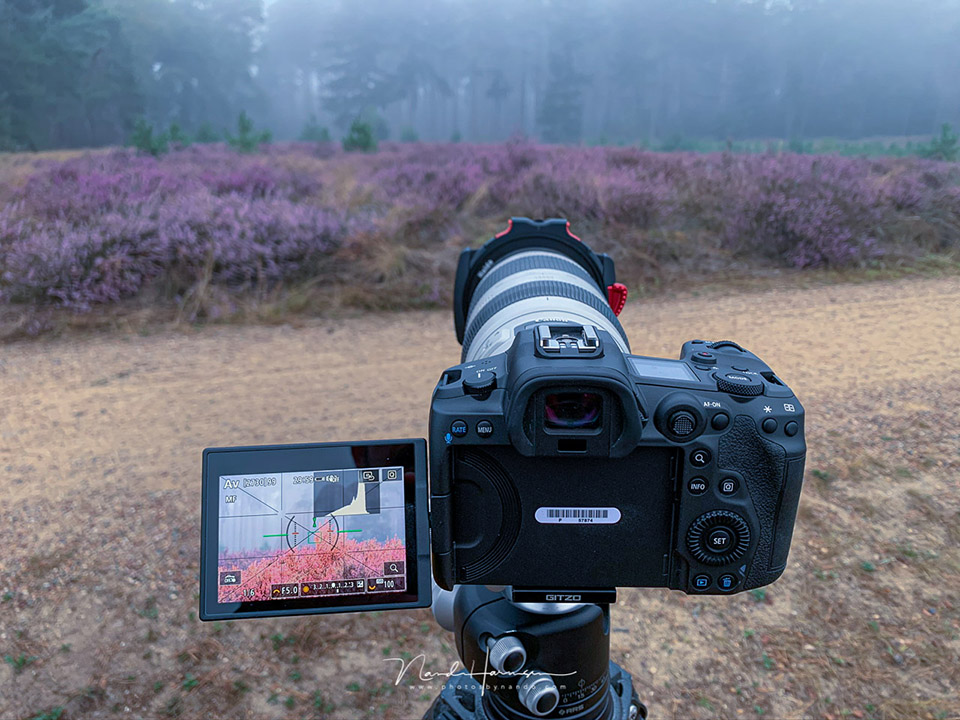
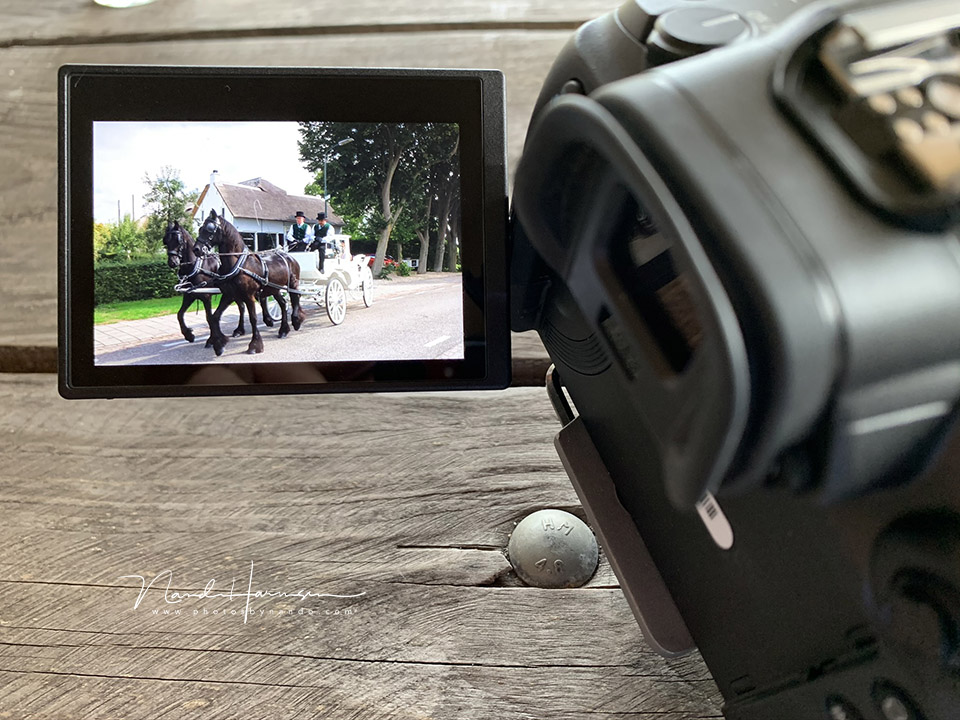
The Canon EOS R5 has a nice vari-angle screen with full touchscreen functionality, as we have come to expect from modern EOS models.
Little has changed here, and it works particularly smoothly and intuitively. The touchscreen can also be used to move your focus point, even when you have the camera to your eye.
A brief look at the menu structure
There is actually little new to say about the menu. I have always considered the menu structure of Canon cameras to be the best-designed menu in the camera world. The Canon EOS R5 continues that tradition with its very clear and logically structured menu.
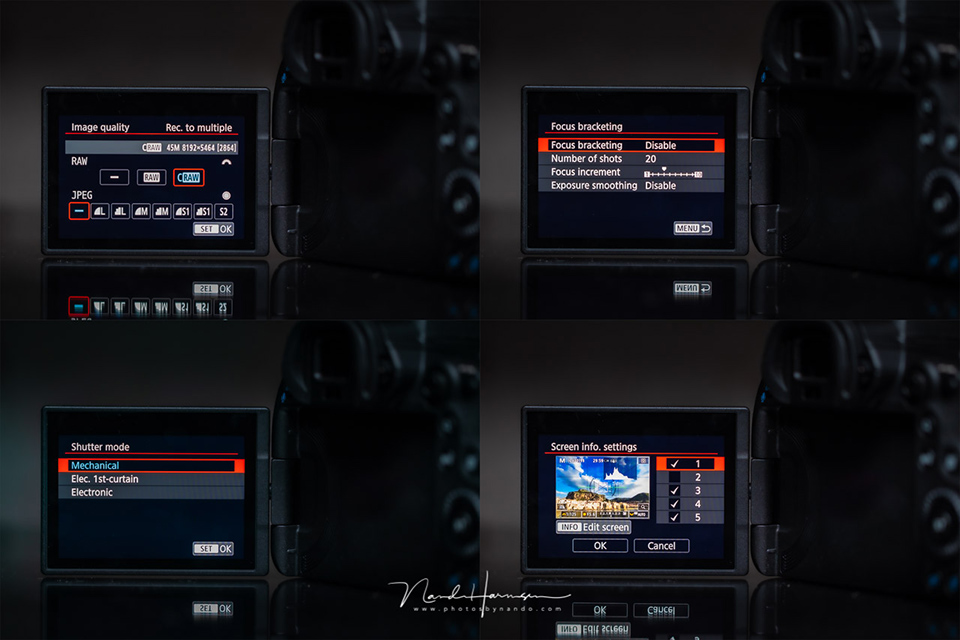
Of course, this camera has gained the extra options that are characteristic of a mirrorless camera.
These include the behaviour of the shutter, which can be either mechanical or electronic, the electronic viewfinder display, which can be set entirely to your liking, and the option to configure focus peaking.
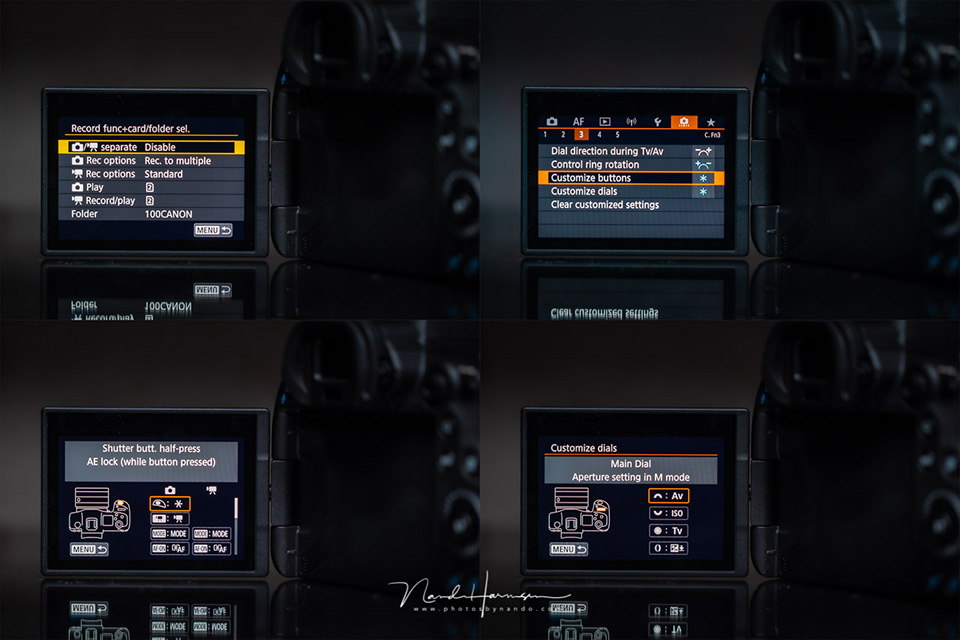
One part of the menu is for setting up the camera according to your personal preferences. You can choose a different function for all the buttons and control dials. Not everything is possible, but there is enough flexibility to set the camera up exactly as you want it.
The 'My Menu' on the Canon EOS R5 also allows you to create several pages of menu options. This means you do not have to dive deep into the menu for settings you use often.
The option to use several 'My Menu' pages gives you the chance to organise them neatly.
A comparison with the Canon EOS 5D mark IV
I used a Canon EOS 5D mark IV for many years, and the Canon EOS R5 is its logical mirrorless successor. Broadly speaking, it is also a comparable camera that belongs in the same class.
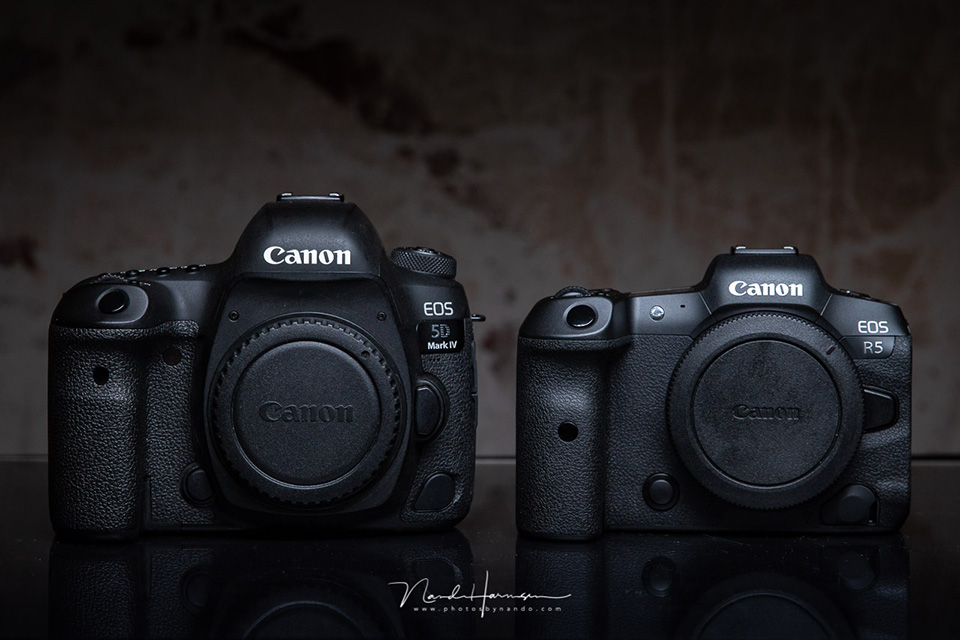
The advantage of mirrorless is of course that the camera can be made smaller and lighter. This is also the case with the Canon EOS R5. Even so, the difference is not that great. By choosing ergonomics over a very small size, the camera is very comfortable to use and handle.
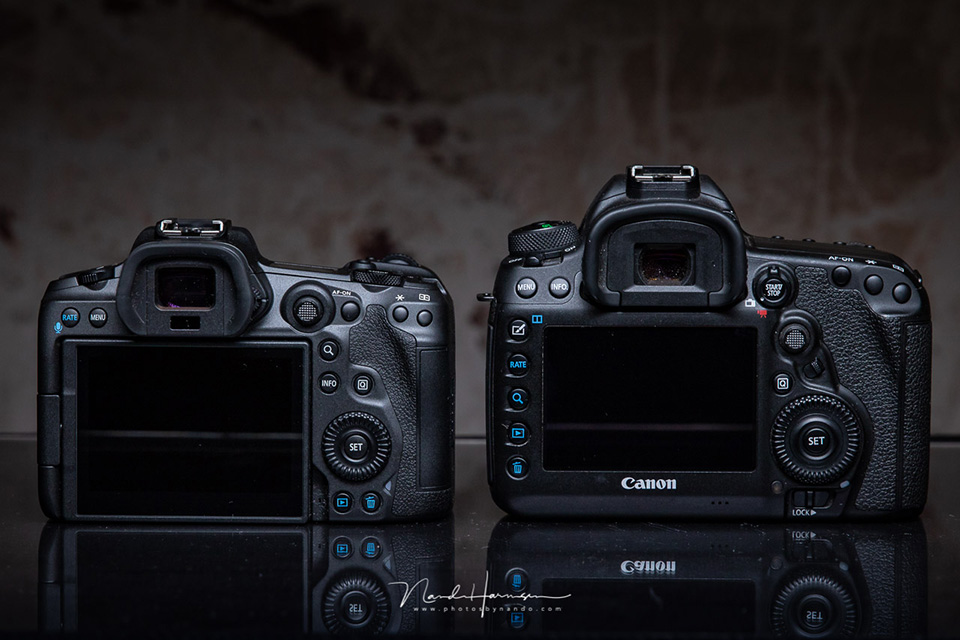
The first impression is that the Canon EOS R5 seems less robust. But during the two days I used the camera intensively at weddings, I never once felt that I had to treat it carefully. At least, no more carefully than the Canon EOS 5D mark IV.
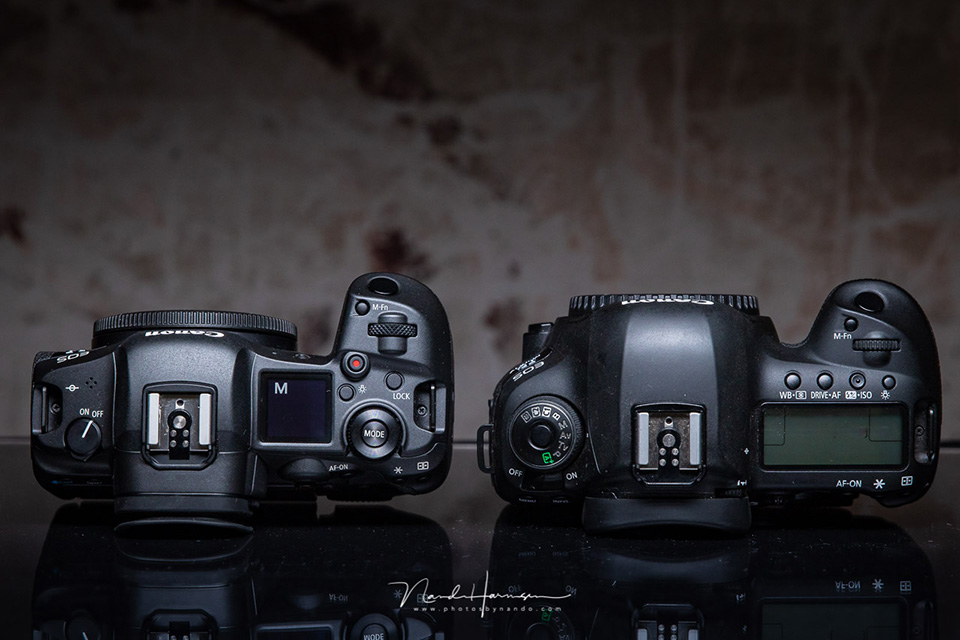
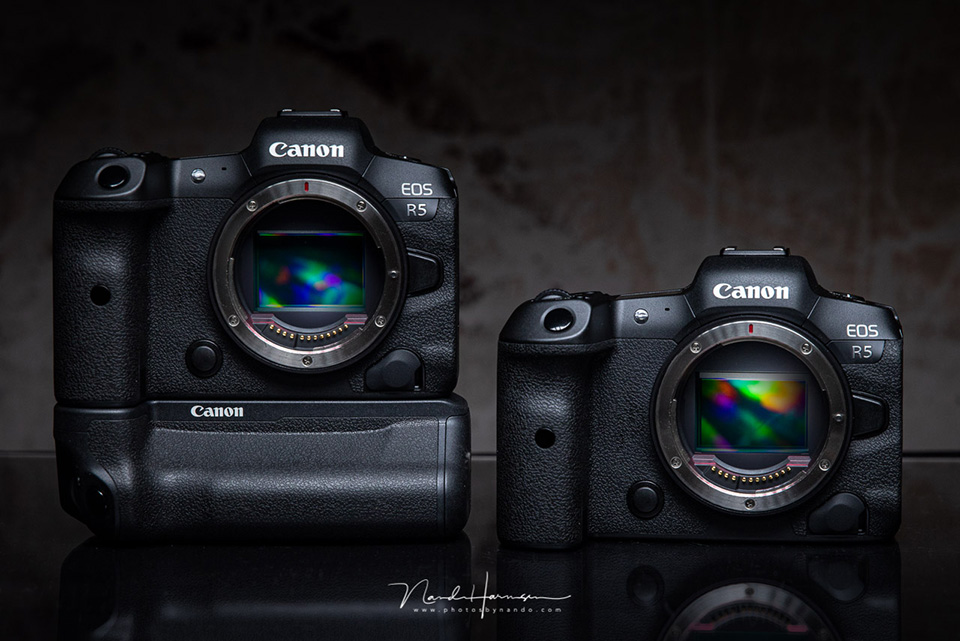
The Canon EOS R5 with the battery grip
The camera was supplied with the brand-new battery grip, which not only provides space for a second battery, but also a second set of controls. This allows you to use the camera very naturally in portrait orientation.
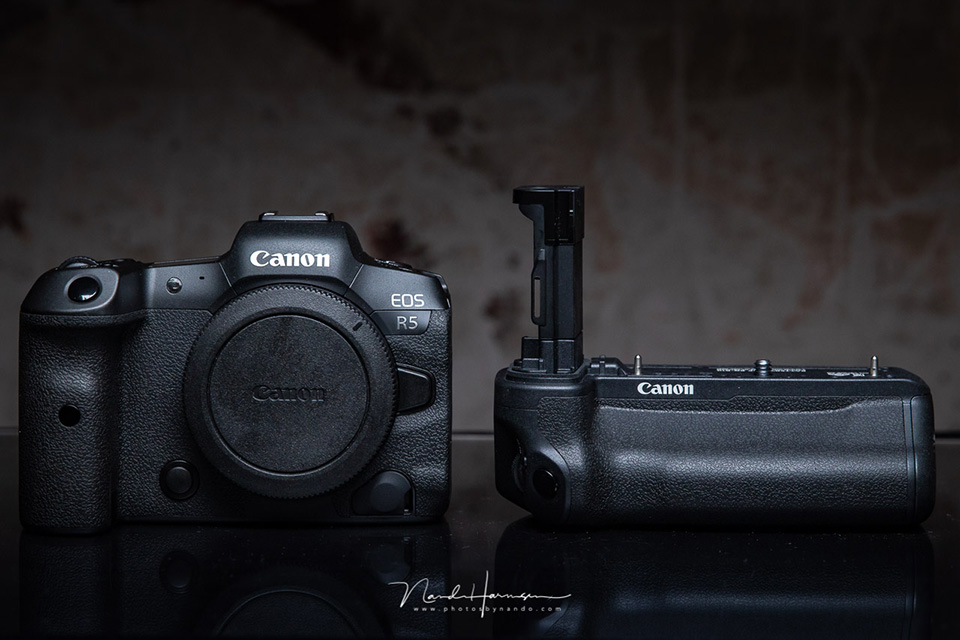
The size of the battery grip makes the Canon EOS R5 almost twice as large, and considerably heavier, of course.
This partly cancels out the advantage of its smaller dimensions. The advantage of the larger dimensions is of course better balance when using very large, heavy lenses.
The autofocus
The autofocus of the Canon EOS R5 has taken a huge step forward. It now offers eye AF, face AF and body AF. The camera recognises not only human eyes, but also animal eyes. Dogs and birds are mentioned specifically, but it will recognise the eyes of other animals too.
An eye is found incredibly quickly, after which the focus stays stuck to it like a magnet, regardless of the movements of the person or animal. The autofocus area covers 100% of the width and 90% of the height, more than enough to keep your subject from disappearing "out of sight".
To test the speed and accuracy of eye AF, I photographed a running dog with the electronic shutter at 20 frames per second, with eye AF tracking and animal priority enabled. I used a Canon EF 85mm f/1,4 lens at aperture f/1,4!
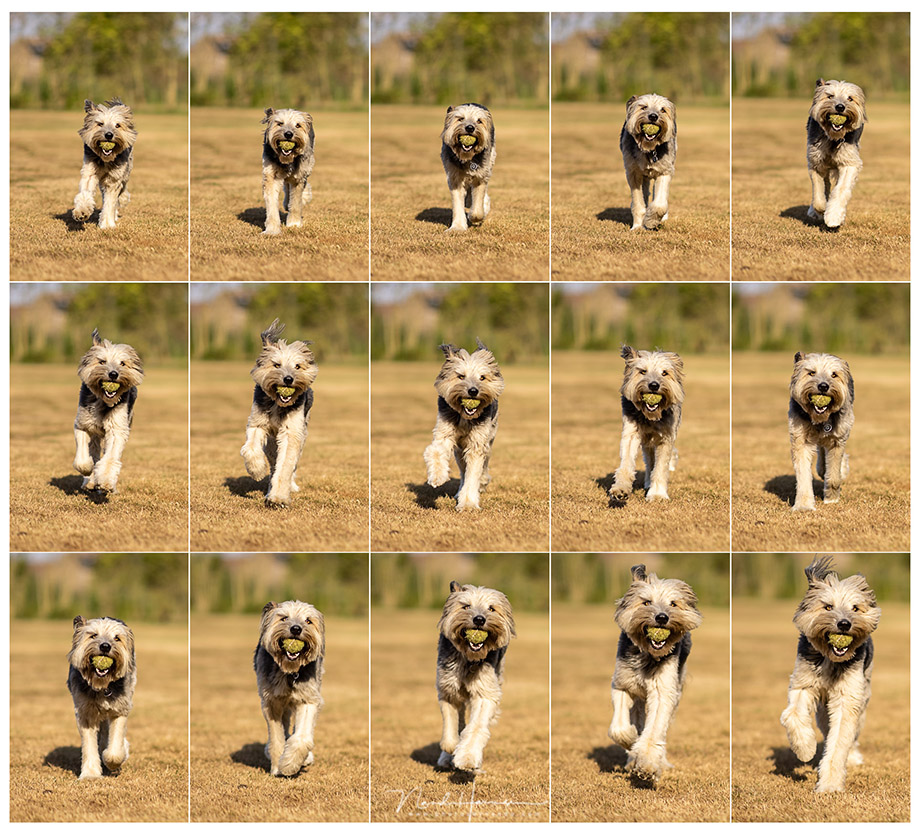
Even with the shallow depth of field at f/1,4, the camera kept the focus perfectly on the dog's eye. I repeated this test several times, with the dog's fur occasionally confusing the autofocus.
Within a fraction of a second, the eye was found again when it became visible. Calling it impressive is no exaggeration.
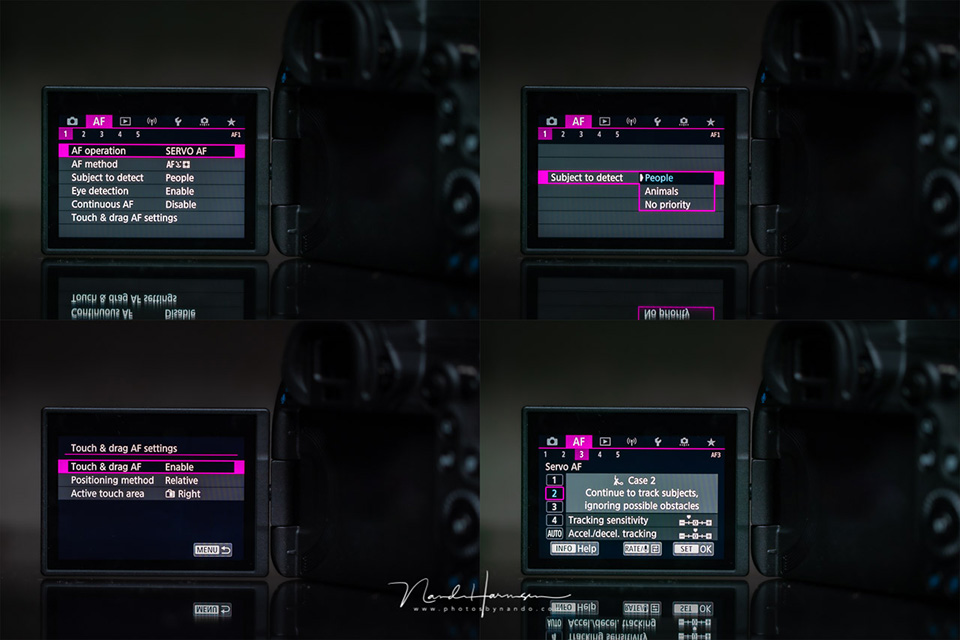
The autofocus menu is the familiar menu we see on all other modern EOS models. It offers a huge amount of flexibility for setting the appropriate AF behaviour for your particular type of photography.
If you wish, you can save several settings in the C1, C2 and C3 presets, so you can switch quickly.
One of the great options is using the touchscreen to move the autofocus point, even when you are holding the camera to your eye. This allows you to specify which person's face you want to focus on when several people are in the frame.

What I do regret is the absence of the fantastic optical sensor in the AF-ON button that I saw on the Canon EOS 1Dx mark III.
The touchscreen works very well too, but with that optical sensor I could have kept my thumb on the AF-ON button. I really miss this.
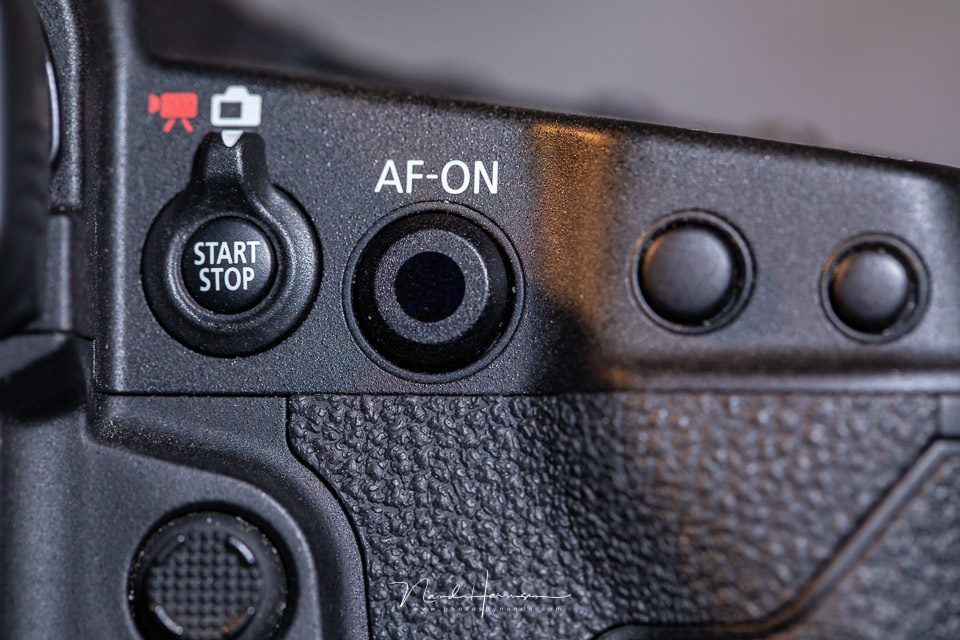
Of course, you can still use the joystick to move the AF point if you do not like swiping across the screen. You can also set the joystick's sensitivity, allowing you to move the AF point many times faster and more smoothly than on the Canon EOS 5D mark IV.
Using it in practice
During the week I had the camera available, I photographed almost every day. I took portraits of the dogs in the field, using the minimum depth of field at f/1,4.
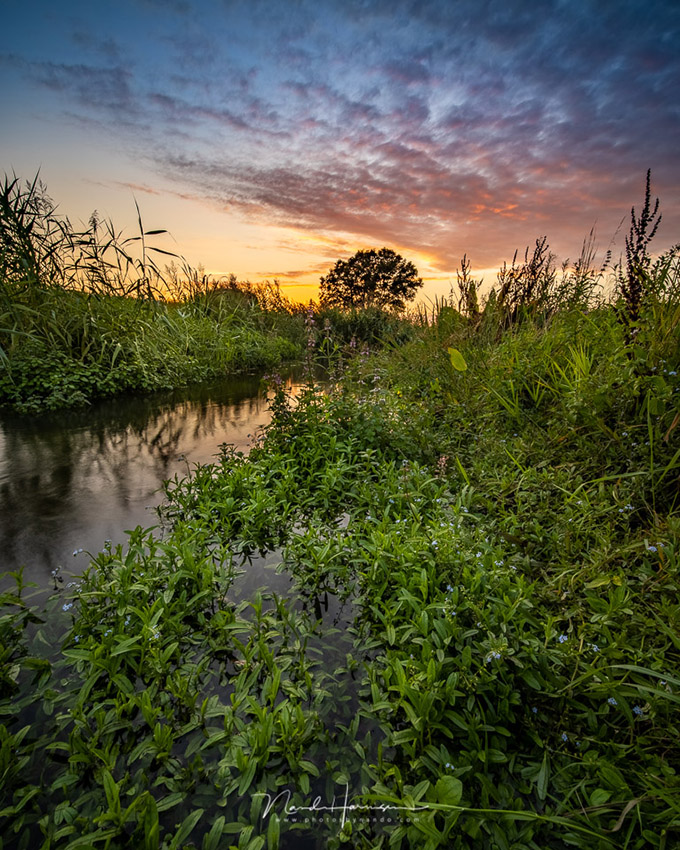
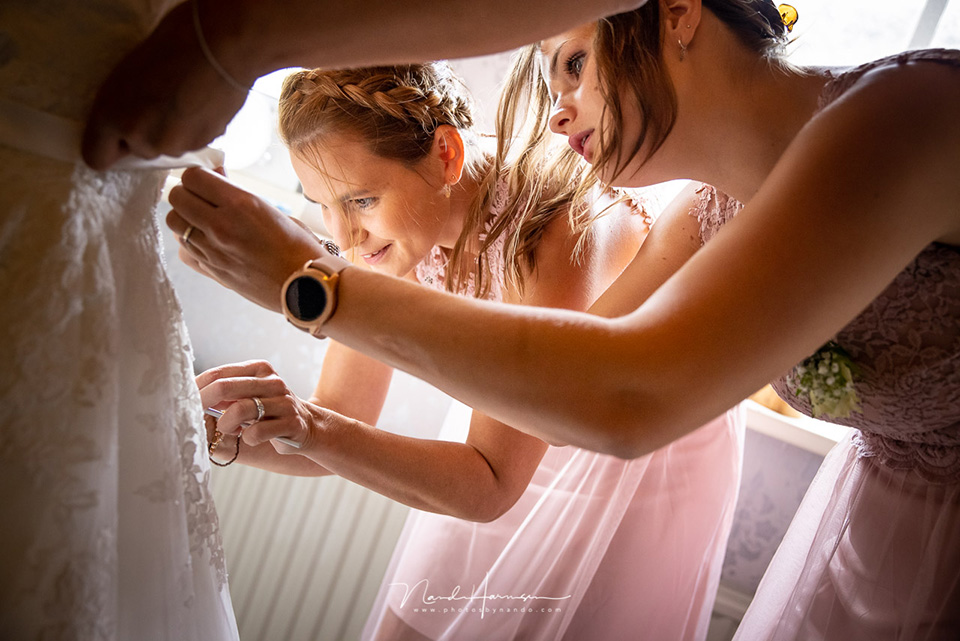
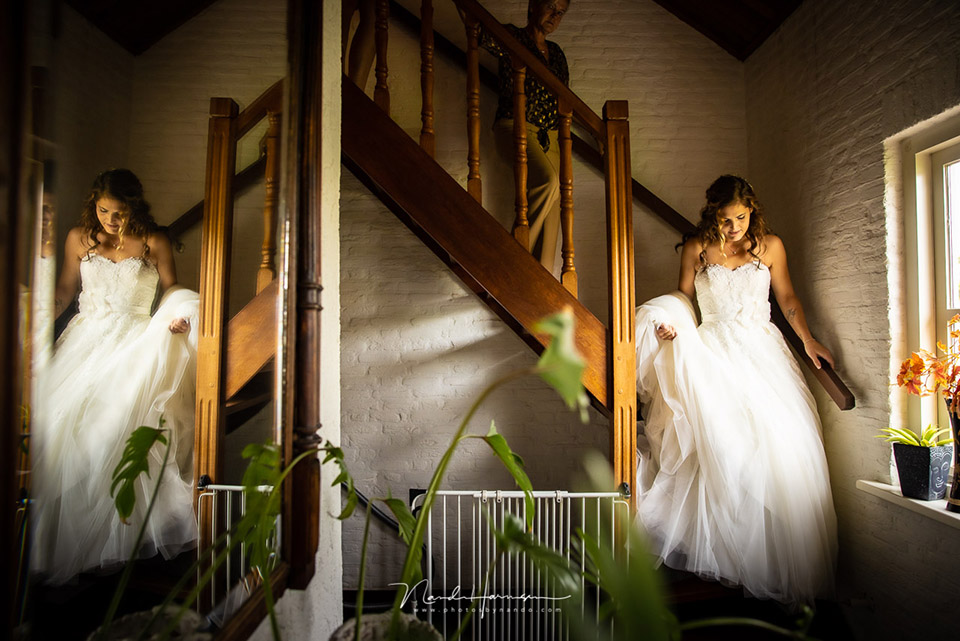
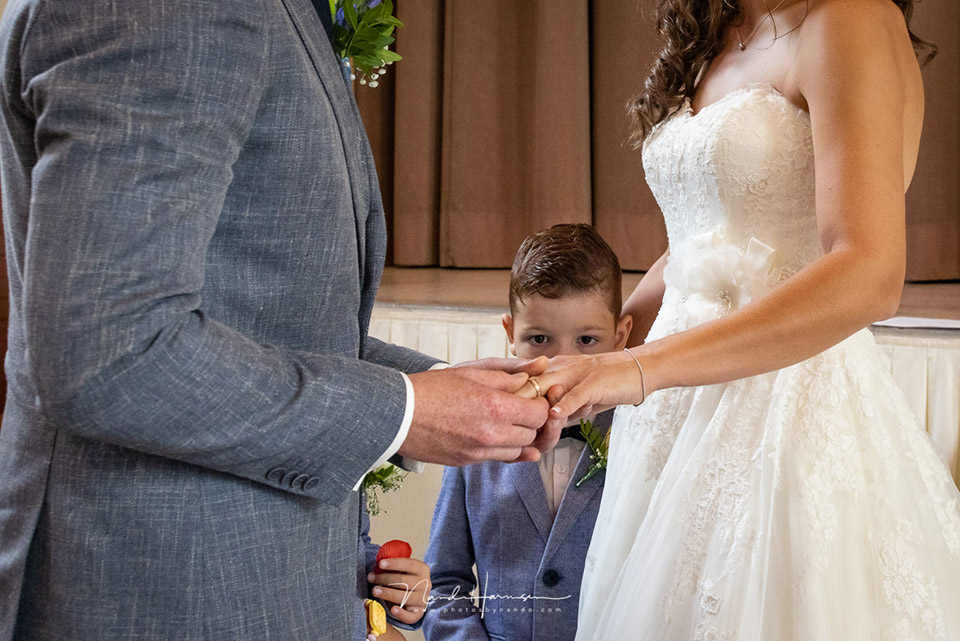
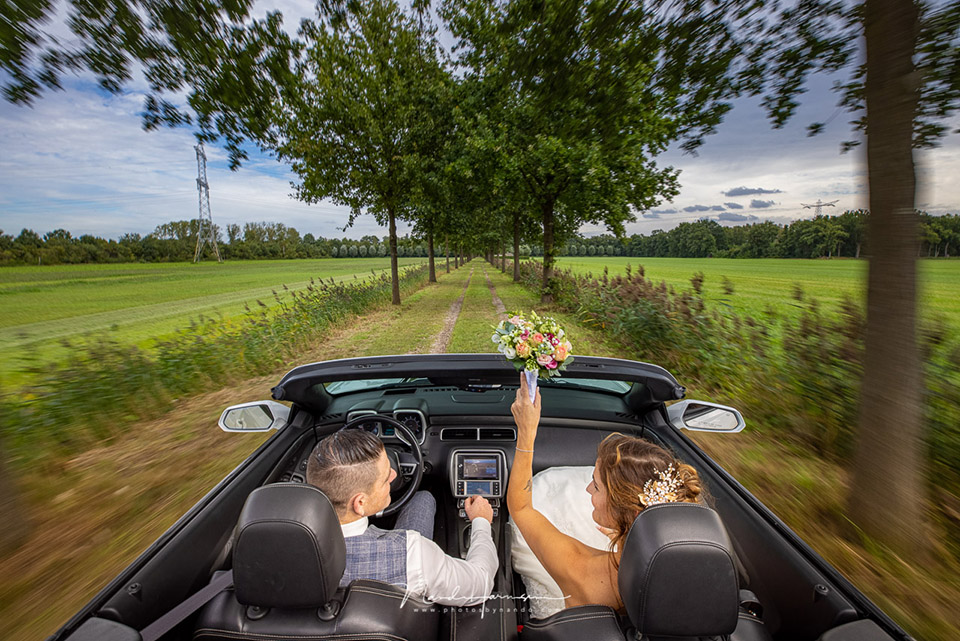
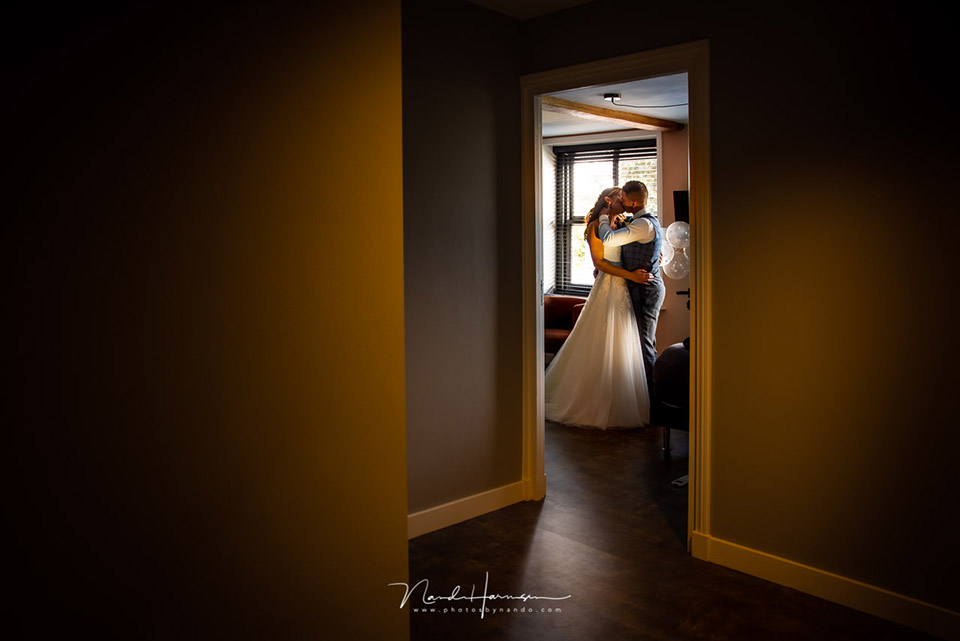
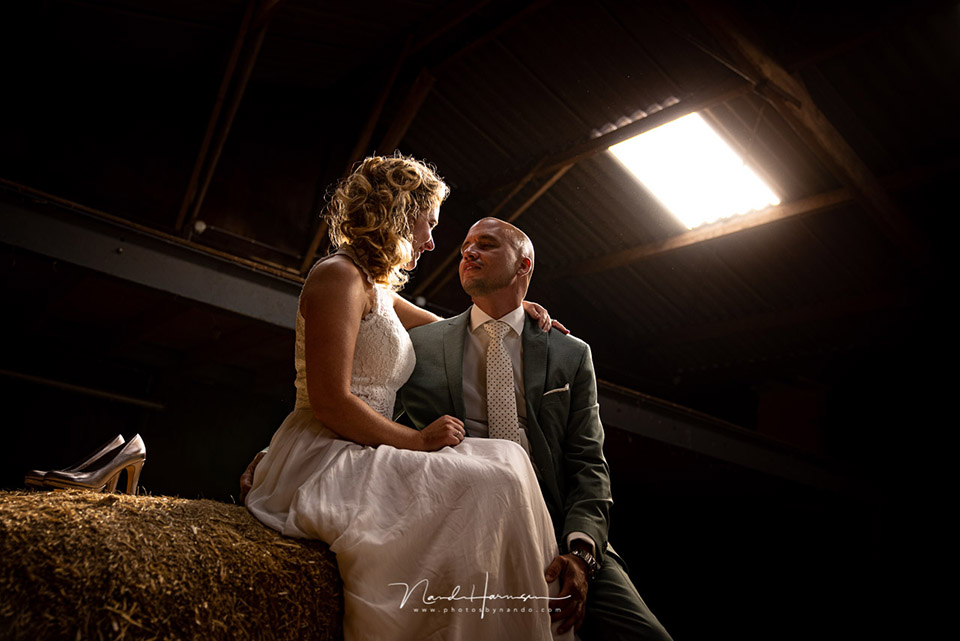
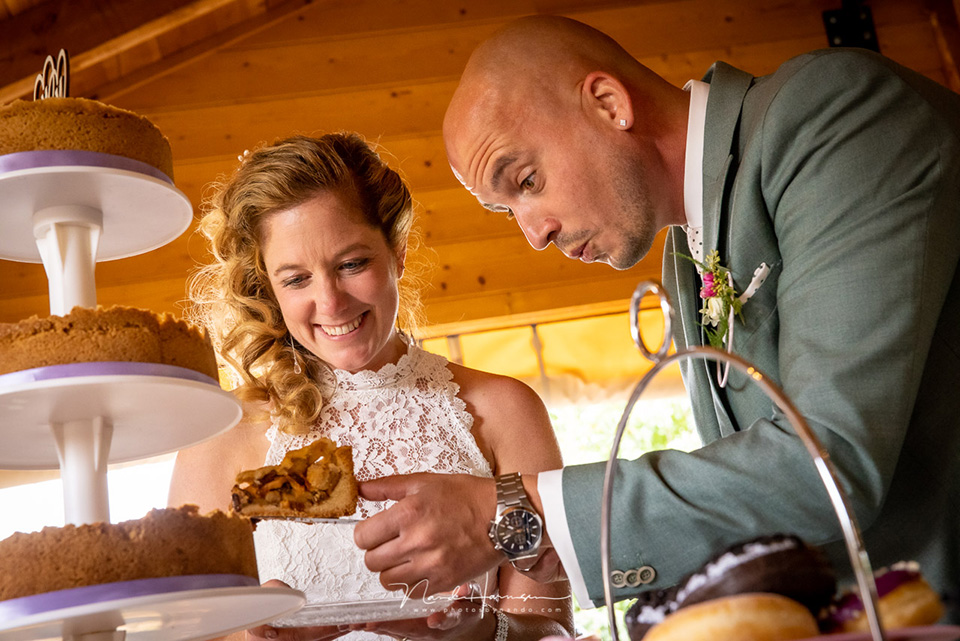
I photographed landscapes early in the morning before dawn, and late in the evening during sunset. There were also the two long days of wedding photography, during which I used the Canon EOS R5 alongside the Canon EOS 5D mark IV.
You can choose a number of settings by calling up a quick menu with the M-Fn button, on top of the camera next to the shutter release. You have access to five settings, which you can customise to a certain extent.
These include white balance, drive modes and AF settings. It takes a little getting used to doing this in this way, but it works better than pressing a button on the camera.
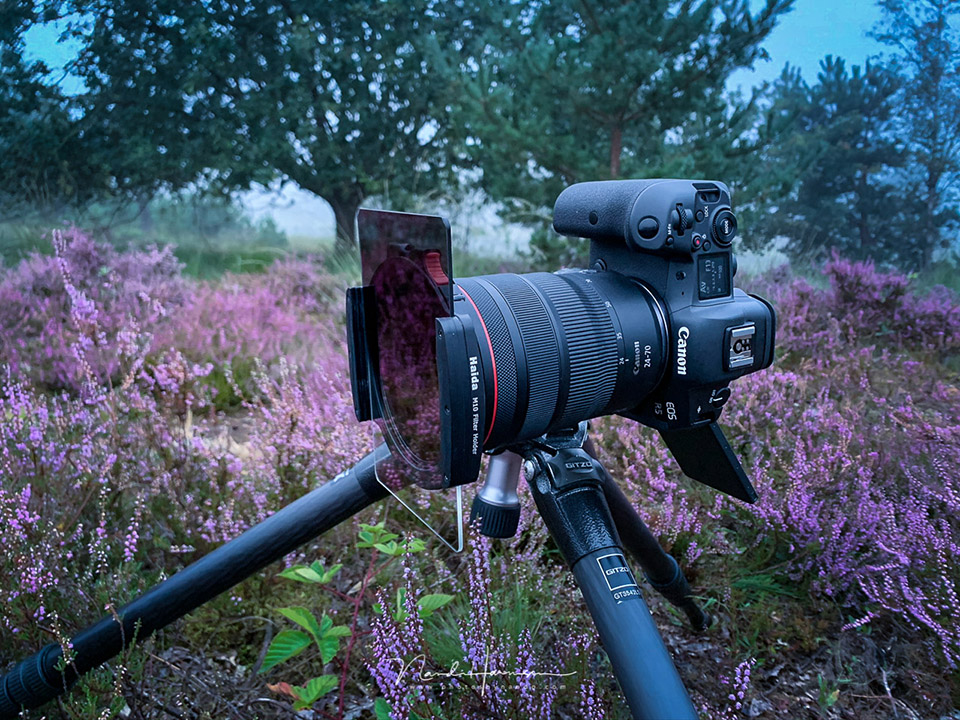
When photographing landscapes, using a tripod is often self-evident. Using the vari-angle screen offers a very relaxed way of photographing, especially from awkward angles. Together with the excellent touchscreen functionality, photographing from a tripod is very pleasant.
For manual focusing, you can use the focus assist function and focus peaking. These are very useful functions that make focusing particularly easy, but above all very quick.
I also photographed landscapes handheld, making grateful use of the In Body Image Stabilization, IBIS, which can stabilise up to 8 stops. This makes it easy to use longer shutter speeds without an immediate need for a tripod.
Of course, IBIS does not work for people's movements, such as at a wedding. It does give you more stability when using longer focal lengths.
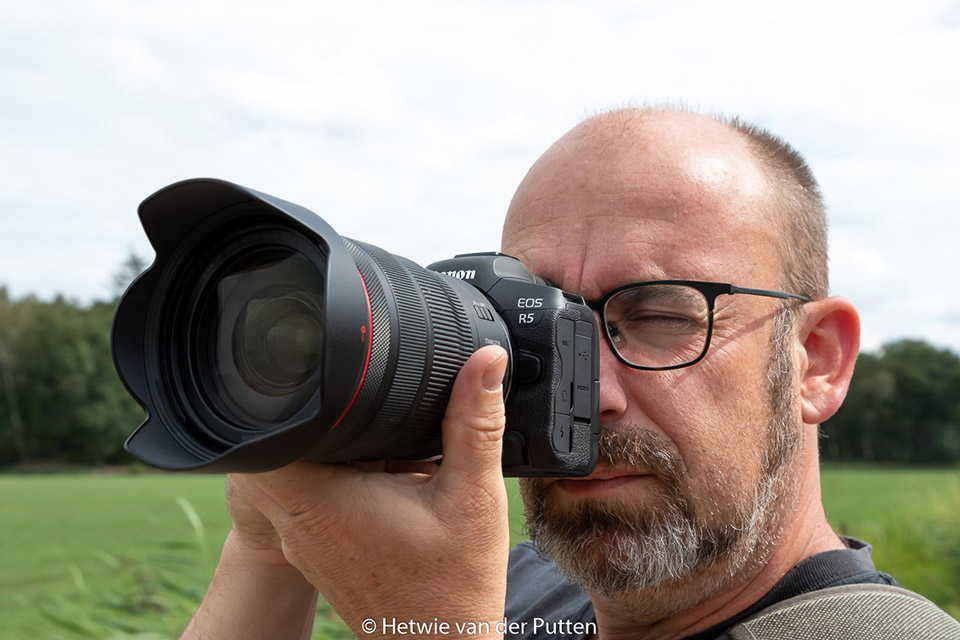
During the weddings I used the camera very intensively, and found that the eye AF and face AF worked particularly well, reliably and quickly.
Putting priority on another person with your thumb is very easy and quick. Unfortunately, you then have to take your thumb off the AF-ON button. Of course, you do not have this problem when autofocus is activated under the shutter release.
The Canon EOS R5's battery life is not particularly long. I managed to take more than 1,000 photos on a single battery charge during the wedding, but ultimately needed three batteries per day.
I should mention that I only had one new type of battery, and two batteries from the Canon EOS 5D mark IV, which provide slightly less power but can still be used perfectly well.
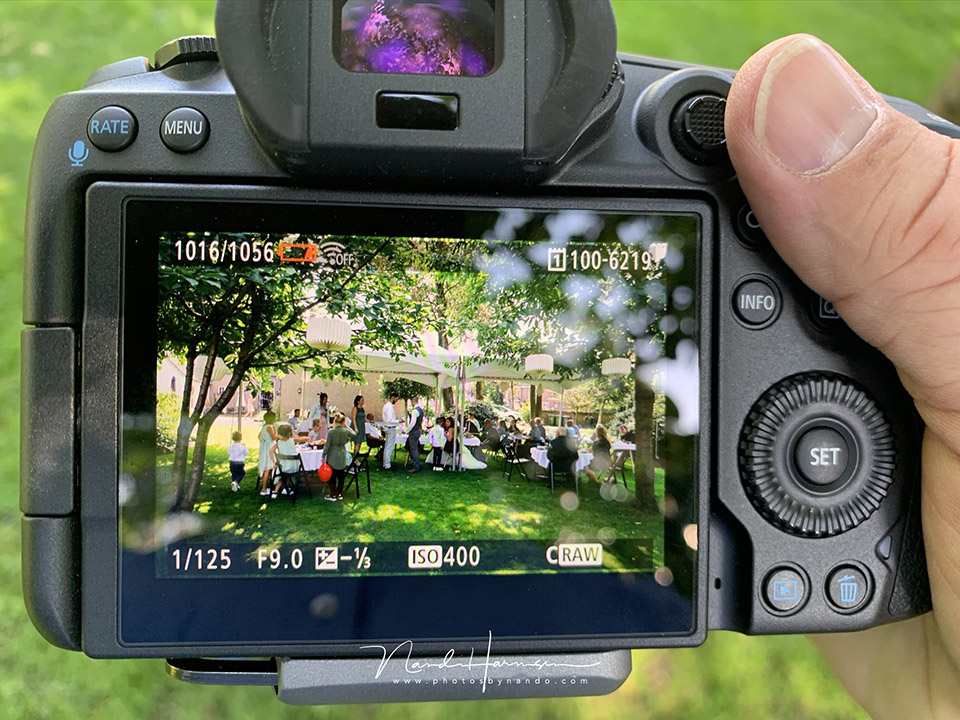
For landscapes, the battery lasts considerably less time. This is not surprising, because it is a very different way of using the camera. My relaxed way of photographing, and taking time for composition and image structure, means that I use the EVF or LCD screen for longer for each photo.
One morning, the battery was empty after about 250 photos. Do not forget, however, that with this way of photographing, even a Canon EOS 5D mark IV does not manage more than about 300 to 400 photos per battery.
This is because the LCD screen sometimes stays on continuously for a quarter of an hour while taking a single photo.
Battery life therefore depends on many things. How often do you use the screen or viewfinder? Is the viewfinder set to economy mode, or does it have a high refresh rate? How much time have you set before the camera goes into standby? All these things, and more, determine how long a battery will last.
Using the Canon EOS R5 with EF lenses
Canon's mirrorless full-frame system also brought a new RF lens mount. This is necessary because the lenses sit closer to the sensor than they do on DSLR cameras.
Canon chose to make the diameter of the lens mount larger, to guarantee better image quality.
With an adapter, you can continue to use the old lenses too. These are the TS-E, MP-E and EF lenses. EFs lenses can also be used, with the camera automatically switching to a 1.6 crop mode.
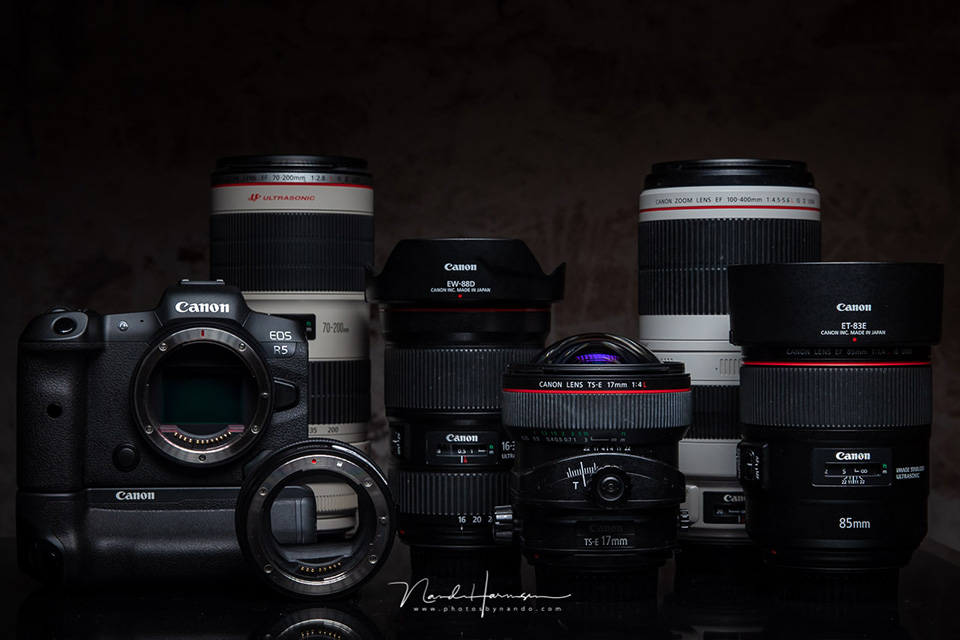
The adapter rings, which are available in three types, increase the distance between the lens and the sensor so that it is the same as on a DSLR camera. There are no lenses in these adapter rings, so there is no loss of quality.
The autofocus retains all its functionality, so from that point of view there is no difference between using an RF lens and another lens. I used the EF 35mm f/1,4L II, the EF 85mm f/1,4L IS, an EF70-200mm f/2,8L II IS and several others without any problems.
Even more functions
I was unable to cover all the camera's functions in this review. These include focus stacking, multi-shot-noise-reduction (MSNR), the HDR PQ 10-bit HEIF file format, and of course the extensive video functions available on this camera.
Trying out and testing all aspects of this camera would require much more time than the week I had available. Perhaps I will get that opportunity one day.
My conclusion
The stories and rumours found online before the launch described a camera that would be almost better than any other camera.
These stories are almost always exaggerated, and told by people who are biased or intent on provoking discussions.
It was already clear that it would be a special camera. With 8K video resolution, high resolution, IBIS and eye AF, Canon would catch up with, or even overtake, the competition in the camera field in one go.
In recent years I have been able to test many different cameras, from Nikon, Panasonic, Olympus and of course Sony. But also Fujifilm, Hasselblad and Leica. I have gained a reasonable understanding of what is currently possible, and how the different brands perform when it comes to modern cameras.
One thing became clear to me while photographing with the Canon EOS R5: the stories on the internet were not exaggerated, and I think Canon has brought one of the better cameras on the market with this camera, if not the very best. At least for photographers.
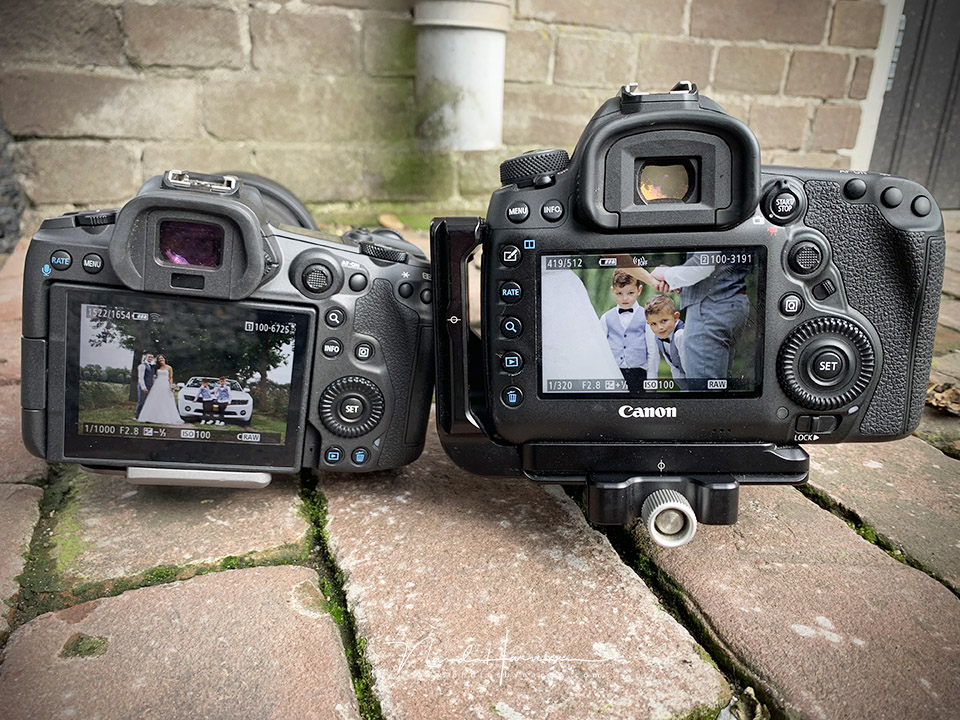
The autofocus of the Canon EOS R5 can simply be called fantastic. I have not been able to test and compare it myself, but many videos and reviews are circulating claiming that the eye AF and responsiveness of the Canon EOS R5 are better than those of the competition. I am inclined to believe that.
The camera is not perfect, however. There are always things that are less pleasant, could be improved, or should or could have been different. Sometimes that is personal preference, but often it is not.
I already mentioned the optical sensor on the AF-ON button that the Canon EOS 1Dx mark III has. I also miss a very simple and quick way to activate bracketing. And the battery life could be longer.
My conclusion should be clear by now, I expect. I am hugely impressed by this camera, and believe that with the EOS R5 Canon has released a fantastic tool for the professional and semi-professional photographer. I can wholeheartedly recommend the camera.
Finally, I want to list the pros and cons of the Canon EOS R5 as I experienced them. The list is not complete, but limited to the main points for me as a photographer.
What I like as a photographer
- Dimensions and design are very good, the camera is neither too small nor too large
- The grip is well shaped, and there is enough space between the grip and the lens
- Fantastic eye AF, face AF and body AF
- 5940 AF points, or 1053 Dual Pixel CMOS AF areas, covering 100% horizontally and 90% vertically.
- Focus tracking works fantastically
- 45 MP resolution
- Dual card slot (CF Express (type B) and UHS-II SD)
- In Body Image Stabilization (IBIS) up to a maximum of 8 stops
- Fully functional touchscreen, including AF control while photographing
- Tilting screen
- Electronic OLED viewfinder with more than 5 million pixels and a maximum refresh rate of 120 frames per second.
- c-raw format for compressed raw files with no loss of quality
- Good ISO performance, usable without problems up to ISO6400, and ISO12800 is very acceptable
- 20 frames per second with electronic shutter, 12 frames per second with mechanical shutter
- Buffer for 87 raw files when using an SD card, and 180 when using the CF Express card. For JPEG, the buffer fills after 350 images.
- With the mechanical shutter, the camera is completely silent
- Buttons and control dials are fully customisable
- Focus bracketing
- Time-lapse function
- Bulb timer
What I like less as a photographer
- No PSAM dial
- When the PSAM options are disabled, they do not disappear from the camera's display
- I miss the optical sensor in the AF-ON button that is so fantastic on the Canon EOS 1Dx mark III
- There is no button for accessing the bracketing settings directly and easily
- Manual focus assist does not indicate the depth-of-field range
- Battery life is a little on the short side.
- Setting the shutter speed in PSAM mode does not go beyond 30 seconds
Gallery
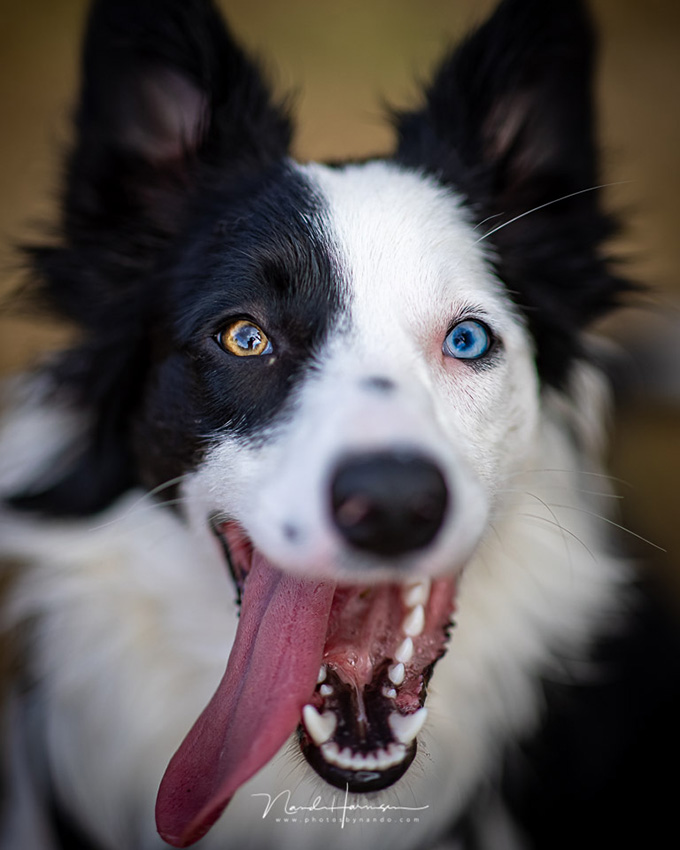
EF 85mm f/1,4L IS, ISO100, f/1,4, 1/1250s)
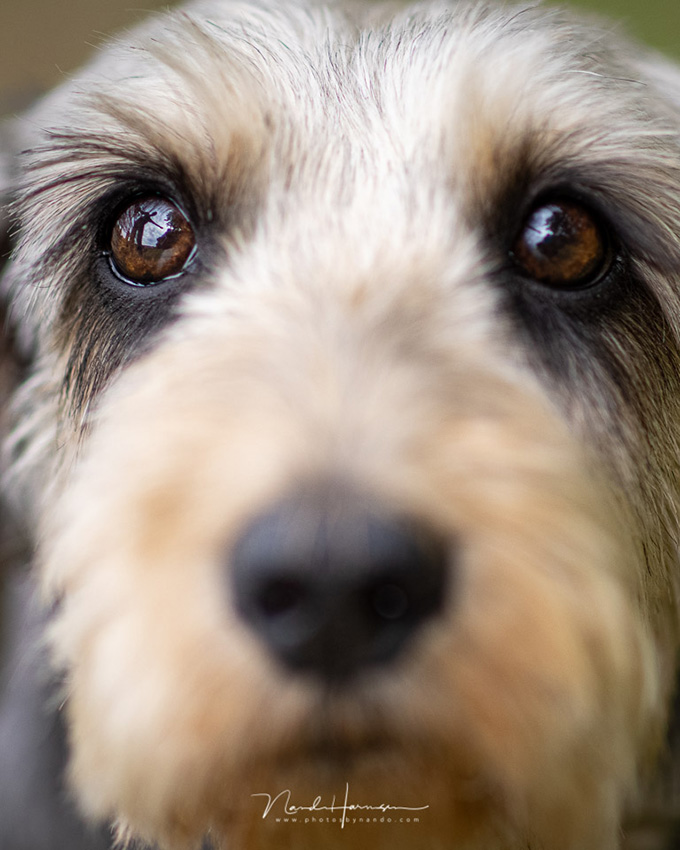
EF 85mm f/1,4L IS, ISO100, f/1,4, 1/500s

EF 85mm f/1,4L IS, ISO100, f/1,4, 1/500s
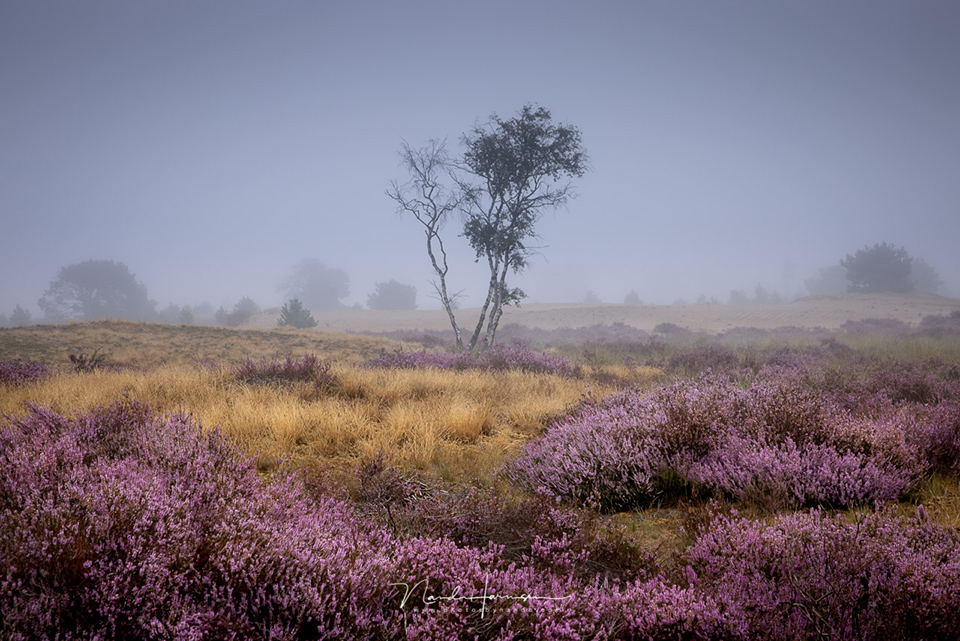
RF 24-70mm f/2,8L IS @ 59mm, ISO160, f/9, 1/125s, Haida 0,9GND medium gradient
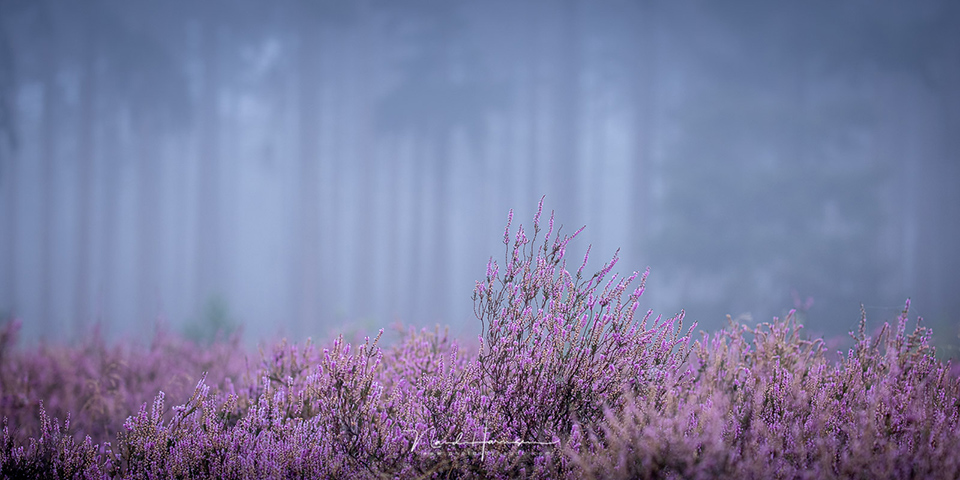
EF 100-400mm f/4,5-5,6L II IS @ 148mm, ISO200, f/5, 1/13s, Haida M10 CPL
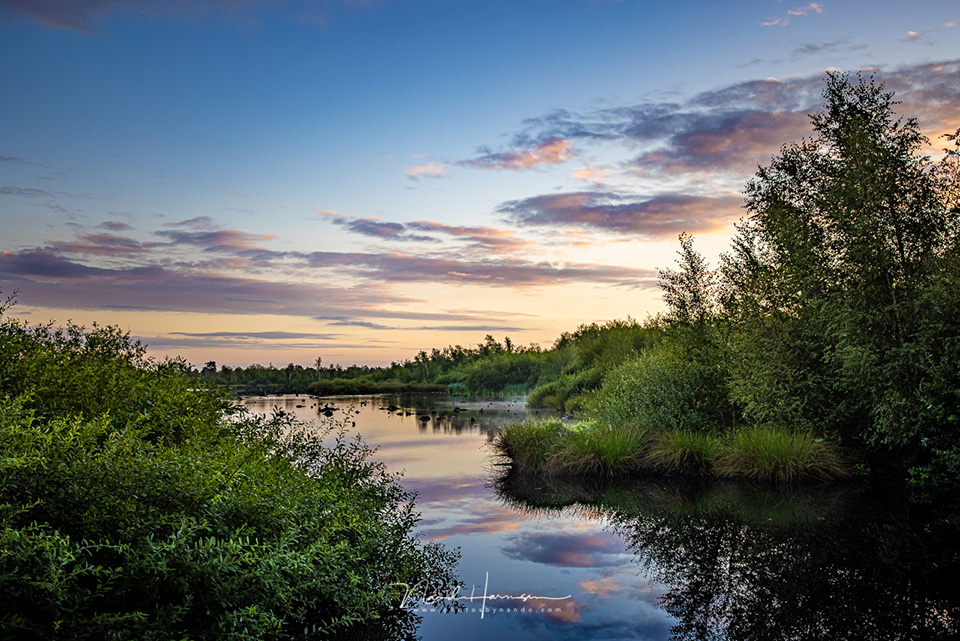
RF 24-70mm f/2,8L IS @ 34mm, ISO100, f/10, exposure bracketing from 1/10s to 1/100s
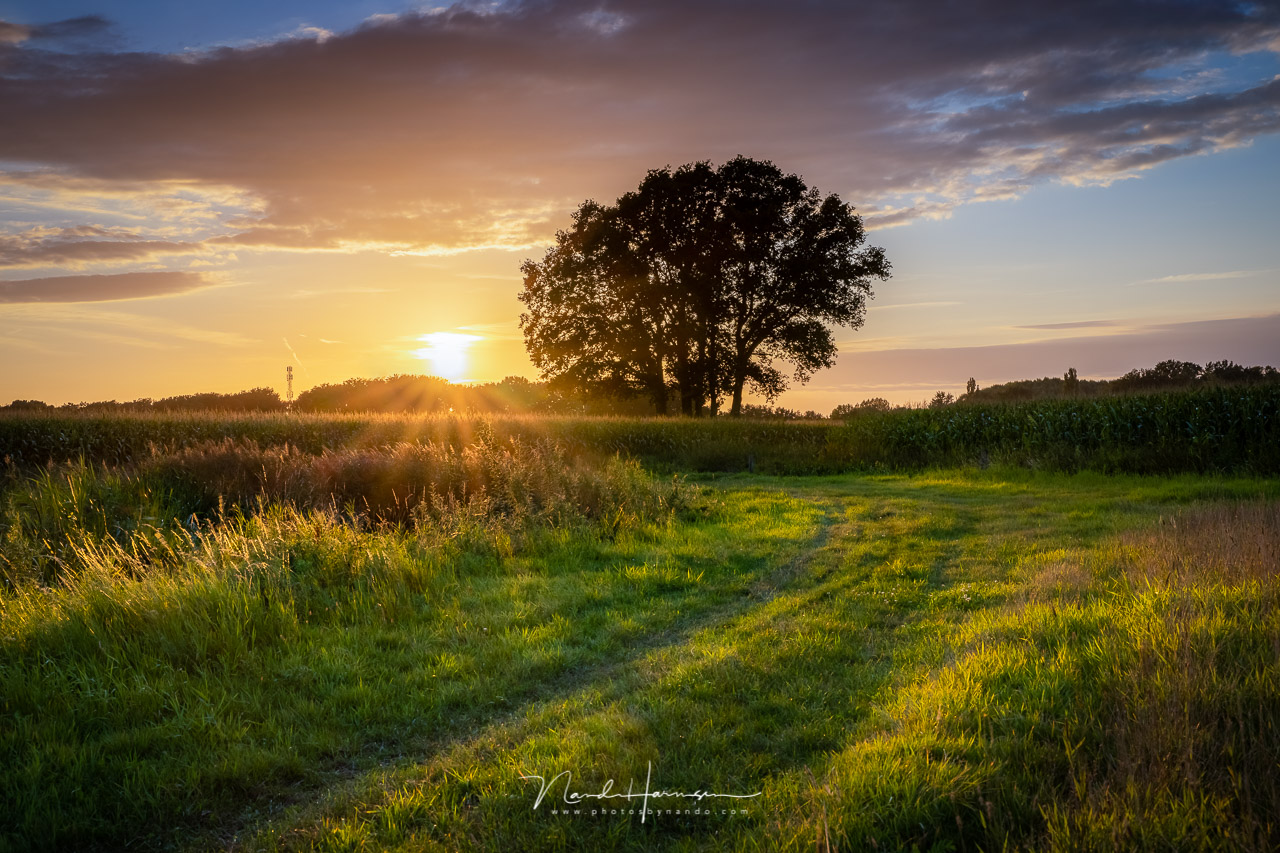
RF 24-70mm f/2,8L IS @ 45mm, ISO100, f/11, exposure bracketing from 1/25s to 1/500s
About the author
Nando Harmsen has been photographing for more than 40 years. He specialises in wedding photography and landscape photography. Nando also gives talks, workshops, masterclasses and photo trips, and regularly reviews new and interesting equipment.
You might also like
-
 Review: Canon EOS R8 full-frame mirrorless camera
by Nando Harmsen
-
 Review: Canon EOS R5 C for video
by Nando Harmsen
-
 Review: Canon EOS R6
by Nando Harmsen
-
 Review: Canon EOS R7
by Nando Harmsen
-
 Review: Canon EOS R10 mirrorless camera
by Nando Harmsen
-
 Review: Canon EOS R50 mirrorless camera
by Nando Harmsen
4 comments
-
 Jack Veraart wrote on Sunday 13 September 2020 at 10:17 | reply
Well written. Great information! Small mistake. It says that with the mechanical shutter the camera is completely silent. Shouldn't this be the electronic shutter?
Translated from Dutch. -
 paul wrote on Tuesday 15 September 2020 at 16:33 | reply
I've had my Eos R5 for a week now and I can completely follow Nando in what he has written. This camera literally continues to pleasantly surprise you the more and more you use it and get used to it. I also film quite a lot with my camera and with the new firmware I've never had any problems with it overheating. I only use the highest video resolution (8K) for short video recordings, not because the camera has problems with it but because they are gigantic files that your computer ultimately has to be able to process and store. I've assigned my M-Fn button to quickly switch from video to photo mode (and vice versa) with just one press of the M-Fn button. An advantage can also have a downside, people with an older PC who are not planning to replace it in the future would be better off buying the Eos R6 because your PC does have quite a bit of work to do with those large files. LR and Ps now also recognise the raw files, perhaps that wasn't the case at first? With my Eos 5d IV, it did happen that shy birds were startled by the sound of the shutter clicking, you can barely hear the shutter of the Eos R5, even when you have selected the mechanical shutter.
Translated from Dutch. -
 Rob wrote on Tuesday 15 September 2020 at 17:05 | reply
Thank you Nando for the clear review. What I miss in the review, what is the difference in image quality for example compared to your D5 M4? Are the photos really ‘much’ better or is it only the features, new AF etc. etc. that make the R5 camera more than worth its price? Leaving the filming aside for a moment please, for now I hardly use the video function. I have a D5 M3 with a set of beautiful L lenses and use it at various sporting events and wedding photography, now I am about to upgrade to a new camera, I am quite willing to spend a lot of money but then I do need to feel that there is also a gain in for example the image quality, because of course it is first and foremost about the end result, the ‘photo‘ (leaving the post-processing aside for a moment as well). Thanks in advance for your response, regards, Rob
Translated from Dutch. -

 Nando
wrote on Tuesday 29 September 2020 at 09:27
| reply
Nando
wrote on Tuesday 29 September 2020 at 09:27
| reply
@Jack:
Translated from Dutch.
you're absolutely right. I need to adjust this immediately
@Paul:
Your advice to choose an R6 because of the large files is striking. You choose an R5 precisely because of the high resolution. If you don't need that resolution, an R6 is a better choice, certainly from a financial point of view as well.
@Rob:
The difference in image quality lies in the increase in resolution and approximately 1 stop improvement in ISO performance. The dynamic range will undoubtedly make a difference, but it isn't something that makes a world of difference.
I think you should choose an R5 because of features such as autofocus, and perhaps the IBIS system. Not because of a possible difference in image quality, if there even is one.
Have your say
Please note: Articles older than a week can only be commented on by signed-in visitors.Would you still like to comment? sign in or create a free account.
Become a better photographer every week
A practical photography tip in your inbox every week.
38,937 photography enthusiasts already receive the tips! More about the weekly mail. Or keep up to date via  Facebook.

Elja Trum
Photofacts; everything to do with photography!
Would you like to take better photos and keep up with what is happening in photography? Photofacts publishes articles that teach you something about photography — from a product announcement to a practical shooting tip or a look at a website. Photofacts covers photography every day and is a hobby project of Elja Trum's that got out of hand. The articles are written by a team of volunteer authors. If you would enjoy writing one or more articles for Photofacts, do get in touch.More about PhotofactsPhotofacts is made possible in part by
