

Everything you need to know about resolution
Monday 30 June 2025, 22:44 by Nando Harmsen | 5,883 views | 14 commentsThis article was translated from Dutch with the help of AI. Read the original.
Do you know what the resolution of your camera is? Do you know when to use the PPI or DPI value? If you are unsure, this article is for you. No more confusion.
It all seems obvious, but that is not always the case. Terms are often mixed up. Some claims on the internet seem to belong almost in the list of urban myths.
It all makes sense when you are on the right track. But finding that track is not always easy. Perhaps everything will become clear once and for all after reading this article.
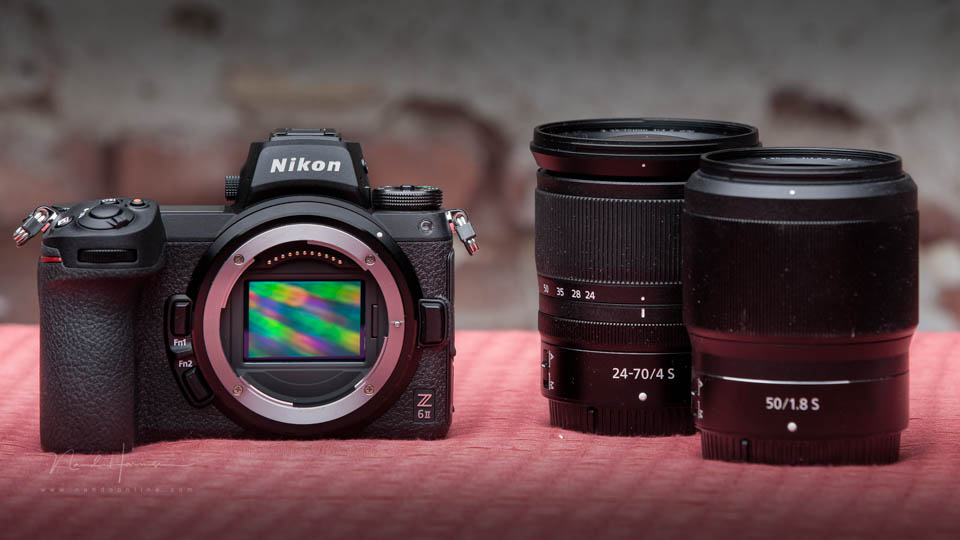
A sensor has a resolution in pixels
The sensor in your camera produces an image made up of pixels. That is all there is to it. For example, 6000 x 4000 px (25 million pixels in total = 25 megapixels). That is the resolution of your camera.
A screen has a resolution in pixels
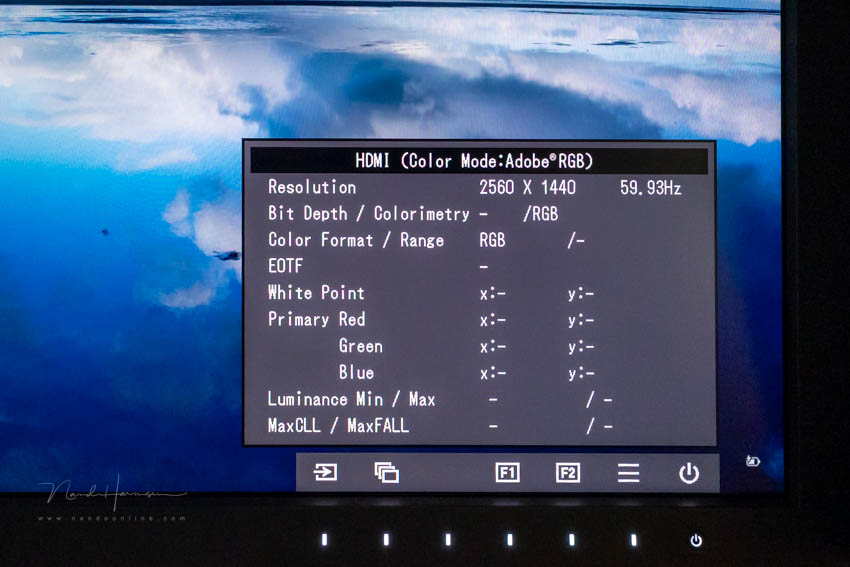
You view the photo on your screen. That screen is usually full HD (1920 x 1080 pixels), 4K (2640 x 2160 pixels) or somewhere in between (2560 x 1440 pixels). That is the resolution of your screen.
If you view the photo from your camera on your screen, you know that the 6000 x 4000 pixel photo has to be 'reduced' to display it fully on the screen. If you view the photo at 100% size, only a small part of the photo is shown.
A printed or printed-out photo has a resolution in dots per inch
If you are going to print a photo, you need to know the resolution of the print. How many ink droplets are used per inch? The more ink droplets per inch, the higher the resolution.
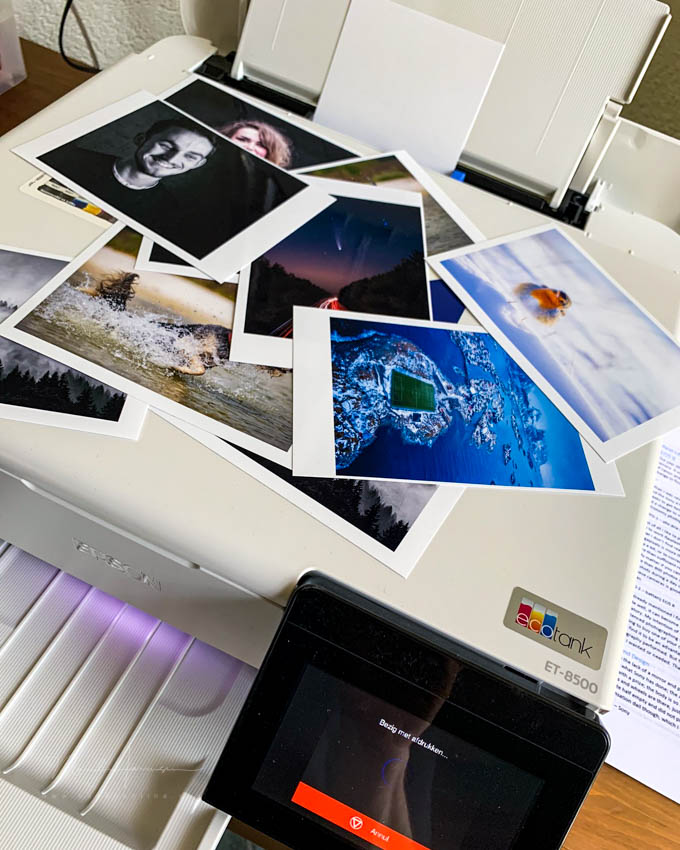
I deliberately use inch, because that is what the abbreviation DPI stands for. You can convert it to dots per centimetre by dividing the number by 2.54. One inch is 2.54 centimetres.
To keep things simple, I treat the ink droplet, the dot in dots per inch, as equal to a pixel. For this example, that is close enough to the truth.
Calculating print size
Do you have a photo with a resolution of 6000 x 4000 pixels, and do you know the resolution of the print you are going to make? Then you can calculate the maximum size in inches or centimetres that a print at that resolution can be.
Dividing the resolution of the photo by the resolution of the print tells you the maximum print size.
For example, with a print resolution of 300 dpi and a camera resolution of 6000 x 4000 pixels, you can print a maximum of 20 inches (6000 / 300) by 13 inches (4000 / 300). That is 50 x 33 centimetres.
Why can you set DPI when exporting a photo?
If you export a photo for printing or displaying on a screen, the number of pixels is the only thing that matters. Yet you can often enter a DPI value.
The DPI value is not important for displaying on a screen. You can enter any DPI value you like. The only thing that matters is the number of pixels, because the photo is displayed on a screen made up of pixels.
The DPI value can be important when you print or have something printed. The DPI value determines how many ink dots are used per inch. The combination of pixels and the DPI setting determines how large the print will be.
What happens when you crop the photo?
Cropping means that you are going to use part of the photo. That means you are throwing pixels away. As a result, you have fewer pixels left. The resolution of the photo becomes lower.
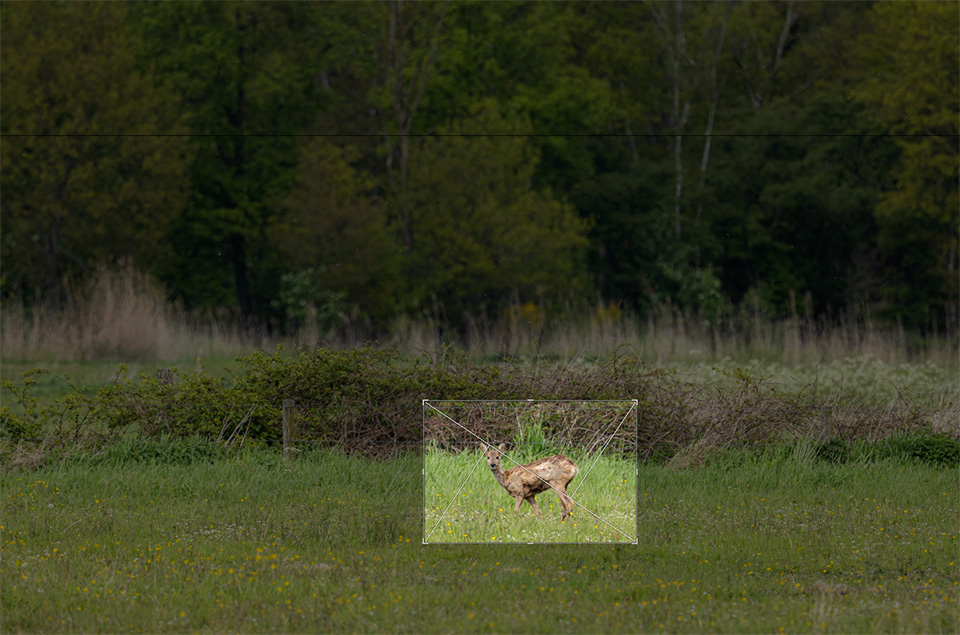
Take the photo from the camera with a resolution of 6000 x 4000 pixels as an example. If you crop away half the height and width, you are left with 3000 x 2000 pixels. The resolution has become smaller.
On a 4K screen with 3840 x 2160 pixels, you can no longer display the photo to fill the screen. You do not have enough pixels. If you print it, you will also naturally be able to print it at a smaller size.
About the author
Nando Harmsen has been photographing for more than 40 years. He specialises in wedding photography and landscape photography. Nando also gives talks, workshops, masterclasses and photo trips, and regularly reviews new and interesting equipment.
You might also like
-
 How do resolution, dpi and ppi actually work?
by Nando Harmsen
-
 How to check your resolution for a maximum print?
by Michelle Peeters
-
 5 Good Photography Resolutions for 2020
by Michelle Peeters
-
 What is your photography resolution for 2024?
by Nando Harmsen
-
 Does a high-resolution camera need a faster shutter speed?
by Nando Harmsen
-
 The difference between file size and resolution
by Nando Harmsen
14 comments
-
 Jan V. wrote on Tuesday 1 July 2025 at 11:05 | reply
In my opinion, the explanation of what happens when you "crop" is not entirely accurate. After all, resolution refers to the number of pixels per a given unit (PPI: pixels PER INCH). The resolution of the "crop" (3000 x 2000 pixels in the example) remains unchanged compared to the original, unless you display that crop AT THE SAME SIZE as the original (6000 x 4000 pixels) (on a monitor) or print it.
Translated from Dutch.
Always interesting articles on Photofacts!! -

 Nando
wrote on Tuesday 1 July 2025 at 11:38
| reply
Nando
wrote on Tuesday 1 July 2025 at 11:38
| reply
What you say is correct. The resolution is the number of pixels per unit of distance (if you are talking about screen display). The number of physical pixels then determines the maximum display size.
Translated from Dutch.
However, in common parlance, people talk about the resolution of the sensor. If you crop, you are left with fewer pixels. This was written from that perspective. -
 ifiamminghi wrote on Tuesday 1 July 2025 at 11:43
| reply
ifiamminghi wrote on Tuesday 1 July 2025 at 11:43
| reply
Good to see this refreshed again...
Translated from Dutch.
But, if I were to print at a resolution of only 100 DPI in your example, then the print could be 60 inches (well over one and a half meters)... but isn't there also such a thing as viewing distance? That also largely determines how large your print can be, right?
Isn't there some nice little formula for that?
Print resolution/print size/viewing distance in one graph would be nice... -
Nando
wrote on Tuesday 1 July 2025 at 12:21
| reply
There is indeed a formula for viewing distance. That is approximately 1.5x to 2.5x the diameter of your photo. I think there is some flexibility in that.
Translated from Dutch.
A one-and-a-half-meter poster diameter would then have an ideal viewing distance of around three meters. -
 Donald Willemsen wrote on Tuesday 1 July 2025 at 14:14 | reply
Suppose I want to have a 120cmx90cm print made. The camera has a 32mp sensor. The RAW images that come out of the camera have a resolution of 240ppi.
Translated from Dutch.
The print shop only works with jpg files. At what (print) resolution is it best to submit a photo then?
I rarely have a photo printed, but every now and then, for example for an exhibition, I do. However, I am never really satisfied with the result. There is almost always a difference between what I see on the screen and the print. Surely there must be some way to make it match more closely? -
Nando
wrote on Tuesday 1 July 2025 at 14:24
| reply
Your photo from the camera has NO ppi value, only pixels. That ppi value is a number chosen by the photo editing software you use during export. You can give it any arbitrary ppi value without it affecting the number of pixels in your photo.
Translated from Dutch.
That ppi value is only useful for a physical print (actually, it should be dpi). The value you choose shows how large the print can be at that resolution at most.
Some print labs set a requirement for the dpi (ppi) value, but most do not. If that requirement exists, you can enter the required value and reduce the photo to the dimensions of the print you want.
PPI and DPI have NOTHING to do with the display of a photo on your screen. Only the number of pixels in your photo matters. -
Donald Willemsen wrote on Tuesday 1 July 2025 at 14:56 | reply
Nando, once again you did not (properly) understand me. Whether I use Photoshop, Lightroom or Luminar Neo, when I IMport the RAW files, it invariably shows a resolution of 240ppi.
Translated from Dutch.
That there is a difference between a screen and a print, I understand that too. The screen is light and a print is ink.
What it is about for me: How should I supply a photo so that the print comes as close as possible to the image on the screen. Taking the desired dimensions into account. There is no question of cropping. -
Nando
wrote on Tuesday 1 July 2025 at 15:06
| reply
I understood you very well.
Translated from Dutch.
As you say yourself: the ppi value is what is consistently displayed in Photoshop, Lightroom or Luminar.
This value, which is set as standard in the software, can also be adjusted through the software settings if desired. If you set it to 300 dpi/ppi, it will consistently be set to that. If you set it to 110 dpi/ppi, that will consistently be the value when you open the photo.
But this has nothing to do with the number of pixels your photo has. Regardless of the dip/ppi value, that remains 32 MP.
This ppi number is NOT in the raw file, but is assigned by the software in which you open it.
I gave the answer to your question in my response. I will repeat it here:
"Some print labs have a requirement for the dpi (ppi) value, but most do not. If there is such a requirement, you can enter the required value and resize the photo to the dimensions of the print you want."
I am not talking about cropping anywhere, but about adjusting the dimensions in pixels. -
 Bart wrote on Tuesday 1 July 2025 at 15:00 | reply
Interesting! But what about the lens? Does it also have some kind of resolution that you can express in ?pi? And what influence does that have on your story?
Translated from Dutch. -
-
ifiamminghi wrote on Tuesday 1 July 2025 at 15:06
| reply
You point out yourself that there is a difference between screen (light) and print (reflection).
Translated from Dutch.
The choice of paper is also important in that, even simply glossy, matte,...
But very often screens are set far too bright, making images appear much fresher, more vivid. On top of that, very often those screens are not calibrated, meaning that the colour actually present in your photo is not displayed correctly (yeah, screen isn't calibrated), so of course you are going to adjust vividness/saturation.... and thus actually only make the difference even bigger... -
-
Donald Willemsen wrote on Tuesday 1 July 2025 at 15:44 | reply
ifiamminghi, that is clear to me and is also more in line with my question. In any case, I can tell you that my screen is calibrated and that the calibration is regularly redone. I should add that it is not a top-of-the-line screen from, for example, EIZO. The fact remains that the prints usually do not correspond to what is on the screen. I find that difficult. The only one who gets it right is the photographer here in the village. I can bring him a RAW file and he makes the adjustments that correspond to a result I want.
Translated from Dutch. -
ifiamminghi wrote on Tuesday 1 July 2025 at 22:01
| reply
The fact that your screen is calibrated is a super good start, an EIZO isn't necessary... but a room that has (virtually) the same lighting conditions all the time (not dark one moment, then full sun inside the next...).
Translated from Dutch.
But, the solution is within reach! If your photographer from the area can tune your RAW file the way you have/had it in mind, and can also make a print exactly the way you want it, that also means that he has created a jpg file from your RAW file.
Compare your image on your computer with his jpg!
If that is (almost) the same, then you may still have a problem with your print lab. After all, they believe that they have to adjust the photos they receive (automatically) if necessary... and there is usually a checkbox provided to prevent this so that they print your photo as you deliver it (without automatic adjustments, that is).
...that could also still be a problem, and at the same time perhaps even the solution to your problem!
Have your say
Please note: Articles older than a week can only be commented on by signed-in visitors.Would you still like to comment? sign in or create a free account.
Become a better photographer every week
A practical photography tip in your inbox every week.
38,937 photography enthusiasts already receive the tips! More about the weekly mail. Or keep up to date via  Facebook.

Elja Trum
Photofacts; everything to do with photography!
Would you like to take better photos and keep up with what is happening in photography? Photofacts publishes articles that teach you something about photography — from a product announcement to a practical shooting tip or a look at a website. Photofacts covers photography every day and is a hobby project of Elja Trum's that got out of hand. The articles are written by a team of volunteer authors. If you would enjoy writing one or more articles for Photofacts, do get in touch.More about PhotofactsPhotofacts is made possible in part by
