

An HDR photo is just a photo
Monday 6 June 2022, 20:02 by Nando Harmsen | 4,989 views | 3 commentsThis article was translated from Dutch with the help of AI. Read the original.
An HDR photo is often seen as something special. A photo that is not a normal photo. Yet it is nothing more than an ordinary photo, which can and should be treated like any other non-HDR photo. There is nothing unnatural about HDR, unless you deliberately make it look unnatural.
HDR stands for High Dynamic Range, which translates into Dutch as high dynamic range. However, this literal translation is not quite correct. The correct translation should be: large dynamic range. This describes the actual meaning of HDR much better.
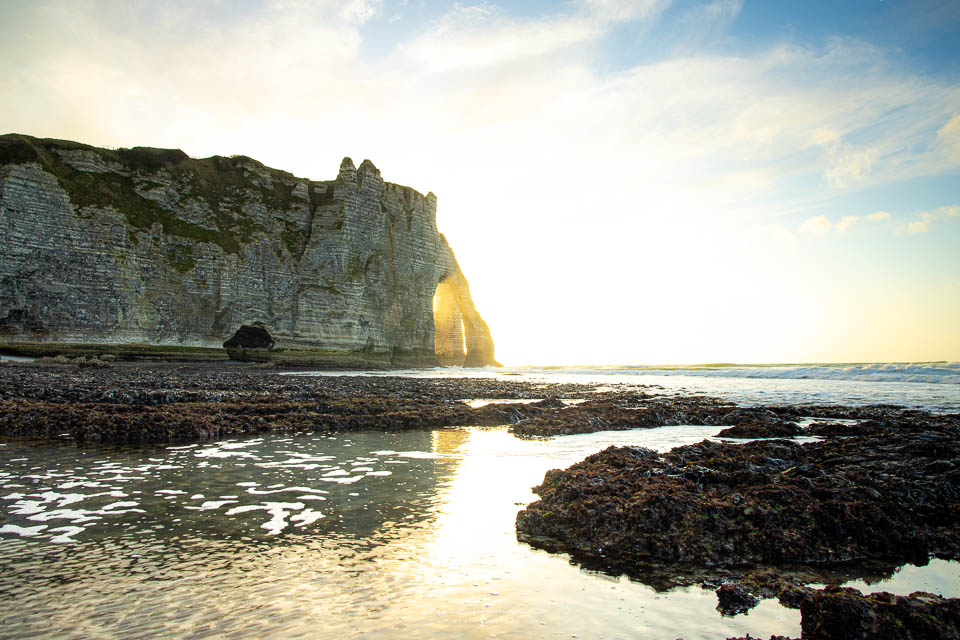
As a photographer, you know that there are times when the camera cannot capture the entire range from light to dark. The dynamic range of what you are photographing is then greater than what the camera can record.
The result is clipped white or blocked-up black. In many cases, this is considered undesirable.
If you photograph in raw file format, you know that you can correct the highlights and shadows to some extent in post-processing. Pure white, of course, cannot be corrected, because there is no image information left there, but you can often recover the dark tones, up to the point where noticeable noise and banding appear.
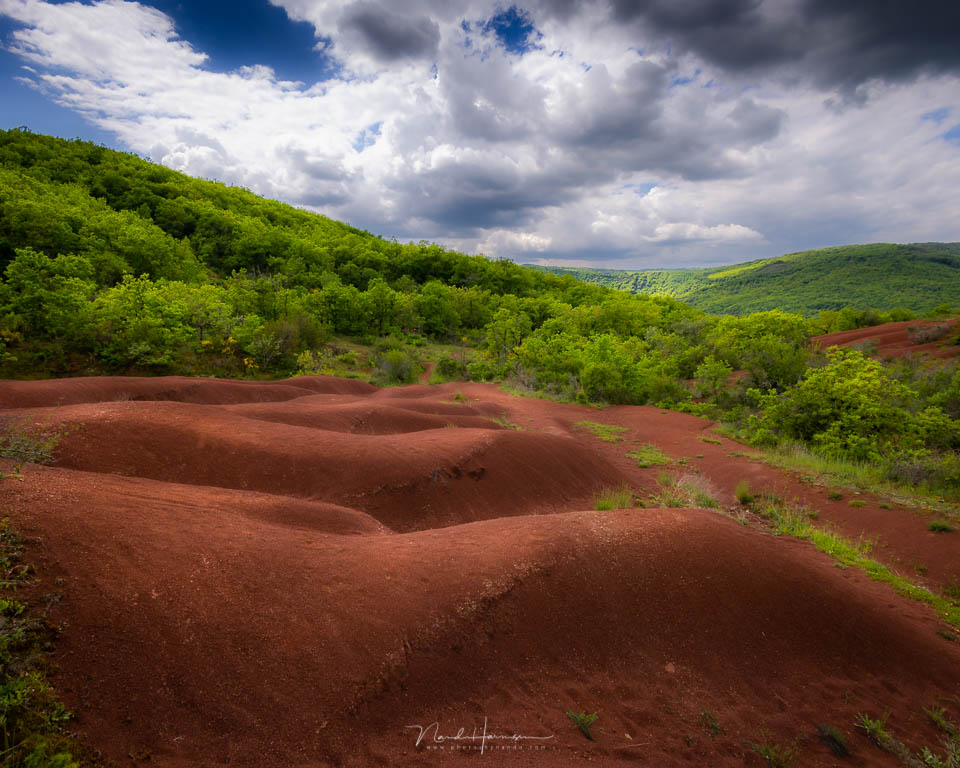
By lifting the shadows, you are effectively already turning your photo into an HDR photo, an image with a large dynamic range. After all, you are getting the maximum dynamic range from the raw sensor data. But in some cases, that may still not be enough.
An exposure bracket is the solution if the dynamic range of your raw file is not sufficient. You spread the dynamic range of what you are photographing over a number of photos with different exposures.
This exposure bracket can then be merged into an HDR photo.
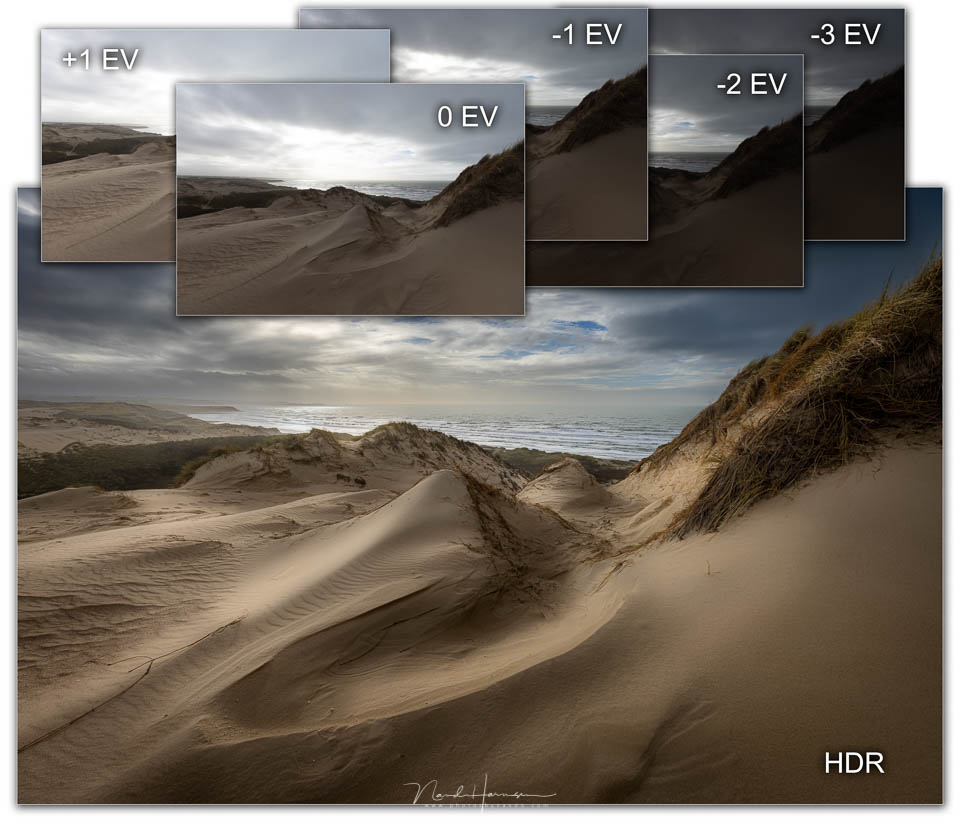
The only difference between an HDR photo made from an exposure bracket and a single raw file is the dynamic range captured in the file.
A raw file contains a maximum of 12 stops of dynamic range, for example, depending on the camera. A simple HDR contains a maximum of 16 stops of dynamic range, in a 16-bit TIFF file.
Whether it is a single raw file or an HDR file created by merging an exposure bracket, both are photos that need to be processed. In other words, in both cases you treat the photo as a normal single image file.
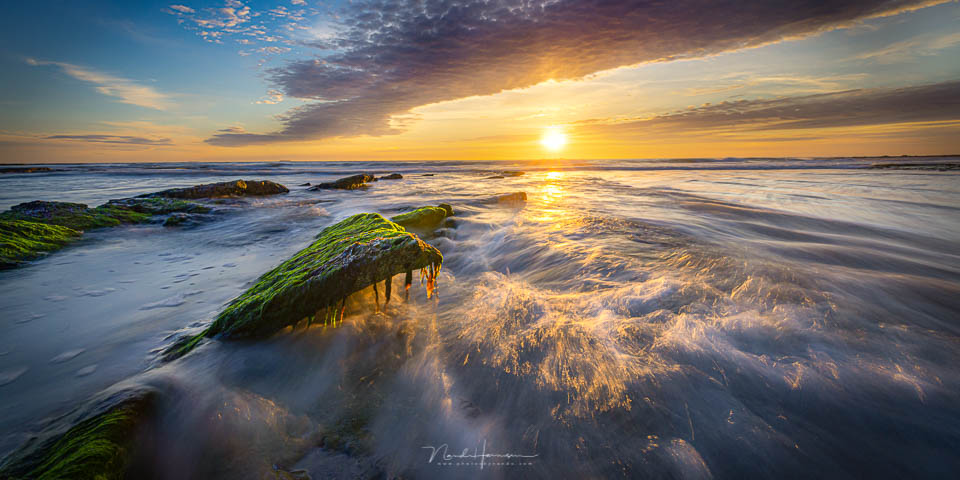
With HDR, however, you can lift the dark areas further than with the raw file, and the light areas can often still be corrected.
This gives you more room to work with when editing. That is the big difference between HDR from an exposure bracket and a raw file.
But how can it be that so many HDR photos look so unrealistic? That question will undoubtedly occur to you, and may lead you to believe that HDR is something unnatural. The reason is simple. That artificial appearance has nothing to do with HDR, but with the processing of the photo.
.jpg "Nando HDR tone mapping(1)")
The artificial appearance of a photo that has given HDR such a negative reputation is the result of processing that makes all the light areas darker and all the dark areas lighter.
This can also be done with a raw file, with the same result. It has nothing to do with HDR.
The details are often accentuated as well, and the colours are either desaturated or boosted extremely. All of this together is called tone mapping, which is ultimately nothing more than a way of processing an image. You can do this with any photo, including a non-HDR one.
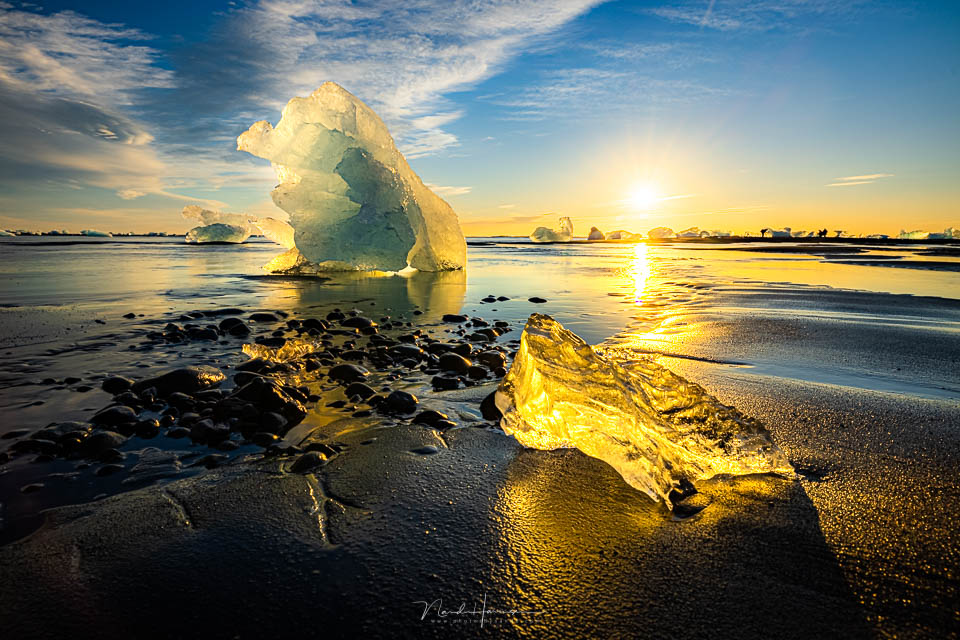
It is true that HDR allows you to take the extreme processing of a photo further, creating the familiar artificial appearance, but an HDR photo can also be processed in a normal, natural way.
So do not be afraid to create an HDR from an exposure bracket. If you do it well, you cannot even see that it is an HDR. That is the secret of a truly good HDR photo.
About the author
Nando Harmsen has been photographing for more than 40 years. He specialises in wedding photography and landscape photography. Nando also gives talks, workshops, masterclasses and photo trips, and regularly reviews new and interesting equipment.
You might also like
-
 Review: Special Photography Techniques, Panoramas, HDR, Virtual Tours and More
by Michelle Peeters
-
 HDR: What do you mean?
by Rob IJsselstein
-
 Edit an HDR like a normal photo
by Nando Harmsen
-
 Creating an HDR photo with movement in the frame
by Nando Harmsen
-
 Programme your camera for HDR
by Nando Harmsen
3 comments
-
 Stefanie wrote on Tuesday 7 June 2022 at 13:27 | reply
With the same bracketing you use to make HDR, you can of course also do blending, which is more laborious but at least you have everything in your own hands, whereas HDR software wants to pull the optimal exposure out of every little bit, you might still want to preserve just a bit more shadow or, on the contrary, lighter areas yourself. Most HDR programs are packed with presets that apply different gradations of tonemapping, so I don't find it that strange that this look is directly linked to HDR
Translated from Dutch. -

 Nando
wrote on Tuesday 7 June 2022 at 14:01
| reply
Nando
wrote on Tuesday 7 June 2022 at 14:01
| reply
@Stefanie:
Translated from Dutch.
I assume you mean luminosity masks (brightness masks) when you talk about blending. This is also covered in my HDR course at Photofacts Academy.
An article and video will soon be published on this blog containing an example of how I prefer to merge my exposure bracket, using layers and masks in Photoshop. -
 Paul wrote on Sunday 12 June 2022 at 13:20 | reply
Nice piece about HDR. It is indeed often taken too far, even in a photobook that I bought in an overconfident mood.
Translated from Dutch.
It is true, though, that you can already get very far in Photoshop without special software.
I have a long history with photography (started in 1961), and therefore also a lot of negatives and slides. You can't do much with the latter, the dynamic range is too small, but negatives! Both B/W and color have much more in them than you would think. You can do a lot even when scanning them, and in editing programs you can, for example, get very special results with shadows/highlights, and possibly also with special programs, the dynamic range is really unexpected.
Have your say
Please note: Articles older than a week can only be commented on by signed-in visitors.Would you still like to comment? sign in or create a free account.
Become a better photographer every week
A practical photography tip in your inbox every week.
38,982 photography enthusiasts already receive the tips! More about the weekly mail. Or keep up to date via  Facebook.

Elja Trum
Photofacts; everything to do with photography!
Would you like to take better photos and keep up with what is happening in photography? Photofacts publishes articles that teach you something about photography — from a product announcement to a practical shooting tip or a look at a website. Photofacts covers photography every day and is a hobby project of Elja Trum's that got out of hand. The articles are written by a team of volunteer authors. If you would enjoy writing one or more articles for Photofacts, do get in touch.More about PhotofactsPhotofacts is made possible in part by
