

Do you look at your failed photos? Or delete them straight away?
Monday 3 October 2022, 16:32 by Nando Harmsen | 5,483 views | 12 commentsThis article was translated from Dutch with the help of AI. Read the original.
You have undoubtedly taken failed photos at some point. Blurry, incorrectly exposed or simply unattractive. Do you delete these photos straight away, perhaps directly from your camera?
Or do you keep them for a while to find out what went wrong? The latter may well be the best way to develop your photography skills.
Everyone takes failed photos from time to time. This can happen for all sorts of reasons. From an incorrect exposure setting to blur. From a photo taken by accident, to an image that does not quite have the same character as reality.
I assume you chimp regularly when you are out taking photos. You know, looking at the photos on your camera's screen after taking them. What do you do with photos that have failed or are not very attractive? Do you delete them? Or do you leave them there?
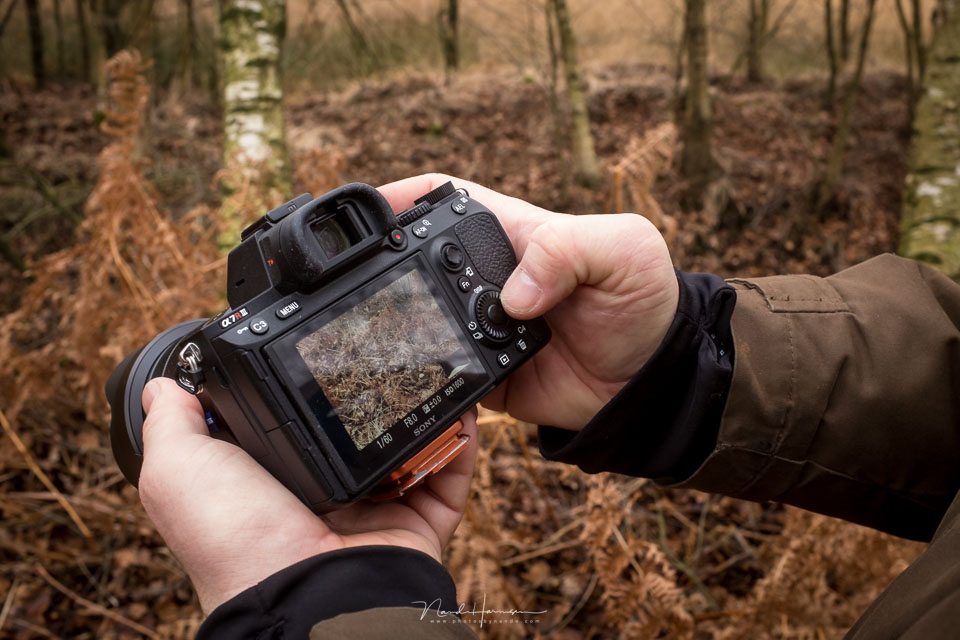
There are many photographers who press the delete button straight away when there is a photo that is not quite what they wanted.
I still do not understand why they do this, since a screen of no more than 3.2 inches in diameter is simply too small to judge a photo properly. Not even at very high resolutions.
My advice is always: delete nothing on location. In fact, keep those failed photos for a while and only delete them much later. Study those failed photos before they disappear from your computer for good. You can learn a great deal from them.
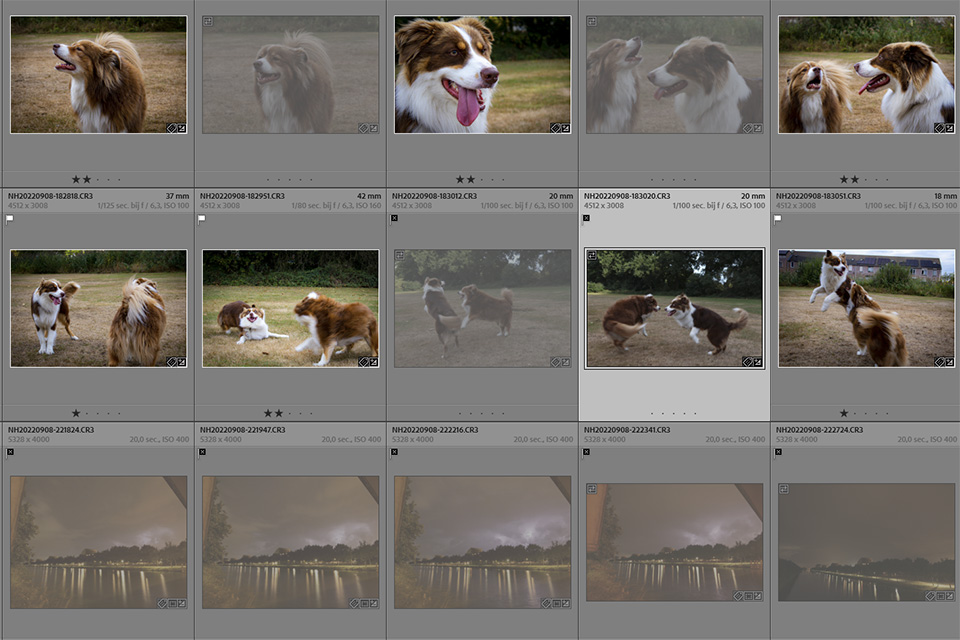
Is the photo blurry? Work out why it is blurry. Is it movement from you, or from your subject? What was your shutter speed? Did the autofocus focus on the right point? Is your depth of field not large enough to keep enough of the image sharp?
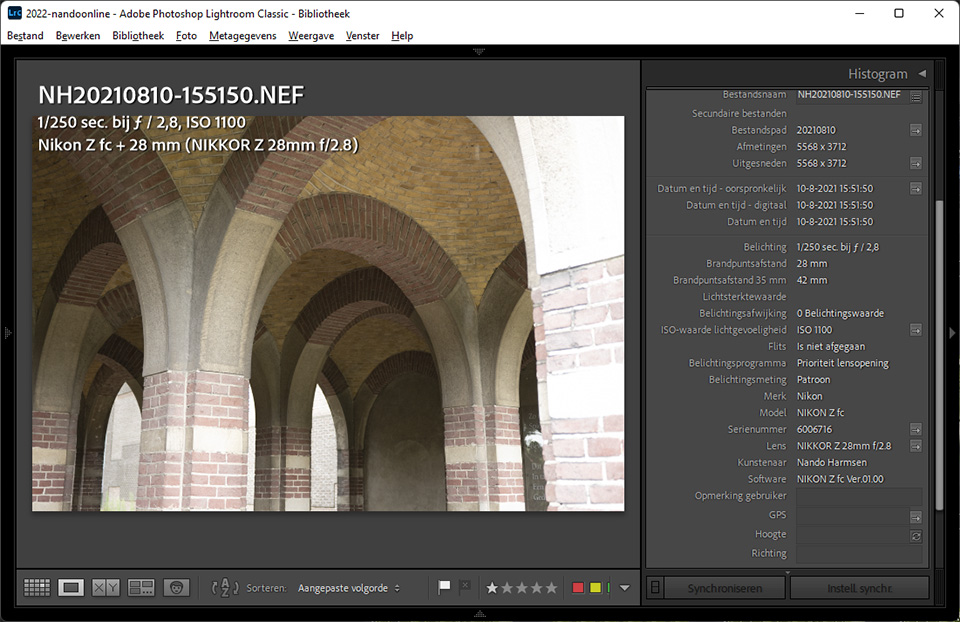
Is your exposure incorrect? Why is that? Were you photographing manually and did not set the exposure correctly? Was the exposure compensation not set correctly, or did you use the wrong metering method? Perhaps you should have metered from a different part of the image?
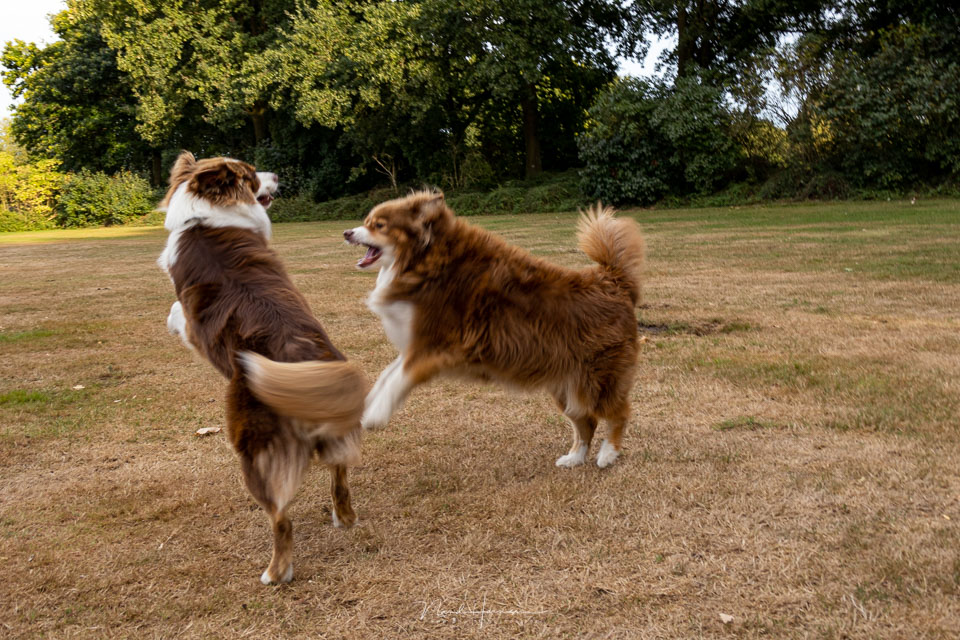
Is the photo unattractive, or does it not show reality? Why is that? Are there distracting elements in your image, or is there nothing to look at? Are lines missing from your image, or do those lines lead to the wrong place? Are elements in your photo overlapping in a distracting way?
These are just a few things you can discover by looking at your failed photo. It teaches you what to look out for next time. It teaches you where your weaknesses lie, and how you can improve them.
And who knows, it may give you ideas for showing your subject in a different way next time.

Of course, there are also photos that can basically be deleted straight away. Photos taken by accident, the photographic equivalent of a conversation from inside your pocket. Or photos where you accidentally pressed the shutter button too quickly. But you do not have to delete those photos on the spot either. Just do it at home.
If you are running out of space on your memory card, and that is a reason to delete photos on the spot, it is time for a larger memory card, or a second one.
There is never a good reason to come up with for deleting photos straight from your camera. Besides, you miss out on a learning opportunity if you do so.
How do you deal with failed photos? Do you browse through your photos on the camera and delete them there, or do you wait until you are home and can view the photos on your computer?
Let us know in a comment below this post how you do it and why. I look forward to your response.
About the author
Nando Harmsen has been photographing for more than 40 years. He specialises in wedding photography and landscape photography. Nando also gives talks, workshops, masterclasses and photo trips, and regularly reviews new and interesting equipment.
You might also like
-
 Don't Be Afraid of the Failed Photo
by Nando Harmsen
-
 Black and white is not a solution for a failed colour photo
by Nando Harmsen
-
 Delete separate photos for HDR and panoramas, or not?
by Nando Harmsen
-
 More Often Failed Than Successful
by Nando Harmsen
-
 What hobby photographers often fail to realise
by Huub Keulers
-
 Landscape photography tip: Don't be afraid to delete
by Nando Harmsen
12 comments
-

 Donald Willemsen
wrote on Tuesday 4 October 2022 at 10:49
| reply
Donald Willemsen
wrote on Tuesday 4 October 2022 at 10:49
| reply
@Nando, I think you are absolutely right with your argument. I don't throw away a single photo. Not from the camera and not from the PC either. Once the photos are on the PC, I get to work with the photos that are undoubtedly successful. I then work on them to post-process them in Ps and sometimes in Luminar.
Translated from Dutch.
At a later moment I will take a look at the photos that were initially 'failed'. I find out what is wrong with the photo and what I need to pay attention to. Usually it is the sharpness. I also often take several photos of the same subject, but with different settings. You then naturally have many similar photos. Still, I don't throw anything away. Of course, it takes up space on the PC and external drives, but for now I have more than enough space.
That is how I looked at photos I took in 2009 again last week. Among the photos that were initially considered 'failed', there were still some that were worth editing. Partly due to the further developed software of the moment (compared to the software of 2009), there was still some improvement to be made to the photo. For me, that is also a reason not to throw anything away. -
 PixelDude wrote on Tuesday 4 October 2022 at 11:22 | reply
@Nando
Translated from Dutch.
I never chimp. What the hell can you see on such a tiny screen anyway. I don't give it a glance. The screen is used exclusively for pre-programming, photographing is always done through the viewfinder. And the fine-tuning is also done through the viewfinder for 80%. One exception, my little TG-6 ... because it doesn't have a viewfinder.
All the other photos are ALWAYS reviewed via PC and the bad ones 'on my PC' are deleted. On my relatively large memory cards they sometimes remain there for months until I do a cleanup up to a certain date to get more card memory back. -
 Liesbeth wrote on Tuesday 4 October 2022 at 11:54 | reply
I never throw my photos away right away, unless I photographed the ground while putting my camera away. I do give them a quick look, for composition and such. Once home, I look at them extensively on the computer. Sometimes a photo seems to have failed, but LR and PS still manage to make something nice out of it. I do that with photos that are dear to me for the sake of a memory. The other failed ones do end up in the trash anyway.
Translated from Dutch. -
 Rein Reijseger wrote on Tuesday 4 October 2022 at 12:15 | reply
At most once in a while, when I immediately notice that the photo is out of focus, I delete a photo from my camera. I assess the rest on the PC. Where I immediately decide whether to keep a photo or not. After editing and saving to an external drive, I immediately format my memory card. After a few months I assess again whether any photos can be deleted. Gradually, I end up with a number of photos that I really want to keep and possibly edit again using improved software. I don't think keeping, by now, thousands of photos that nobody will be interested in later is useful. While 'shooting', I am anyway someone who limits the number of photos to be taken. Still nice to see that different people also deal with it differently.
Translated from Dutch. -

-
 MaRion wrote on Wednesday 5 October 2022 at 11:05 | reply
Yes indeed I don't do that anymore now.because I really regret all the photos I deleted when I had just started photography 15 years ago because they were a bit blurry.while now I sometimes deliberately photograph like that
Translated from Dutch. -
 Maurice Debusschere wrote on Wednesday 5 October 2022 at 14:30 | reply
Dear Nando, I have had bad experiences with chimping in the past, not only for the reason you mention here. When you delete a photo from your camera, sometimes remnants remain on your memory card that later cause your camera to freeze just when you want to take a new photo. Usually it is enough to turn the camera off and on again, but in the meantime your shot is gone. Since I stopped deleting photos from my camera, I have never had that problem again.
Translated from Dutch. -
 guest wrote on Thursday 6 October 2022 at 11:32 | reply
Hi Nando,
Translated from Dutch.
I completely agree with you, stay off your card while photographing. But then? After importing into Lightroom Classic CC and making an extra backup on an external hard drive, I first let the photos 'ripen' for a short time. Then I start editing positive selections (white flag). I throw away the obviously 'pocket photos' that were not selected in Lightroom (so they are still on the card and the backup). Then, after some light editing, I give selected photos a star rating. The problem is then: you still see all the (larger in number) photos that were not selected in the library. I find that increasingly bothersome after the end of the ripening period. That is why I also use flags to indicate what I want to do with the photos in Lightroom Classic CC. One of those flags is: learned from this. (It would be useful if Adobe had a notes field. In its absence, I could apply some keywords to those failed photos that I learned from.) I then use the following conclusive division into stars and flags, and through collections I can still keep the photos I don't want available. I have noticed that this works better than tidying up too much in Lightroom Classic CC.
Here is the rating flow:
rating photos in Lightroom
x = reject but wait a little longer before deleting
flag = keep
unflag = restore flag
after a while: delete x
flag: 2nd pass: stars NB first look at a lot, let them ripen!
stars: following includes previous plus:
1= technically good photo (sharp, well exposed, colors ok)
2= subject appeals
3= composition ok
4= pleasant to look at
5= top photo, tells a story, there is a double layer
labels:
red = favorite: photos that I keep loving
yellow = keep to learn from, I can collect them later and make a collection
green = publish or published
blue = edit further
purple = keep as archive: you can also make a smart folder from this
Whether it will work entirely pleasantly I don't know. I haven't been doing this for that long yet. This way I can create a calm view of the classified photos in the library via attributes by displaying only the stars.
Regards, and thanks for this special moment of reflection,
Bert Hoogveld. -
 kasiasfotogalerie
wrote on Thursday 6 October 2022 at 23:07
| reply
kasiasfotogalerie
wrote on Thursday 6 October 2022 at 23:07
| reply
Always, learning what you did wrong is namely one of the first steps in improving yourself and your skills.
Translated from Dutch. -
Nando
wrote on Tuesday 11 October 2022 at 10:29
| reply
@Maurice Debusschere:
Translated from Dutch.
A camera that locks up because there are remnants of old files on your card?
That is a strange story, and it sounds highly unlikely. I suspect that something else must have been going on.
Deleting a photo from a card only means deleting the reference to the file. The photo is still there, it isn't some remnant that is there. Of course, it will eventually be overwritten when you take new photos.
If you have a source (website, or something) for your story about remnants of files blocking the camera, I would be interested to hear it. -
PixelDude Raoul
wrote on Tuesday 11 October 2022 at 10:37
| reply
@Nando
Translated from Dutch.
Maybe corrupted files can cause difficulties?
Corrupted files may be more difficult for a layperson to delete, or you have to be a hobbyist IT specialist. If it’s not too expensive, I would replace the card. -
 Liesbeth Verkade wrote on Wednesday 26 October 2022 at 21:01
| reply
Liesbeth Verkade wrote on Wednesday 26 October 2022 at 21:01
| reply
Hi Nando,
Translated from Dutch.
now and then I throw photos away immediately, namely when I have made extreme exposure mistakes. I always set everything completely manually and then it can happen that I switch from a shadow scene to a sunny scene without adjusting the exposure. Wanting to be too quick, my big flaw.
Because this mistake is so obvious, the photo may be deleted. All other photos go on the computer and I view them in complete peace. A month ago I went through all the digital photos from 2003 (a lot!) again, an hour a day, and now had the courage to throw away what really was nothing, although: I still have a backup copy .
My biggest misses are usually in focus or depth of field. I can see progress because through the courses I have started paying attention to it.
My maxim: certainly never throw anything away immediately. Sometimes there is still quite something that can be made of it.
Have your say
Please note: Articles older than a week can only be commented on by signed-in visitors.Would you still like to comment? sign in or create a free account.
Become a better photographer every week
A practical photography tip in your inbox every week.
38,884 photography enthusiasts already receive the tips! More about the weekly mail. Or keep up to date via  Facebook.

Elja Trum
Photofacts; everything to do with photography!
Would you like to take better photos and keep up with what is happening in photography? Photofacts publishes articles that teach you something about photography — from a product announcement to a practical shooting tip or a look at a website. Photofacts covers photography every day and is a hobby project of Elja Trum's that got out of hand. The articles are written by a team of volunteer authors. If you would enjoy writing one or more articles for Photofacts, do get in touch.More about PhotofactsPhotofacts is made possible in part by
